Pixelcut
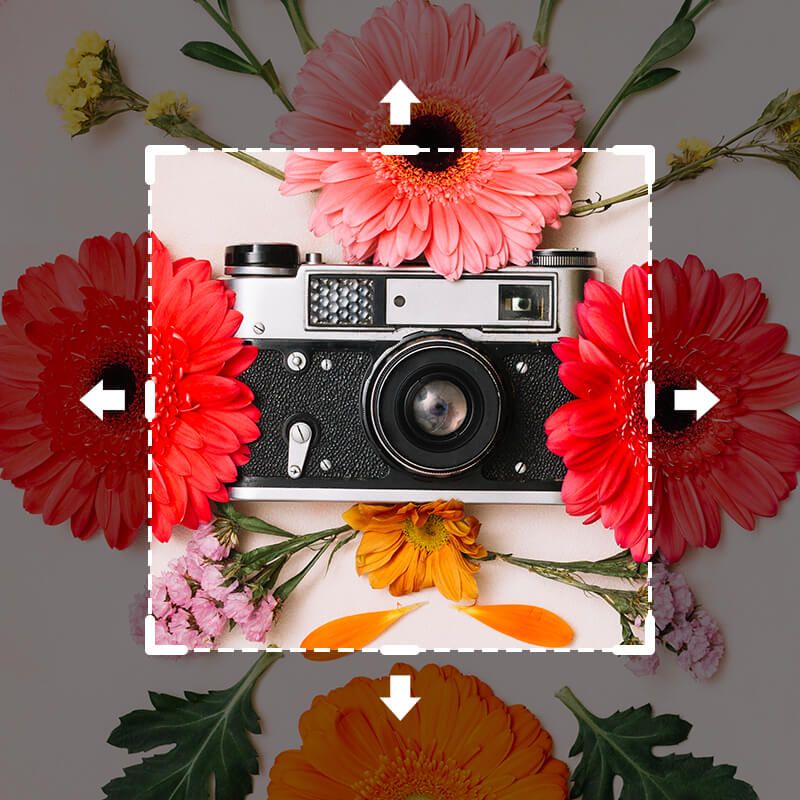
Vintage film camera surrounded by red and orange daisies, expanded outward by AI outpainting

Free AI Outpainting

With Pixelcut's AI outpainting tool, you can easily extend images in any direction. Simply upload your image and adjust the canvas. Try it free!

무료 HD 다운로드
워터마크 없음
사진이 없나요?다음 중 하나를 시도해 보세요.
7천만 명이 신뢰하는
리뷰 171,800개
개발자 API
iPhoneAndroid에서 사용 가능

How to use AI Outpainting

  1. 1

    Upload your image

    Click Upload image and select a JPG, PNG, or HEIC file to begin editing. On desktop, you can also drag and drop your file anywhere on the screen.

  2. 2

    Adjust canvas size

    Select a preset aspect ratio or simply extend the canvas in any direction. The empty space in the canvas will be filled using context-aware AI.

  3. 3

    Outpaint with AI

    Click the Generate button. In seconds, Pixelcut’s AI analyzes your picture and paints new background content seamlessly beyond the original edges.

  4. 4

    Download your image

    Once satisfied with the result, save and download your image. Your outpainted image is ready to use on your site or share on social media!

Pixelcut’s AI outpainting tool makes it effortless to extend images beyond their original frame. From online sellers to students working on presentations, anyone can enlarge a photo’s background with just a few clicks. The AI intelligently fills in perfect details so e-commerce sellers can add space for product info and designers can reframe shots without reshooting. It’s all done in-browser, so there’s nothing to install or learn. Upload your image to get started and let AI do the rest.

Outpaint Images Beyond Their Frame

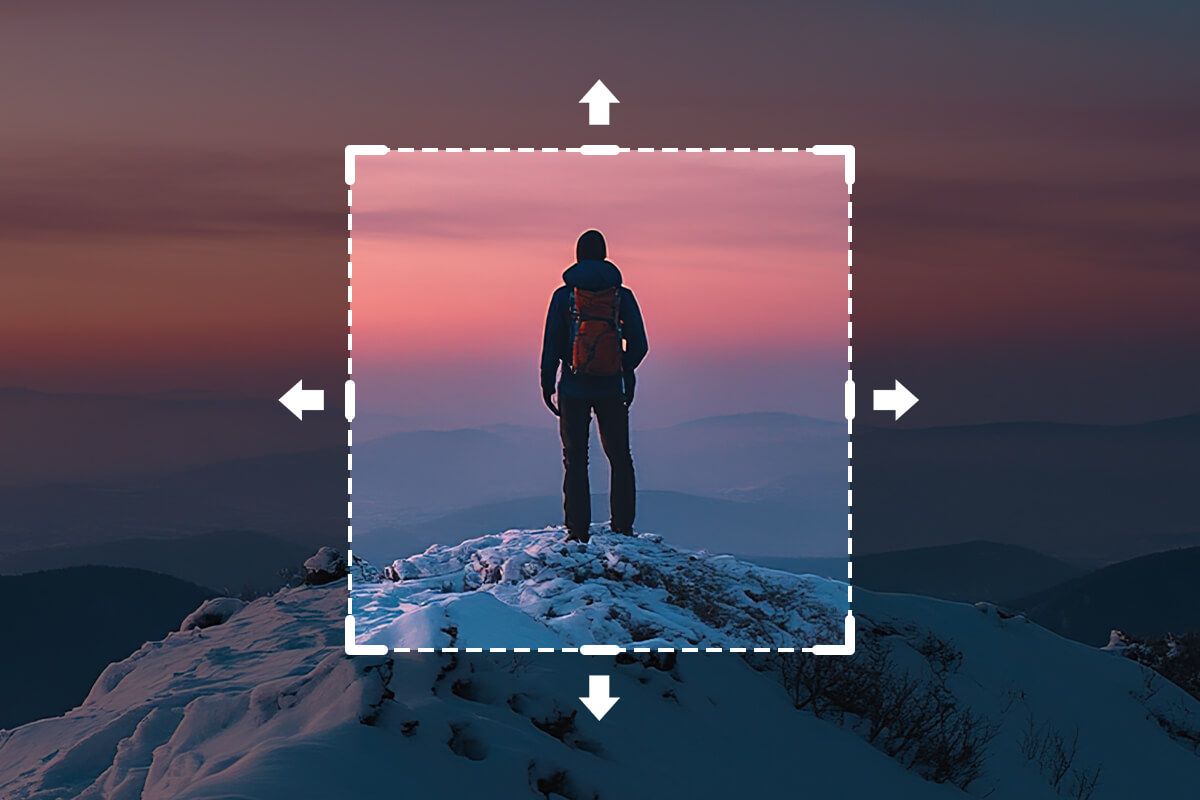
Hiker with a backpack on a snowy summit at dusk, scene extended by AI outpainting

Experience outpainting magic with zero quality loss. The moment you expand your image, Pixelcut’s AI preserves every pixel of your original photo while building out new scenery. This means photographers and designers can trust that extended backgrounds will look as sharp as the original shot. Even if you’re a social media manager resizing images for different platforms, the expanded areas stay crisp and clear. Try it free and see the quality for yourself!

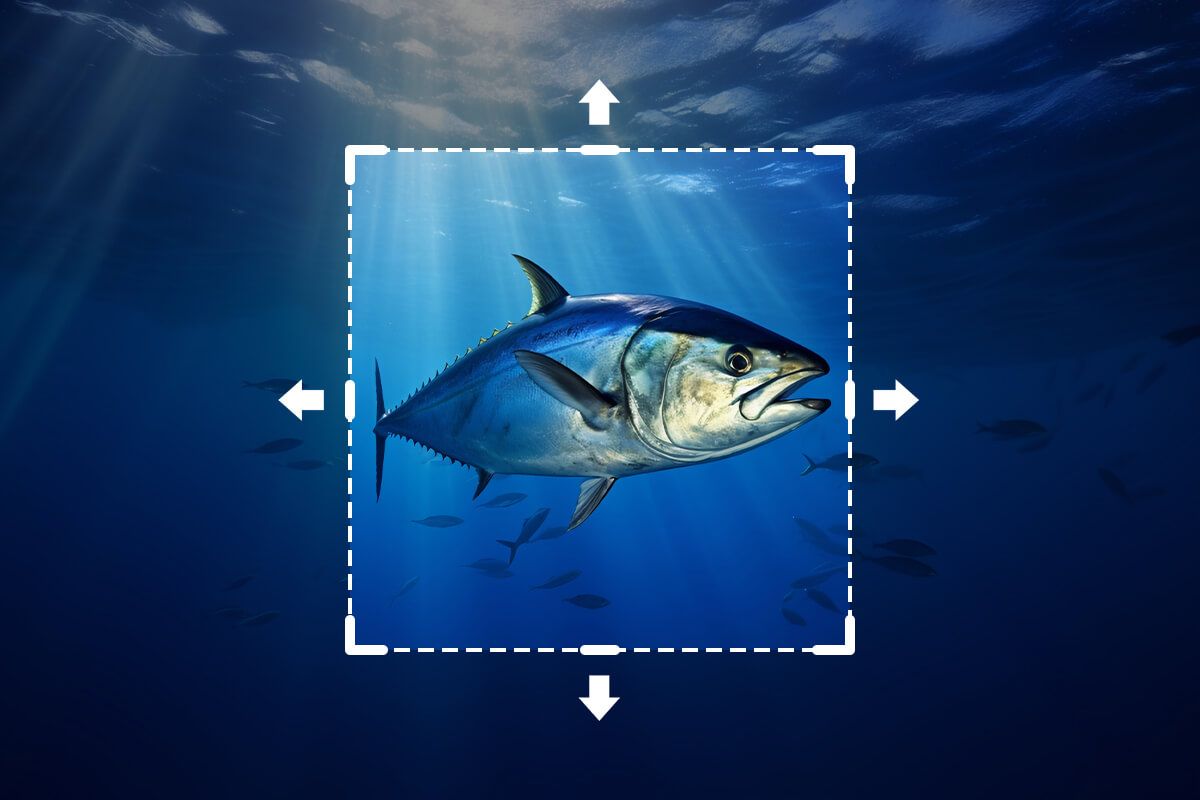
AI Outpainting Without Quality Loss

AI-generated bluefin tuna swimming in deep blue ocean, scene expanded by outpainting

Create perfectly sized visuals for any platform with seamless AI outpainting. Need a wider banner for a website or a taller image for an Instagram Story? Pixelcut’s AI outpainting tool has you covered. It adapts perfectly to your needs. Uncrop backgrounds vertically or horizontally to meet any dimension without distortion. Perfect for busy marketers and content creators who want to repurpose one image across web, print, and social media. Upload your image to give it a try!

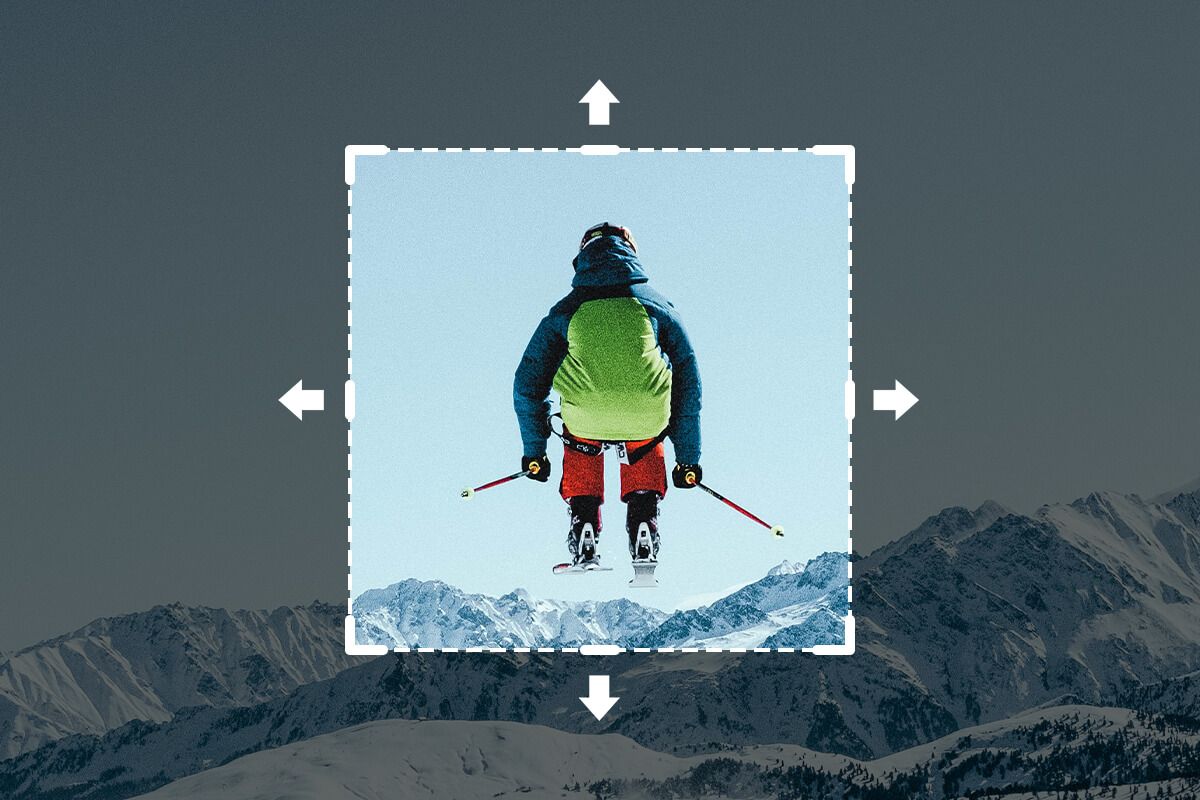
Outpaint Your Canvas for Any Project

AI-generated skier mid-jump in a green jacket above snowy peaks, scene extended by outpainting

창작자들이 신뢰하는

Adidas logo
Airbnb logo
Apple logo
H&M logo
Google logo
Gucci logo
Nike logo
Sephora logo

자주 묻는 질문

Pixelcut은 2백만 명이 넘는 사람들에게 사랑받고 있습니다.

  • 내가 가장 좋아하는 앱

    훌륭한 앱, 사용하기 쉽습니다. 소규모 기업이 시간과 비용을 절약하여 다양한 마케팅 자료를 전문적으로 만들 수 있도록 도와줍니다. 감사합니다.
    셰린 D.
  • 최고의 배경 제거기

    저는 제 작업을 위해 좋은 배경 제거기가 필요하고, 모든 것을 사용해본 것 같습니다. 이 제품이 지금까지 사용해본 것 중 가장 좋습니다. 사용하기 너무 쉽고 결과는 항상 놀랍습니다. 감사합니다 Pixelcut!
    키라 H.
  • 그것을 좋아한다

    놀랍도록 쉬우며 가방과 액세서리에 완벽한 결과를 제공합니다. 전문 사진작가가 찍은 것 같네요.
    메리 J.