Pixelcut
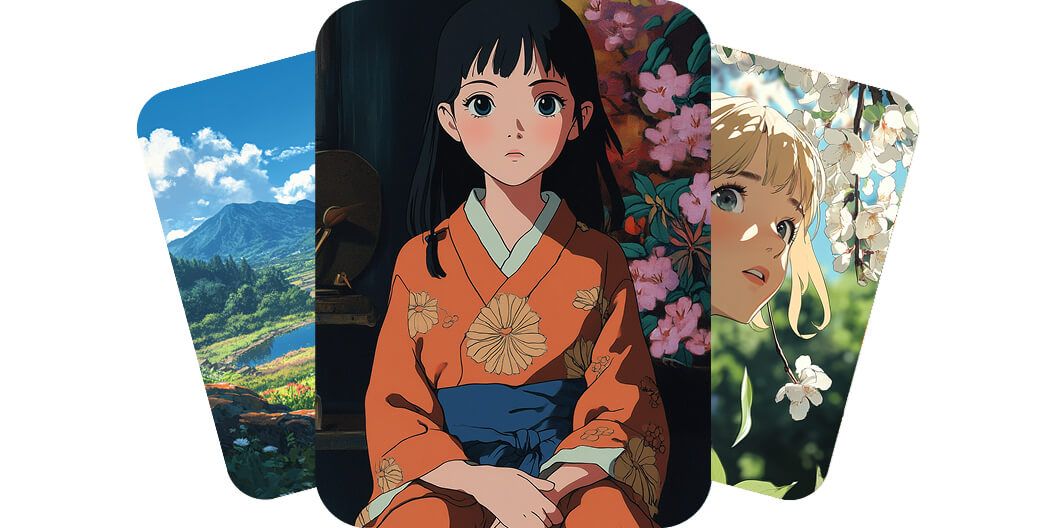
AI-generated anime cards: a green valley, a girl in an orange kimono, and a blonde under blossoms

Free AI Anime Generator

7천만 명이 신뢰하는
리뷰 171,800개
개발자 API
iPhoneAndroid에서 사용 가능

With our AI anime generator, illustrators and creatives can effortlessly turn their ideas into vibrant anime visuals. No drawing skills are required – just describe your concept and watch it become stunning artwork. The AI handles the heavy lifting, so you can explore endless possibilities and styles without limits. Try it free today and bring your ideas to life.

Bring your ideas to life with our AI anime generator

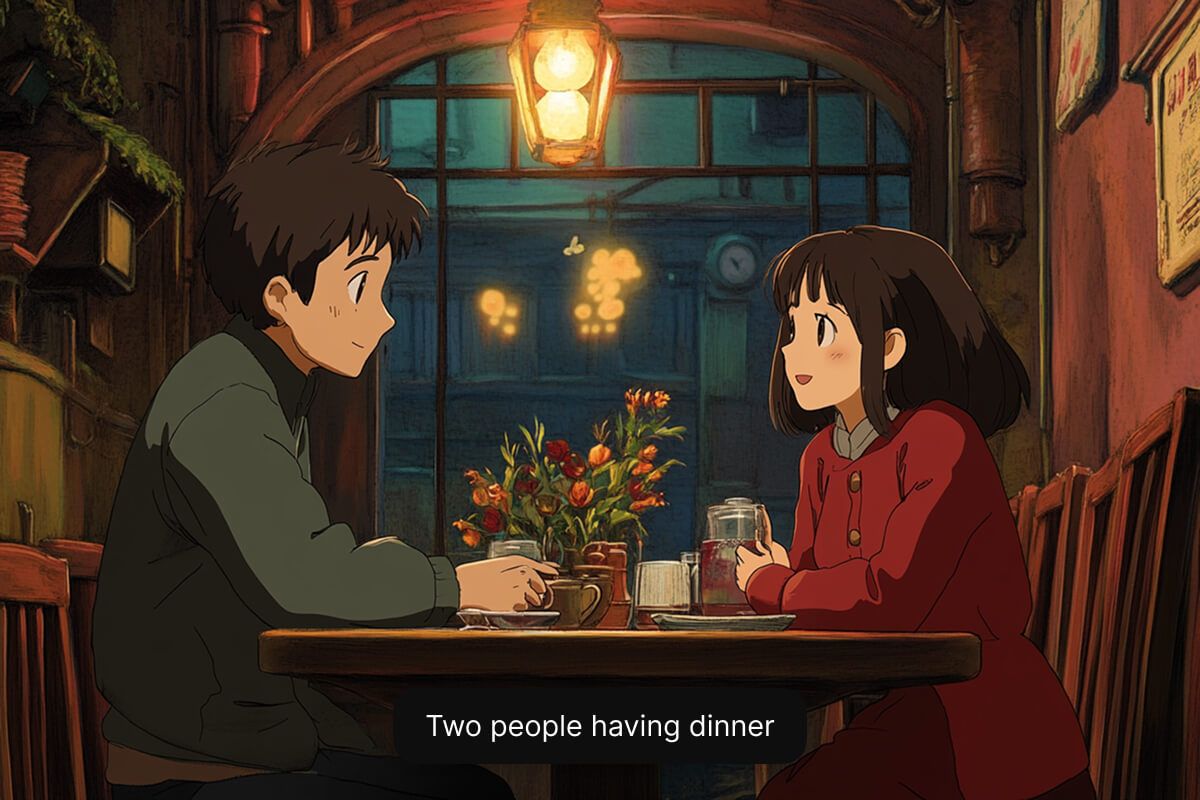
AI-generated anime scene of a boy and girl talking over tea at a cozy lamplit cafe table

For gamers and anime enthusiasts, you can create anime characters from text in seconds. Simply tell our AI about your hero, villain, or avatar, and see a unique character materialize on screen with vivid detail. There’s no need for art experience or coding knowledge – just your imagination. Generate now and bring your characters to life.

Instantly create anime characters from text

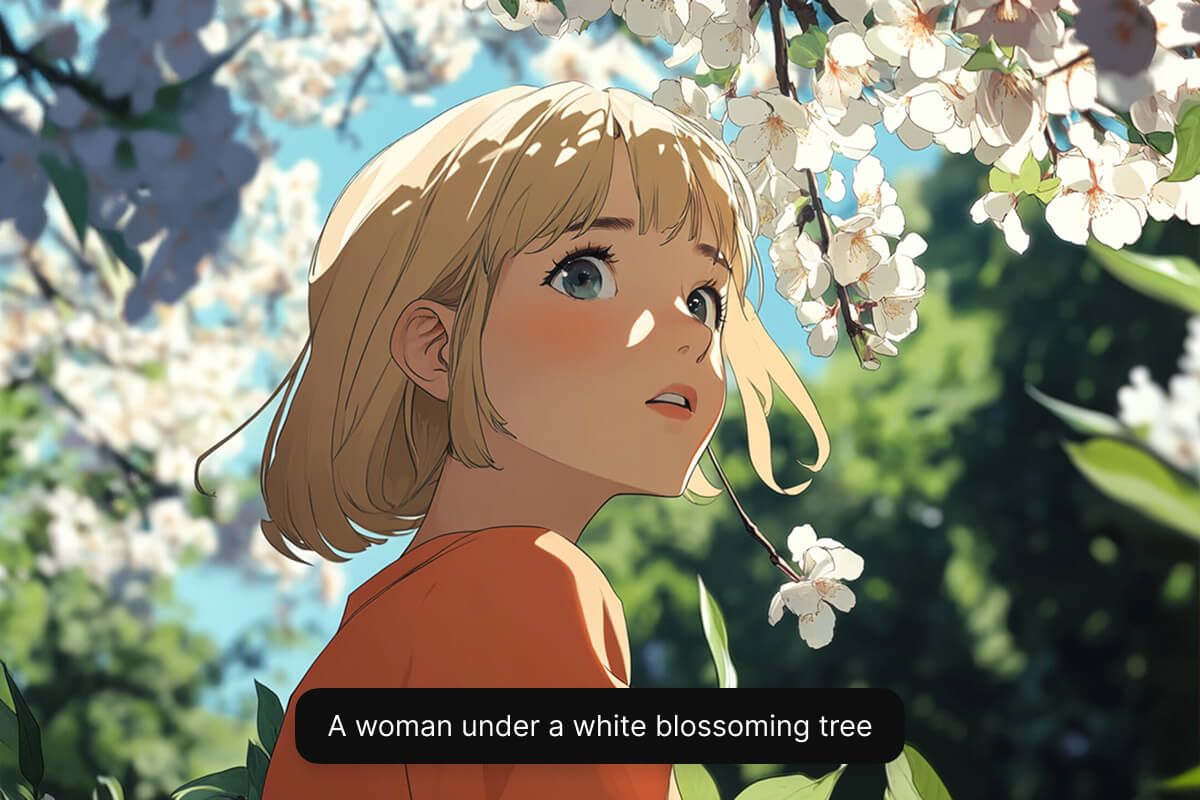
AI-generated anime girl with blonde hair gazing up beneath white cherry blossoms in sunlight

Designers and anime fans can create anime wallpapers and backgrounds effortlessly using simple text prompts. Turn a brief scene description into a high-resolution anime backdrop perfect for wallpapers, stories, or concept art. Whether you envision a tranquil landscape or an action-packed cityscape, our AI delivers stunning results every time. No need to search for stock images – try it free and generate your custom background now.

Easily create anime wallpapers and backgrounds

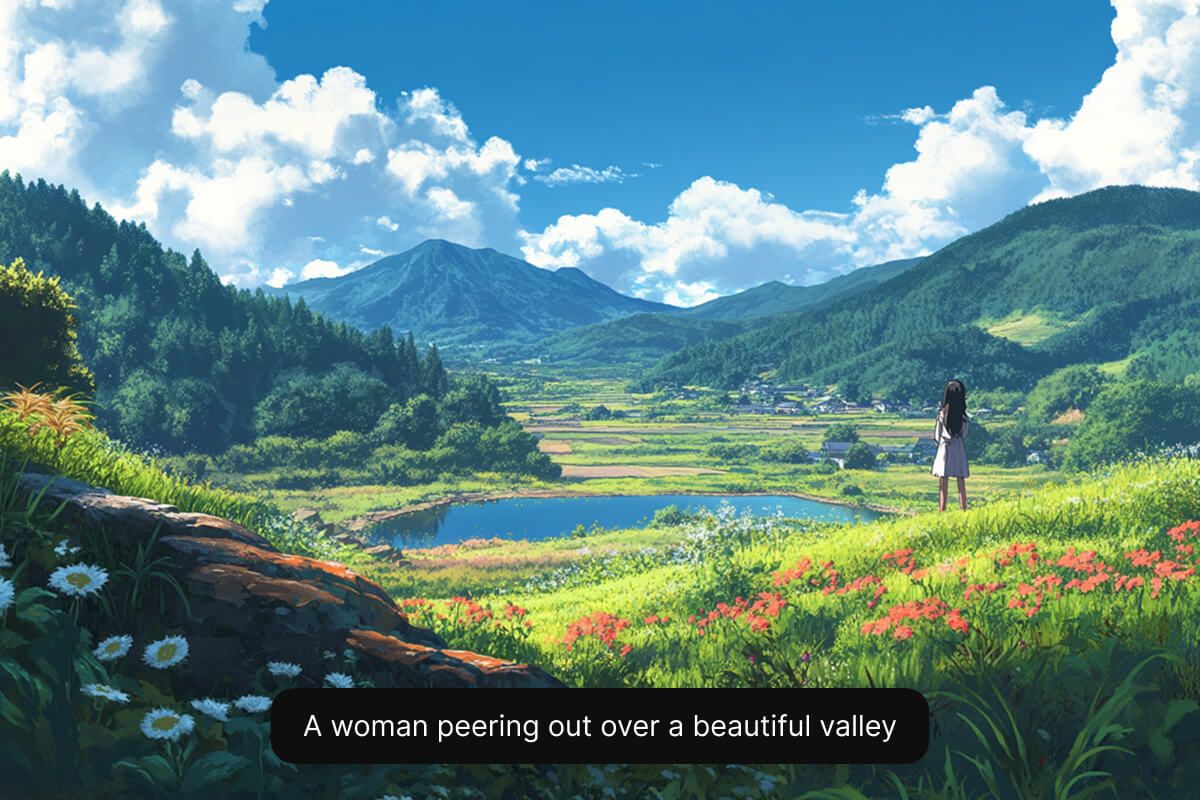
AI-generated anime landscape of a woman overlooking a green valley with a lake and mountains
  • Be detailed: Use descriptive adjectives to describe your anime character’s appearance, personality, mood, clothes, and props.
  • Define a style: Experiment by defining the style you want your anime character to be created in. Add “anime” to the prompt so the AI understands what kind of image to make.
  • Structure your prompt: Use a simple prompt structure such as “subject + style + details + anime”.
  • Refine and iterate: Keep refining your prompt and experimenting until the output is just right!

Tips for creating AI-generated characters

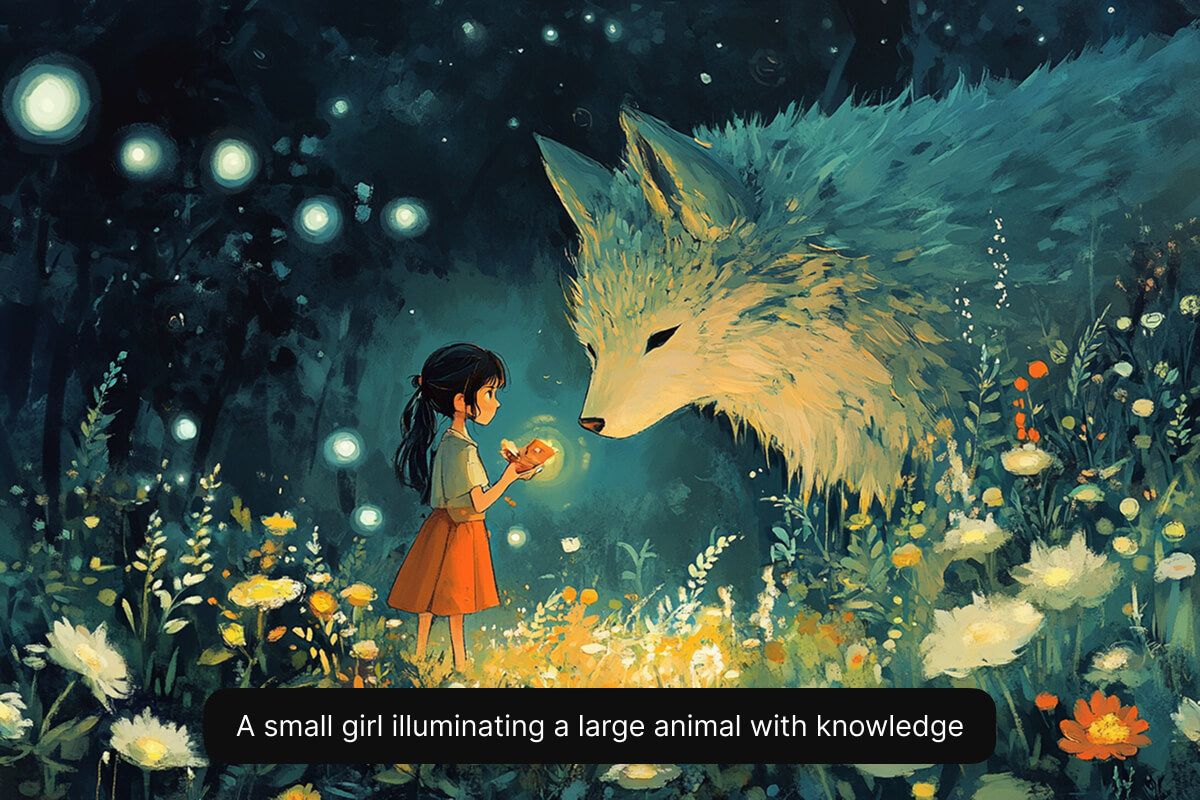
AI-generated illustration of a girl offering glowing light to a giant fox in a flowered forest

How to create your own anime character

  1. 1

    Describe your anime character

    Type a short text description of the anime character you want to create. Include key details about their look, personality clothing, and background.

  2. 2

    Choose a model

    Select one of our supported models including Flux Dev, Flux Pro, Flux Ultra, and Ideogram. This allows you to experiment and see which model best fits your needs.

  3. 3

    Generate your character

    In seconds, Pixelcut’s AI will create a unique character image based on your description. The AI interprets your prompt and instantly visualizes your character for you.

  4. 4

    Download your image

    Once you’re happy with the result, download the image to your device. It’s ready to use in your game, story, or any project.

창작자들이 신뢰하는

Adidas logo
Airbnb logo
Apple logo
H&M logo
Google logo
Gucci logo
Nike logo
Sephora logo

자주 묻는 질문

Pixelcut은 2백만 명이 넘는 사람들에게 사랑받고 있습니다.

  • 내가 가장 좋아하는 앱

    훌륭한 앱, 사용하기 쉽습니다. 소규모 기업이 시간과 비용을 절약하여 다양한 마케팅 자료를 전문적으로 만들 수 있도록 도와줍니다. 감사합니다.
    셰린 D.
  • 최고의 배경 제거기

    저는 제 작업을 위해 좋은 배경 제거기가 필요하고, 모든 것을 사용해본 것 같습니다. 이 제품이 지금까지 사용해본 것 중 가장 좋습니다. 사용하기 너무 쉽고 결과는 항상 놀랍습니다. 감사합니다 Pixelcut!
    키라 H.
  • 그것을 좋아한다

    놀랍도록 쉬우며 가방과 액세서리에 완벽한 결과를 제공합니다. 전문 사진작가가 찍은 것 같네요.
    메리 J.