My favorite app
Great app, easy to use. Helps our small business save time and money to create different marketing materials professionally. Thank you.
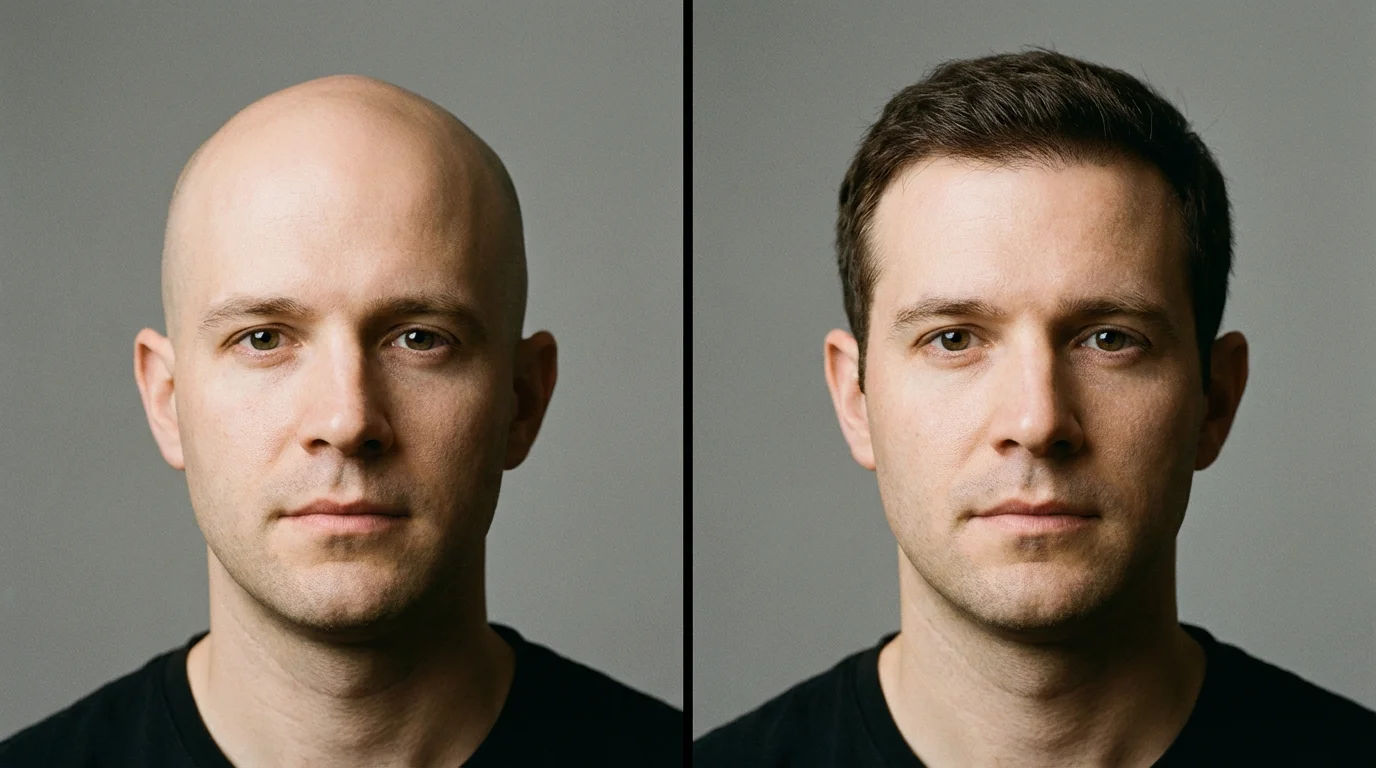
Choose a clear photo from your device. A front-facing headshot works best for trying on new hairstyles.
In the prompt box, type in the hairstyle you want to see. Be specific with color, length, and style like 'short purple bob with bangs'.
Click the generate button and let the AI work its magic. It will add the described hairstyle to your photo in seconds.
Happy with your new hair? Download the high-resolution image for free to share or show your hairstylist.
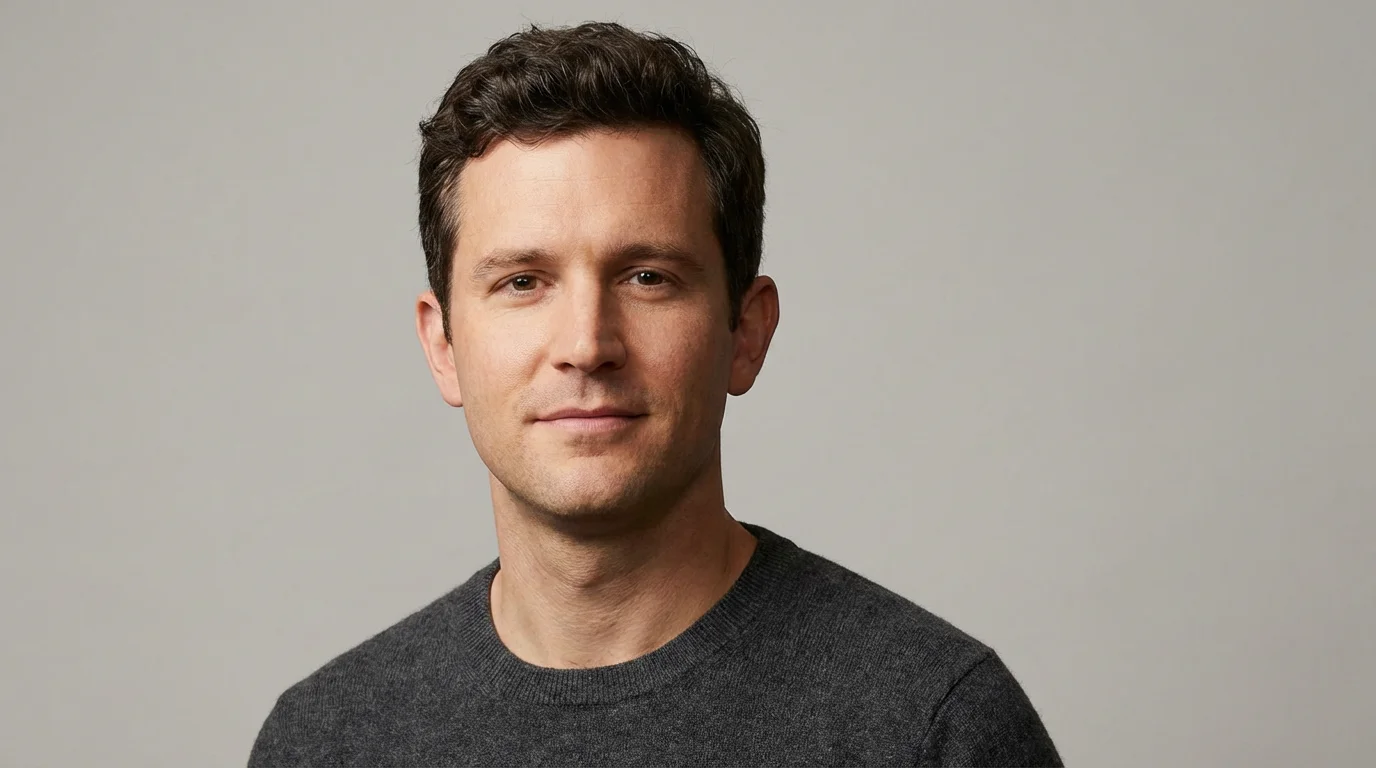
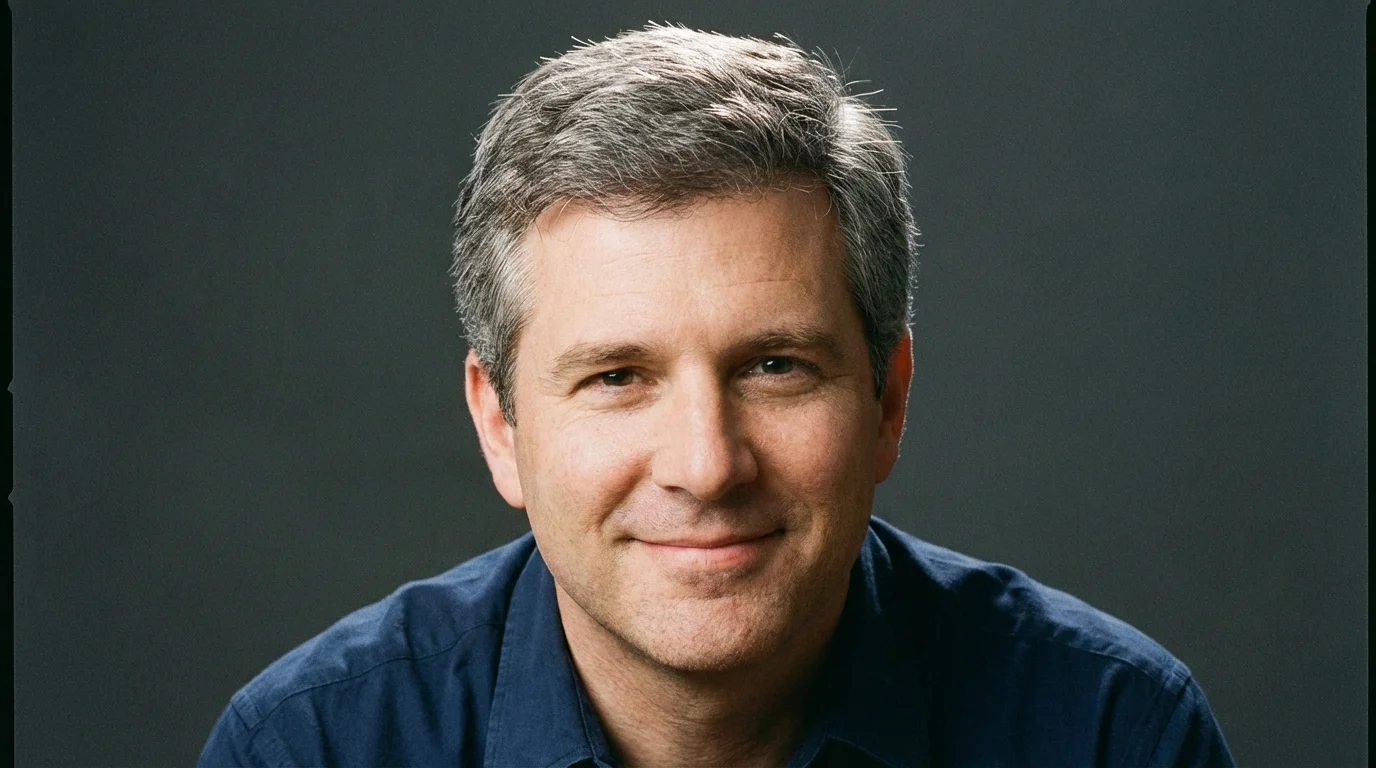
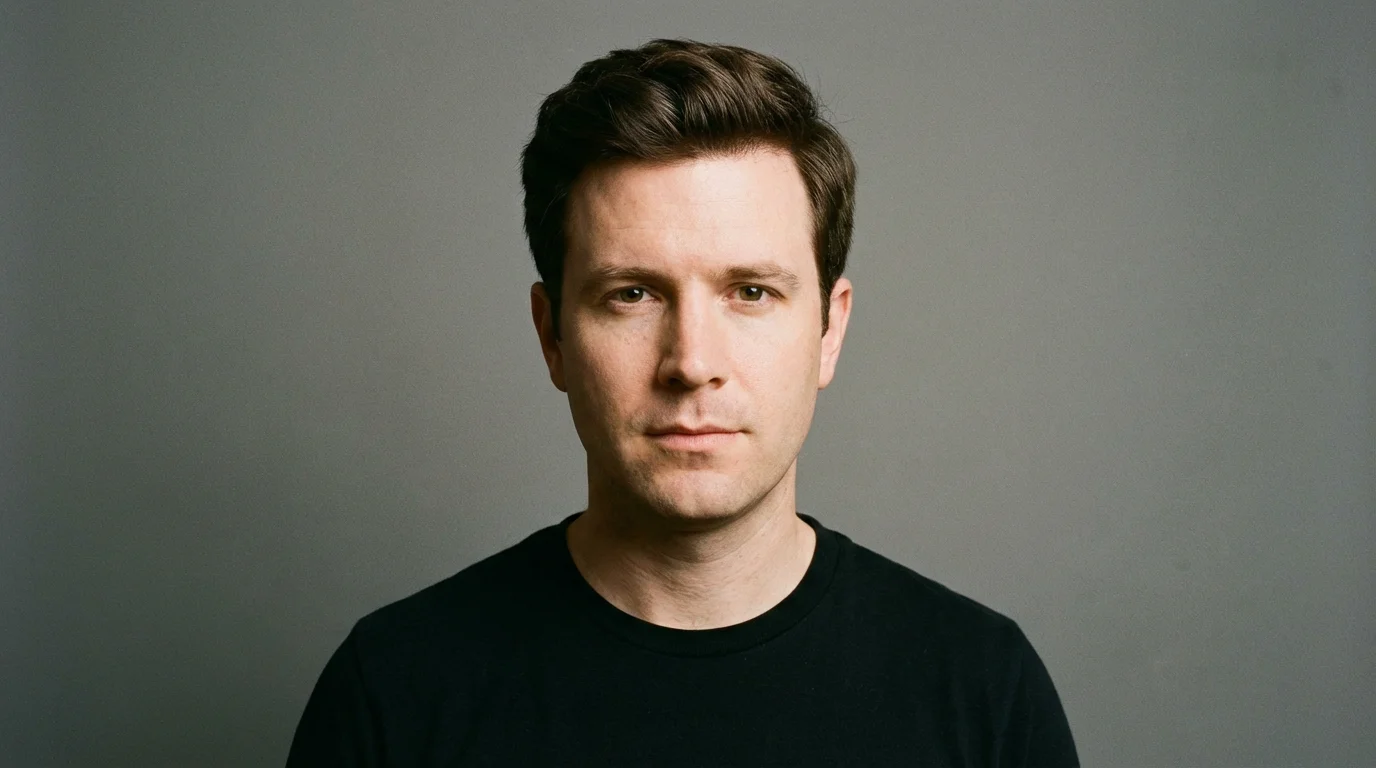
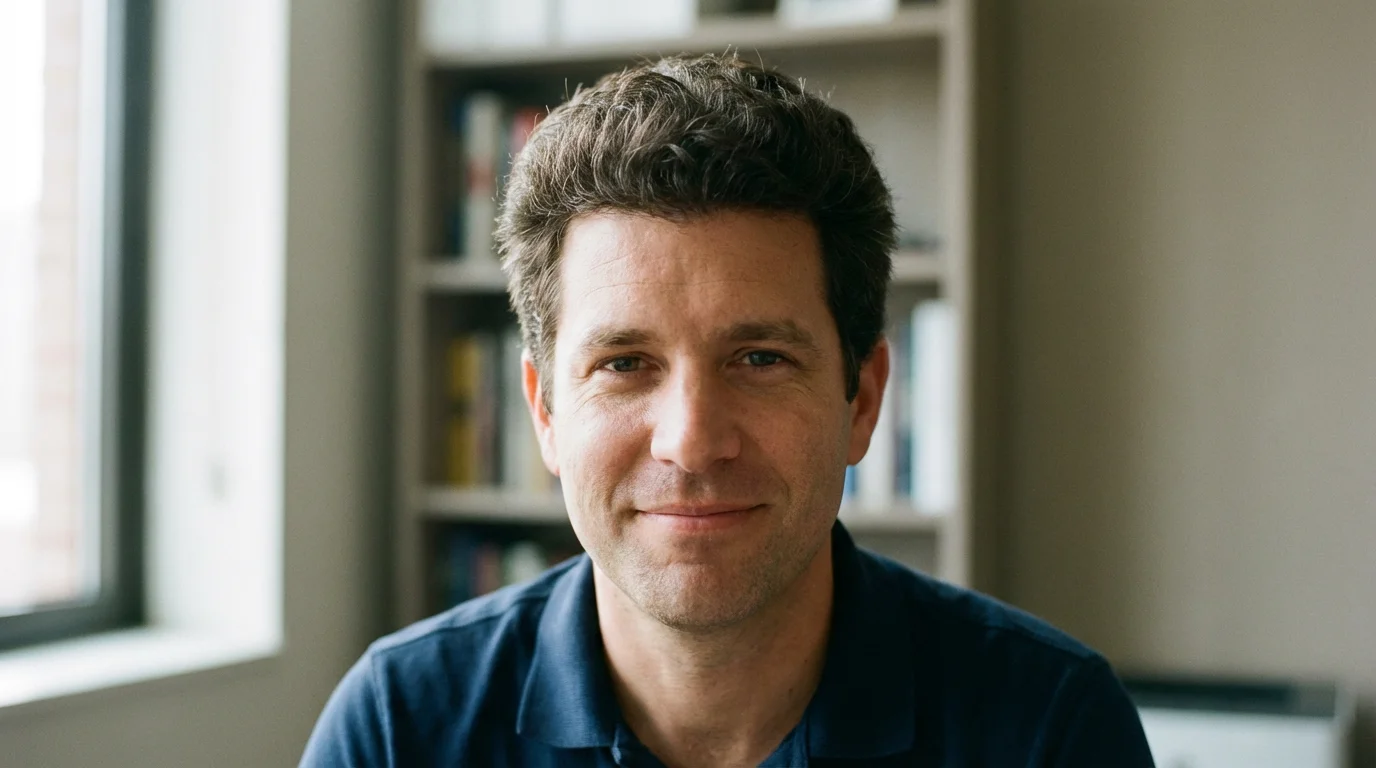

To add a new hairstyle, upload a clear photo of yourself or the person you want to edit. In the text box, describe the hairstyle you want to add. For example, 'add a curly pixie cut' or 'change hair to long and wavy.' The AI will then generate the new hairstyle onto your photo.
Yes, you can. Upload the photo and type a prompt describing the hair you want to add, such as 'add short brown hair.' The AI will intelligently place the hair on the person's head for a realistic look.
You can try our AI hair editor for free to create and download images. After using your initial free credits, you have the option to purchase more to continue creating.
Absolutely. Simply specify the color you want in your text prompt. For example, you can write 'change my hair color to platinum blonde' or 'add pink highlights.' The AI will adjust the color while trying to maintain the original texture and style if you don't specify a new one.
The artificial intelligence is trained to recognize faces and head shapes in images. When you upload a photo, it identifies the person's head and scalp area, allowing it to realistically place and blend the new hairstyle you've described in your prompt.
For best results, use a clear, front-facing photo with good lighting. Ensure the person's head and shoulders are visible and not obscured by hands, hats, or other objects. This helps the AI accurately map the new hairstyle.
Great app, easy to use. Helps our small business save time and money to create different marketing materials professionally. Thank you.
I need a good background remover for my work and I've been through them all it feels like. This one is the best by far. It's so easy to use and the results always look amazing. Thank you Pixelcut!
It's amazingly easy and gives the perfect results for my bags and accessories. It looks like it was done by a professional photographer.