My favorite app
Great app, easy to use. Helps our small business save time and money to create different marketing materials professionally. Thank you.
Batch edit images in seconds with Pixelcut's bulk image editor. Resize, remove backgrounds, add watermarks, and more. Edit up to 10,000 photos at once. Try it now!











Drag and drop your photos or import an entire folder from Dropbox. Pixelcut accepts JPG, PNG, and HEIC files. Start a batch with any image format you already have.
Pick a batch tool: background remover, resizer, upscaler, watermark, logo overlay, shadow, crop, expand, or background changer.
Set your parameters once and Pixelcut applies them across every image in the batch. Once processing wraps up, you can refine individual photos before downloading.
Download your entire batch as a single ZIP file. Every image comes out processed, consistent, and ready to publish on your store, social channels, or website.
Editing product images one at a time is slow work when you have a full catalog waiting. Pixelcut's bulk photo editor processes up to 10,000 images in a single batch, applying the same edit to every file automatically. Remove backgrounds, resize for marketplaces, or add watermarks across thousands of photos in one pass. AI handles subject detection, edge mapping, and output formatting while you focus on the bigger picture. Set the parameters once, and the entire batch follows.
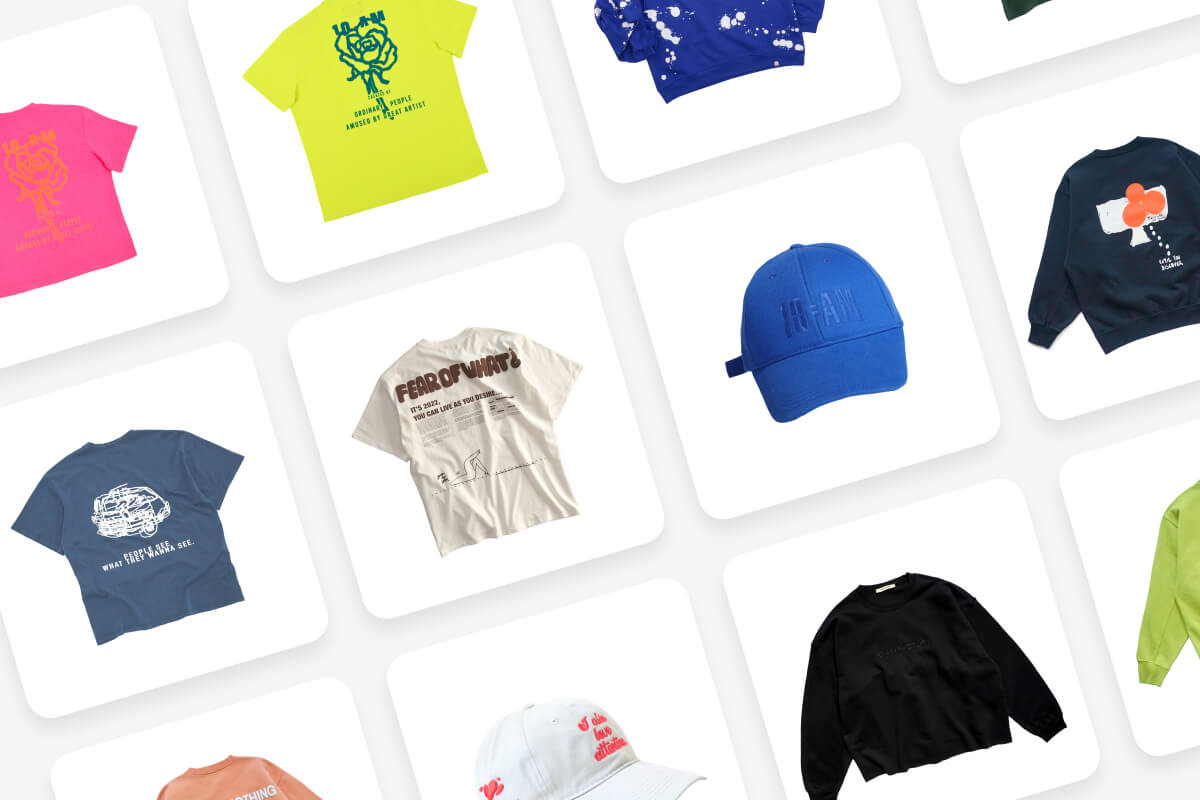
Selling across multiple storefronts means your product photos need to match different specs for dimensions, backgrounds, and aspect ratios. Doing that image by image takes hours you could spend growing your business. Pixelcut's batch editing tools let you apply consistent sizing, padding, and backgrounds across every photo in one go. Your entire catalog comes out looking uniform and polished, whether you need square crops for one marketplace, white backgrounds for another, or horizontal layouts for social media posts.
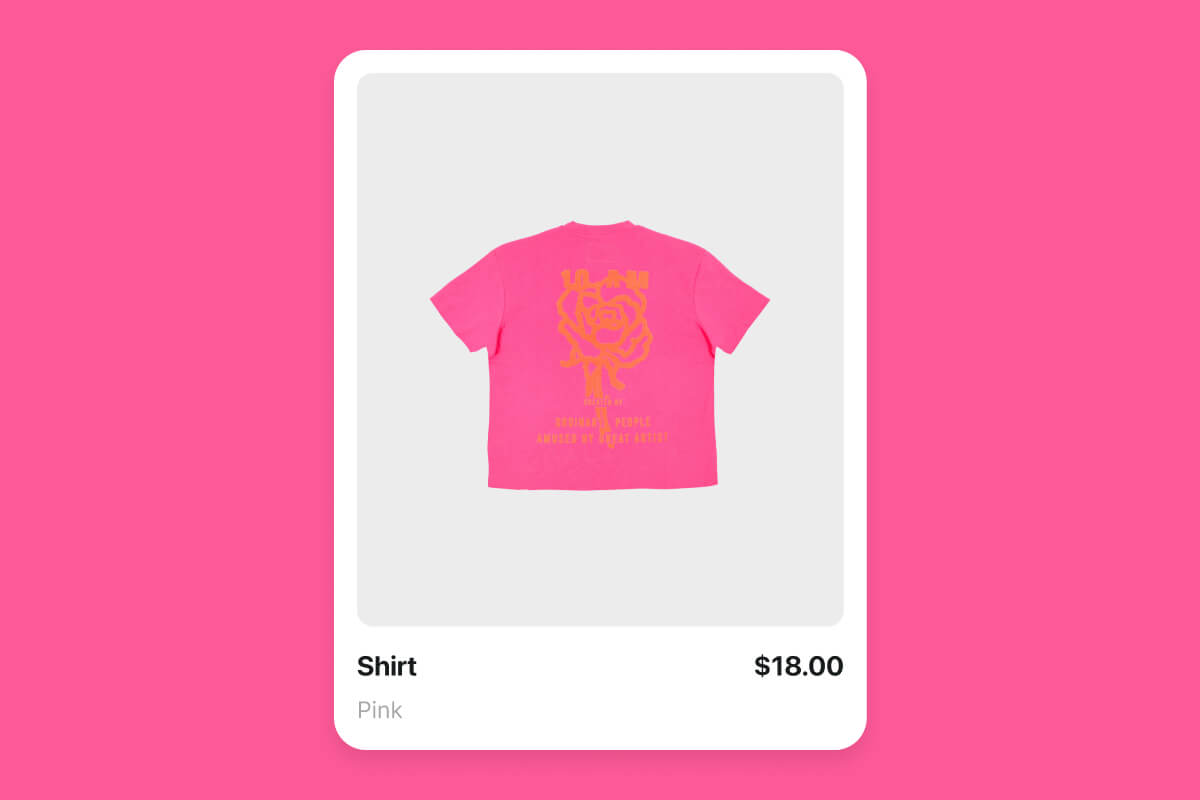
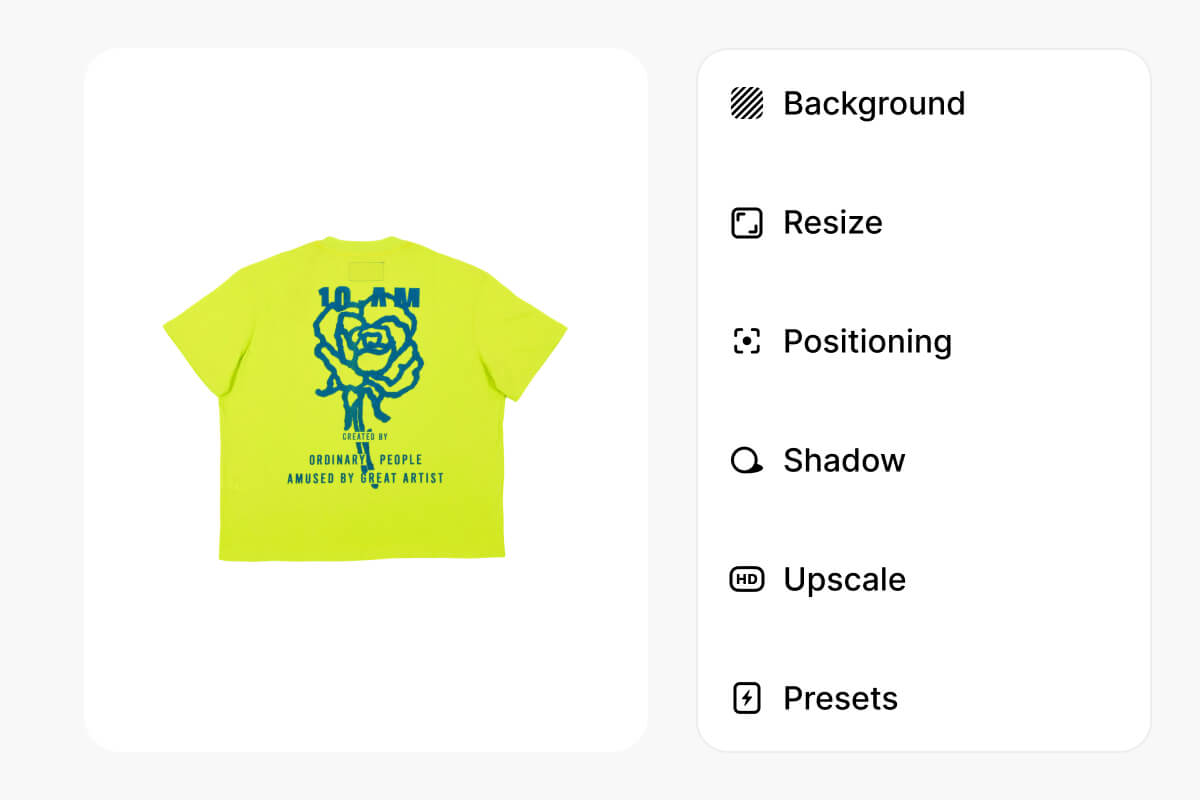
Most batch editors handle one task. Pixelcut's bulk photo editor covers them all. Remove backgrounds, resize, upscale, add logos, apply watermarks, add shadows, expand canvases, swap backgrounds, crop, or make images square. All from one platform, all at batch scale. Pick the tool that fits your project, set your preferences, and run it across your full image library. Switch tools without re-uploading anything or starting over from scratch. One upload, endless possibilities.
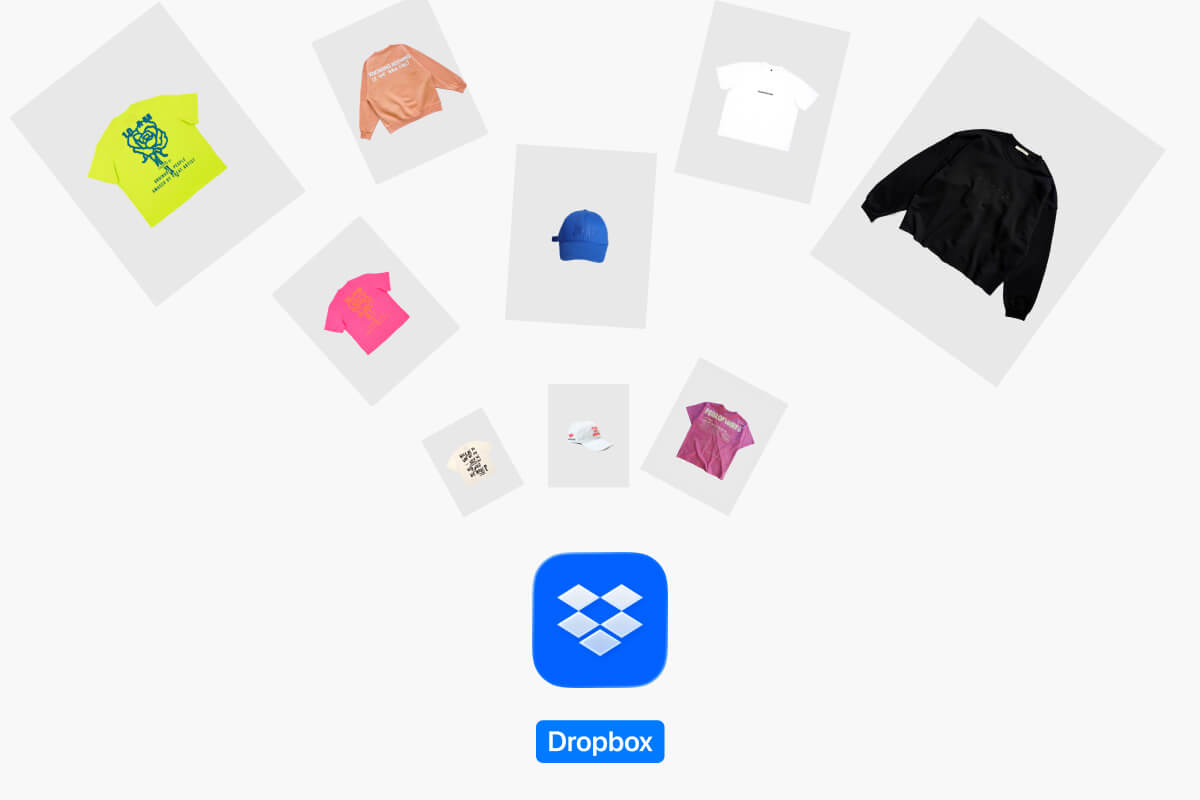
Large batches need a fast way in and a fast way out. This bulk photo editor lets you drag and drop files from your desktop or pull entire folders straight from Dropbox, so loading thousands of images takes seconds instead of minutes. When processing finishes, download everything as a single ZIP file. No clicking through individual files or waiting for separate exports. Your photos go from upload to edited to downloaded in one continuous workflow built for high volume.
Great app, easy to use. Helps our small business save time and money to create different marketing materials professionally. Thank you.
I need a good background remover for my work and I've been through them all it feels like. This one is the best by far. It's so easy to use and the results always look amazing. Thank you Pixelcut!
It's amazingly easy and gives the perfect results for my bags and accessories. It looks like it was done by a professional photographer.
Resize, remove backgrounds, add watermarks, and more with Pixelcut's bulk photo editor. Process up to 10,000 images in one workflow, all from one place.