My favorite app
Great app, easy to use. Helps our small business save time and money to create different marketing materials professionally. Thank you.
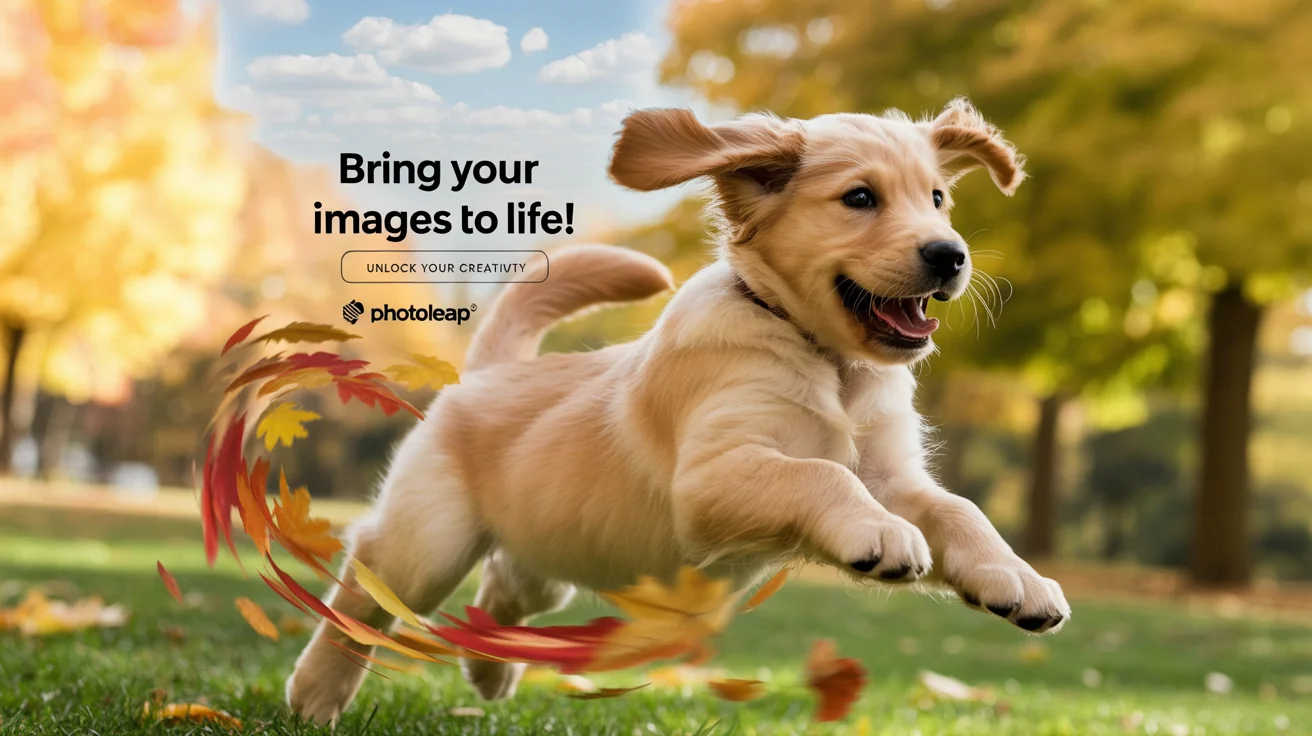
Start by uploading the JPG or PNG image you want to bring to life.
In the text box, explain what you want to animate. Be specific, like "make the smoke rise from the chimney."
Click the generate button and let our AI work its magic, transforming your static photo into a moving video.
Your animated image is ready! Download it as a high-resolution MP4 video to share with the world.
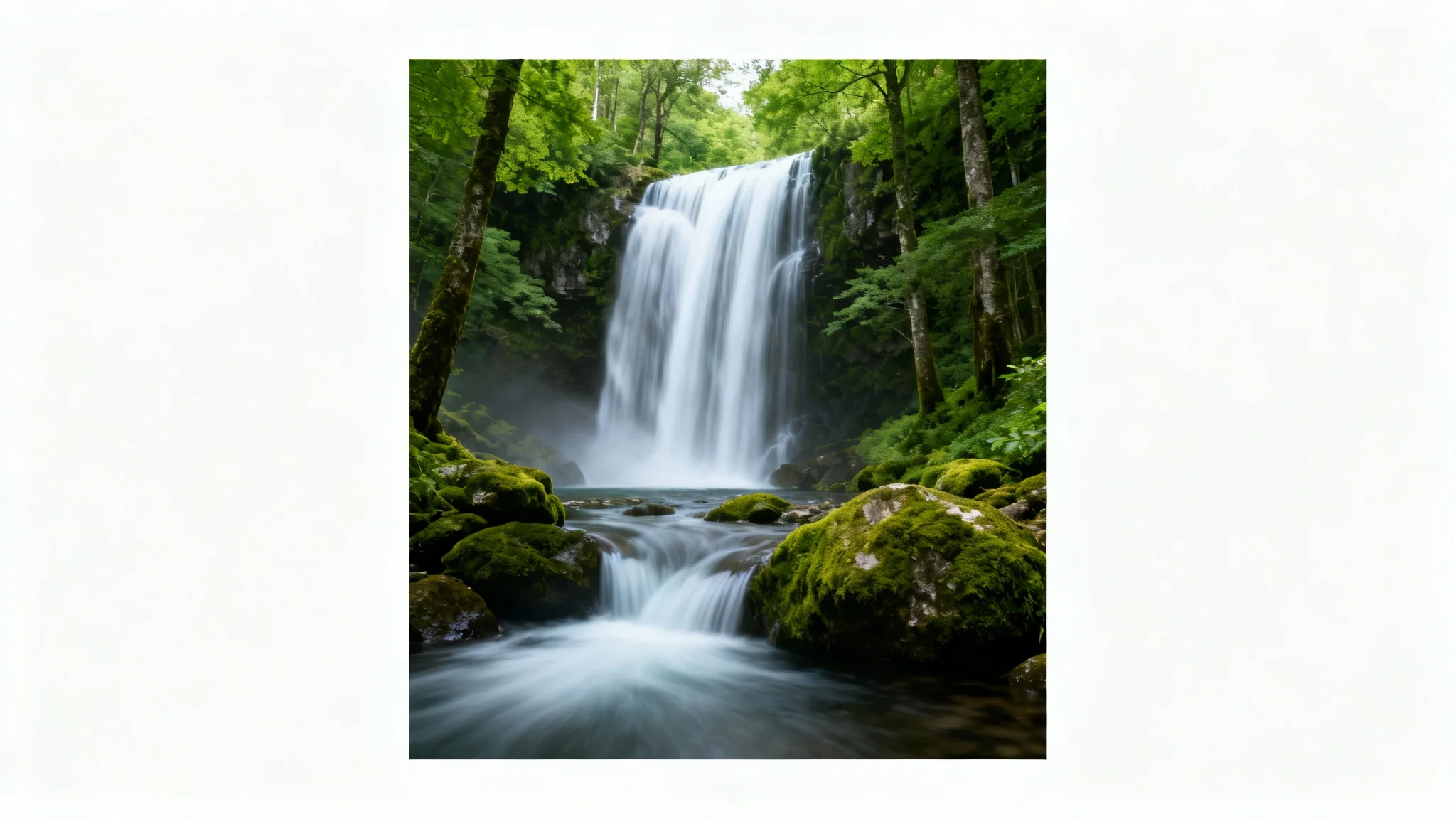
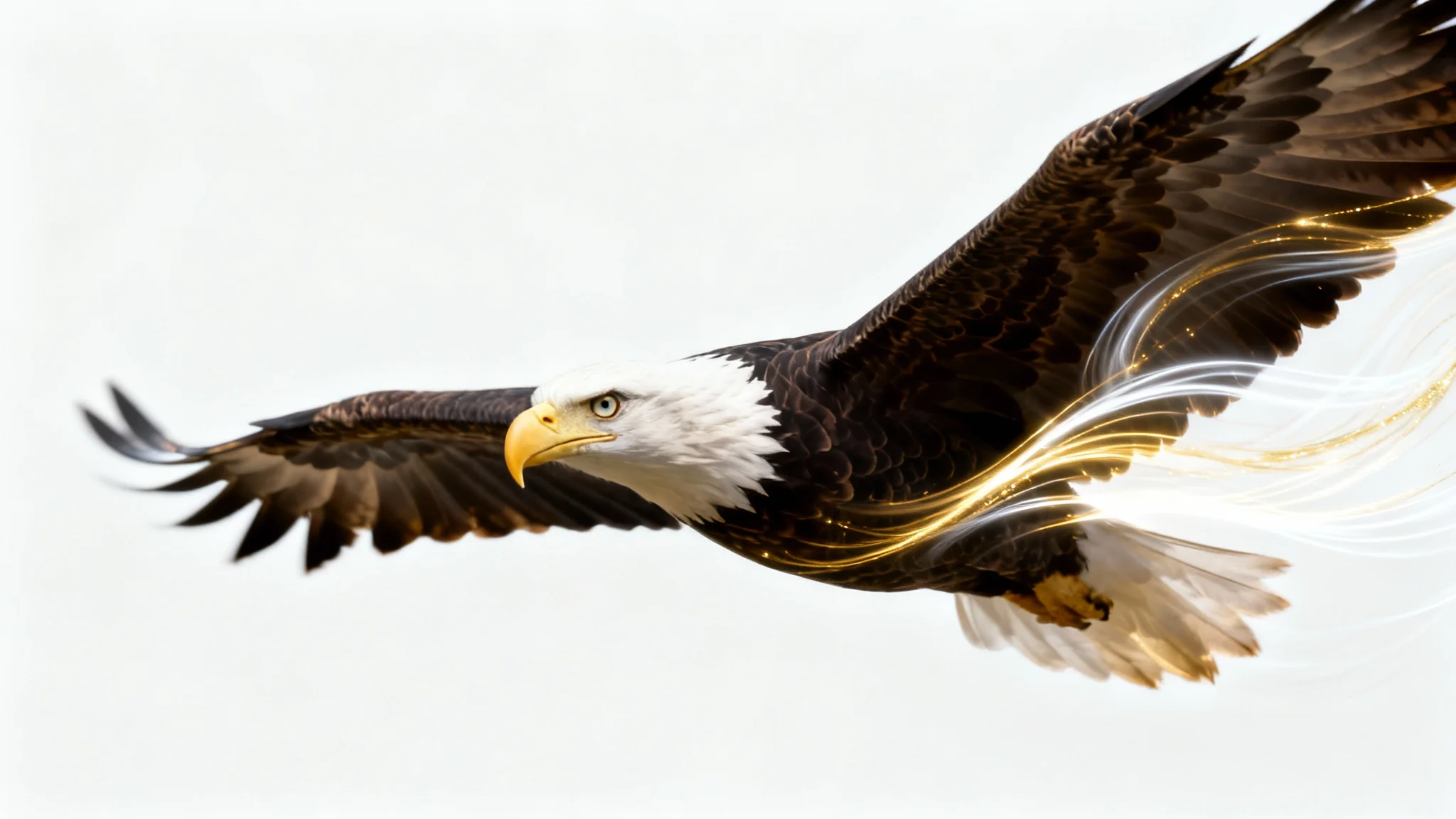
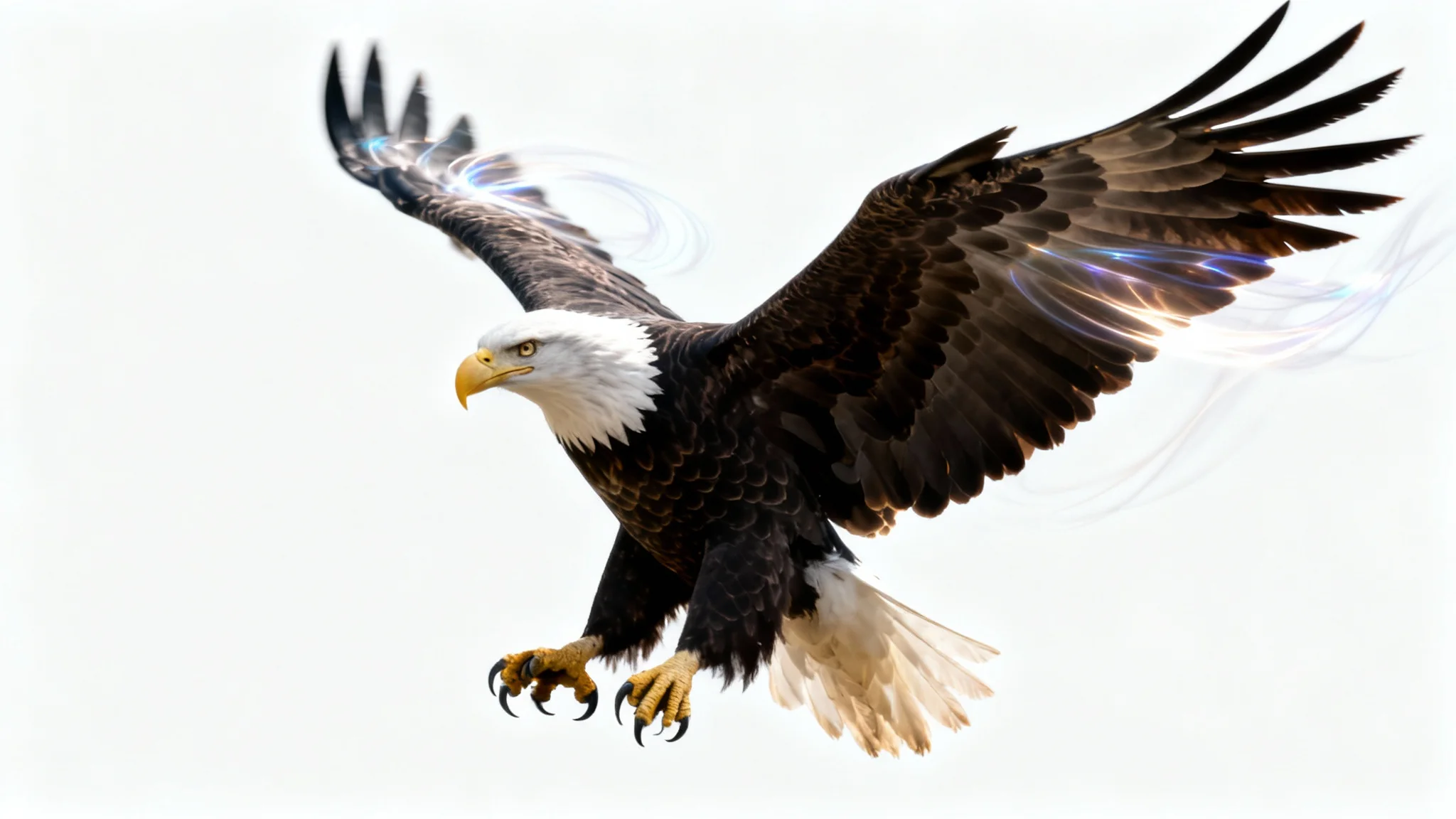
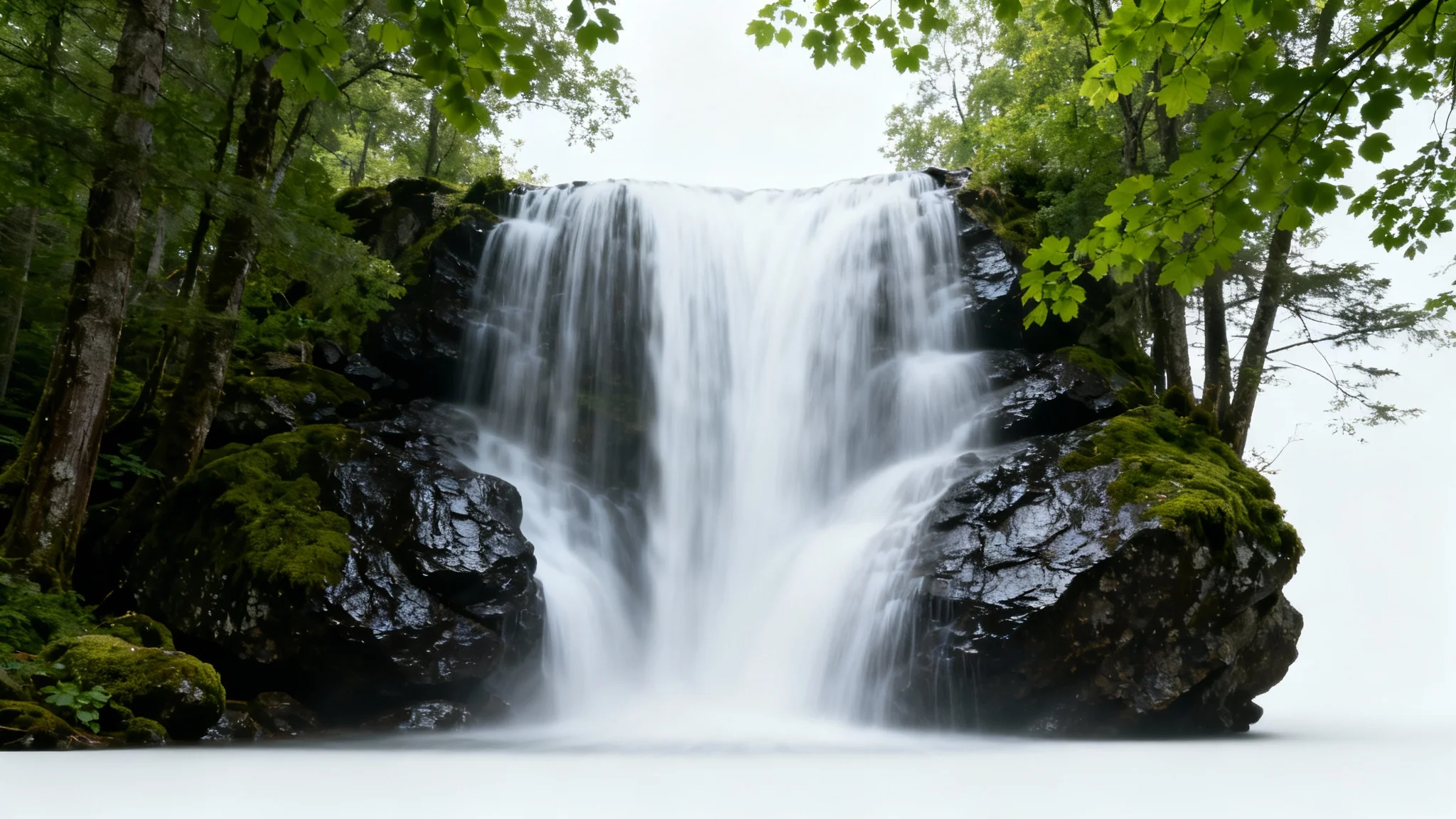
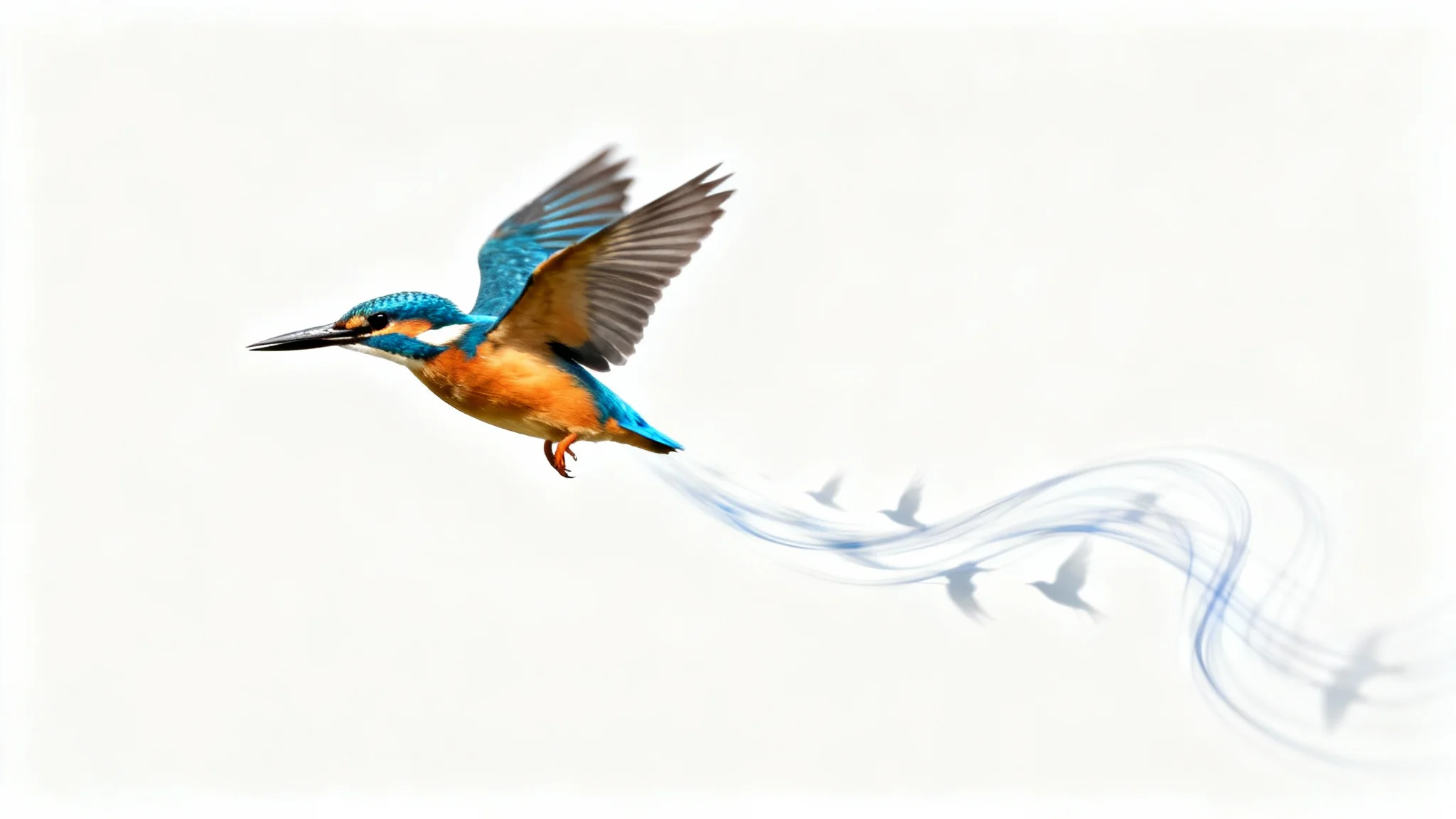
To add motion, upload the picture you want to animate. Then, in the prompt box, describe the movement you'd like to see. For example, you could type 'make the hair and dress blow in the wind' or 'make the stars twinkle.' The AI will then generate a video with that animation.
Yes, you can control the animation by being specific in your text prompt. Clearly describe which elements of the photo you want to animate and how they should move. For instance, instead of 'animate the photo,' write 'make the ocean waves crash on the shore.'
You can animate almost any image, including portraits, landscapes, product photos, and digital art. Photos with clear subjects and distinct elements often produce the most compelling animations. Feel free to experiment with different types of images to see what works best.
Your animated image will be available to download as a high-resolution MP4 video file. This format is widely supported and ideal for sharing on social media, websites, and video platforms.
Yes, you can try animating your photos for free. After using your initial free credits, you will need to purchase more to continue creating animations.
The AI typically generates your animated image in just a few seconds. Once you enter your prompt and start the process, your video will be ready to view and download shortly after.
Great app, easy to use. Helps our small business save time and money to create different marketing materials professionally. Thank you.
I need a good background remover for my work and I've been through them all it feels like. This one is the best by far. It's so easy to use and the results always look amazing. Thank you Pixelcut!
It's amazingly easy and gives the perfect results for my bags and accessories. It looks like it was done by a professional photographer.