Pixelcut
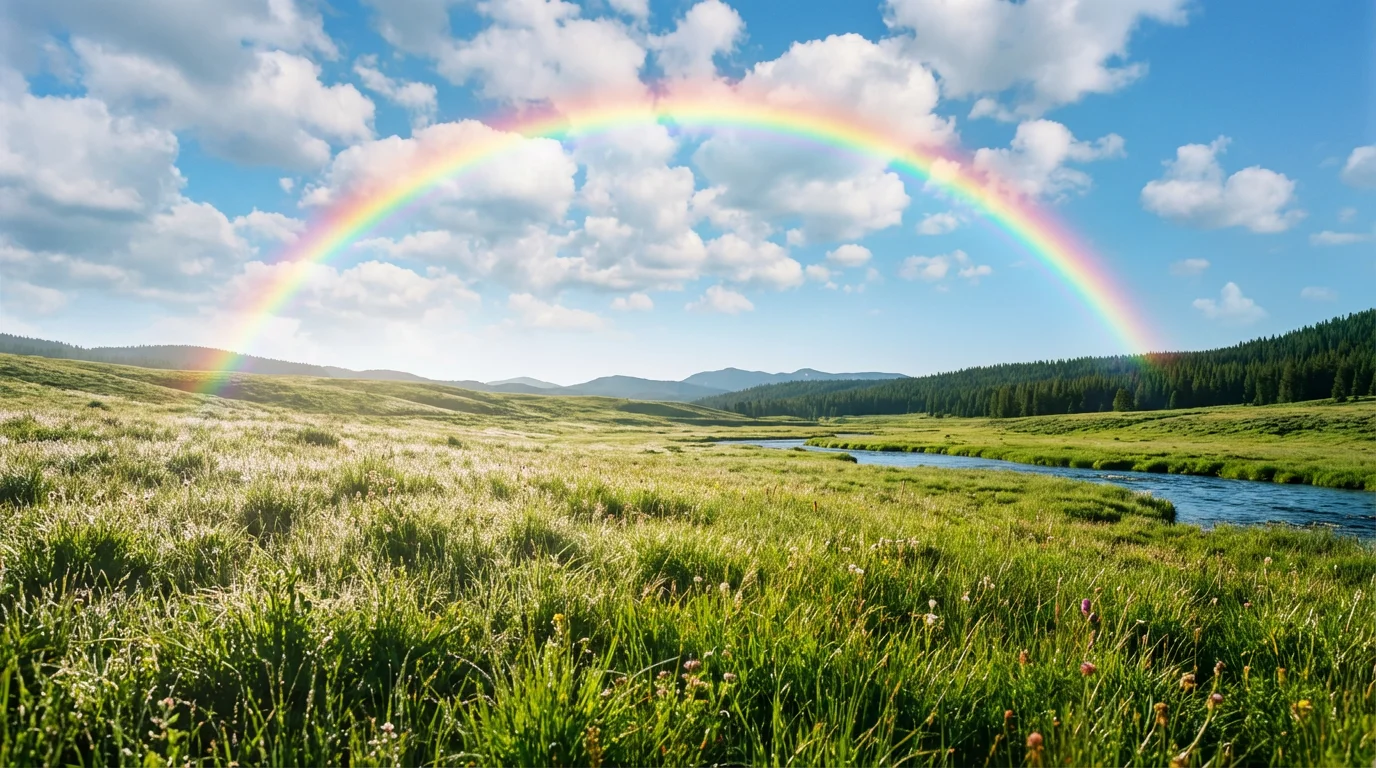
A beautiful landscape photo of a green meadow under a blue sky, enhanced by a large, vibrant rainbow arcing across the image, demonstrating the 'add rainbow' effect.

Add a Rainbow to Any Photo with AI

Trusted by 70 million people
171,800 Reviews
Developer API
Available on iPhone & Android

How to Add a Rainbow to a Photo

  1. 1

    Upload your image

    Start by uploading the picture you want to transform. This can be a landscape, portrait, or any other photo.

  2. 2

    Enter your prompt

    Describe the rainbow you want to see. Try prompts like "add a bright rainbow" or "add a faint double rainbow behind the mountain."

  3. 3

    Generate rainbow

    Click the generate button and our AI will add a beautiful, realistic rainbow to your photo in just a few seconds.

  4. 4

    Download photo

    Your new photo is ready! Download your high-resolution image for free and share it with the world.

Transform your everyday photos into something magical. With Pixelcut’s AI tool, you can add a rainbow to any picture with a simple text prompt. There's no need for complicated editing software or manual adjustments. Just upload your photo, describe the effect you envision, and watch as a beautiful rainbow appears. Whether it's a landscape, a cityscape, or a simple backyard photo, you can introduce a touch of wonder in just a few moments, making your images stand out on social media or in your personal collection.

Create Magical Moments Instantly

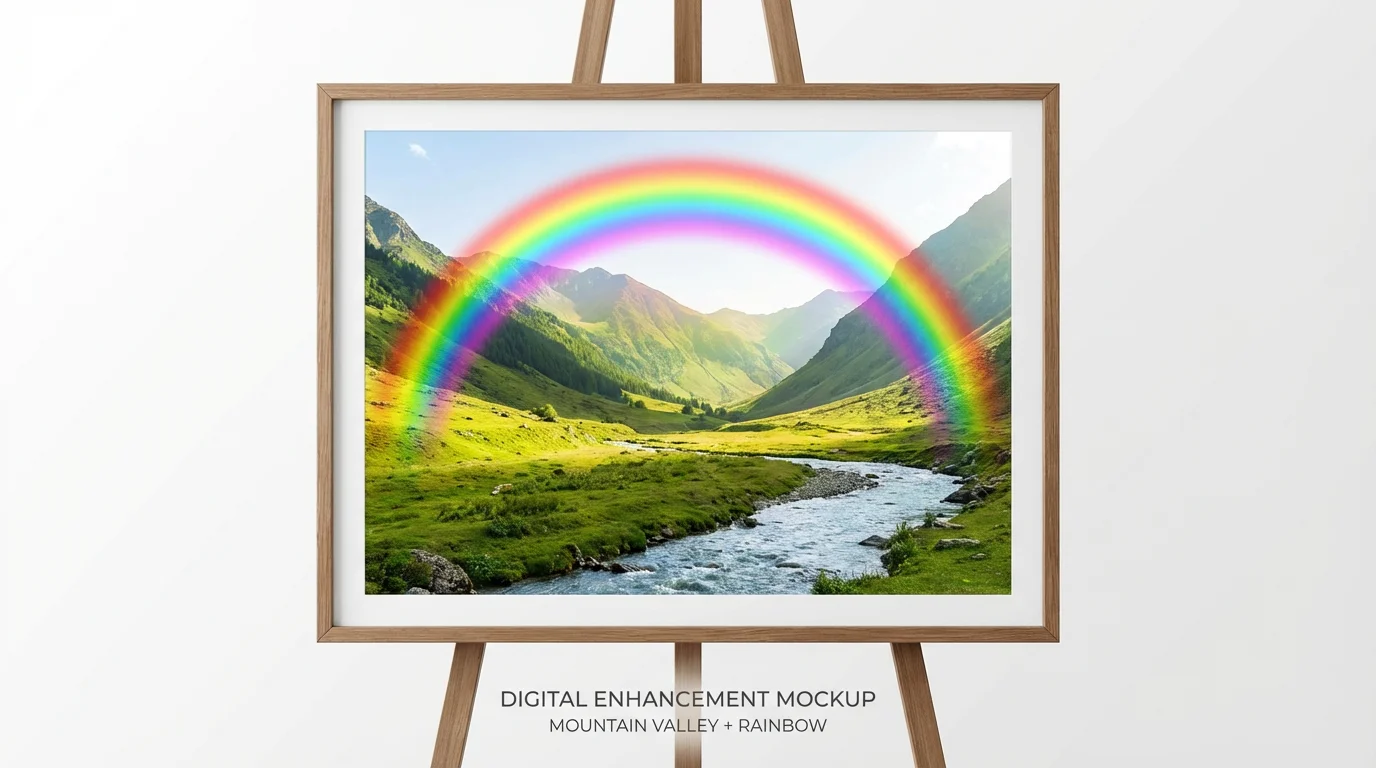
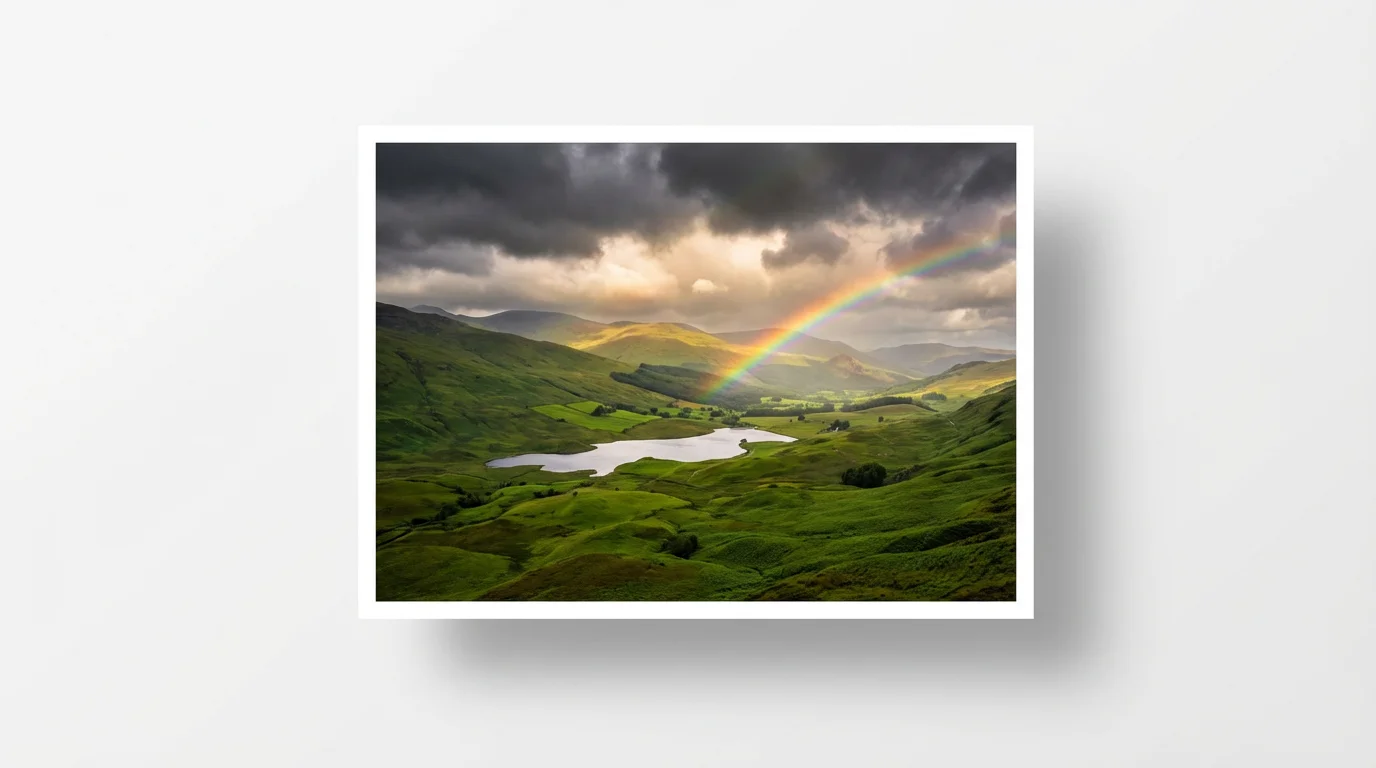
A photograph of a green mountain valley with a vibrant, digitally added rainbow arcing across the sky, presented as a mockup on a white background.
Go beyond basic filters and create a rainbow that perfectly fits your photo. Our AI allows you to customize the look and feel of the rainbow. Describe exactly what you want, from a faint, subtle arc in the distance to a bright and vivid double rainbow that fills the sky. You have creative control over its placement, intensity, and style. This flexibility ensures that the final effect looks natural and aligns with your artistic vision, something a standard rainbow overlay simply can't offer.

Fully Customizable Rainbow Effects

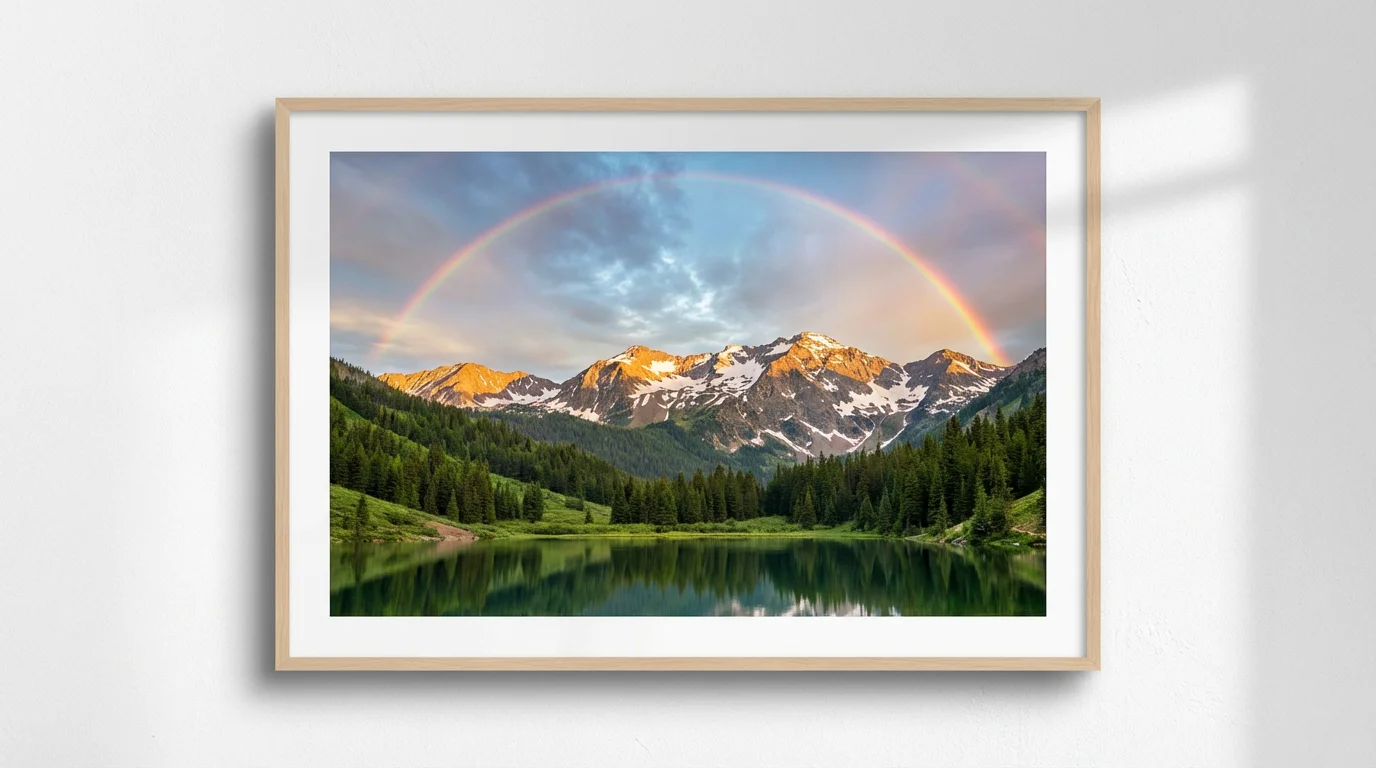
A photorealistic landscape photograph mockup featuring a majestic mountain range, a clear lake, and a vibrant rainbow arcing across the sky, all set against a clean white background.
Pixelcut's AI doesn't just paste a rainbow onto your image; it intelligently integrates it into the scene. The AI analyzes your photo's existing lighting, shadows, and colors to create a rainbow that looks like it was really there. This attention to detail results in a believable and high-quality edit that enhances your original photo without looking artificial. The rainbow will blend seamlessly with clouds, landscapes, and skies, giving you a professional-grade image that is ready to be shared.

Photo-Realistic Results Every Time

A photorealistic mockup of a landscape photo showing a green mountain valley, with a vibrant, digitally added rainbow arching across the sky.
It’s Effortless: Skip the learning curve of complex editing software. Just upload your photo and type your request. It's Realistic: Our AI generates rainbows that respect your photo's natural lighting and composition for a believable result. It's Fast: Go from a plain photo to a magical one in seconds, not hours. It's Controllable: You decide the rainbow’s appearance. Ask for a 'subtle rainbow' or a 'vibrant double rainbow' to match your creative needs. Use Anywhere: Download your new high-resolution photo for free.

Why use Pixelcut's AI to add a rainbow to your photo?

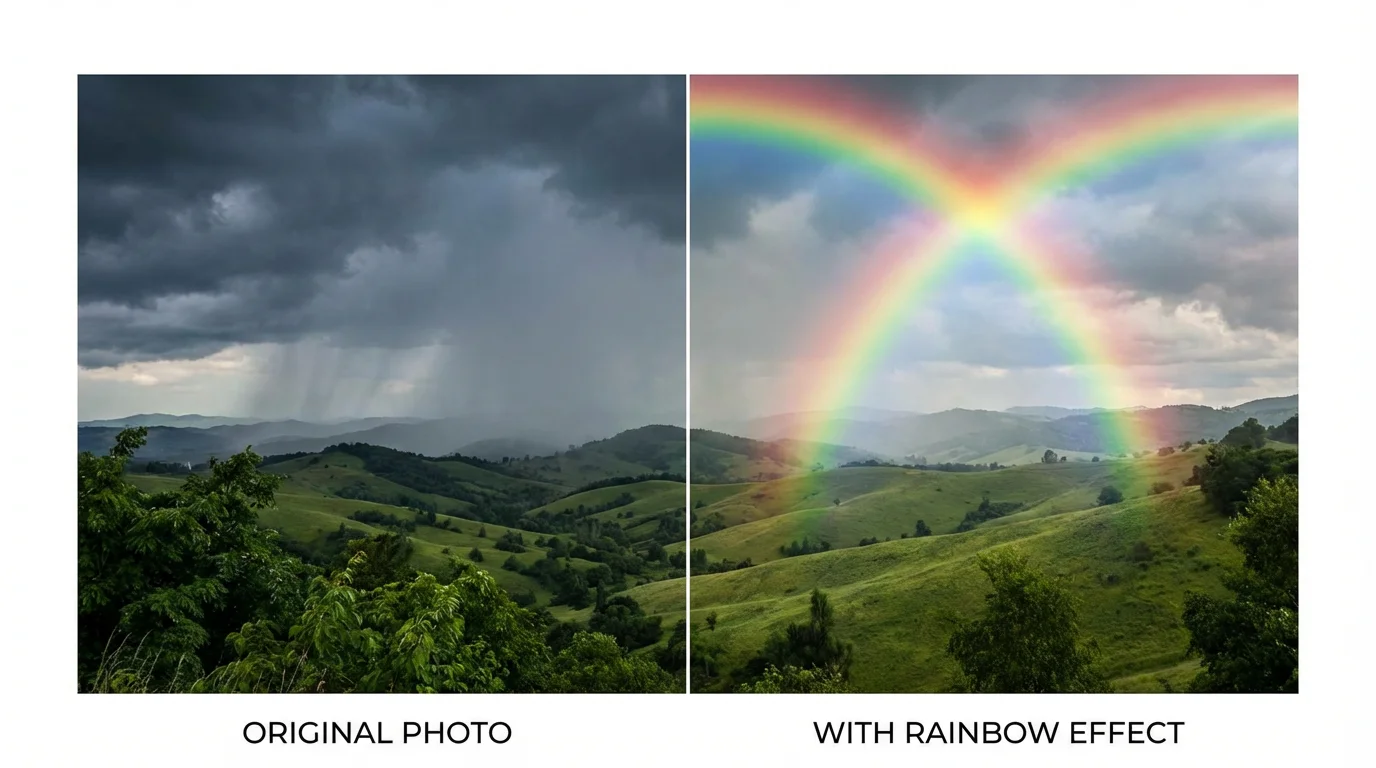
A side-by-side comparison of a landscape photo. The 'before' image shows rolling green hills and a cloudy sky. The 'after' image is the same but with a vibrant, realistic rainbow added.
Enhance Landscape Photography: Add a dramatic rainbow to your nature shots to create breathtaking scenes. Create Whimsical Portraits: Give your portraits a dreamy and magical feel by adding a soft rainbow in the background. Make Social Media Posts Pop: Grab attention on your feed with vibrant, eye-catching images that tell a story. Celebrate with Color: Create beautiful images for Pride month or any celebration that calls for a splash of color. Revive Old Photos: Add a touch of magic to past travel or family photos, giving them a fresh, new look.

Add Rainbow to Photo Use Cases

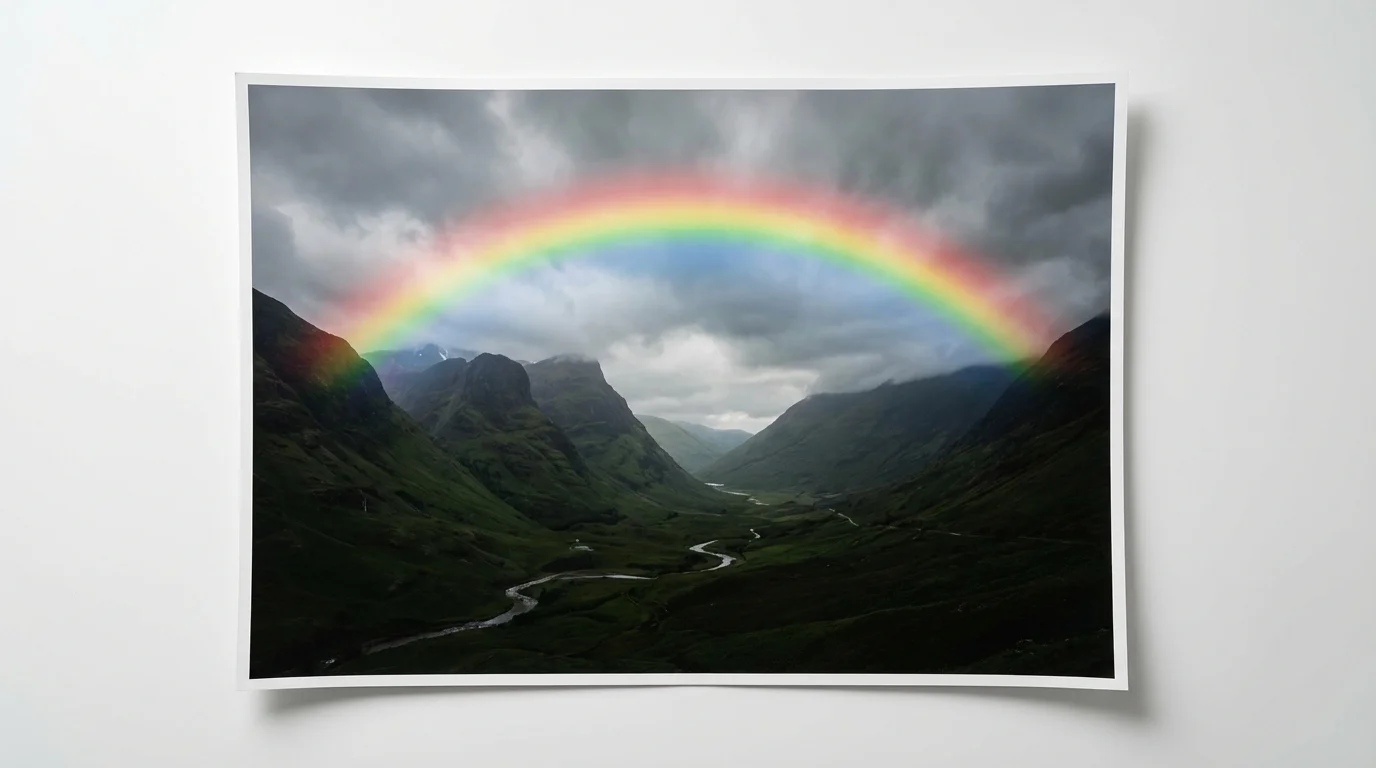
A photorealistic mockup of a photograph showing a lush green valley with a dramatic, vibrant rainbow arching across a stormy sky, set against a plain white background.

Frequently Asked Questions

Pixelcut is loved by over 2 million people

  • My favorite app

    Great app, easy to use. Helps our small business save time and money to create different marketing materials professionally. Thank you.
    Shaelyn D.
  • Best background remover

    I need a good background remover for my work and I've been through them all it feels like. This one is the best by far. It's so easy to use and the results always look amazing. Thank you Pixelcut!
    Kira H.
  • Love it

    It's amazingly easy and gives the perfect results for my bags and accessories. It looks like it was done by a professional photographer.
    Mary J.