My favorite app
Great app, easy to use. Helps our small business save time and money to create different marketing materials professionally. Thank you.

Start by uploading a clear, well-lit photo of yourself wearing a collared shirt.
In the text box, describe the tie you want. For example, 'add a dark green silk tie' or 'add a black bow tie'.
Click the generate button and let the AI create and add the perfect tie to your shirt in seconds.
Your professional new headshot is ready. Download the high-resolution PNG image, watermark-free.
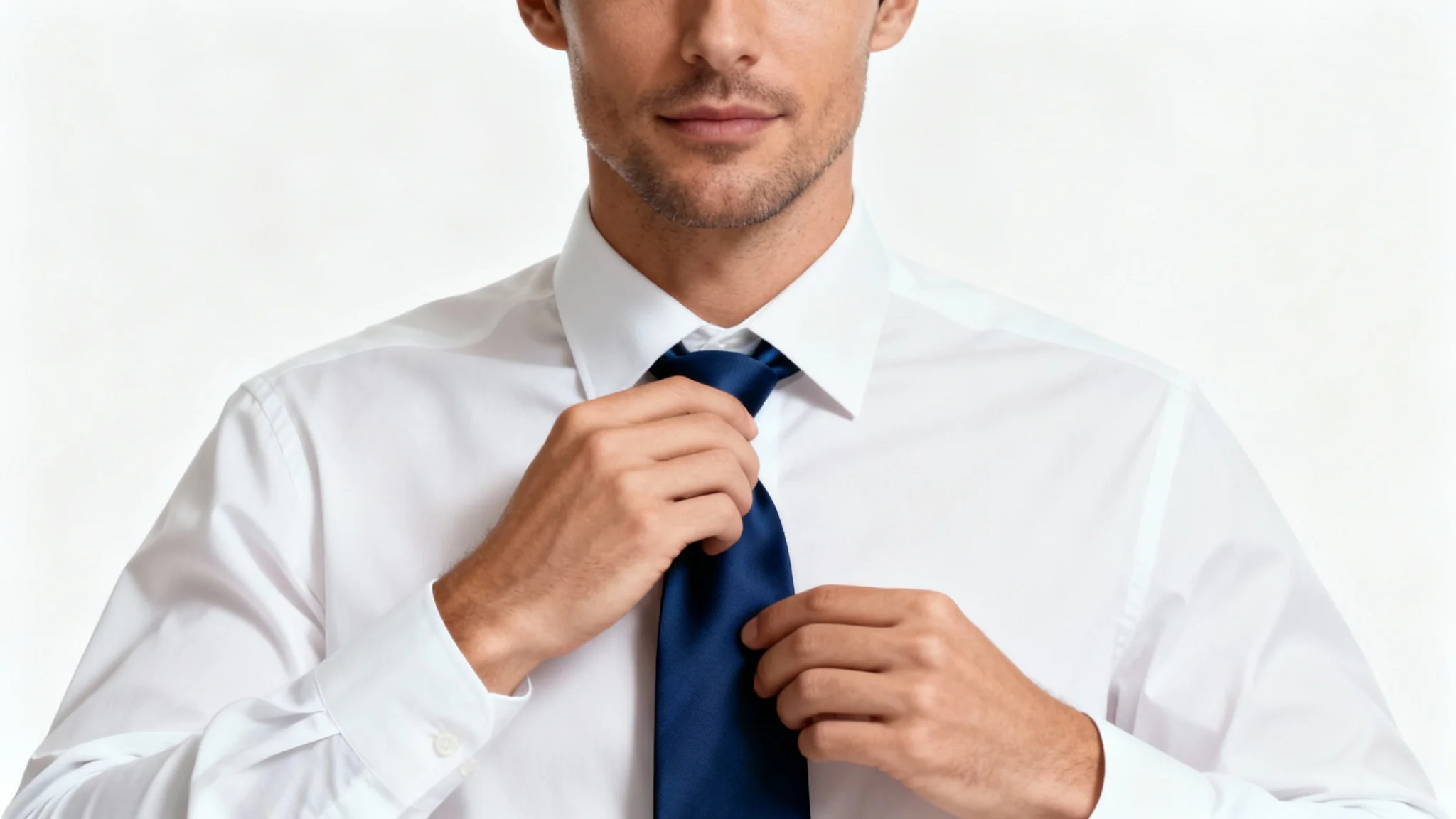
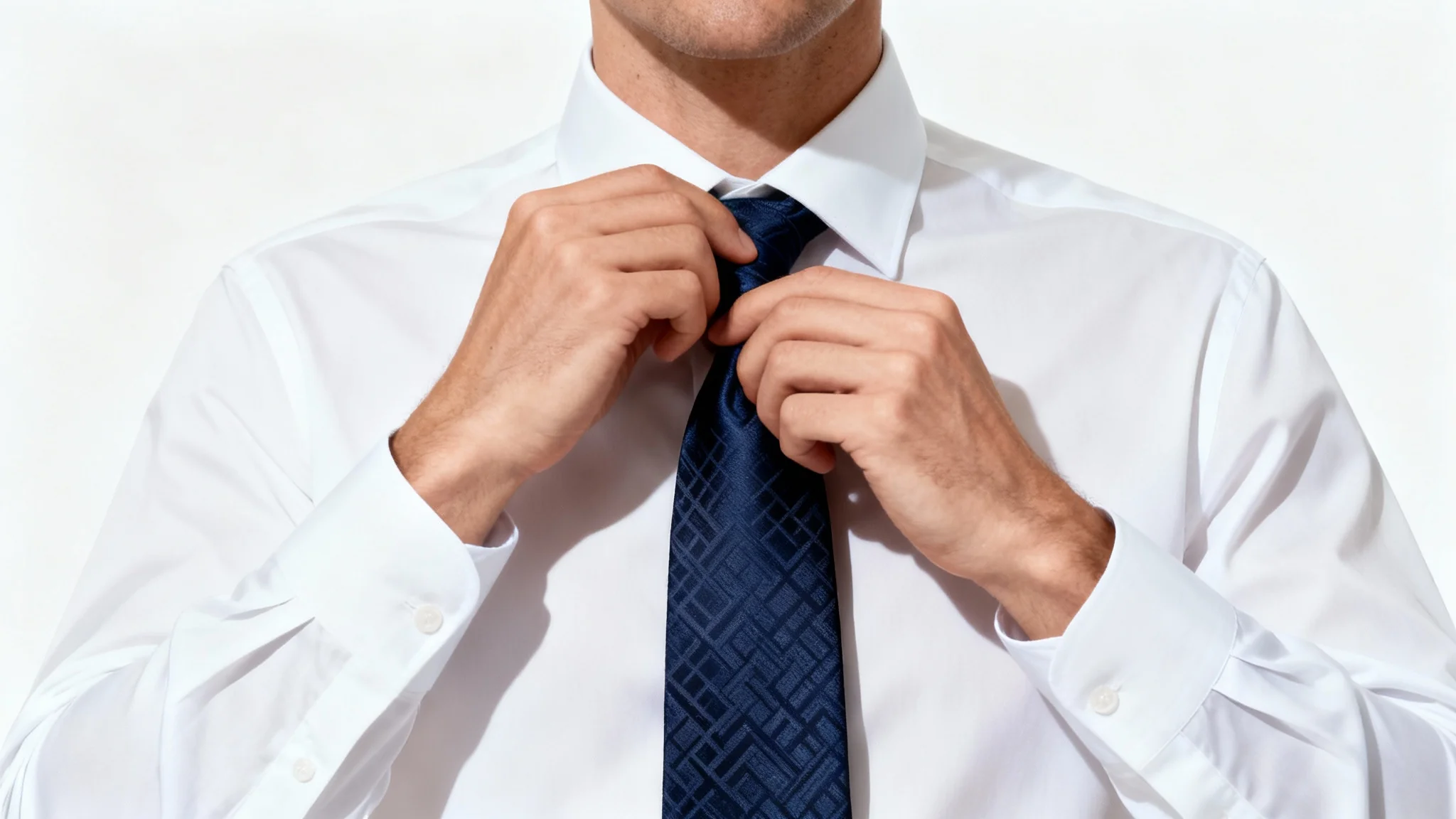
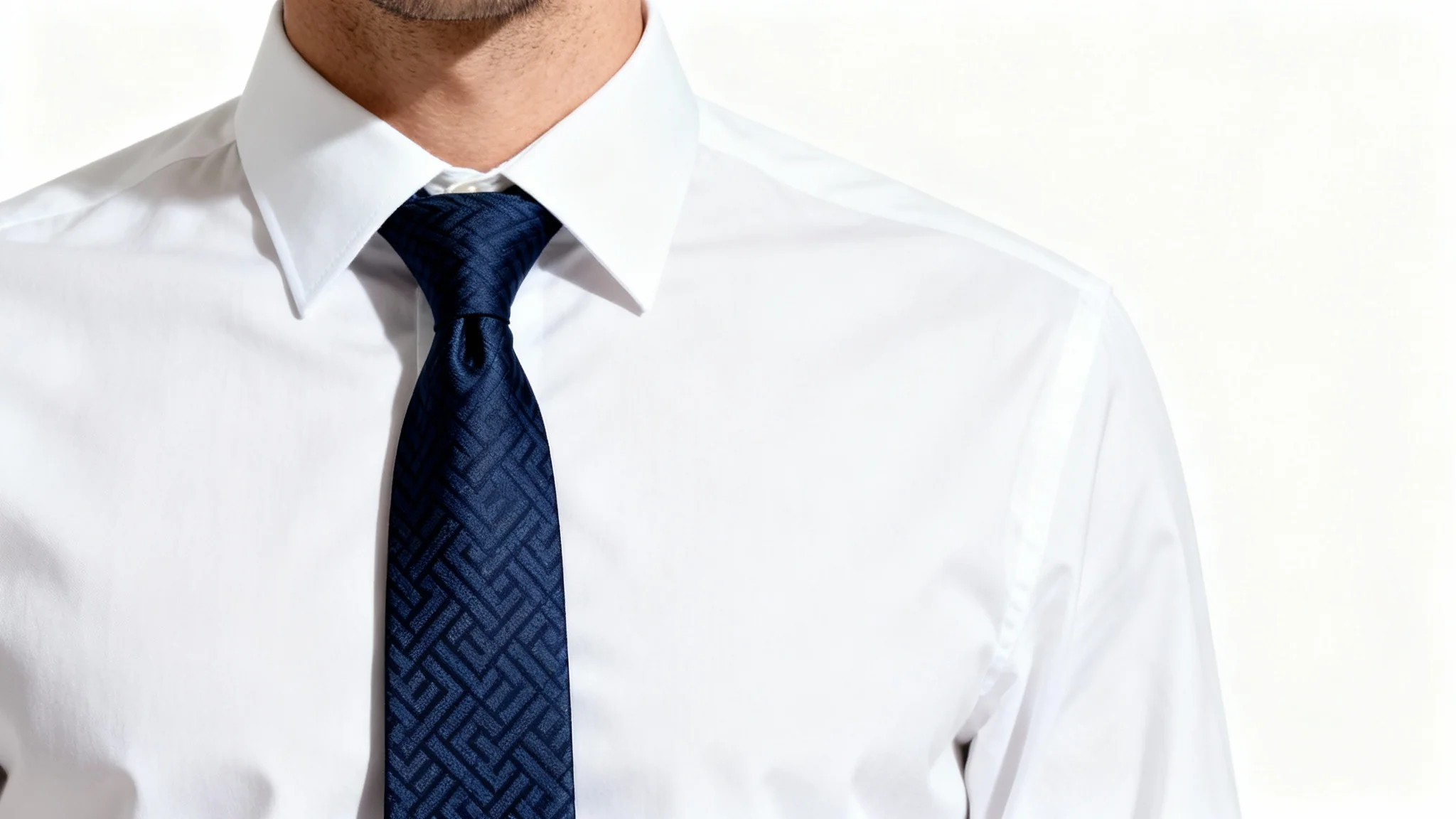

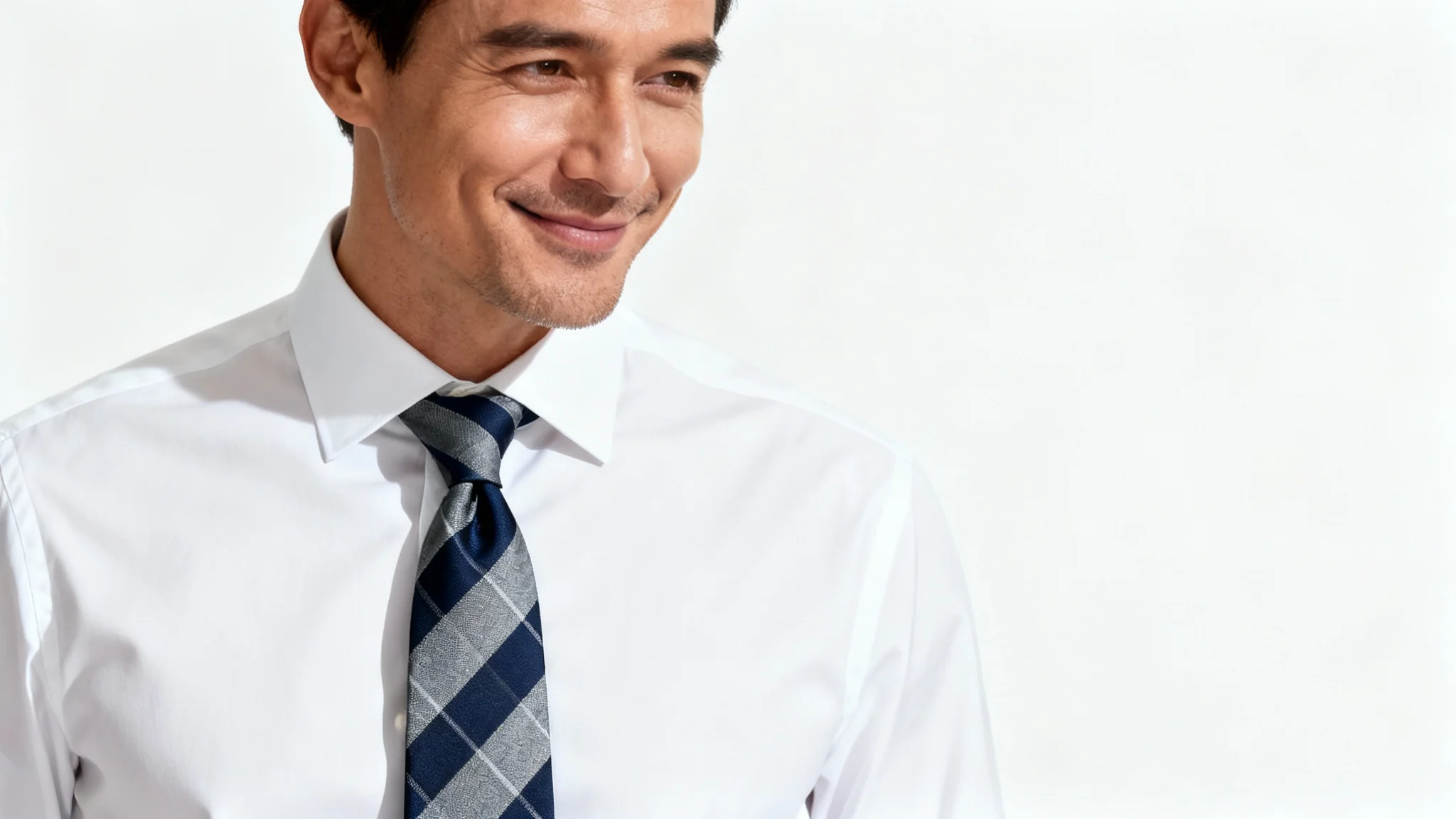
Our AI tool analyzes the photo you upload, specifically the area around your collar. When you provide a text description of the tie you want, the AI generates a new image of a tie that matches your request and seamlessly integrates it onto your shirt, accounting for lighting, shadows, and angles.
Yes, absolutely. The more descriptive your prompt, the better the result. You can request things like 'a navy blue tie with white polka dots' or 'a striped red and gold skinny tie' to get a customized look.
For the best results, upload a clear, front-facing headshot or portrait where you are wearing a collared shirt. Good lighting and a relatively plain background help the AI focus on accurately adding the tie.
Yes. You can specify what kind of neckwear you'd like to add. Simply include 'bow tie' in your text prompt, for example, 'add a black bow tie'.
Our AI is designed to create realistic results by blending the tie naturally with your existing photo. It adjusts for lighting and shadow to make the tie look like it was part of the original picture.
Yes, the tool is free to try. You can generate and download your edited photo. After your free credits are used, you have the option to purchase more credits to continue using the tool.
Your new high-resolution photo with the added tie will be available to download as a PNG file.
Great app, easy to use. Helps our small business save time and money to create different marketing materials professionally. Thank you.
I need a good background remover for my work and I've been through them all it feels like. This one is the best by far. It's so easy to use and the results always look amazing. Thank you Pixelcut!
It's amazingly easy and gives the perfect results for my bags and accessories. It looks like it was done by a professional photographer.