My favorite app
Great app, easy to use. Helps our small business save time and money to create different marketing materials professionally. Thank you.
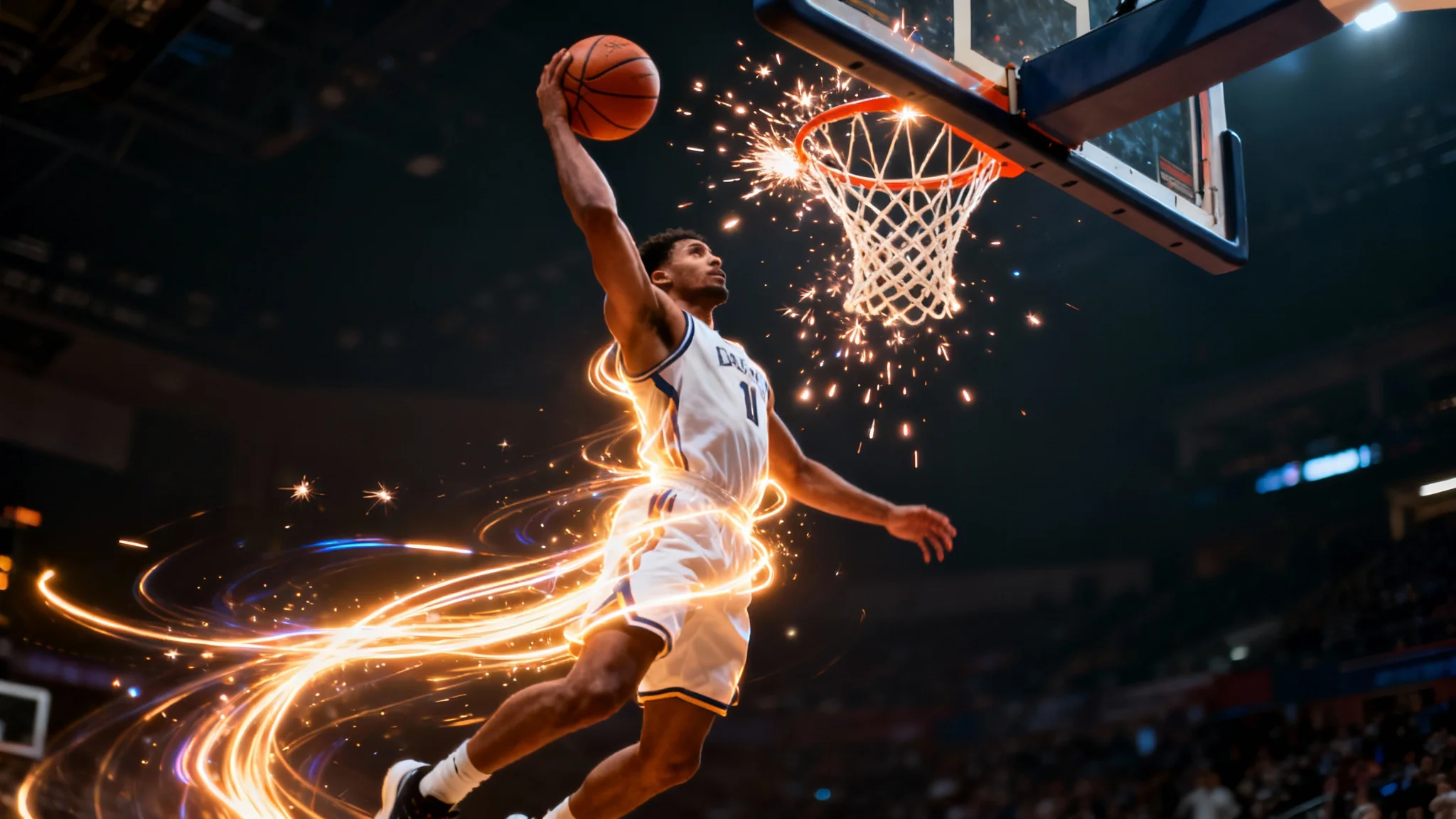
Start by selecting and uploading the basketball photo you want to transform from your device.
Describe the edit you want. Be specific! Try 'add a fire trail to the basketball' or 'change the court to an outdoor streetball court'.
Click the button and our AI will instantly apply your described changes to the photo, creating a brand new image.
Your new high-resolution basketball photo is ready. Download it watermark-free and share it with your team, fans, and friends.
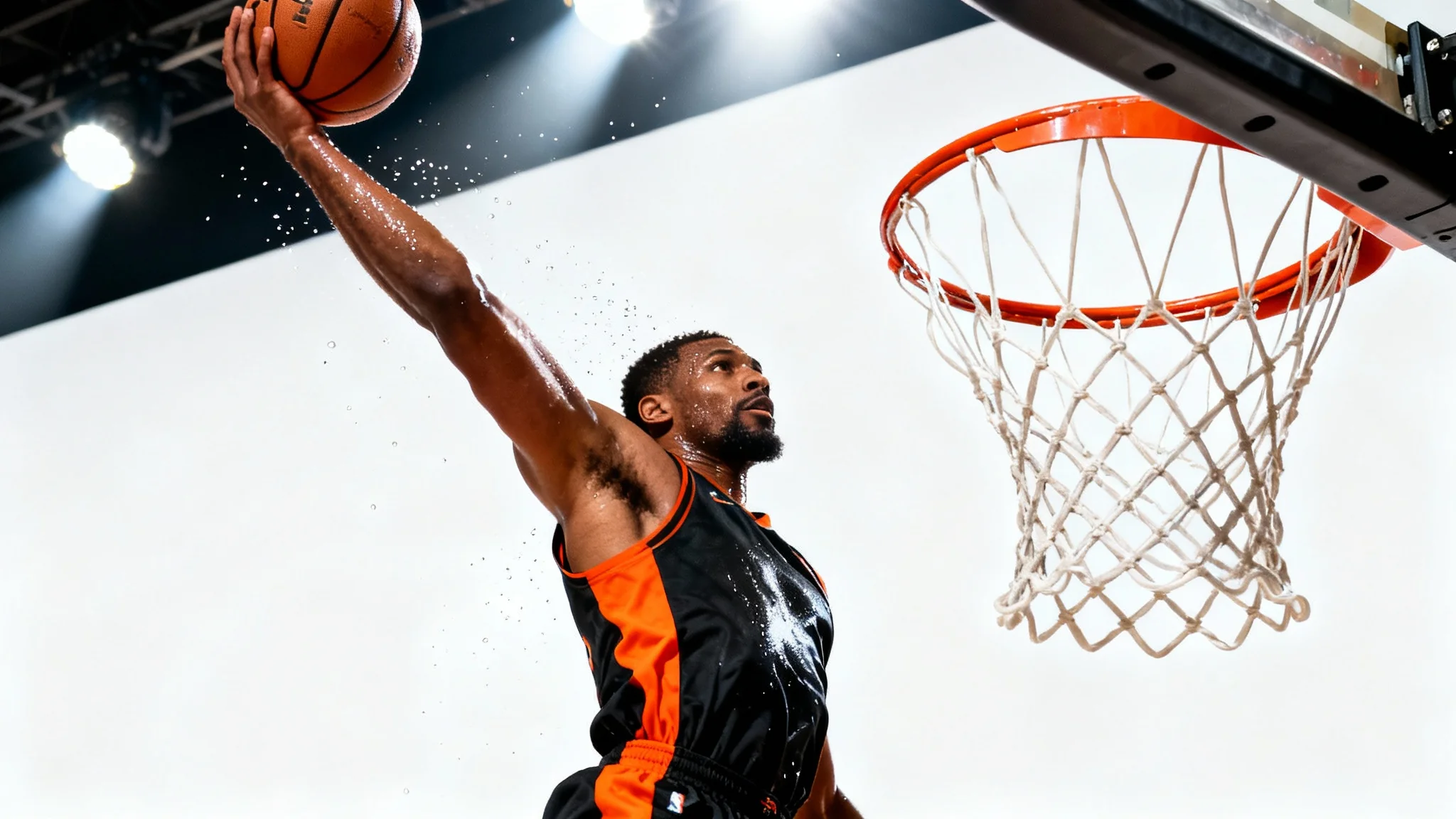
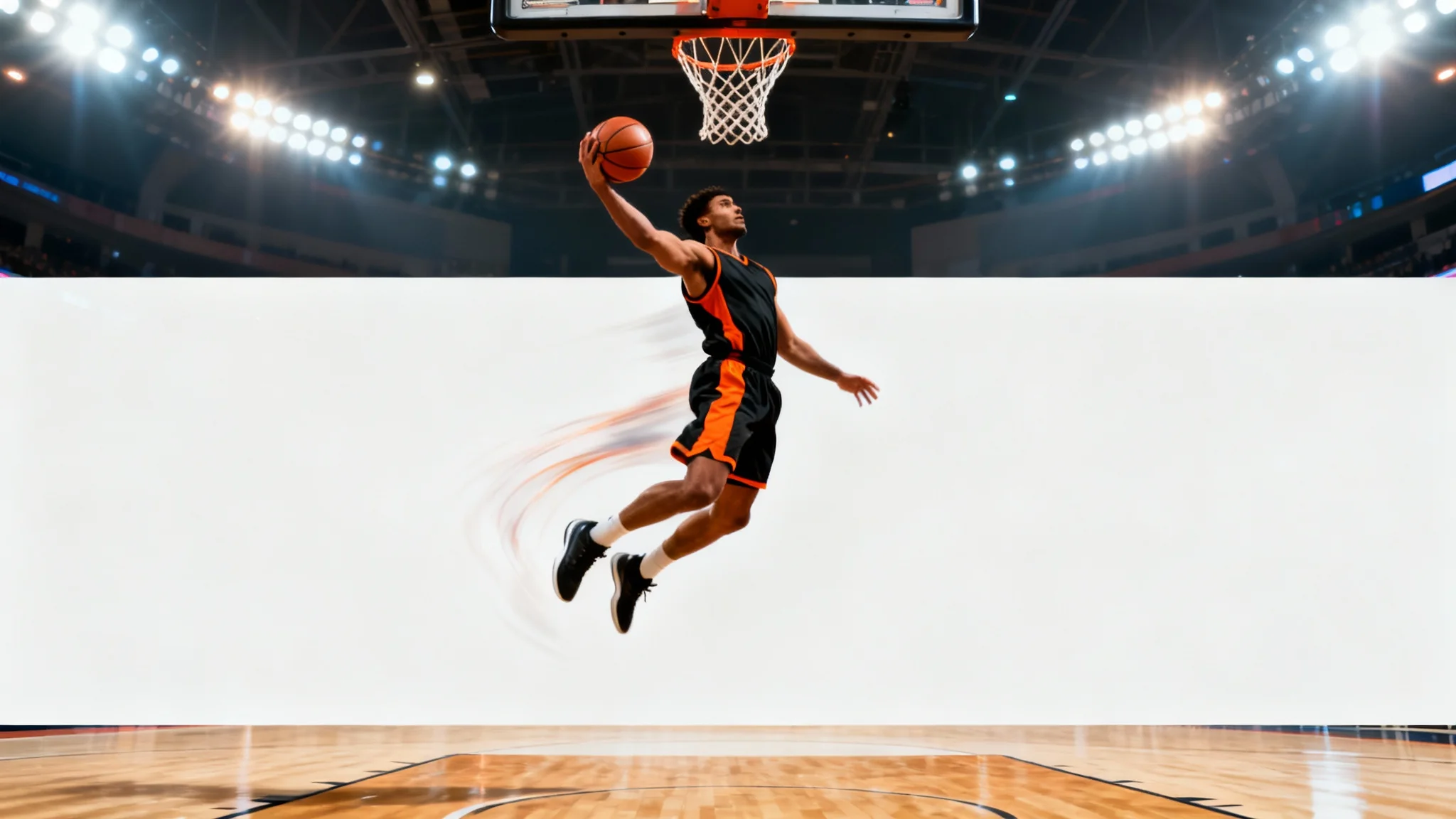
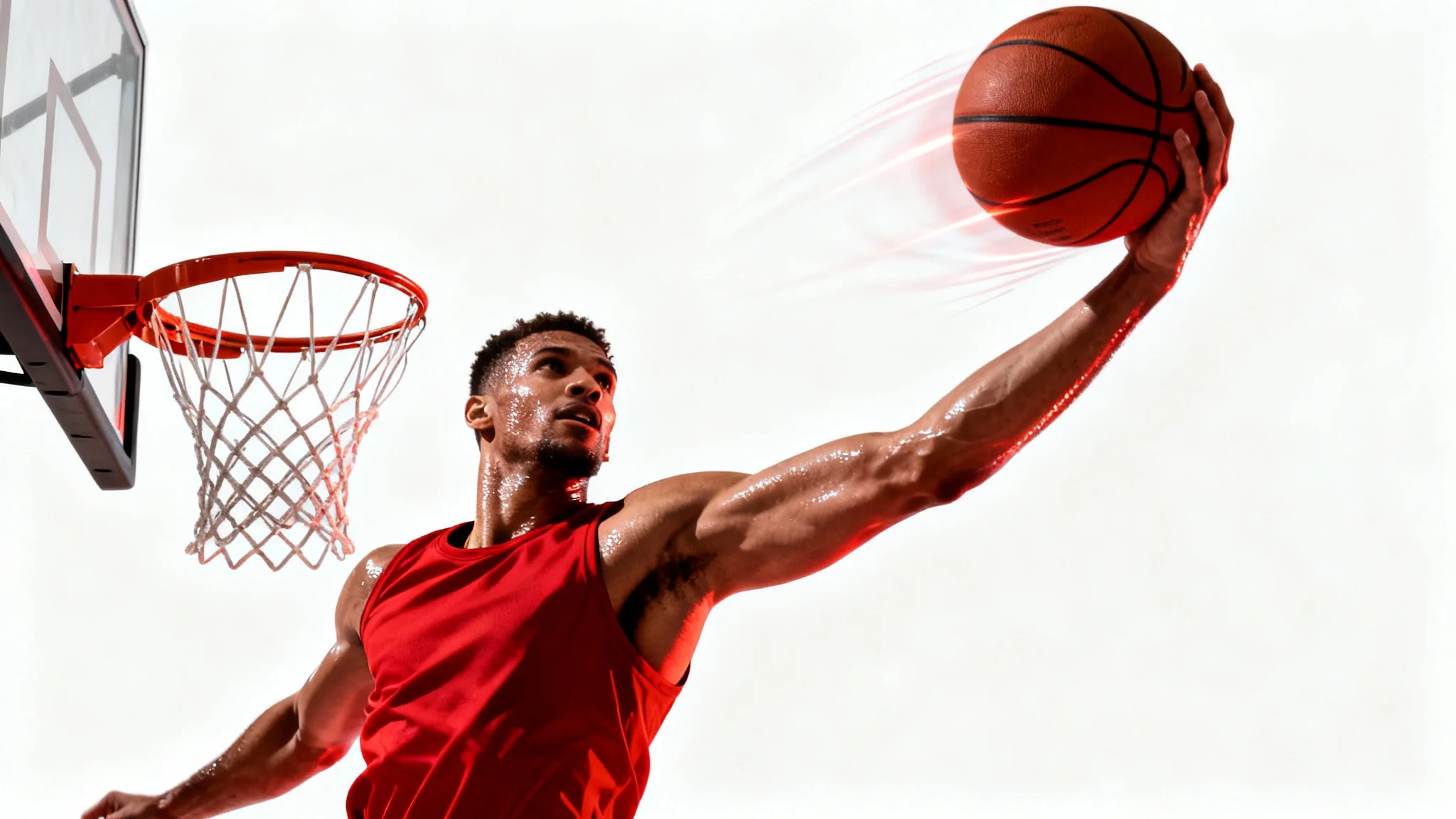
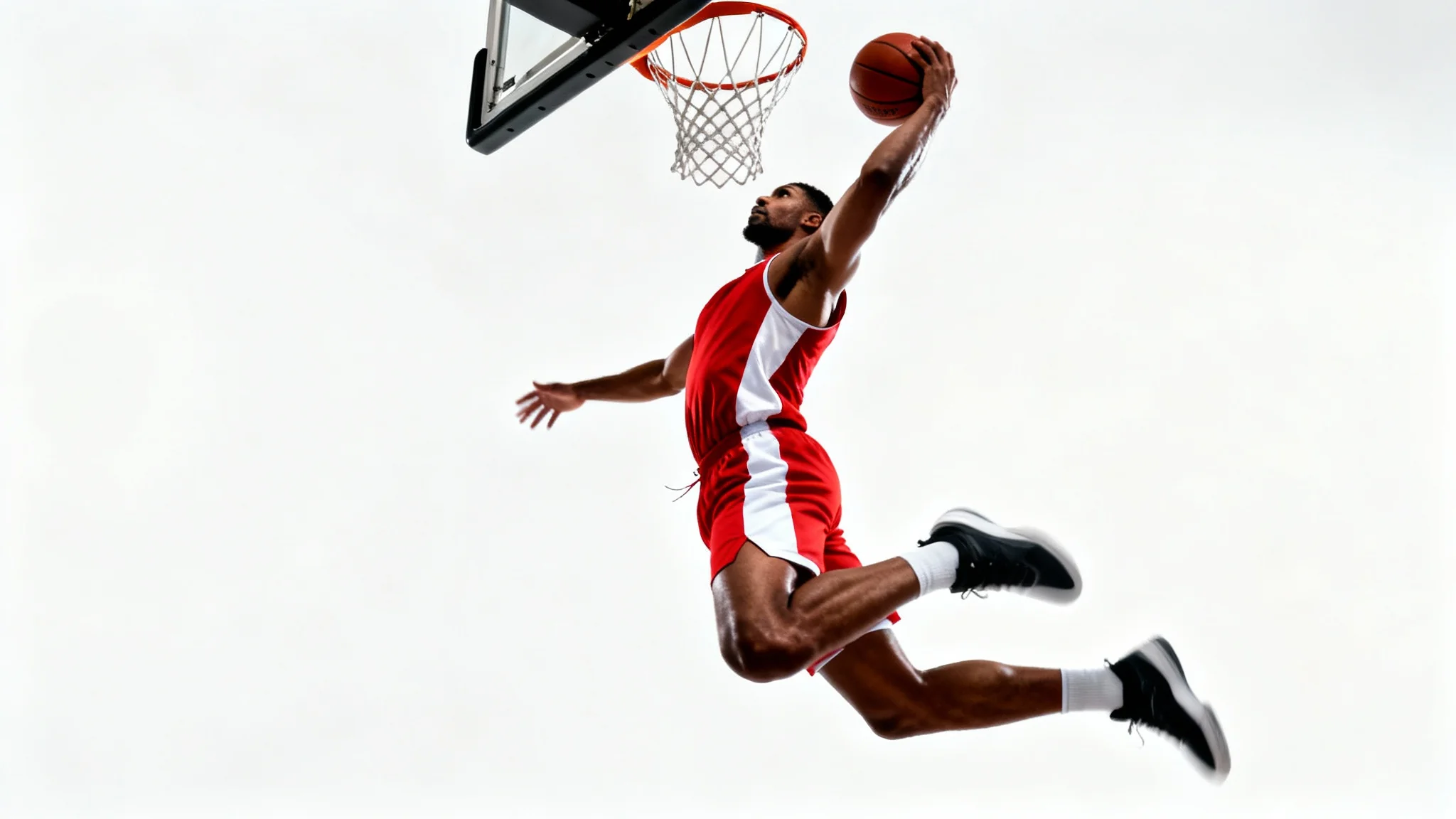
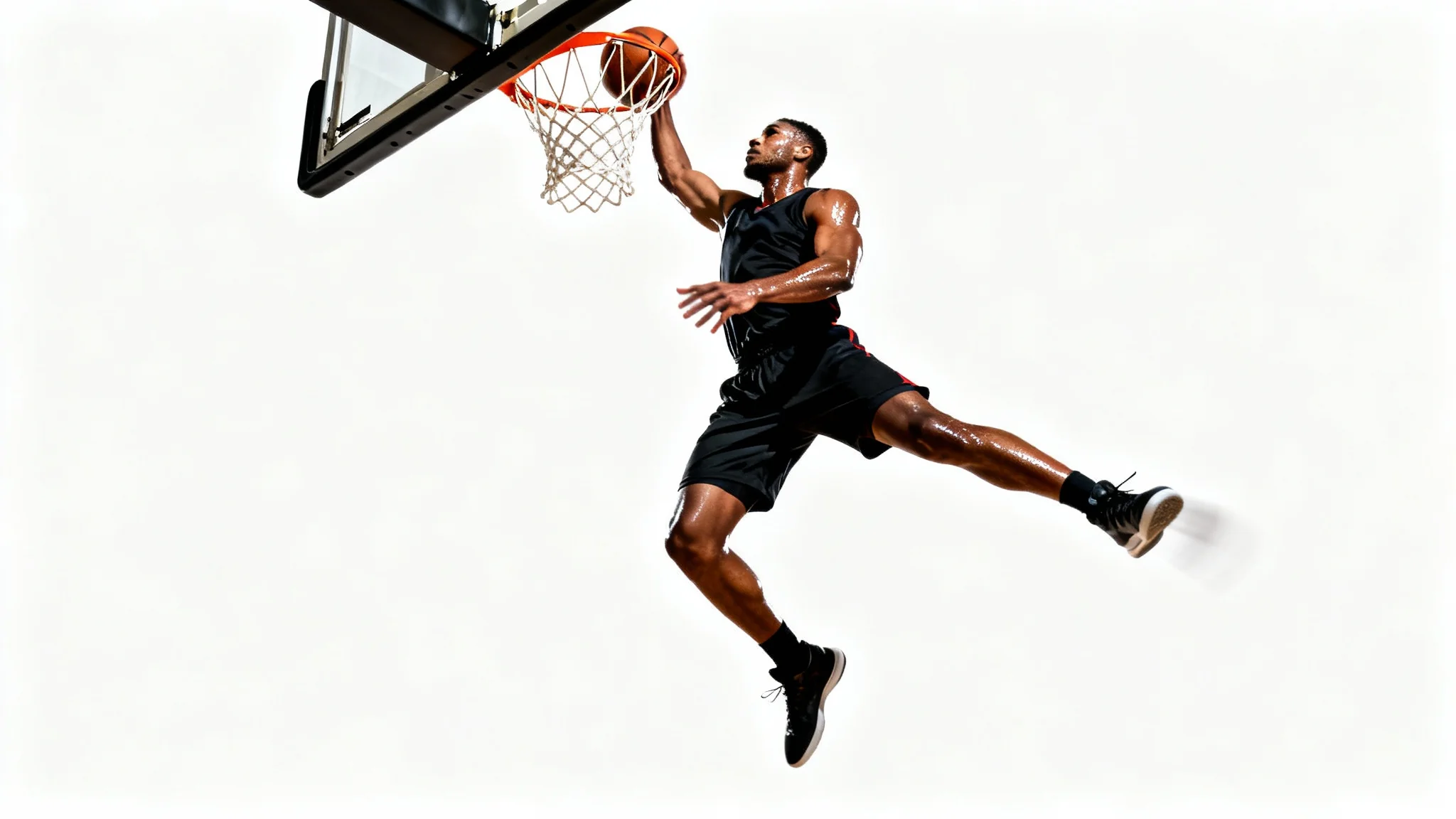
An AI basketball photo editor is a tool that uses artificial intelligence to edit your photos based on text descriptions. You can upload a basketball picture and simply type what changes you want to see, like 'add a lightning effect to the ball' or 'change the background to a cheering crowd', and the AI will generate the image for you.
To make your photos more dramatic, use descriptive prompts to add effects. Try asking the AI to 'add a motion blur to the background to emphasize the player's speed', 'make the lighting more intense and focused on the player', or 'add a glowing aura around the basketball'.
Yes, you can easily change the background. Upload your photo and type a prompt describing the new background you want, such as 'change the background to an empty, gritty street court at dusk' or 'put the player on a professional NBA court'.
No experience is necessary. The tool is designed to be user-friendly. Instead of using complex sliders and tools, you just need to write a simple description of the edit you imagine. The AI handles the technical work for you.
In the text prompt, along with your other edit descriptions, specify the text you want to add. For example, you could write, 'Add the text 'Game Day: 7 PM vs. Rivals' in a bold, white font at the bottom of the image'.
Absolutely. Adding effects is one of the best features. Simply include it in your prompt, for example: 'The player is dunking and the basketball is on fire' or 'add a blue lightning effect crackling around the basketball as it's being dribbled'.
Great app, easy to use. Helps our small business save time and money to create different marketing materials professionally. Thank you.
I need a good background remover for my work and I've been through them all it feels like. This one is the best by far. It's so easy to use and the results always look amazing. Thank you Pixelcut!
It's amazingly easy and gives the perfect results for my bags and accessories. It looks like it was done by a professional photographer.