Pixelcut
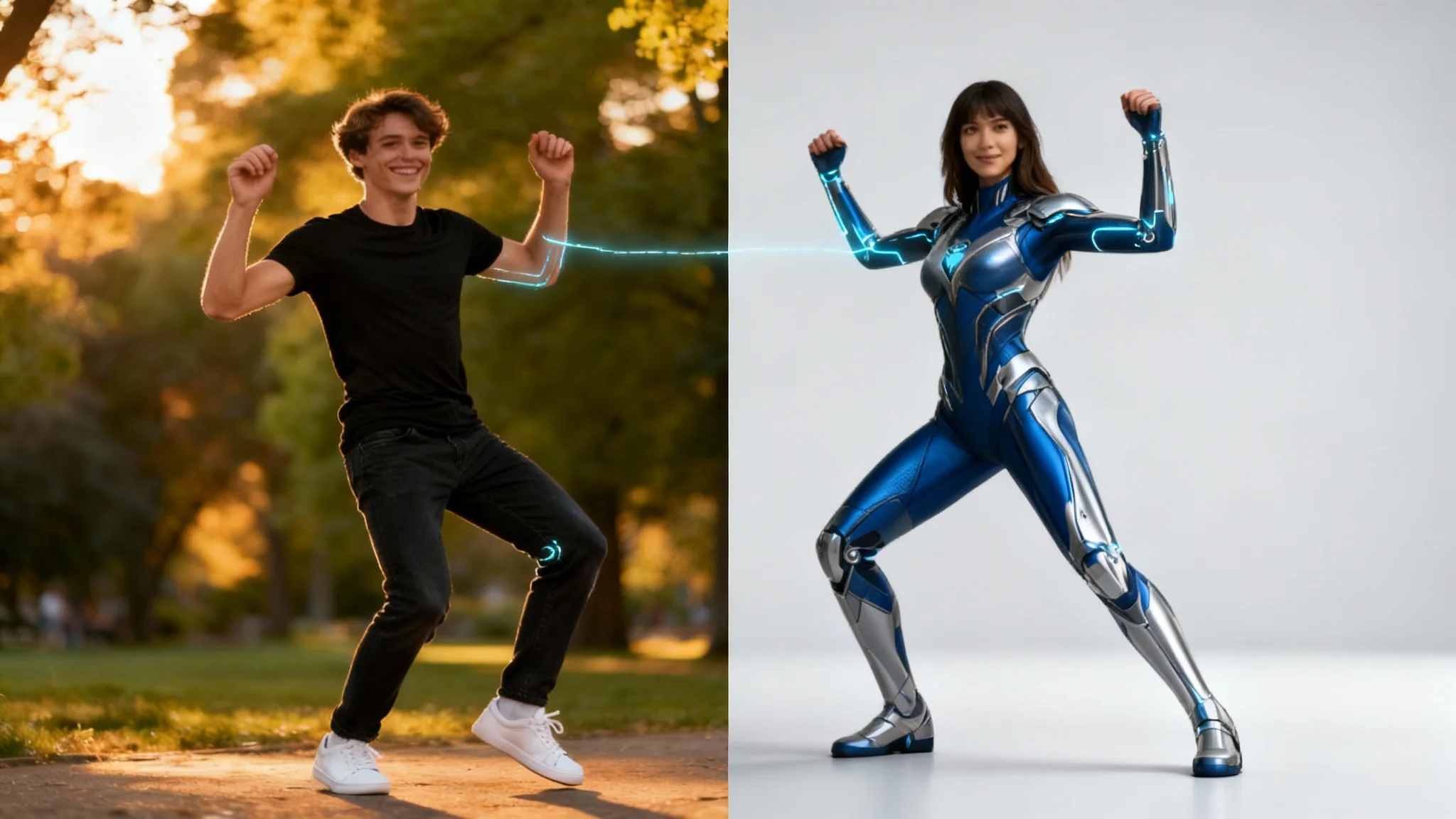
A split-screen image showing body pose transfer. The left side shows a man in a park in a dynamic pose. The right side shows a female superhero perfectly mimicking the man's pose against a clean studio background, illustrating the technology's result.

Copy Any Pose into Your Photos with AI

Trusted by 70 million people
171,800 Reviews
Developer API
Available on iPhone & Android

How to Transfer a Body Pose

  1. 1

    Upload Your Images

    Start by uploading the photo you wish to edit. Then, upload a second image that contains the reference pose you want to apply.

  2. 2

    Enter Your Prompt

    Type a simple instruction in the text box to guide the AI, such as 'Apply the pose to the person in my photo'.

  3. 3

    Generate New Pose

    With one click, our AI will analyze the reference pose and realistically apply it to the person in your primary photo.

  4. 4

    Download Your Image

    Your new, perfectly posed photo is ready. Download the high-resolution image watermark-free to share or use anywhere.

Unlock creative freedom by trying new poses without needing a reshoot. With our AI body pose transfer tool, you can take a standard photo and transform it into something dynamic and eye-catching. Simply find an image with a pose you admire, whether it’s from a dancer, athlete, or model, and apply it to your own picture. This allows you to experiment with different stances and compositions in seconds, giving your images a professional and active feel that perfectly matches your vision.

Instantly Experiment with New Poses

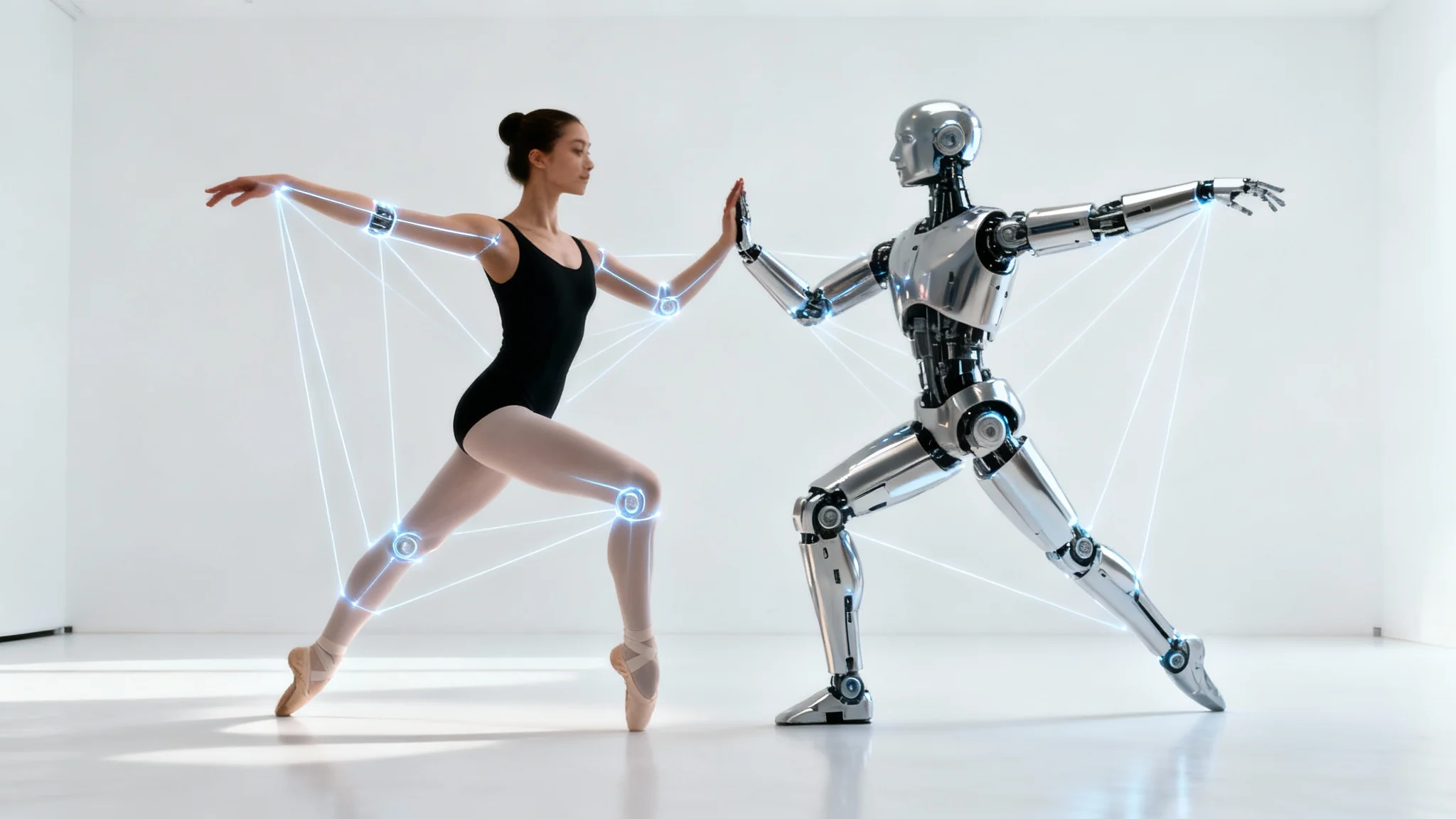
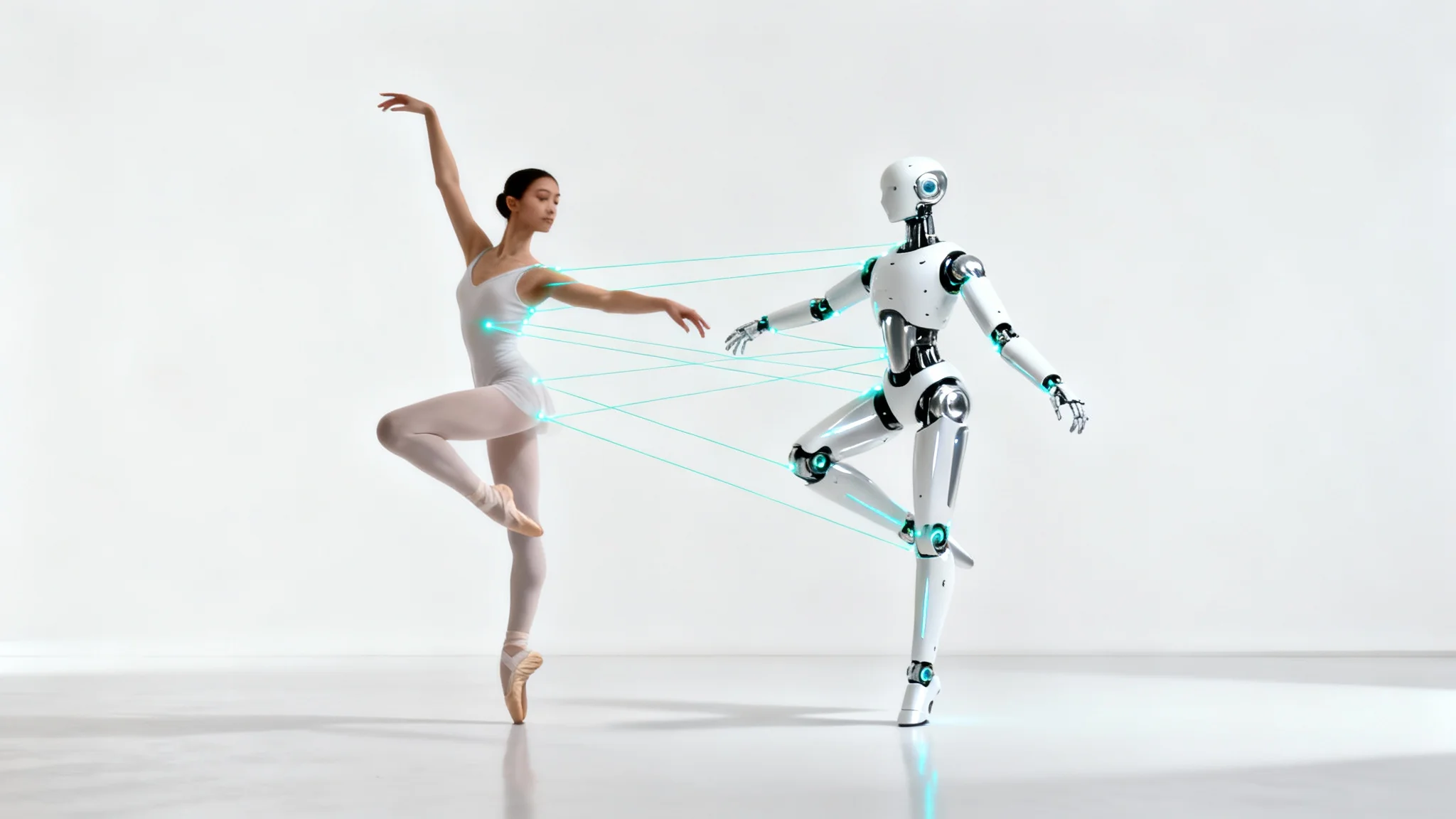
A conceptual image showing a female ballet dancer on the left and a chrome robot on the right, both holding the exact same ballet pose, against a clean white background to illustrate body pose transfer.
Subtly correct awkward stances and imperfect positioning in your most important photos. We all have that one great group picture where one person's pose is slightly off. Our tool lets you make fine adjustments to create a more harmonious and polished final image. Fix slouching posture or reposition an arm to improve the overall composition of family portraits, team photos, or event pictures. Ensure everyone looks their absolute best with small changes that make a huge impact on the quality of your photo.

Perfect Your Group and Portrait Photos

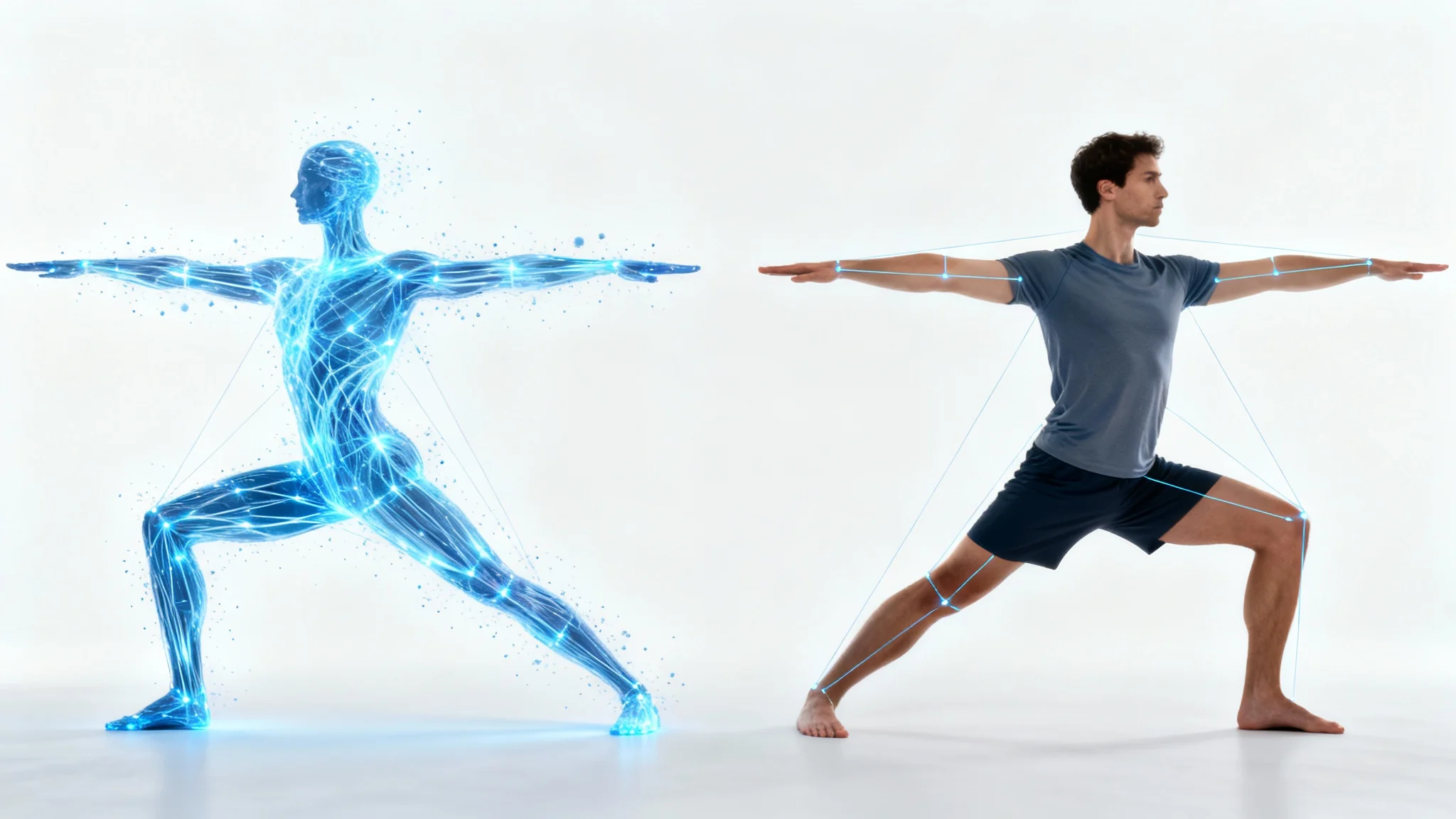
An image demonstrating body pose transfer, with a blue digital outline of a person in a yoga pose on the left, and a photorealistic man on the right perfectly mimicking the same pose, all on a clean white background.
Achieve a uniform and professional look across your e-commerce and marketing materials. If you work with different models or conduct multiple photoshoots, maintaining a consistent aesthetic can be challenging. Use our body pose transfer tool to apply a standard set of poses across your entire product catalog. This creates a cohesive and clean visual identity for your online store or social media campaigns, helping your brand look more organized and recognizable while making your product displays more appealing.

Create Consistent Visuals for Your Brand

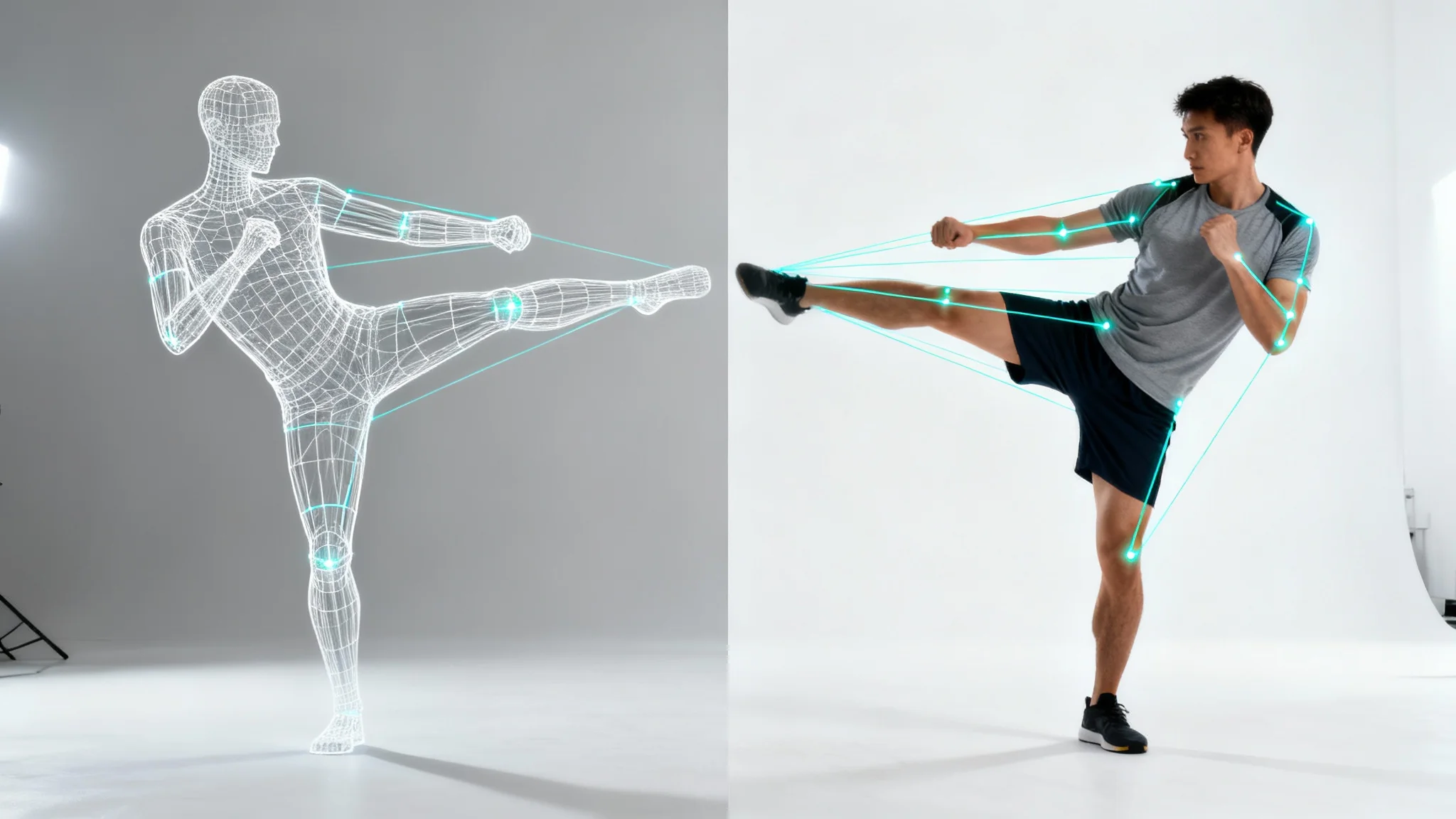
A digital wireframe mannequin in a martial arts pose is shown next to a real man perfectly copying the pose, with glowing lines connecting their joints to show the concept of body pose transfer.
It's Intuitive: Start by uploading your photo and a pose reference; no complex tools needed. It's Precise: Our AI intelligently maps the new pose onto your subject while preserving their likeness, clothing, and appearance. It's Versatile: From minor tweaks in portraits to complete pose transformations for creative projects, it meets a wide array of needs. It's Realistic: The tool maintains the original lighting and setting, creating a natural-looking final image. Download high-resolution results ready for any use.

Why use Pixelcut's AI Body Pose Transfer?

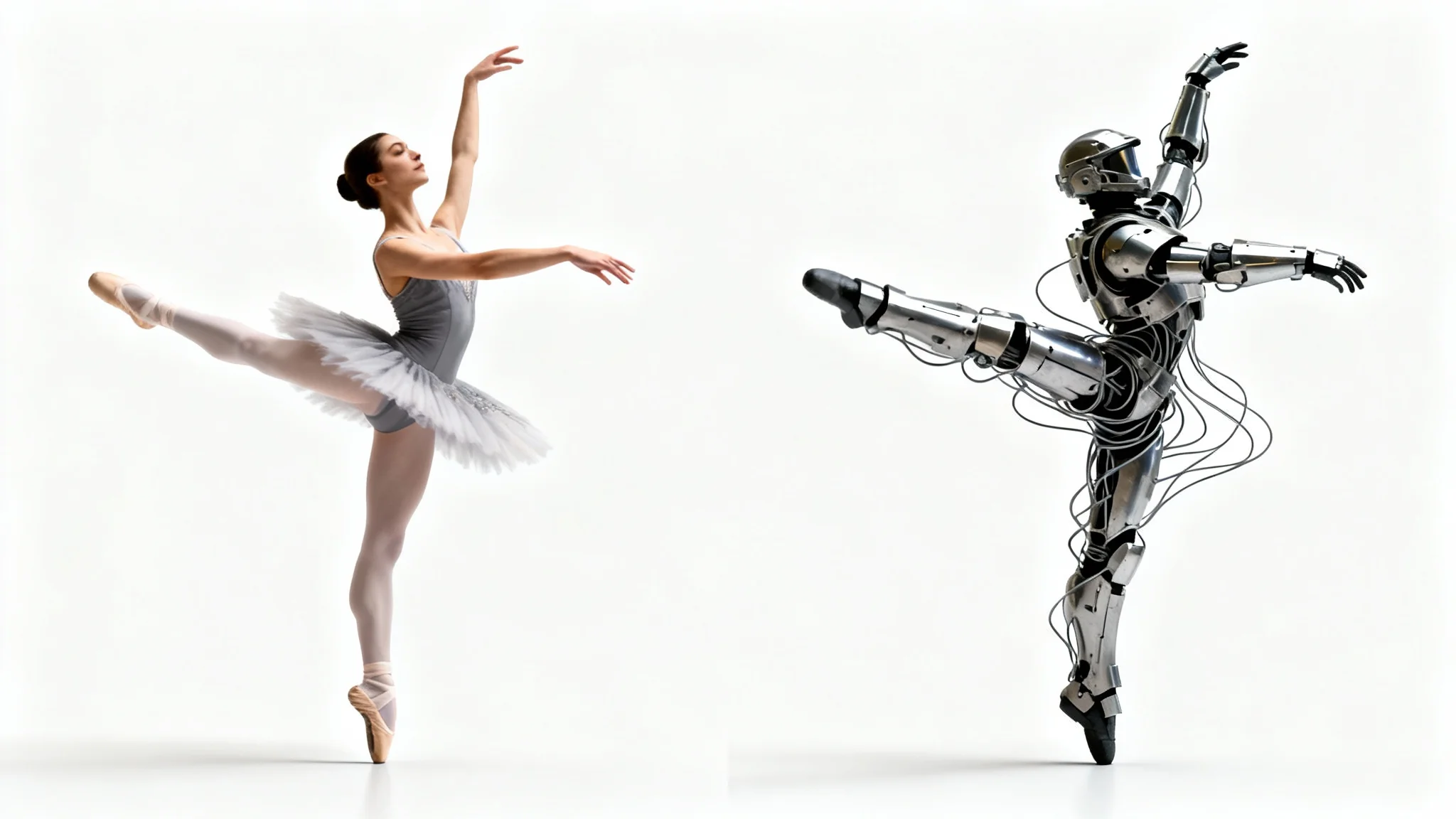
A conceptual image demonstrating body pose transfer. A ballet dancer in a graceful leap is shown next to a sci-fi soldier in heavy armor, who is mirroring the exact same ballet pose.
Social Media Content: Turn a standard photo into a dynamic, engaging post that stops the scroll. E-commerce Photography: Standardize model poses across your product listings for a clean, uniform catalog. Artistic Projects: Experiment with dramatic or unusual poses for compelling digital art and photo composites. Pre-visualization: Dancers and photographers can visualize choreography or specific shots before a photoshoot begins. Personal Photos: Adjust a slightly off pose in a favorite family picture to make it perfect.

Body Pose Transfer Use Cases

A side-by-side image showing a ballerina and a robot in the exact same ballet pose, with glowing lines connecting them to illustrate the concept of body pose transfer.

Frequently Asked Questions

Pixelcut is loved by over 2 million people

  • My favorite app

    Great app, easy to use. Helps our small business save time and money to create different marketing materials professionally. Thank you.
    Shaelyn D.
  • Best background remover

    I need a good background remover for my work and I've been through them all it feels like. This one is the best by far. It's so easy to use and the results always look amazing. Thank you Pixelcut!
    Kira H.
  • Love it

    It's amazingly easy and gives the perfect results for my bags and accessories. It looks like it was done by a professional photographer.
    Mary J.