My favorite app
Great app, easy to use. Helps our small business save time and money to create different marketing materials professionally. Thank you.
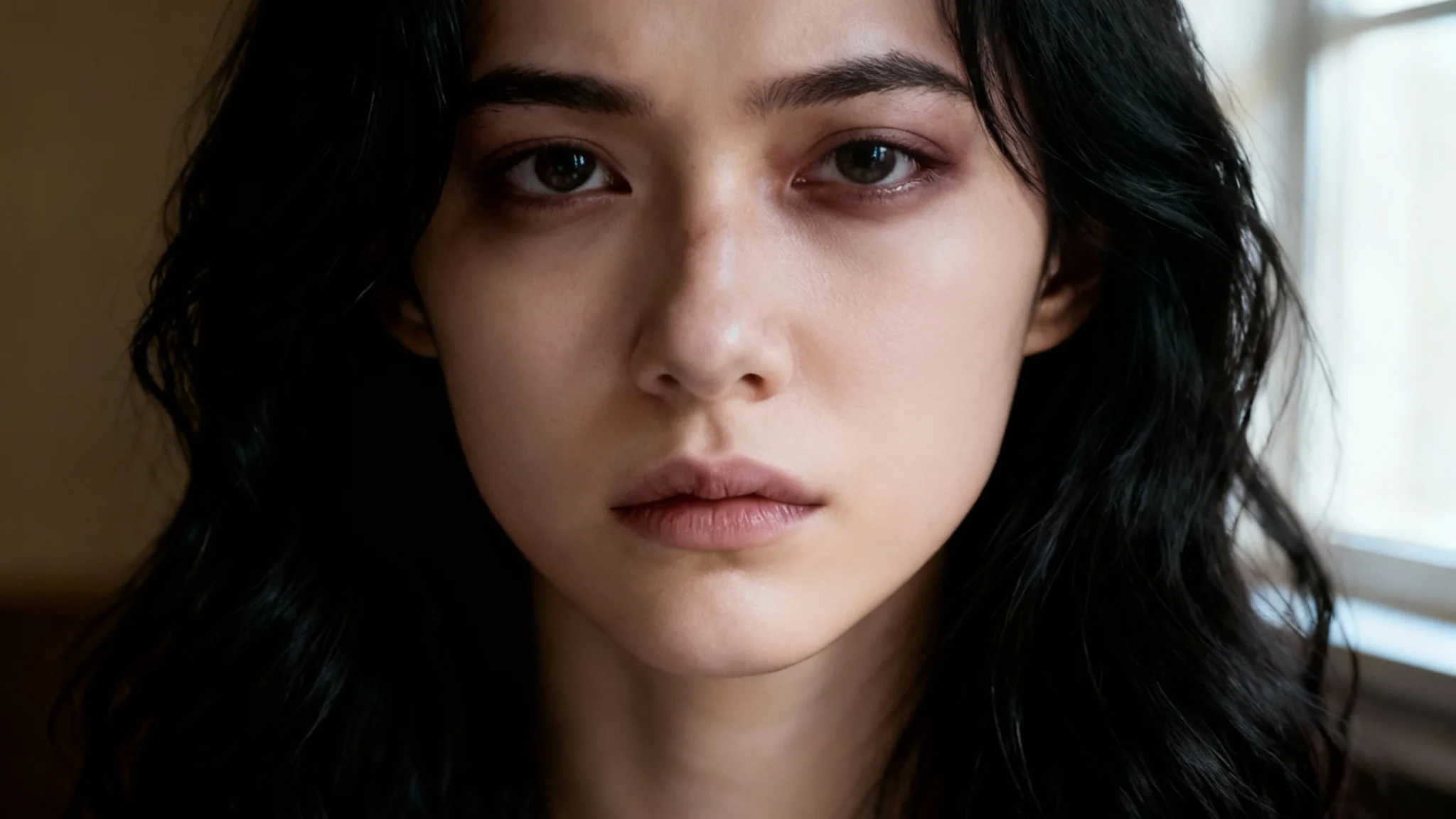
Begin by selecting and uploading the portrait or photo you wish to edit.
In the text box, describe the edit. For example, "add a black eye" or "remove the bruise on the leg."
Click the generate button and let the AI apply the changes to your photo in seconds.
Your edited photo is ready to be downloaded in high resolution, free of watermarks.
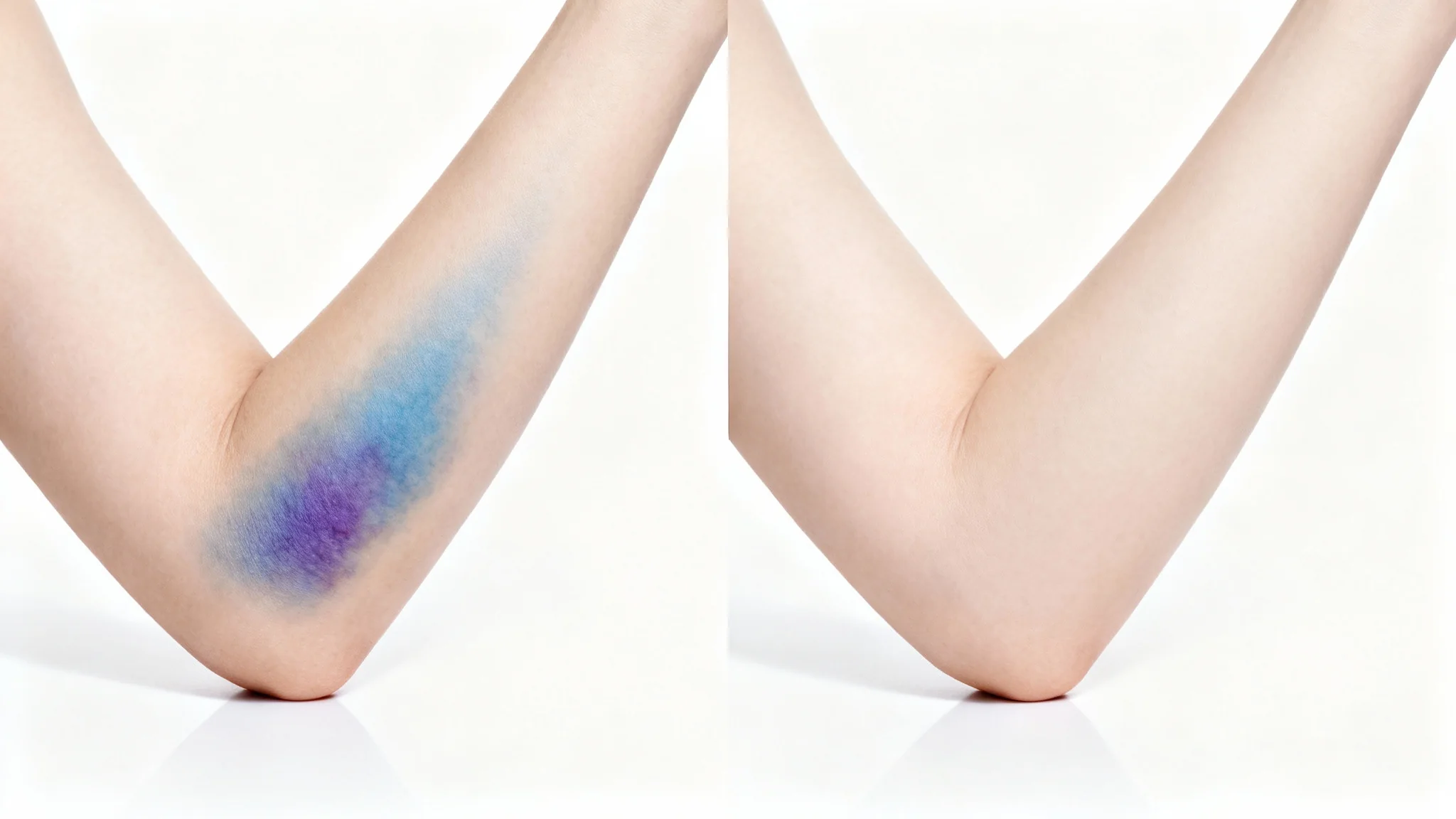
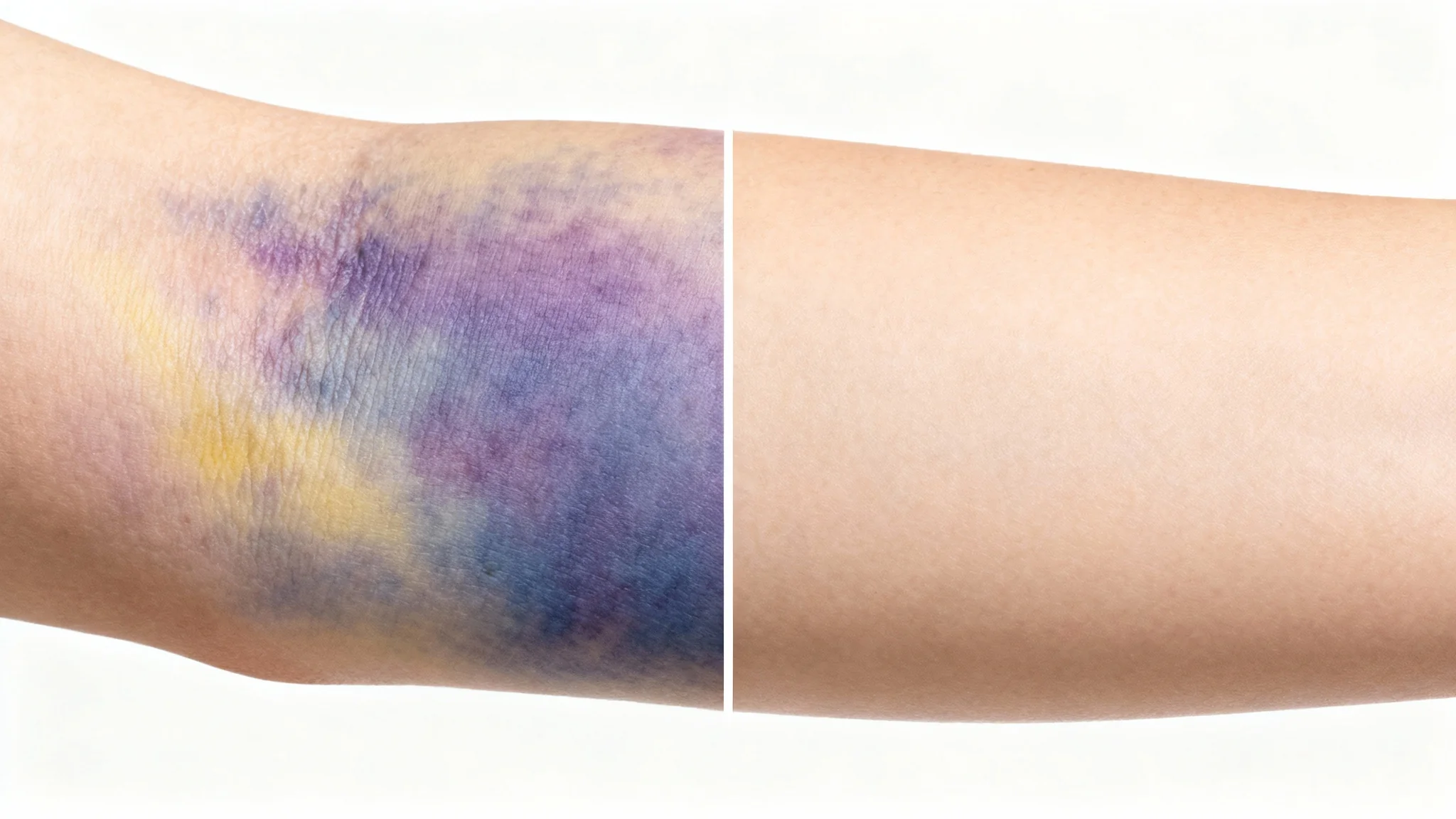
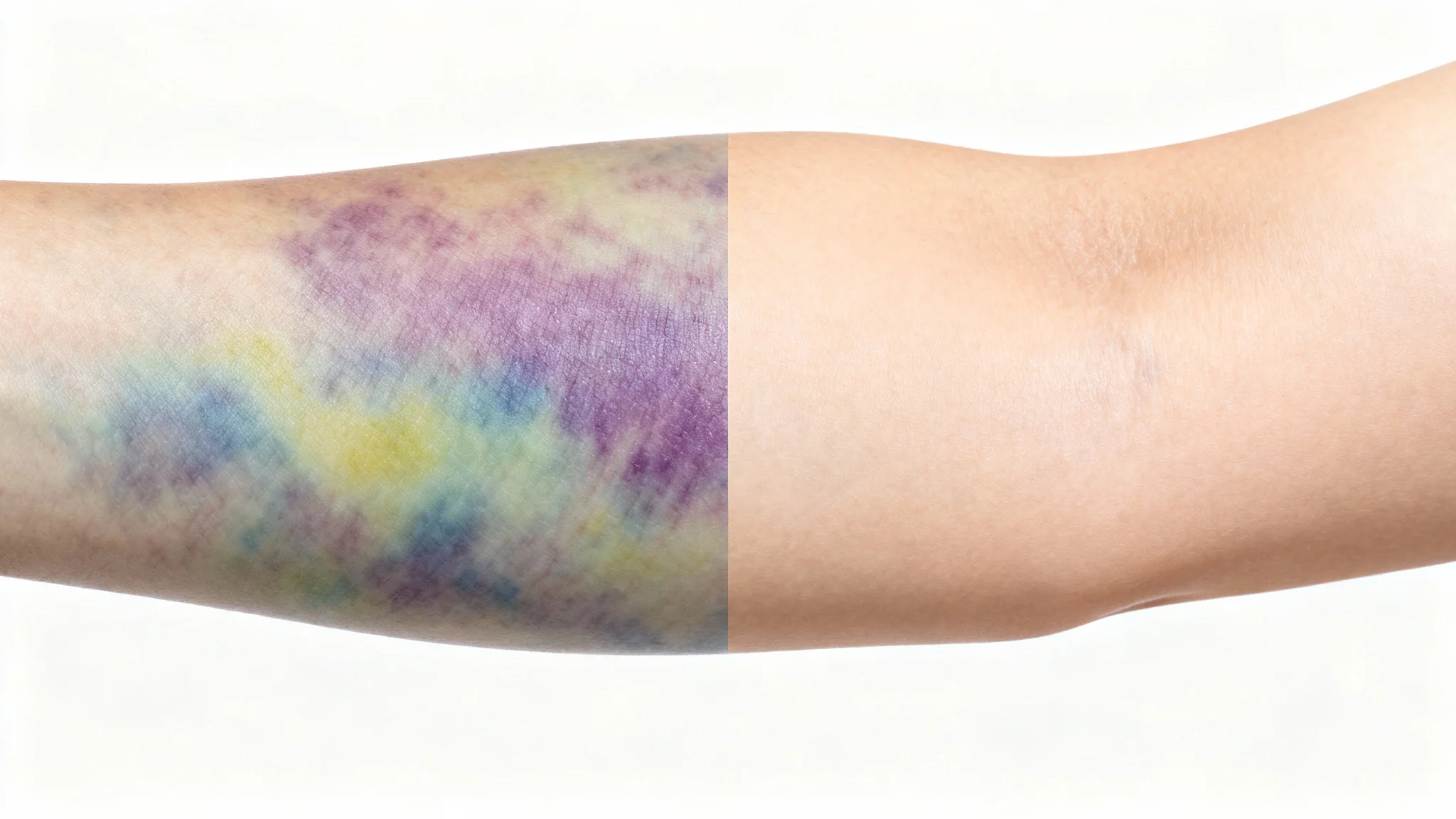
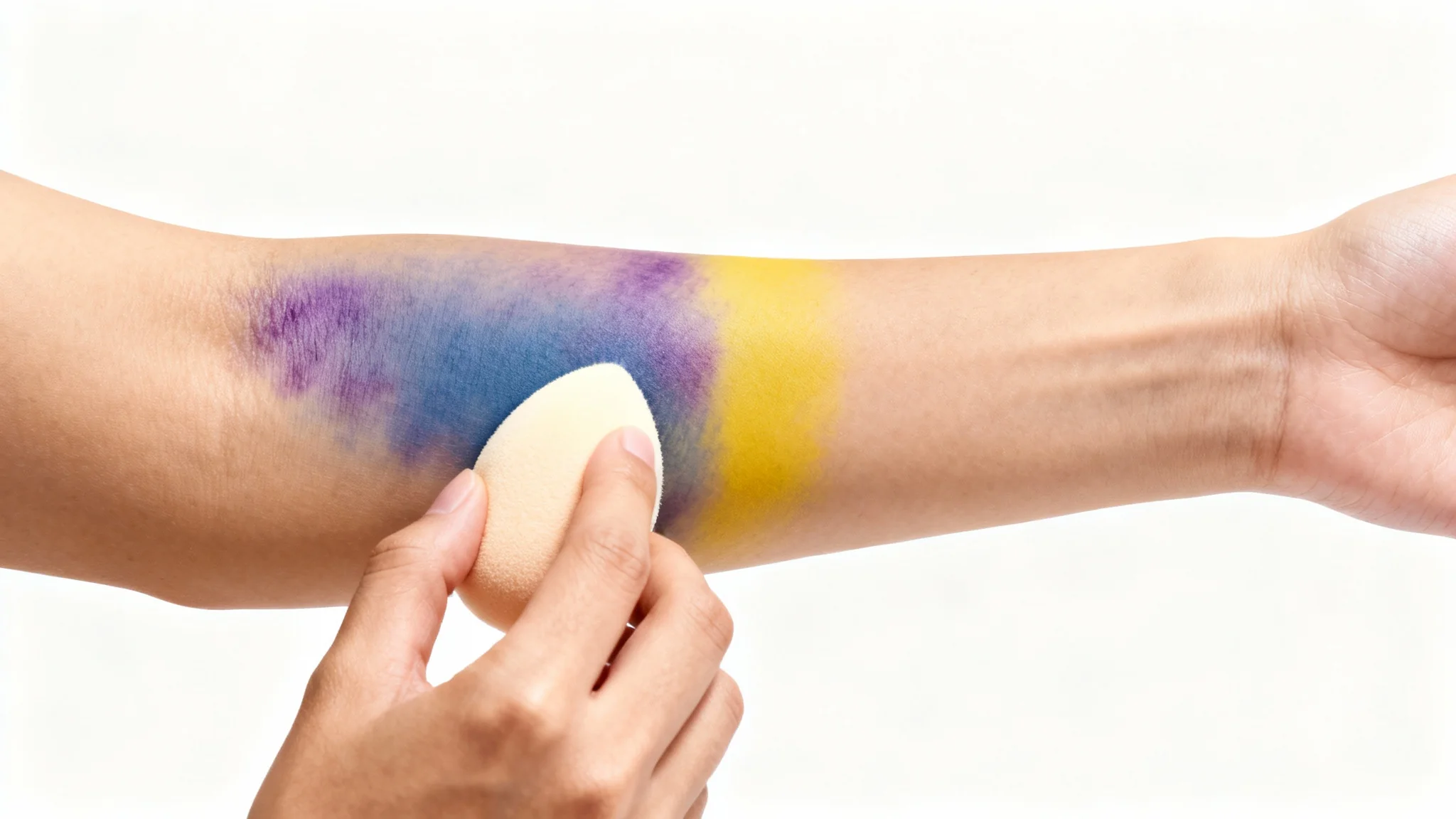
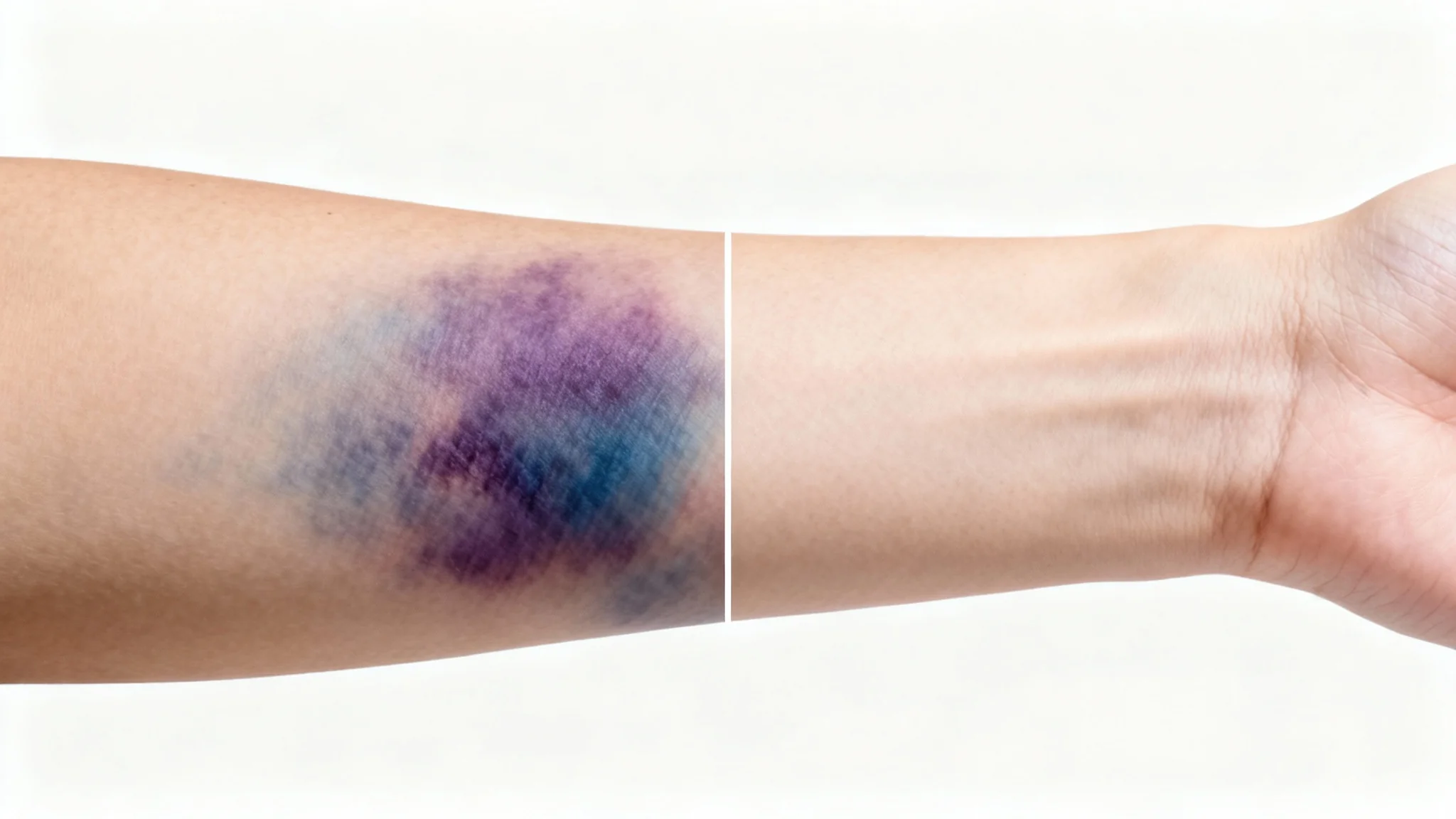
Upload the photo you want to edit. In the text box, describe the bruise you want to add. For example, you could type "add a dark purple bruise on the cheek" or "place a small, healing bruise on the forehead." The AI will then generate the effect on your image.
Yes, you have creative control through your text description. You can specify the color (e.g., purple, yellow, green), the apparent age (fresh or healing), size, and exact location on the body to make the bruise look as realistic as possible.
When you ask the AI to remove a bruise, it analyzes the pixels of the affected area and the surrounding skin. It then intelligently reconstructs the area, matching the skin tone and texture to make it look as if the bruise was never there.
Absolutely. It's a great tool for SFX artists to quickly prototype ideas, create reference images for complex injury makeups, or add effects in post-production. It saves time compared to applying makeup for a concept shot.
Yes, the tool is versatile. While it's optimized for bruises, you can also use it to remove other minor imperfections like scars, pimples, or blemishes by describing what you want to remove in the text prompt.
Yes, all images downloaded from Pixelcut, including those edited with the bruise photo editor, are high-resolution and watermark-free, making them suitable for both digital use and printing.
Great app, easy to use. Helps our small business save time and money to create different marketing materials professionally. Thank you.
I need a good background remover for my work and I've been through them all it feels like. This one is the best by far. It's so easy to use and the results always look amazing. Thank you Pixelcut!
It's amazingly easy and gives the perfect results for my bags and accessories. It looks like it was done by a professional photographer.