Pixelcut
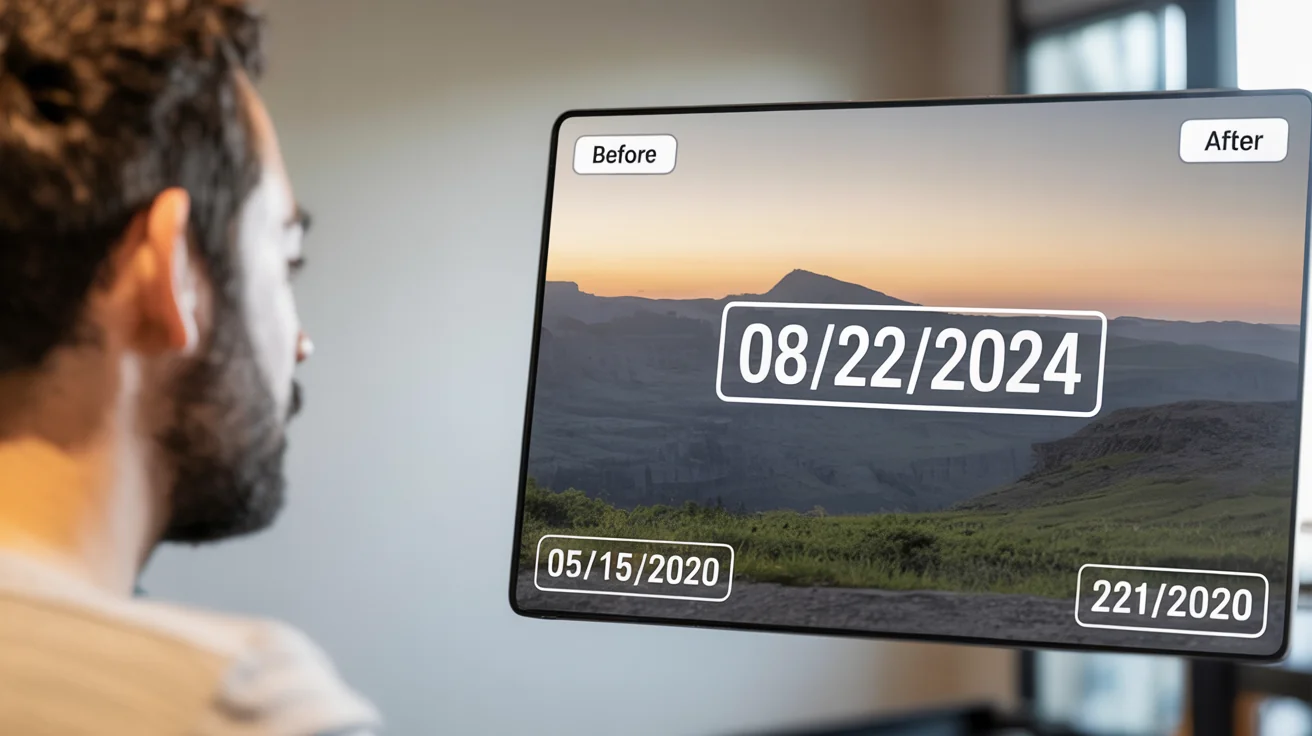
A side-by-side comparison showing the result of a photo date changing tool. The left image, labeled 'BEFORE', shows a scenic landscape with a date stamp of '05/15/2020'. The right image, labeled 'AFTER', shows the same photo with the date stamp changed to '08/22/2024'.

AI Photo Date Editor

Trusted by 70 million people
171,800 Reviews
Developer API
Available on iPhone & Android

How to Change the Date on a Photo

  1. 1

    Upload your photo

    Start by uploading the image with the date stamp you want to change, remove, or add.

  2. 2

    Enter your prompt

    In the text box, tell the AI what you want to do. For example, “Change date to 01/01/2000” or “Remove the date stamp.”

  3. 3

    Generate your edit

    Click the generate button and let the AI process your request, creating a new version of your photo in seconds.

  4. 4

    Download your photo

    Your edited photo is ready to download. Save the high-resolution, watermark-free image to your device.

Did your digital camera have the wrong time set during a vacation? Or maybe you scanned old family pictures and they all have today's date. Our AI tool lets you fix these errors effortlessly. Instead of navigating complex software, you can simply tell our AI what to do. Upload your image and type your instructions, like “remove the date” or “change the date to July 26, 1995.” Our tool intelligently removes the old timestamp and can replace it with a new one, making your photo memories accurate.

Correct Dates on Photos Instantly

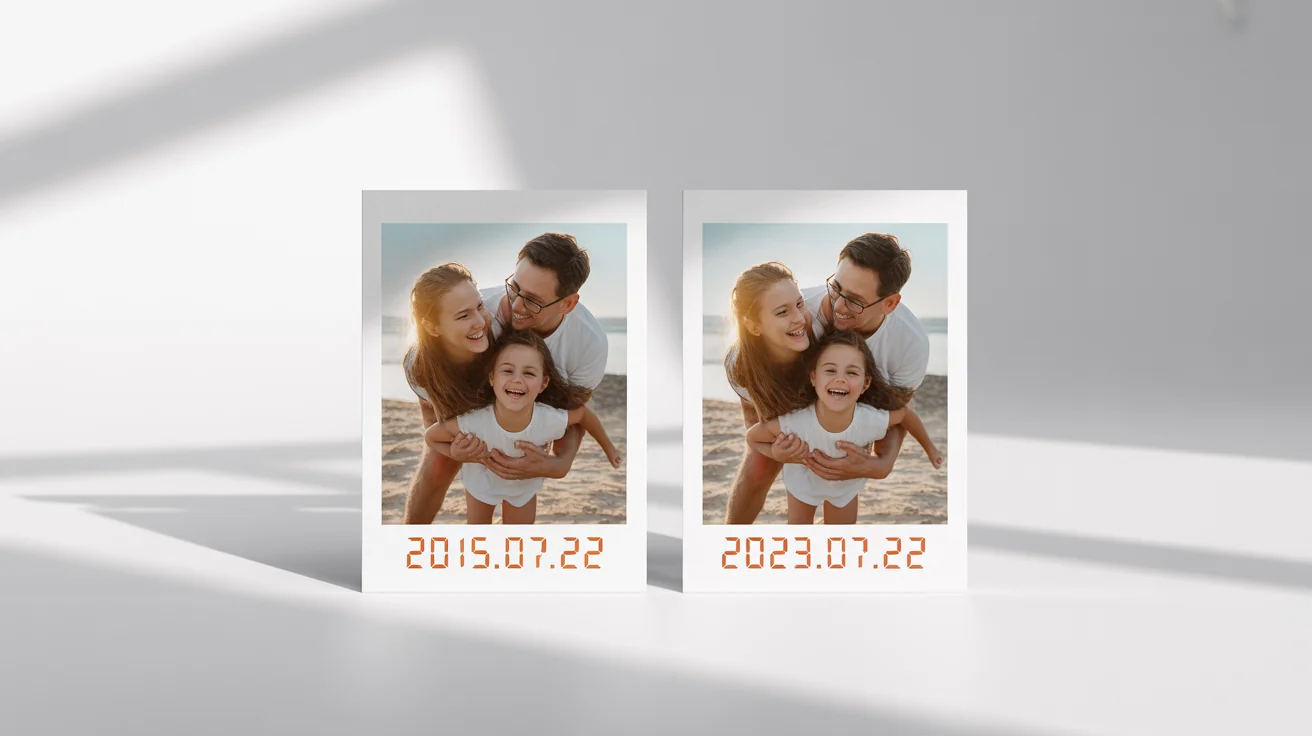
A before-and-after image demonstrating a date change on a photo. Two identical family beach photos are shown side-by-side; the first is dated 2015, and the second has been updated to 2023.
Pixelcut's AI makes it easy to get a clean image or add a new date for archival purposes. If a bright orange date stamp is ruining a perfect shot, just ask the AI to remove it. The tool will intelligently fill in the area, leaving no trace behind. Conversely, if you need to add a date to a photo for a project or for organizing your digital albums, you can instruct the AI to place a new, correctly formatted date anywhere on the image. It's a simple, fast way to control how your photos appear.

Seamlessly Remove or Add Date Stamps

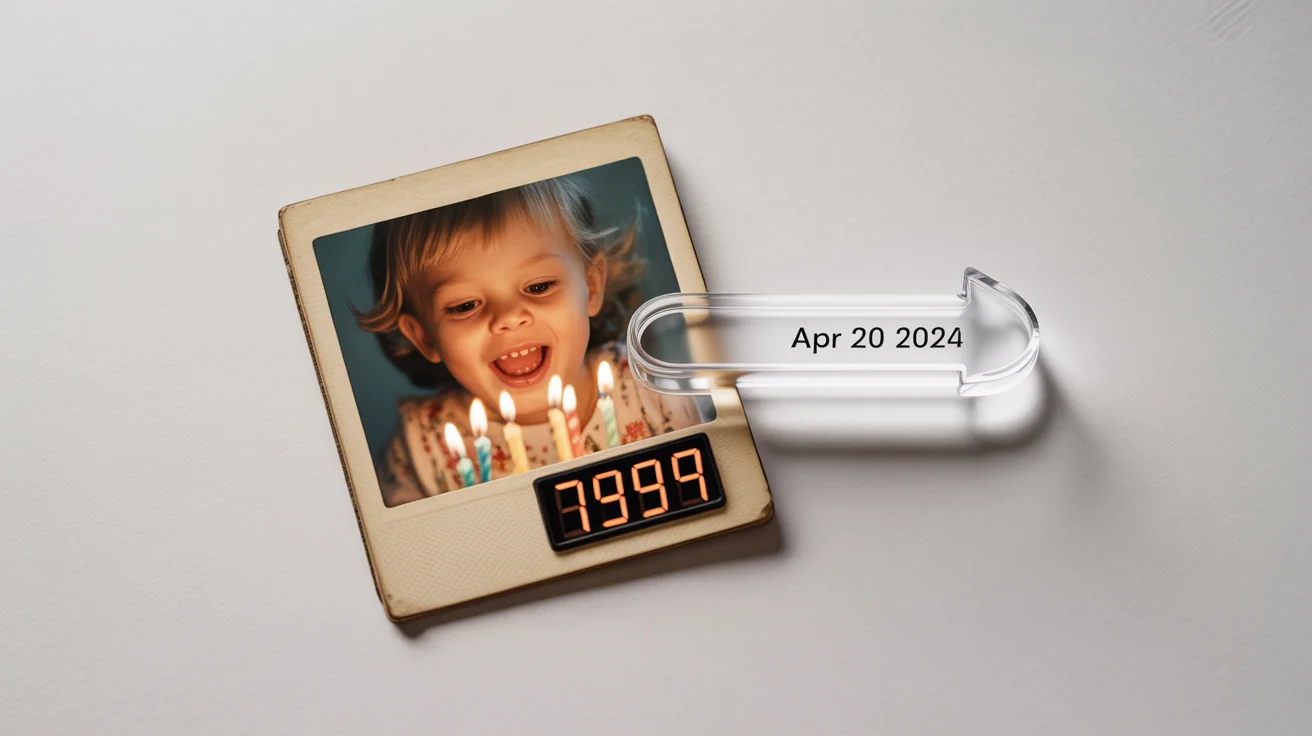
A vintage 90s photograph of a child's birthday on a white background. An arrow points from the old date stamp of 1994 to a new, modern date of 2024, illustrating the concept of changing a date on a photo.
This tool gives you complete creative control over the visual timeline of your photos. Whether you're fixing a simple mistake or preparing images for a creative project, you decide the final look. Correcting a scanned photo's date helps you build an accurate family history album. Changing a date on a picture can also be useful for creating themed social media posts or designing marketing materials for an event. It's not just about fixing errors; it’s about making your photos fit your story, whatever that may be.

Update Your Memories, Your Way

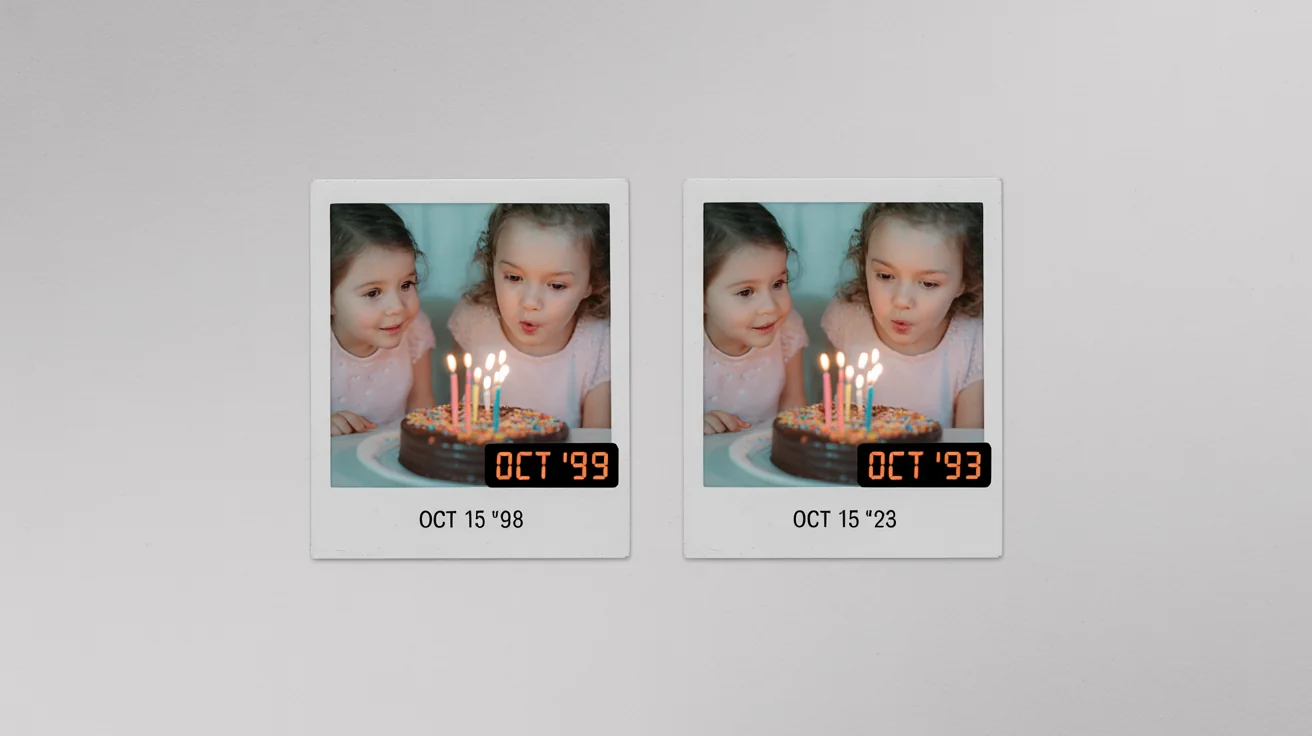
Two identical polaroid photos of a 90s birthday party. The left photo is dated 'OCT 15 ‘98' and the right photo is dated 'OCT 15 ‘23', illustrating a change of date on a photo.
It’s Effortless: No more complex menus. Just upload your picture and type a simple command to change the date. It’s Precise: AI technology cleanly removes old dates and can add new ones that blend naturally with the photo. It’s Flexible: Use it to correct, remove, or add a date stamp for any reason, from archival to creative projects. It's Quick: Get a high-resolution, edited image ready to download in moments, completely watermark-free. Perfect for restoring old memories or preparing images for professional use.

Why use Pixelcut's AI Photo Date Editor?

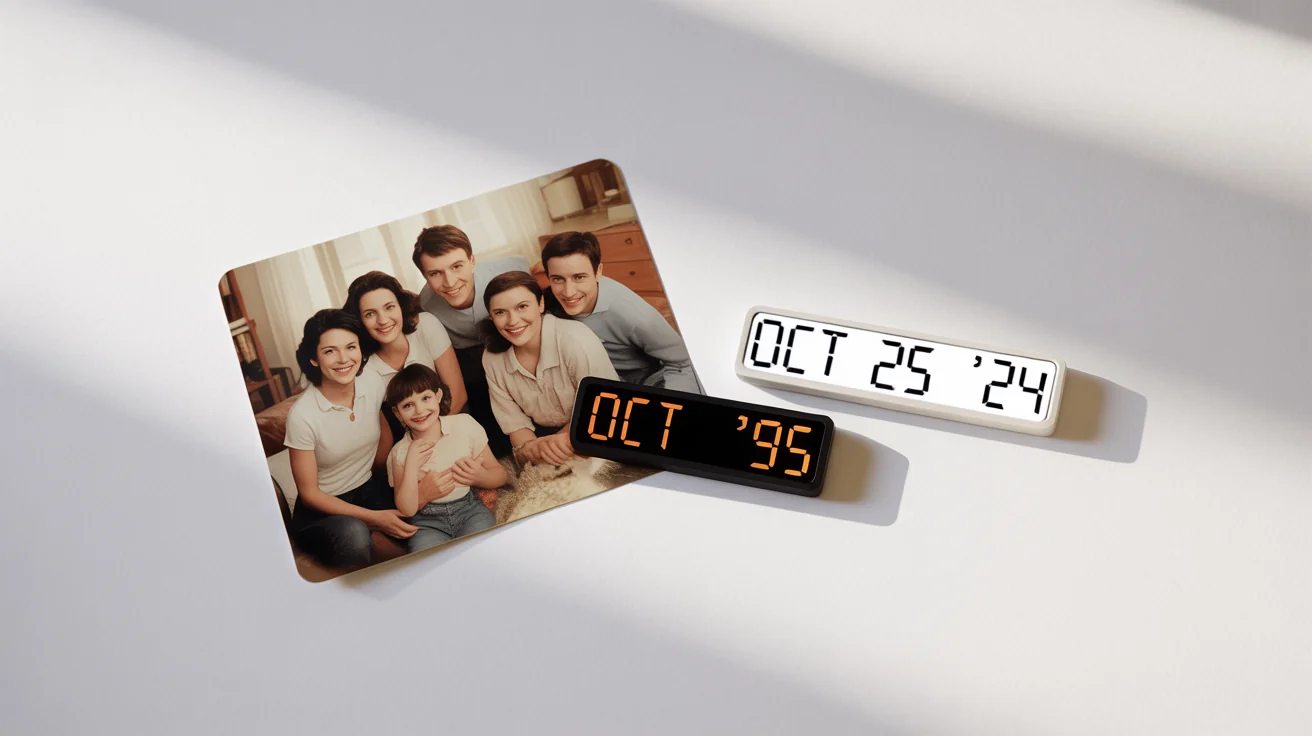
A conceptual image showing a vintage photograph with a 1995 date stamp. A modern cursor points to the old date as a new 2024 date stamp appears next to it, symbolizing the ability to change the date on a photo.
Correct Scanned Photos: Fix the dates on old family pictures that show the scanning date instead of the original date. Fix Camera Errors: Easily correct photos from a camera with an incorrectly set internal clock. Create Throwback Posts: Add a vintage date stamp to a new photo for a fun social media post. Organize Digital Albums: Ensure all your photos are chronologically accurate for easy sorting and viewing. Prepare Legal or Business Documents: Add or correct dates on images needed for documentation or evidence.

Change Photo Date Use Cases

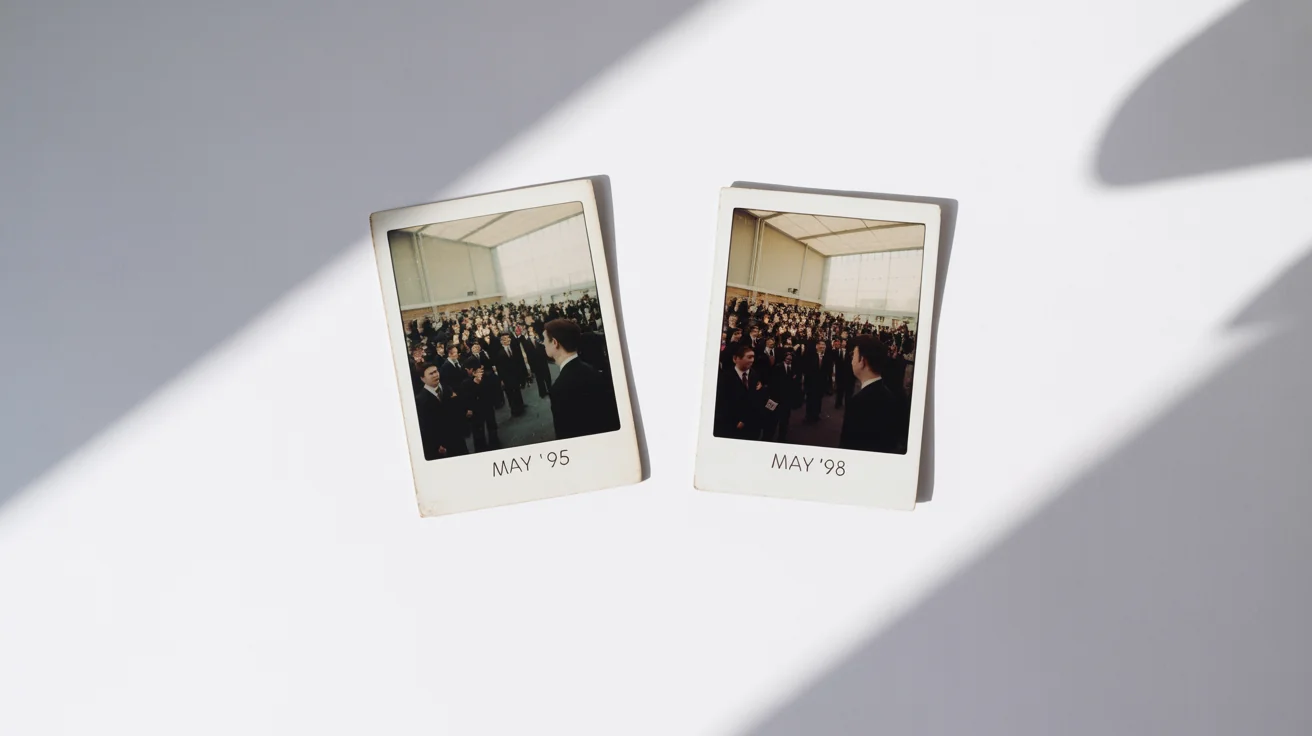
Two identical vintage graduation photos on a white background. The photo on the left is dated 1995, while the photo on the right is dated 1998, visually representing a date change.

Frequently Asked Questions

Pixelcut is loved by over 2 million people

  • My favorite app

    Great app, easy to use. Helps our small business save time and money to create different marketing materials professionally. Thank you.
    Shaelyn D.
  • Best background remover

    I need a good background remover for my work and I've been through them all it feels like. This one is the best by far. It's so easy to use and the results always look amazing. Thank you Pixelcut!
    Kira H.
  • Love it

    It's amazingly easy and gives the perfect results for my bags and accessories. It looks like it was done by a professional photographer.
    Mary J.