Pixelcut
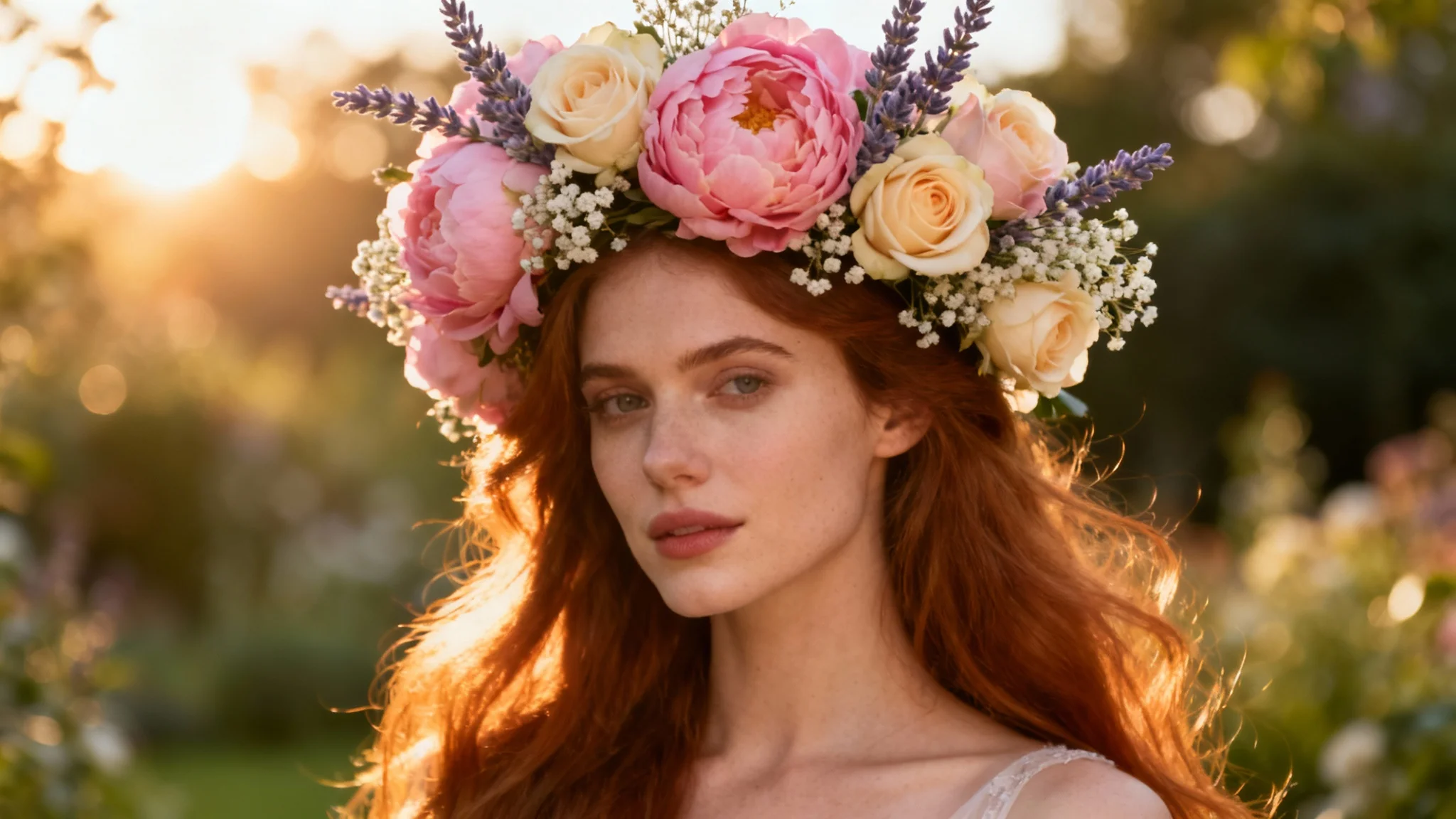
A stunning hero image of a woman with long hair wearing a beautifully designed, intricate flower crown made of pink and cream flowers, set against a soft, sunlit garden background.

AI Flower Crown Generator

Trusted by 70 million people
171,800 Reviews
Developer API
Available on iPhone & Android

How to Add a Flower Crown to Your Photo

  1. 1

    Upload your photo

    Start by selecting and uploading the image you want to add a flower crown to. A clear portrait shot works best.

  2. 2

    Describe your flower crown

    In the text prompt, write a description of your ideal crown. Mention flowers, colors, and style. For example, "Add a crown of white and yellow daisies."

  3. 3

    Generate your image

    Click the generate button and let the AI create and place the custom flower crown onto your photo in just a few seconds.

  4. 4

    Download your new photo

    Your photo with its new floral accessory is ready. Download the high-resolution PNG image to share online or use in your projects.

Instantly adorn your photos with beautiful flower crowns using the power of AI. Forget complicated photo editing software; all you need to do is upload your picture and type a simple description of the floral wreath you envision. Whether you want a delicate crown of daisies or a vibrant mix of roses and peonies for a festival look, our AI tool brings your idea to life. This makes it easy for anyone to achieve a professional and enchanting edit without any design experience, turning your portraits into works of art.

Create Your Custom Floral Look in Seconds

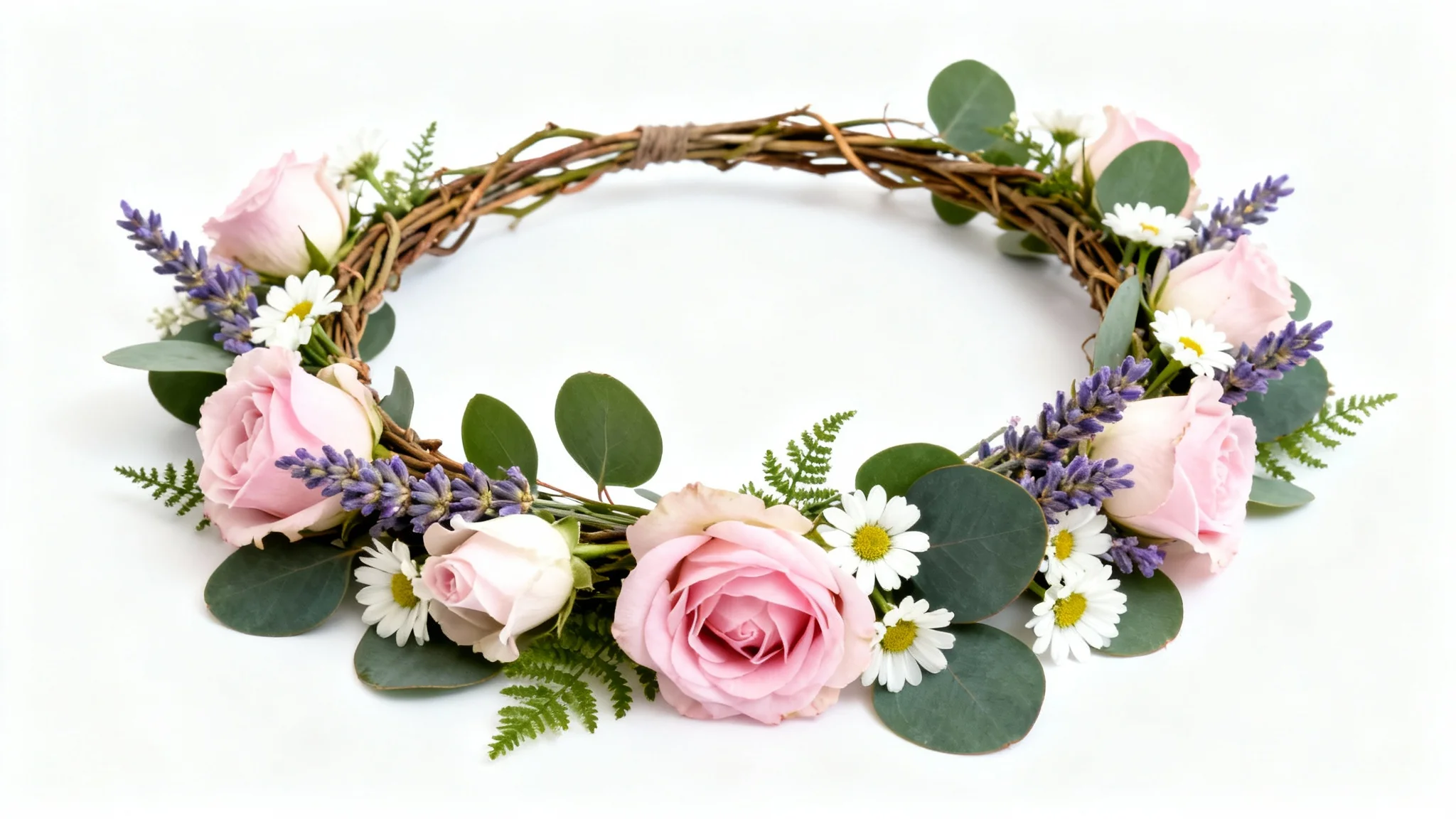
A beautifully handcrafted flower crown with pink roses, white daisies, and green leaves, presented as a product mockup on a plain white background.
The only limit is your imagination. Our AI flower crown generator lets you specify the exact types of flowers, colors, and styles you desire. Ask for a bohemian crown with wildflowers and greenery, a romantic wreath of red roses, or even a fantasy-inspired halo of glowing blossoms. By simply changing your text prompt, you can experiment with different floral arrangements until you find the perfect match for your photo's mood and your personal style, ensuring a unique and personalized result every single time.

Endless Flower Combinations

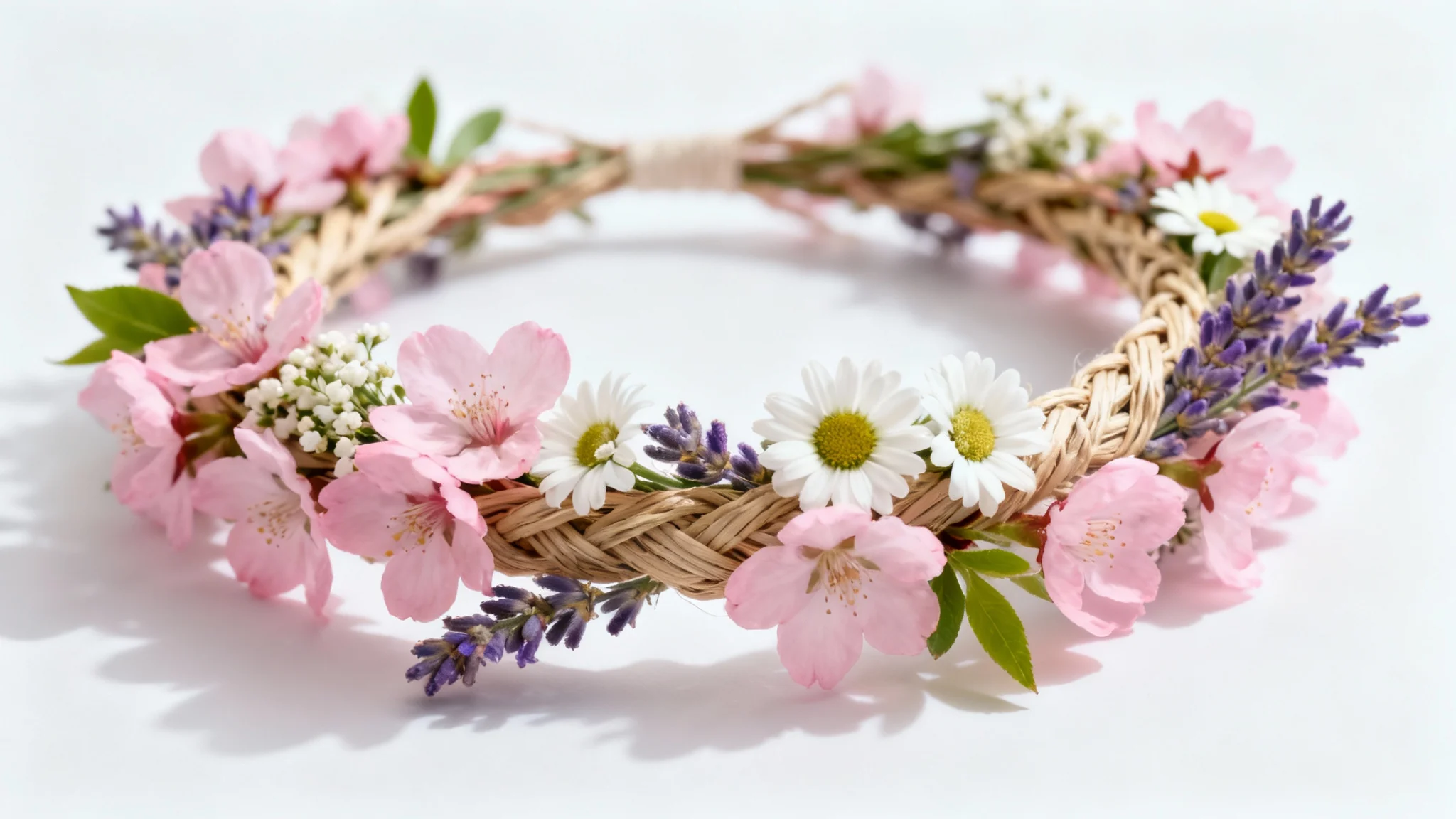
A close-up photograph of a beautifully crafted flower crown made of pink cherry blossoms, white daisies, and lavender, sitting on a pure white background.
Our AI is designed to intelligently place the flower crown on the subject in your photo, taking into account head shape, angle, and lighting for a natural appearance. The generator adds the floral wreath so it blends with your hair and the overall environment of the image, creating a believable and high-quality result. This smart integration means you can add a touch of floral elegance to your pictures for social media, special occasions, or just for fun, and get a result that looks effortlessly real.

Seamlessly Integrated and Natural Results

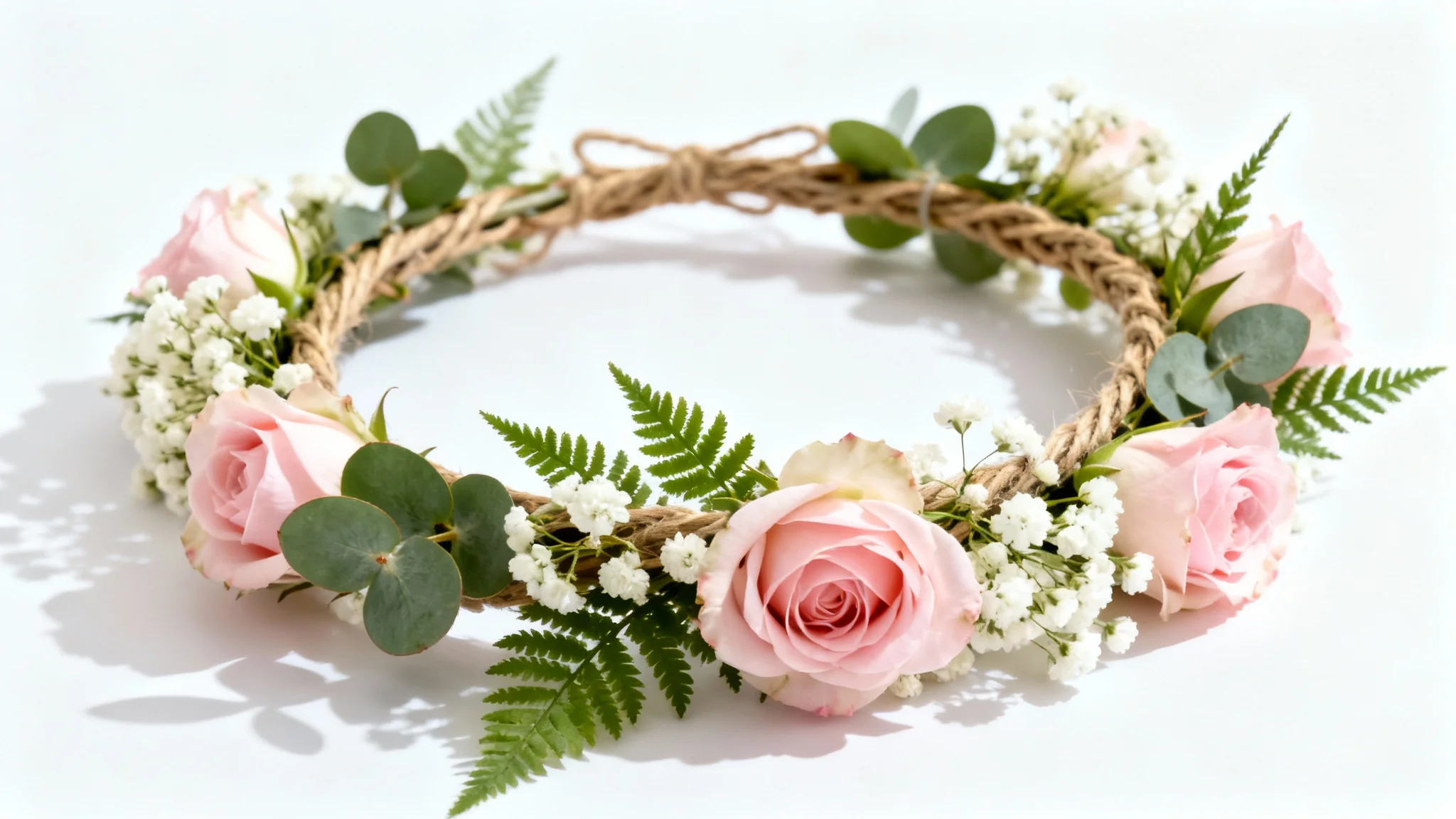
A beautiful, handcrafted flower crown made of pink roses, white baby's breath, and green leaves, displayed elegantly on a pure white background.
It’s Fast: Go from a simple photo to a floral masterpiece in just a few moments. It's Easy to Use: Simply upload a photo and write a text prompt. No complex tools needed. AI-Powered: Our AI intelligently adds your described flower crown for a realistic look. Fully Customizable: Describe any flower, color, or style to create your dream crown. Perfect for Any Photo: Enhance your profile pictures, event photos, or creative projects with a beautiful, custom-made floral accessory.

Why use Pixelcut's AI Flower Crown Generator?

An elegant and detailed flower crown with pink, white, and blue flowers and green leaves, shot in a professional product photography style against a clean white background.
Social Media Profiles: Create a stunning and whimsical new profile picture for your accounts. Event Photos: Add a festive touch to photos from weddings, parties, and music festivals. Artistic Portraits: Turn your portraits into fantasy or bohemian-inspired works of art. Seasonal Greetings: Create beautiful photos for spring-themed announcements or greeting cards. Virtual Try-On: Experiment with different floral looks for an upcoming event or celebration before committing to a real one.

Flower Crown Generator Use Cases

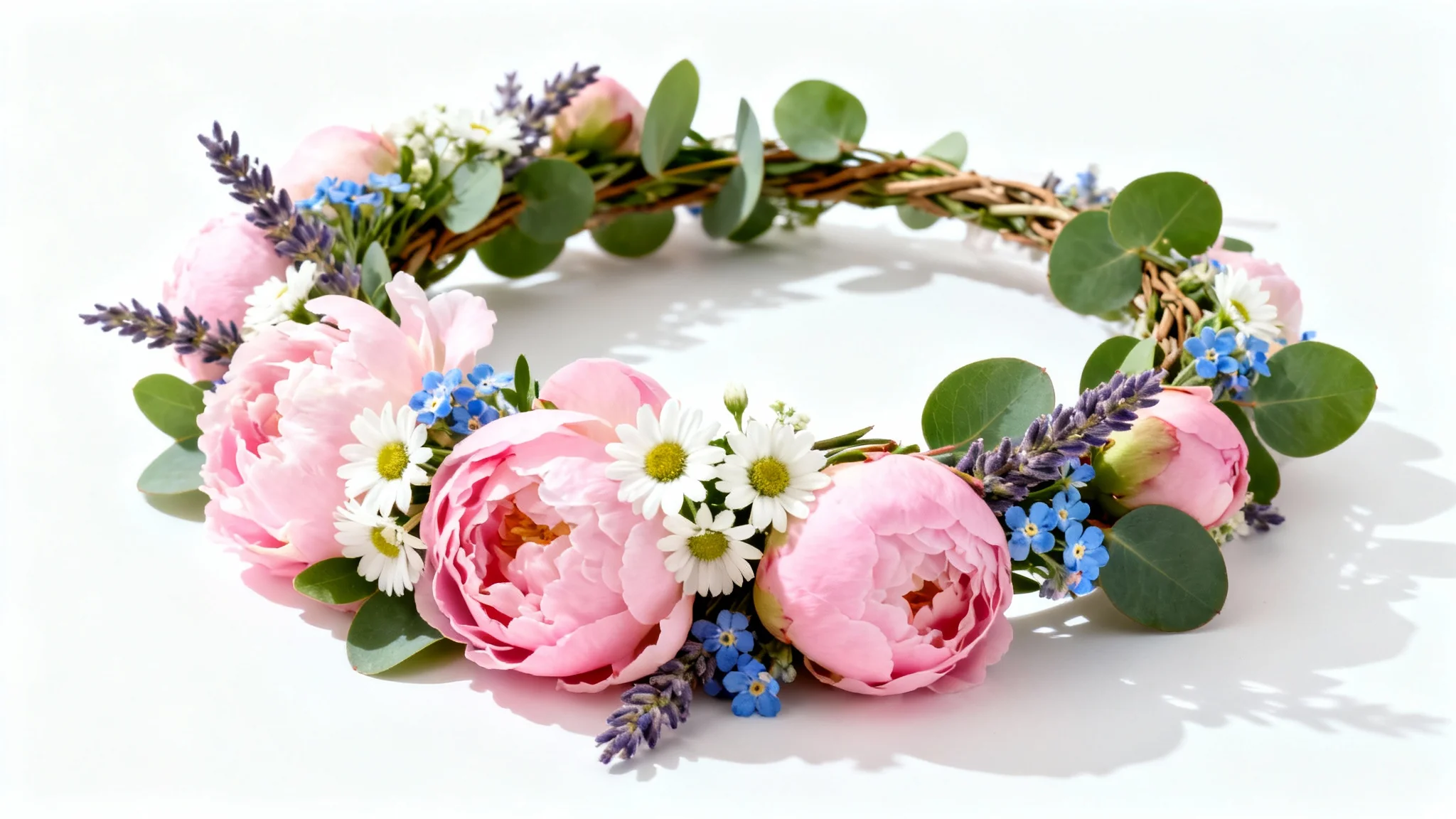
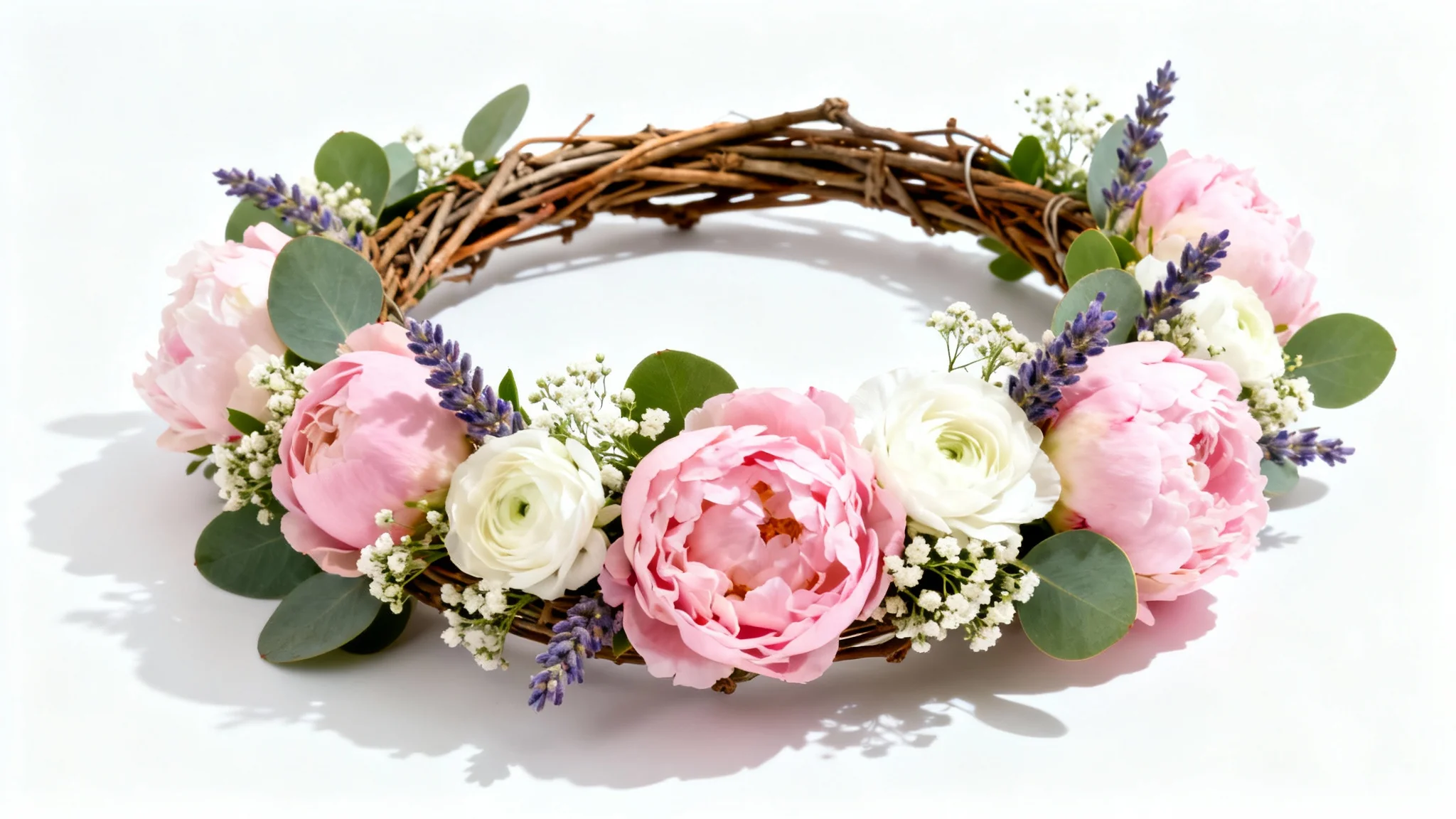
A beautiful, handcrafted flower crown with pink peonies, white flowers, and green leaves, displayed against a clean white background in a professional product photo style.

Frequently Asked Questions

Pixelcut is loved by over 2 million people

  • My favorite app

    Great app, easy to use. Helps our small business save time and money to create different marketing materials professionally. Thank you.
    Shaelyn D.
  • Best background remover

    I need a good background remover for my work and I've been through them all it feels like. This one is the best by far. It's so easy to use and the results always look amazing. Thank you Pixelcut!
    Kira H.
  • Love it

    It's amazingly easy and gives the perfect results for my bags and accessories. It looks like it was done by a professional photographer.
    Mary J.