Pixelcut
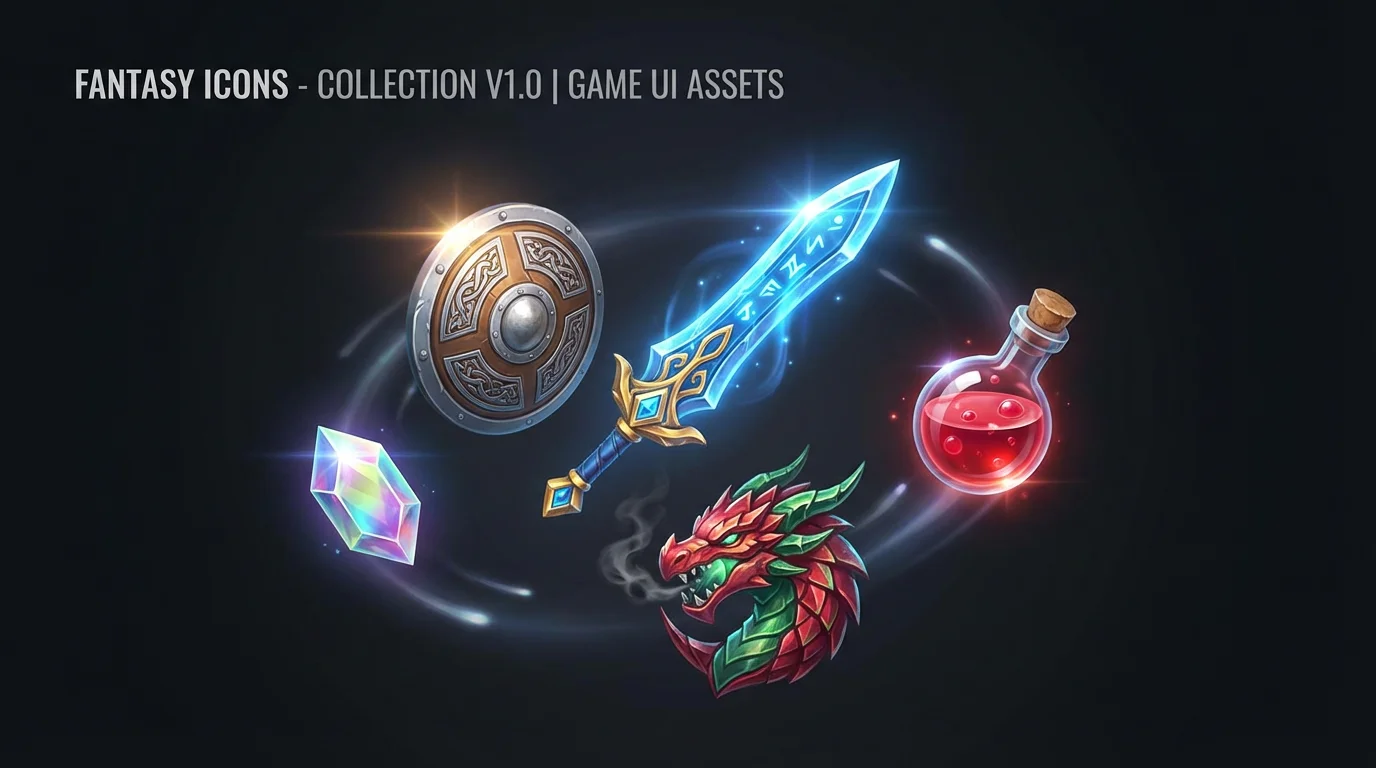
A dynamic arrangement of high-quality fantasy gaming icons, including a sword, shield, and dragon emblem, displayed against a clean dark background, representing the final output of a design tool.

Free AI Gaming Icon Generator

Trusted by 70 million people
171,800 Reviews
Developer API
Available on iPhone & Android

How to Create a Gaming Icon

  1. 1

    Describe Your Icon

    Start by typing a description of the icon you want. Include details like the subject, style, and colors. For example, 'A glowing blue sword icon, fantasy style'.

  2. 2

    Generate Your Icon

    Click the generate button and let the AI create your custom gaming icon. The tool will interpret your prompt and produce a unique image in seconds.

  3. 3

    Download and Use

    Your high-resolution icon is ready to download for free. Use it for your app, game, Discord server, or Twitch channel. All downloads are watermark-free.

Go from a simple idea to a finished game icon in seconds. Our AI gaming icon generator empowers you to create high-quality visuals without needing any design experience. Describe what you envision, whether it's a shield for an RPG, a spaceship for a sci-fi adventure, or a character for a mobile game. The AI interprets your text and produces a distinctive icon ready for your project. This tool makes professional-level design accessible to everyone, helping you establish your game's identity with speed and ease.

Create Your Perfect Game Icon Instantly

A 3x3 grid of nine diverse and colorful gaming icons on a clean white background, showcasing styles from fantasy to sci-fi and retro.
Define your game's visual style with complete creative control. Specify elements like pixel art for a retro feel, a sleek futuristic look for a sci-fi game, or a cartoon style for a fun mobile app. You can dictate the color scheme, key symbols, and overall mood to ensure the icon perfectly matches your game's world. Whether you need an icon for an app store, a specific in-game item, or a profile picture for your streaming channel, our tool provides the flexibility to create something truly representative of your brand.

Infinite Styles for a Unique Identity

A mockup showcasing three different gaming icons on a white background: a glowing purple magic potion, a blue sci-fi energy shield, and a red and orange dragon emblem.
Generate crisp, high-resolution icons that look great everywhere. From a small app icon on a phone screen to a larger presence on a Steam page or website, your creations will be clear and professional. You can download your finished icons in popular formats like PNG and JPEG. This ensures your game or channel maintains a polished and consistent look across all platforms, helping you attract and retain players. Create icons that are ready for immediate use in the App Store, Google Play, Twitch, and beyond.

High-Quality Icons for Every Platform

A vibrant collection of professionally designed gaming icons, including a sword, laser gun, and shield, displayed in a grid on a clean white background, showcasing different art styles.
It’s Fast: Generate a complete icon from a text prompt in moments. It’s Easy: No design software or skills are needed. If you can describe it, you can create it. AI-Powered: Leverage advanced AI to produce unique and creative icons based on your ideas. Fully Customizable: Tweak your descriptions to adjust styles, colors, and subjects for the perfect result. Versatile Use: Create icons for games, apps, Discord servers, Twitch channels, and more. All downloads are watermark-free and ready for professional use.

Why use Pixelcut's AI Gaming Icon Generator?

A modern esports gaming icon mockup of a stylized, geometric wolf head in charcoal and silver with glowing blue eyes, set against a plain white background.
App Store Icons: Design a standout icon that grabs attention on the App Store or Google Play. In-Game Items: Create visuals for inventory items like potions, weapons, armor, and currency. Twitch & Discord: Make a custom icon for your streaming channel, Discord server, or profile picture. Game Jam Prototypes: Quickly generate placeholder or final icons for your game jam projects. Social Media Branding: Establish a consistent brand identity across all your social media profiles with a unique gaming logo.

Gaming Icon Use Cases

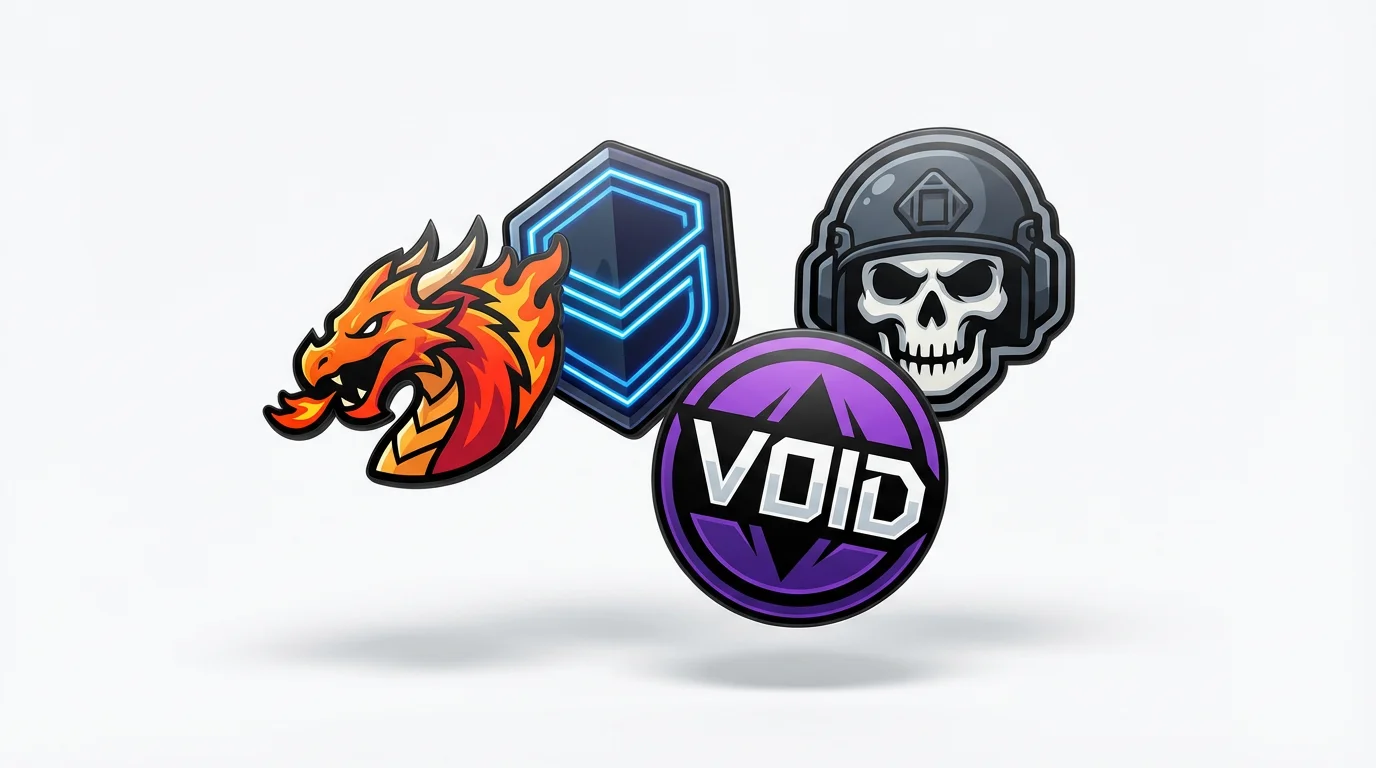
A collection of four modern, vector-style gaming icons, including a dragon, a shield, and a skull, floating against a clean white background.

Frequently Asked Questions

Pixelcut is loved by over 2 million people

  • My favorite app

    Great app, easy to use. Helps our small business save time and money to create different marketing materials professionally. Thank you.
    Shaelyn D.
  • Best background remover

    I need a good background remover for my work and I've been through them all it feels like. This one is the best by far. It's so easy to use and the results always look amazing. Thank you Pixelcut!
    Kira H.
  • Love it

    It's amazingly easy and gives the perfect results for my bags and accessories. It looks like it was done by a professional photographer.
    Mary J.