My favorite app
Great app, easy to use. Helps our small business save time and money to create different marketing materials professionally. Thank you.
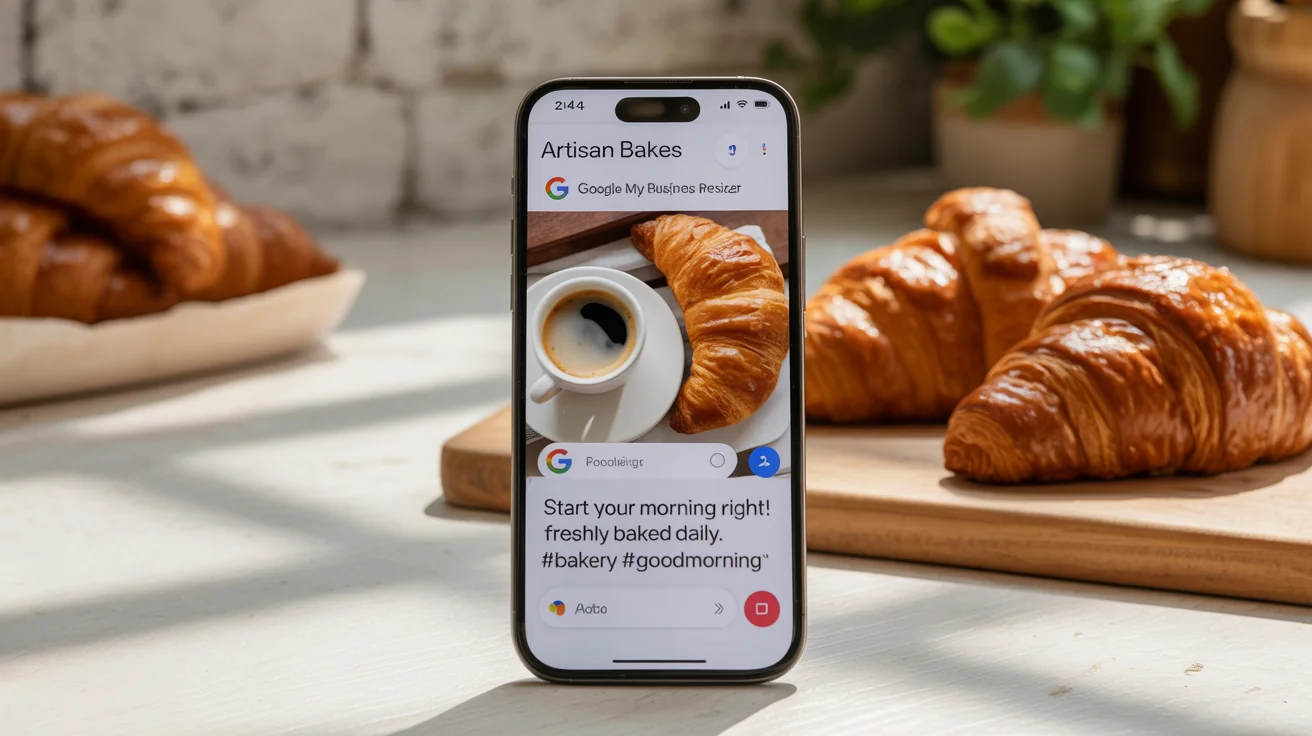
Start by selecting the photo you want to feature in your Google Business Profile post. This can be a product shot, an event flyer, or a team picture.
In the text box, simply type a command like "Resize this image for a Google My Business post." Our AI will know exactly what to do.
Click the generate button. In just a few moments, the AI will resize your photo to the ideal dimensions and aspect ratio for GMB.
Your perfectly sized, high-resolution image is ready to download. Use it to create an engaging and professional-looking post that will capture customer attention.


The recommended size for Google Business Profile post images is 1200 x 900 pixels, which maintains a 4:3 aspect ratio. Our tool automatically resizes your images to these optimal dimensions, so you don't have to remember the numbers.
Photos often appear blurry on Google My Business if they are too small or have an incorrect aspect ratio, causing Google to stretch or crop them poorly. Using our resizer ensures your images meet the recommended dimensions, preventing blurriness and maintaining quality.
You can use Pixelcut's free AI image resizer. Simply upload the image you want to use for your post, enter a prompt like "resize for GMB post," and the tool will automatically adjust it to the perfect size for you to download.
The recommended aspect ratio for Google My Business post images is 4:3. Our tool automatically formats your photos to this ratio to ensure they display correctly across all devices without awkward cropping.
No, you don't. The AI is trained on the latest Google Business Profile guidelines. Just tell the AI you want to resize the image for a GMB post, and it will handle applying the correct dimensions for you.
While this tool is optimized for GMB posts, it can also resize images for other purposes. For best results with logos or cover photos, specify that in your prompt, for example, "Resize this for a Google Business Profile logo," as their dimensions (1:1 and 16:9 respectively) differ from posts.
Great app, easy to use. Helps our small business save time and money to create different marketing materials professionally. Thank you.
I need a good background remover for my work and I've been through them all it feels like. This one is the best by far. It's so easy to use and the results always look amazing. Thank you Pixelcut!
It's amazingly easy and gives the perfect results for my bags and accessories. It looks like it was done by a professional photographer.