Pixelcut
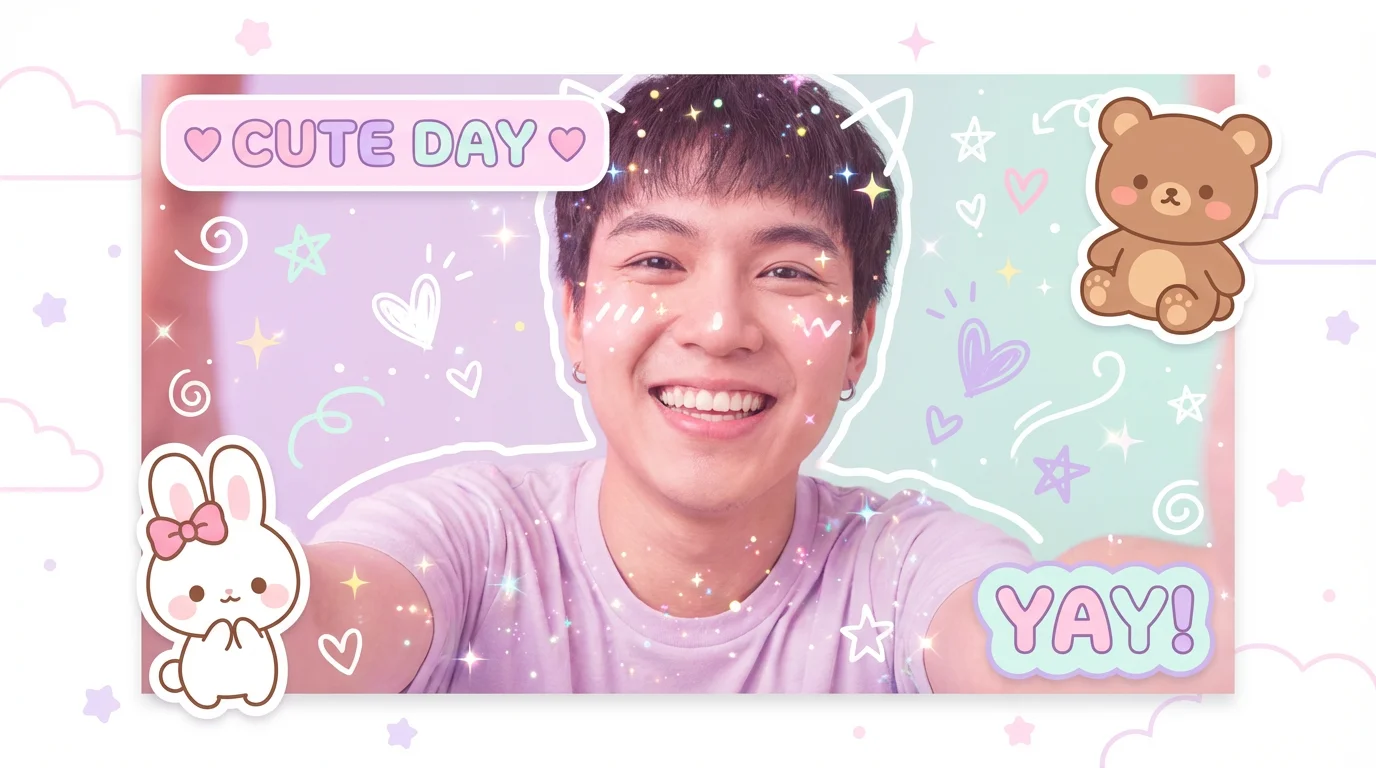
A selfie of a happy person transformed by a kawaii photo editor, featuring cute animal stickers, sparkles, pastel colors, and text bubbles that say 'CUTE DAY' and 'YAY!'.

AI Kawaii Photo Editor

Trusted by 70 million people
171,800 Reviews
Developer API
Available on iPhone & Android

How to Make Your Photos Kawaii

  1. 1

    Upload your photo

    Start by uploading the image you want to make cute. This can be a selfie, a picture of your pet, or any photo you like.

  2. 2

    Describe your cute edits

    In the prompt box, type in the kawaii effects you want. For example: 'add sparkles, blushing cheeks, and a fluffy white cat sticker'.

  3. 3

    Generate your kawaii photo

    Click the generate button and let our AI apply your described edits, transforming your photo into a unique and cute creation.

  4. 4

    Download and share

    Your new, adorable photo is ready! Download it in high-resolution and share it with your friends or on your social media profiles.

Forget complicated photo editing tools. With Pixelcut’s AI photo editor, you can create the perfect kawaii aesthetic just by describing it. Upload your selfie, group photo, or favorite snapshot and simply type in your desired edits. Want to add cute animal stickers, heart-shaped effects, or a soft pastel overlay? Just ask. Our AI interprets your text prompt and applies the changes for you, giving you a charming, ready-to-share picture without the manual effort of placing stickers or adjusting filters one by one.

From Simple to Sweet in Seconds

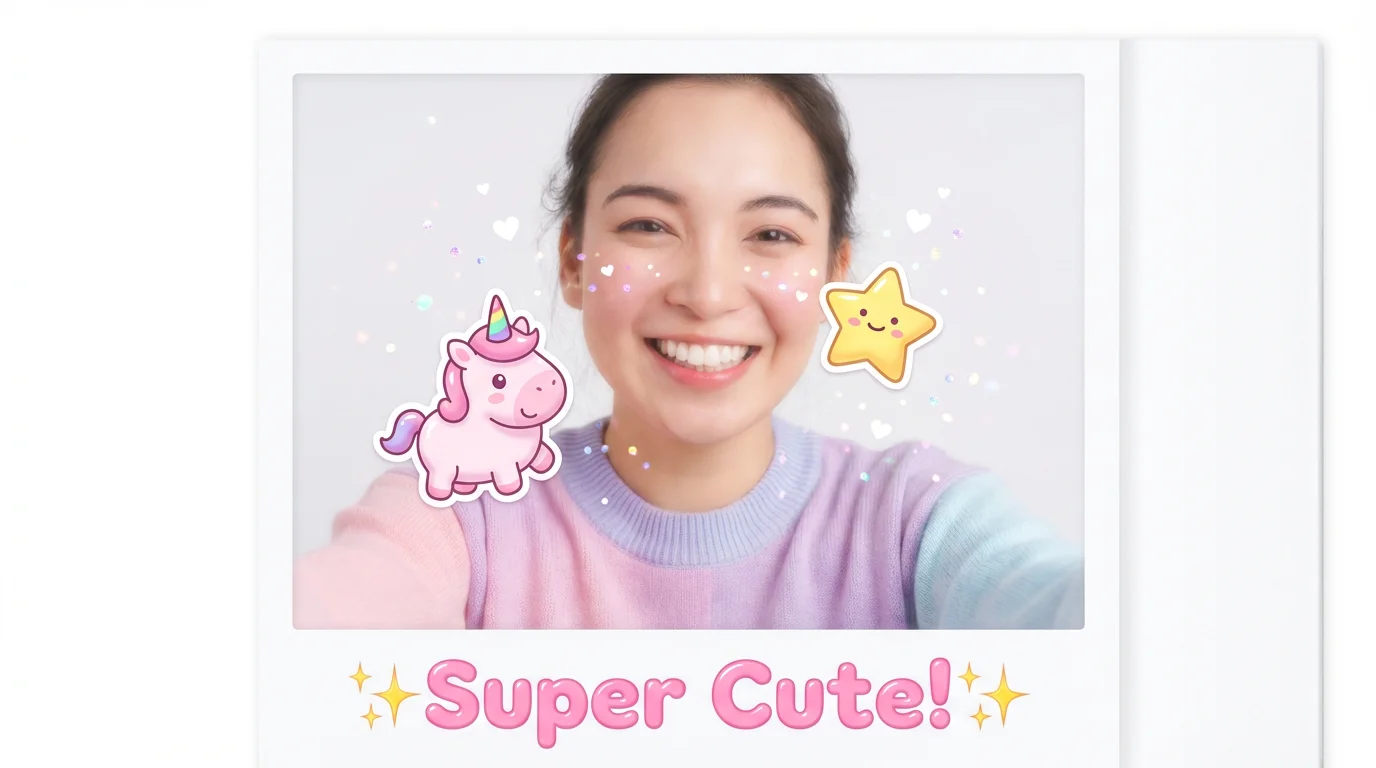
A photograph of a smiling woman that has been edited in a kawaii style, featuring cute stickers of a unicorn and a star, floating sparkles, and the text 'Super Cute!' at the bottom.
Unleash your creativity with endless customization options. Our kawaii photo editor allows you to specify every adorable detail you can imagine. Describe the exact stickers you want, like tiny bunnies or smiling clouds, and where to place them. Ask for specific effects such as a 'sparkly glitter overlay' or a 'soft focus dreamy look'. You can even request changes to your own features, like adding a touch of blush. By using text prompts, you guide the AI to generate a completely unique and personalized kawaii edit that matches your style.

Your Vision, Your Cute Creation

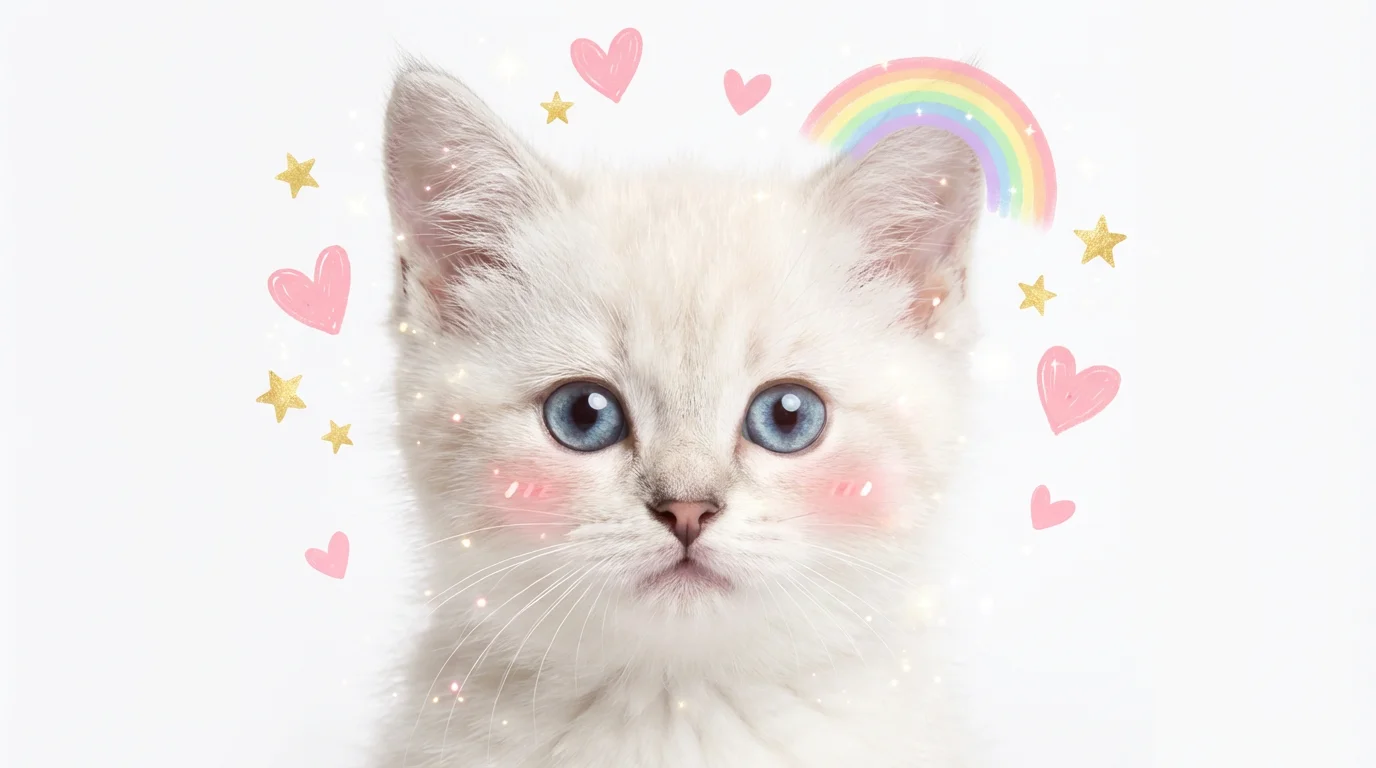
A close-up photo of a cute white kitten edited in a kawaii style, with digital hearts, stars, a rainbow, and blush on its cheeks, isolated on a white background.
Generate high-resolution kawaii images that are perfect for sharing online or printing. Our AI ensures that every sticker, filter, and effect blends naturally with your original photo, creating a cohesive and polished look. Whether you're updating your social media profile picture, designing a cute party invitation, or just having fun, your edited photos will be crisp, vibrant, and watermark-free. Simply describe your ideal cute photo, and our AI will deliver a high-quality result ready for you to download and use anywhere.

Perfectly Cute Photos for Any Occasion

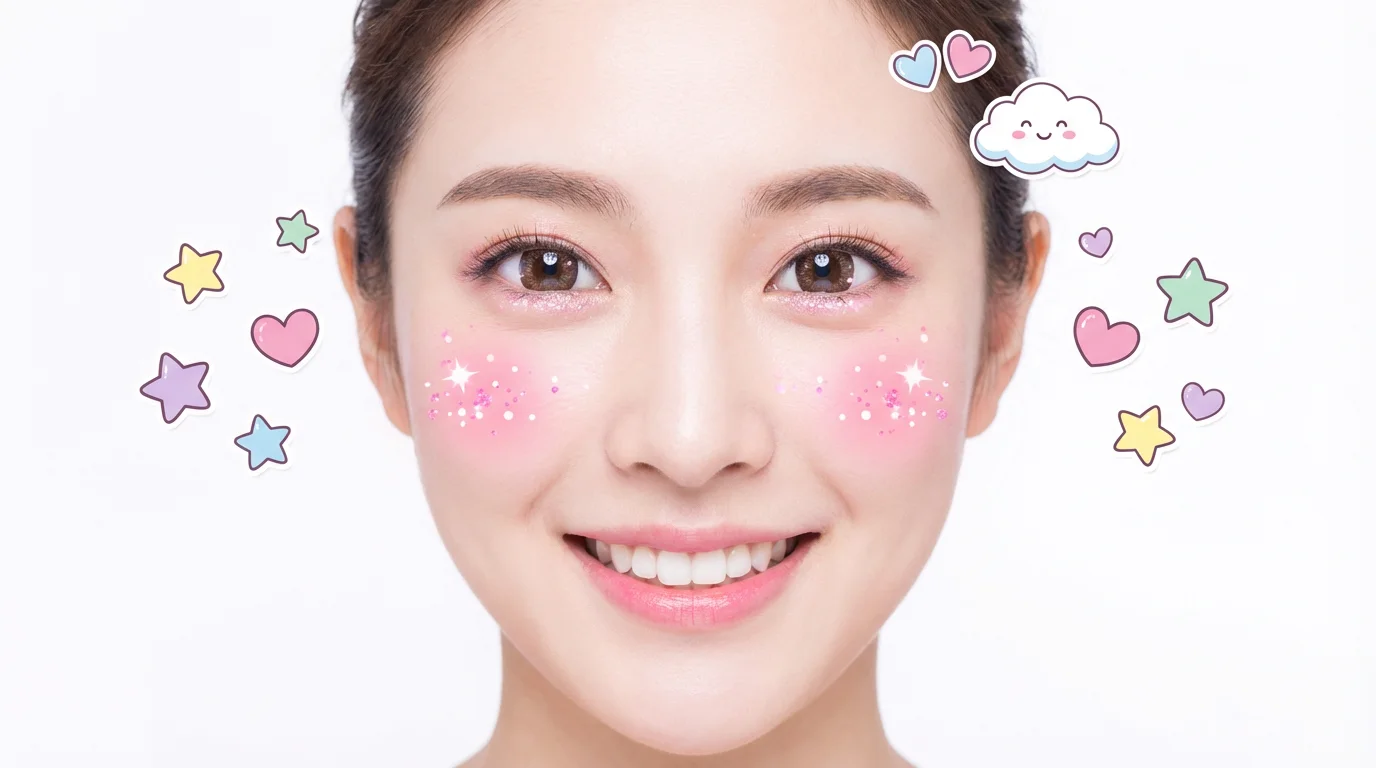
A close-up portrait of a happy young woman, digitally enhanced with cute kawaii stickers like stars and hearts, sparkling glitter, and pink blush on her cheeks, all set against a plain white background.
It’s Fast: Go from a plain photo to a cute masterpiece in seconds. It's Easy to Use: No more struggling with complex tools. Just upload your photo and type what you want to change. AI-Powered: Our AI understands the 'kawaii' aesthetic. It intelligently adds stickers, filters, and effects to create a perfectly cute look. Fully Customizable: Your text prompt gives you complete creative control over the final image. High-Quality Results: Download your adorable, high-resolution creations for free, ready for any use.

Why use Pixelcut's AI Kawaii Photo Editor?

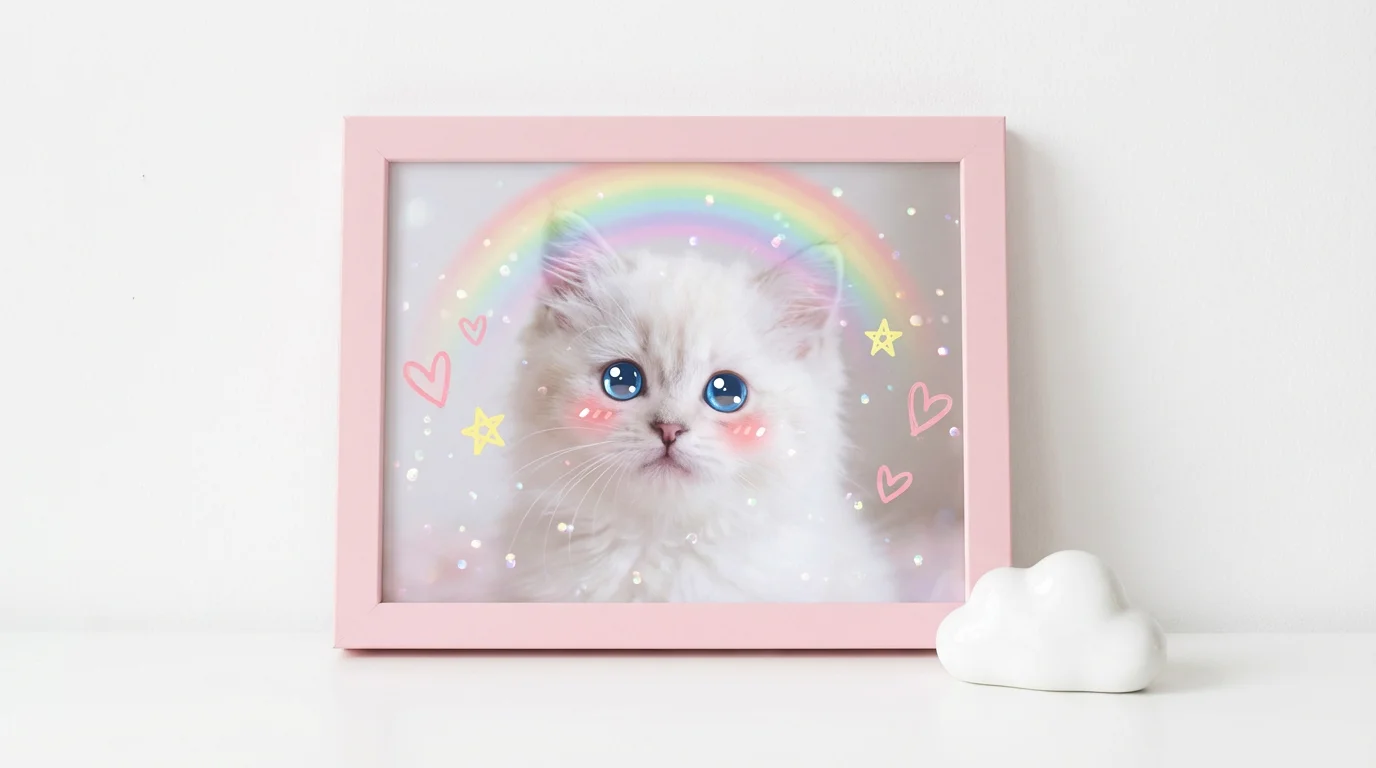
A fluffy white kitten in a photo edited with a kawaii aesthetic, featuring digital sparkles, pastel hearts, and a small rainbow, set against a white background.
Social Media Profiles: Create a super cute profile picture or banner for Instagram, TikTok, or Facebook. Digital Scrapbooking: Add a touch of cuteness to your digital memory books with custom stickers and filters. Party Invitations: Design unique and adorable birthday or event invitations. Blogging and Content Creation: Enhance your blog posts or social media content with eye-catching, kawaii-style images. Personal Enjoyment: Turn your favorite photos into fun, whimsical creations to share with friends and family.

Kawaii Photo Editor Use Cases

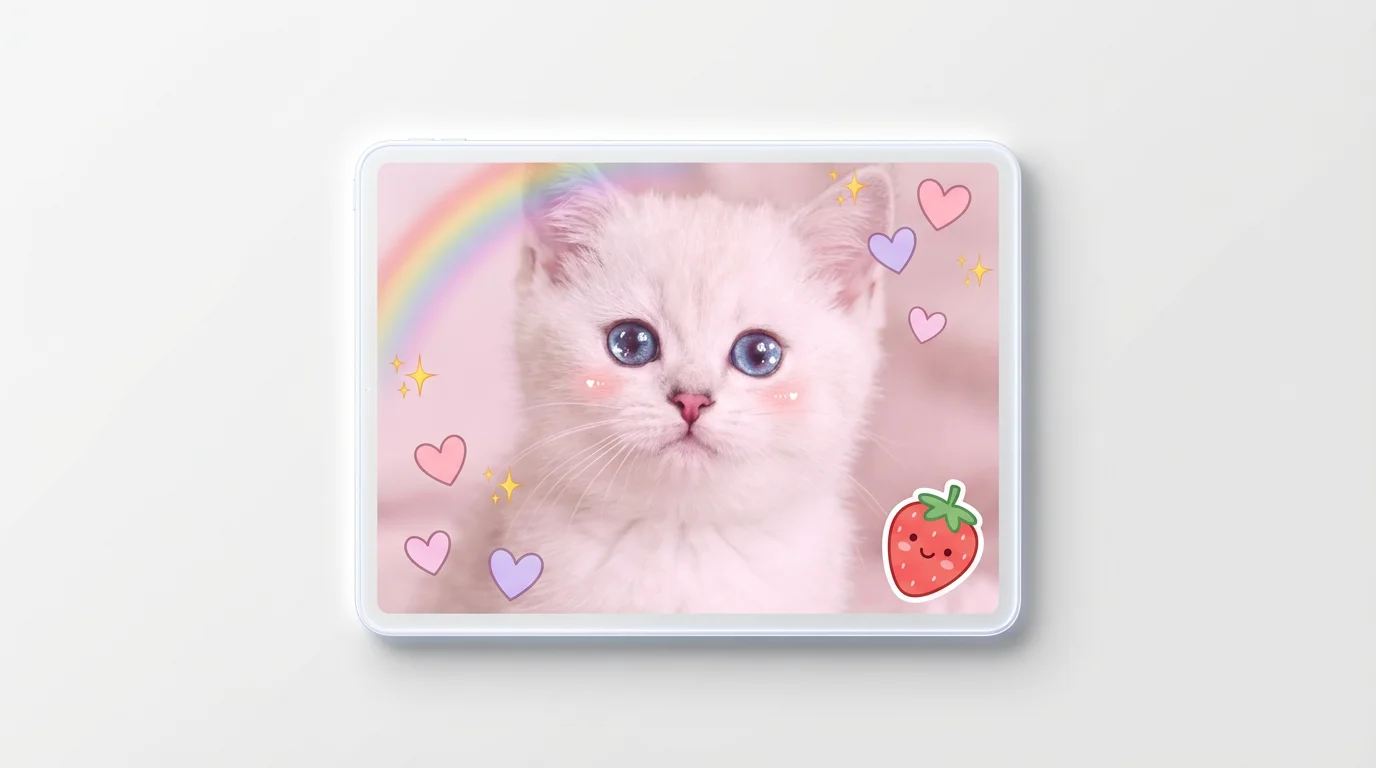
An adorable white kitten with blue eyes, edited in a kawaii style with floating hearts, sparkles, a rainbow, and a smiling strawberry sticker, on a white background.

Frequently Asked Questions

Pixelcut is loved by over 2 million people

  • My favorite app

    Great app, easy to use. Helps our small business save time and money to create different marketing materials professionally. Thank you.
    Shaelyn D.
  • Best background remover

    I need a good background remover for my work and I've been through them all it feels like. This one is the best by far. It's so easy to use and the results always look amazing. Thank you Pixelcut!
    Kira H.
  • Love it

    It's amazingly easy and gives the perfect results for my bags and accessories. It looks like it was done by a professional photographer.
    Mary J.