My favorite app
Great app, easy to use. Helps our small business save time and money to create different marketing materials professionally. Thank you.
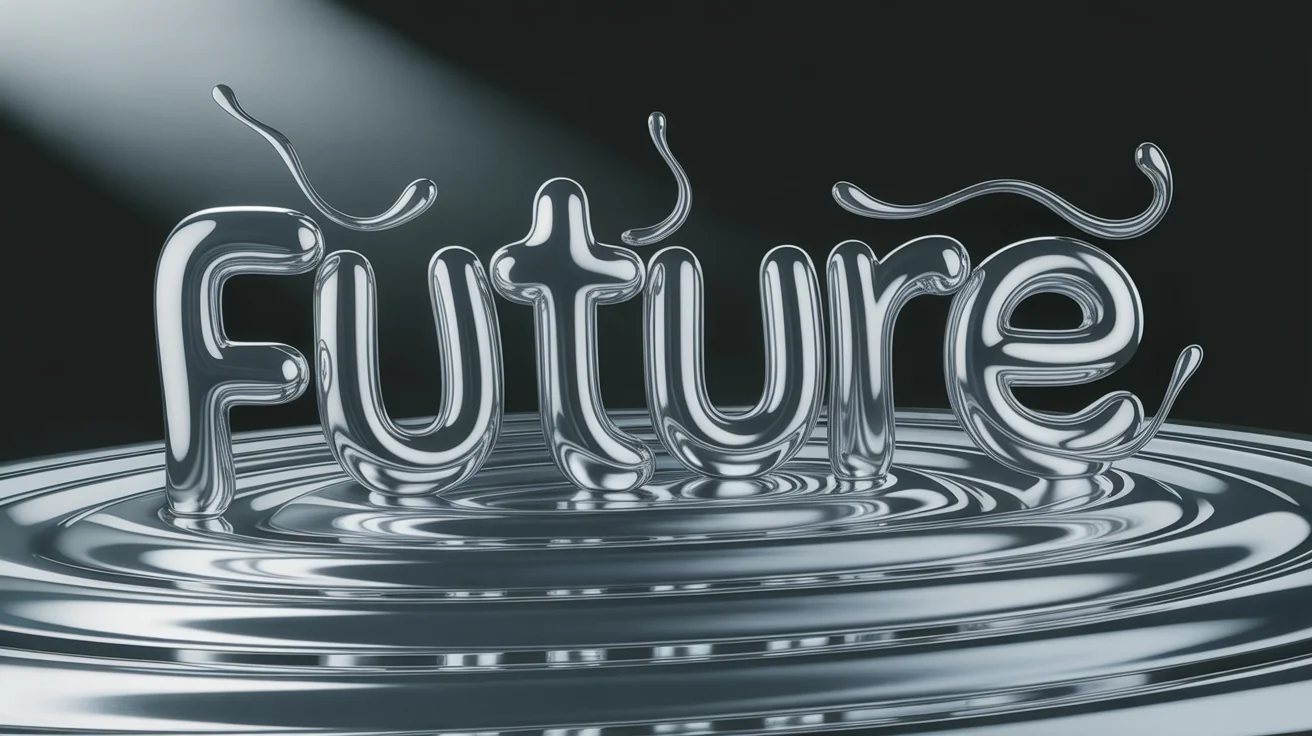
Start by uploading your logo, text, or base image that you want to transform.
In the prompt box, describe the liquid metal look you want. Try 'shiny chrome texture' or 'liquid gold drips'.
Click the generate button and let the AI apply a unique, fluid metal style to your image.
Your new high-resolution image with a liquid metal effect is ready to be downloaded and used.
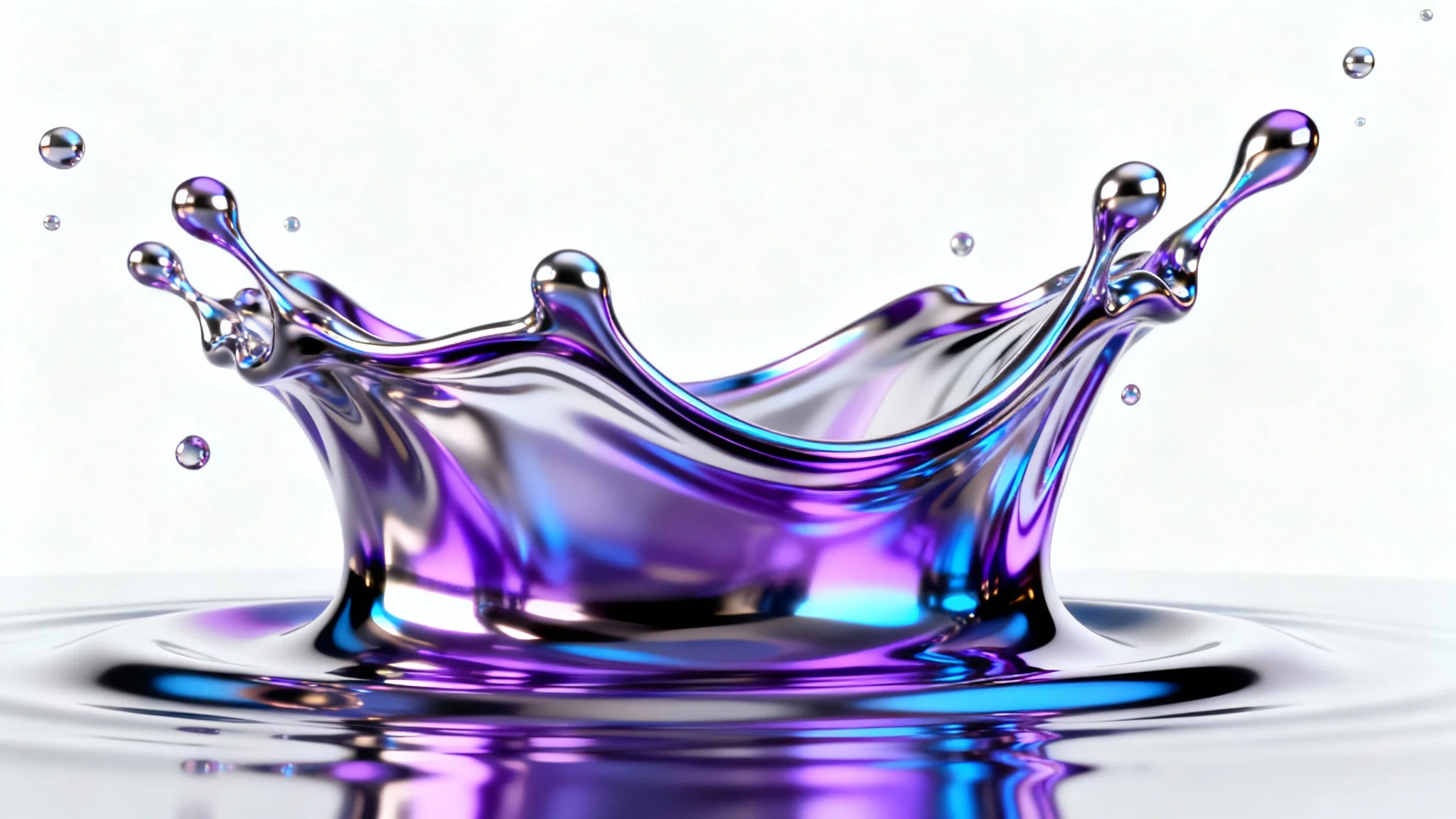
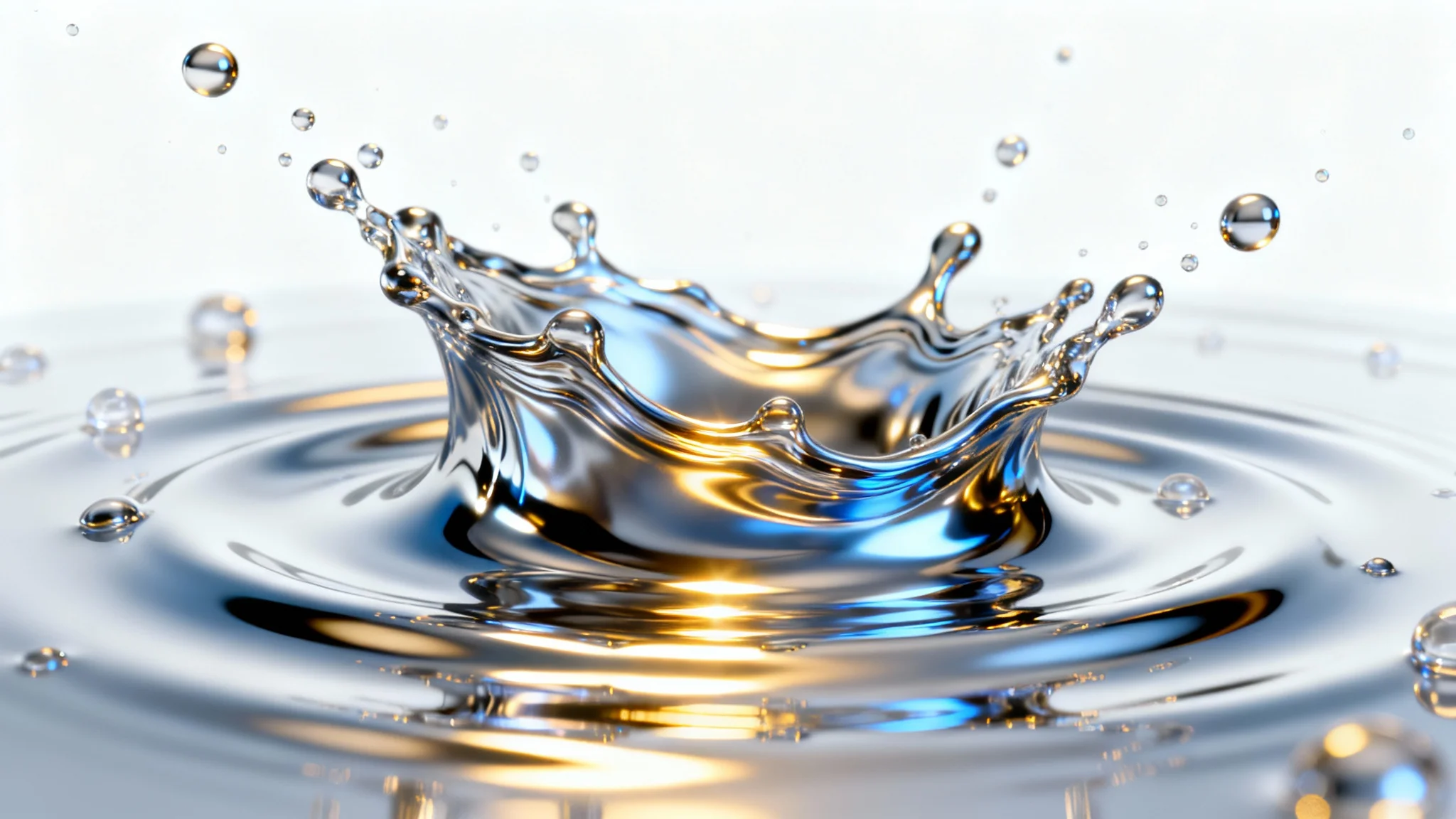
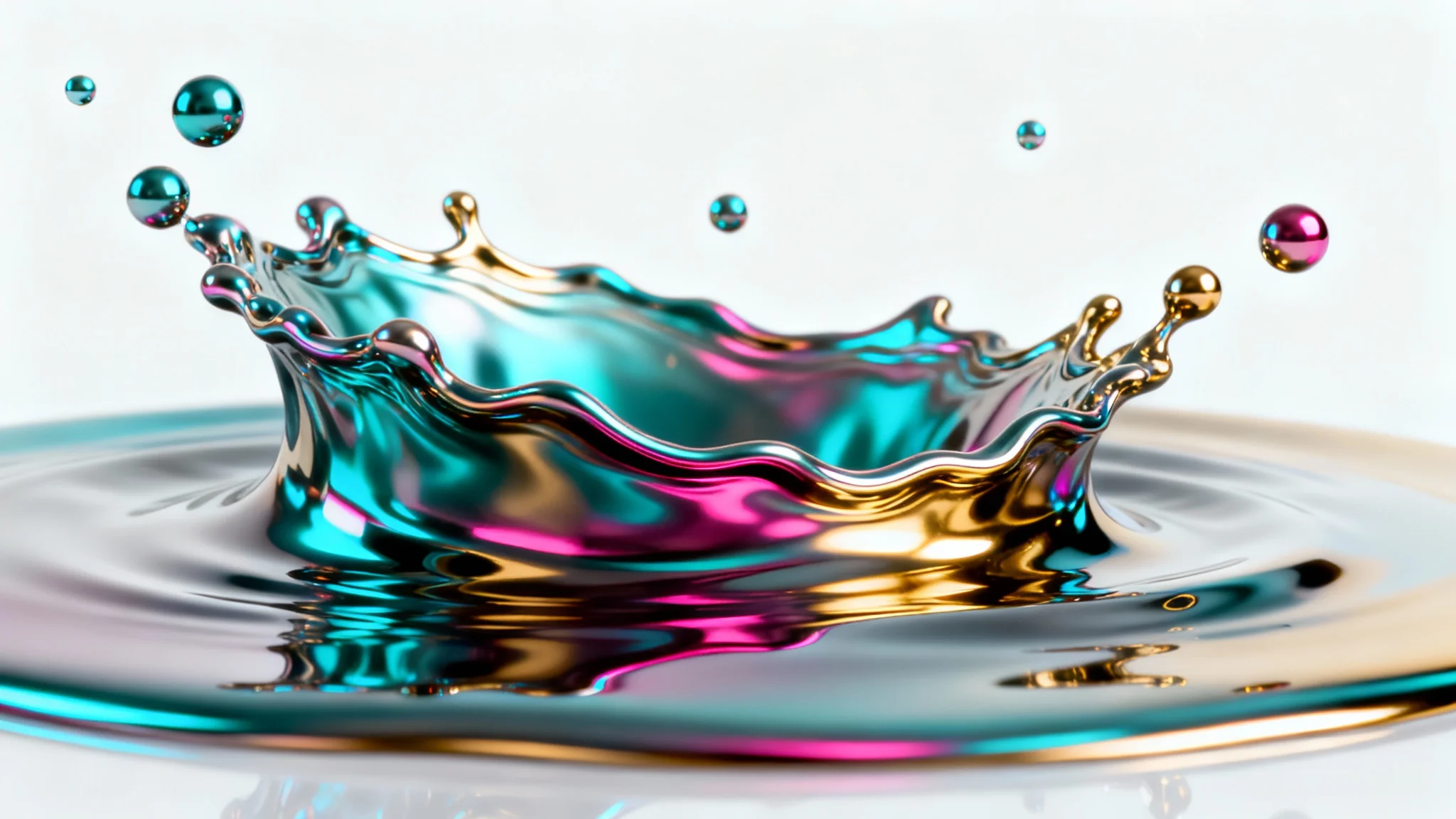


An AI liquid metal effect generator is a tool that uses artificial intelligence to create textures and styles that mimic molten or fluid metal. You can upload an image like a logo or describe an abstract design to generate visuals with chrome, silver, or gold finishes.
To apply the effect, upload your image first. Then, in the text prompt, describe how you want the liquid metal effect to look. For example, you could write 'apply a shiny liquid chrome effect to the logo' or 'turn the background into flowing silver metal'.
Yes, you can easily create metallic typography. In your prompt, include the text you want to feature and describe the metallic style. For instance, 'The words 'METAL' in a melting chrome style'.
You can create a wide range of metallic colors by specifying them in your prompt. Common choices include silver, chrome, gold, and copper, but you can also experiment with iridescent or multi-colored metallic sheens for more unique results.
No design experience is necessary. The tool is built to be intuitive for everyone. All you need is an idea, which you can describe in the prompt to generate your desired liquid metal effect.
This effect is versatile and can be used for many creative projects. Popular uses include updating logos with a modern chrome finish, designing futuristic posters and album art, and generating abstract metallic backgrounds for websites or social media.
Great app, easy to use. Helps our small business save time and money to create different marketing materials professionally. Thank you.
I need a good background remover for my work and I've been through them all it feels like. This one is the best by far. It's so easy to use and the results always look amazing. Thank you Pixelcut!
It's amazingly easy and gives the perfect results for my bags and accessories. It looks like it was done by a professional photographer.