My favorite app
Great app, easy to use. Helps our small business save time and money to create different marketing materials professionally. Thank you.
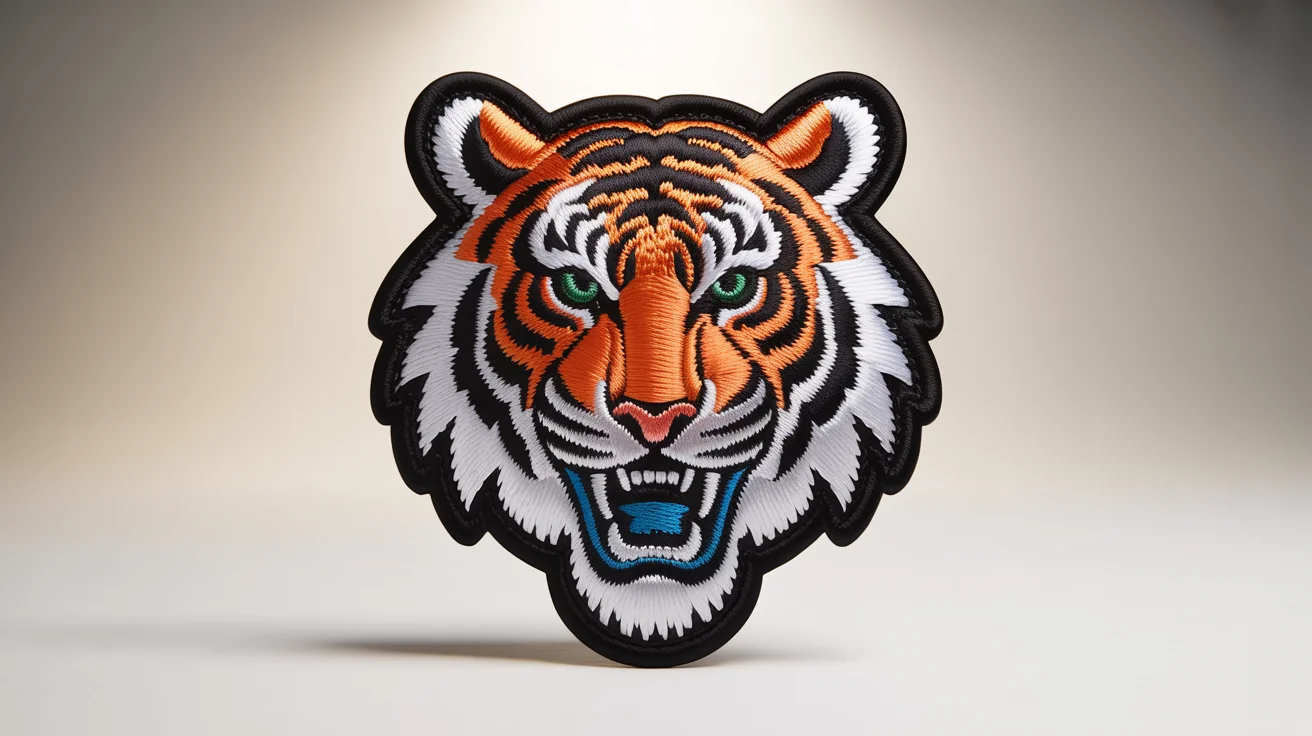
Choose the photo, logo, or design you want to turn into an embroidered patch. A clear, high-contrast image works best.
In the prompt box, tell the AI how you'd like the patch to look. You can specify border colors or other stylistic details.
Click the generate button and let the AI apply a realistic embroidery effect to your image, transforming it into a stitched design.
Your new patch design is ready. Download the high-resolution PNG file to use for your digital projects and mockups.


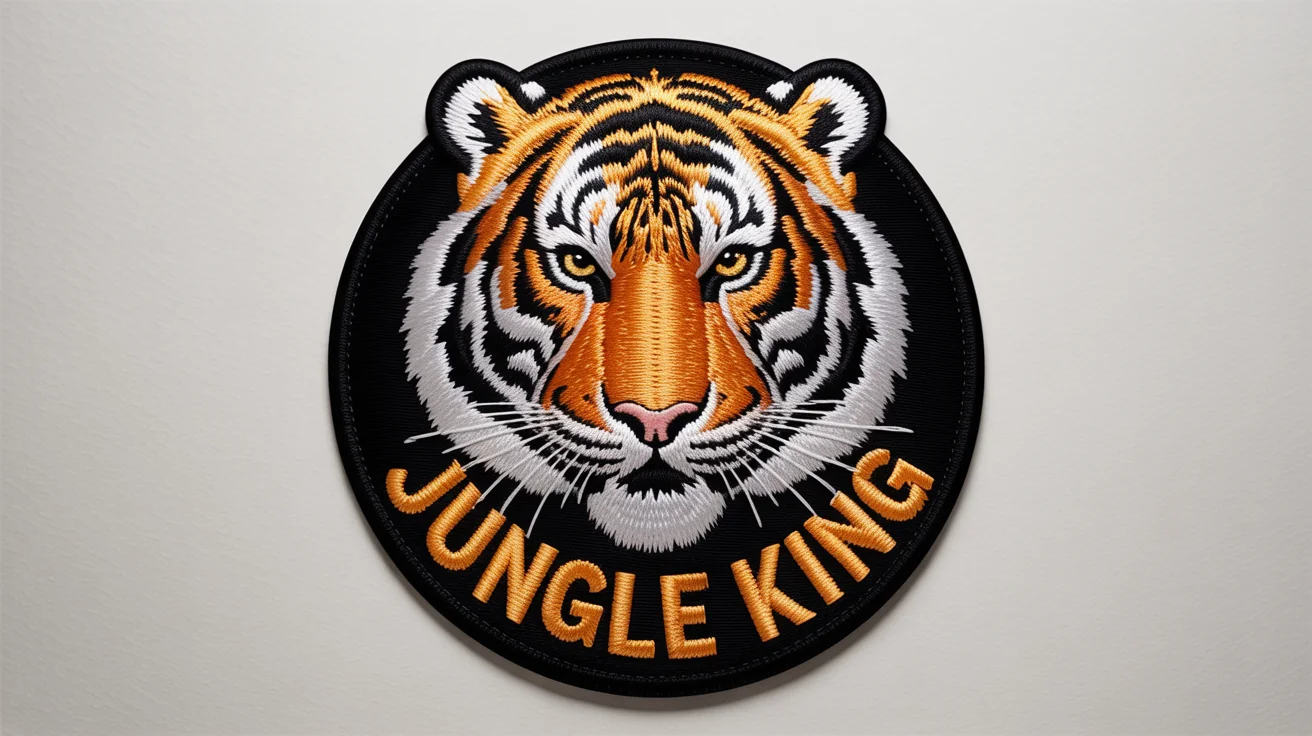
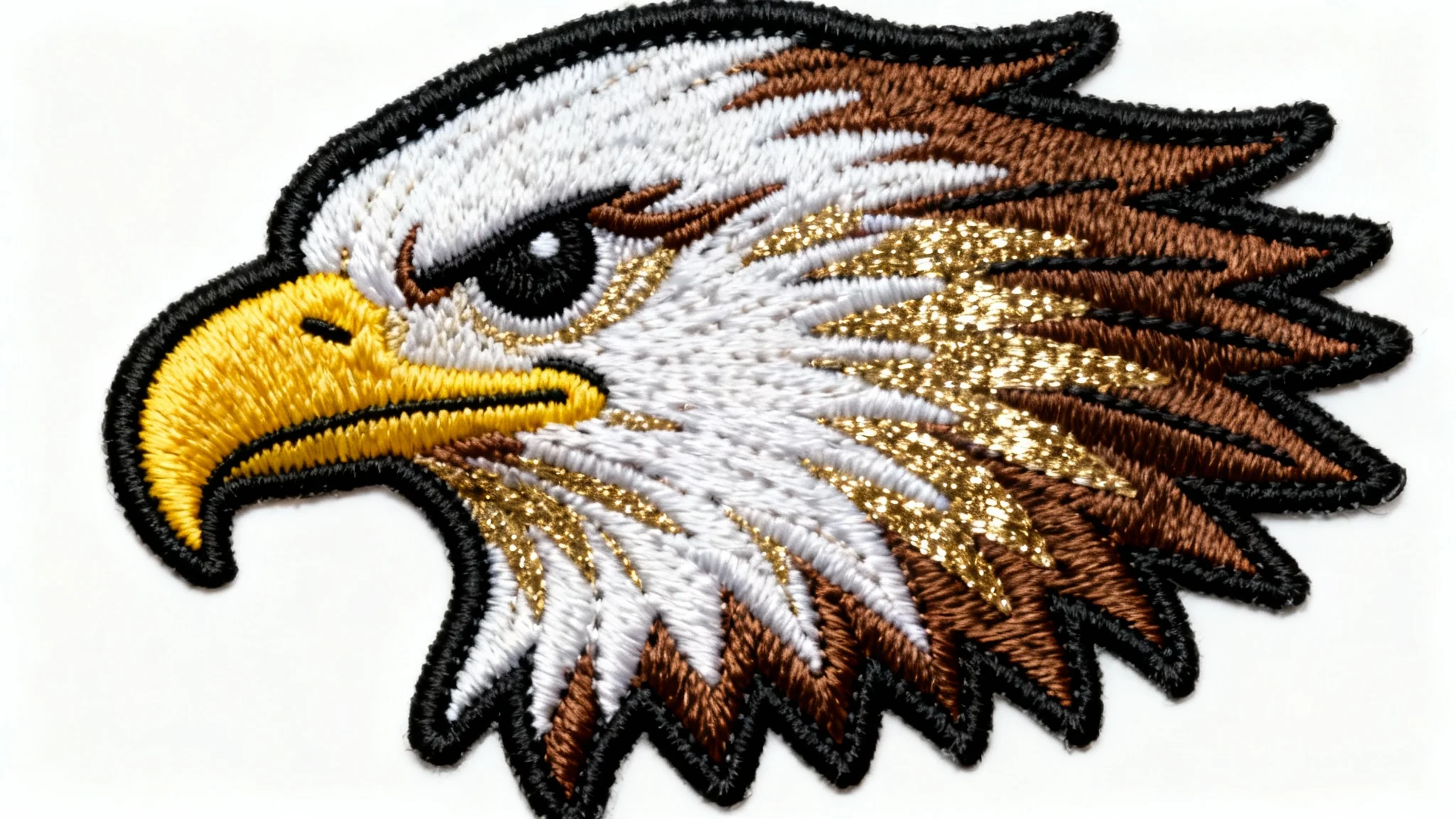
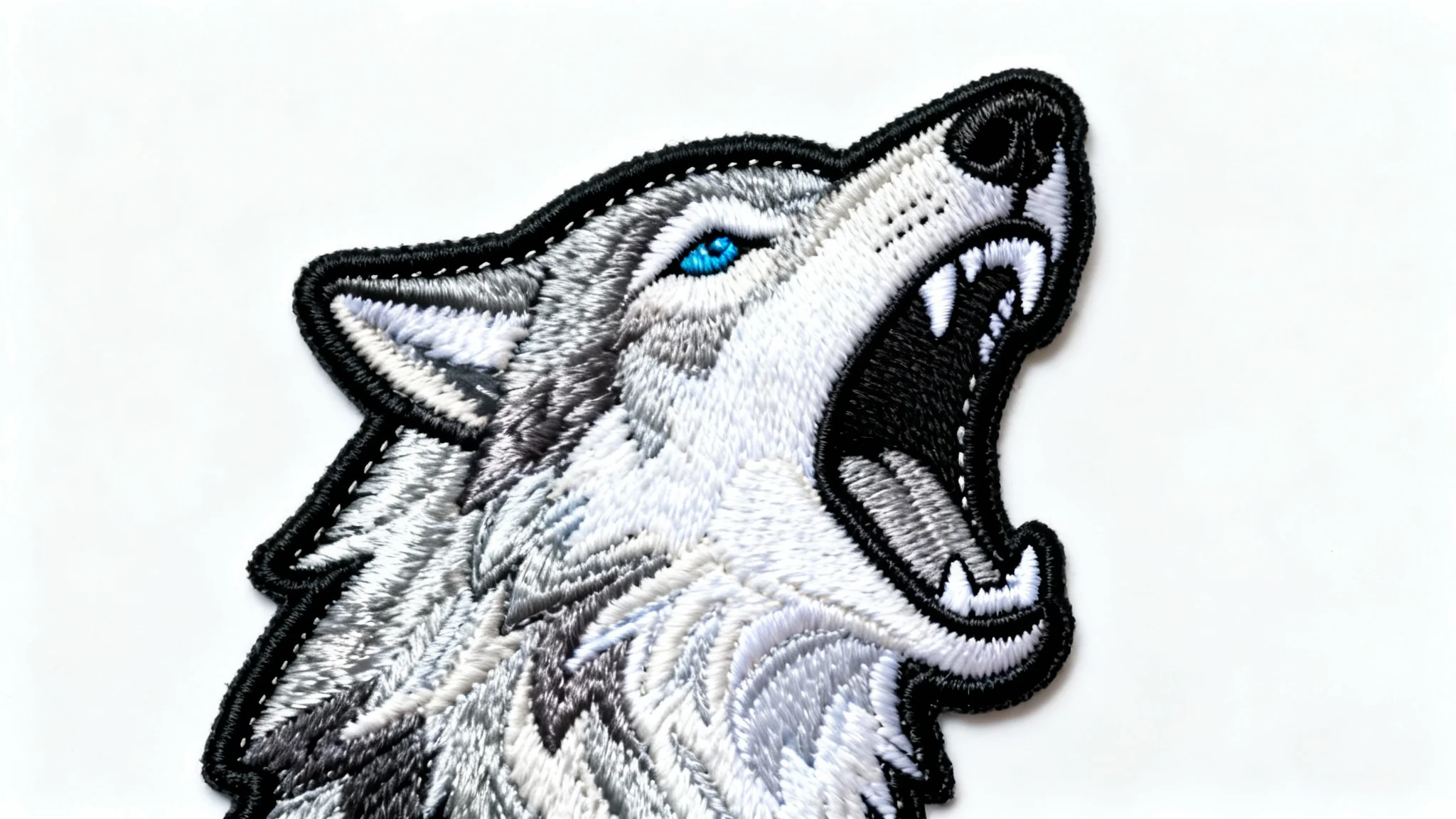
An AI patch embroidery effect generator is a tool that uses artificial intelligence to apply a realistic embroidered patch style to any digital image. You upload a photo, and the AI transforms it to look like it has been stitched with thread, complete with texture and depth.
To create a patch effect, start by uploading the image you want to transform. Then, you can enter a text prompt to describe any specific details you want, such as the border style or stitch type. The AI will then generate your image with the patch embroidery effect applied, ready for you to download.
Yes, our tool is perfect for visualizing your logo as an embroidered patch. Simply upload your logo file, and the AI will apply the stitch effect, giving you a realistic mockup of how it could look on apparel or other merchandise.
For the best results, use images with clear subjects and bold lines. High-contrast graphics and simple logos translate exceptionally well into the embroidered style. However, the tool can apply the effect to any photo you upload.
No, the AI patch embroidery effect tool creates a digital image file (PNG) that simulates the appearance of a physical patch. It is intended for digital use, such as creating mockups, social media content, or design previews.
While you cannot select from a menu of stitch types, you can influence the style by including descriptions in your text prompt. For example, you could describe 'thick, chunky stitches' or 'fine, detailed thread' to guide the AI's output.
Great app, easy to use. Helps our small business save time and money to create different marketing materials professionally. Thank you.
I need a good background remover for my work and I've been through them all it feels like. This one is the best by far. It's so easy to use and the results always look amazing. Thank you Pixelcut!
It's amazingly easy and gives the perfect results for my bags and accessories. It looks like it was done by a professional photographer.