My favorite app
Great app, easy to use. Helps our small business save time and money to create different marketing materials professionally. Thank you.
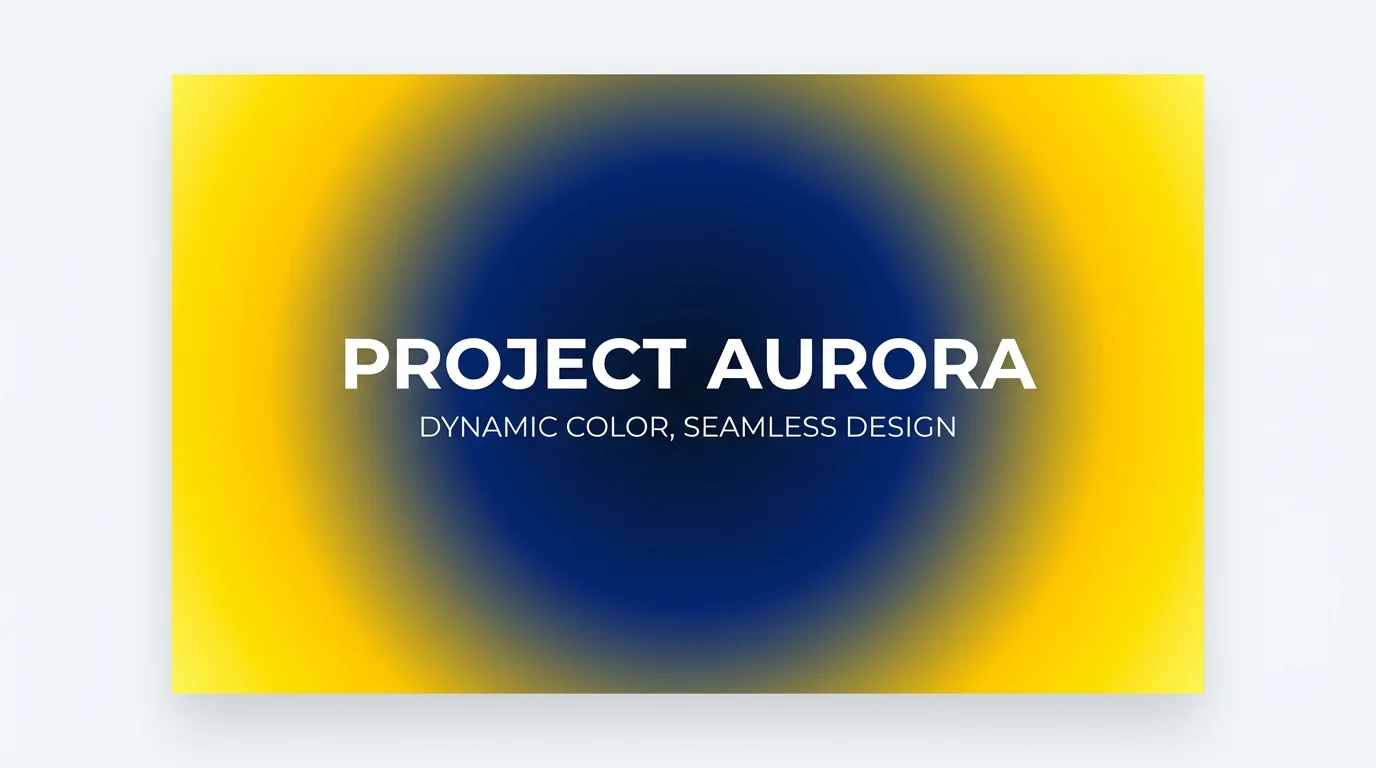
Write a prompt detailing the colors and style of your radial gradient. For example, 'a radial gradient from a soft peach center to a light lavender'.
Click the generate button and let our AI create a unique circular gradient based on your description in just a few moments.
Your high-resolution gradient is ready. Download it for free and use it as a background for your website, social media post, or any other design project.
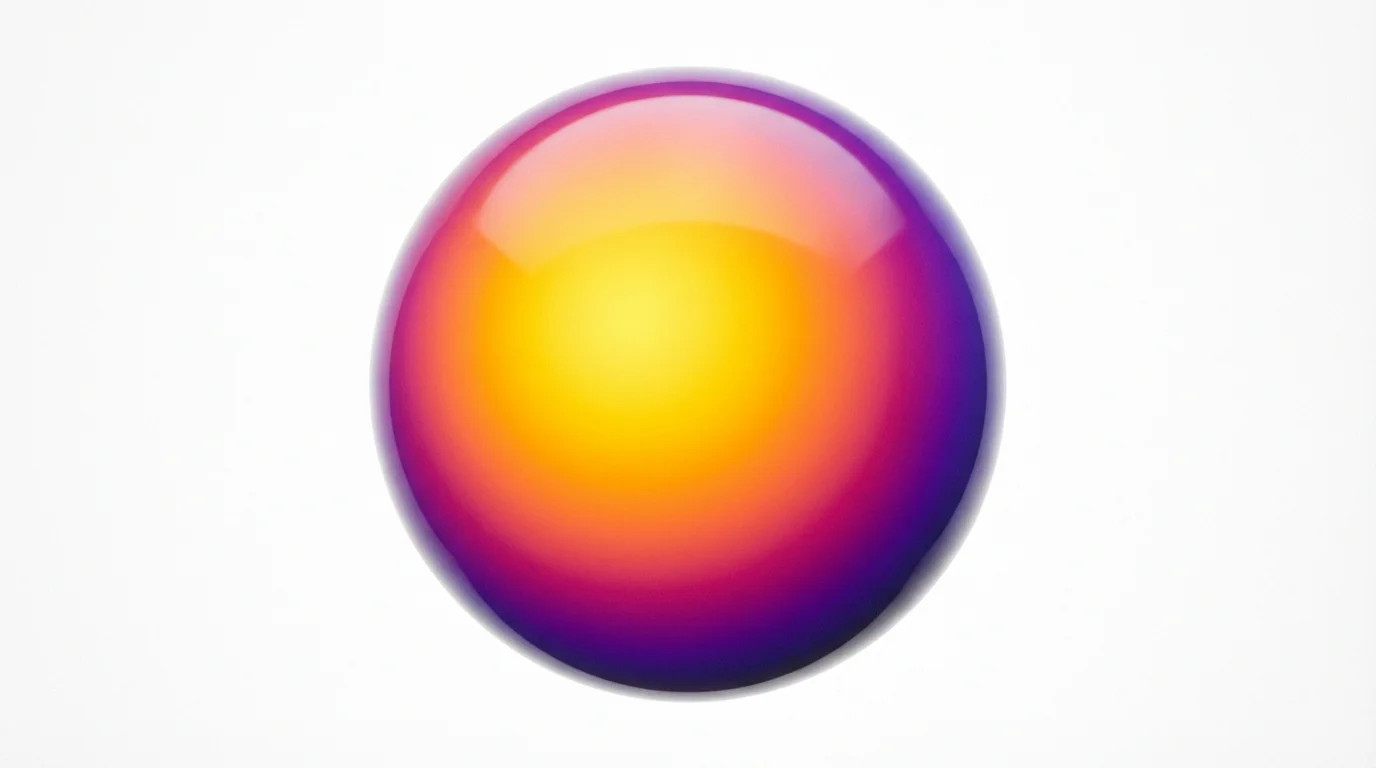
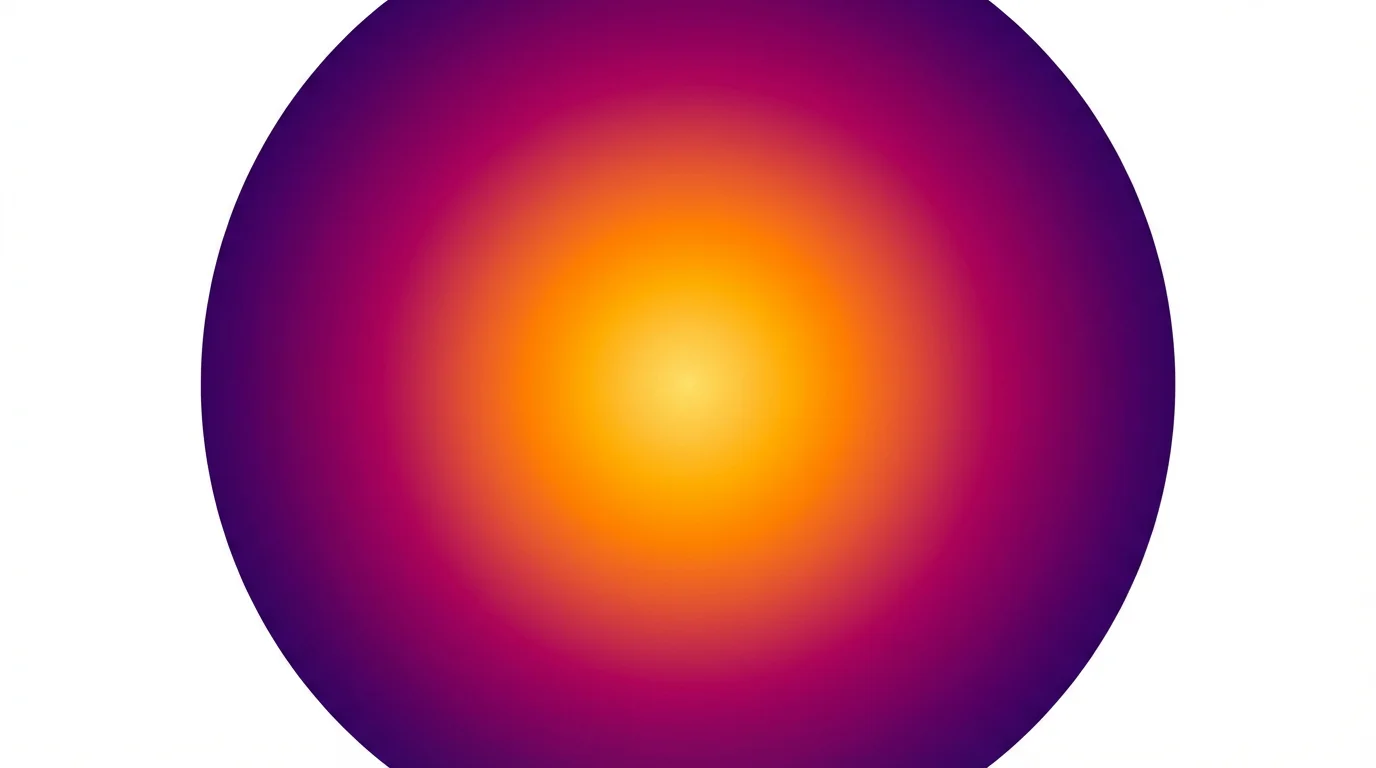
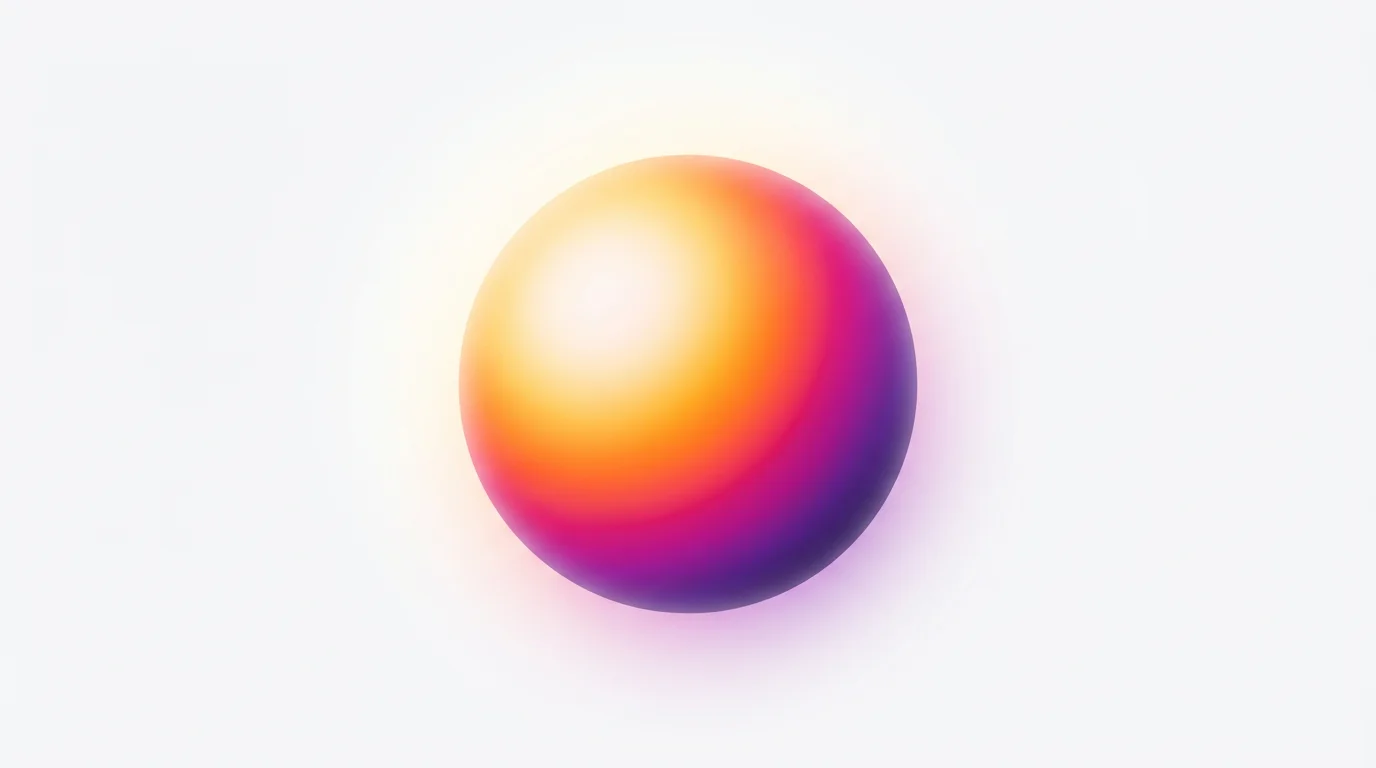
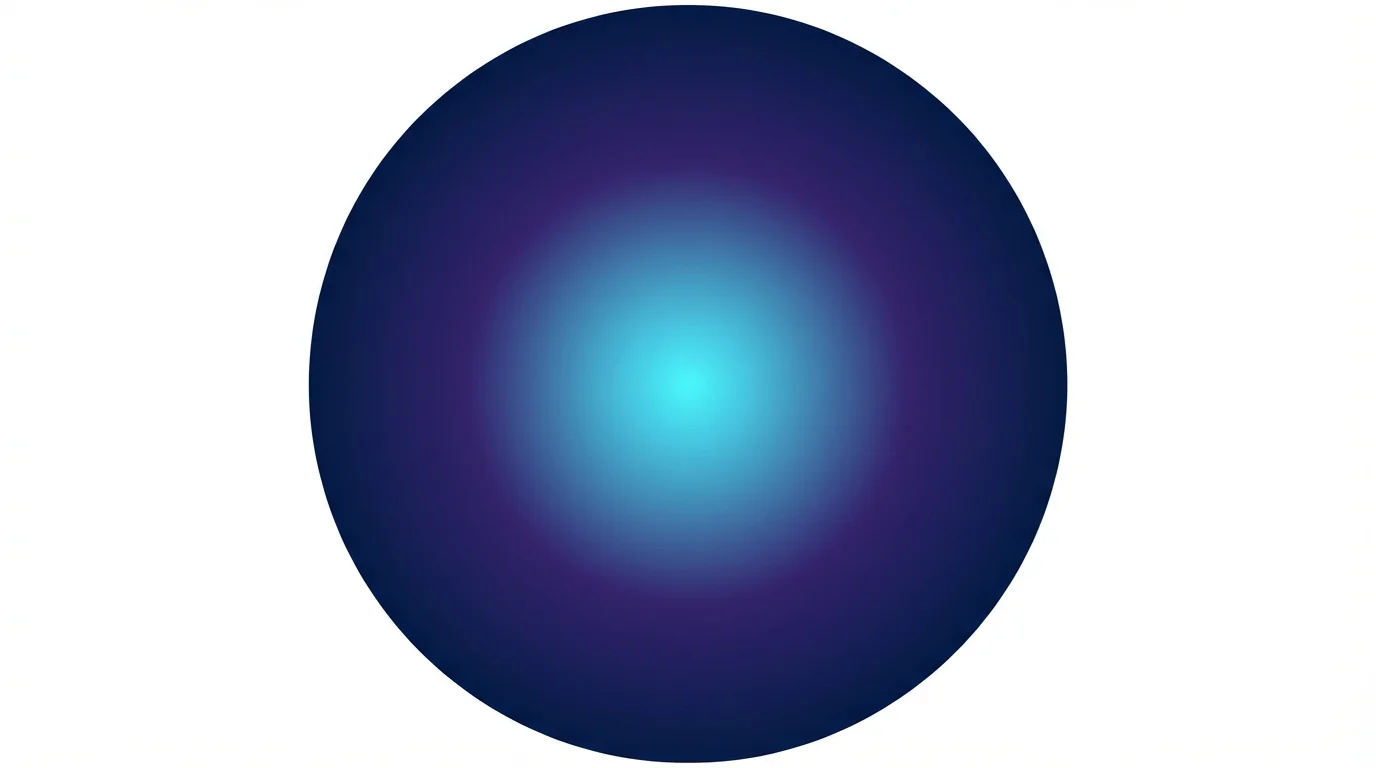
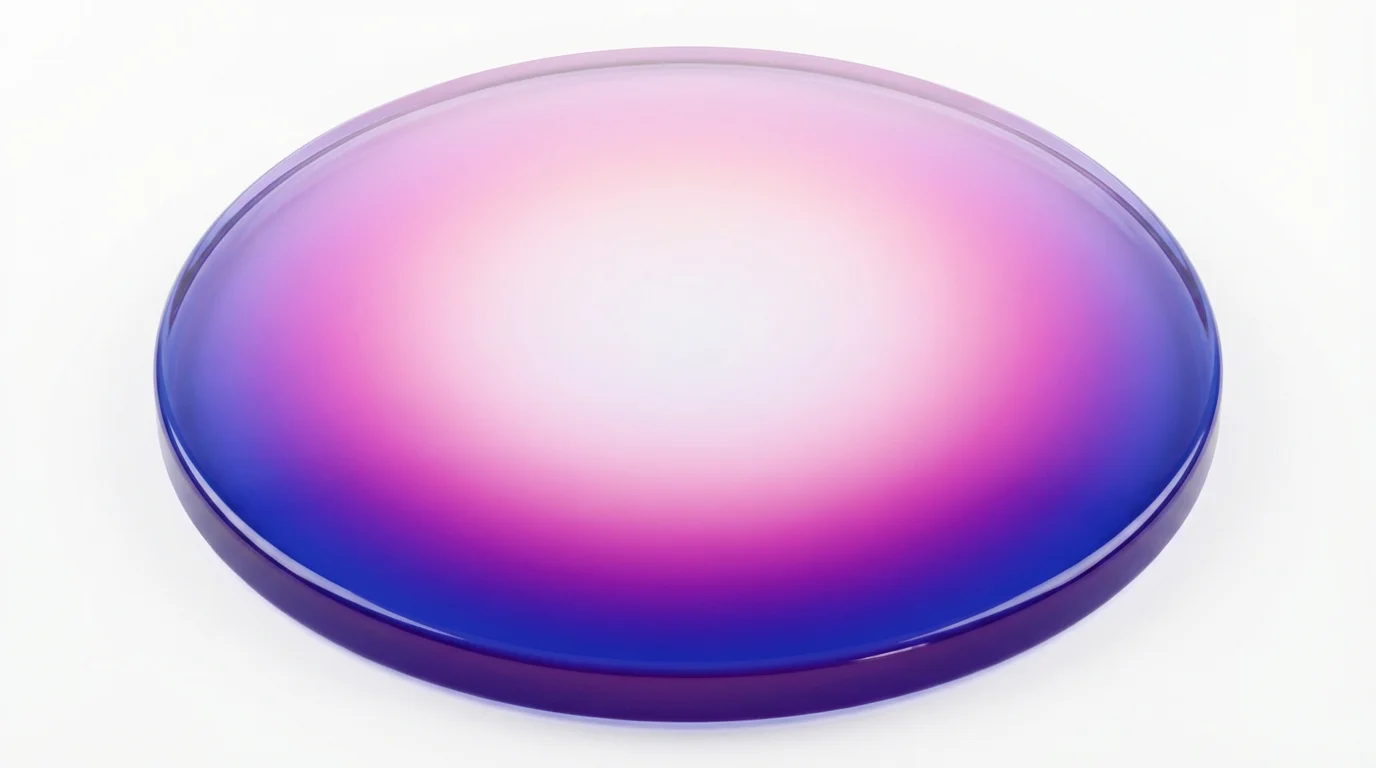
An AI radial gradient generator is a tool that creates circular color blends from a text prompt. Instead of manually selecting colors and adjusting settings, you simply describe the gradient you want, and the AI generates a high-quality image of it for you.
Be descriptive with your colors and the direction of the blend. For example, instead of just 'blue and yellow gradient,' try 'a smooth radial gradient with a deep navy blue center that fades into a bright lemon yellow at the edges.' You can also mention styles like 'soft pastel' or 'vibrant and electric.'
Yes, you can include multiple colors in your prompt. Just list the colors in the order you want them to appear, from the center outwards. For example, you can describe 'a radial gradient from pink to purple to dark blue'.
A radial gradient radiates from a central point outwards in a circular or elliptical shape. A linear gradient proceeds in a straight line from one point to another. Our tool specializes in creating these circular radial effects.
Yes, the gradients you create are free to use for both personal and commercial projects. All downloads are high-resolution and do not contain a watermark.
You can download your generated gradients for free in PNG and JPEG formats. If you have a Pixelcut PRO subscription, you also have the option to download in SVG or WEBP formats.
Great app, easy to use. Helps our small business save time and money to create different marketing materials professionally. Thank you.
I need a good background remover for my work and I've been through them all it feels like. This one is the best by far. It's so easy to use and the results always look amazing. Thank you Pixelcut!
It's amazingly easy and gives the perfect results for my bags and accessories. It looks like it was done by a professional photographer.