Pixelcut
A before-and-after image demonstrating a glare removal feature. The left side shows a framed painting with a bright glare on the glass, and the right side shows the same painting with the glare removed, revealing the clear artwork.

AI Photo Glare Remover

Instantly remove unwanted glare and reflections from your pictures. Upload your photo and let our AI tool restore it to its full potential.
Easy to use - just write a prompt
Trusted by 70 million people
Powered by Pixelcut AI Agent
171,800 Reviews

How to Remove Glare From Your Photo

  1. 1

    Upload Your Photo

    Start by selecting and uploading the image that has the unwanted glare or reflection you want to remove.

  2. 2

    Describe the Edit

    In the text box, tell the AI what you want to fix. For example, type 'remove the glare on the sunglasses' or 'fix the light reflection on the table'.

  3. 3

    Generate Your Fix

    Click the generate button and our AI will process your request, removing the glare and reconstructing the area for a natural, clear look.

  4. 4

    Download Your Photo

    Your glare-free, high-resolution photo is ready to download. Free downloads are available in PNG and JPG formats for you to share.

Don't let harsh sunlight, bright flashes, or annoying reflections ruin a perfect moment. Instead of struggling with complicated editing software, you can fix your photos instantly with AI. Simply upload your image, describe the issue in the prompt, and our AI glare remover gets to work. It intelligently identifies and removes the distracting light, then reconstructs the area behind it. This process restores the details that were hidden, giving you a clean and natural-looking image in just a few seconds.

Get Crystal Clear Photos in Seconds

A close-up photo of a woman wearing glasses. The lenses are perfectly clear, showing her eyes without any glare or reflection.
Our AI-powered tool is versatile enough to handle many different kinds of light problems. It's perfect for removing the common reflection that appears on eyeglasses in portraits, allowing the subject's eyes to be seen clearly. You can also use it to rescue outdoor photos by removing intense sun flare that washes out the scene. It effectively cleans up reflections from windows, water, or other shiny surfaces that might distract from your subject. Whatever the source of the glare, our tool is designed to fix it.

Fix All Types of Unwanted Light Glare

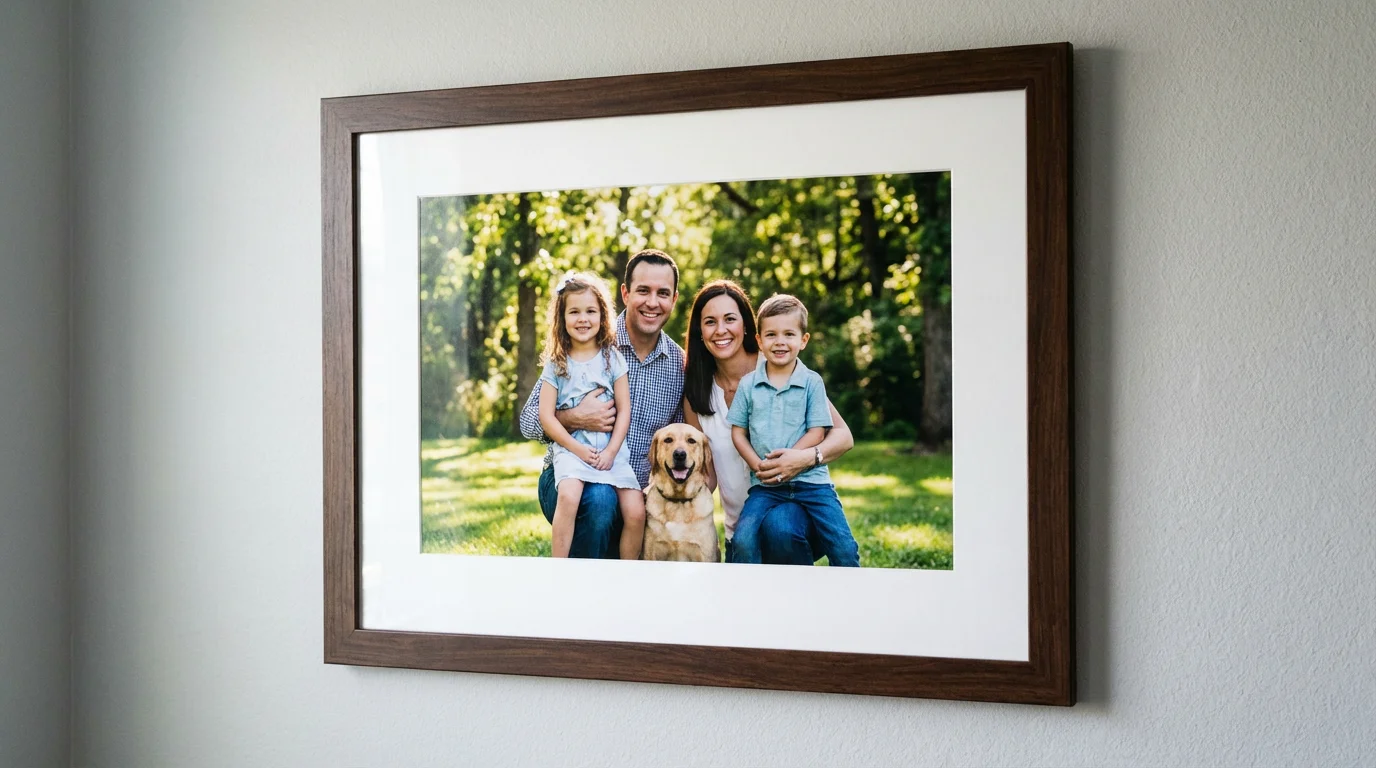
A framed family photo hanging on a wall, viewed straight-on with no glare or reflection on the glass, showing the picture inside clearly.
Unlike basic editing tools that might just blur or smudge a bright spot, Pixelcut's AI does something much smarter. It analyzes the pixels surrounding the glare to understand the textures, colors, and details that are supposed to be there. The AI then intelligently recreates the hidden part of the image, seamlessly blending it with the rest of the photo. The result is a picture that looks completely natural, as if the glare was never there in the first place, preserving the quality of your original shot.

Intelligently Restore Hidden Details

A close-up portrait of a person wearing glasses, where the lenses are perfectly clear and free of any glare or reflections, showing their eyes in full detail.
It’s Fast: Go from a glare-filled photo to a clear image in seconds. It’s AI-Powered: Our tool intelligently removes glare and restores hidden details for a completely natural look. It’s Easy to Use: No complex editing skills are needed. Just upload your picture and type a simple command to fix it. Versatile: It's the perfect solution for removing glare from portraits, product shots, real estate photos, and vacation pictures. High-Quality Results: Download a crisp, clear, high-resolution photo that is ready to be shared or printed.

Why use Pixelcut's AI Glare Remover?

A close-up photo of a person wearing glasses. The lenses are perfectly clear, showing their eyes without any obstructive light glare or reflections.
Perfect Portraits: Effortlessly remove distracting reflections from eyeglasses to ensure the subject's eyes are sharp and clear. Product Photography: Create clean, professional product shots by eliminating unwanted light bounce and reflections from glossy surfaces. Real Estate Photos: Get rid of sun glare on windows and shiny floors to present a property with inviting clarity. Vacation Snapshots: Rescue your favorite travel photos from harsh sunlight and lens flare to bring back the beauty of the moment. Restoring Old Photos: Clean up scans of old, glossy photographs by removing light spots and reflections from the surface.

Glare Remover Use Cases

A close-up portrait of a smiling woman wearing glasses. The lenses are perfectly clear, with no glare or reflections, showing her eyes in sharp detail.

Trusted by creatives at

Adidas logo
Airbnb logo
Apple logo
Chanel logo
Google logo
Gucci logo
H&M logo
Nike logo
Sephora logo
Starbucks logo
Toyota logo

Frequently Asked Questions

Pixelcut is loved by over 2 million people

  • My favorite app

    Great app, easy to use. Helps our small business save time and money to create different marketing materials professionally. Thank you.
    Shaelyn D.
  • Best background remover

    I need a good background remover for my work and I've been through them all it feels like. This one is the best by far. It's so easy to use and the results always look amazing. Thank you Pixelcut!
    Kira H.
  • Love it

    It's amazingly easy and gives the perfect results for my bags and accessories. It looks like it was done by a professional photographer.
    Mary J.