Pixelcut
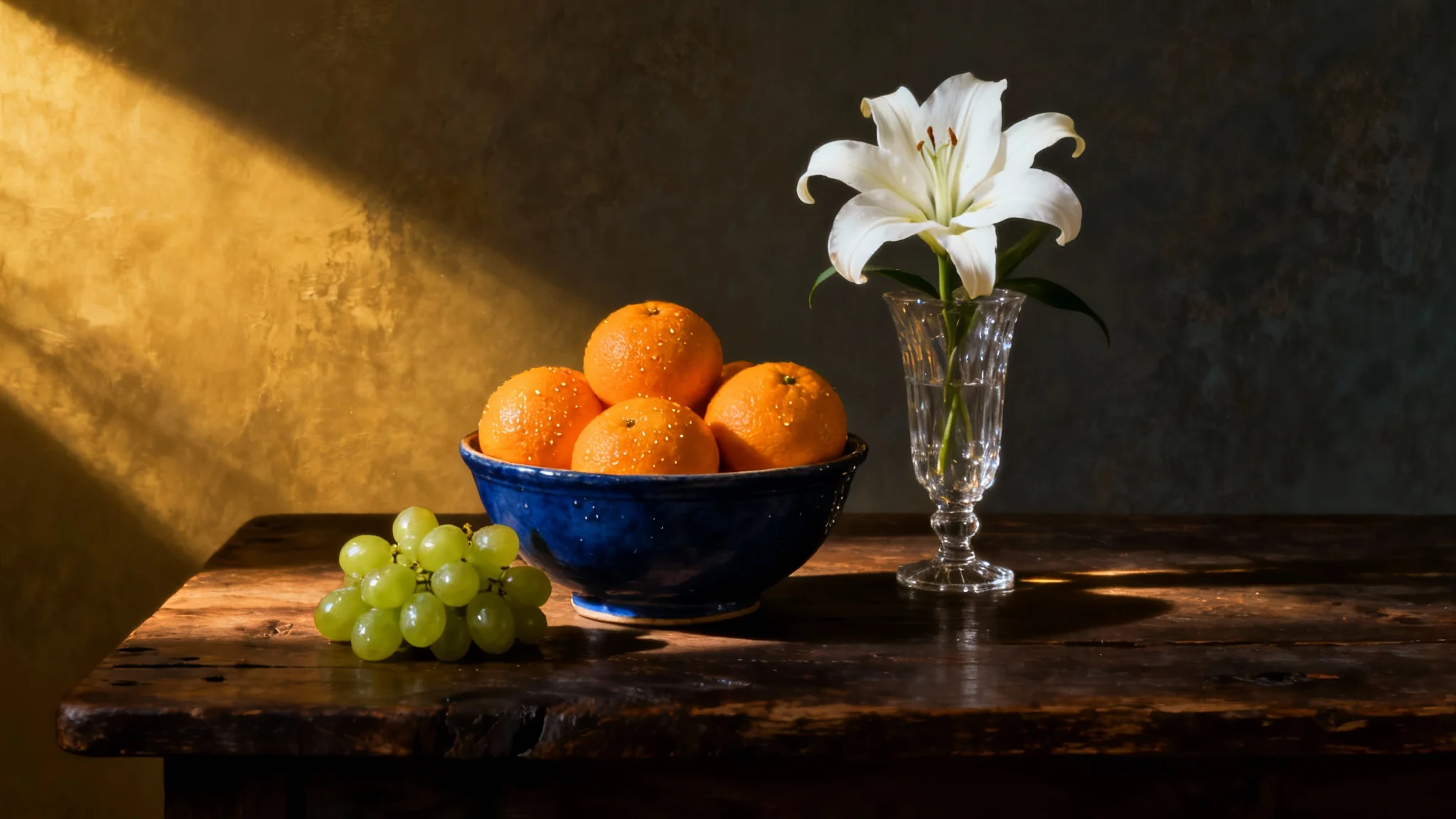
A dramatic, painterly still life photo showing a bowl of oranges, green grapes, and a white lily in a vase on a wooden table, illuminated by a single warm light source that creates deep shadows.

AI Still Life Generator

Trusted by 70 million people
171,800 Reviews
Developer API
Available on iPhone & Android

How to create a still life

  1. 1

    Describe your still life

    Write a detailed prompt of your ideal scene. For example, 'A silver teapot next to a stack of old books on a dark wood table.'

  2. 2

    Generate your art

    Click the generate button and let our AI bring your text description to life by creating a unique still life image in seconds.

  3. 3

    Download your image

    Your high-resolution still life is ready to be downloaded. Use your creation for a personal project, home decor, or your professional portfolio.

Produce beautiful still life compositions instantly, without needing a physical space, props, or lighting equipment. Simply describe the scene you imagine, from a rustic table with a bowl of oranges and green grapes to a delicate vase holding a single flower. Our AI still life generator interprets your words to create a complete artistic scene. It handles the arrangement, lighting, and texture, giving you a full composition in seconds. This is perfect for artists seeking inspiration or anyone wanting to create classic art with modern simplicity.

Create Classic Art Without a Studio

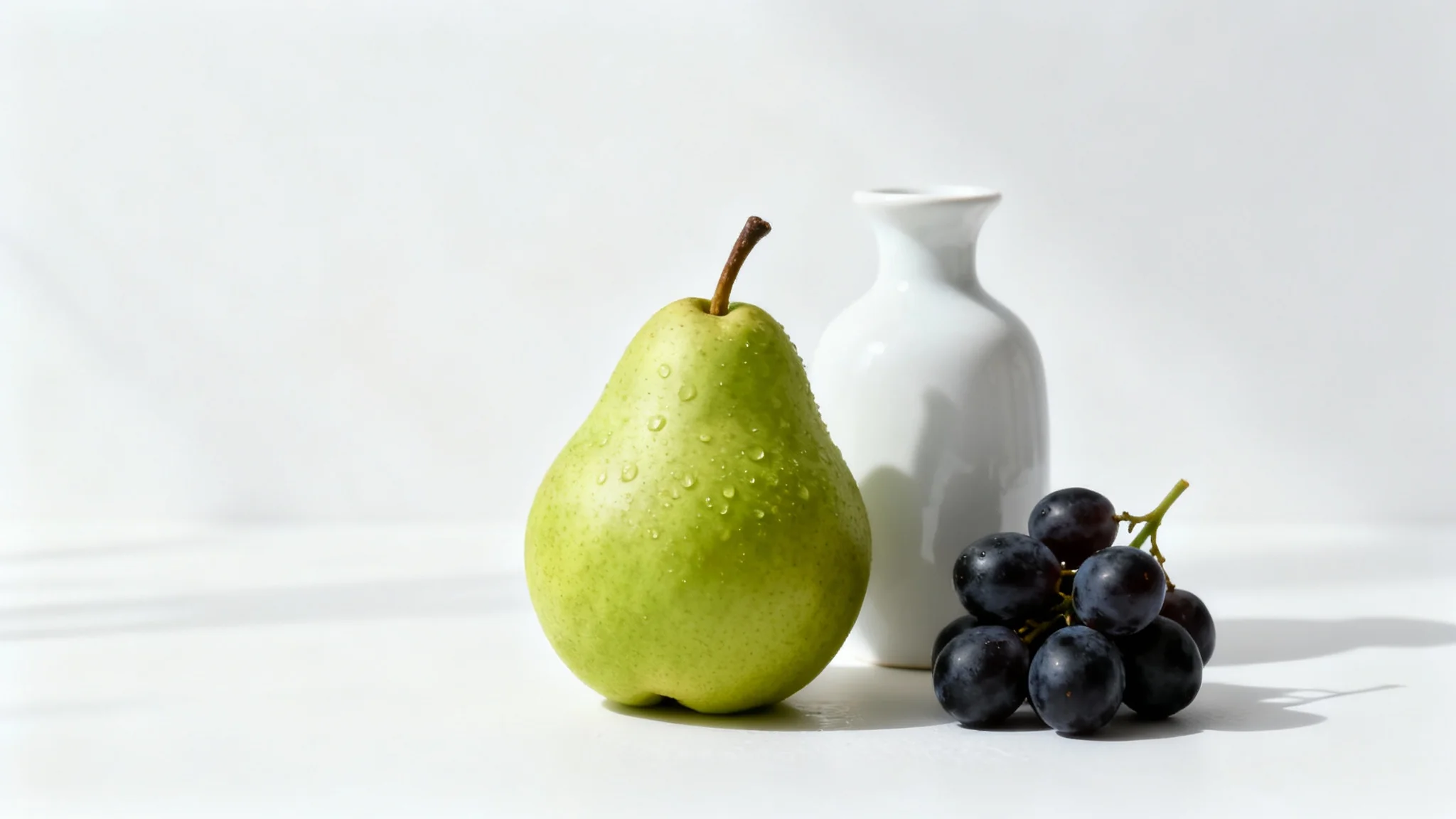
A modern still life photograph displaying a green pear, dark grapes, and a white ceramic vase arranged neatly on a surface against a clean white background.
You are the director of your artwork. Specify every element in your scene, from the objects themselves to the atmosphere that surrounds them. Ask for a 'deep blue ceramic bowl' or 'a single white lily' to guide the AI with precision. Describe the lighting as 'warm, golden light' to set the mood and define the textures with 'gentle shadows across a rustic wooden table.' By providing detailed prompts, you can control the entire composition, allowing you to explore different arrangements and themes without ever lifting a brush or camera.

Master Your Composition with Text

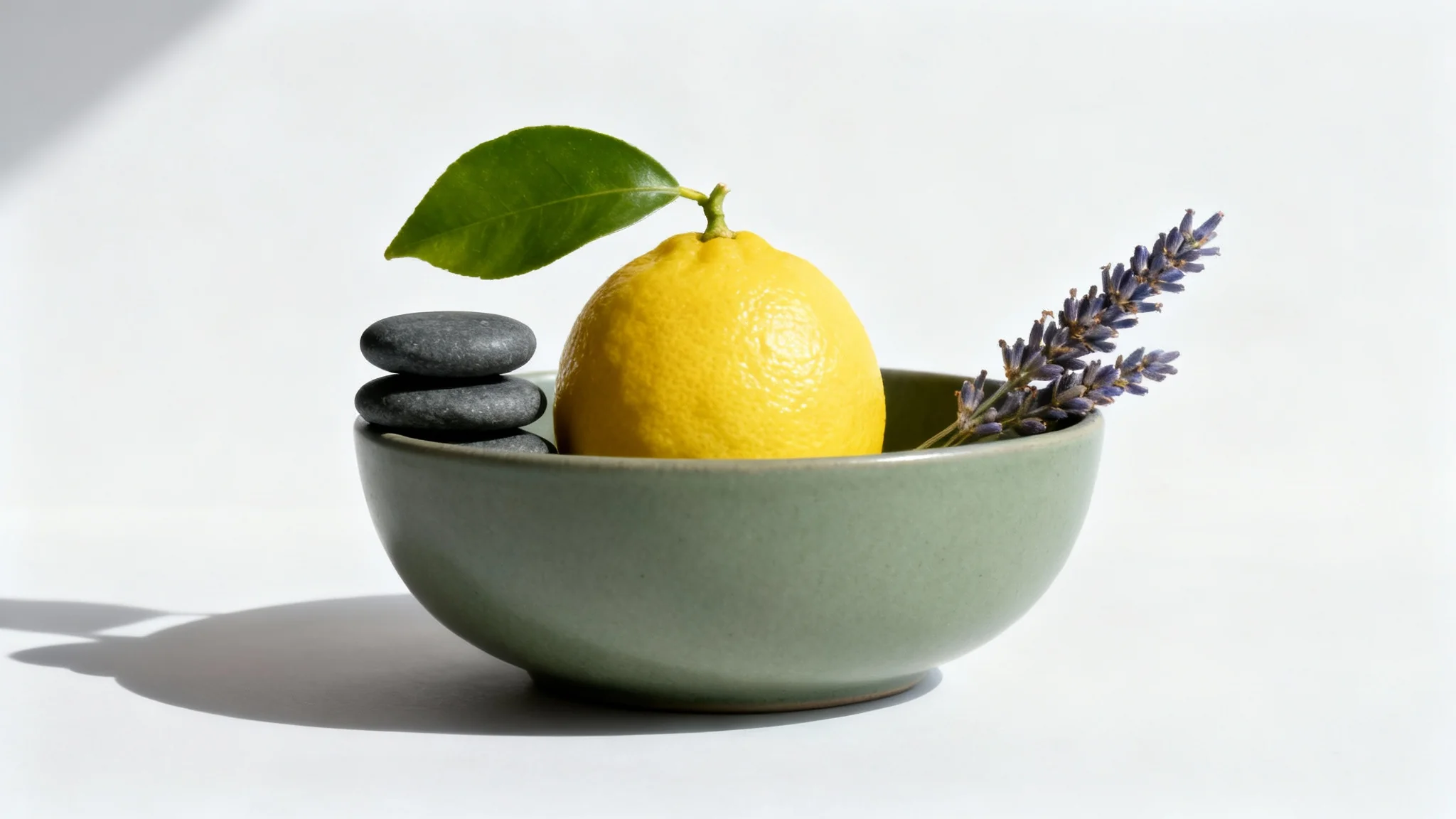
A minimalist still life photograph of a sage green ceramic bowl containing a lemon, stacked grey stones, and a sprig of lavender, set against a clean white background with soft side lighting.
Move beyond a single aesthetic and explore a universe of artistic expression. Our still life generator can create images in a wide variety of styles. Do you envision a composition in the style of the Dutch Masters, a vibrant impressionist painting, or a crisp photorealistic image? Just include the style in your description. This feature allows you to experiment with different visual languages, helping you find the perfect look for your project, whether it's for digital art, concept design, or creating prints for home decor.

Explore Countless Artistic Styles

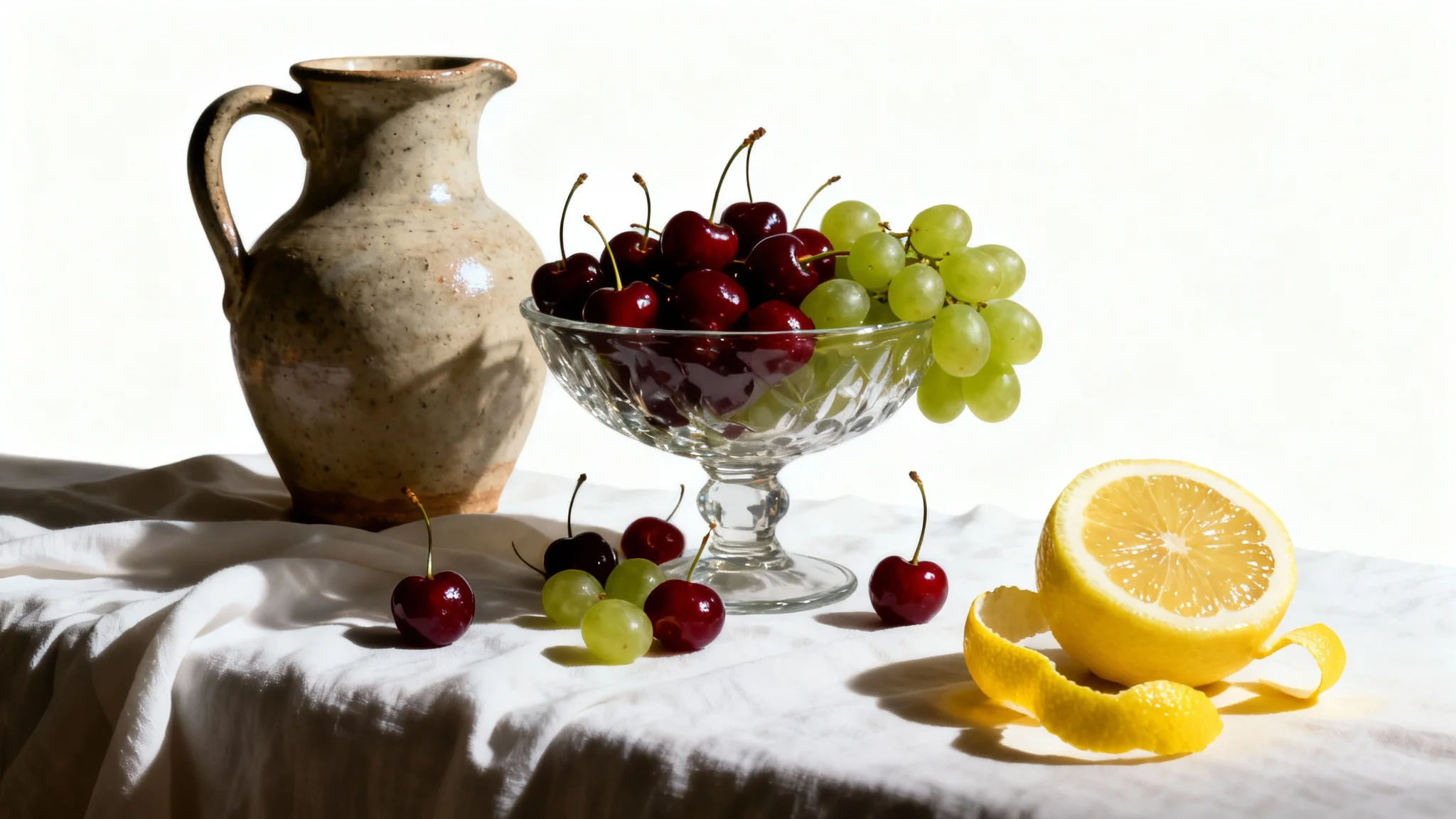
A classical still life painting of a bowl of cherries, a ceramic pitcher, and a peeled lemon, all set on a draped cloth against a plain white background.
It’s Fast: Go from a simple idea to a fully rendered still life image in just a few moments. It’s Customizable: Control the objects, colors, lighting, and artistic style with your description. AI-Powered: Use artificial intelligence to generate unique compositions that would be difficult to create manually. Easy to Use: No artistic skill is required; if you can describe it, you can create it. Use Anywhere: Download high-resolution, watermark-free images perfect for any personal or commercial project.

Why use Pixelcut's AI Still Life Generator?

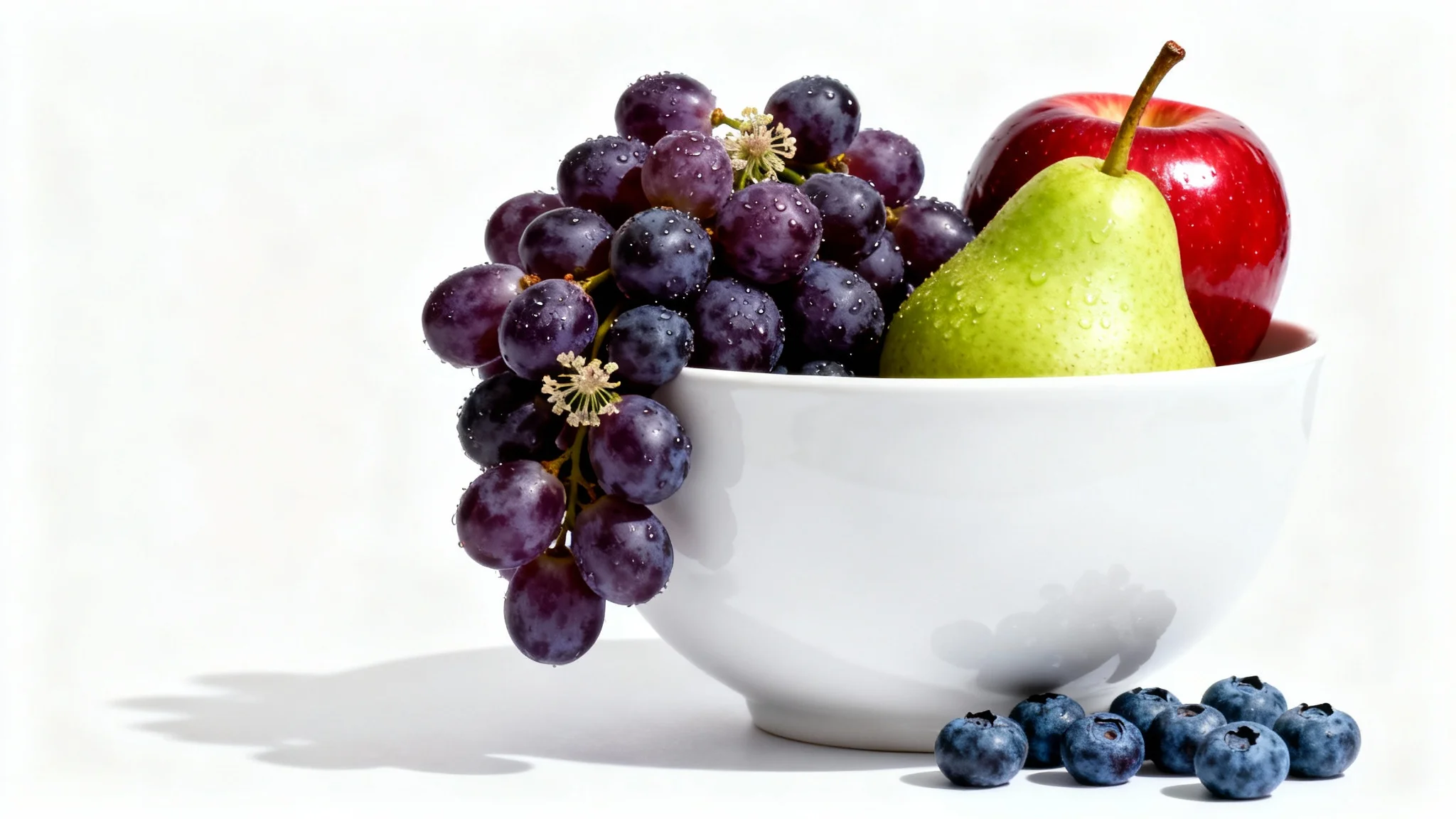
A modern still life photo of a white ceramic bowl filled with fresh grapes, a red apple, and a green pear, shot in a studio setting against a pure white background.
Digital Art and Portfolios: Quickly generate unique pieces to add to your artistic portfolio or use as a starting point for more detailed digital paintings. Concept Art: Brainstorm and visualize scenes for games, films, or animations by creating rapid still life mockups. Home and Office Decor: Design custom art prints that match your interior design perfectly. Educational Tool: Learn about composition, lighting, and color by experimenting with different arrangements and styles. Marketing and Social Media: Create eye-catching visuals for websites, blogs, or social media posts.

Still Life Generator Use Cases

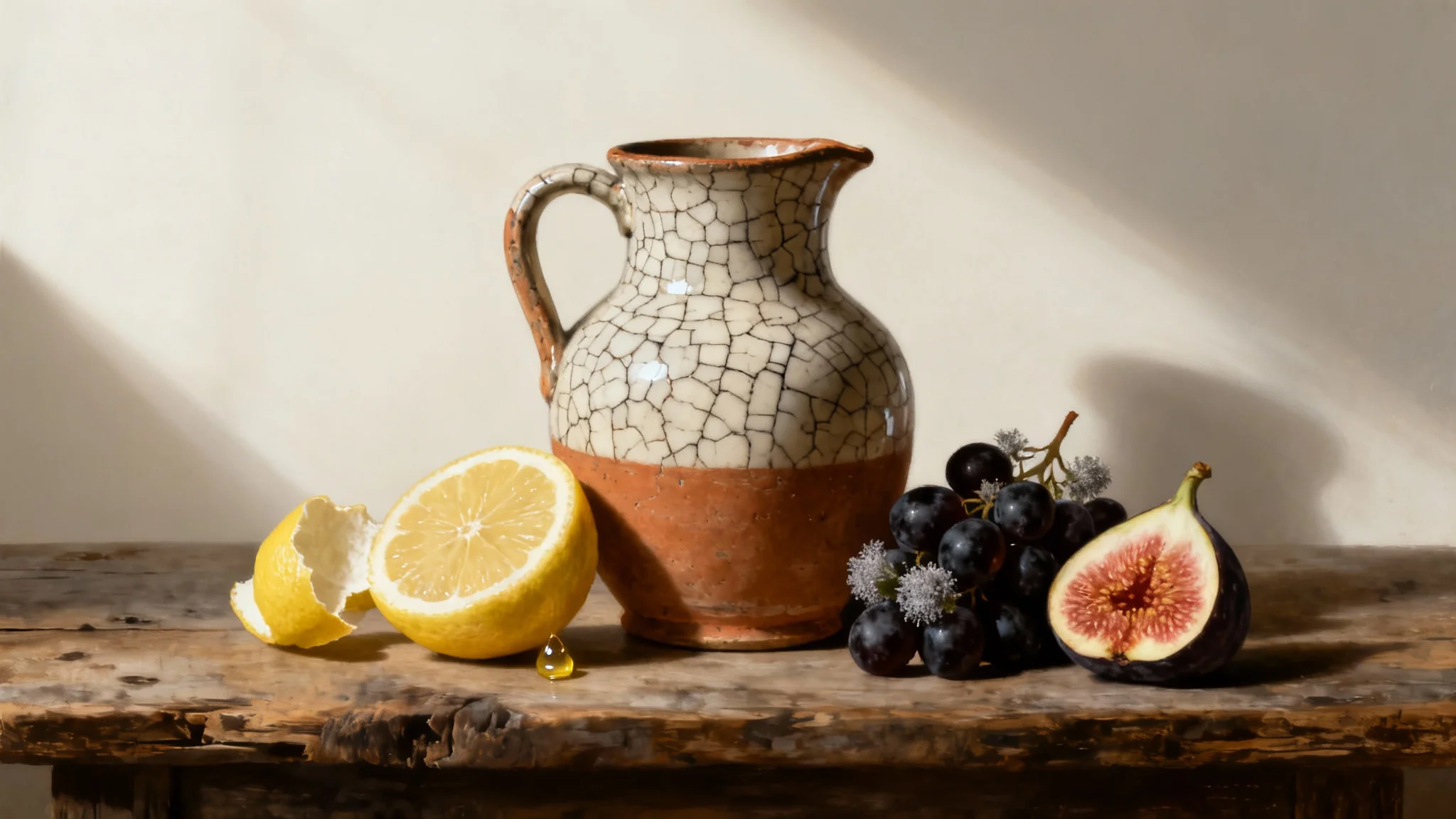
A hyperrealistic still life image of an earthenware pitcher, a peeled lemon, and grapes on a wooden surface against a clean white background, in the style of a classical painting.

Frequently Asked Questions

Pixelcut is loved by over 2 million people

  • My favorite app

    Great app, easy to use. Helps our small business save time and money to create different marketing materials professionally. Thank you.
    Shaelyn D.
  • Best background remover

    I need a good background remover for my work and I've been through them all it feels like. This one is the best by far. It's so easy to use and the results always look amazing. Thank you Pixelcut!
    Kira H.
  • Love it

    It's amazingly easy and gives the perfect results for my bags and accessories. It looks like it was done by a professional photographer.
    Mary J.