My favorite app
Great app, easy to use. Helps our small business save time and money to create different marketing materials professionally. Thank you.
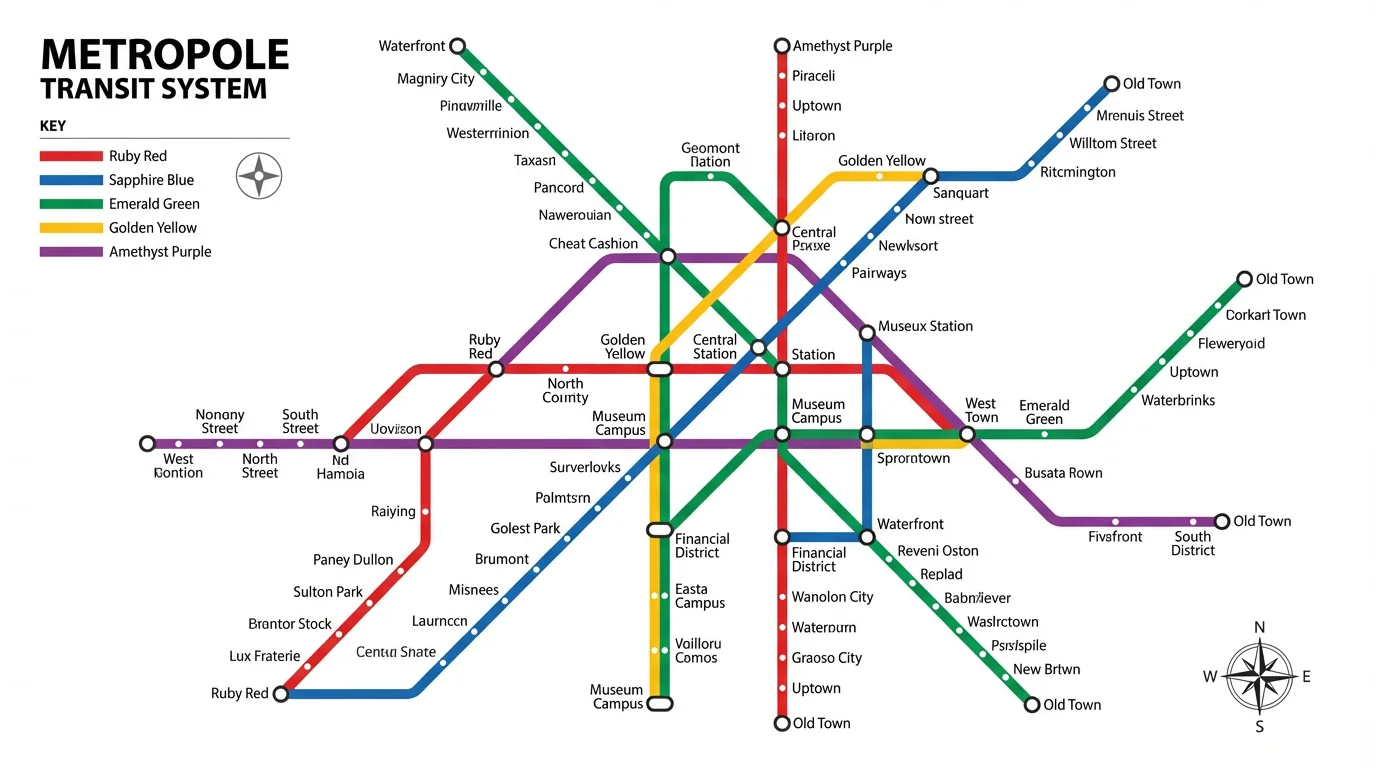
Start by writing a prompt that details your map. Include line colors, city features, and the style you want. For example: 'A subway map for a coastal city with four lines.'
Click the generate button and let the AI build your custom transit map. It will interpret your description to create a unique and clear diagram.
Your custom subway map is ready to be saved. Download the high-resolution image for free to use in your projects, from world-building to presentations.
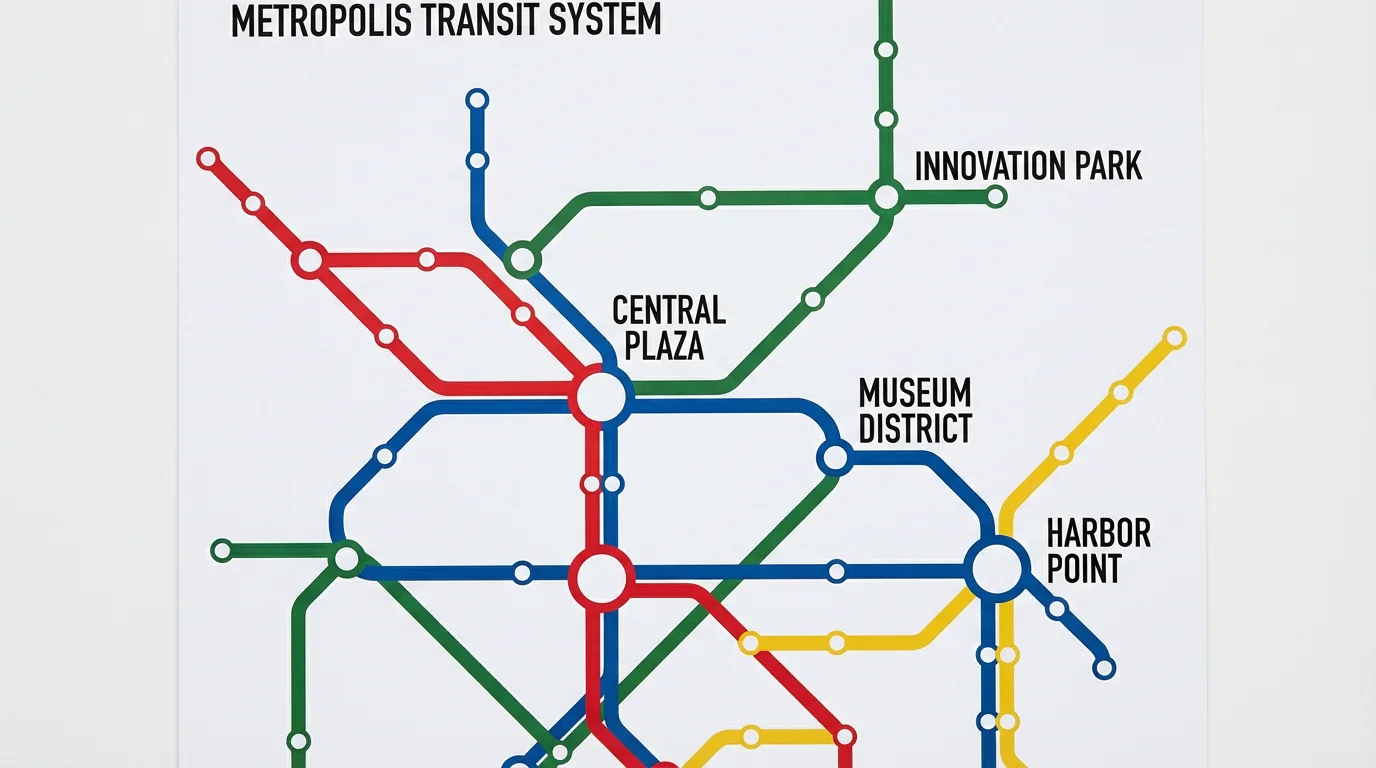
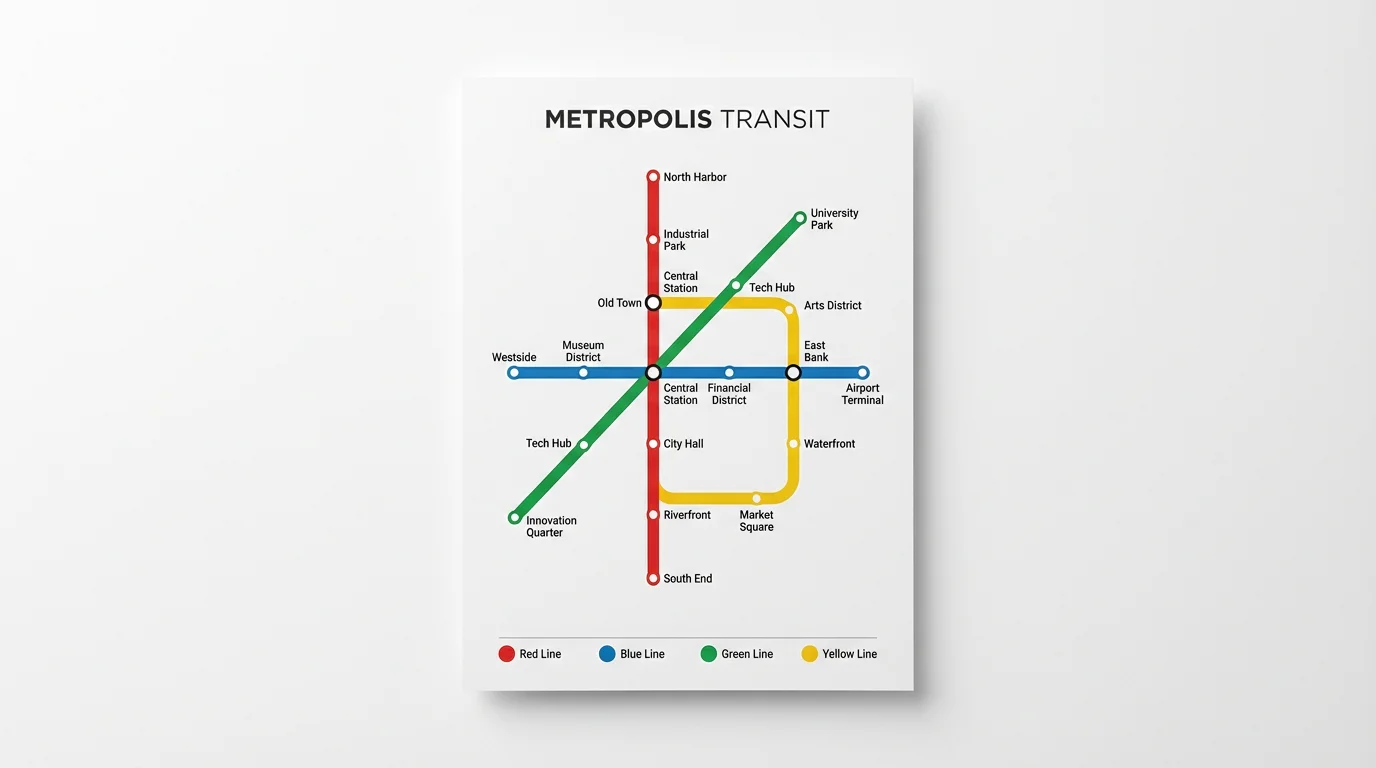
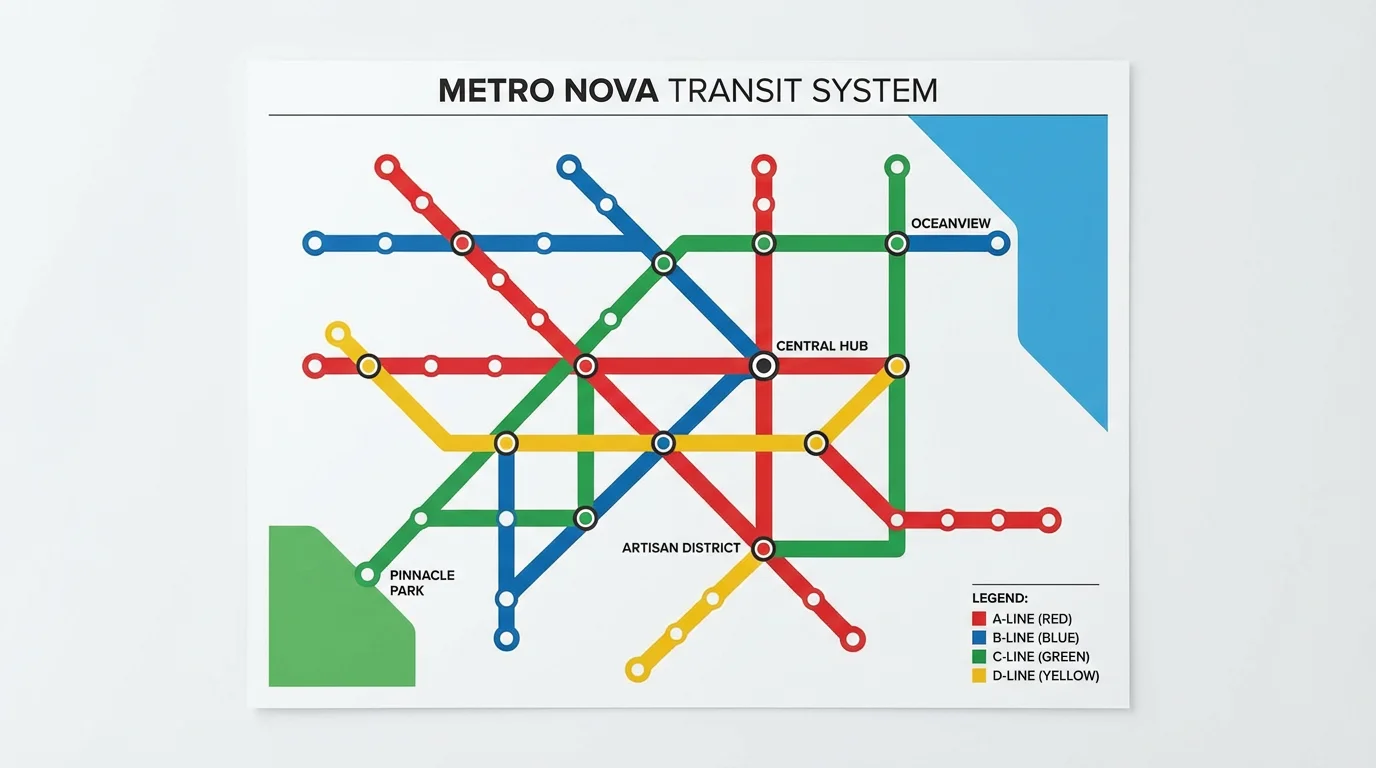
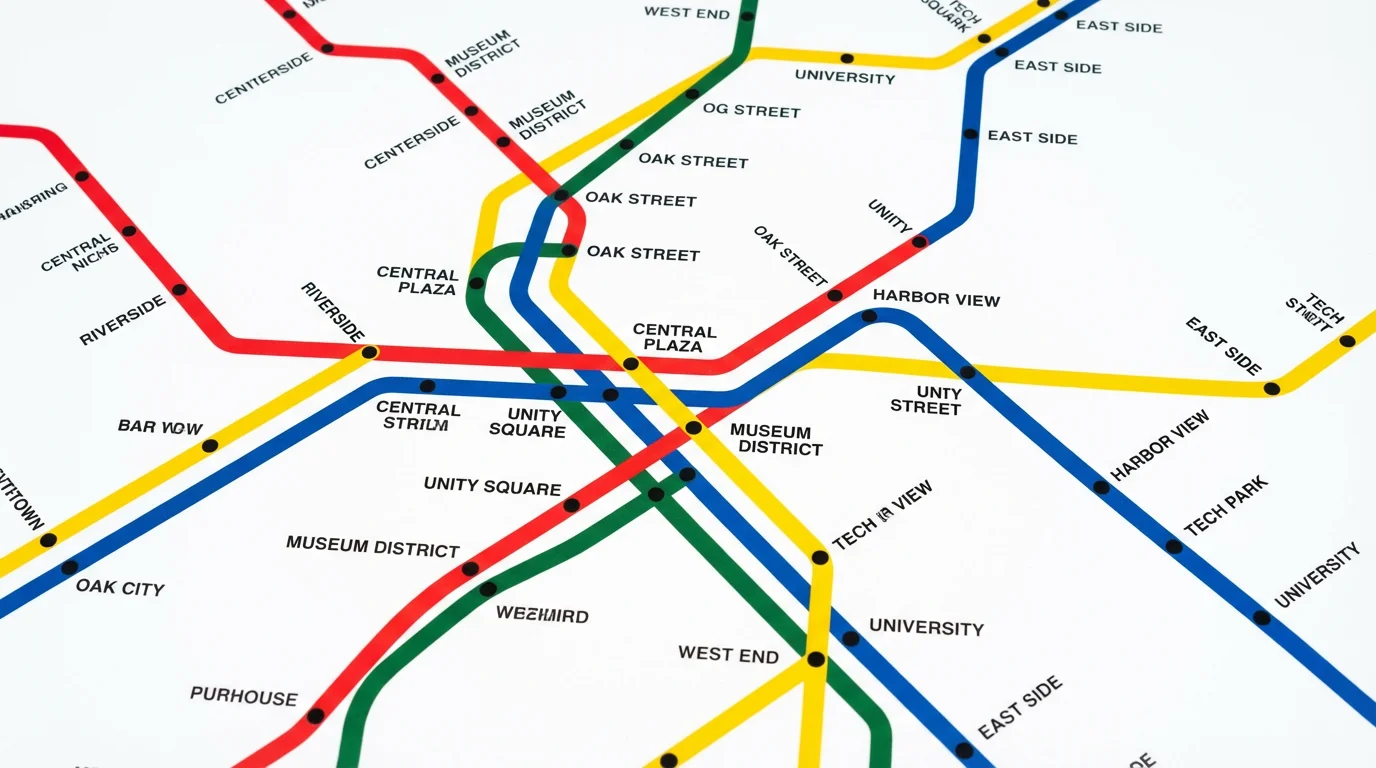
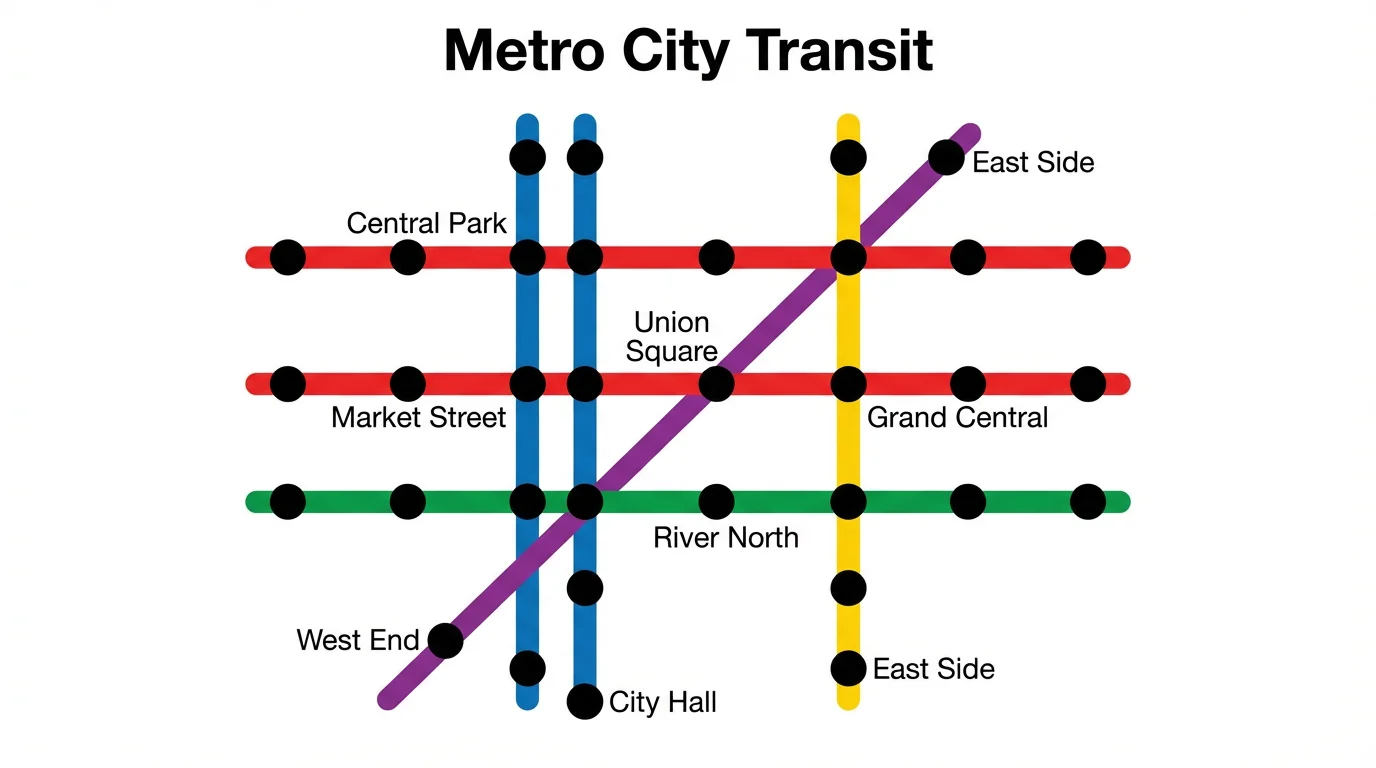
An AI subway map generator is a tool that uses artificial intelligence to automatically create a transit map based on a user's text description. You can specify elements like line colors, station names, geographical features, and the overall style you want.
Yes, the generator is perfect for creating maps of fictional cities. You can name your city, design its transit lines from scratch, and add unique geographical features like mountains, lakes, or islands to build your world.
Yes, for a more detailed map, you can include station names in your prompt. Be sure to specify which line each station belongs to for the best results.
You can create a wide variety of styles by including descriptive words in your prompt. Try terms like 'minimalist', 'vintage', 'futuristic', 'colorful', or even 'in the style of the London Underground' to guide the AI's design.
No, the maps are artistic and schematic representations, not geographically precise documents. They prioritize clarity and ease of understanding the transit network over exact scale and location, similar to most real-world subway maps.
While you can't manually edit the map on the canvas, you can easily refine your text prompt and generate a new version. This iterative process allows you to tweak details until you get the perfect map.
Great app, easy to use. Helps our small business save time and money to create different marketing materials professionally. Thank you.
I need a good background remover for my work and I've been through them all it feels like. This one is the best by far. It's so easy to use and the results always look amazing. Thank you Pixelcut!
It's amazingly easy and gives the perfect results for my bags and accessories. It looks like it was done by a professional photographer.