私のお気に入りのアプリ
素晴らしいアプリ、使いやすい。中小企業がさまざまなマーケティング資料を専門的に作成するための時間と費用を節約できるようになります。ありがとう。
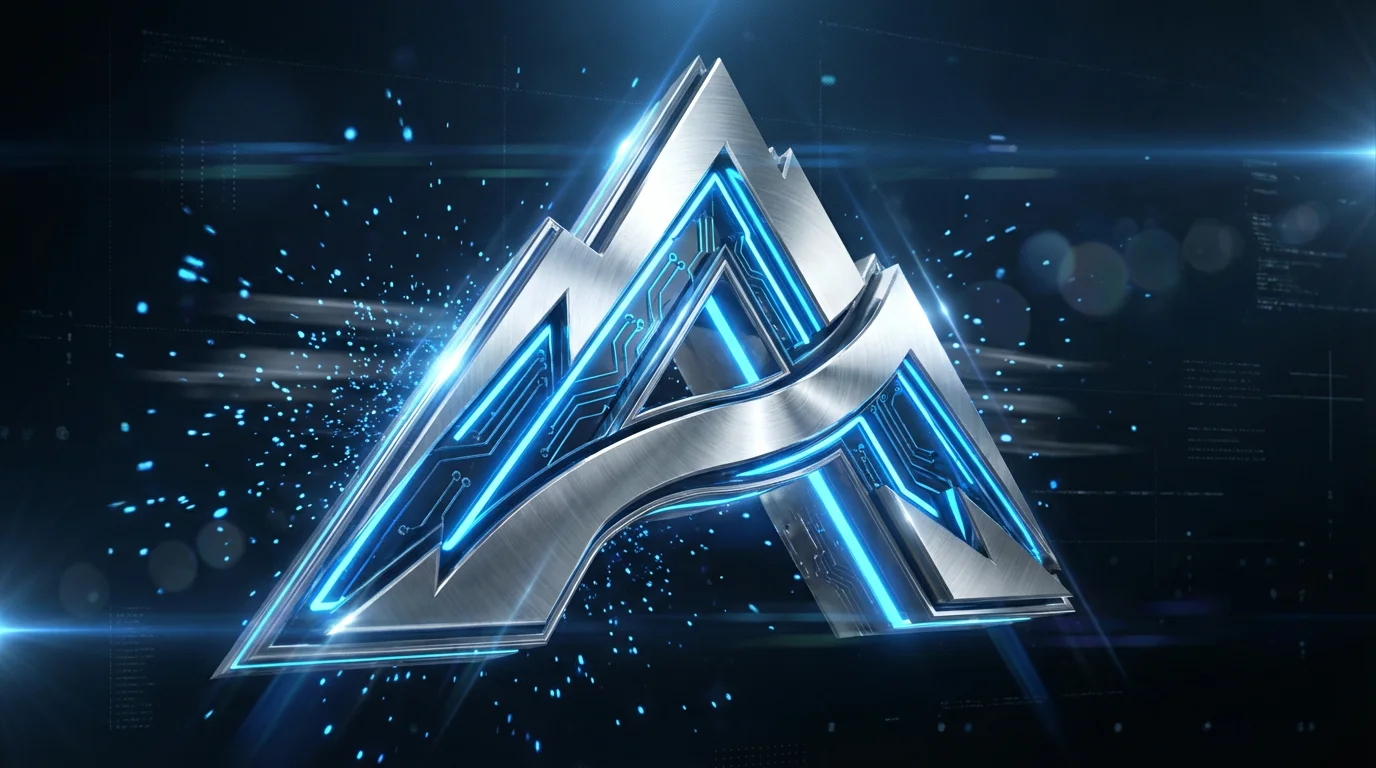
Start by uploading your current logo. A high-quality image file with a transparent background (like a PNG) works best.
In the prompt box, explain how you want your logo to be animated. Be specific about the style, effects, and background. For example: 'Make my logo 3D, metallic, and have it rotate in from the side.'
Click the generate button and let the AI create your 3D logo intro. In just a few moments, you'll have a unique animation based on your description.
Your 3D logo intro is ready to download. Save the high-resolution, watermark-free video and use it to enhance your content across all your platforms.
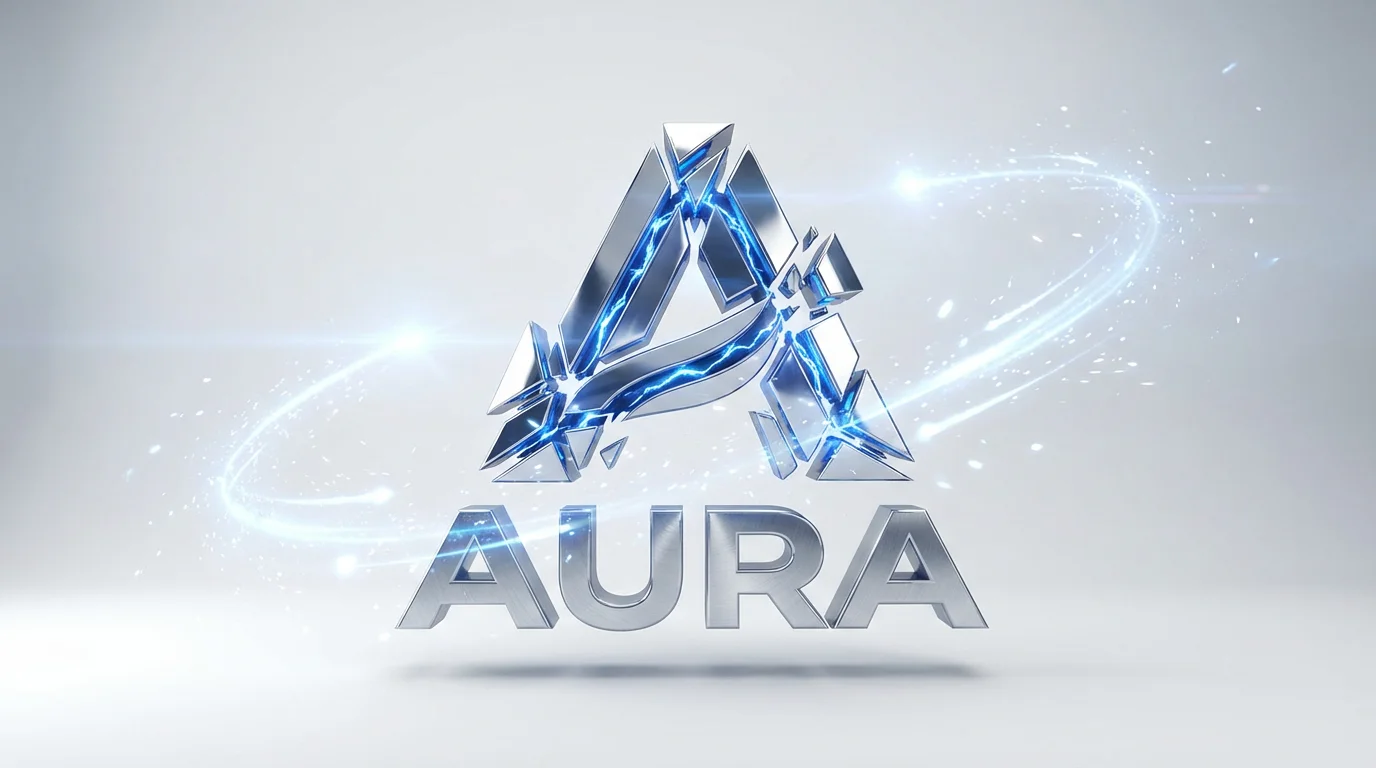


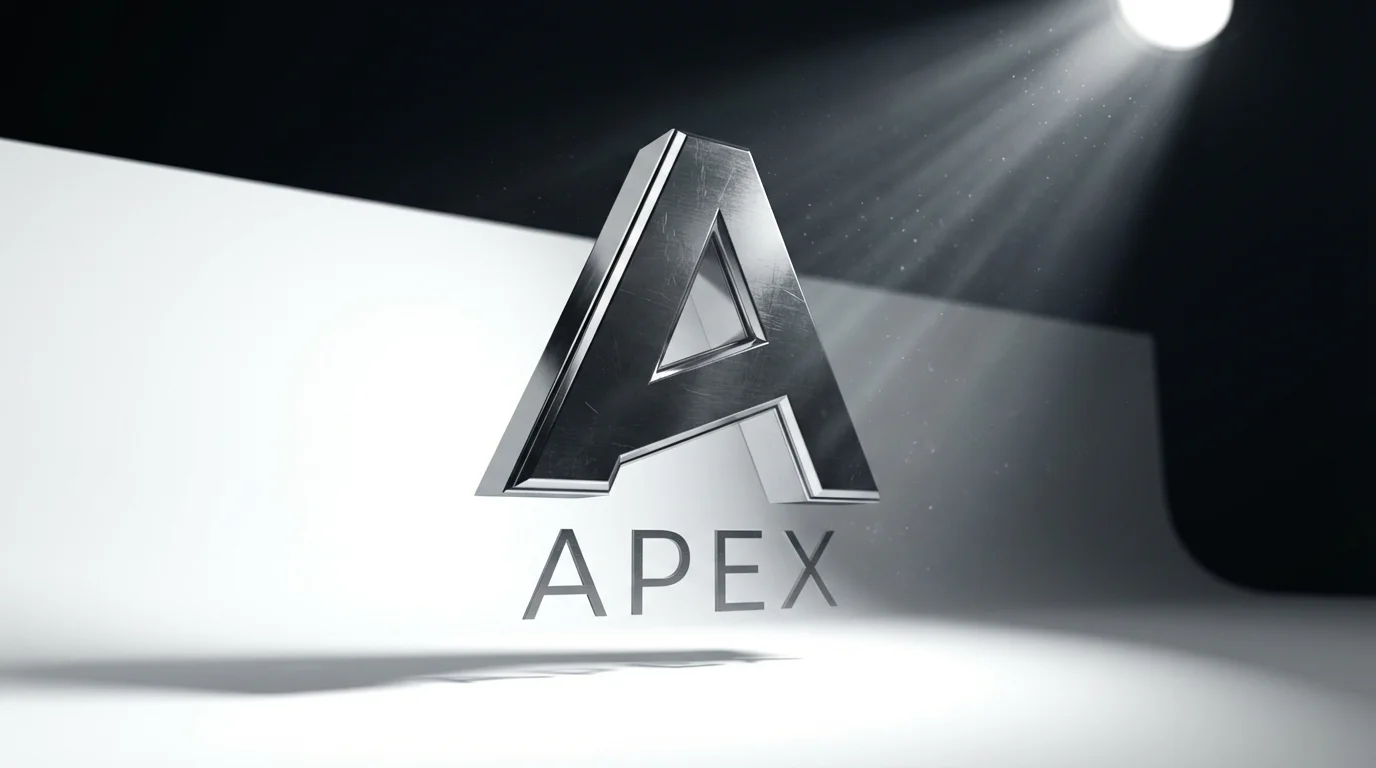

An AI 3D logo intro generator is a tool that uses artificial intelligence to create animated video intros from a user's logo and text descriptions. You upload your logo and describe the animation you want, and the AI generates a 3D video intro for you.
To make a 3D logo intro, upload your logo image. Then, in the text box, describe the animation style, effects, and background you want. For instance, you could type 'Animate my logo spinning with a chrome finish and a lens flare.' The AI will then generate the video intro for you to download.
Yes, absolutely. The 3D logo intros you create are perfect for YouTube channels. You can download the video file and add it to the beginning of all your videos to create a consistent and professional brand identity.
You can create a wide variety of animations by describing them. Think about effects like rotations, reveals, particle effects, morphing shapes, and different material finishes like metal, glass, or wood. The more descriptive your prompt, the more tailored the result will be.
Yes, you can try the 3D logo intro generator for free. You can create and download your animated logos without a watermark. After using your free credits, you will need to purchase more to continue creating.
You can download your 3D logo intro as a high-resolution video file, such as an MP4. This format is widely supported and easy to use in any video editor or upload to social media platforms.
素晴らしいアプリ、使いやすい。中小企業がさまざまなマーケティング資料を専門的に作成するための時間と費用を節約できるようになります。ありがとう。
私の仕事には優れた背景除去剤が必要で、私はそれをすべて経験してきました。これは今のところ最高です。使い方はとても簡単で、結果は常に素晴らしいものになります。ピクセルカットさん、ありがとうございます!
驚くほど簡単で、バッグやアクセサリーに完璧な結果が得られます。プロのカメラマンが撮影したようです。