Pixelcut
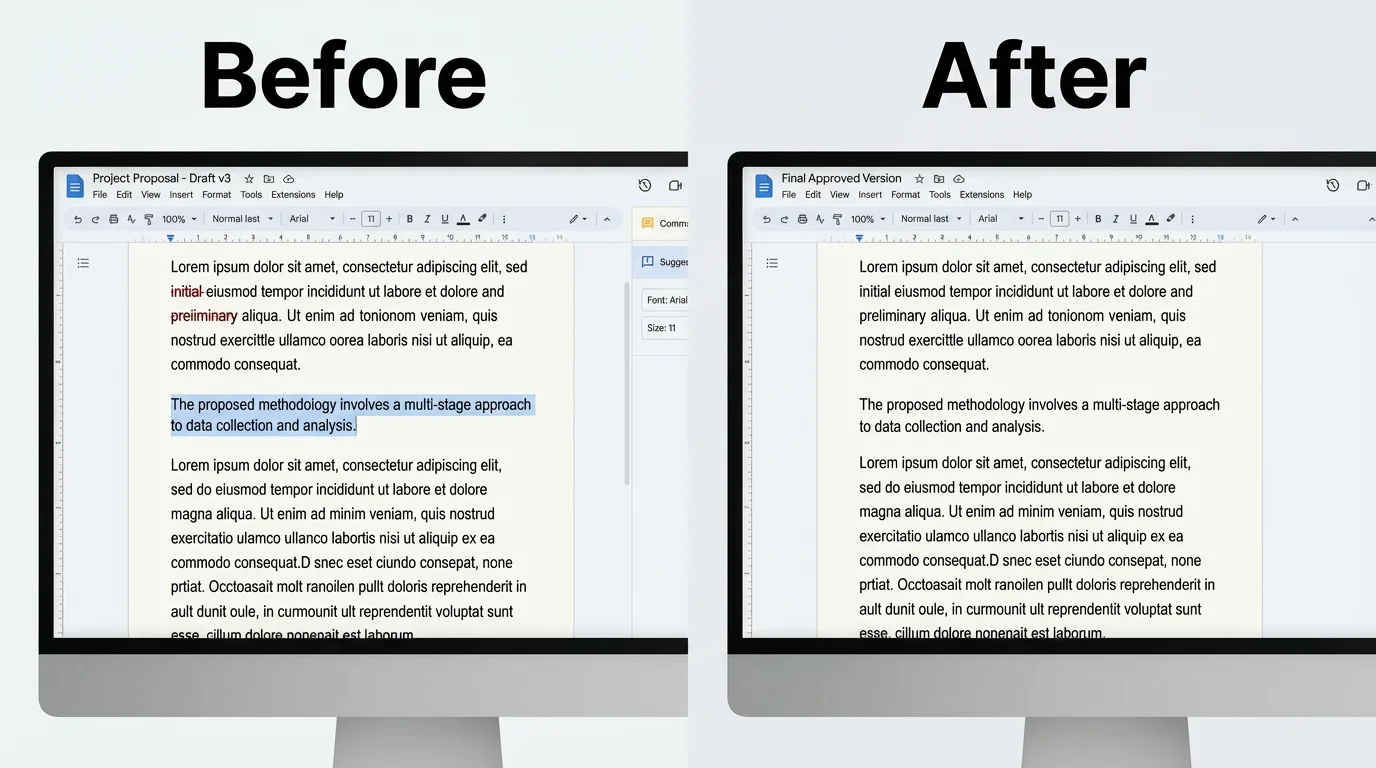
A before-and-after comparison showing a screenshot text editor's result. The 'before' image is a messy screenshot of a document, and the 'after' image is the same screenshot with the text cleanly and seamlessly edited.

Edit Text on Any Screenshot with AI

Instantly change, replace, or remove text on your screenshots. Our AI makes it easy to correct typos or update information in any image.
使いやすい - プロンプトを書くだけ
7000万人に信頼されています
Pixelcut AIエージェントによって提供
171,800件のレビュー

How to Edit Text on a Screenshot

  1. 1

    Upload Your Screenshot

    Start by uploading the screenshot file you wish to edit. The tool supports JPG, PNG, and other common image formats.

  2. 2

    Enter Your Prompt

    In the text box, describe the edit you want to make. For example, 'change the name 'Alex' to 'Jordan'' or 'remove the first paragraph'.

  3. 3

    Generate Your Edit

    Click the generate button and let our AI process the changes. Your new screenshot with the edited text will be ready in moments.

  4. 4

    Download Your Image

    Your edited screenshot is ready to be saved. Download it in high-resolution as a PNG or JPG file, completely watermark-free.

Say goodbye to clunky editing tools that leave your screenshots looking messy. Pixelcut’s AI intelligently recognizes and replaces text directly within your image, making the edits look completely natural. Whether you captured a webpage, a presentation slide, or a chat conversation, our tool seamlessly blends the new text with the original background. The AI analyzes textures, lighting, and fonts to ensure the final result is clean and professional, with no signs of alteration. Just tell the AI what to change, and watch it work its magic.

Seamless AI Text Replacement

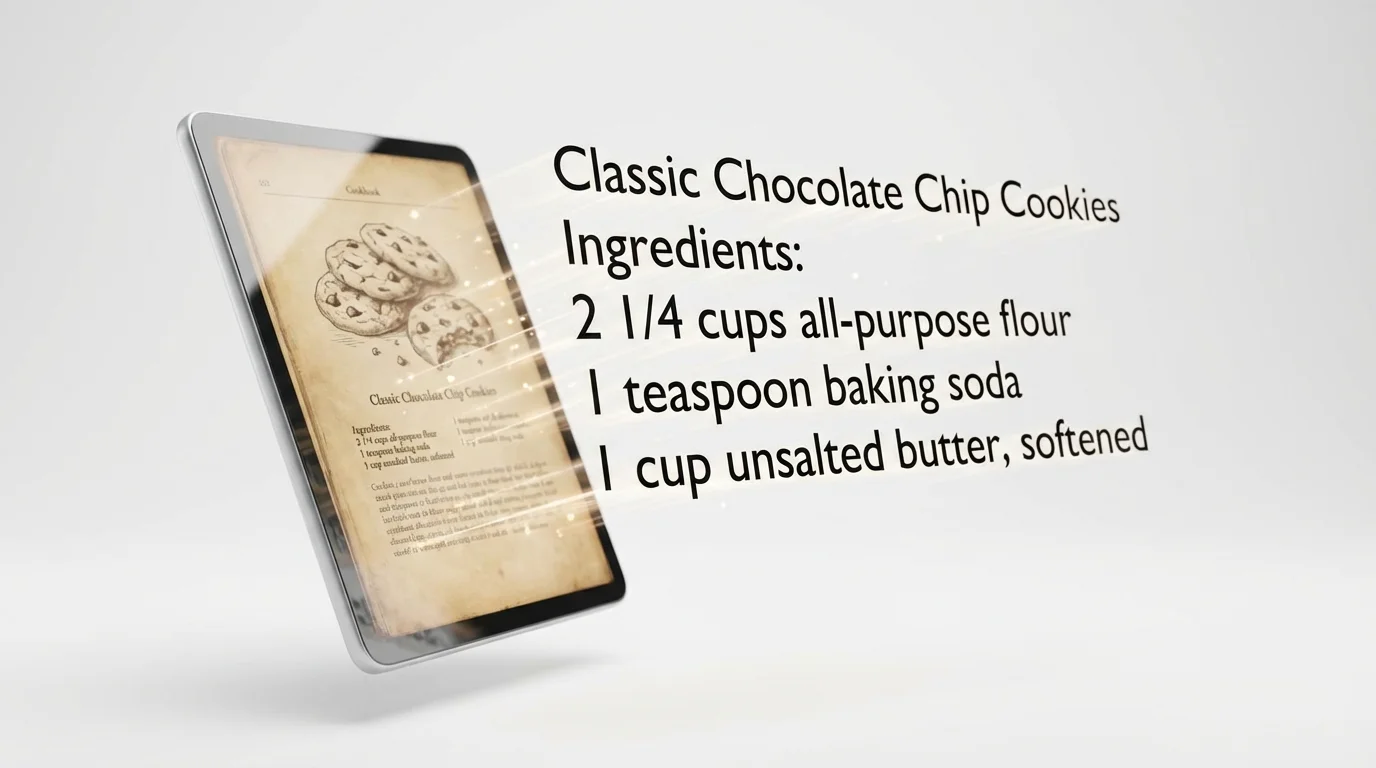
A conceptual image illustrating a screenshot text editor. A screenshot of a cookie recipe is on the left, with text like 'Ingredients' and 'all-purpose flour' floating out of it and arranging itself into neat, editable text on a white background.
Spotted a typo in a screenshot you just took? Need to update a date or a name in an image before sharing it? Our screenshot text editor is designed for speed and convenience. You no longer need to recapture an image or use complicated software to make simple text corrections. Just upload your screenshot, provide a simple text prompt describing the change, and get a revised image in moments. This makes it perfect for fast-paced work environments, social media content creation, and quick personal edits.

Correct Mistakes and Update Info Instantly

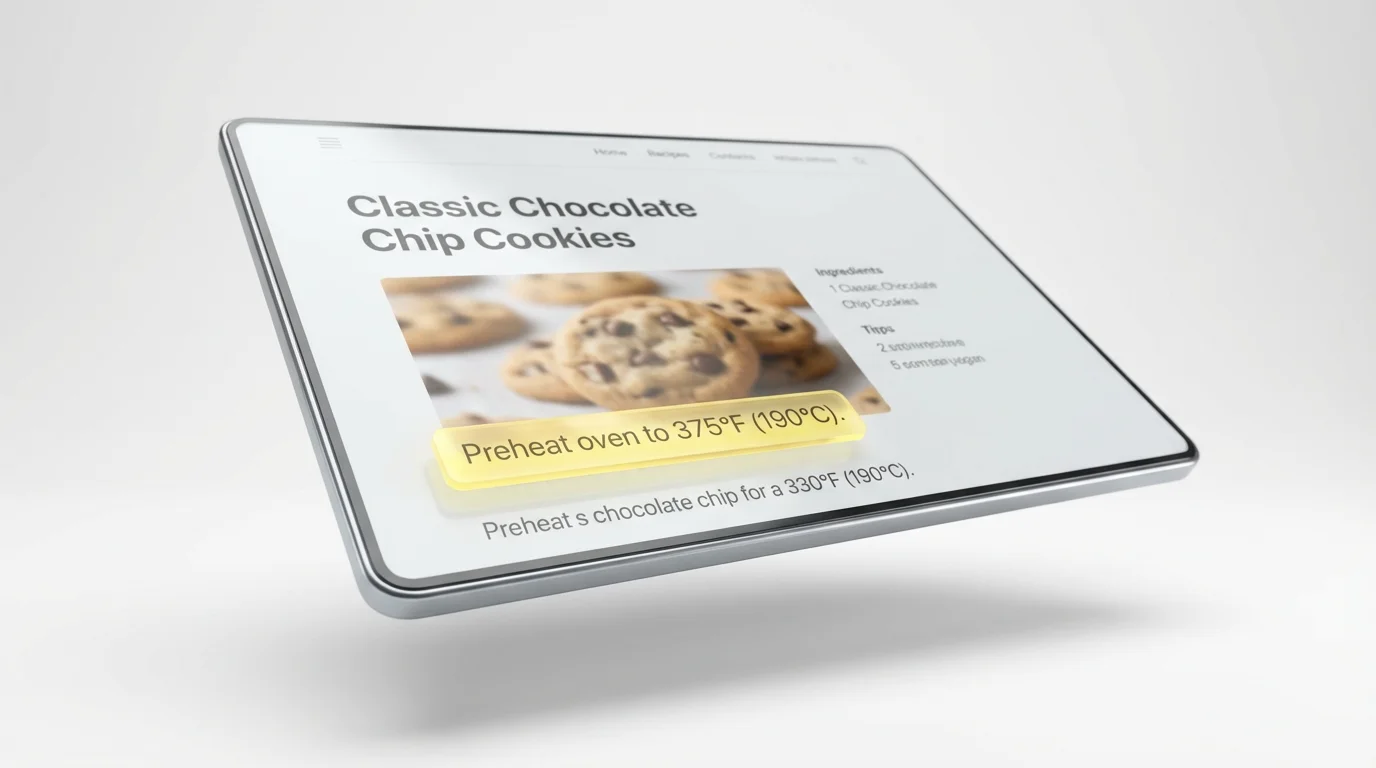
A mockup for a screenshot text editor tool, showing a screenshot of a cookie recipe where a line of text is highlighted in yellow, demonstrating the ability to select and edit text from an image.
Editing text shouldn't mean sacrificing image quality. Our tool is built to make precise changes while preserving the sharpness and clarity of your original screenshot. When you replace or remove text, the AI rebuilds the background behind it with incredible accuracy, avoiding the blurry or smudged look common with manual editing methods. Download your edited screenshot in high resolution, ready for use in professional presentations, documentation, or social media posts where every detail matters. The final output is always crisp and clear.

Preserve Original Image Quality

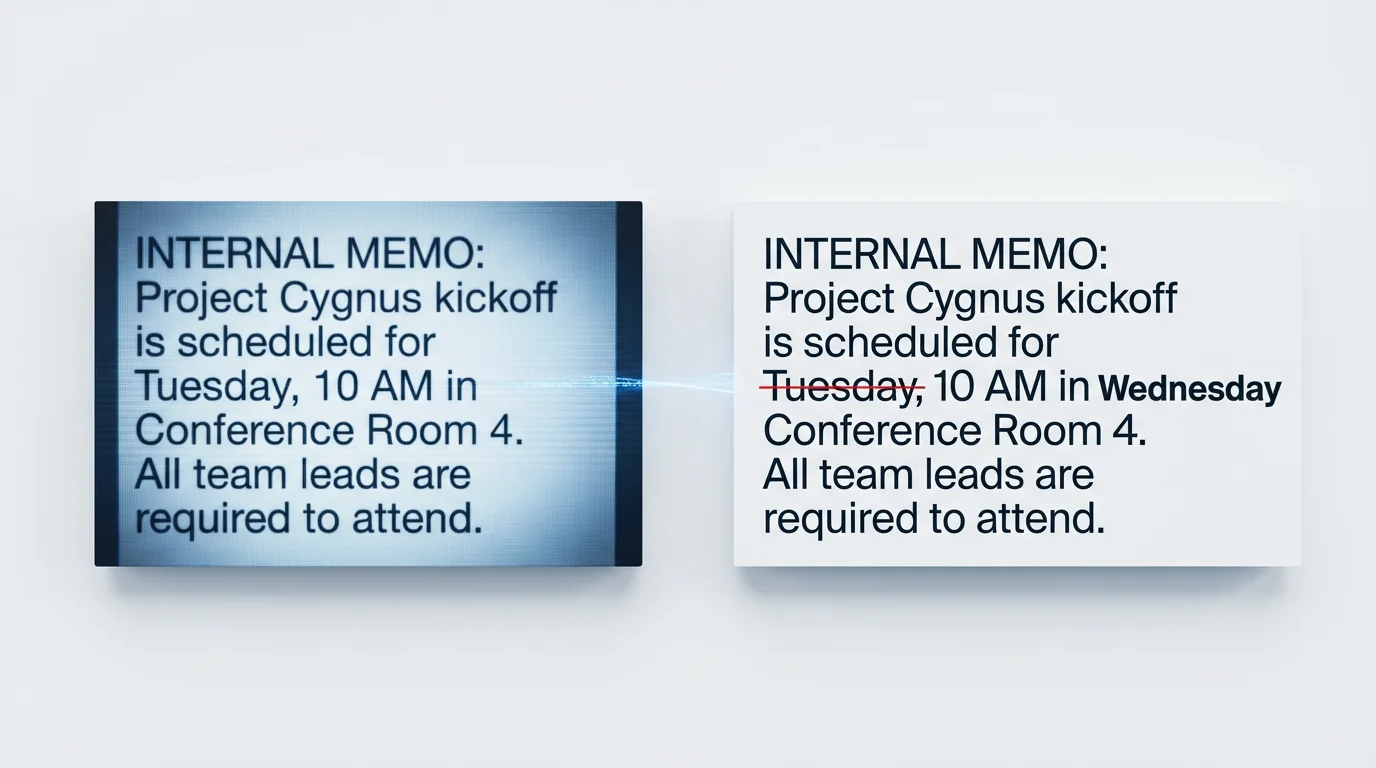
A conceptual image showing text from a screenshot being edited. On the left is a pixelated block of text, and on the right is the same text made crisp and clear, with one word corrected.
It’s Fast: Correct typos, update details, or remove text from a screenshot in seconds. It’s Intelligent: Our AI seamlessly matches the original background, fonts, and styles for a natural look. AI-Powered: Use the power of AI to perform complex text edits with a simple instruction. Easy to Use: Upload your screenshot, type what you want to change, and let the AI do the rest. No design skills are necessary. High-Quality Results: Download your edited images in high resolution without watermarks. Your edits will look professional and clean.

Why use Pixelcut's AI Screenshot Text Editor?

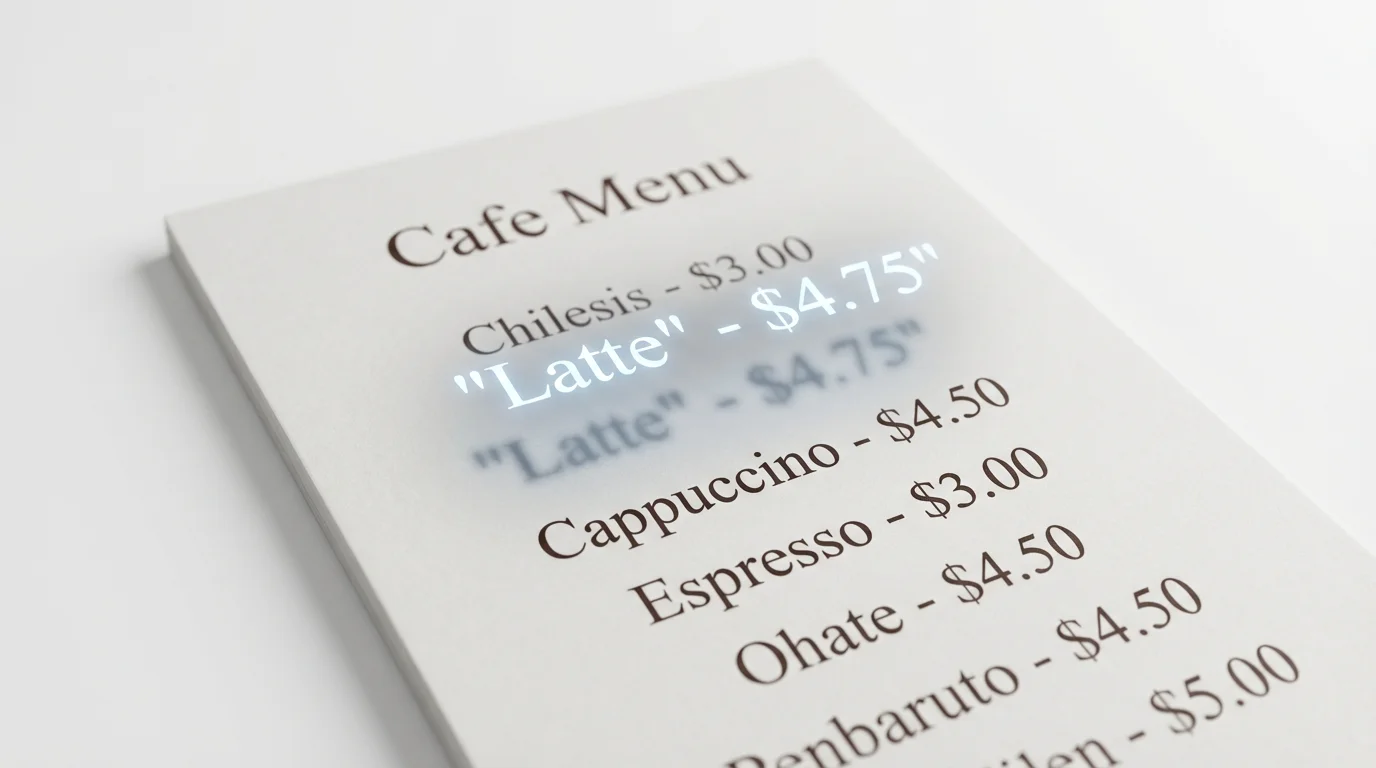
A conceptual image for a screenshot text editor, showing the words 'Latte - $4.75' magically lifting off a photograph of a cafe menu, symbolizing the extraction of text from an image.
Correct Typos: Quickly fix spelling mistakes in screenshots of chats, emails, or social media posts before sharing. Update Information: Change dates, names, or numbers on screenshots of schedules, reports, or website content. Redact Sensitive Data: Remove personal information or confidential details from a screenshot by telling the AI to erase specific text. Create Mockups: Show proposed text changes on a website or app design by editing a screenshot directly. Localize Content: Translate text within a screenshot to adapt it for different regions or audiences.

Screenshot Text Editor Use Cases

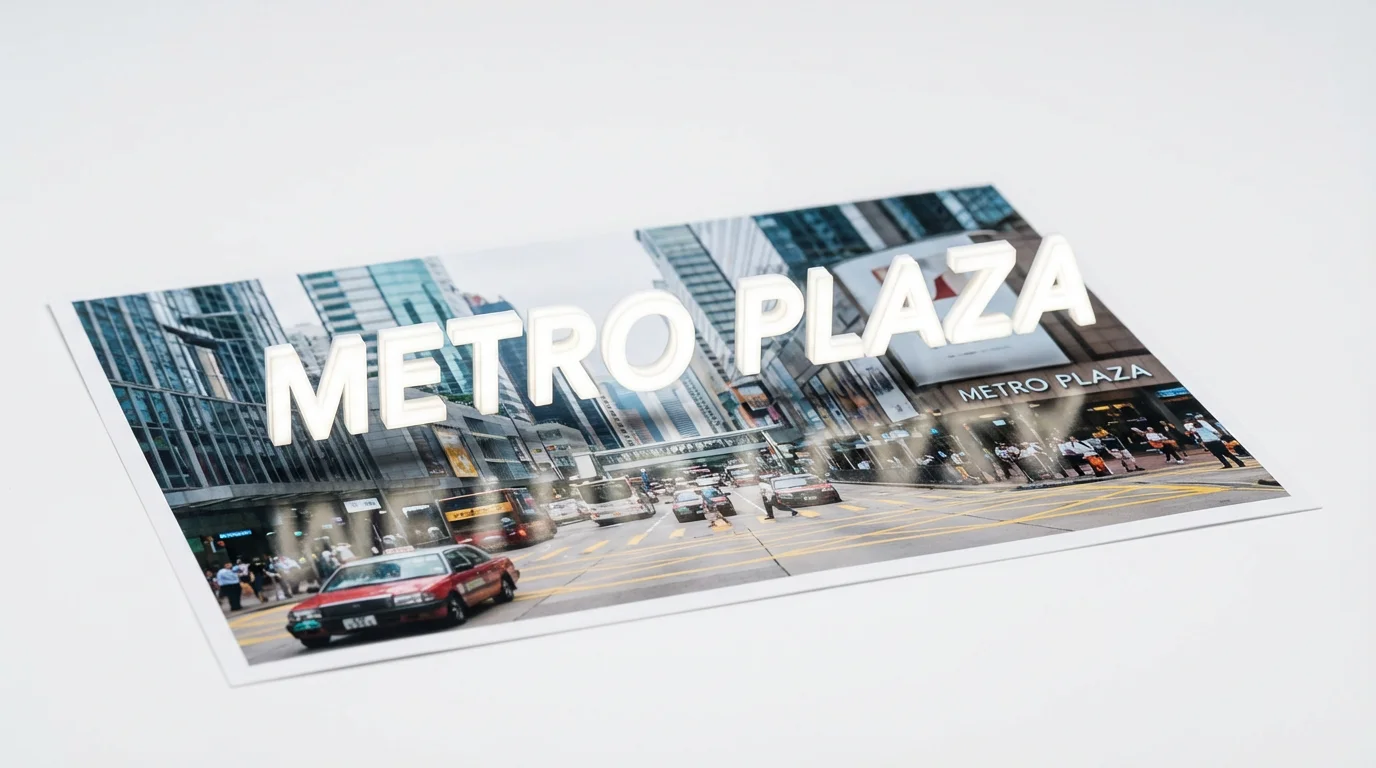
A conceptual image representing a screenshot text editor, showing the words 'METRO PLAZA' being magically lifted off a photograph of a building.

よくある質問

Pixelcutは200万人以上に愛されています

  • 私のお気に入りのアプリ

    素晴らしいアプリ、使いやすい。中小企業がさまざまなマーケティング資料を専門的に作成するための時間と費用を節約できるようになります。ありがとう。
    シェイリン D.
  • 最高の背景除去剤

    私の仕事には優れた背景除去剤が必要で、私はそれをすべて経験してきました。これは今のところ最高です。使い方はとても簡単で、結果は常に素晴らしいものになります。ピクセルカットさん、ありがとうございます!
    キラ・H
  • 大好きです

    驚くほど簡単で、バッグやアクセサリーに完璧な結果が得られます。プロのカメラマンが撮影したようです。
    メアリー J.