Pixelcut
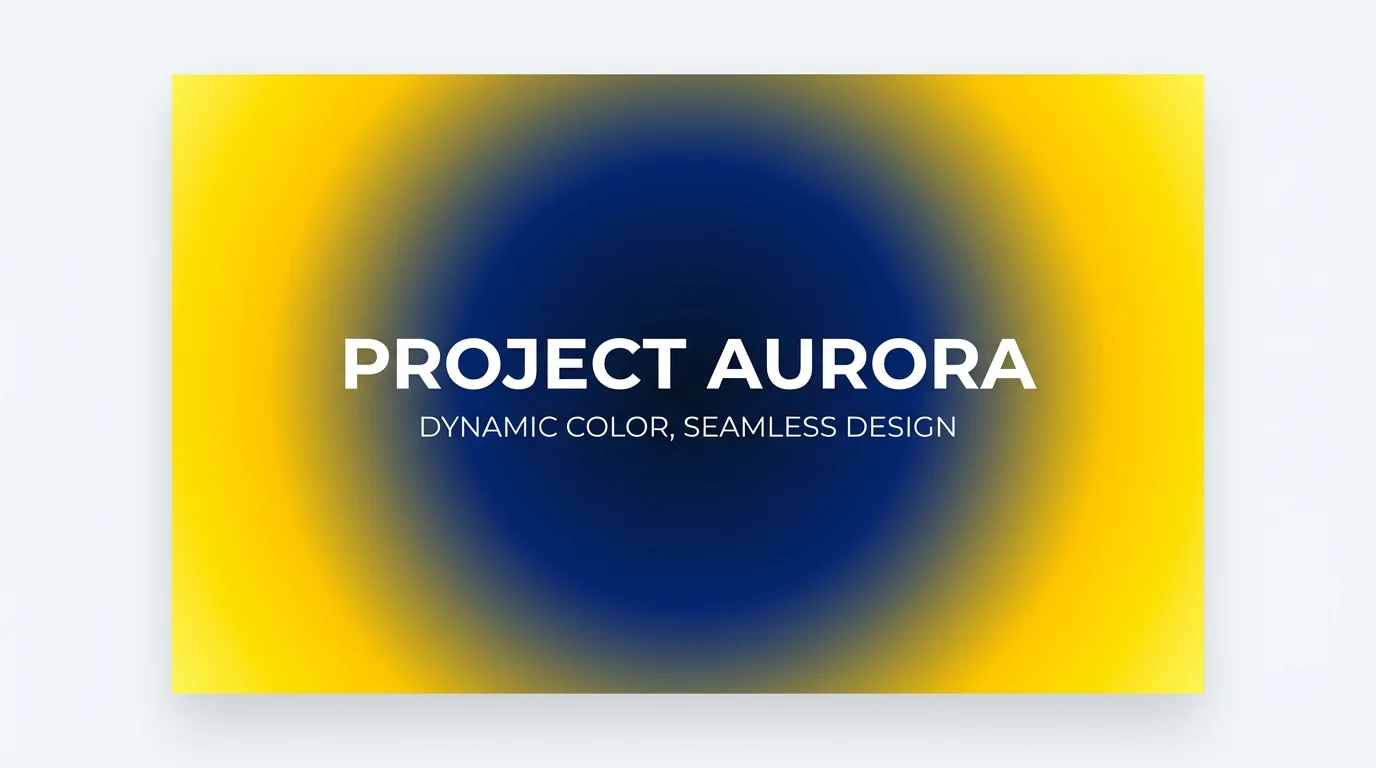
A professional hero image design featuring a vibrant radial gradient background that transitions from blue in the center to yellow at the edges, with the text "Project Aurora" in the middle.

AI Radial Gradient Generator

Instantly design beautiful, smooth radial gradients with a simple text prompt. Perfect for backgrounds, websites, and social media posts.
使いやすい - プロンプトを書くだけ
7000万人に信頼されています
Pixelcut AIエージェントによって提供
171,800件のレビュー

How to Generate a Radial Gradient

  1. 1

    Describe your gradient

    Write a prompt detailing the colors and style of your radial gradient. For example, 'a radial gradient from a soft peach center to a light lavender'.

  2. 2

    Generate your gradient

    Click the generate button and let our AI create a unique circular gradient based on your description in just a few moments.

  3. 3

    Download your image

    Your high-resolution gradient is ready. Download it for free and use it as a background for your website, social media post, or any other design project.

Move beyond complex sliders and color pickers. Our AI radial gradient generator interprets your words to create visuals. Just describe the colors, mood, or style you're envisioning. For instance, you could ask for a 'soft pastel sunrise gradient' or a 'dramatic dark blue to electric purple gradient.' The tool handles the complexities of color blending and transitions, delivering a beautiful circular gradient based on your creative direction. This makes designing custom backgrounds faster and more intuitive than ever before.

Create Gradients with Simple Text Prompts

A close-up of a glossy sphere on a white background, displaying a vibrant radial gradient that shifts from a bright yellow center to orange, magenta, and violet.
Your imagination sets the palette. Specify any combination of colors to create the perfect radial gradient for your project. You can guide the AI to blend from a central color outwards, mentioning as many intermediate colors as you like. Want a fiery gradient moving from red to orange to yellow? Simply state it in your prompt. This level of text-based control lets you experiment with unique color schemes effortlessly, ensuring the final design perfectly matches your aesthetic vision for any digital canvas.

Full Creative Control Over Your Colors

An abstract digital artwork of a radial gradient, with a glowing yellow center that transitions smoothly through orange and magenta to a deep purple at the edges, set against a white background.
Download your custom radial gradients in high resolution, ready for any application. Whether you need a subtle background for a website, a vibrant backdrop for a social media story, or a polished look for a presentation slide, the quality is always crisp and professional. All generated gradients are watermark-free, giving you clean, ready-to-use assets. Pixelcut’s generator produces visuals that look great on any screen, ensuring your designs maintain their impact and clarity no matter where they are displayed.

High-Resolution Gradients for Any Project

A visually striking digital artwork of a perfect sphere displaying a radial gradient. The color transitions smoothly from a bright white center to yellow, orange, magenta, and finally deep purple at the edges, all set against a clean white background.
It’s Fast: Generate a complete gradient in seconds from a text description. It’s Creative: Use natural language to explore color combinations you might not have found with traditional tools. AI-Powered: Leverage artificial intelligence to create smooth, complex, and visually appealing gradients without manual adjustments. Easy to Use: No design experience or knowledge of CSS is needed. If you can describe it, you can create it. Use Anywhere: Perfect for web designers, marketers, and content creators needing quick, custom graphics.

Why use Pixelcut's AI Radial Gradient Generator?

A modern graphic representation of a radial gradient on a white background, smoothly transitioning from a light cyan center to a dark navy blue at the edges.
Website Backgrounds: Create modern, engaging hero sections or subtle background textures for your site. Social Media Graphics: Design eye-catching backgrounds for your Instagram posts, Stories, or Facebook banners. Presentation Slides: Add a professional and polished look to your PowerPoint or Google Slides presentations. App UI Design: Develop unique background elements for mobile app interfaces or splash screens. Digital Art: Use the generated gradients as a starting point or texture layer for your digital illustrations and artwork.

Radial Gradient Generator Use Cases

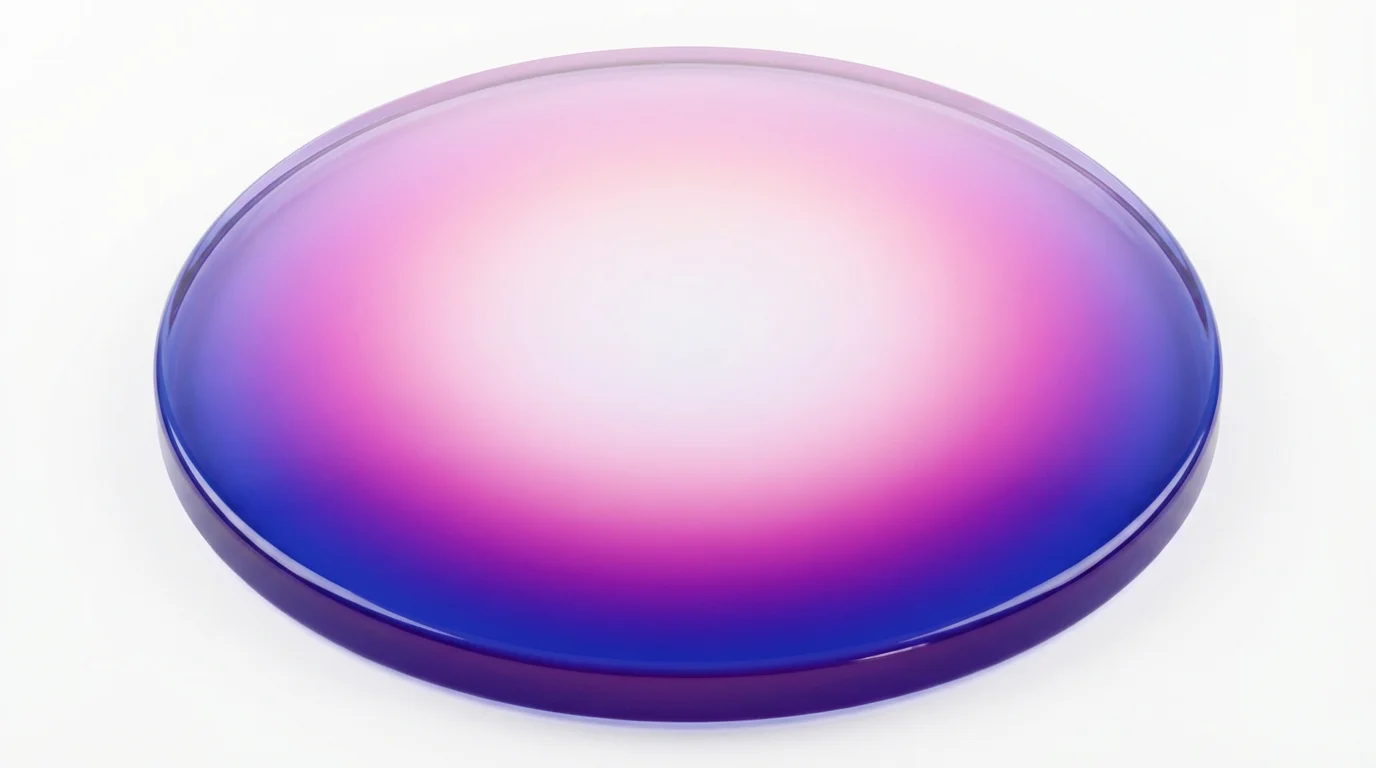
A hyper-realistic image of a radial gradient, starting with a glowing white center that smoothly transitions through shades of pink and magenta to a deep indigo outer ring, all set against a pure white background.

よくある質問

Pixelcutは200万人以上に愛されています

  • 私のお気に入りのアプリ

    素晴らしいアプリ、使いやすい。中小企業がさまざまなマーケティング資料を専門的に作成するための時間と費用を節約できるようになります。ありがとう。
    シェイリン D.
  • 最高の背景除去剤

    私の仕事には優れた背景除去剤が必要で、私はそれをすべて経験してきました。これは今のところ最高です。使い方はとても簡単で、結果は常に素晴らしいものになります。ピクセルカットさん、ありがとうございます!
    キラ・H
  • 大好きです

    驚くほど簡単で、バッグやアクセサリーに完璧な結果が得られます。プロのカメラマンが撮影したようです。
    メアリー J.