Pixelcut
Three AI portraits: an origami crane, a woman in neon light, hummingbird at a flower

Free Imagen 3 AI Image Generator

7천만 명이 신뢰하는
리뷰 171,800개
개발자 API
iPhoneAndroid에서 사용 가능

가능성을 탐험하세요

AI-generated headshot of a smiling woman with long dark hair in a brown turtleneck
AI-generated mint and yellow string mesh tote bags on a sunlit wooden table
AI-generated glossy translucent green handbag with clear handles on a green backdrop
Example 4

Imagen 3 transforms your creative ideas into stunning, ultra-realistic visuals in seconds. This cutting-edge AI image generator delivers unmatched image quality, making it easy for artists and creative professionals to produce images quickly without traditional image editing software. Every image created is vibrant and detailed, perfect for impactful presentations, marketing, or creative projects. Enter a text prompt to try Imagen 3 free today.

Generate Stunning Images Instantly with Imagen 3

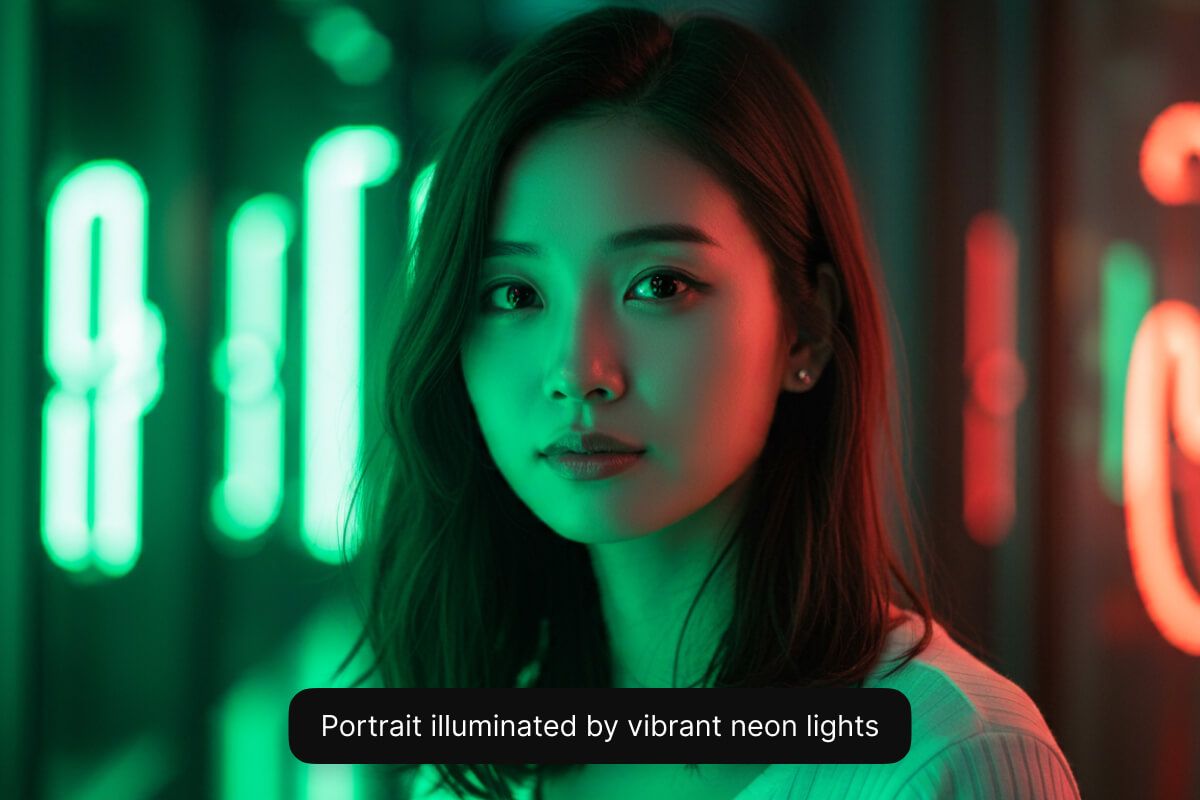
Close-up portrait of a woman lit by green and red neon lights at night

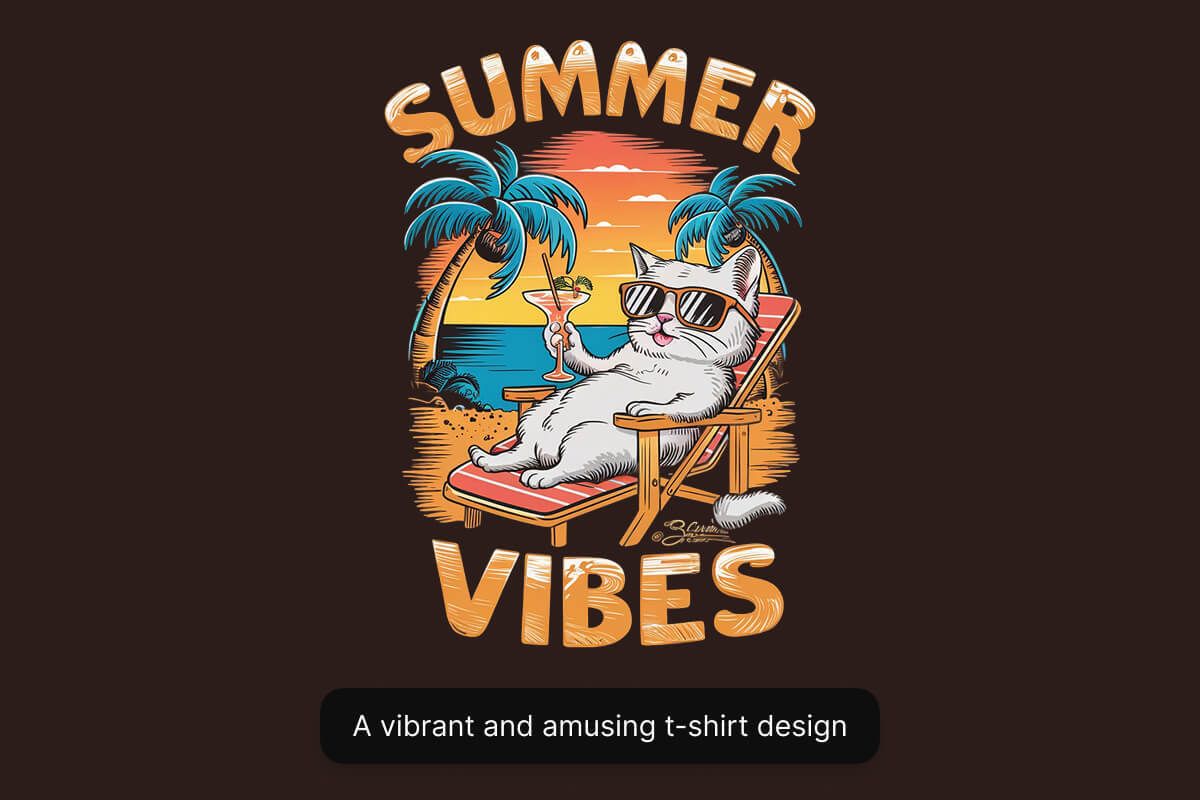
Advanced text rendering with Imagen 3 ensures words and visuals blend flawlessly, enhancing your designs effortlessly. Its unique ability to accurately integrate stylized text within images makes it ideal for marketers and designers crafting promotional content or branded graphics. Skip the hassle of manual editing—Imagen 3 intuitively handles text alignment, styling, and clarity for professional-grade visuals instantly. Start creating polished visuals effortlessly.

Advanced Text Rendering Made Easy

Cartoon t-shirt design of a cat in sunglasses lounging beachside under "Summer Vibes"

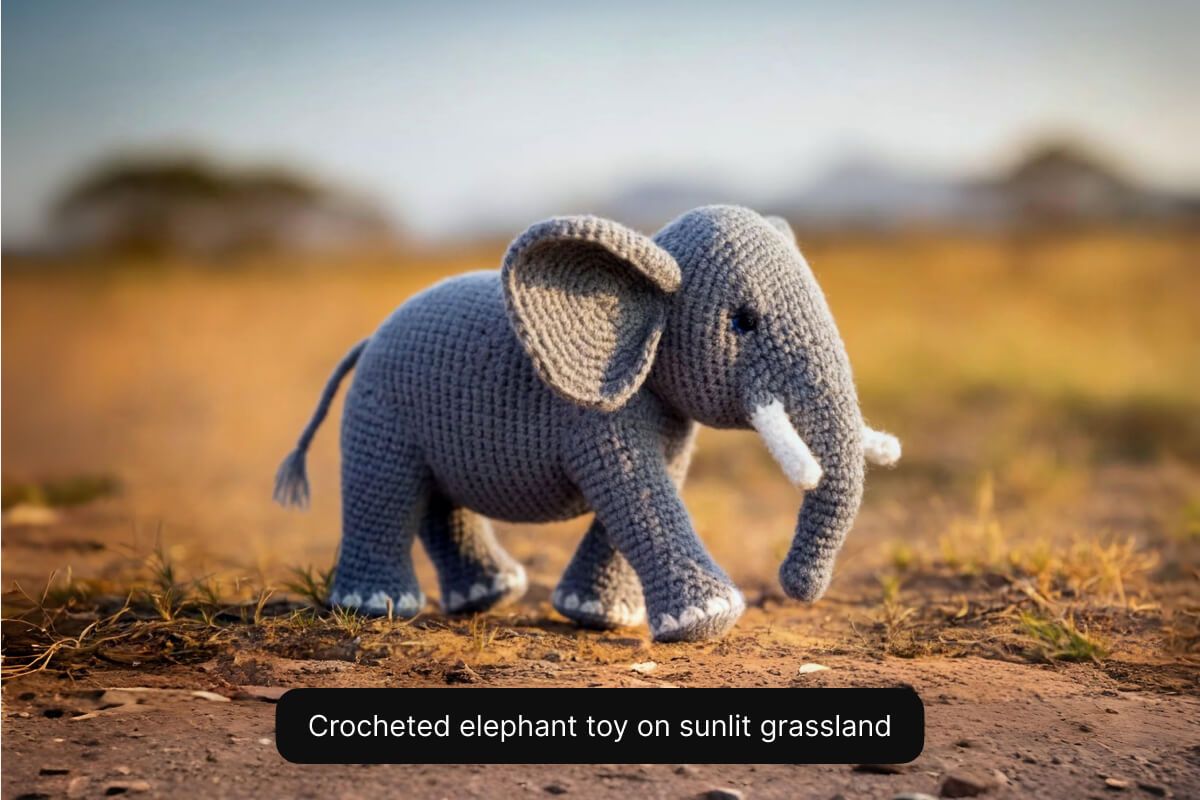
Enhanced prompt understanding in Imagen 3 ensures every detail of your description appears accurately in your visuals. Describe complex scenes or intricate concepts, and Imagen 3 precisely translates your ideas into clear, visually striking images. This advanced capability saves marketers and content creators valuable time, eliminating multiple edits and ensuring the final product matches your exact vision. Bring precise visuals to life with Imagen 3.

Enhanced Prompt Understanding for Precise Results

Crocheted toy elephant standing on a sunlit grassland path with blurred savanna behind

How to use Imagen 3

  1. 1

    Enter your text prompt

    Start by entering your prompt clearly describing your vision. The more detailed your text prompt, the better the results.

  2. 2

    Select the Imagen 3 model

    Choose the Imagen 3 model from the model drop-down menu. Choose your preferred aspect ratio as well.

  3. 3

    Generate image

    Our AI Image Generator will instantly create unique images based on your inputs.

  4. 4

    Download your image

    Download your image or keep editing using Pixelcut. Your image is now ready for your next project!

창작자들이 신뢰하는

Adidas logo
Airbnb logo
Apple logo
H&M logo
Google logo
Gucci logo
Nike logo
Sephora logo

자주 묻는 질문

Pixelcut은 2백만 명이 넘는 사람들에게 사랑받고 있습니다.

  • 내가 가장 좋아하는 앱

    훌륭한 앱, 사용하기 쉽습니다. 소규모 기업이 시간과 비용을 절약하여 다양한 마케팅 자료를 전문적으로 만들 수 있도록 도와줍니다. 감사합니다.
    셰린 D.
  • 최고의 배경 제거기

    저는 제 작업을 위해 좋은 배경 제거기가 필요하고, 모든 것을 사용해본 것 같습니다. 이 제품이 지금까지 사용해본 것 중 가장 좋습니다. 사용하기 너무 쉽고 결과는 항상 놀랍습니다. 감사합니다 Pixelcut!
    키라 H.
  • 그것을 좋아한다

    놀랍도록 쉬우며 가방과 액세서리에 완벽한 결과를 제공합니다. 전문 사진작가가 찍은 것 같네요.
    메리 J.