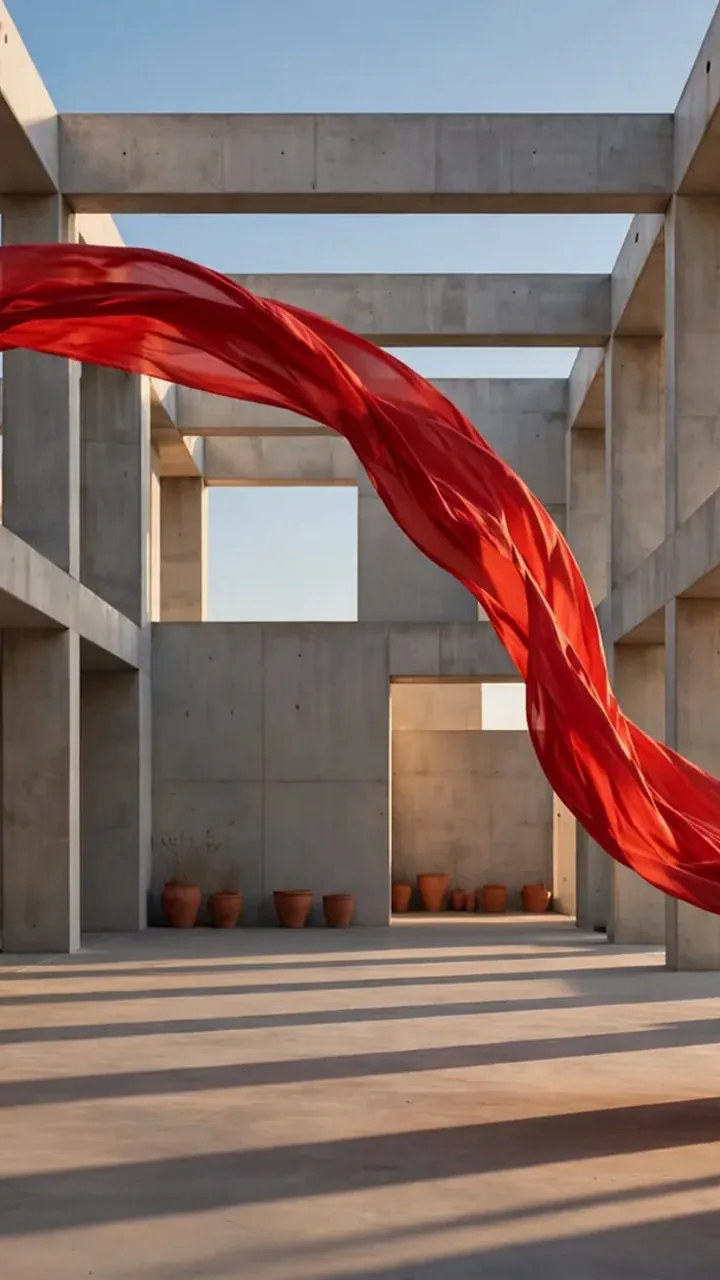

Sculptural silk

Meta Muse Image Generator

Turn words or photos into images, precise edits and scenes from your references with Muse Image by Meta on Pixelcut. Describe your image to start.

Model

Muse Image on Pixelcut

Muse Image on Pixelcut turns the picture you describe into a finished visual in your browser. Add your own photos when you want to guide an edit or bring ideas together.

Muse Image at a glance

Input
Text or photosOptional reference photos
Resolution
1024 × 1024
Aspect ratio
9 formats1:1, 16:9, 9:16, 4:3, 3:4, 3:2, 2:3, 21:9, 9:21
Output
PNG or JPG
Reference images
Up to 10
Speed
About 12 s

See what Meta Muse can make

Get a finished image in the style, color and mood your words describe.

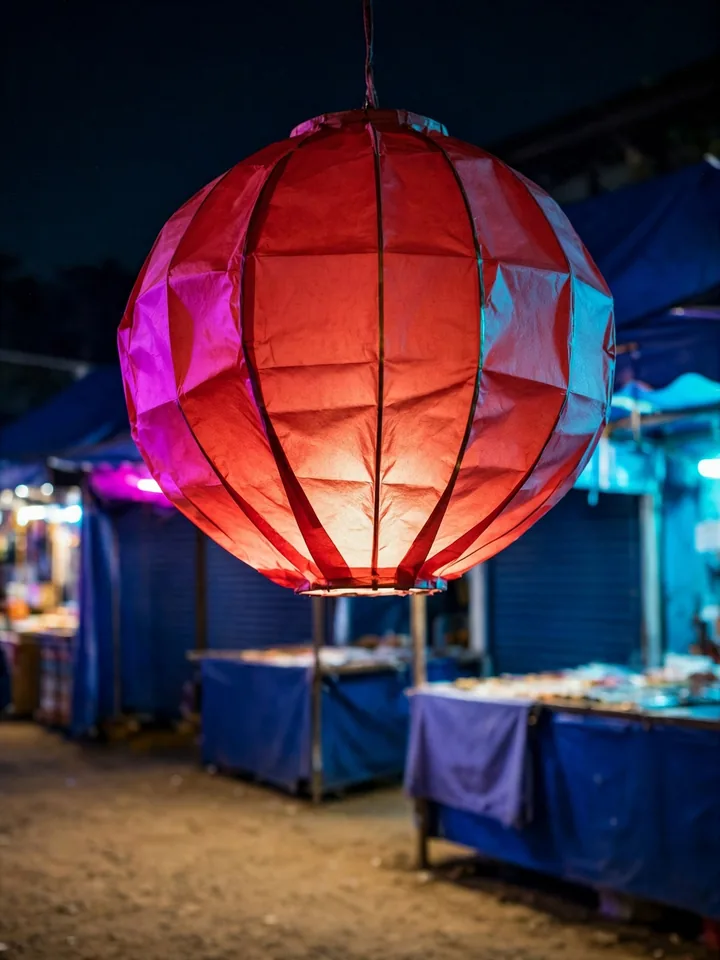
Scarlet paper lantern glows above a midnight blue market.
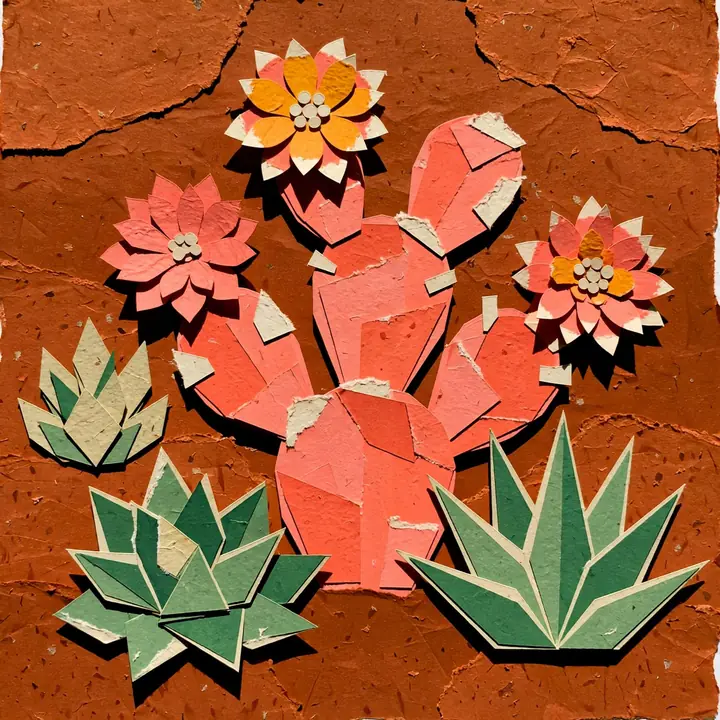
Coral and green cactus flowers form a cut-paper desert pattern.
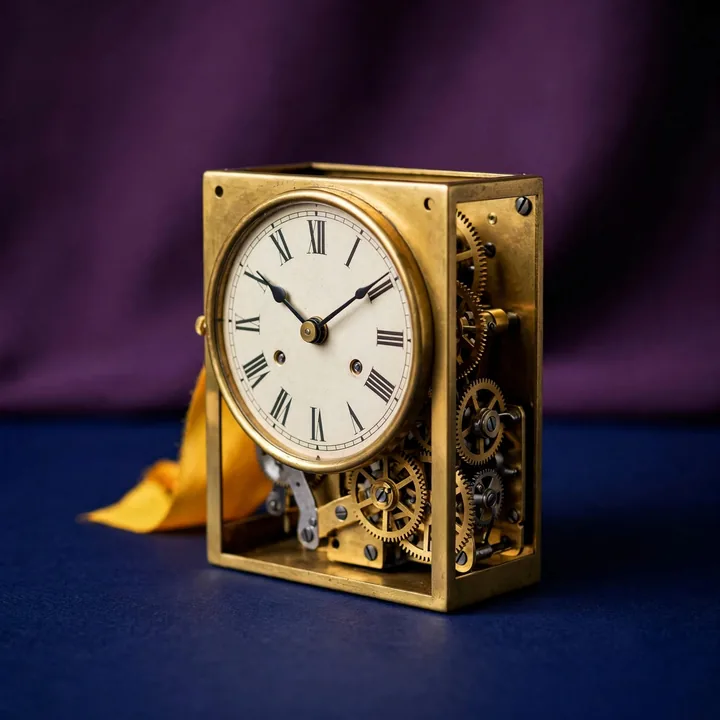
Brass mechanical clock stands on a deep plum studio backdrop.
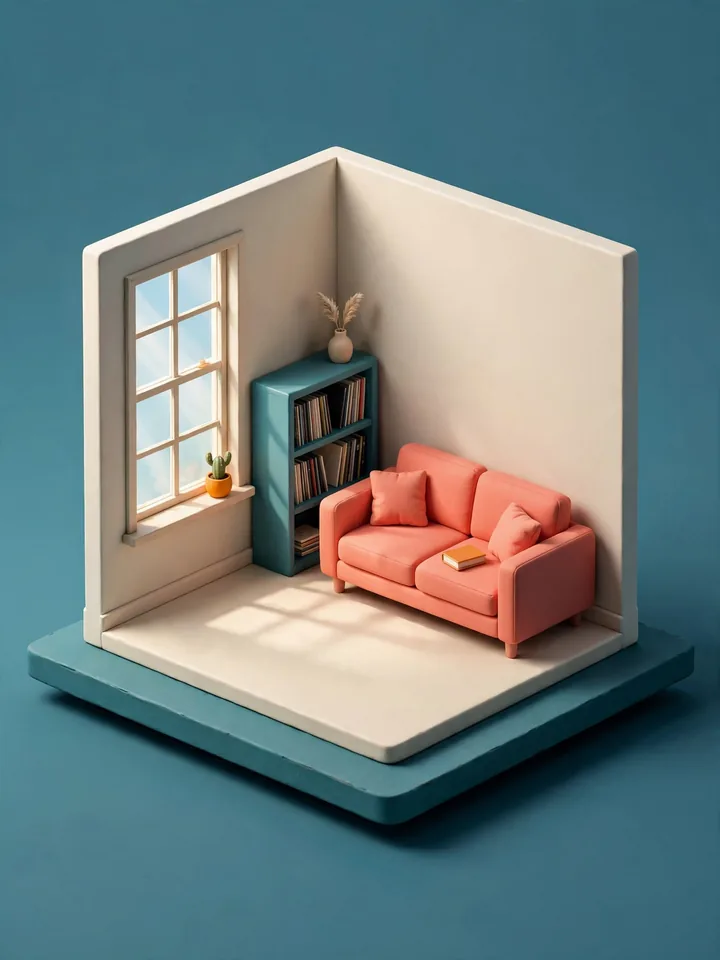
Isometric music room has a coral sofa and a teal record shelf.
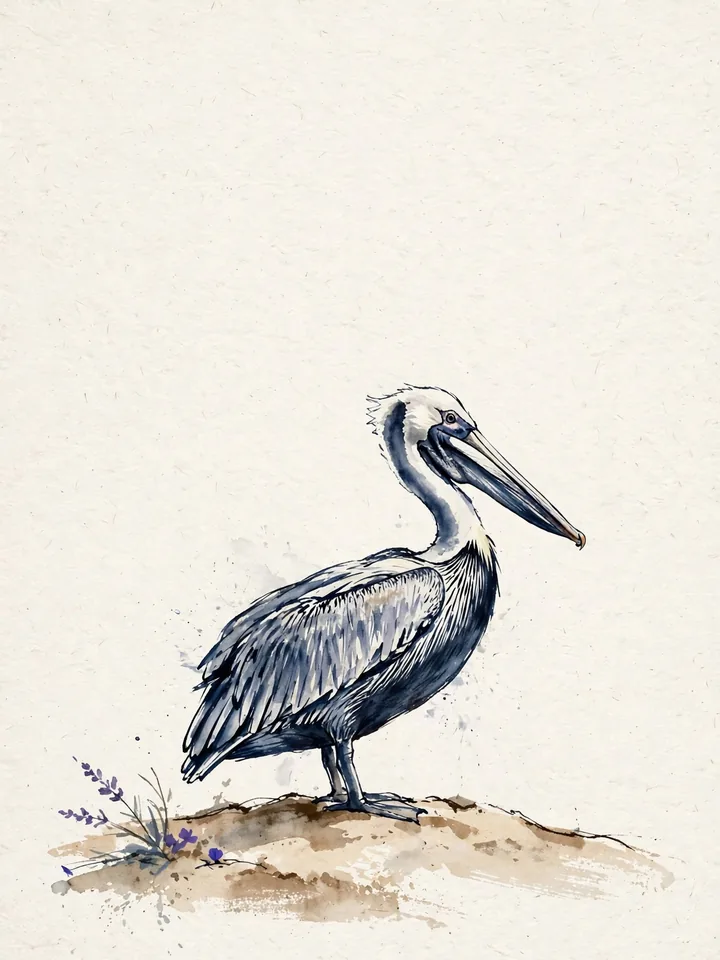
Indigo ink drawing shows a pelican on a pale sandbank.
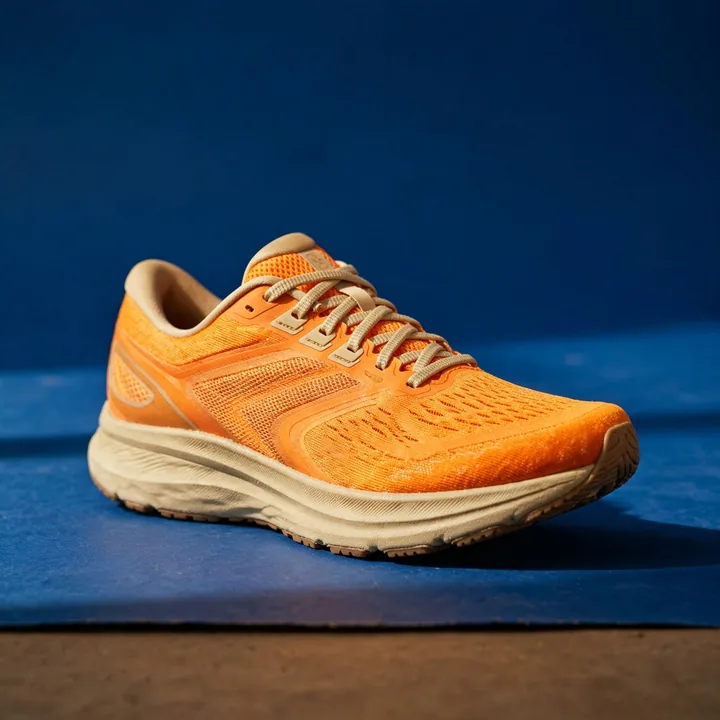
Tangerine running shoe rests on a cobalt studio floor.
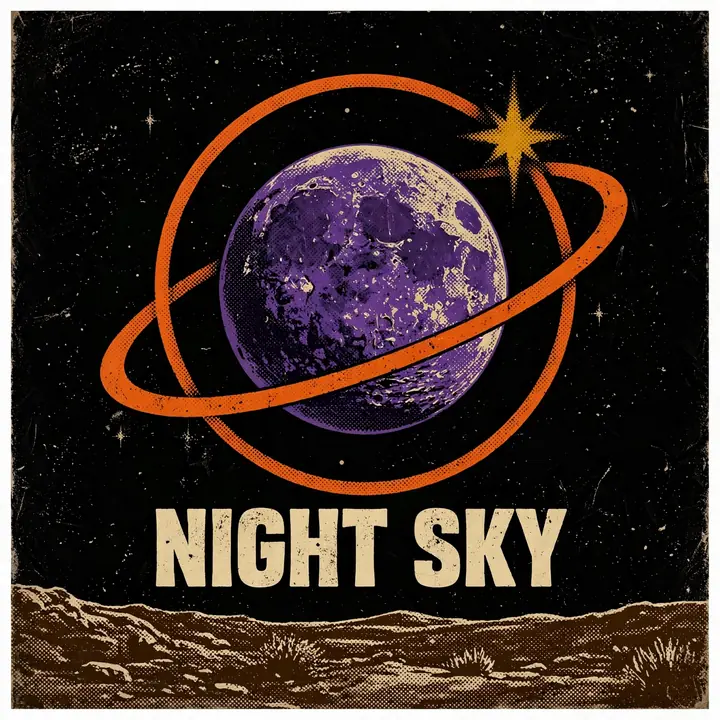
Violet planet and orange orbit frame the words NIGHT SKY on a poster.
Watercolor greenhouse holds emerald leaves and a terracotta pot.

Make it your way

Start with words or a photo

Describe a picture from scratch, or start with a photo you already have. Muse Image follows your words to build a scene, change a detail or bring references together. Keep shaping the result until it fits the idea you had in mind.

  1. Describe your image, or add a photo to change
  2. Generate your images with Muse Image
  3. Download your favorite image

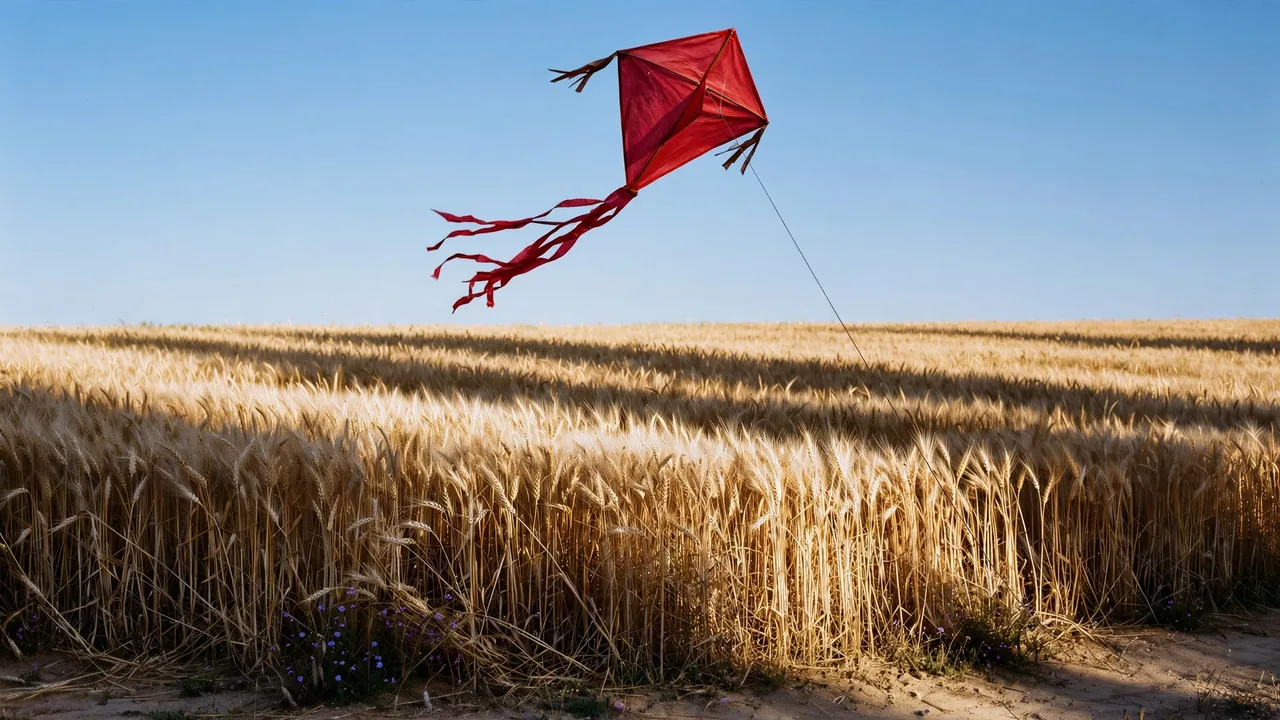
A crimson paper kite above a golden wheat field under a clear blue sky

Crimson kite flies above a golden wheat field.

Create the image you pictured with Muse Image
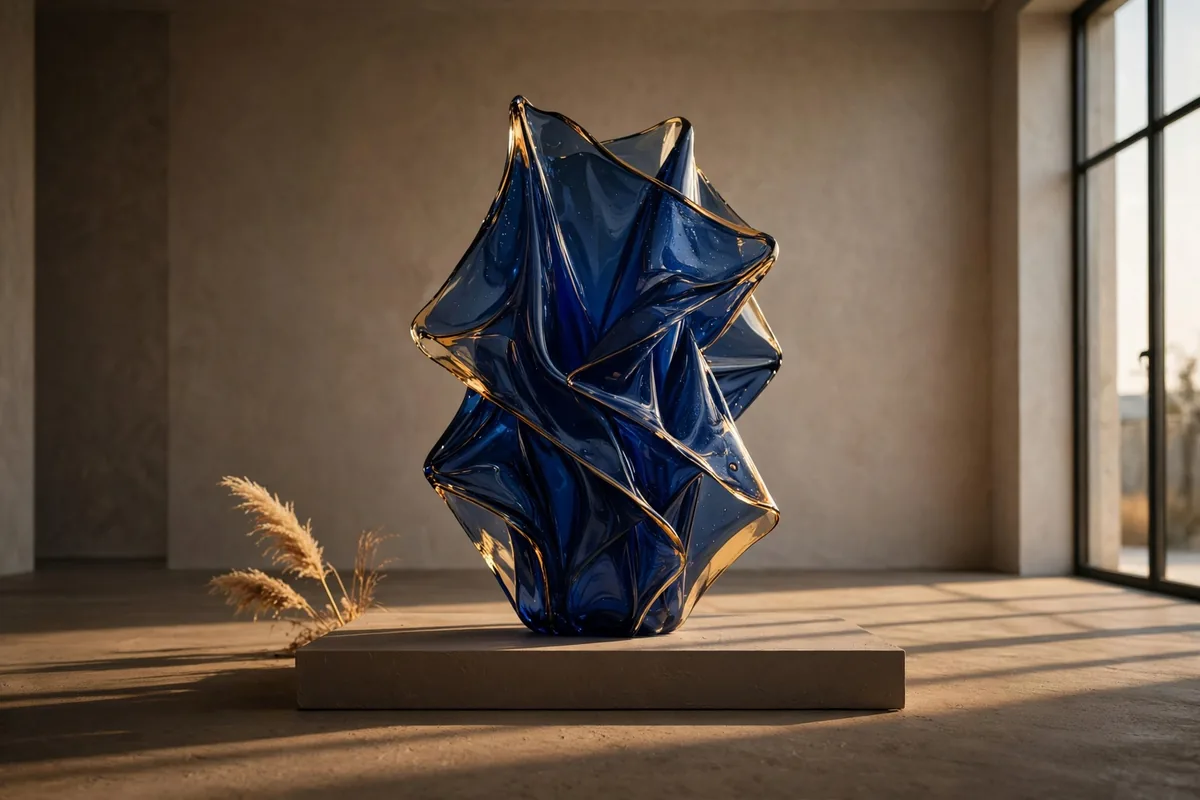
Deep blue glass sculpture stands on a plinth in a modern gallery.

Turn a detailed idea into an image you can use. Write your brief in full sentences, the way you would explain it to a person. Muse Image takes the subject, setting and light you describe and builds them into one scene. Spend your time on the idea instead of hunting for the right keywords.
Change a photo without starting over

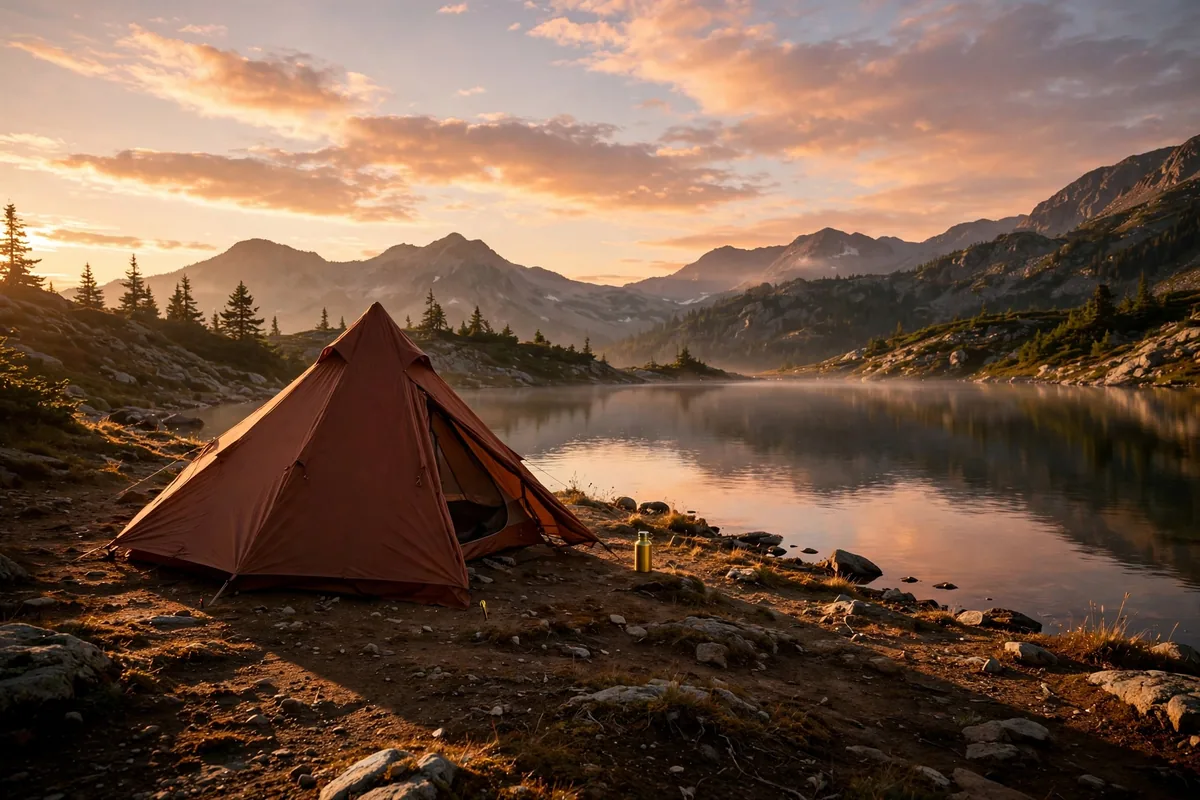
Rust-colored tent beside a mountain lake under a warm dawn sky.

Fix the one thing a good photo is missing. Give Muse Image your picture and tell it what needs work. The starting photo guides the result and keeps its setting recognizable. You build on an image you already like instead of beginning again from a blank prompt.

Bring your references into one clear scene

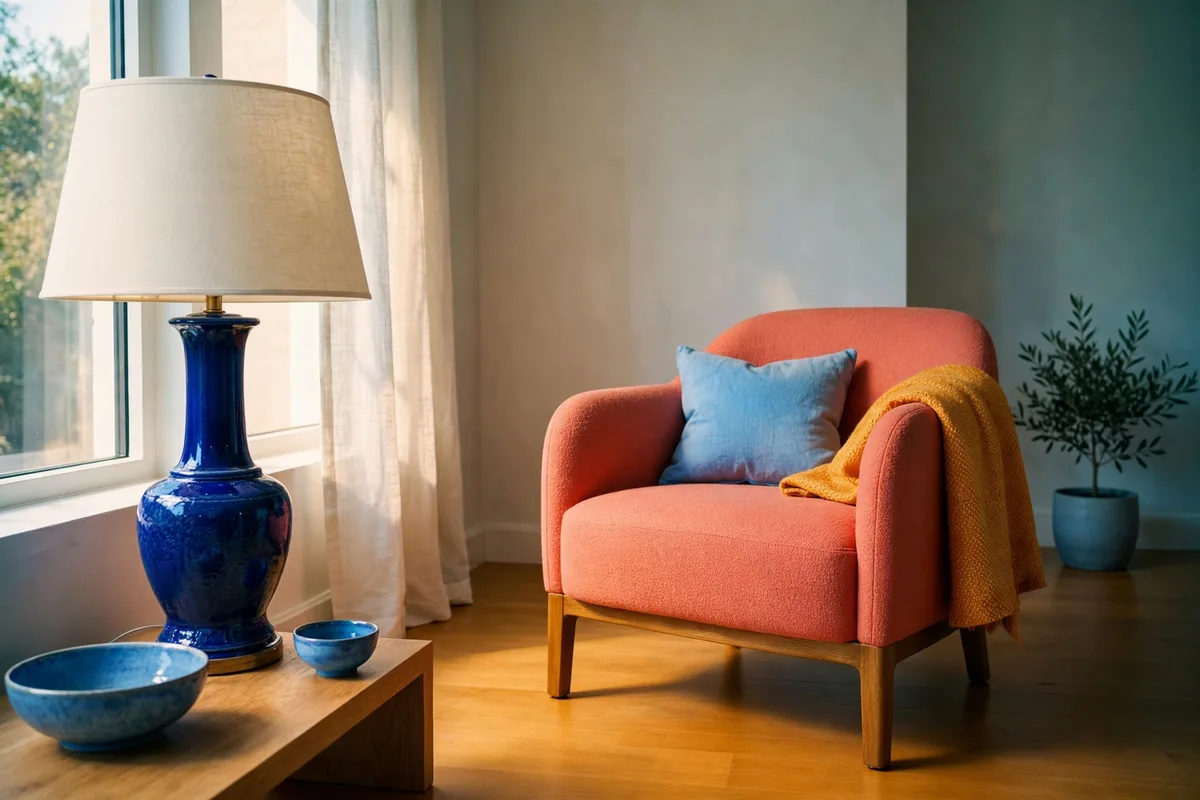
Cobalt lamp and coral chair sit together in a warm modern room.

Build one fresh picture from the pieces you have collected. Muse Image places the products, colors and ideas from each reference photo into the scene you have in mind. Judge the whole concept before you plan a shoot or a layout. Share one image with your team instead of a folder of separate references.

Put readable words inside your image

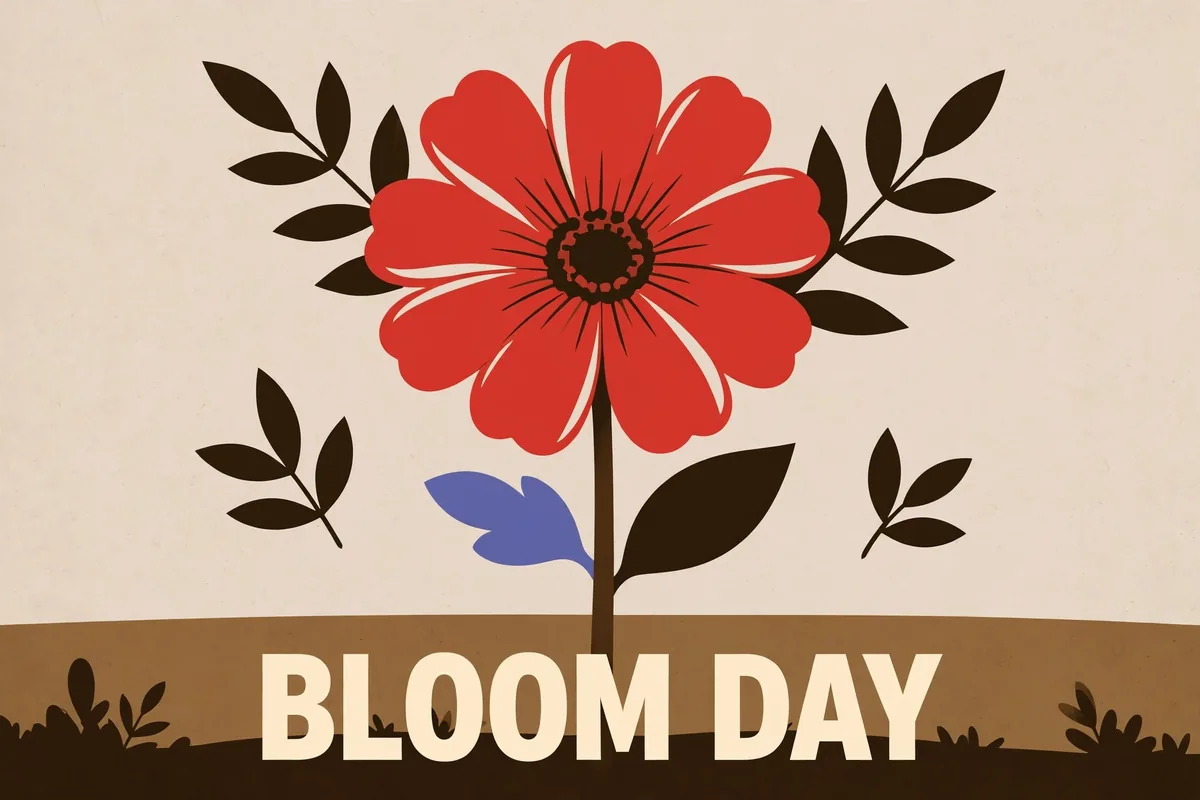
Botanical poster shows a red flower and the words BLOOM DAY.

Add a short headline that belongs in the design itself. Muse Image draws your words inside the picture in the style and spot your brief asks for. Go from brief to a social graphic with the headline already set. Skip the separate design app you would open just to place the type.

Turn a brief into a visual guide

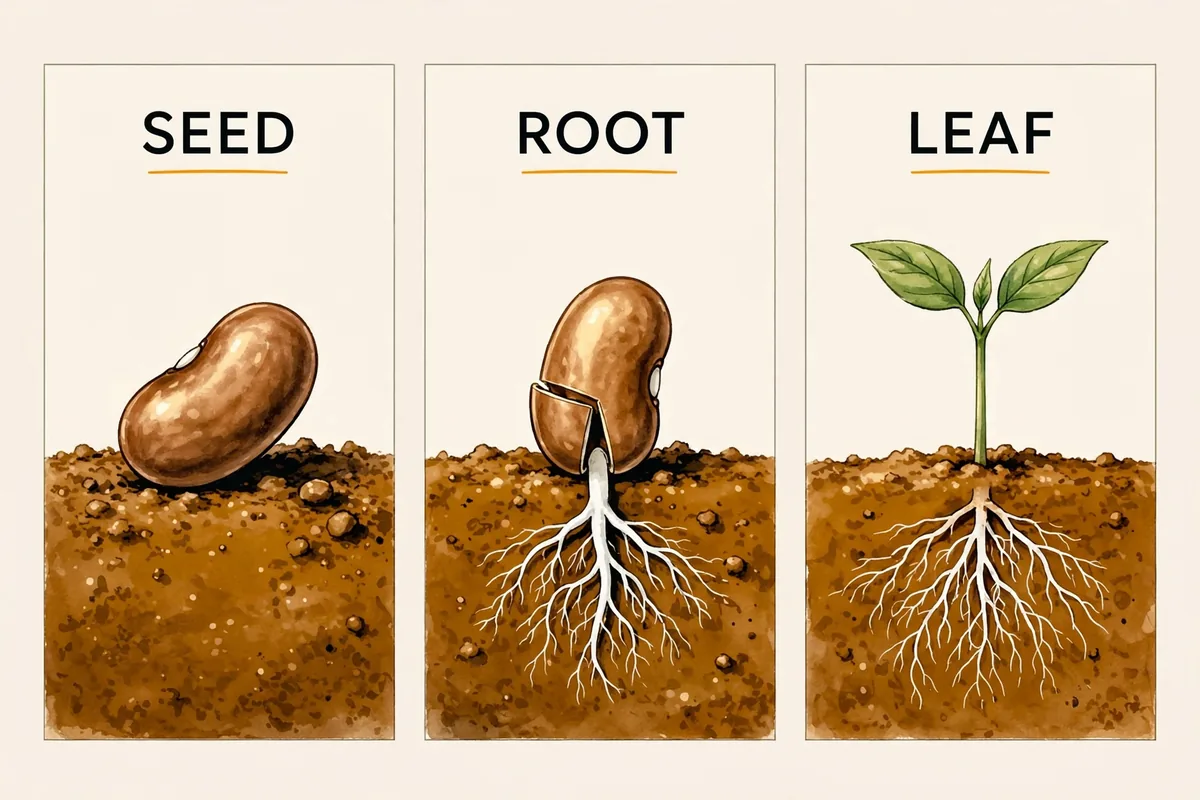
Three-panel bean growth illustration labels a seed, a rooting seed and a leafy seedling.

Explain an idea with a graphic people can read at a glance. Muse Image puts each stage or detail in a clear order with a short label of its own. Turn a few lines of notes into a labeled diagram in one request. Give your next presentation a visual built from your own brief.

Who Muse Image is for

Marketers, designers and online sellers use Muse Image for images that match their brief.

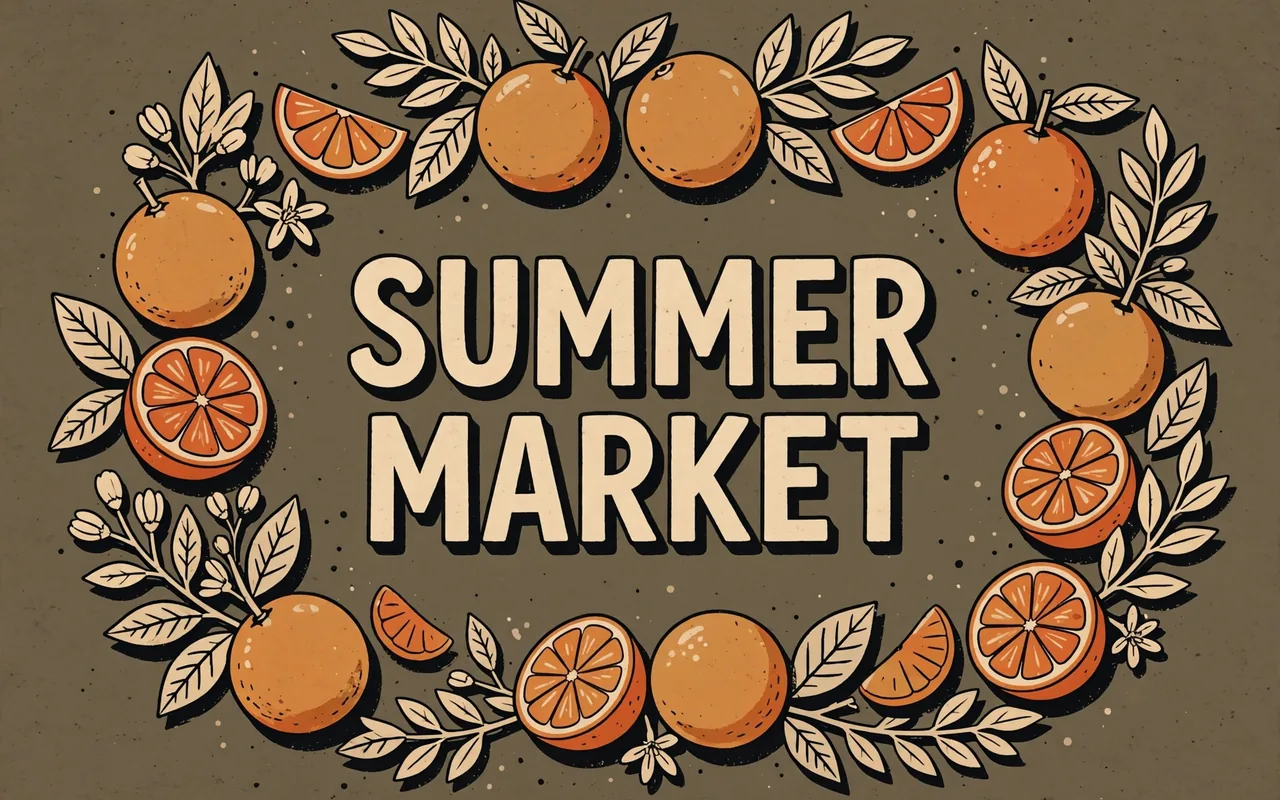
  • Summer market campaign graphic combines citrus shapes and a bold headline.

    Social media marketers

    Make campaign graphics that carry your message in the image itself. Turn a brief into a post with the look and short words your audience should see.

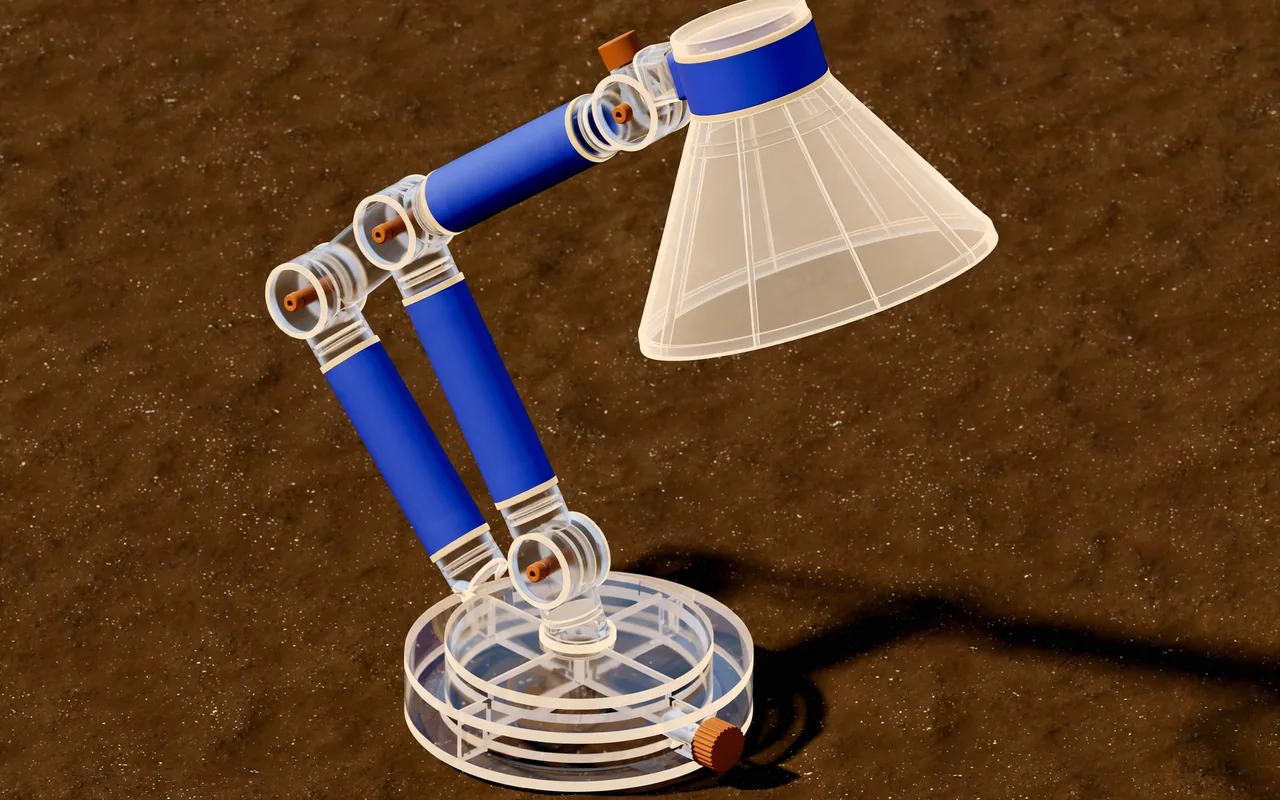
  • Isometric concept shows a modular cobalt desk lamp on a sand backdrop.

    Designers

    Test a visual direction before you commit to a finished design. Bring your subject, materials and color into one concept you can review and refine.

  • Amber soap bottle stands on cream tile in soft side light.

    Online sellers

    Show a product in a setting that fits the story you want to tell. Use your own photo as a reference and build a fresh image for a listing or campaign.

More models on Pixelcut

Discover what the other image models on Pixelcut make from the ideas you describe.

  • Google's newest image model, up to 4K

    • Image to image
    • 4K
  • ChatGPT Image 2.5 Flare

    Text in images that reads right

    • New
    • Image to image
    • 4K
  • Seedream v5 Pro

    Detailed photos and posters

    • Image to image
    • 2K
  • Nano Banana Pro

    Edits that keep faces and products intact

    • Image to image
    • 4K
  • Flux 2 Max

    Photoreal detail that follows the prompt

    • New
    • Image to image
    • 2K

How to use Meta Muse on Pixelcut

  1. 1

    Add a reference image

    Upload the photo you want to edit, or one that should guide the look of your next picture. Skip this step to start from a text prompt alone.

  2. 2

    Start with your idea

    Write what you want to see in plain words, naming the subject, the setting and the light. Put any short words that belong in the picture inside quotes.

  3. 3

    Choose your image shape

    Pick Muse Image from the model list. Then choose a square, portrait or wide shape and ask for up to four versions of one prompt to compare.

  4. 4

    Generate and save it

    Press generate and your images arrive in seconds. Download the one you like best, or change your words and generate again for a different direction.

Plans for image generation

Images are billed in credits per image. Pick the plan that matches how much you make.

Save 20% with a yearly plan

Free

$0
per month, billed yearly
Limited Background Removal
Limited Upscale
Free export without watermark

Pro

$10$8
per month, billed yearly
600 AI Credits Monthly
Access all AI models
Unlimited Background Removal
Unlimited Upscale
3 Person Team
1,000 Batch Exports Monthly
Commercial license
Most Popular

Business

$30$24
per month, billed yearly
3,600 AI Credits Monthly
Access all AI models
Unlimited Background Removal
Unlimited Upscale
10 Person Team
2,000 Batch Exports Monthly
Commercial license
Trusted by over 200,000 creators, brands and small businesses

Trusted by creatives at

  • Adidas logo
  • Airbnb logo
  • Apple logo
  • Chanel logo
  • Google logo
  • Gucci logo
  • H&M logo
  • Nike logo
  • Sephora logo
  • Starbucks logo
  • Toyota logo

Frequently Asked Questions

Make your next image with Muse Image