My favorite app
Great app, easy to use. Helps our small business save time and money to create different marketing materials professionally. Thank you.
Create and edit images with Nano Banana 2.1 on Pixelcut. Turn prompts and reference photos into 4K visuals for social posts, ads and products.
Nano Banana 2.1 is an image model in Google's Nano Banana line, and it works with both text and images. Type a prompt to build a scene from nothing, or start from a photo you already have. Blend a product shot with a setting you describe, restyle a portrait, or turn a rough sketch into a finished visual. Try Nano Banana 2.1 on Pixelcut and keep your AI image editing in one place, from first draft to final export.
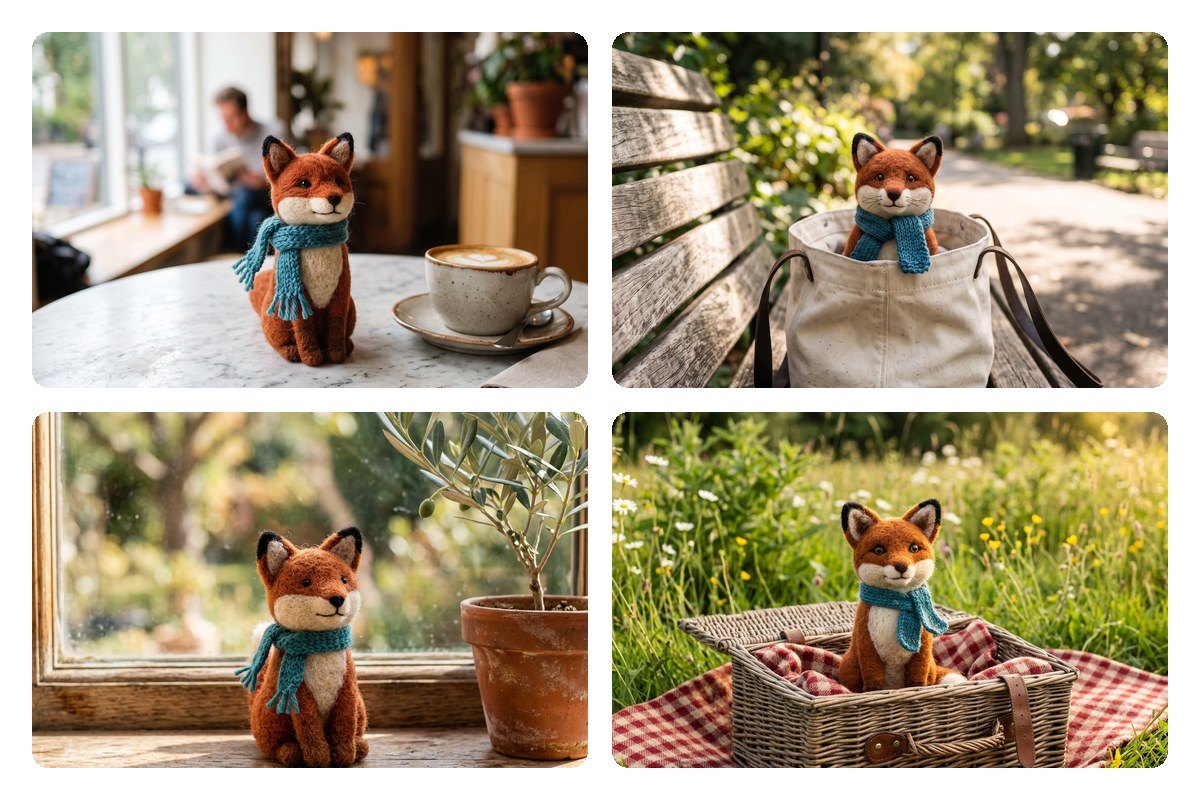
Building a series is easier when the subject stays the same. Upload a reference photo of a person, a mascot or a product, then describe what should not change, such as the face, the hairstyle or the label on a bottle. Google improved multi-turn character consistency in this release, so a subject holds its look as you keep asking for edits. That helps with storyboards, comic panels, brand campaigns and catalog sets that need a recognizable hero in every frame.
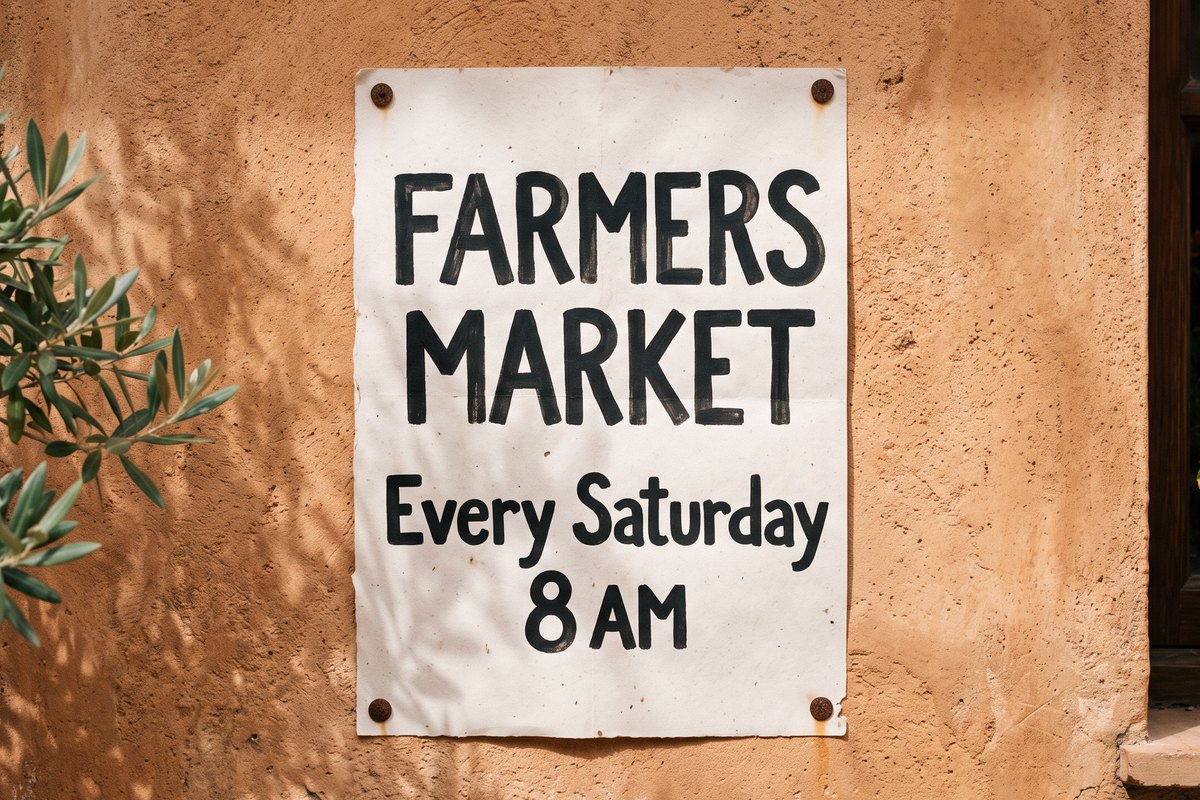
Posters, menus, packaging mockups and infographics all need words that people can actually read. This release brings sharper text rendering and more accurate infographic layouts, so you can write the headline or the labels into your prompt instead of adding them later in another app. When the image is ready, export it at 1K for quick drafts, 2K for the web, or 4K when you want extra detail for large banners, print layouts or tight crops.
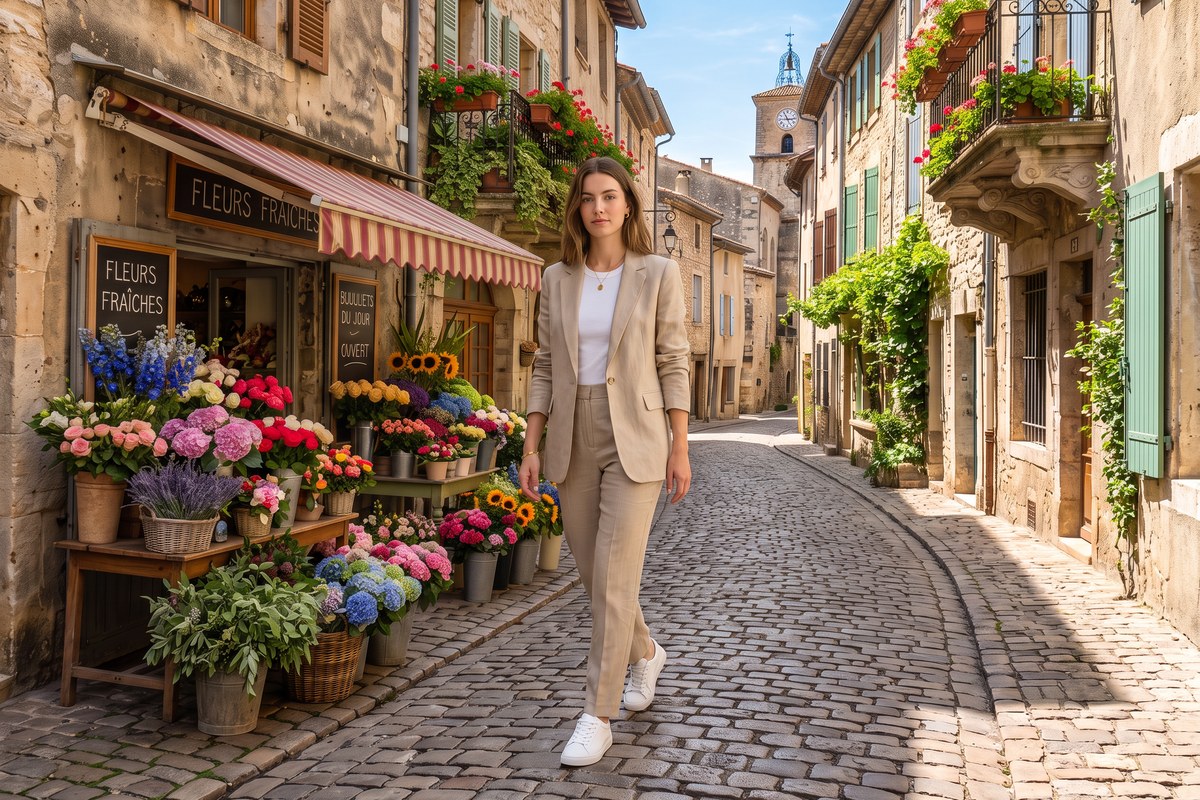
Some ideas need more than one photo. Upload a product shot, a portrait and a location, then describe how they should come together. Nano Banana 2.1 can merge photos into a single scene, so your sneaker ends up on a model walking down a city street, or your mascot sits inside a store you photographed. Google built multi-image fusion into the model, and each element keeps its own details instead of blurring into the background. Mix and match until the composition feels right.
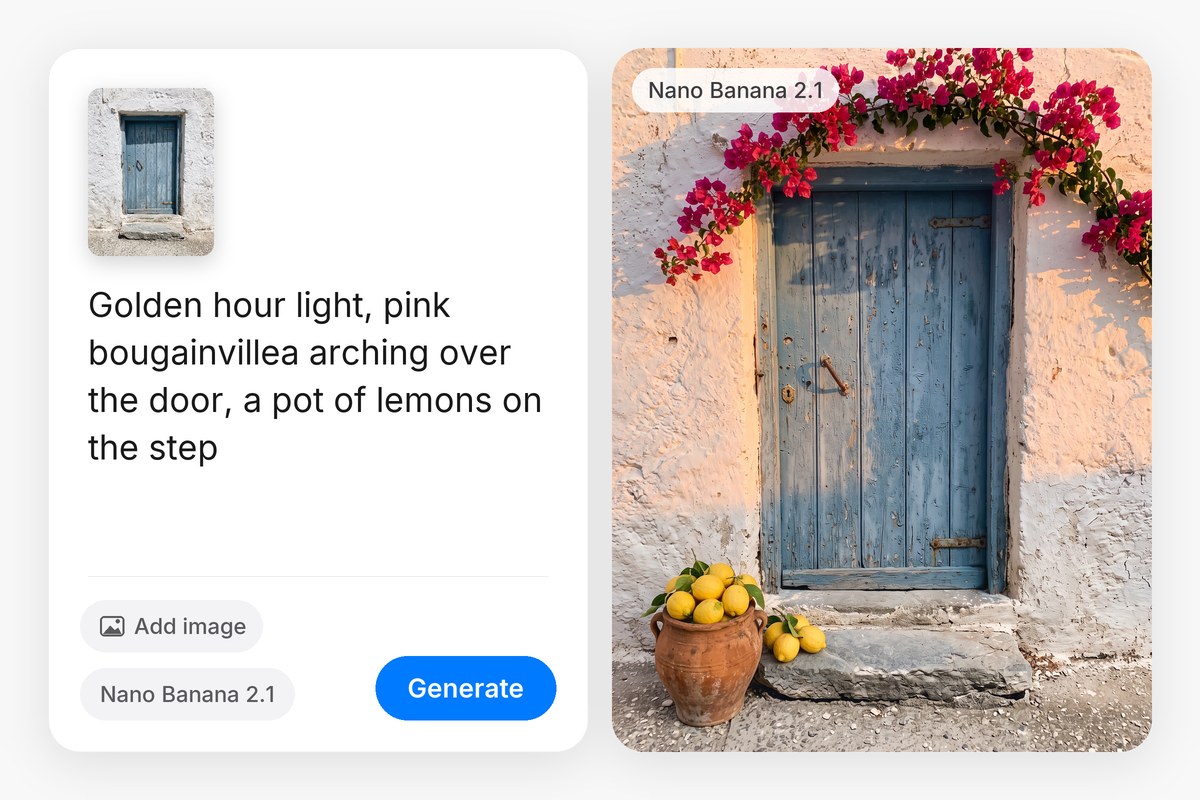
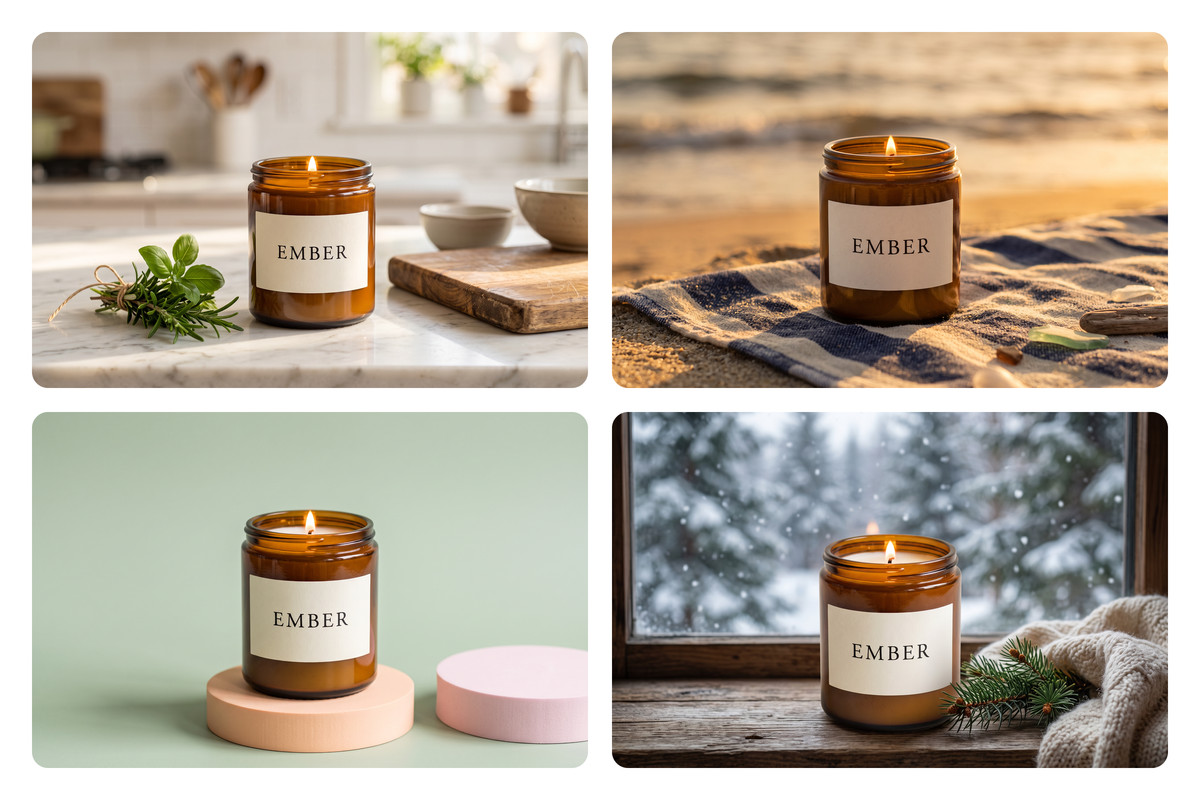
Nano Banana 2.1 on Pixelcut fits the formats you publish every week. Pick an aspect ratio that suits a social feed, a website banner or an online store listing. Upload one product photo and place it in a kitchen, on a beach or in a bright studio set. Small brands, marketers and creators can turn a single idea into a full set of visuals for a launch, a sale or a seasonal campaign, all from the same prompt box.
Describe the image you want in plain language. Name the subject, setting, lighting and style, plus any text that should appear in the final picture.
Add your own photos if you want to edit them or keep a product, face or style consistent. You can skip this step and generate from text alone.
Pick an aspect ratio for a social post, banner or product shot, choose 1K, 2K or 4K resolution, then let Nano Banana 2.1 create your image.
Ask for changes in plain words, like a different background or warmer light, until the result looks right. Then download your image in high resolution.
Start creating for free. Upgrade for more credits and features.














Great app, easy to use. Helps our small business save time and money to create different marketing materials professionally. Thank you.
I need a good background remover for my work and I've been through them all it feels like. This one is the best by far. It's so easy to use and the results always look amazing. Thank you Pixelcut!
It's amazingly easy and gives the perfect results for my bags and accessories. It looks like it was done by a professional photographer.