My favorite app
Great app, easy to use. Helps our small business save time and money to create different marketing materials professionally. Thank you.
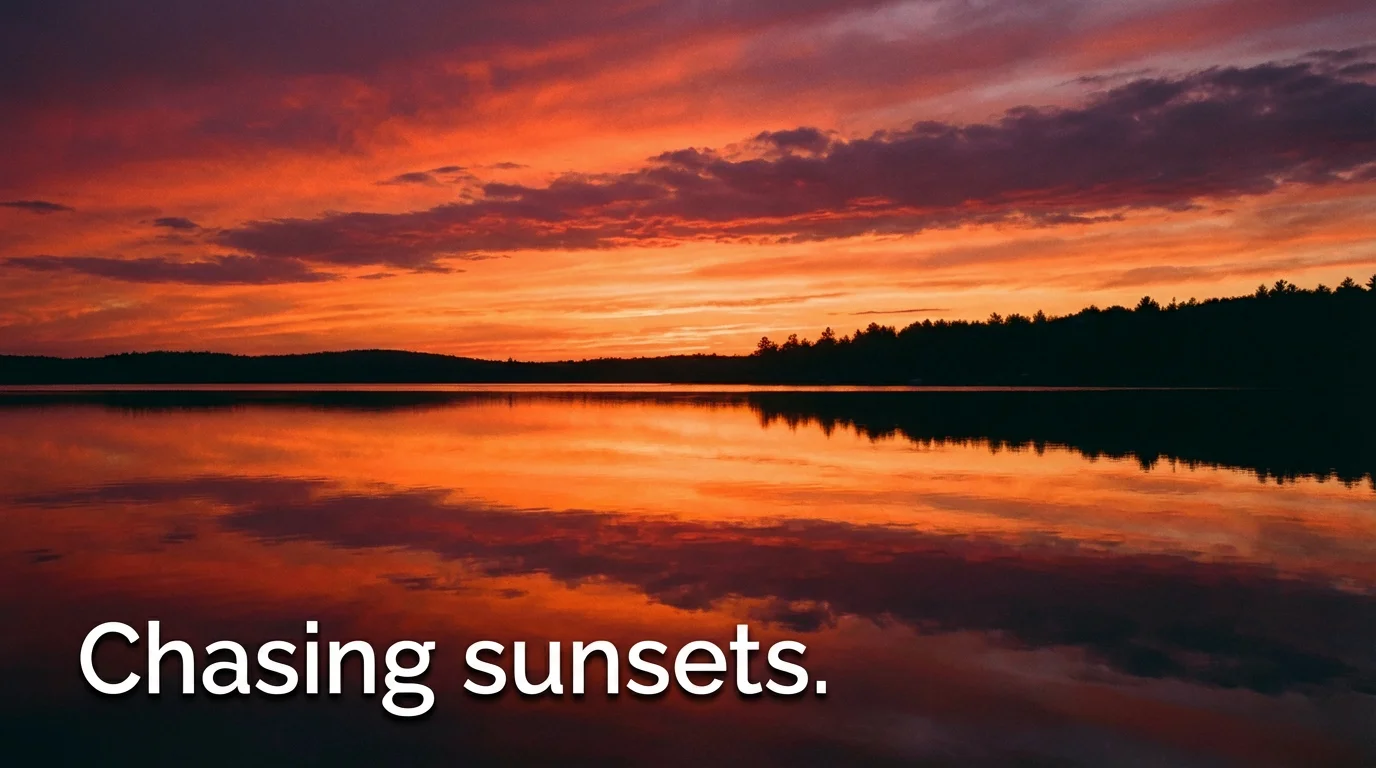
Start by uploading the photo you want to add a caption to. Choose any image from your device.
In the text box, describe the caption you want to add. Include details like the text itself, font style, color, and placement.
Click the generate button and let our AI create the perfect captioned photo based on your instructions.
Your new image is ready! Download it in high-resolution and share it with the world.
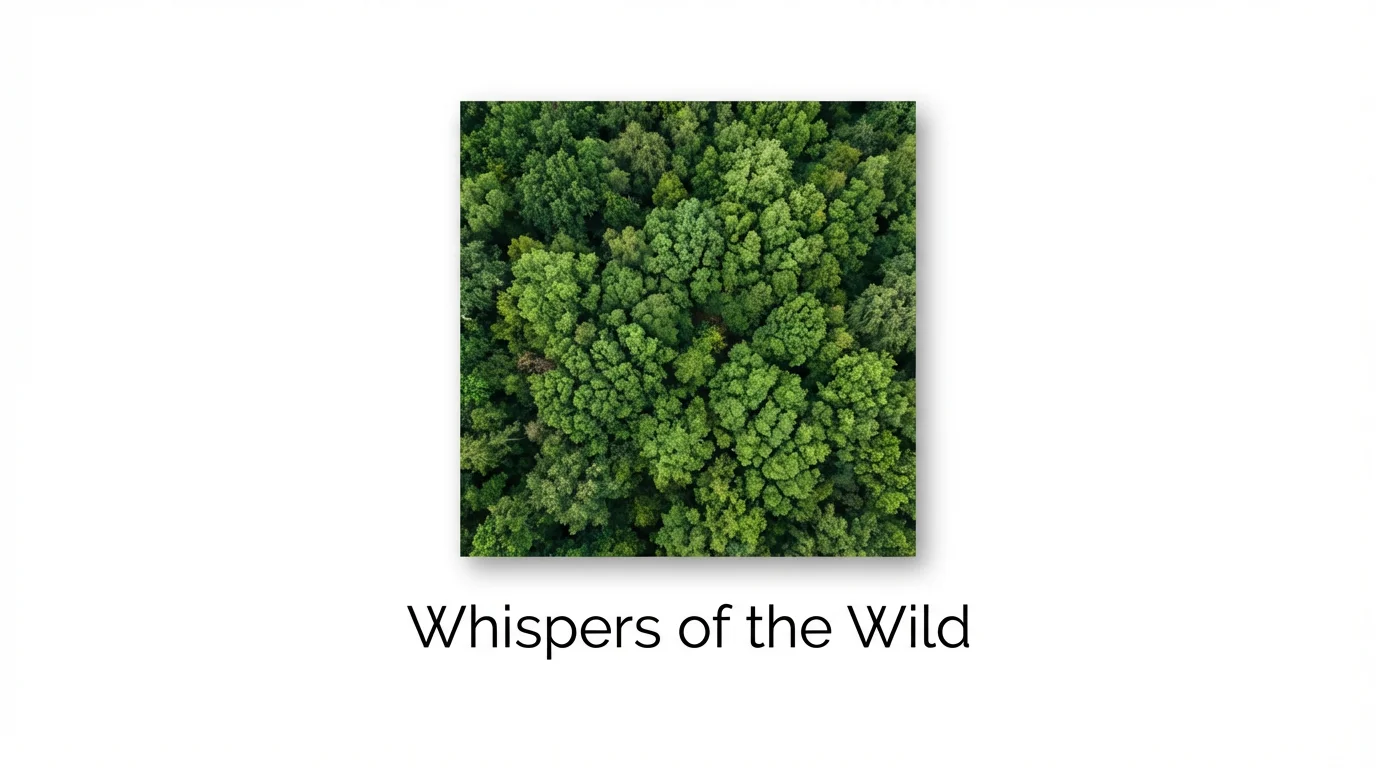
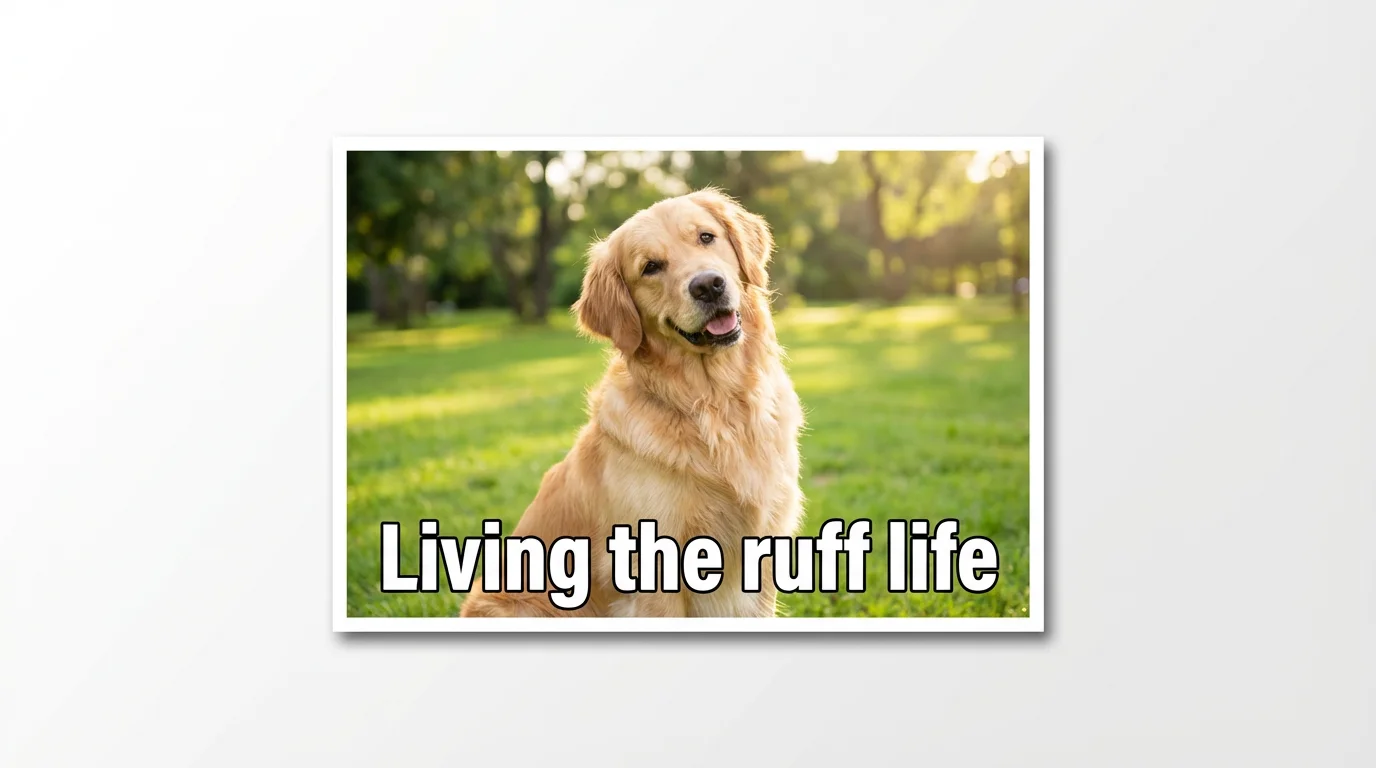
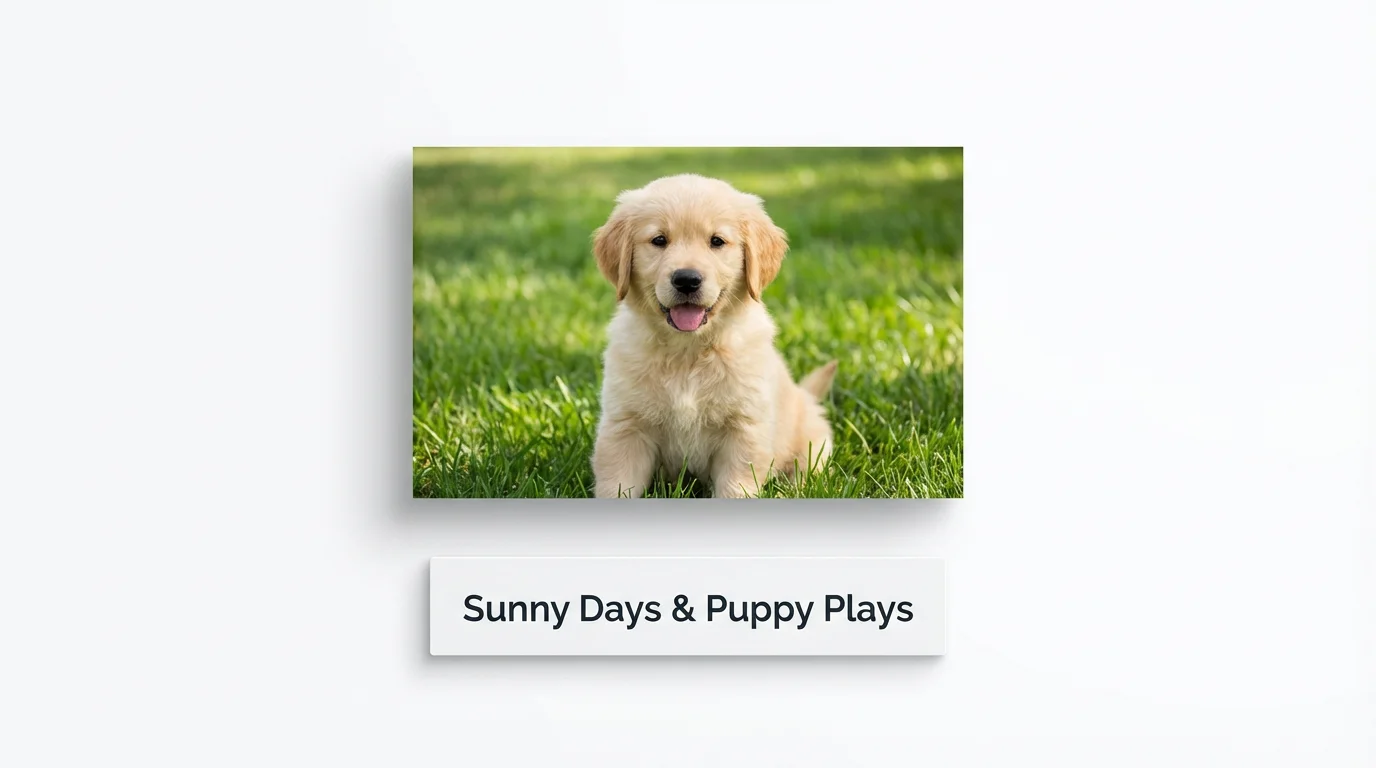
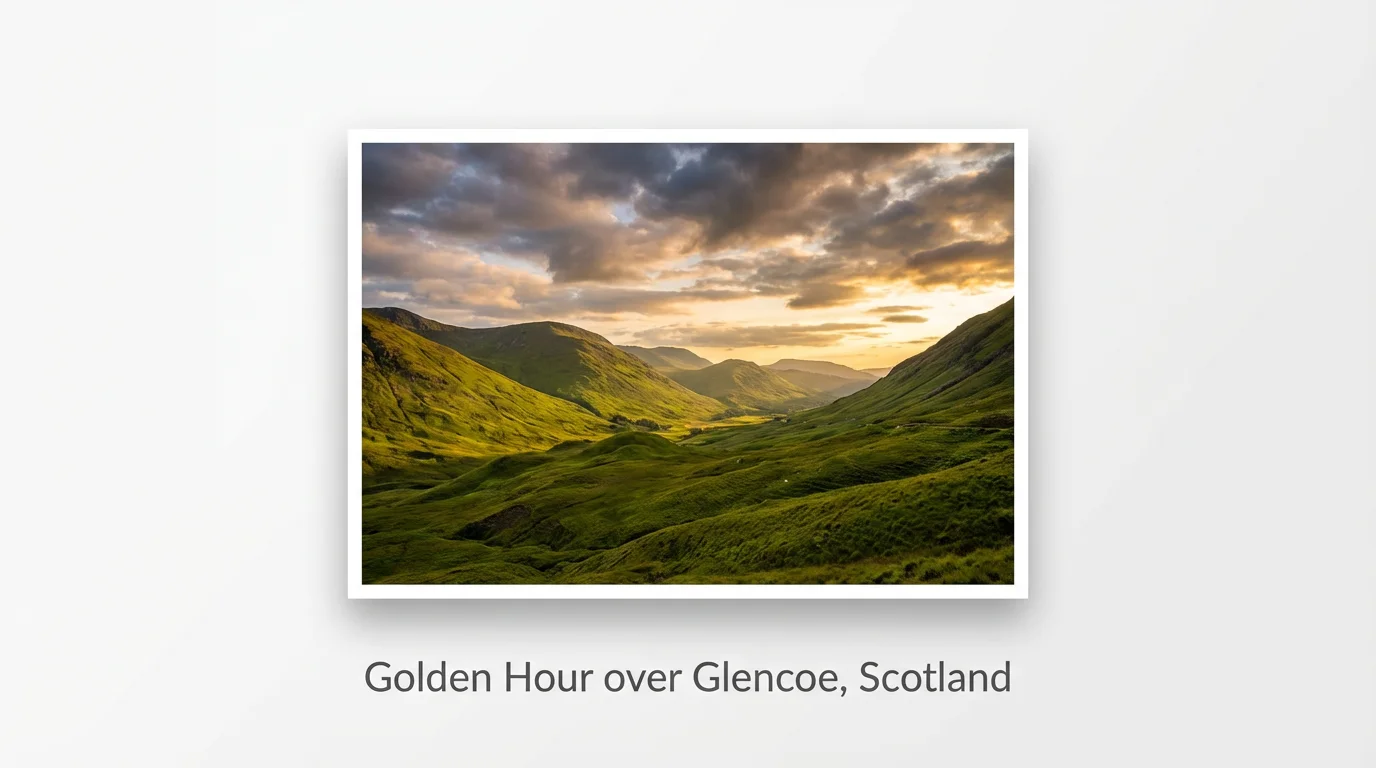
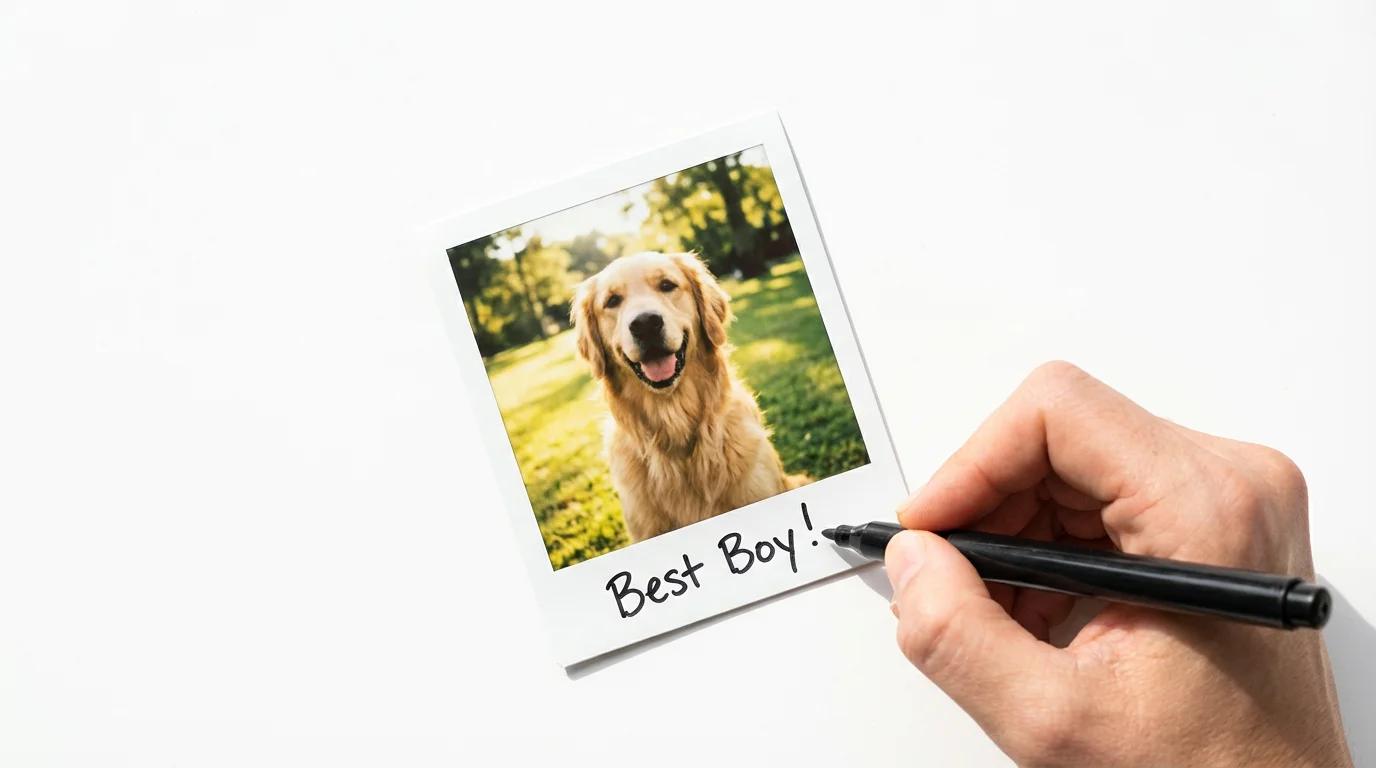
You can control the font by describing it in your text prompt. For example, you can ask for a 'cursive font,' 'a modern, bold font,' or 'a classic serif font.' The more descriptive you are, the closer the result will be to your vision.
Yes. Simply include the desired placement in your prompt. You can use phrases like 'add text to the top left corner,' 'center the caption at the bottom,' or 'place the text vertically along the right edge.'
A great way to improve readability is to ask the AI to add a subtle effect. Try adding 'with a soft background glow' or 'with a subtle drop shadow' to your prompt. This helps the text stand out from a detailed background.
When you add a caption via a text prompt, the text is applied directly to your image. If you need a version of your image with a transparent background, you can specify that in your prompt or use Pixelcut's background remover tool.
Yes, you can add captions to your photos and download them for free. Pixelcut offers a number of free credits to get you started. All downloads are high-resolution and watermark-free. After using your free credits, you can purchase more to continue creating.
You can download your images in standard formats like PNG and JPEG for free. If you have a Pixelcut PRO subscription, you also have the option to download in other formats like WEBP or select different compression settings for PNGs.
Great app, easy to use. Helps our small business save time and money to create different marketing materials professionally. Thank you.
I need a good background remover for my work and I've been through them all it feels like. This one is the best by far. It's so easy to use and the results always look amazing. Thank you Pixelcut!
It's amazingly easy and gives the perfect results for my bags and accessories. It looks like it was done by a professional photographer.