Pixelcut
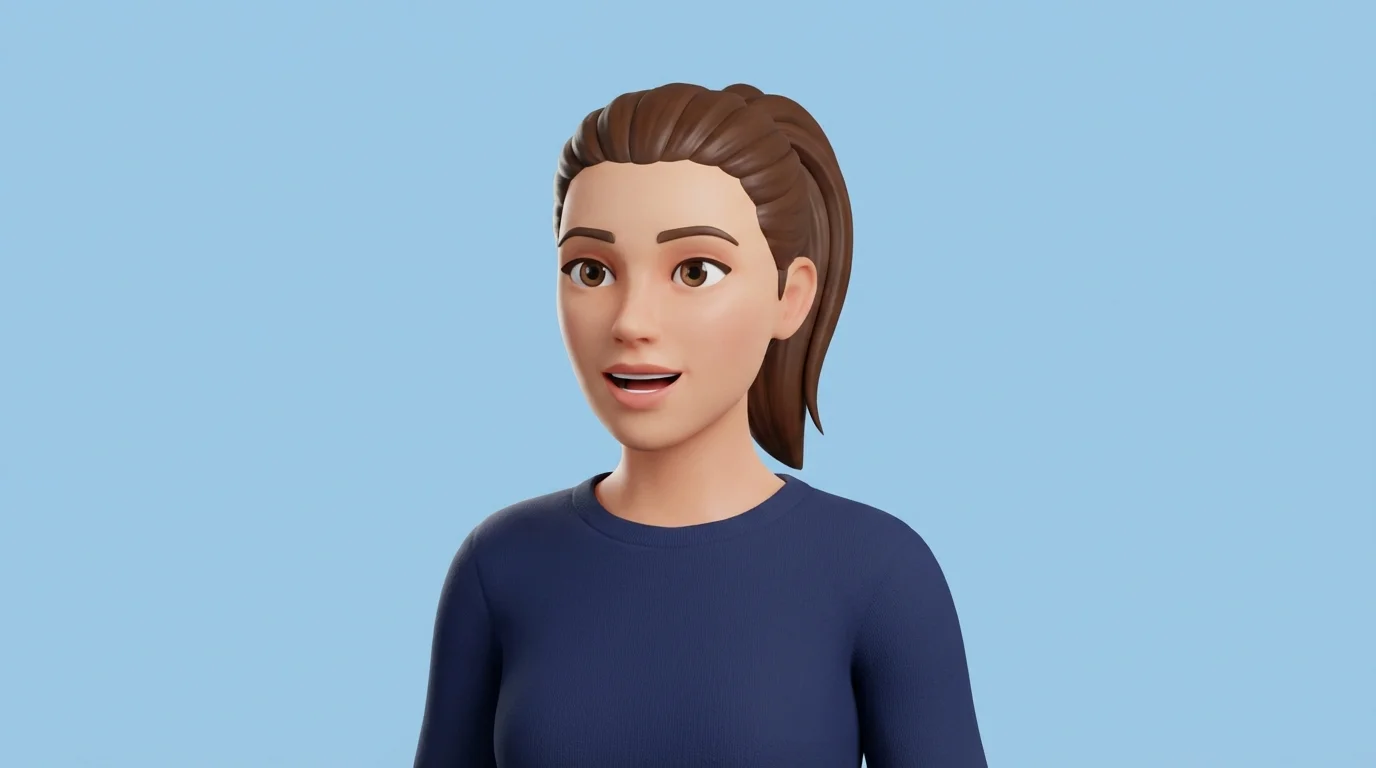
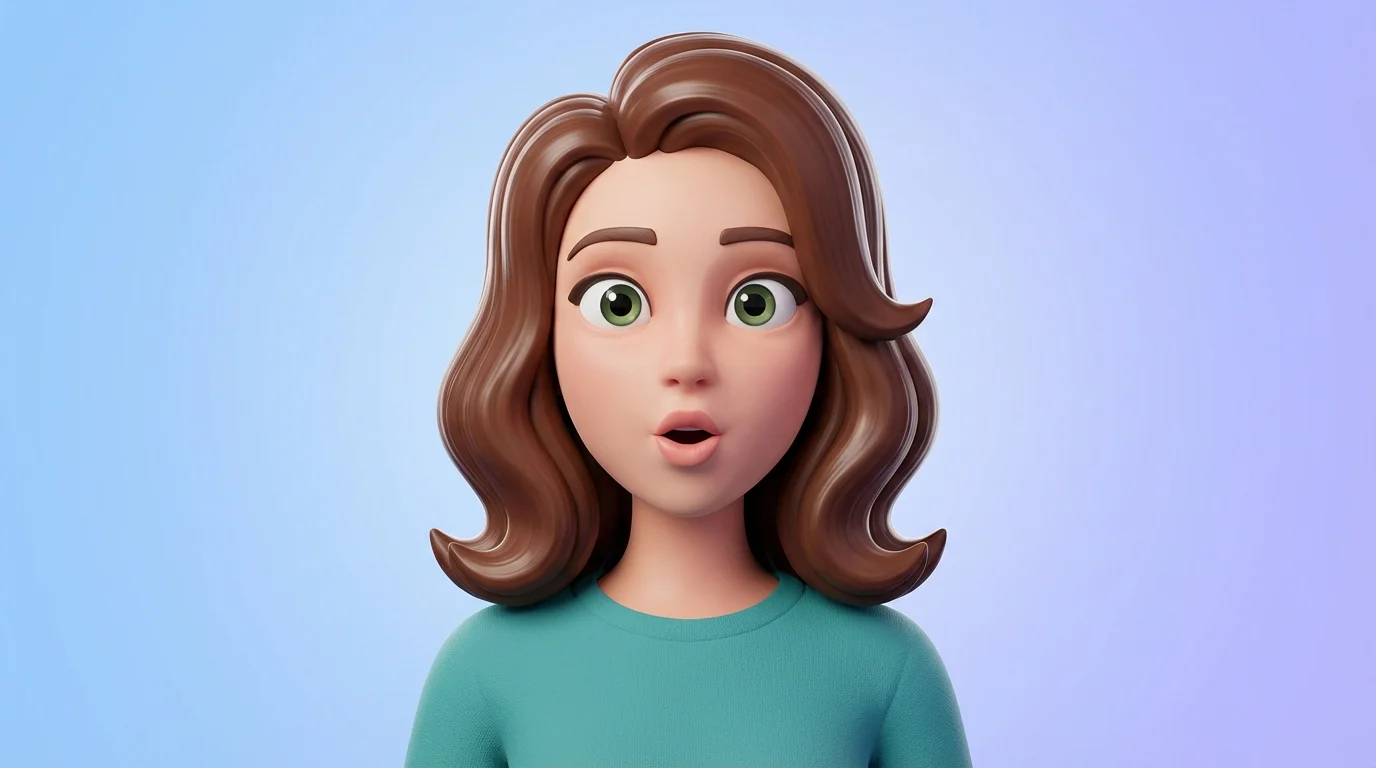
A 3D cartoon-style avatar of a woman with brown hair and green eyes, shown from the shoulders up. She is looking forward with her mouth open as if she is talking.

Create an AI Talking Avatar from Any Photo

Turn still images into dynamic talking avatars. Describe the animation you want and our AI will generate a short video, making your photo talk.
Easy to use - just write a prompt
Trusted by 70 million people
Powered by Pixelcut AI Agent
171,800 Reviews

How to Create a Talking Avatar in 3 Steps

  1. 1

    Upload Your Photo

    Start by uploading a clear, front-facing portrait photo. This will be the base for your animated avatar.

  2. 2

    Describe the Animation

    In the prompt box, type what you want your avatar to say or do. For example: 'Animate the person to say hello and wink.'

  3. 3

    Generate Your Video

    Click the generate button and let the AI work its magic. It will process your photo and prompt to create a short video animation.

  4. 4

    Download Your Avatar

    Your animated talking avatar is ready. Download the high-resolution, watermark-free video to share on social media or use in your projects.

Transform any static portrait or character image into a lively talking avatar with just a few clicks. Upload a photo, and our AI will animate the face to create a dynamic video. There's no need for complex animation software or technical skills. This tool makes it simple to bring your pictures to life, creating engaging content for social media, presentations, or just for fun. Animate faces to show a range of expressions, from a simple smile to a complete sentence, all controlled by your text description.

Instantly Animate Your Photos

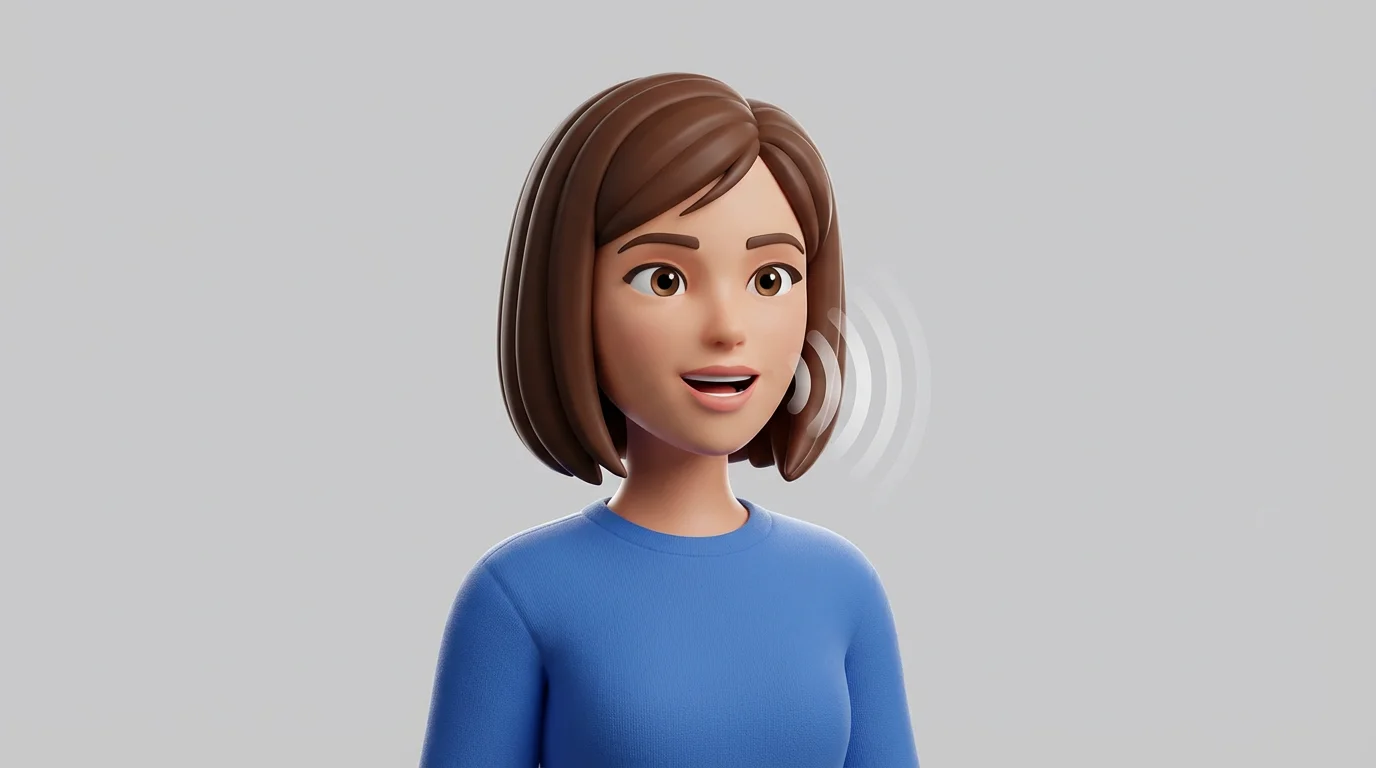
A 3D cartoon avatar of a woman with a brown bob, shown from the shoulders up. She is speaking, with stylized sound waves coming from her mouth, against a light gray background.
Your words direct the action. Pixelcut’s AI talking avatar generator uses your text prompts to control the animation. Describe the desired facial expressions, head movements, and speech to create a personalized video. For example, you can instruct your avatar to smile, wink, nod, or appear to speak a specific phrase. This text-based control gives you the creative freedom to produce video content that perfectly matches your message, making your visual communications more effective and entertaining.

Custom Animations from Text Prompts

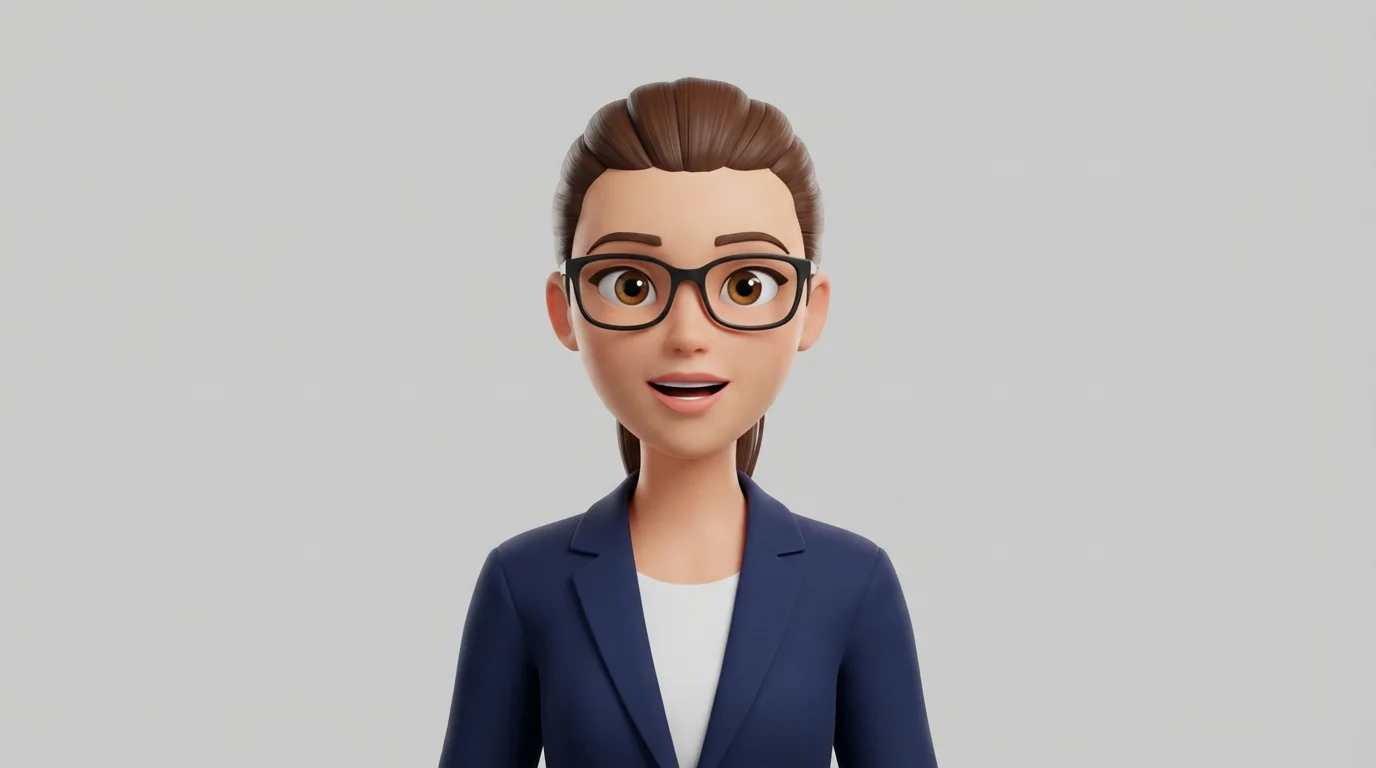
A 3D cartoon avatar of a woman with glasses and a ponytail, shown from the chest up, with her mouth open as if she is talking.
Download your talking avatar as a high-resolution, watermark-free video, ready to be shared anywhere. These animations are perfect for grabbing attention on social media feeds, enhancing business presentations, or creating unique website content. Because the output is a standard video file, you can easily import it into other video editing software to add voiceovers, music, or other effects. Create professional-looking animated content that is crisp, clear, and ready for any digital stage.

High-Quality Video for Any Platform

A photorealistic avatar of a woman with brown hair, shown from the shoulders up. She has a friendly expression and her mouth is open as if she is speaking.
It’s Fast: Go from a still photo to an animated video in seconds. It’s Easy to Use: Simply upload a photo and type a text prompt to create your animation. It's AI-Powered: Advanced AI brings your images to life with realistic facial movements. No Watermarks: Download high-resolution videos that are completely clean and ready to use. Versatile Content: Create engaging avatars perfect for marketing, education, or entertainment.

Why use Pixelcut's AI Talking Avatar Generator?

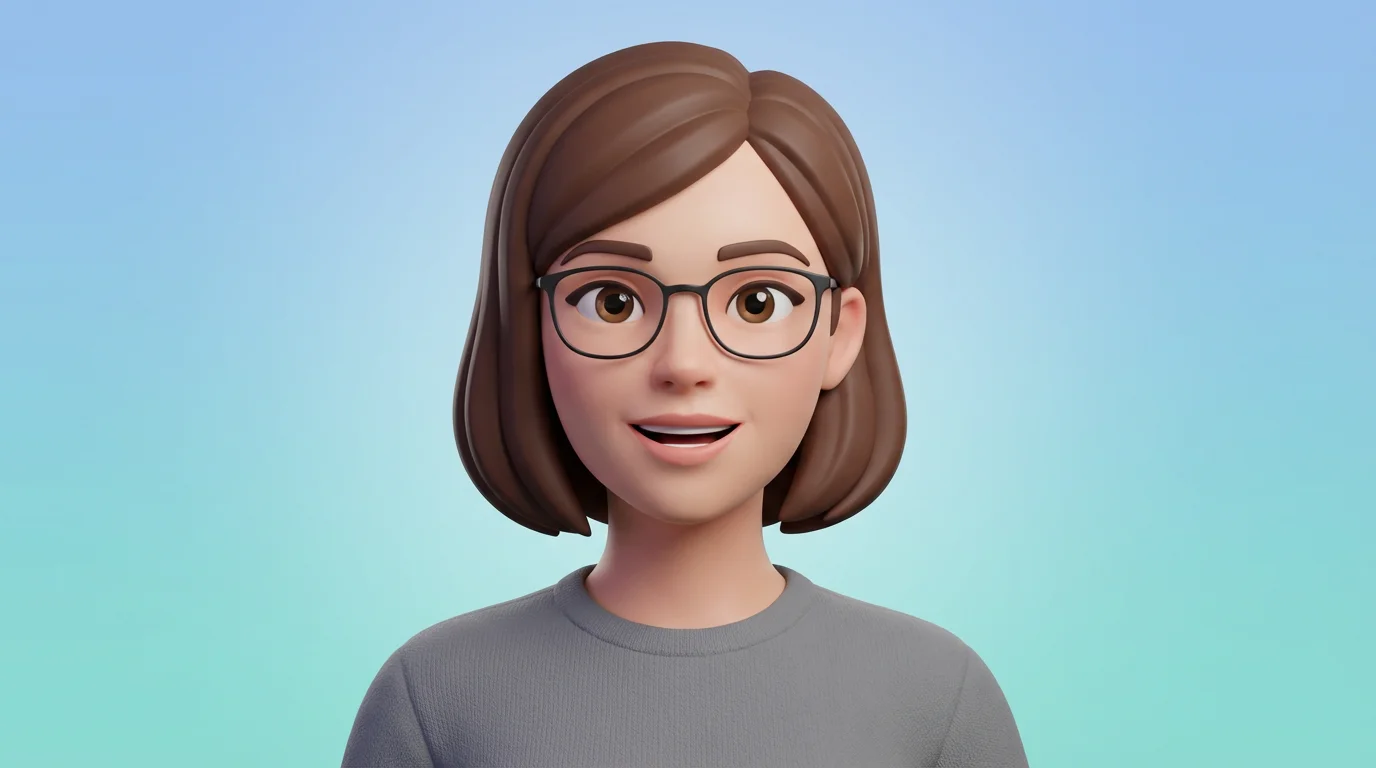
A 3D digital avatar of a woman with brown hair and glasses, shown from the shoulders up, with her mouth slightly open as if talking.
Social Media Content: Create eye-catching posts for platforms like TikTok, Instagram, and X by animating your profile picture or memes. Business Presentations: Add a dynamic element to your slides by including a talking avatar to introduce topics or explain concepts. Educational Materials: Make learning more engaging by creating animated historical figures or characters to narrate lessons. Digital Marketing: Use talking avatars in your ad campaigns to grab viewer attention and deliver your message in a memorable way. Personalized Greetings: Animate a photo of yourself to send unique and fun video messages to friends and family.

AI Talking Avatar Use Cases

A 3D character portrait of a friendly-looking woman with brown hair, wearing a blue sweater, with her mouth open as if she is talking.

Trusted by creatives at

Adidas logo
Airbnb logo
Apple logo
Chanel logo
Google logo
Gucci logo
H&M logo
Nike logo
Sephora logo
Starbucks logo
Toyota logo

Frequently Asked Questions

Pixelcut is loved by over 2 million people

  • My favorite app

    Great app, easy to use. Helps our small business save time and money to create different marketing materials professionally. Thank you.
    Shaelyn D.
  • Best background remover

    I need a good background remover for my work and I've been through them all it feels like. This one is the best by far. It's so easy to use and the results always look amazing. Thank you Pixelcut!
    Kira H.
  • Love it

    It's amazingly easy and gives the perfect results for my bags and accessories. It looks like it was done by a professional photographer.
    Mary J.