My favorite app
Great app, easy to use. Helps our small business save time and money to create different marketing materials professionally. Thank you.
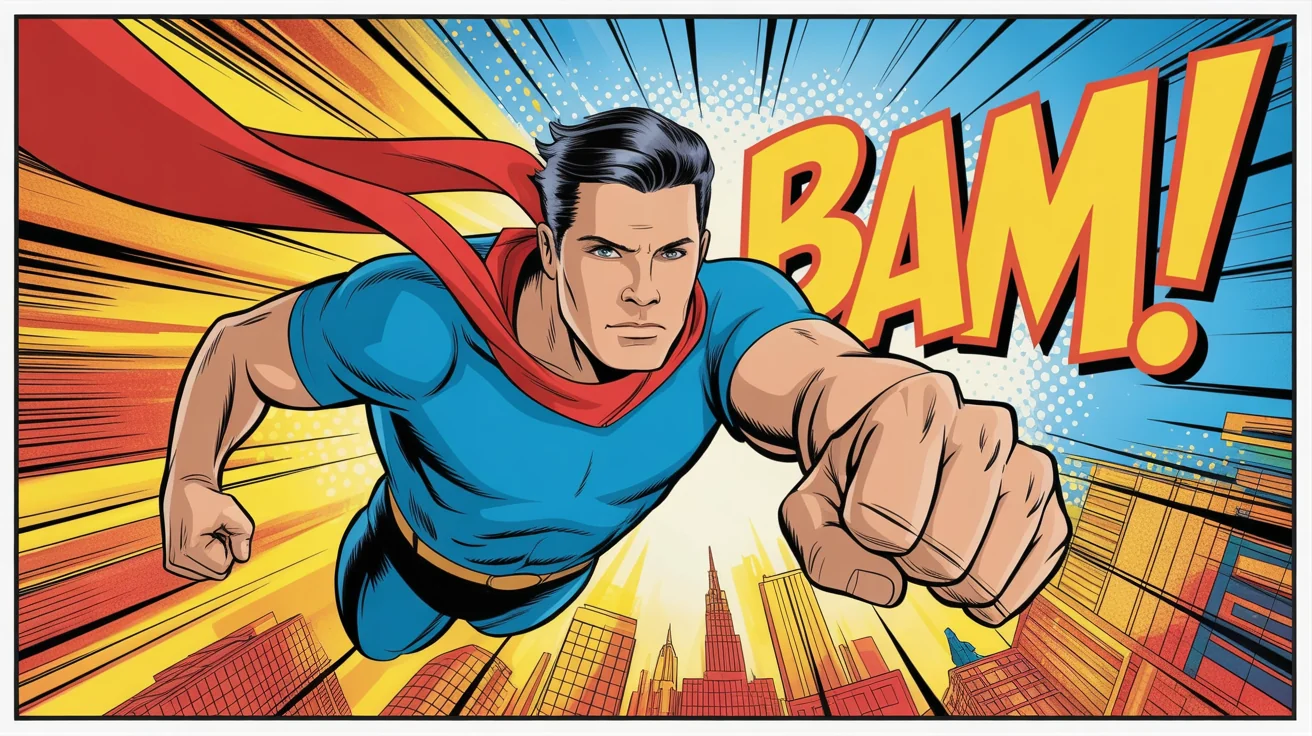
Start by selecting and uploading the photo you want to transform. This will be the base image for your comic book creation.
In the text box, explain how you want the comic book effect to look. For example, 'Turn this into a vintage comic book panel with bold lines and faded colors.'
Click the generate button and let the AI apply the comic book effect. Your photo will be re-imagined as a dynamic illustration in just a few moments.
Your new comic book picture is ready. Download the high-resolution PNG file to share on social media or use in your projects.
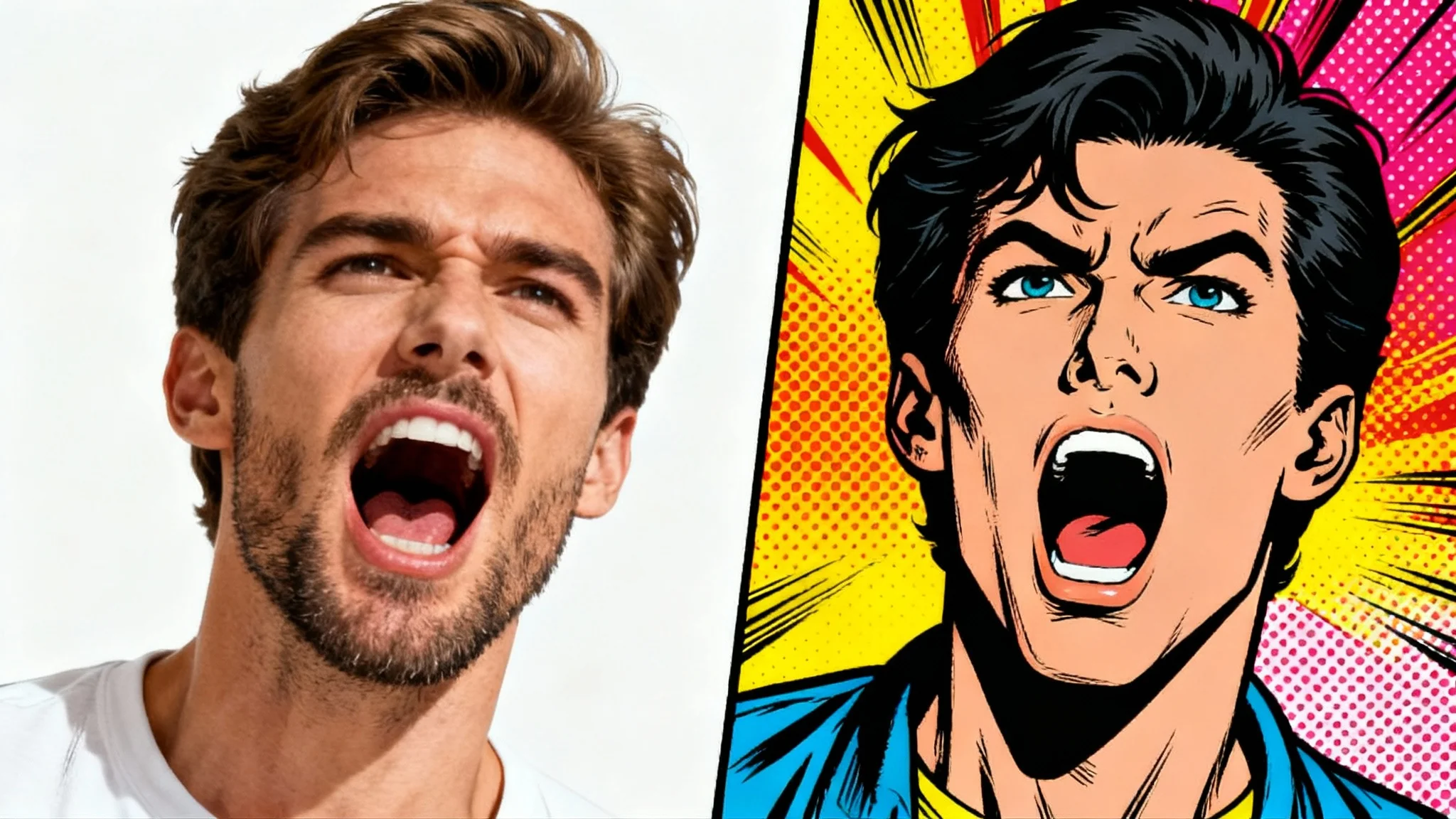
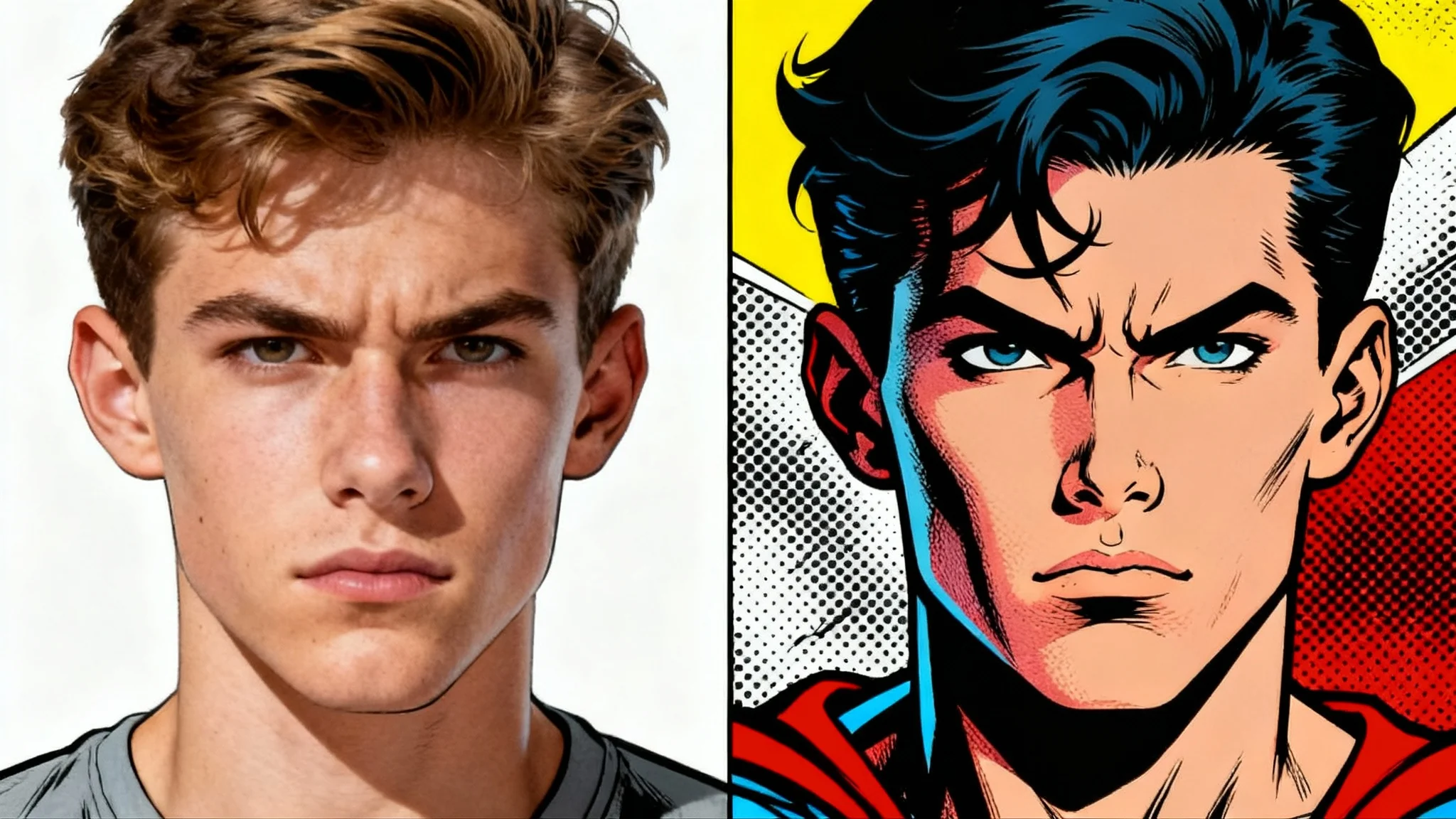
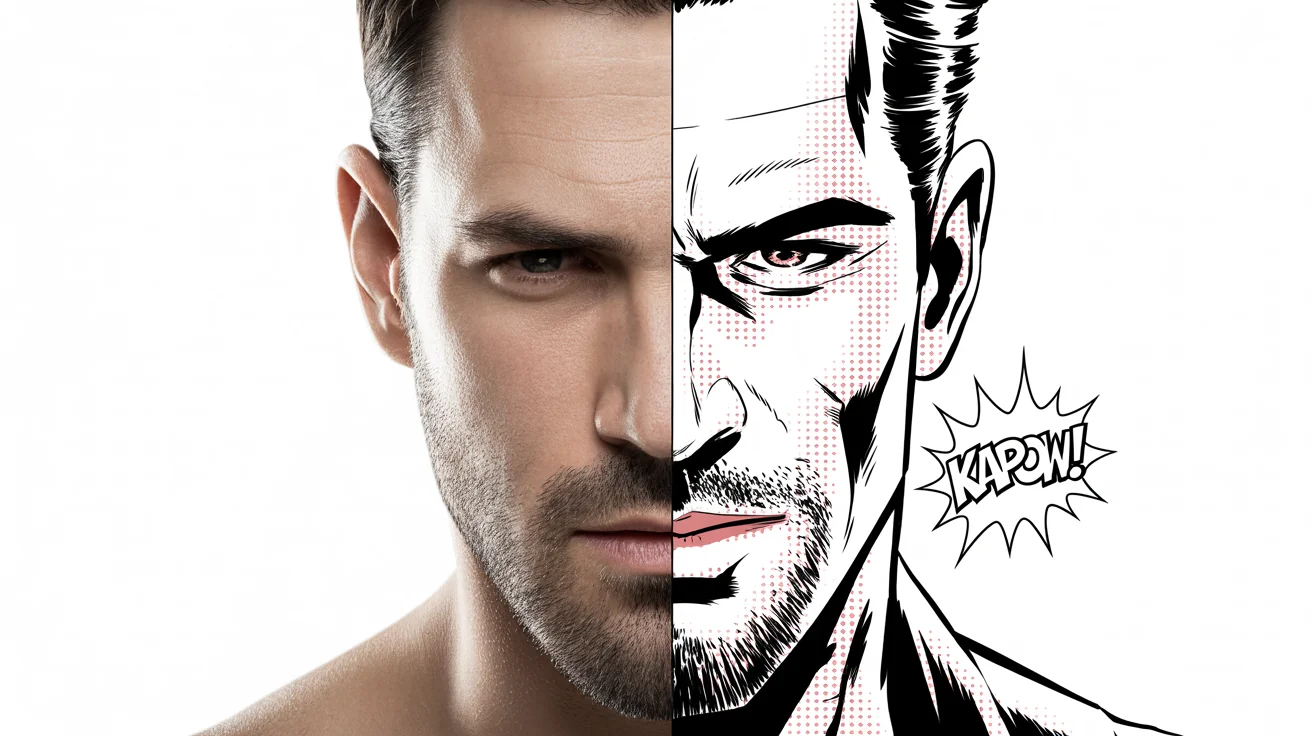
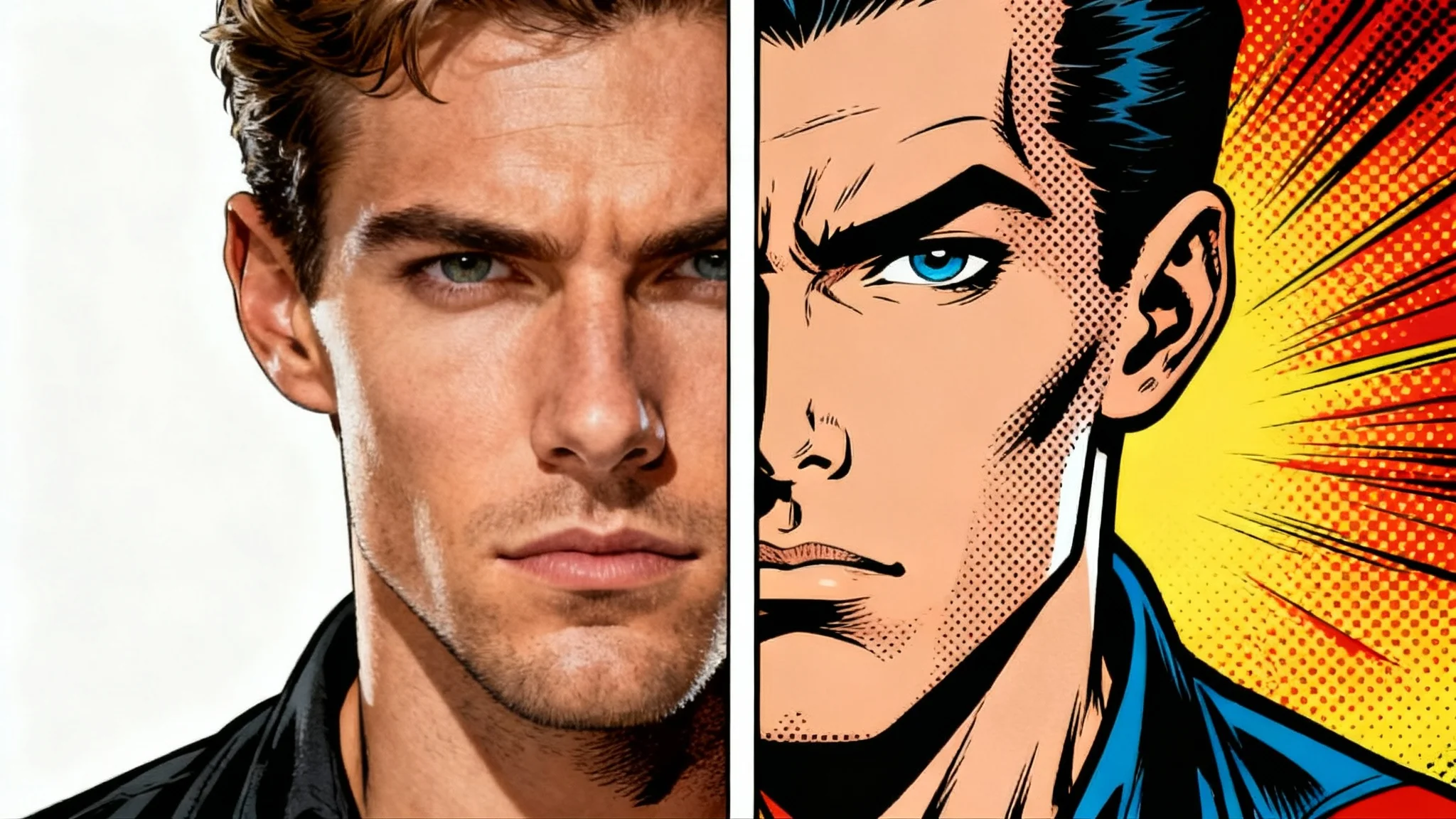
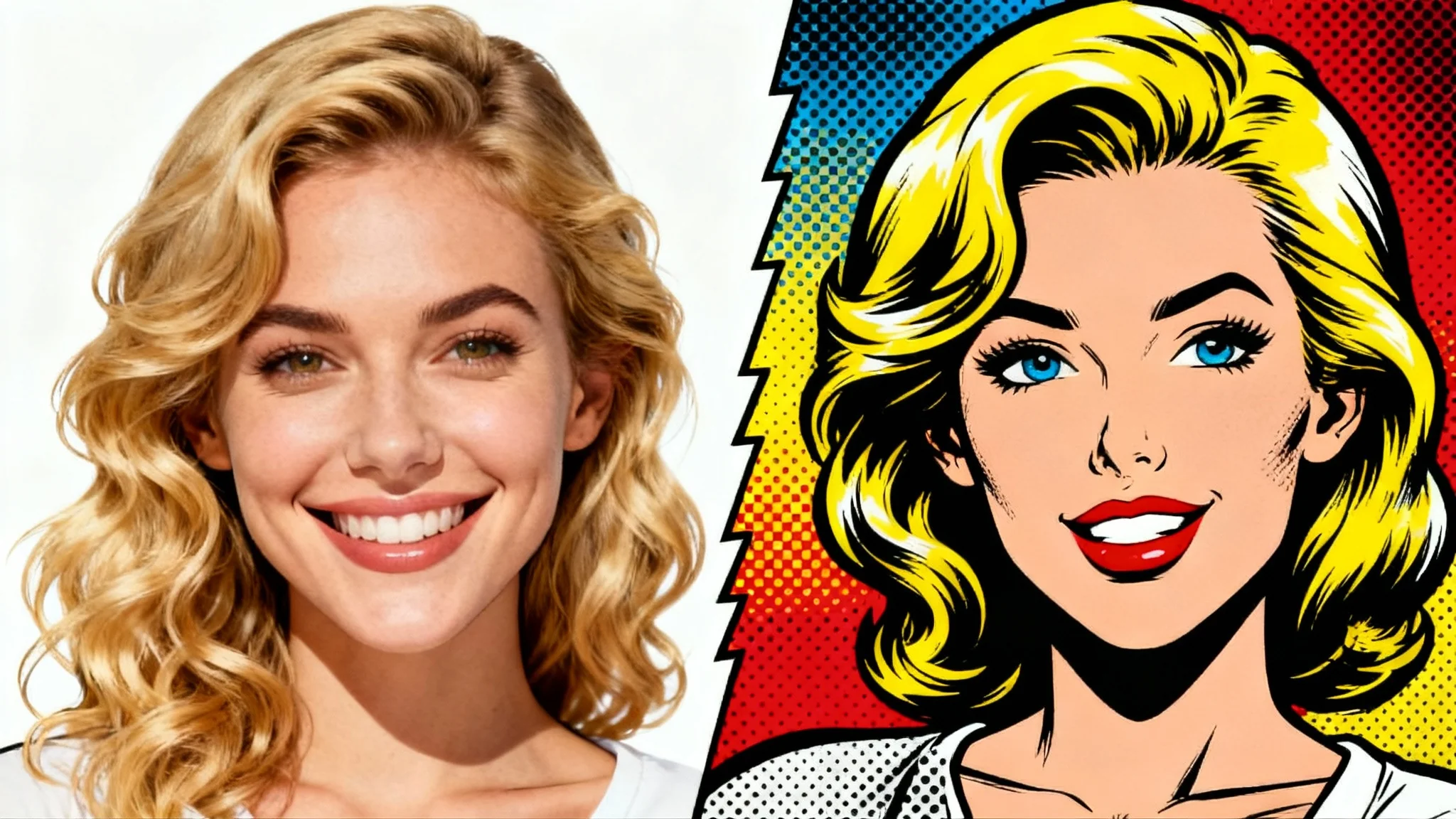
An AI comic book effect tool uses artificial intelligence to transform your regular photos into images that look like they're from a comic book or graphic novel. You just upload a picture and the tool automatically applies effects like bold outlines, vibrant colors, and dramatic shading.
To turn your photo into a comic, upload your image to the tool. Then, write a simple text prompt describing the comic style you want. For example, you could type 'transform this into a pop art comic panel.' The AI will then generate your new comic-style image.
Yes, you can influence the style through your text prompt. Describe whether you want a modern or vintage look, mention specific colors, or ask for elements like Ben-Day dots or heavy shadows to guide the AI toward your desired aesthetic.
Yes, you can include requests for text elements in your prompt. For instance, you could describe 'add a speech bubble with the text 'Hello!'' or 'include the sound effect 'BAM!' in a stylized font' to have the AI incorporate them into the final image.
Photos with clear subjects and good lighting often produce the best results. Portraits, action shots, and even photos of pets or cityscapes can be transformed effectively. The AI is designed to interpret a wide variety of images and apply the comic style.
Your comic book image will be available to download as a high-resolution, watermark-free PNG file, which is ideal for both digital use and printing.
Great app, easy to use. Helps our small business save time and money to create different marketing materials professionally. Thank you.
I need a good background remover for my work and I've been through them all it feels like. This one is the best by far. It's so easy to use and the results always look amazing. Thank you Pixelcut!
It's amazingly easy and gives the perfect results for my bags and accessories. It looks like it was done by a professional photographer.