My favorite app
Great app, easy to use. Helps our small business save time and money to create different marketing materials professionally. Thank you.

Choose a picture with a distinct foreground subject and a detailed background. A clear separation between the two will produce the most dramatic effect.
In the prompt box, tell the AI you want to create a dolly zoom effect. You can add details like 'stretch the background' to guide the final look.
Click the generate button and let our AI apply the iconic vertigo effect. It will warp the background while keeping your subject in perfect focus.
Your new, high-resolution cinematic image is ready. Download the watermark-free PNG file and share your dramatic creation.
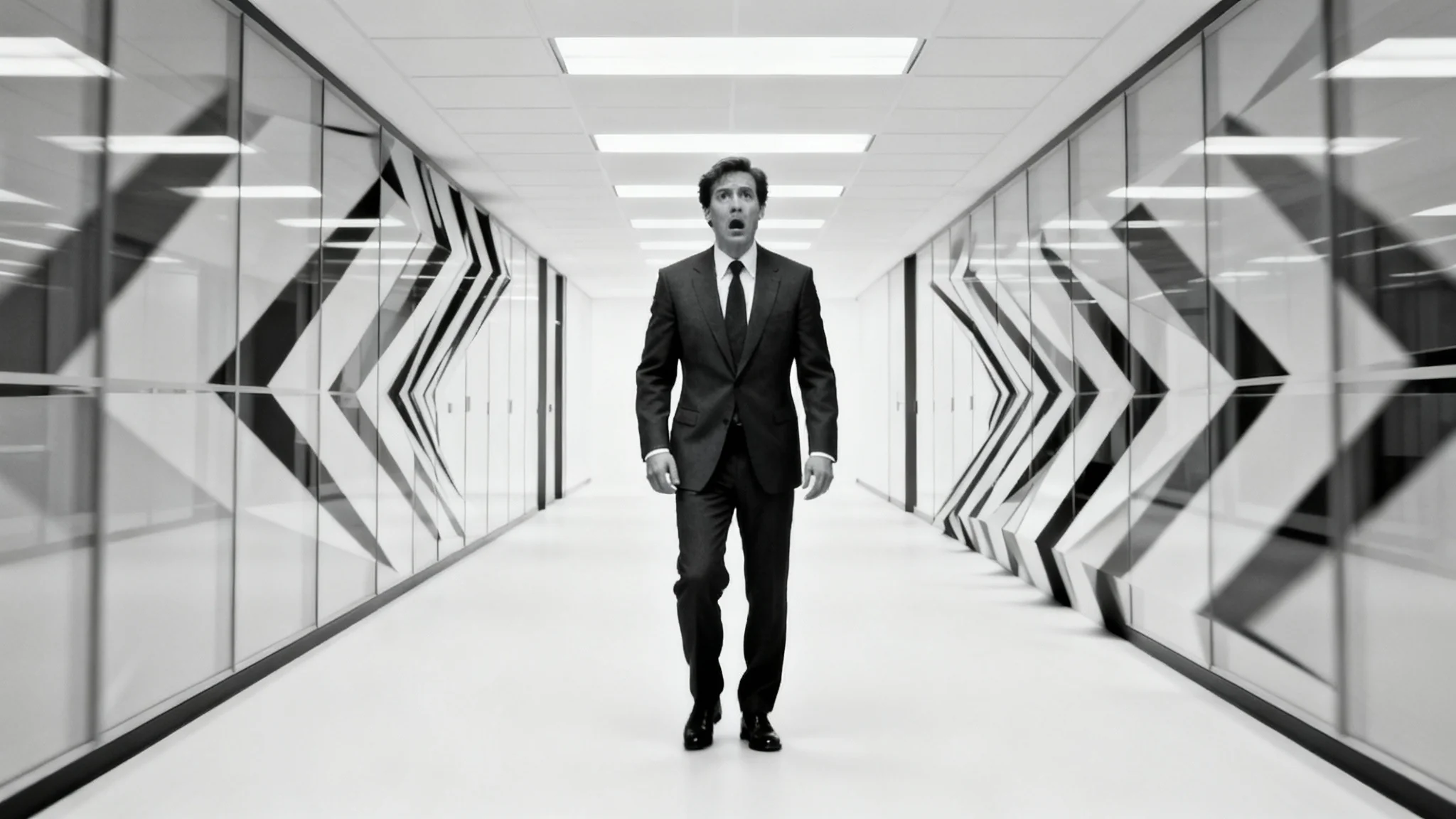
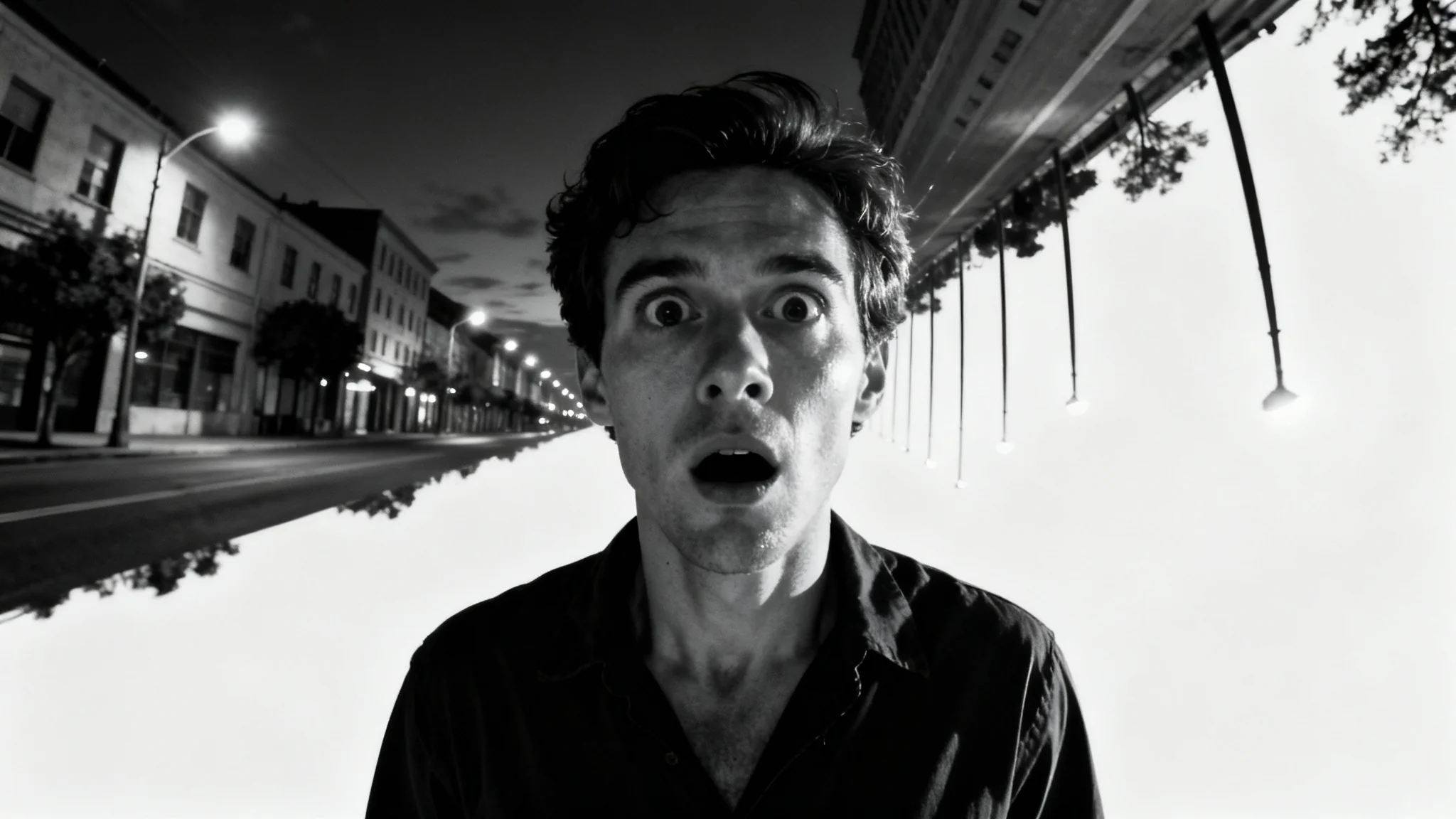
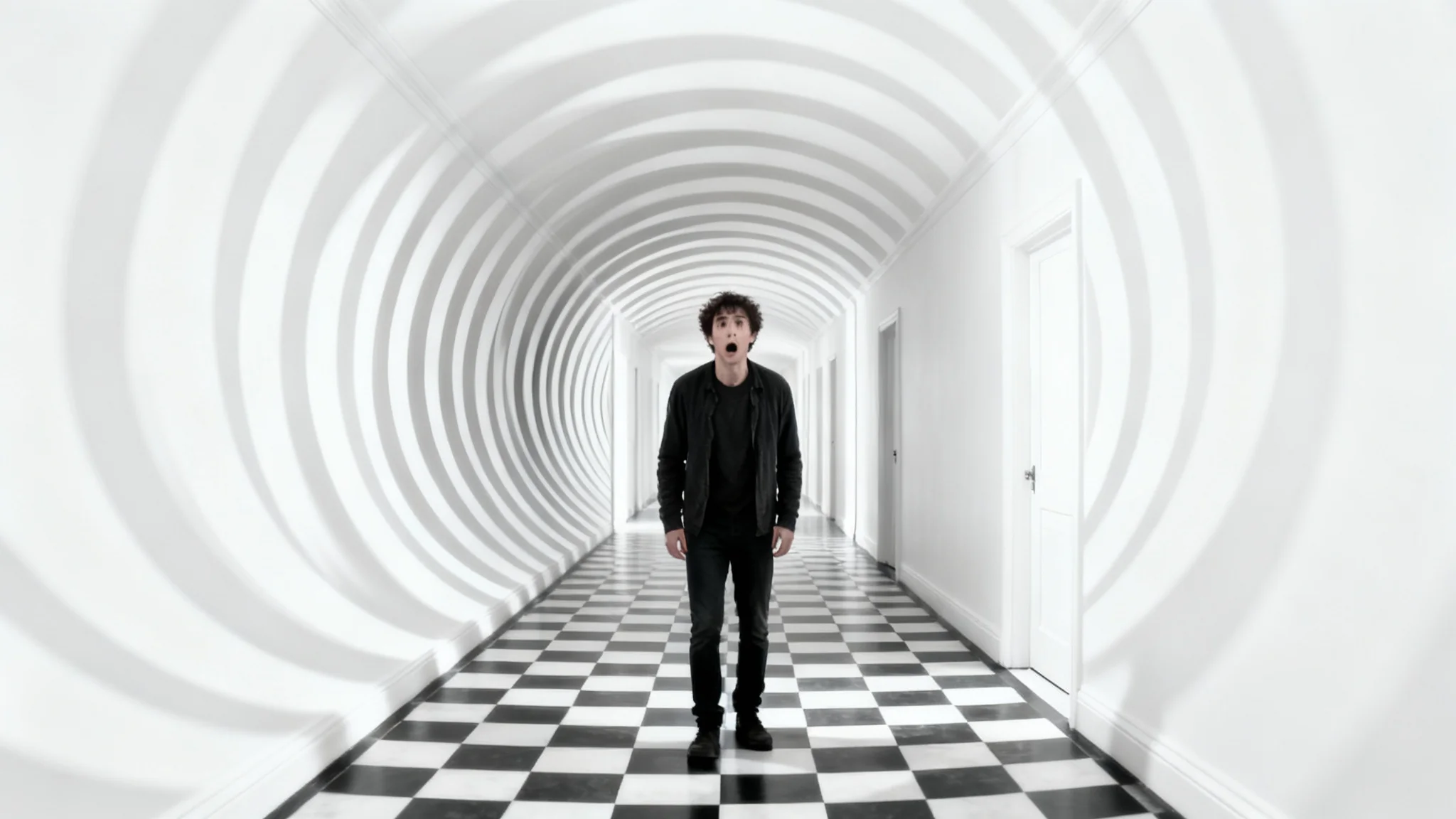
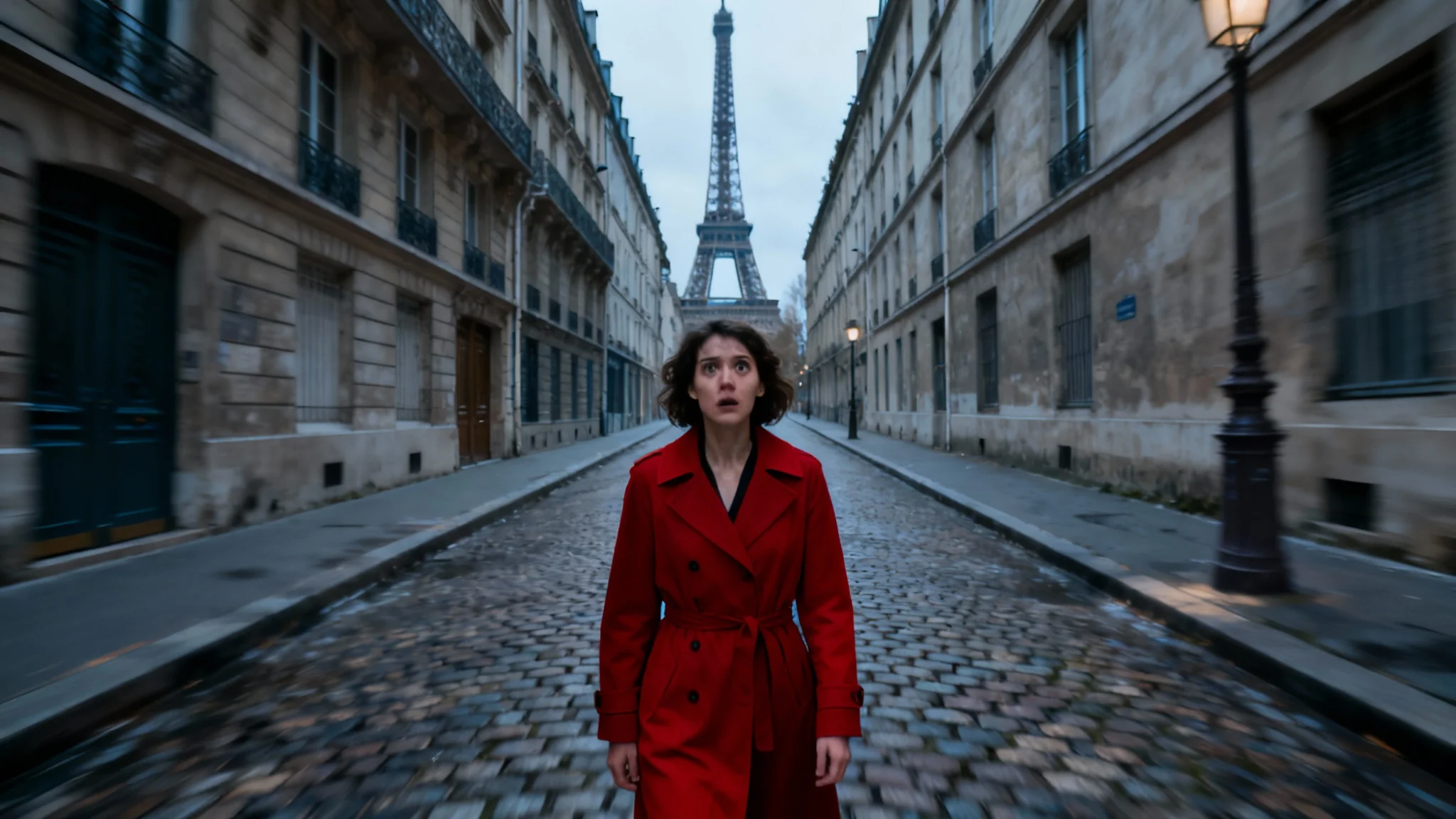
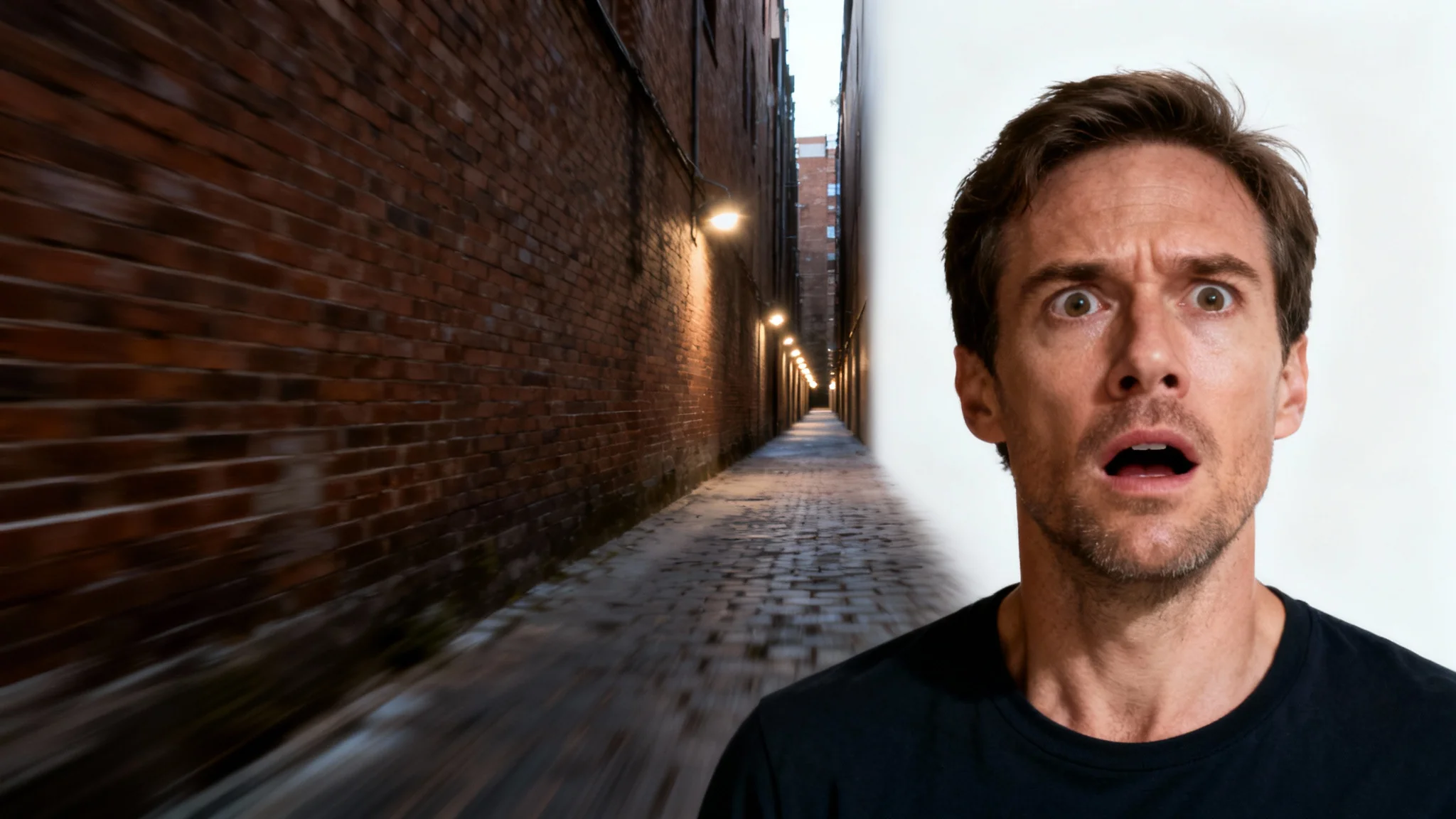
The dolly zoom, also known as the Vertigo effect or Hitchcock zoom, is an in-camera technique where the camera physically moves toward or away from a subject while the lens zooms in the opposite direction. This keeps the subject the same size while the background appears to stretch or compress, creating a disorienting, dramatic visual.
With Pixelcut's AI tool, you can easily apply this effect to a static image. Simply upload a photo with a clear subject and background. Our AI will digitally manipulate the background to simulate the stretching or compressing effect, while keeping your main subject sharp and in focus.
Yes, they are the same. The effect was famously popularized by director Alfred Hitchcock in his 1958 film 'Vertigo', which is why it is often called the 'Vertigo effect' or 'Hitchcock zoom'.
Photos with a clear separation between the subject and the background produce the best results. Portraits, street photography with a central figure, or product shots with ample background space are all excellent candidates for the dolly zoom effect.
Traditionally, this effect requires a camera on a dolly track and a zoom lens. However, with our AI photo editor, you don't need any special equipment. You can achieve a similar cinematic effect on any photo directly from your browser.
Yes, you can influence the final result by providing a text prompt. Describe how you want the background to appear, such as 'create a subtle stretch' or 'dramatically warp the background,' to guide the AI in generating the effect to your liking.
Great app, easy to use. Helps our small business save time and money to create different marketing materials professionally. Thank you.
I need a good background remover for my work and I've been through them all it feels like. This one is the best by far. It's so easy to use and the results always look amazing. Thank you Pixelcut!
It's amazingly easy and gives the perfect results for my bags and accessories. It looks like it was done by a professional photographer.