My favorite app
Great app, easy to use. Helps our small business save time and money to create different marketing materials professionally. Thank you.
Start by uploading the image of your dish. A clear photo with good lighting will produce the best results.
In the text box, describe the background texture you envision. For example, 'Place the bowl on a dark slate surface with scattered fresh herbs'.
Click the generate button and let the AI create a new, custom background that enhances your food photo based on your prompt.
Your new, appetizing food photo is ready. Download the high-resolution PNG image to use for your menu, blog, or social media.
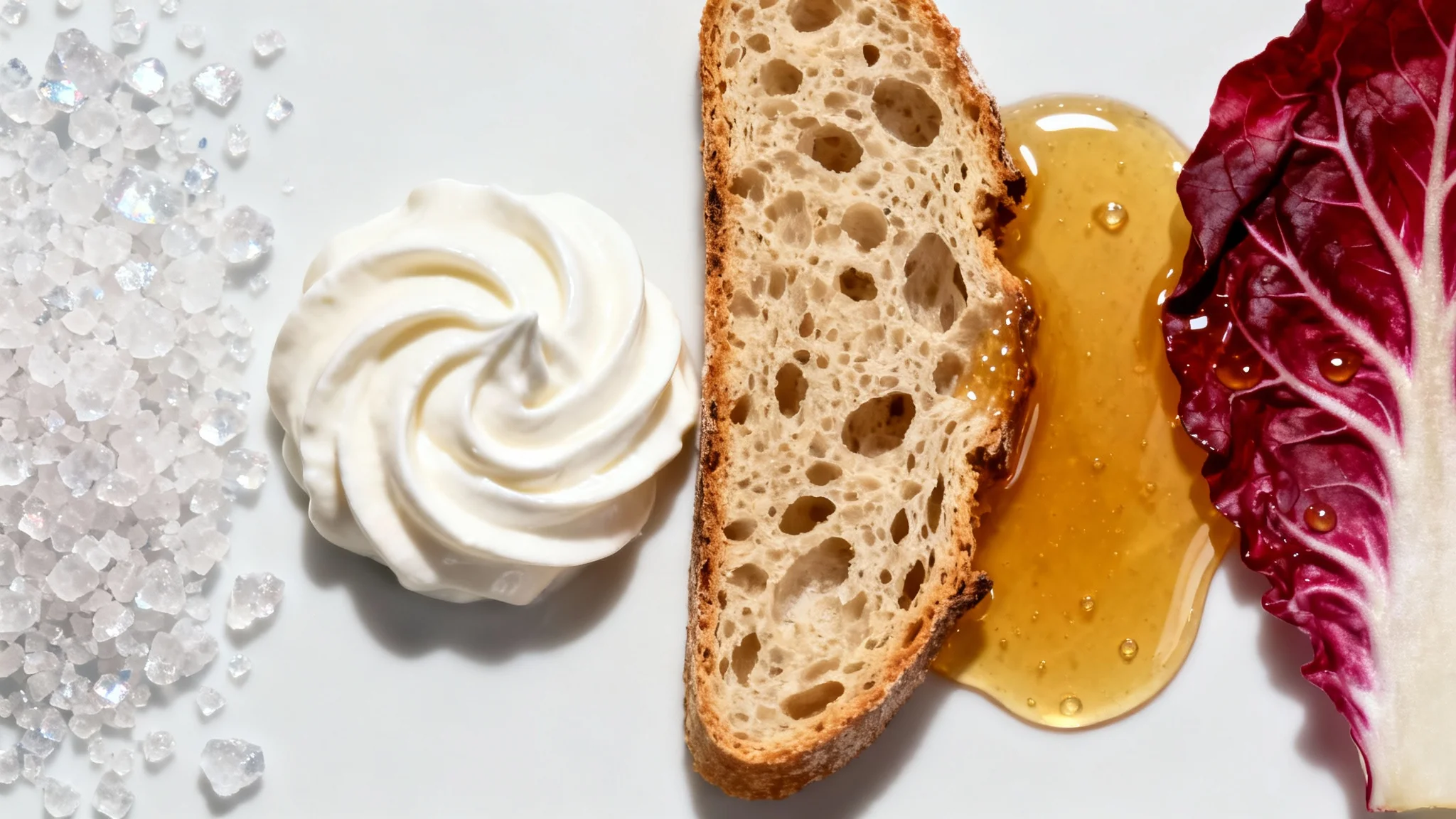
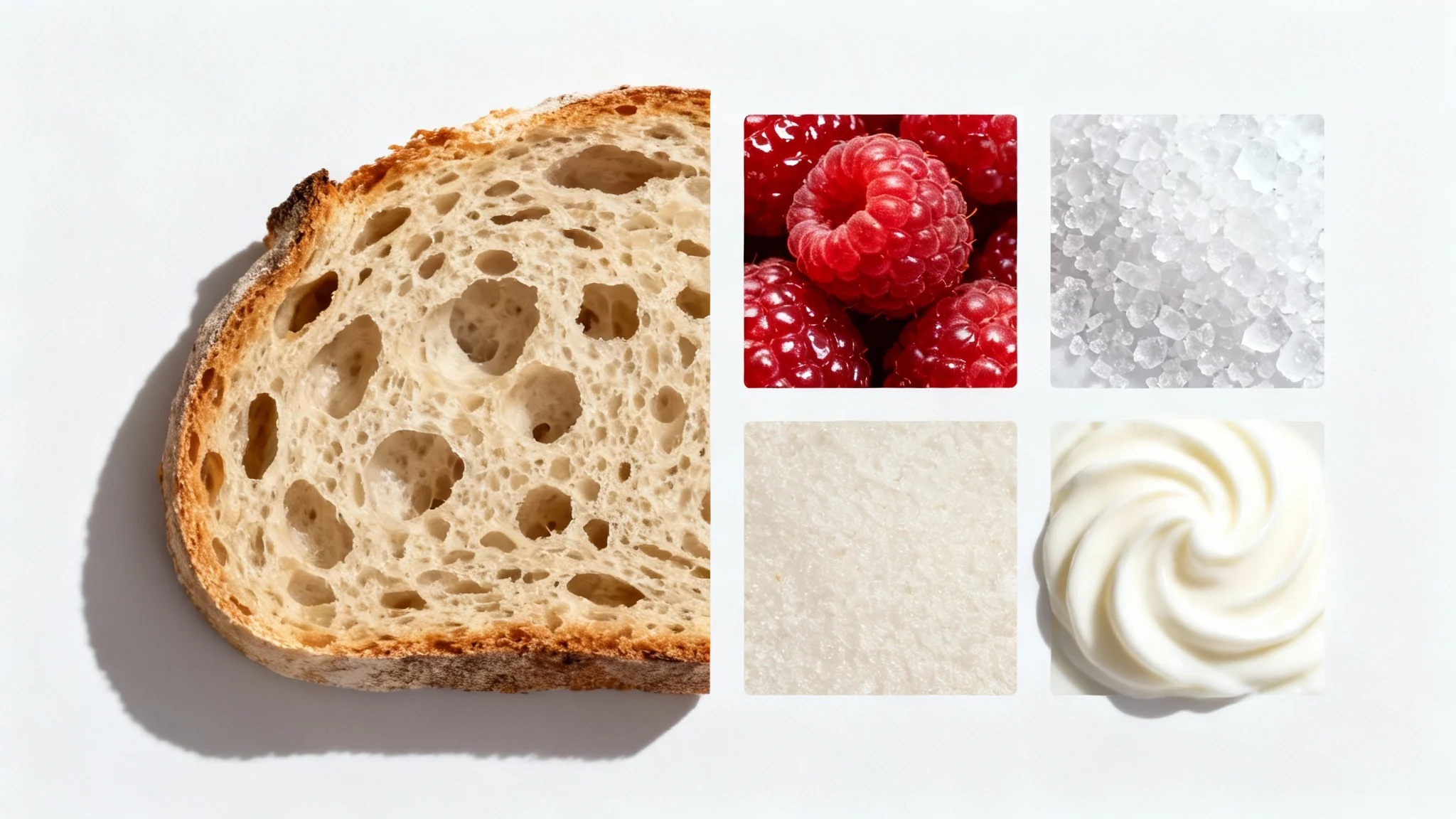
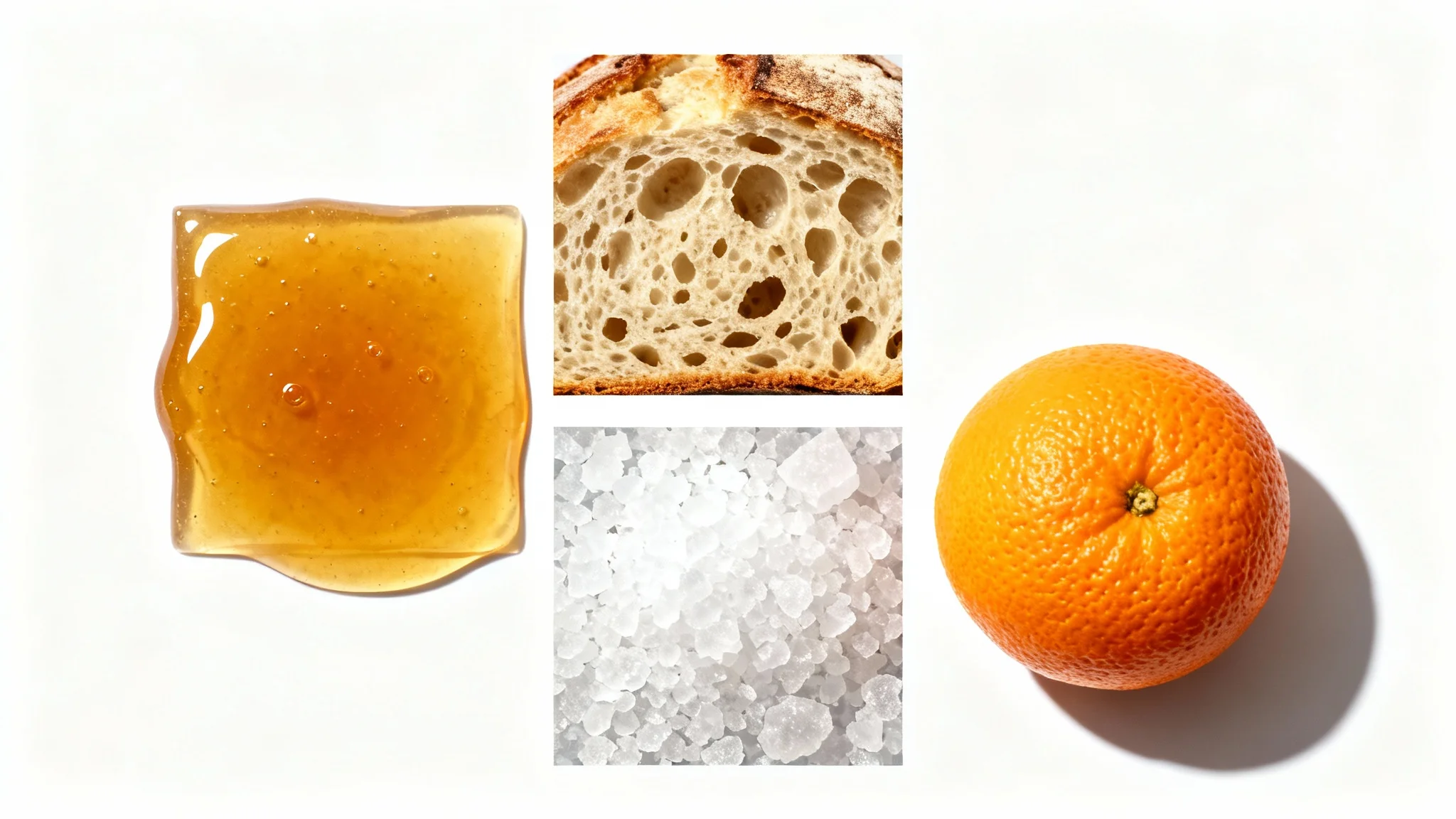
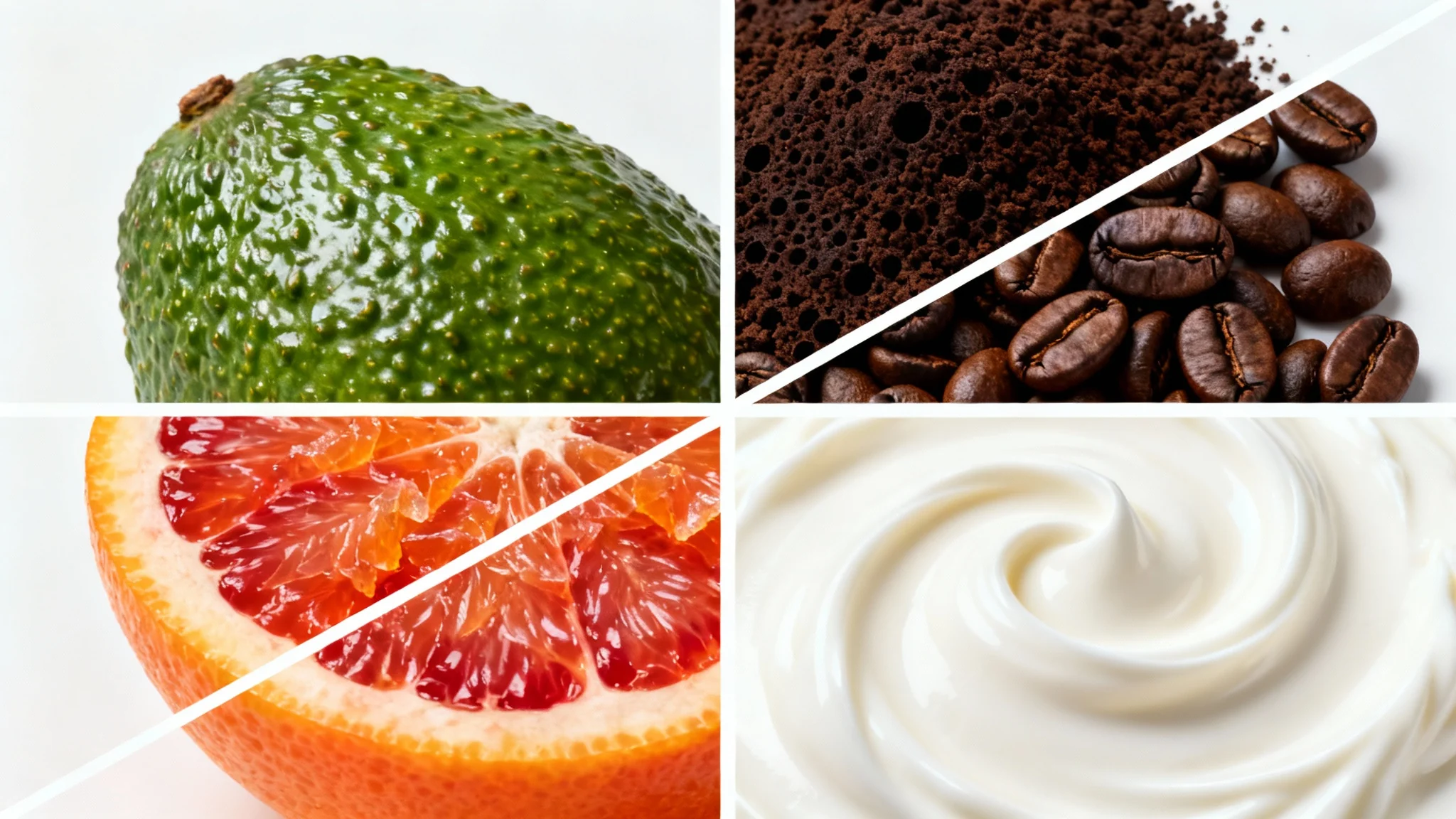
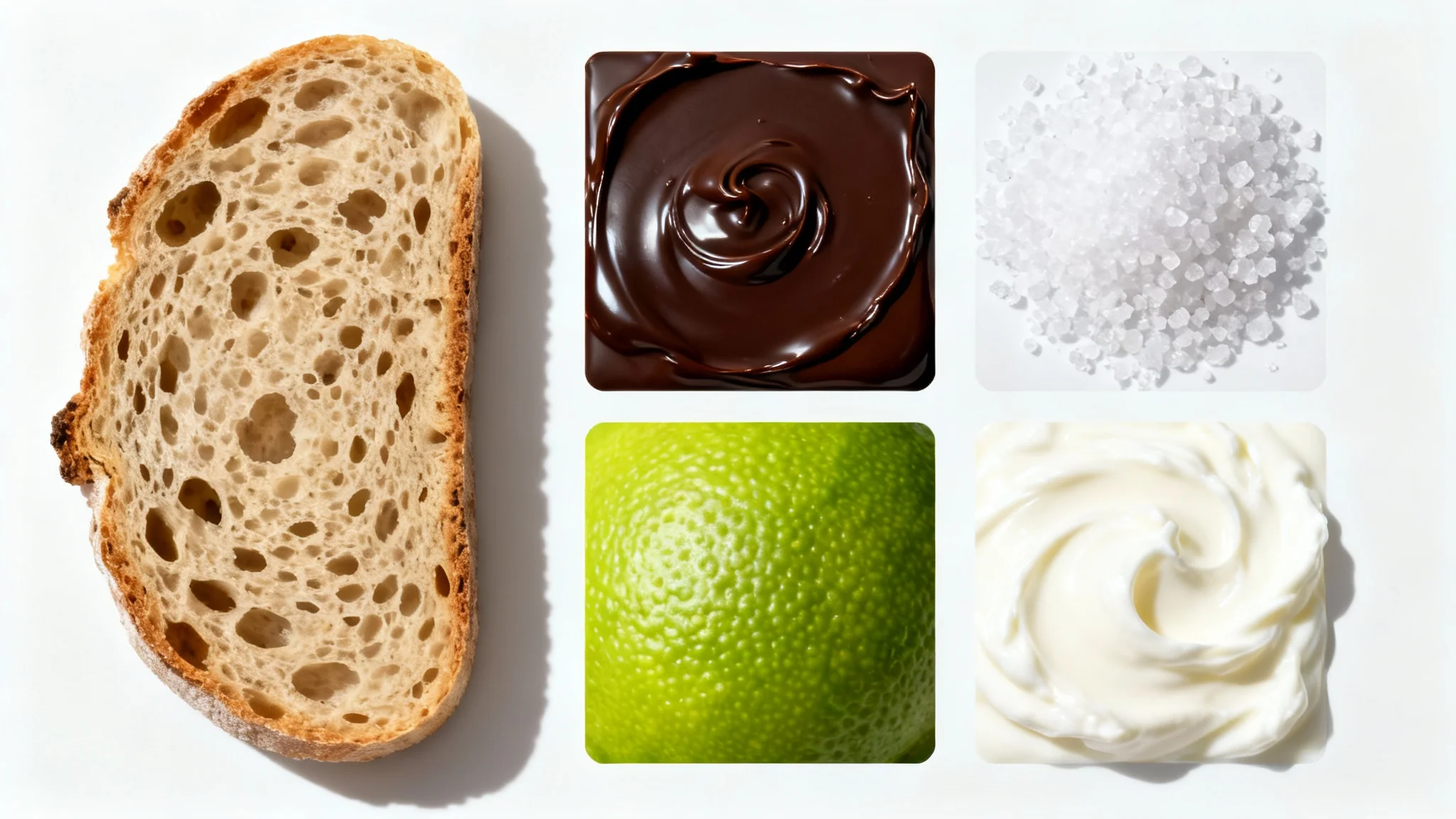
To change the background, upload your food photo into the tool. Then, type a description of the new background you want in the prompt box. For example, you could write 'a white marble surface with a blue linen napkin'. The AI will then generate the new background for your image.
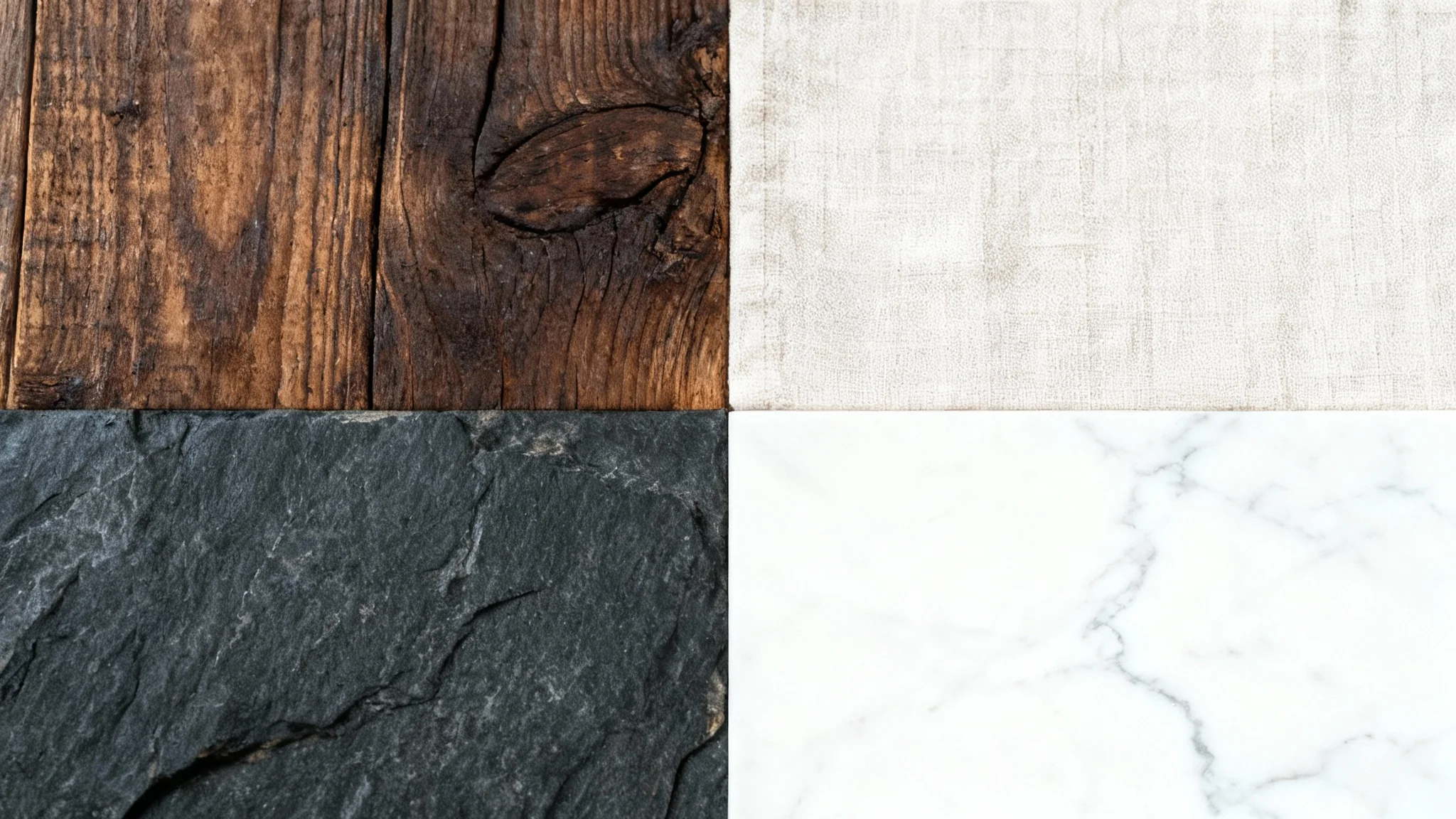
The best textures complement the food without being distracting. Popular choices include wood, marble, slate, concrete, and linen fabrics. Neutral and cool tones often work well because they make the warm colors of the food stand out.
Yes, AI can generate highly realistic background textures that include natural-looking details, lighting, and shadows. By describing the material, color, and mood you want, the AI can produce a surface that looks like a real photography setup.
No, you don't need a professional camera. As long as your initial food photo is clear and well-lit, the AI can effectively replace the background. Photos taken with a modern smartphone will work perfectly.
Yes, you can try creating custom food backgrounds for free. After using your initial free credits, you will need to purchase more to continue generating and downloading images. All downloads are high-resolution and watermark-free.
You can create a wide variety of textures by describing them in the text prompt. Think about materials like different types of wood, stone, metal, or fabric. You can also specify colors and styles, such as 'dark rustic wood' or 'light, clean marble'.
Great app, easy to use. Helps our small business save time and money to create different marketing materials professionally. Thank you.
I need a good background remover for my work and I've been through them all it feels like. This one is the best by far. It's so easy to use and the results always look amazing. Thank you Pixelcut!
It's amazingly easy and gives the perfect results for my bags and accessories. It looks like it was done by a professional photographer.