My favorite app
Great app, easy to use. Helps our small business save time and money to create different marketing materials professionally. Thank you.

Pixelcut’s AI Background Generator instantly transforms your photos with stunning backdrops. Try it free and see the magic in seconds!
Click Upload image and select a JPG, PNG, or HEIC file to begin editing. For best results, use a high-quality image where the subject has clear, defined edges.
Describe what you’d like to see in the prompt box below the image editor. You can also choose one of our preselected backgrounds to begin experimenting.
In seconds, AI will create a stunning new background. Keep experimenting with new prompts to create unlimited settings for your subject.
Once you're satisfied with the output, simply download the image to your device. You can use it for social media, marketing, or any other project you’re working on!
Set the stage for your product images with our AI background generator. Simply describe what you’d like your background to be, and in seconds you’ll have a perfect backdrop without the need for graphic design skills or a studio setup. Perfect for replacing cluttered backgrounds and quickly sampling through different options. This tool is ideal for entrepreneurs and content creators who want a fast and easy solution for replacing backgrounds. Generate a new background for free!
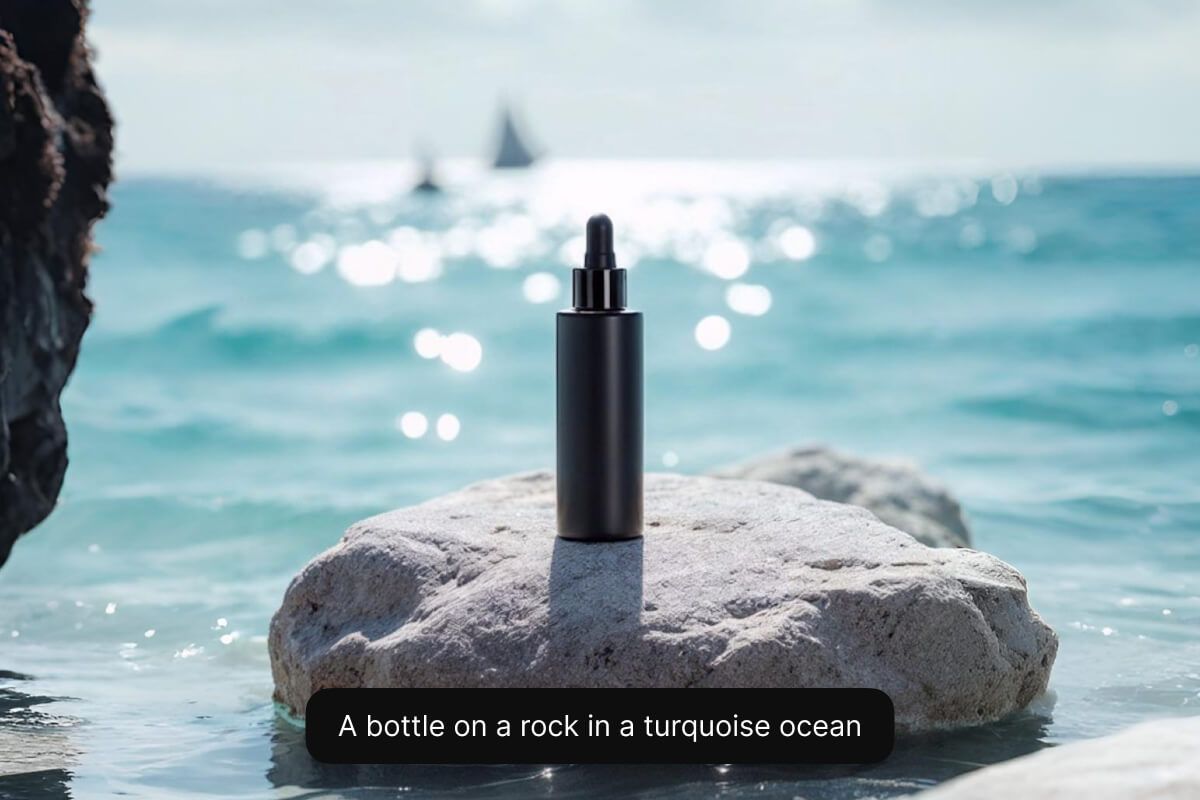
Boost sales and conversions with Pixelcut’s AI background generator for products. It’s perfect for online sellers who want studio-quality photos without a real studio. Save time and money by creating consistent, high-quality product images for catalogs, social media, or your e-commerce store in minutes. Enhance your product photos with eye-catching, professional backgrounds that leave a lasting impression. Upload your image and enter your prompt to get started!
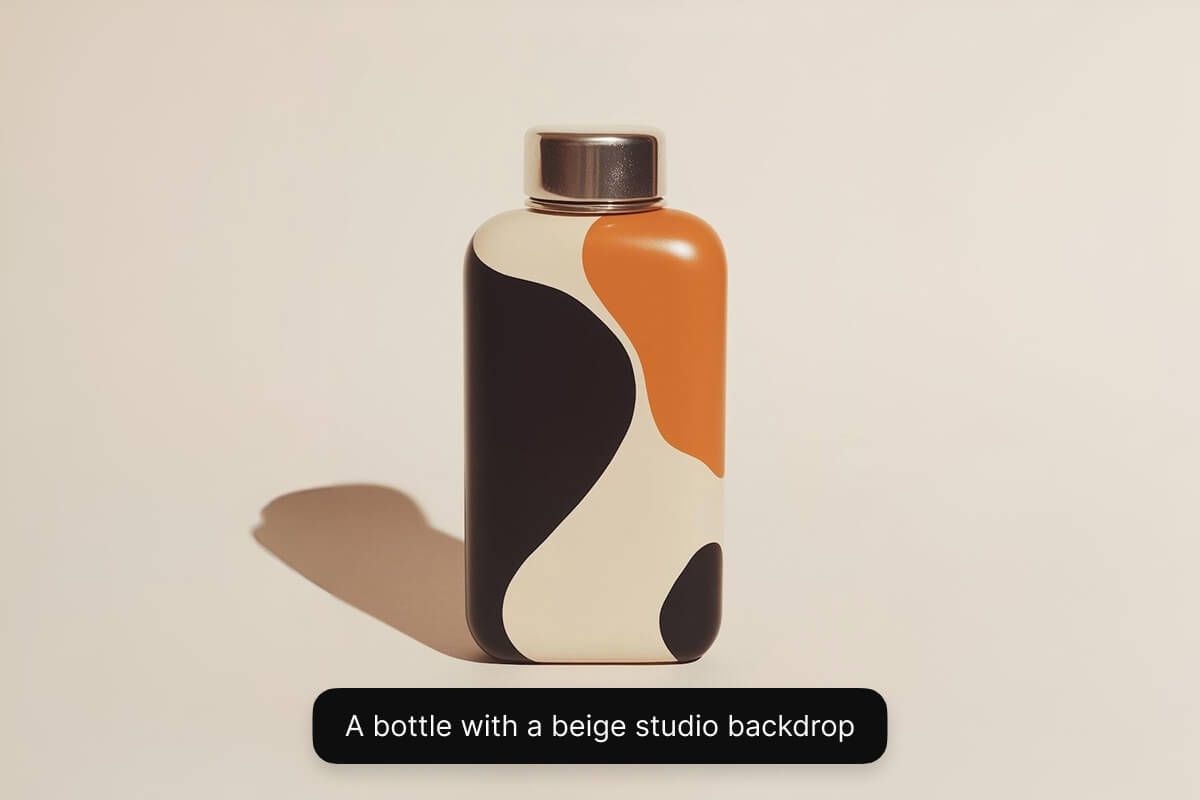
Generate a background with prompts or choose a preset style to get the perfect look with minimal effort. If you have a specific scene in mind, just describe it in a prompt – the AI will bring it to life behind your subject. Not sure what you want? No problem. Pick from dozens of preset styles (minimal studio, nature scenes, and more) to instantly restyle your background. Whether you’re a seasoned creator or new to design, this flexibility means anyone can achieve stunning results in seconds!
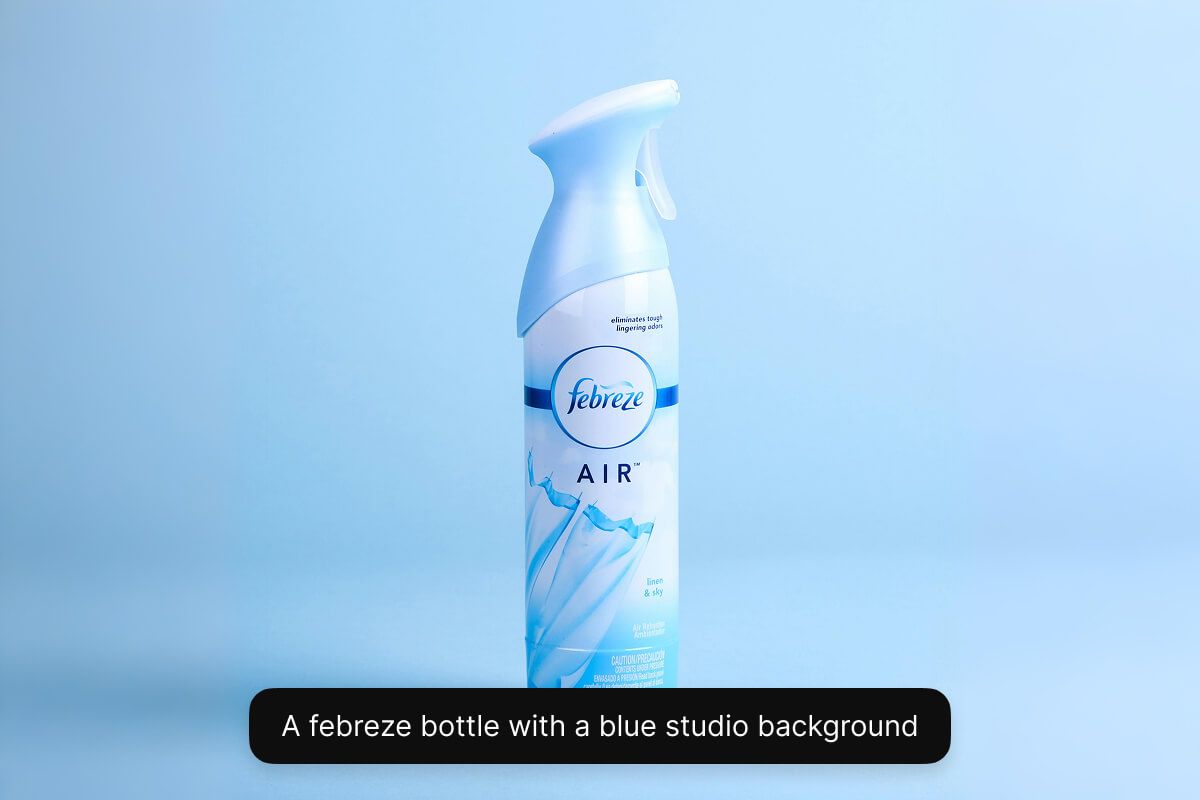
Pixelcut’s AI background generator is perfect for creating stunning backdrops for furniture catalogs. Showcase couches, chairs, and interior décor in beautiful settings without an expensive photoshoot. Easily place your furniture in stylish living rooms, offices, or any scene you imagine, making each piece look naturally at home. Furniture retailers and interior designers can create lifestyle images effortlessly, showing products in context to inspire customers. Try it free!
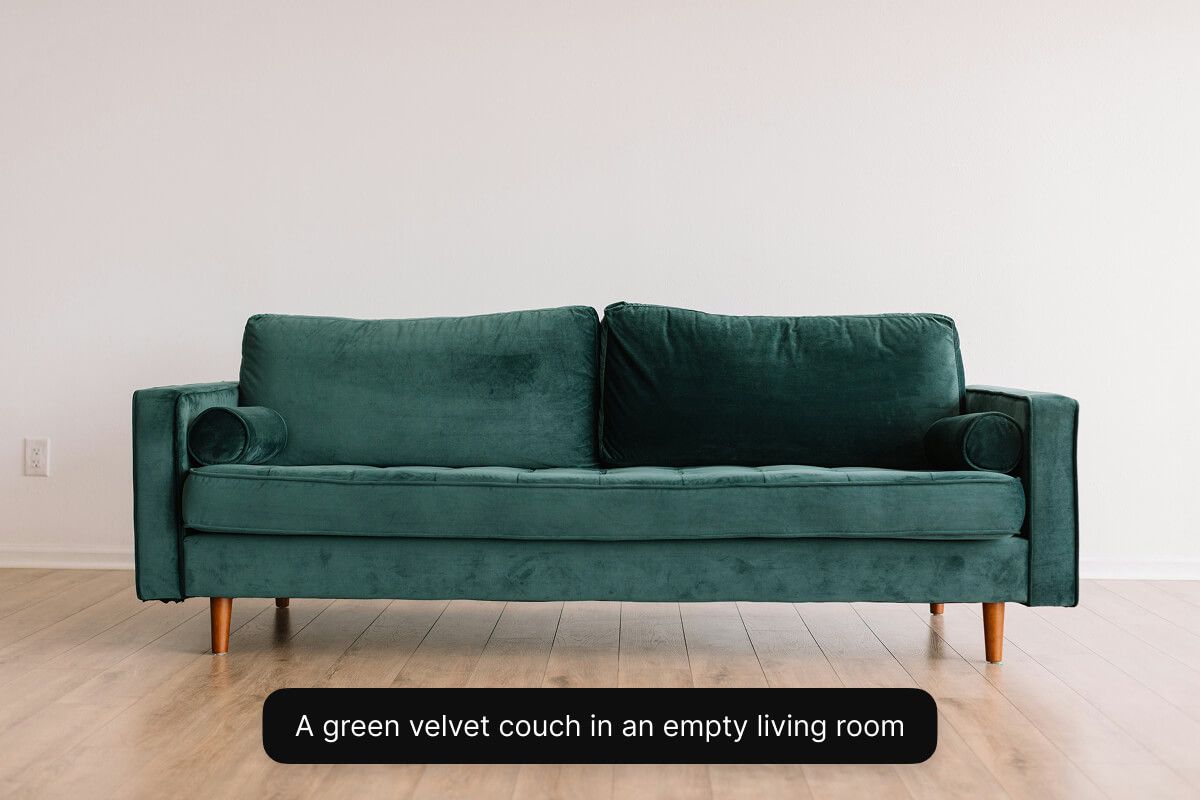
Dive into an array of innovative AI tools designed to elevate your image editing workflow and creativity. Explore Uncrop, a tool that lets you intelligently expand your images beyond their borders. Enhance your projects with the dynamic Generative Fill, which lets you effortlessly add new objects and elements into your pictures. Create an entirely new image from scratch with a simple text prompt using our AI Image Generator. Whether you’re an experienced designer or just starting out, these AI-powered solutions empower you to push creative boundaries and achieve extraordinary results in every project.
Trusted by creatives at











Great app, easy to use. Helps our small business save time and money to create different marketing materials professionally. Thank you.
I need a good background remover for my work and I've been through them all it feels like. This one is the best by far. It's so easy to use and the results always look amazing. Thank you Pixelcut!
It's amazingly easy and gives the perfect results for my bags and accessories. It looks like it was done by a professional photographer.