My favorite app
Great app, easy to use. Helps our small business save time and money to create different marketing materials professionally. Thank you.
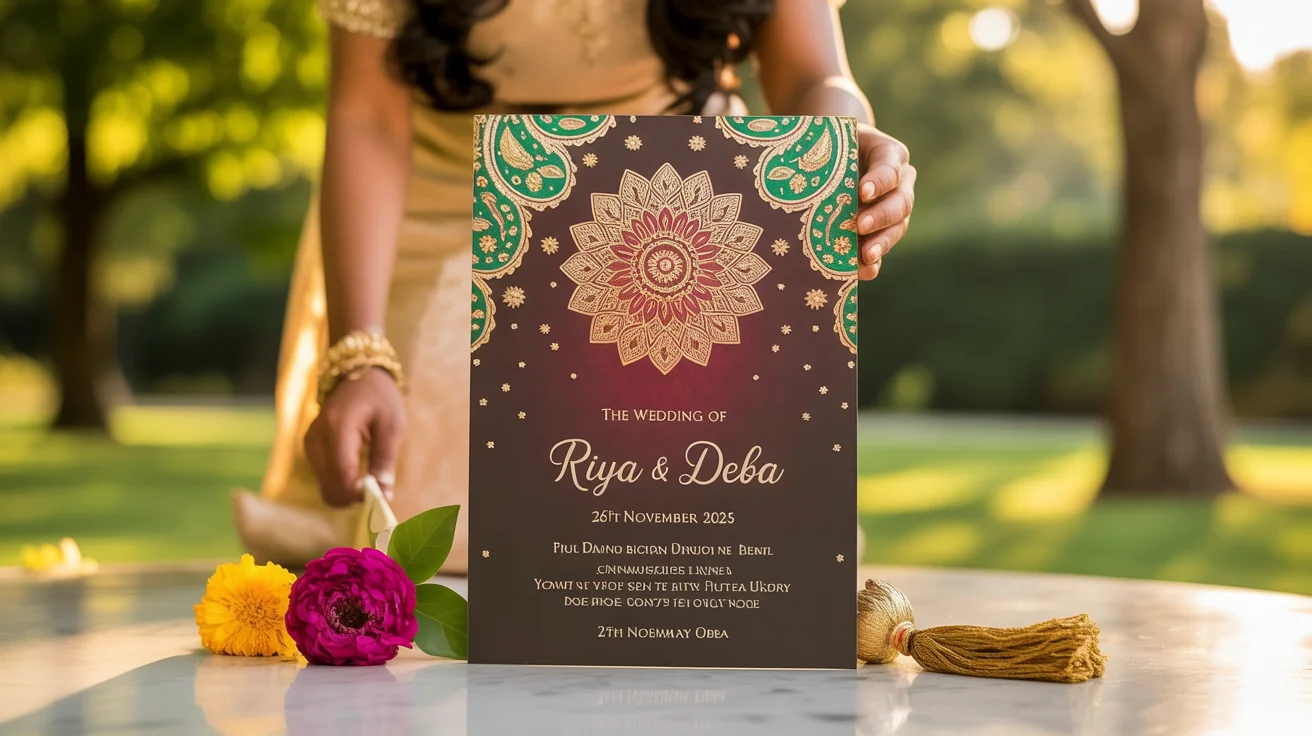
Start by uploading an image that inspires you. This could be a design you like, a photo of the couple, or a specific motif.
Describe your ideal invitation. Include all text like names, dates, and venue, as well as design details like colors and themes.
Click the generate button and let the AI create a custom Indian wedding invitation based on your image and prompt in seconds.
Your beautiful, high-resolution wedding card is ready. Download the PNG file to share digitally or to print for your guests.
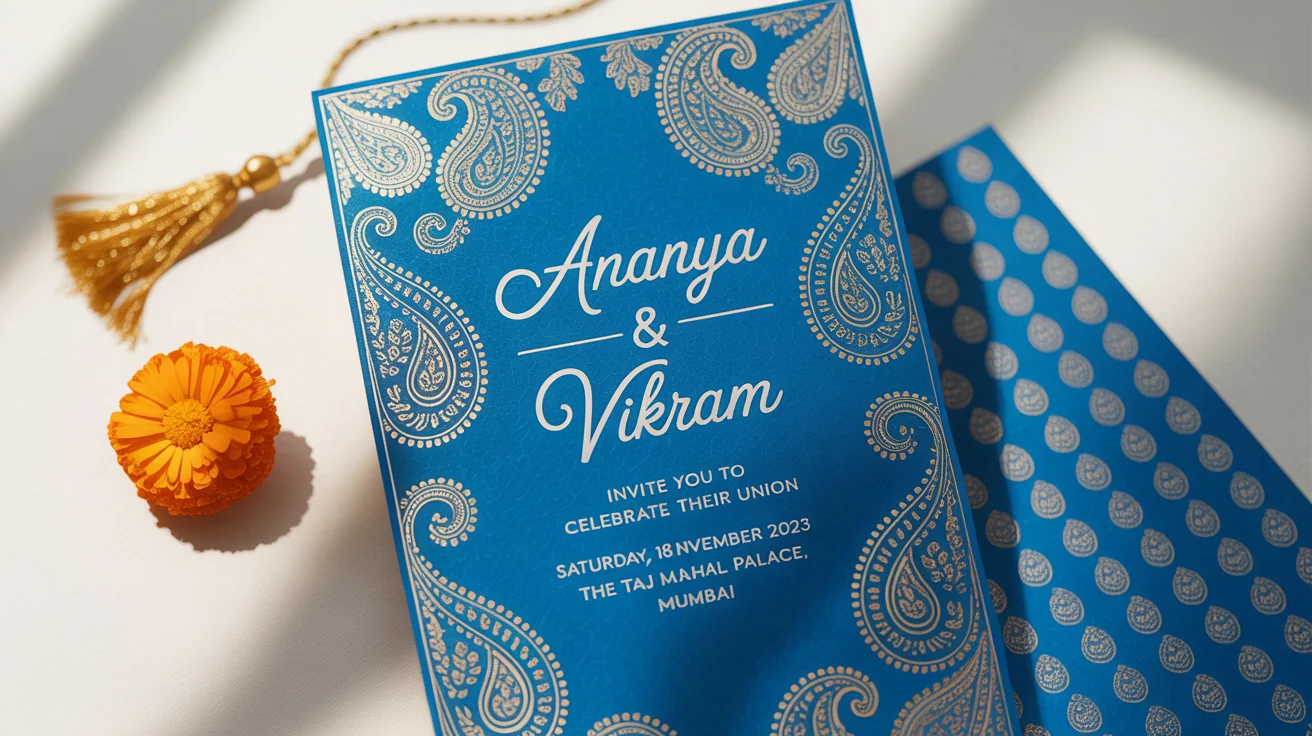
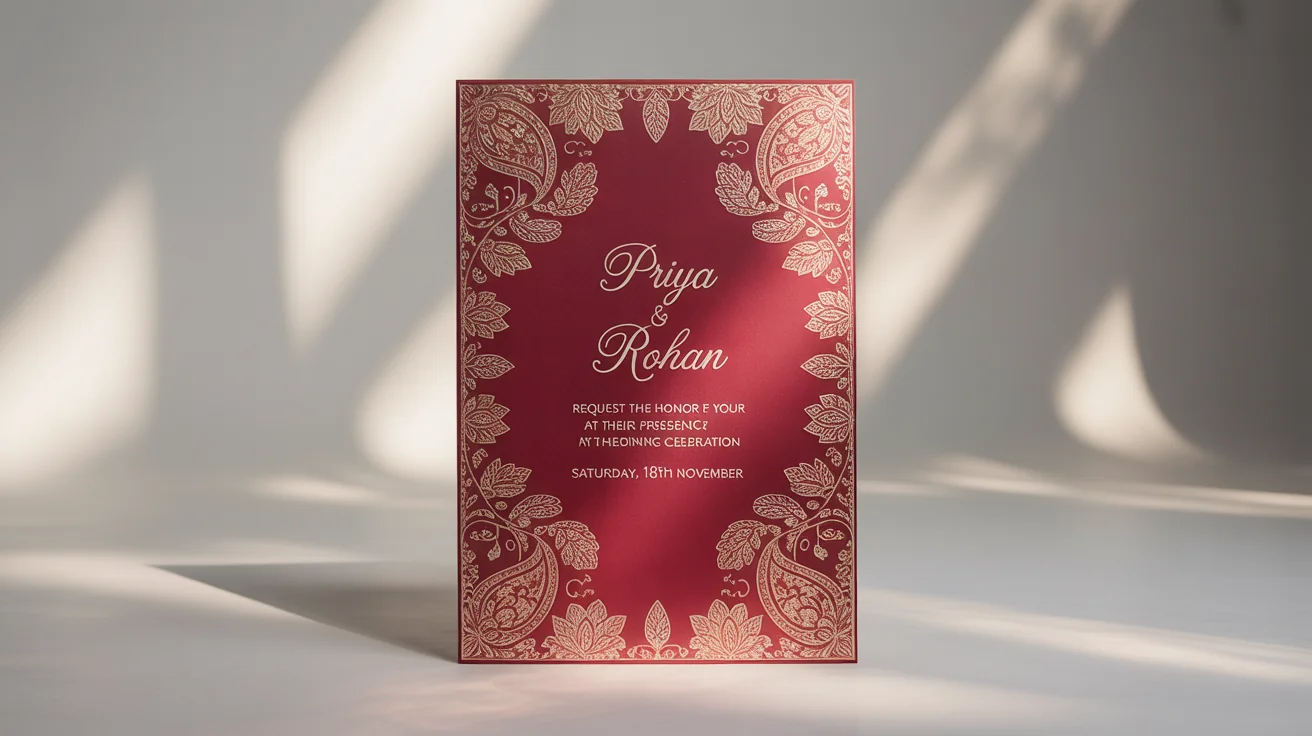
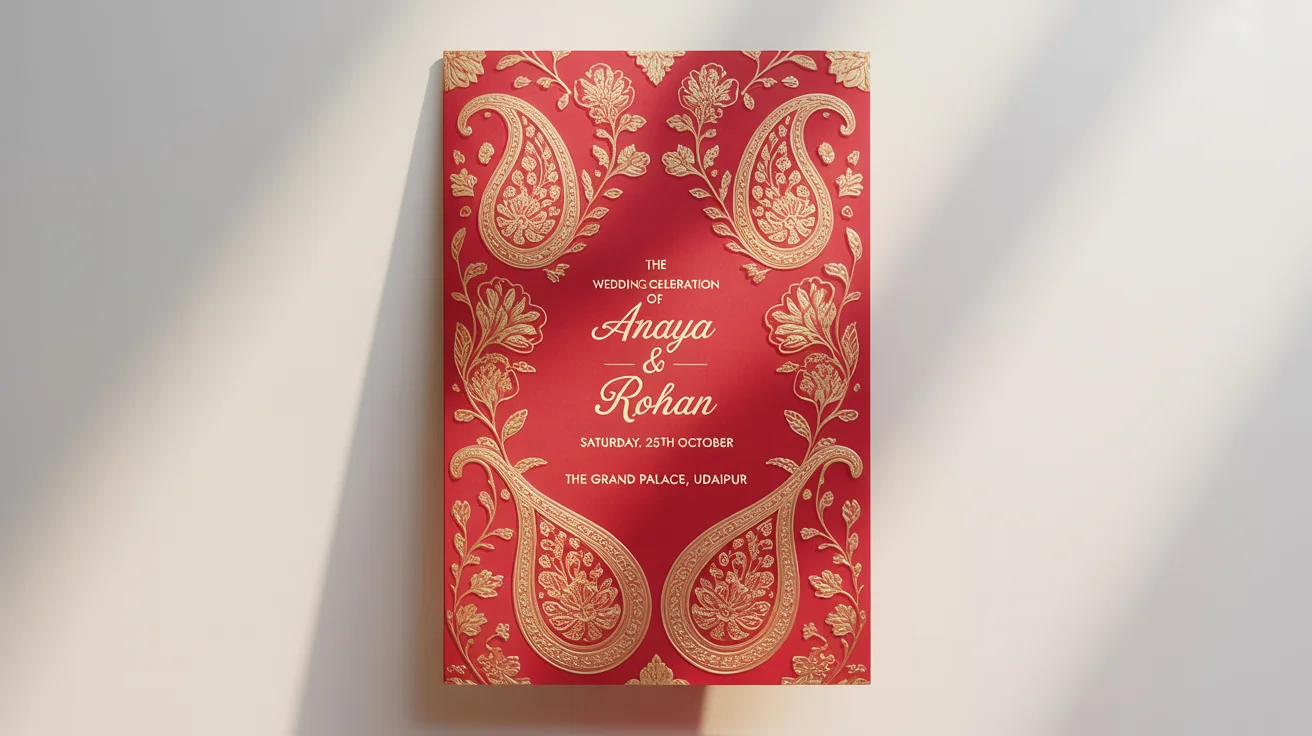
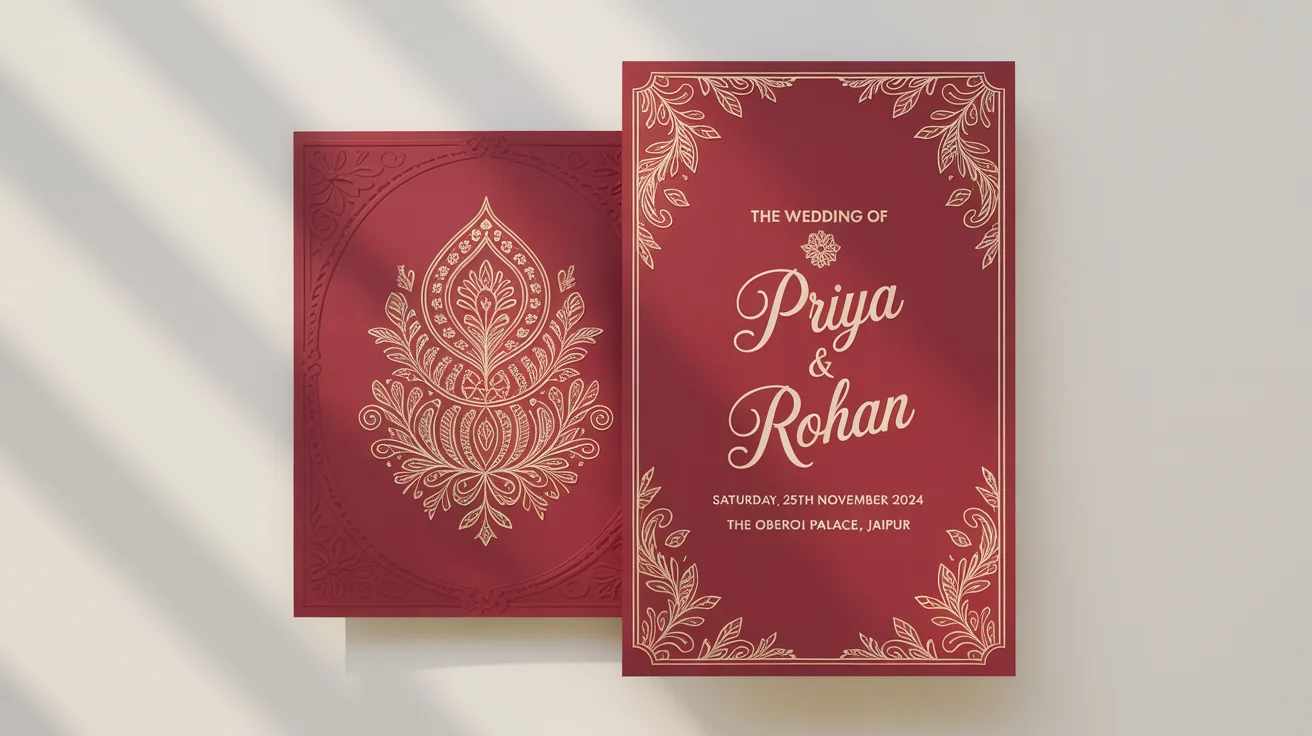
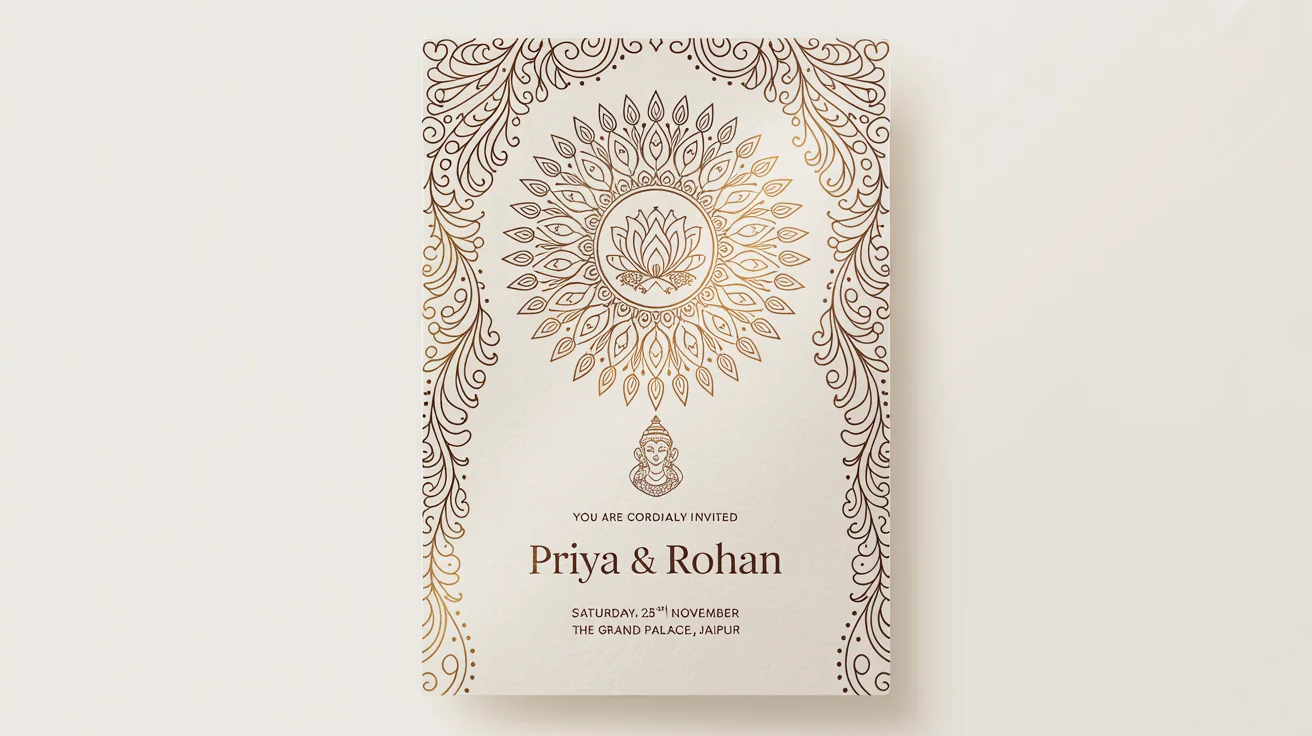
An AI Indian wedding card generator is a tool that uses artificial intelligence to create custom wedding invitations from your text descriptions. You can specify cultural motifs, color schemes, names, dates, and venue details to produce a unique and personal design.
For the best results, include the couple's names, parents' names, event details (like date, time, and venue), and any specific design elements you want. Mention things like 'marigold floral border,' 'Ganesh motif,' or 'elegant gold calligraphy' to guide the AI.
Yes, you can create invitations for various Indian cultures. Simply describe the specific religious or cultural symbols you want to include, such as the Khanda for a Sikh wedding or Bismillah for a Muslim wedding, to tailor the design to your traditions.
Yes. First, generate your static wedding card image. Once you have the design, you can use Pixelcut’s video features to animate it. Upload your generated card and provide a text prompt describing the motion you want, such as 'make the flowers sparkle' or 'gentle zoom on the couple's names'.
To include a personal photo, upload the image you want to use. Then, in the text prompt, describe how the invitation design should be created around your photo. For example, you could say, 'Create a floral border around my uploaded photo and add the wedding details below it'.
Your custom wedding invitation will be available to download as a high-resolution, watermark-free PNG file. This format is ideal for sending digitally via email or messaging apps, and it is also high enough quality for printing.
Great app, easy to use. Helps our small business save time and money to create different marketing materials professionally. Thank you.
I need a good background remover for my work and I've been through them all it feels like. This one is the best by far. It's so easy to use and the results always look amazing. Thank you Pixelcut!
It's amazingly easy and gives the perfect results for my bags and accessories. It looks like it was done by a professional photographer.