My favorite app
Great app, easy to use. Helps our small business save time and money to create different marketing materials professionally. Thank you.
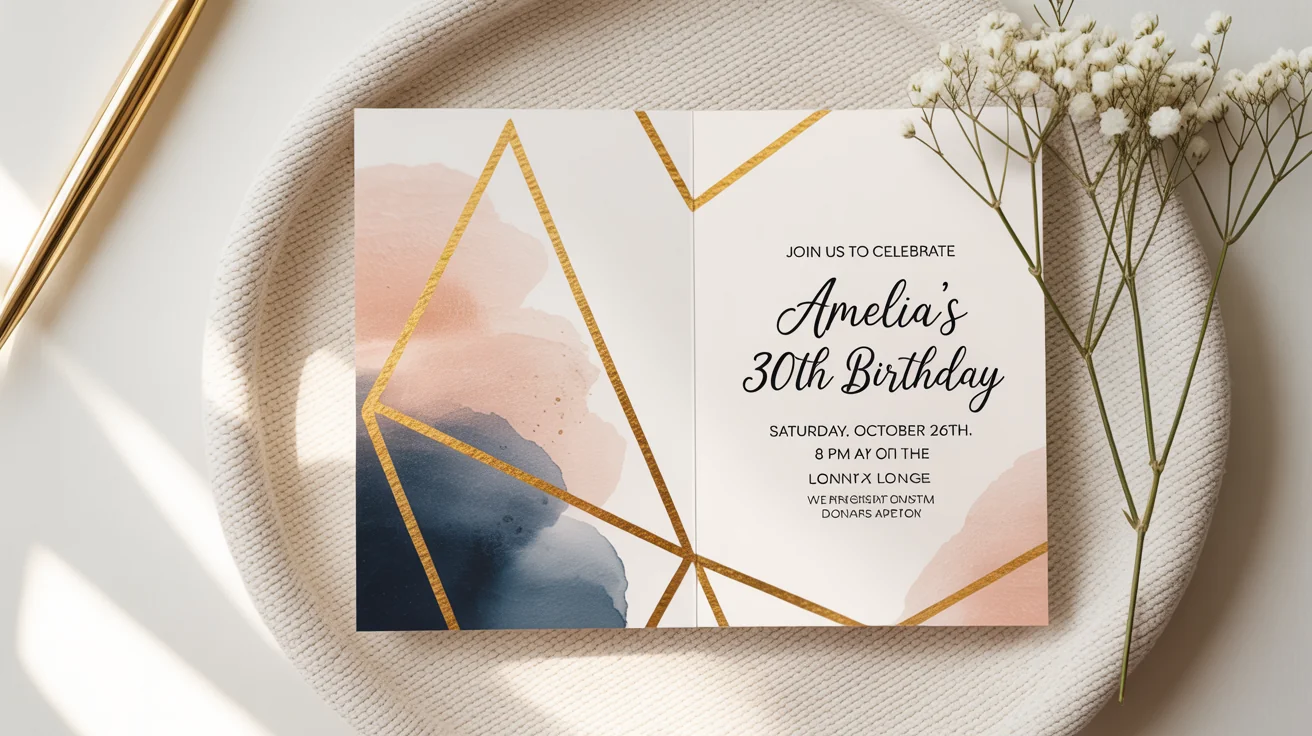
Enter a detailed description of your desired invitation. Include event type (wedding, birthday, etc.), names, date, time, venue, and any specific text you want on the card. Mention colors or style preferences if you have them. The more details you provide, the better the AI can match your vision.
Click the Generate button to let the AI create your invitation design. In just a few moments, Pixelcut will analyze your prompt and produce a custom invitation image based on your description.
When your invitation is ready, click Download to save it. The invitation will download as a high-resolution PNG image (watermark-free). You can then email the image or print it out to invite your guests.
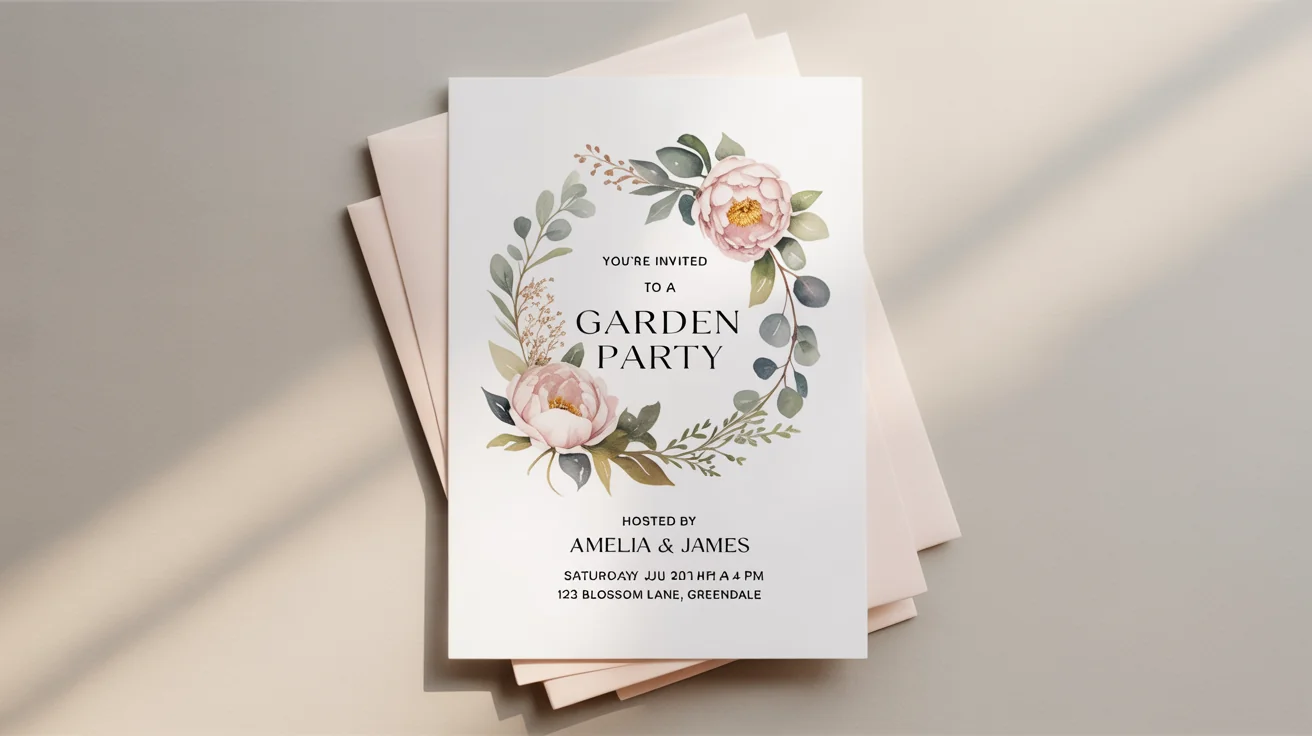
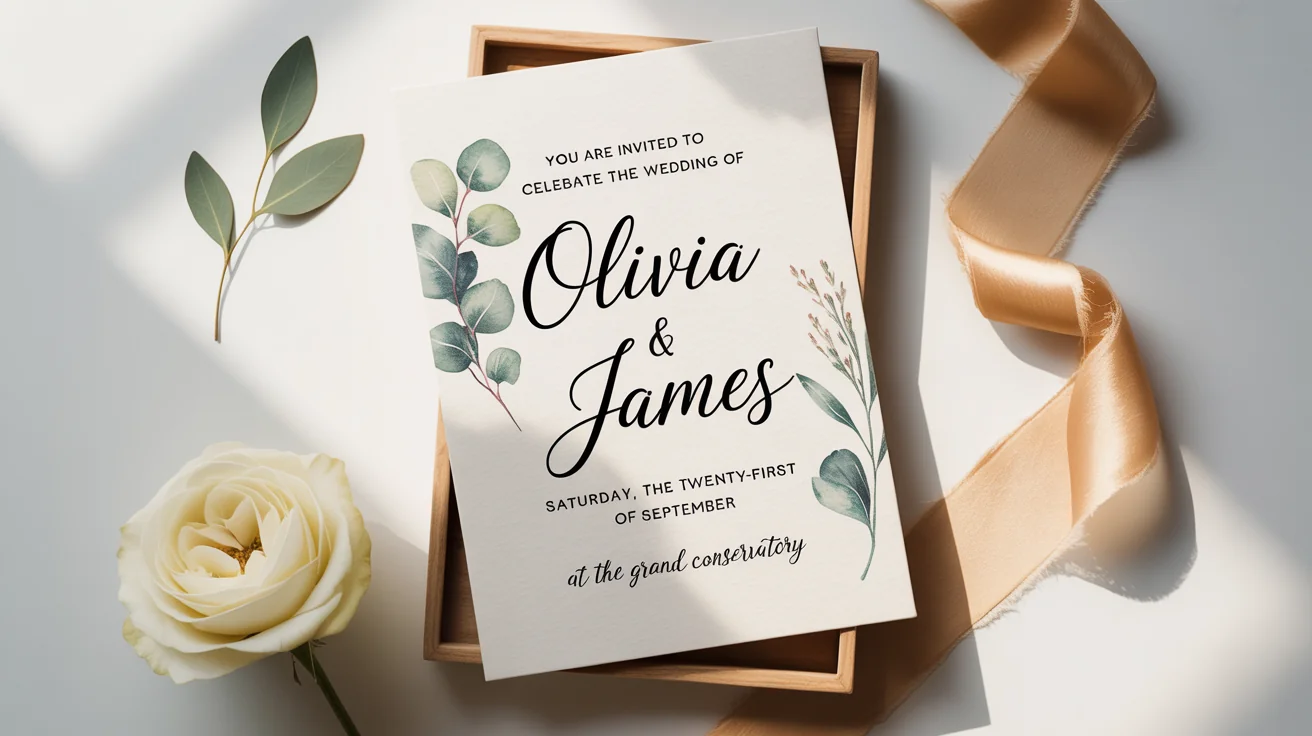


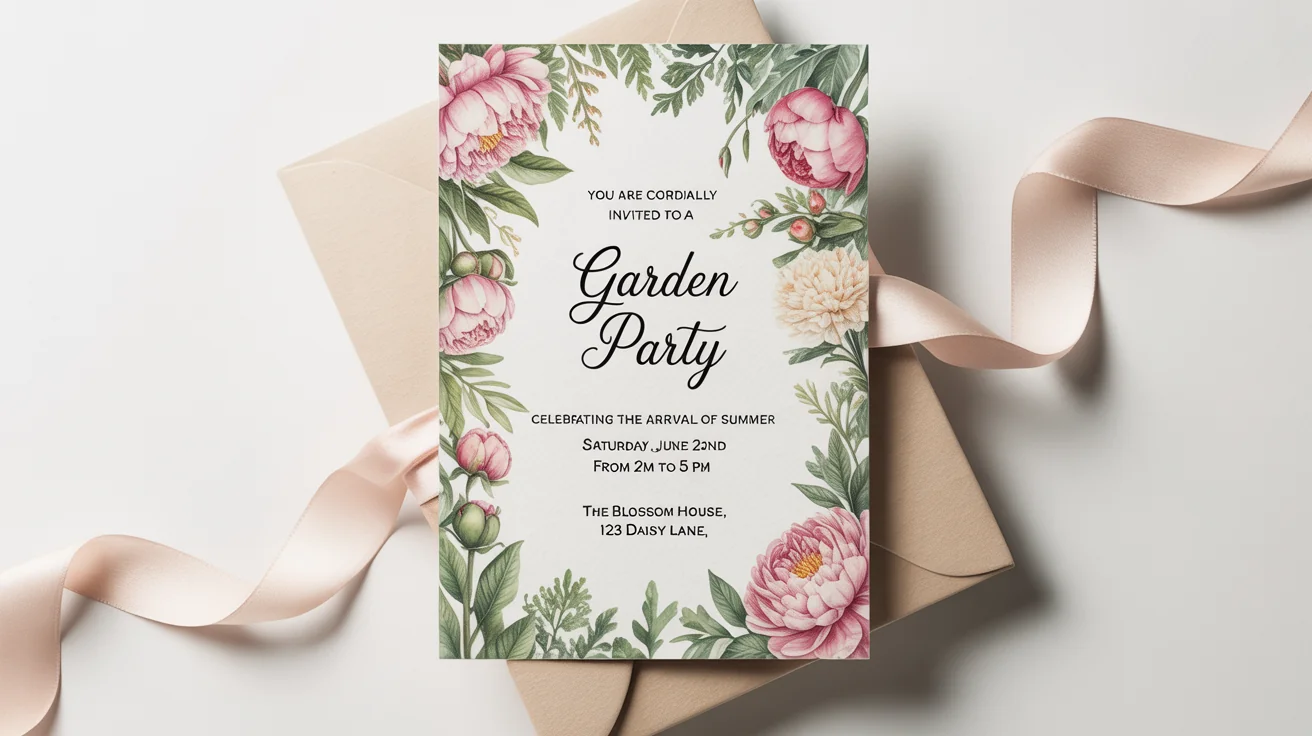
An AI invitation card generator is a tool that uses artificial intelligence to create custom invitation designs from your text instructions. You describe the event details and style in a prompt, and the AI generates an invitation image matching that description.
Simply type a detailed prompt describing your invitation (event type, names, date, style, etc.) and click Generate. Pixelcut’s AI will instantly create an invitation image based on your description. You can refine the prompt and generate again to try different designs, then download the one you like.
Include all the key information for your invitation. Mention the occasion (wedding, birthday, etc.), names of people, date, time, location, and any text you want on the card (for example, "You're Invited!"). Also describe any style preferences, like colors or themes, to make the design fit your event.
Yes. You can upload a photo, logo, or any image to use in your invitation design. After uploading, include instructions in your prompt about where or how to incorporate the image (for example, "use the uploaded photo as a background"). The AI will then incorporate that image into the invitation.
Pixelcut is free to try. You get a limited number of free generations (credits) to start. Once free credits are used, you can purchase more if needed. All downloaded invitations (free or paid) are high-resolution PNG files with no watermark.
Invitations are downloaded as high-resolution PNG images. Pixelcut provides invitations in PNG format, which is ideal for both digital sharing and printing.
You cannot directly edit the final image in the tool. If you want to make changes (like fixing a date or changing a color), update your prompt and generate again. Each generation creates a new invitation image based on the updated description.
Great app, easy to use. Helps our small business save time and money to create different marketing materials professionally. Thank you.
I need a good background remover for my work and I've been through them all it feels like. This one is the best by far. It's so easy to use and the results always look amazing. Thank you Pixelcut!
It's amazingly easy and gives the perfect results for my bags and accessories. It looks like it was done by a professional photographer.