My favorite app
Great app, easy to use. Helps our small business save time and money to create different marketing materials professionally. Thank you.
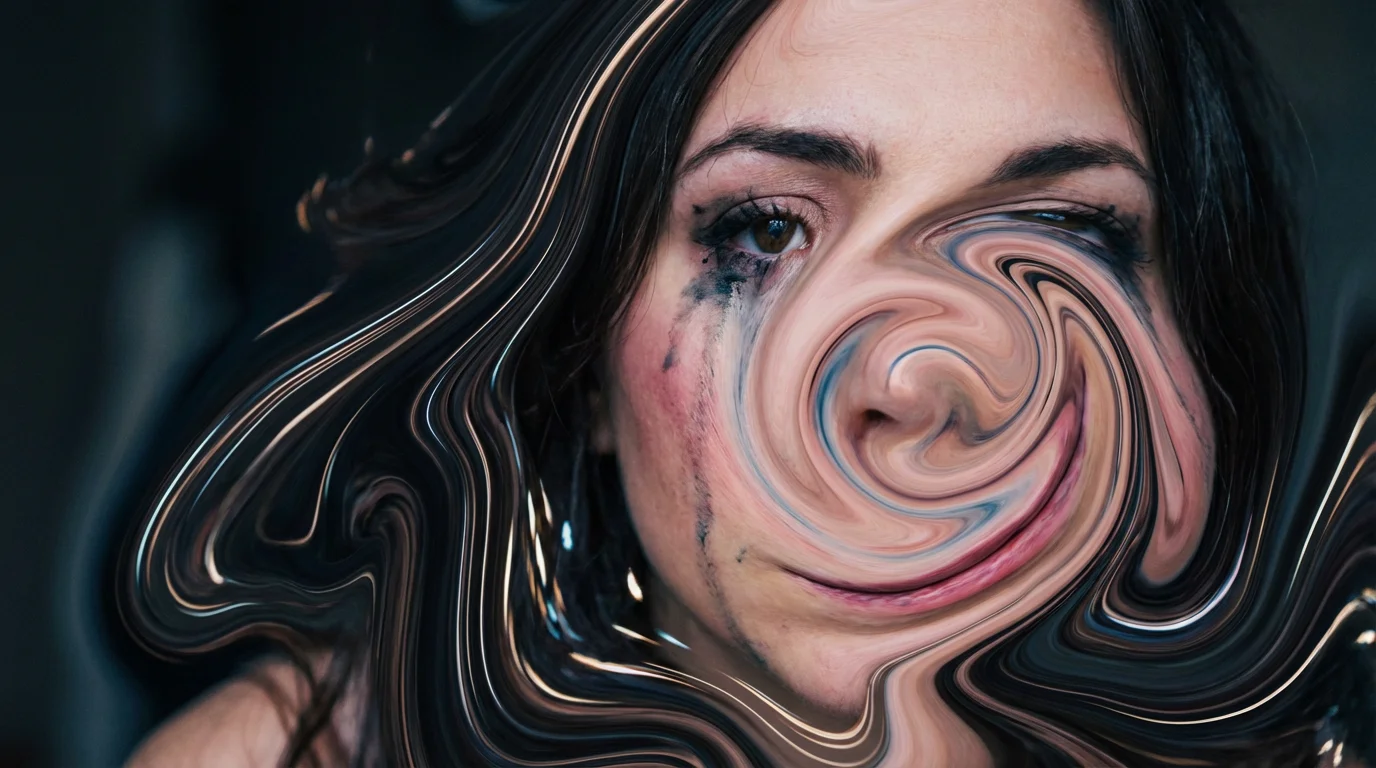
Start by uploading the photo you want to transform. Choose a JPG or PNG file from your device.
In the prompt box, tell the AI what kind of distortion you want to create. Be specific, like 'add a swirl effect to the sky' or 'melt the bottom of the photo.'
Click the generate button and let the AI apply your described liquify effect to the image. A new, distorted version will be ready in seconds.
Your new high-resolution, watermark-free image is ready. Download it for free and share it anywhere.
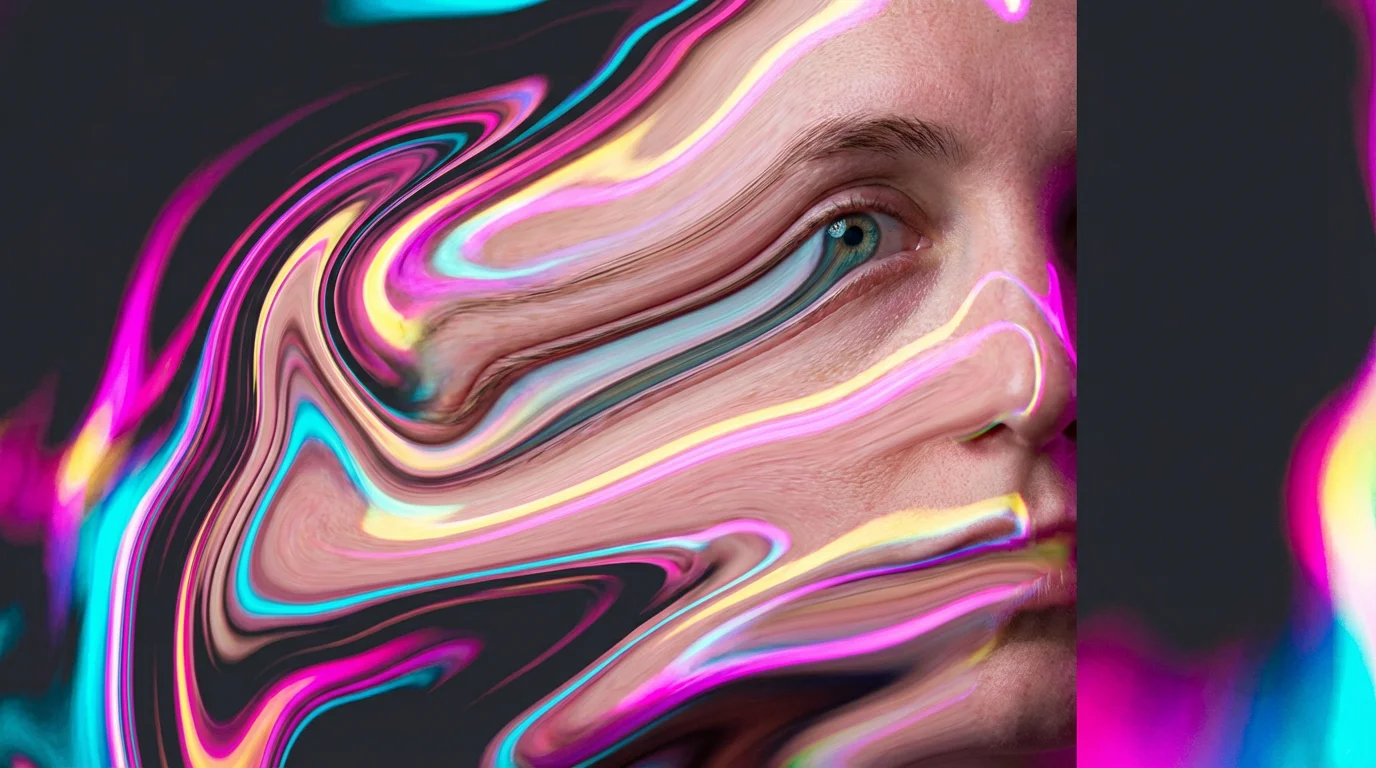
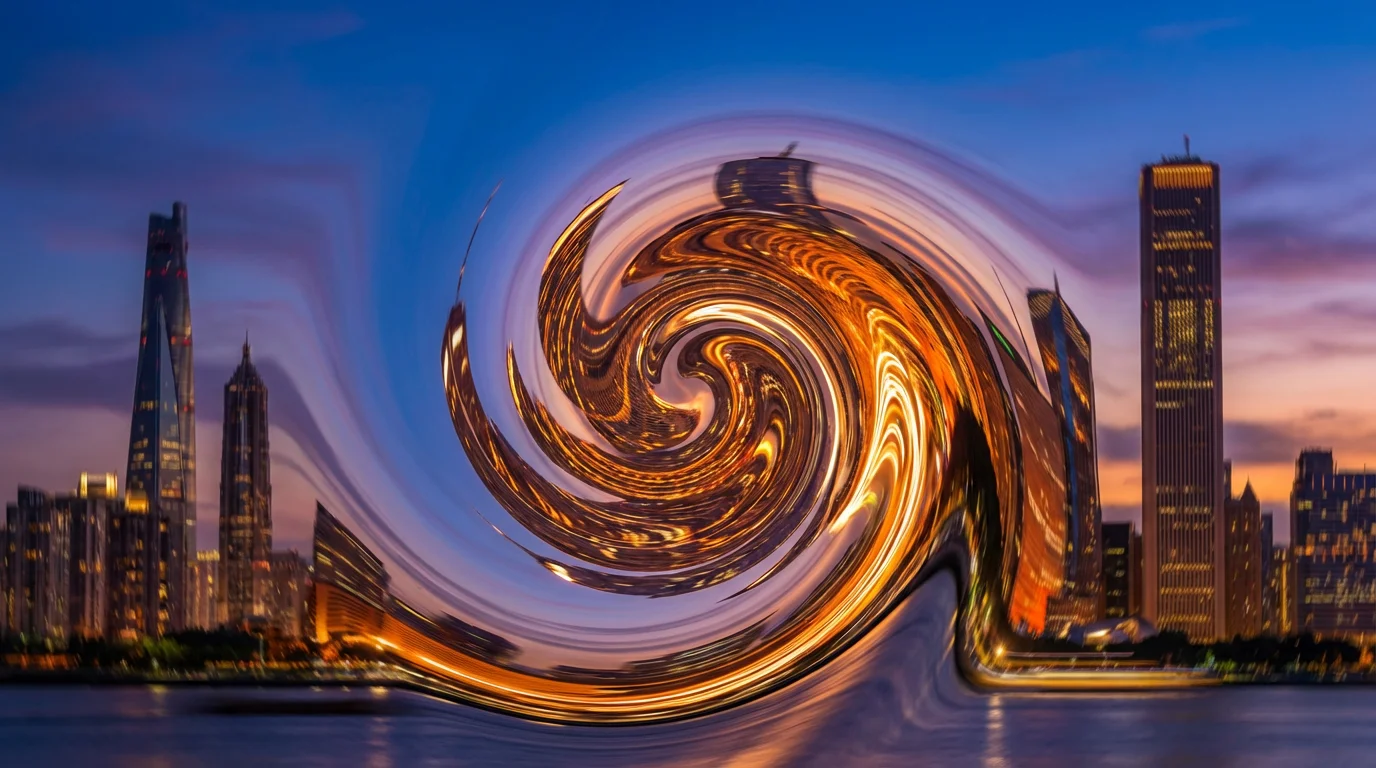

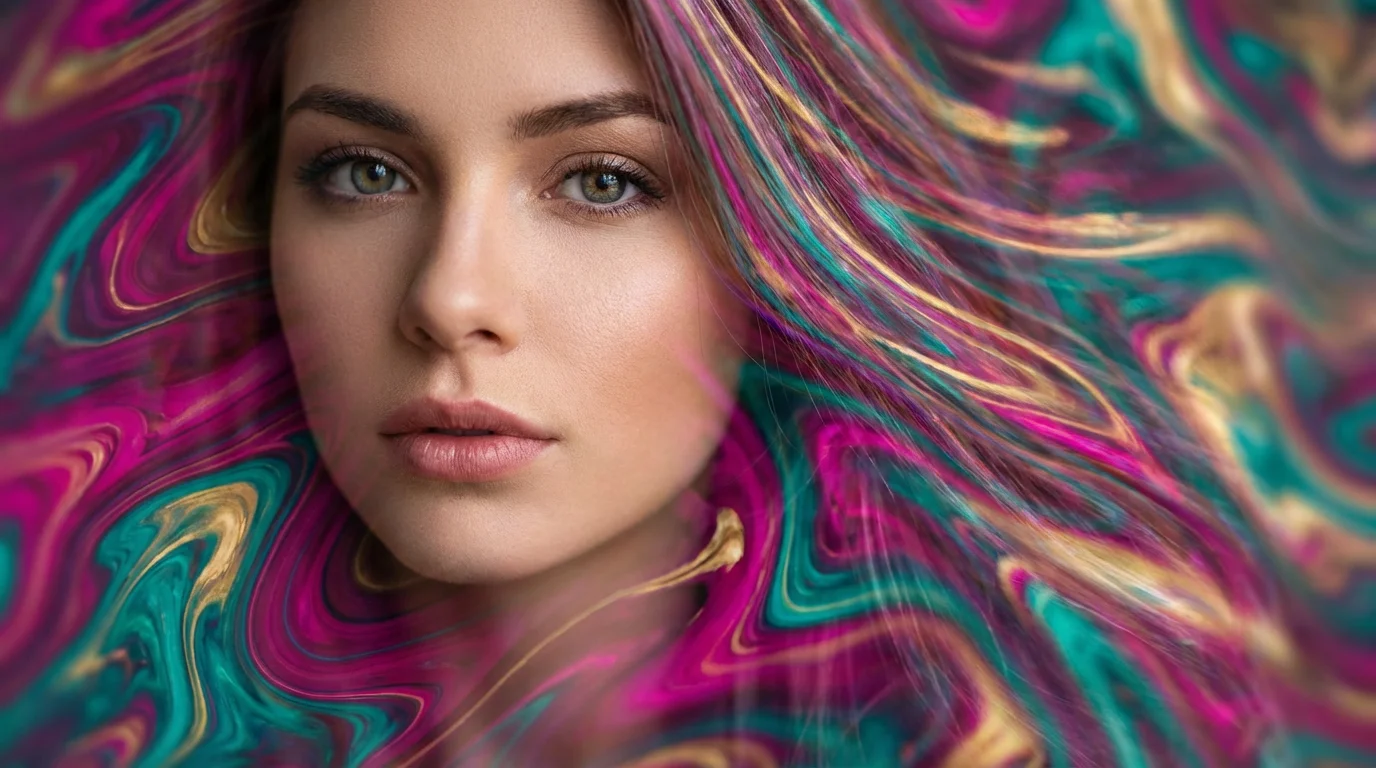
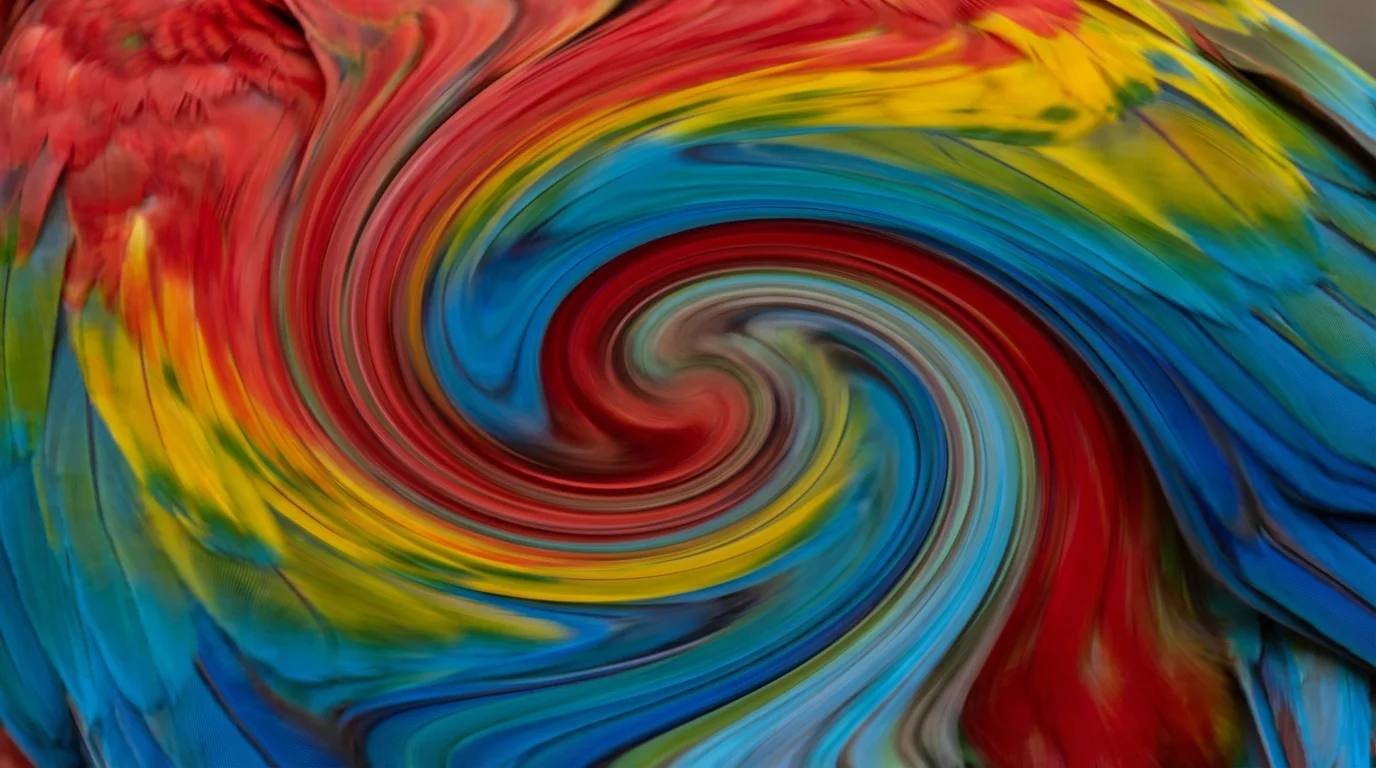
Liquifying an image involves digitally distorting and manipulating its pixels to create effects like warping, swirling, melting, or stretching. Instead of using manual brushes, you can simply describe the transformation you want, and our AI will apply it.
Using the tool is simple. First, upload the image you want to edit. Next, type a text prompt describing how you want to liquify it, for example, 'make the clouds swirl' or 'melt the edges of the building.' The AI will then generate the effect on your image for you to download.
Yes. You can specify which areas to affect in your text prompt. For instance, you could say, 'liquify the background to create a wavy effect but keep the main subject untouched.' The more specific your description, the better the AI can target the right areas.
Yes, you can try our AI liquify tool for free. After using your initial free credits, you have the option to purchase more to continue creating.
You can create a wide range of effects, including pushing, pulling, swirling, melting, and warping parts of your image. It's great for making artistic adjustments, creating abstract visuals, or adding subtle distortions to enhance your photos.
Not at all. Our tool is designed for everyone, regardless of their design experience. Since it operates based on text descriptions, you don't need to learn any complex editing software or techniques. If you can describe it, you can create it.
Great app, easy to use. Helps our small business save time and money to create different marketing materials professionally. Thank you.
I need a good background remover for my work and I've been through them all it feels like. This one is the best by far. It's so easy to use and the results always look amazing. Thank you Pixelcut!
It's amazingly easy and gives the perfect results for my bags and accessories. It looks like it was done by a professional photographer.