My favorite app
Great app, easy to use. Helps our small business save time and money to create different marketing materials professionally. Thank you.

Upload a clear, front-facing photo of yourself and an image of the cowboy hat you want to try on.
Type a descriptive prompt telling the AI how you want the images used. For example, "add the cowboy hat to my photo".
Pixelcut’s AI processes your inputs and blends the hat onto your photo naturally. In a few seconds, you’ll see the new image appear.
Click download to get the high-resolution, watermark-free PNG of you wearing the cowboy hat. Save or share it anywhere you like.

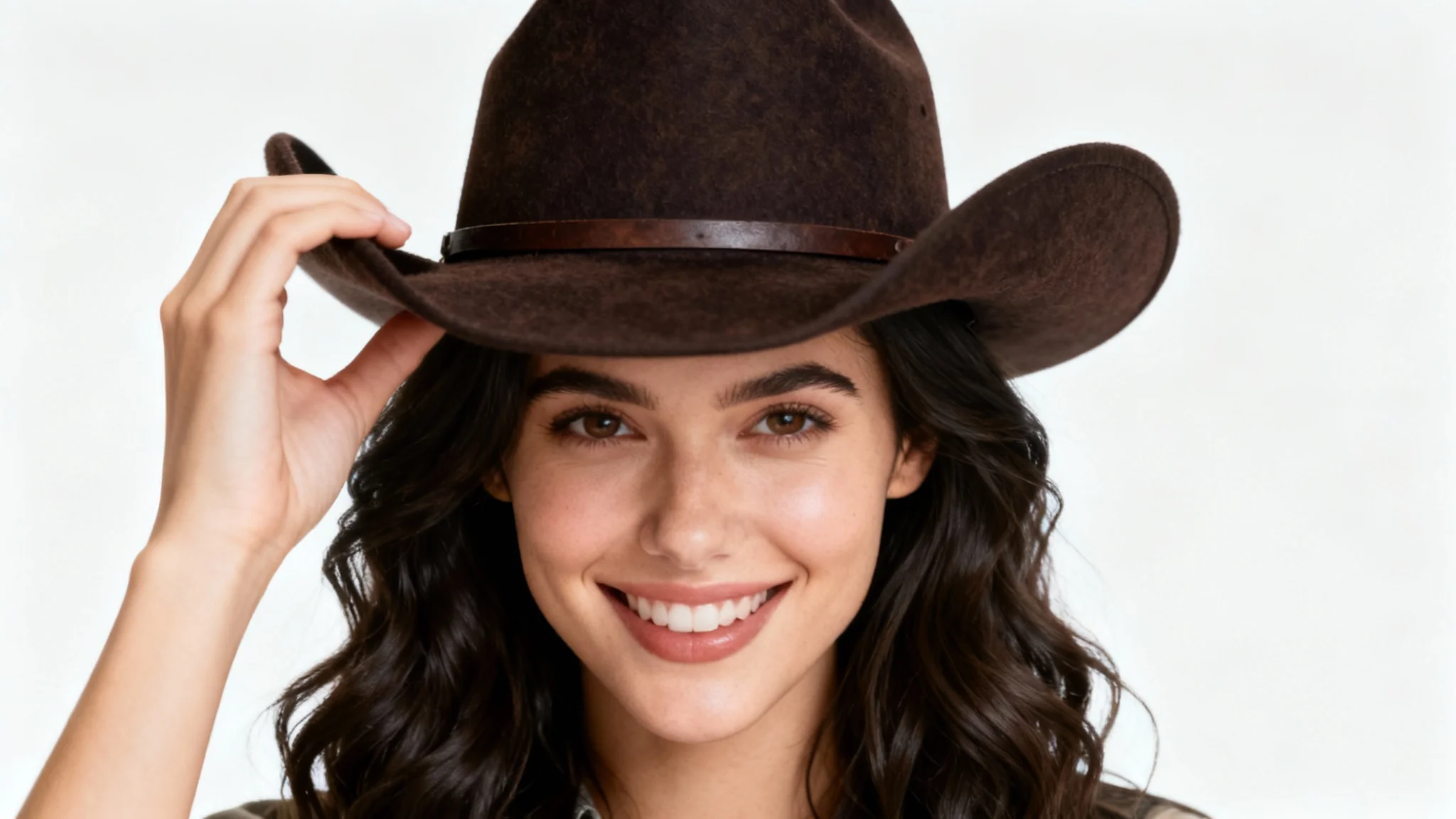


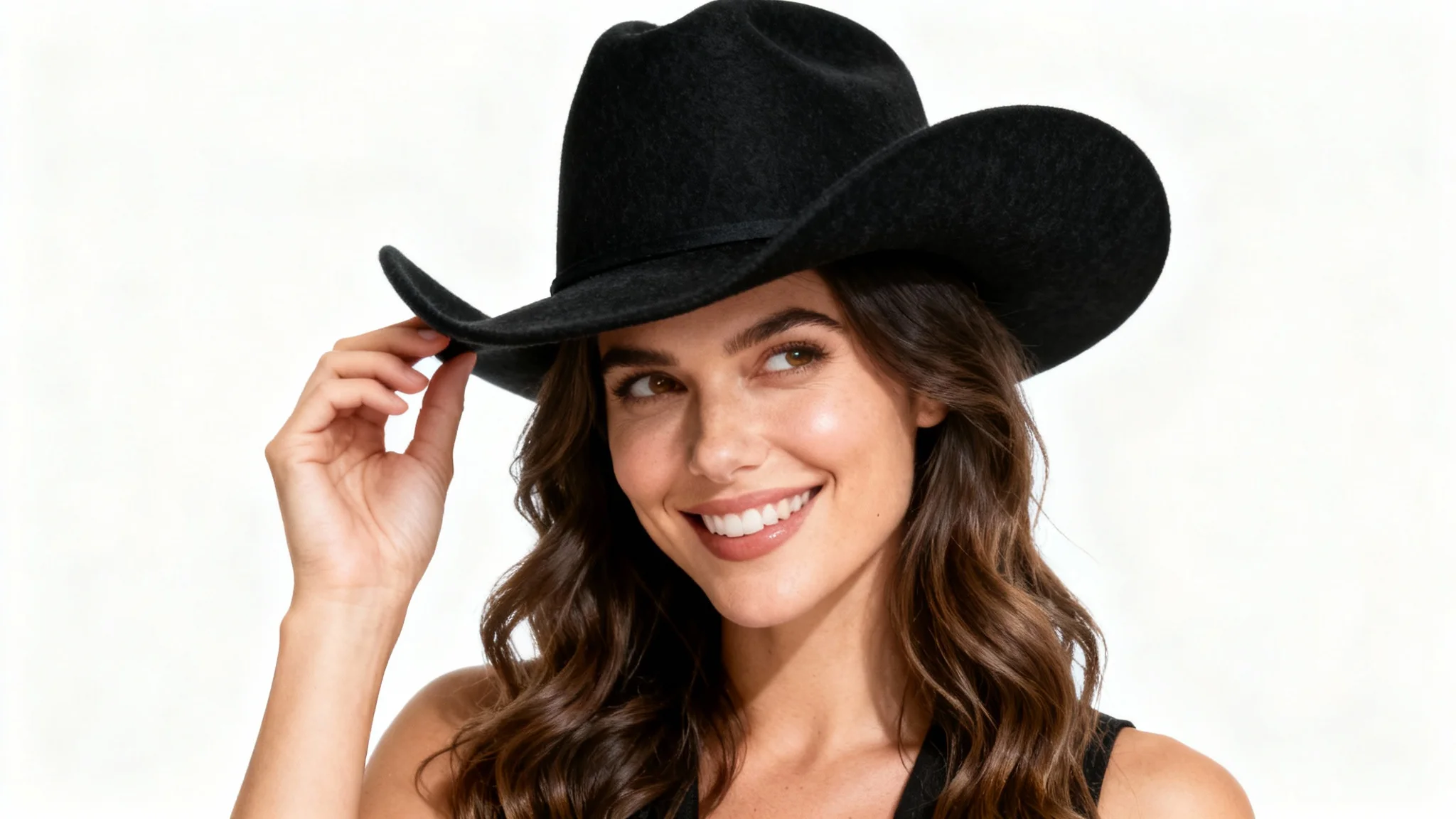
In Pixelcut’s virtual try-on tool, upload a clear photo of yourself and the image of the cowboy hat you want to try. Then type a descriptive prompt (for example, "a brown leather cowboy hat") and click generate. The AI will seamlessly add the cowboy hat to your photo.
Use a clear, well-lit front-facing photo of yourself for best results. Also provide an image of the cowboy hat you want to try. Pixelcut’s AI will use these to position and blend the hat naturally. If you don’t have a hat image, describing it in your prompt can also work.
You can try any style of cowboy hat. Pixelcut’s AI supports all varieties, wide-brimmed, straw, leather, felt, etc. Simply upload a photo of the hat or describe the details (color, material, shape) in your prompt, and our tool will apply it in the image.
Yes. Pixelcut’s AI adjusts for lighting, perspective, and scale so the hat looks naturally placed on you. The result is a high-resolution image that appears as if you were really wearing the cowboy hat in the original photo.
All generated images are high-resolution PNG files with no watermarks. You’ll get a crisp, clear picture of yourself wearing the cowboy hat, ready to save or share. The outputs are watermark-free and perfect for social media, printing, or any use you choose.
Pixelcut provides free credits to try the tool, allowing you to create some images at no cost. After those credits are used up, you can purchase more to continue. All your downloaded images remain high-quality and watermark-free.
Yes. Pixelcut’s outputs are free of watermarks and you own the rights to the images. You can use them for personal or commercial projects, share them online, or print them without any licensing issues.
Great app, easy to use. Helps our small business save time and money to create different marketing materials professionally. Thank you.
I need a good background remover for my work and I've been through them all it feels like. This one is the best by far. It's so easy to use and the results always look amazing. Thank you Pixelcut!
It's amazingly easy and gives the perfect results for my bags and accessories. It looks like it was done by a professional photographer.