


My favorite app
Great app, easy to use. Helps our small business save time and money to create different marketing materials professionally. Thank you.
Instantly improve image quality and increase resolution to 4K, 8K, or even 16K with Pixelcut’s AI image upscaler. It’s fast and free. Upload your image to enhance automatically!
Upload an image by clicking Upscale image and selecting a JPG, PNG, or HEIC file. On desktop, you can also drag and drop your file anywhere on the screen.
Our AI will automatically begin analyzing your image using our Fast Upscale model. In just seconds, your new, high-resolution image will be ready.
After uploading your image, try Creative Upscale to explore a more artistic result. Fine-tune the creativity and resemblance levels and let the AI do the rest.
Download your new enhanced image for free. Share it online, add it to your next project, or refine it further in the Pixelcut editor.
Sharper detail and higher resolution for product photos, logos, and everything in between.

Enhance portraits and headshots with sharper facial detail, natural skin texture, and lifelike, high-resolution detail.
Uploaded images are removed after processing.
Enlarge to 4K, 8K, or 16K with no quality loss.
Removes noise, blur, and compression artifacts.
No login needed, no watermark on your download.
Enhance photo quality in seconds using Pixelcut’s AI Image Upscaler. Simply upload an image and the upscaler will provide you with a high-quality, studio-grade result in seconds, all for free! No downloads, no signups, no watermarks, no learning curve. It works directly in your browser on phone, desktop, or tablet. Skip the time-consuming editing and let AI do the heavy work so you can focus on creative work. Whether you’re a marketer, designer or business owner, you’ll get studio-quality results without slowing down your workflow. Upload your image and get high-quality results in seconds with our photo enhancer.

Convert low-resolution images to high-resolution images instantly with a single click. Our AI upscaler automatically enlarges images without making your image become pixelated or blurry. Whether you’re getting images ready for print or the web, you’ll have sharp, clear results instantly. You can upscale images to 4K, 8K, even all the way up to 16K. No download or technical knowledge necessary. Simply upload your image in JPG, PNG, or HEIC and instantly increase your image’s quality, size, and resolution.
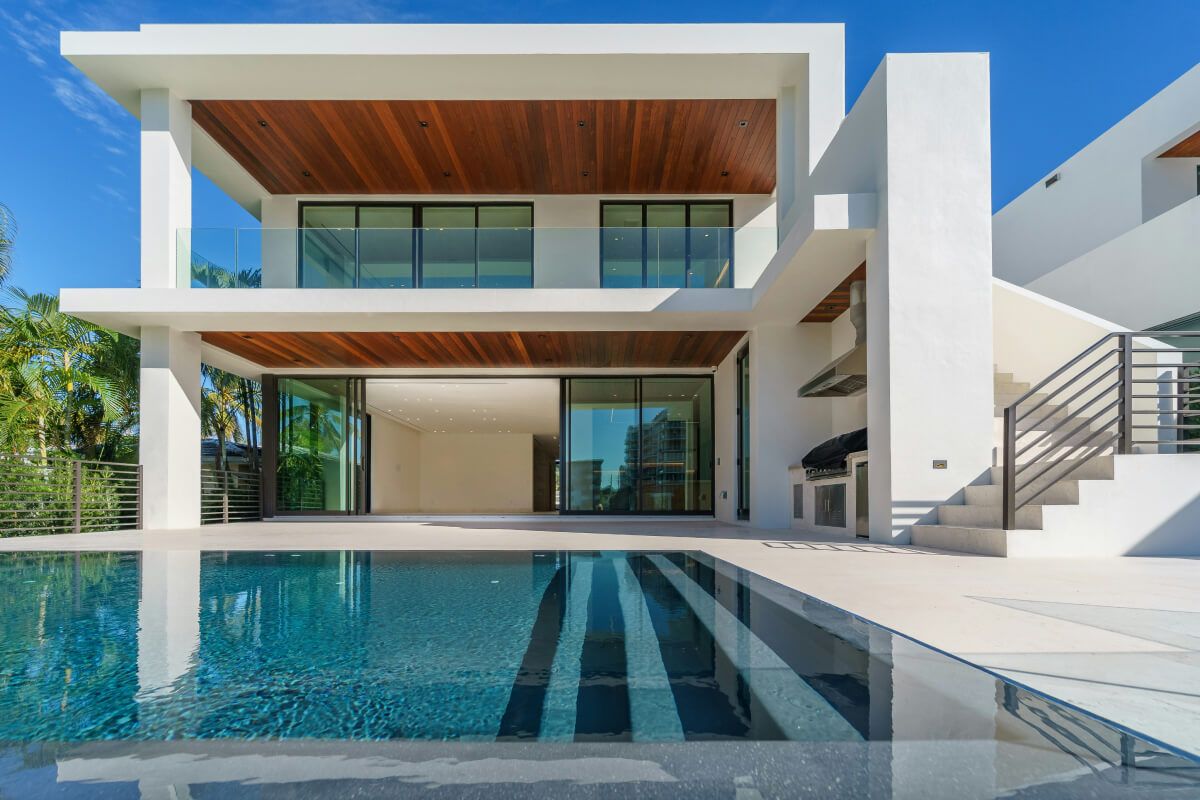
Pixelcut’s Creative Upscale lets AI upscale your images while giving them an expressive touch. Not only does it increase resolution but it also let’s the AI creatively add new details and visual character. You have the ability to adjust Creativity and Resemblance to make your image more artistic or to stay closer to the original. Upscale creatively in seconds, all in your browser. It’s easy, flexible, and made for creators who want more than subtle changes.

Enlarging images one by one wastes hours when you manage a large catalog. Pixelcut Pro's bulk image upscaler processes up to 10,000 images at a time, so photographers, designers, and online sellers can enhance a full set in minutes. Upload the batch, let the AI upscale, sharpen, and denoise every file, then download the lot as a ZIP. It is built for people who handle volume and cannot sit clicking through images all afternoon.
Improve product photos: Give your e-commerce listings a professional look by enhancing image clarity and resolution.
Restore old photos: Breathe new life into old family photos by removing noise and sharpening faded details.
Create digital-ready content: Upscale low-res images to look crisp on social media, PowerPoints, or any website.
Upscale images for print: Enhance images for posters, flyers, ads, or portfolios by upscaling them to 4K, 8K, or even up to 16K.

Upscaling isn't only for photos. The same AI that rebuilds detail in a still image can raise the resolution of your footage, turning soft or low-resolution clips into clean, sharp video. Bring older or blurry footage up to the quality today's screens expect, all in the same workspace. Video upscaling runs on Pixelcut Pro with credits, so you get pro-grade results when you need them without leaving your photo workflow.
Incorporate powerful image-enhancing features to your app with our Image Upscaler API. Give your users what they need all in one place and eliminate the hassle of switching between apps. Designed with developers in mind, our API comes with dedicated documentation and support to make integration easy for anyone. Whether you’re building a photo editing app, an e-commerce platform, or any other application requiring image upscaling functionality, our API delivers a fast and reliable solution. Start processing images within minutes with our Image Upscaler API.











An image upscaler is a tool that increases the resolution and size of an image by intelligently adding pixels, ultimately enlarging and enhancing the quality of your image. Unlike conventional image enlargement methods that stretch pixels and cause blurriness, Pixelcut’s image upscaler uses AI to intelligently add detail and sharpen features, making your photos look clear and defined. Some use cases for image upscalers include enhancing low-res photos, improving product images for eCommerce, preparing visuals for print or high-resolution displays, and restoring old pictures.
Image upscaling uses artificial intelligence to increase the size of an image by intelligently adding pixels, rather than just stretching the original pixels. Unlike traditional resizing, which can pixelate or blur images, AI image upscalers utilize deep learning-based models trained with pairs of high-low resolution images to internalize reoccurring pixel patterns and structures. Through this training AI can reconstruct details it thinks should exist and generates new pixels that blend naturally. This allows image upscalers to reconstruct images with well-defined edges while staying true to the original composition.
To increase the resolution of an image, you can use an AI-powered upscaling tool like Pixelcut’s image upscaler. Image upscalers do more than just resize your image. They use AI to analyze your photo and generate new pixels that match its textures and details. This process creates a sharper and clearer interpretation of your original image. Simply upload your photo to automatically enhance its resolution and with much higher quality than manual resizing methods.
Absolutely! With Pixelcut, enhancing your image quality has never been easier. Our platform allows you to increase the resolution of your images while increasing the overall quality with remarkable precision. Pixelcut uses AI upscaling to increase the quality of your image while minimizing artifacts and preserving the original composition. Whether you're looking to improve your photos for print or digital platforms, Pixelcut makes it easy to increase the quality of your images, in seconds.
To upscale an image without losing quality, you can use a tool like Pixelcut’s free, online photo enhancer. With this tool you can enlarge an image by 4x and even 8x without losing quality and maintaining core details. Try it free, no sign up required!
Pixelcut’s free AI-powered image upscaler allows you to upscale your image to 4k with the click of a button. Simply upload your photo, select your desired scale, and you'll get a high quality image in seconds!
To upscale an image to 16K, select the Topaz Labs Image Upscale model. With this model you'll be able to upscale a 4K image by 4x or an 8K image by 2x.
Yes, Pixelcut’s image upscaler is free to use for up to 3 daily downloads. You can upscale and download your result without watermarks, completely free. Try Pixeclut Pro for unlimited use and multi-image upscaling with batch upscaling.
Pixelcut supports JPG, PNG, and HEIC file types.
Yes! With Pixelcut’s mobile app you can enhance photos while on-the-go! Its user-friendly interface makes editing easy, consistently delivering stunning, high-quality results. Try Pixelcut and see how simple it is to create beautiful, high-quality photos! Download the Pixelcut app on the Apple App Store or Google Play to start enhancing today!
Absolutely! You retain full rights to your upscaled images and are free to use them in commercial projects, including marketing, client work, e-commerce, and more. Pixelcut does not claim ownership or reuse your content in any way.
Pixelcut is built with privacy and security every step of the way. Every image is encrypted at upload and stored securely. Your files are automatically deleted from our servers within 24 hours, and we never share your content without your permission. Projects remain private and are accessible only to you. Whether you’re editing one image or many, your data stays protected from start to finish.
Great app, easy to use. Helps our small business save time and money to create different marketing materials professionally. Thank you.
I need a good background remover for my work and I've been through them all it feels like. This one is the best by far. It's so easy to use and the results always look amazing. Thank you Pixelcut!
It's amazingly easy and gives the perfect results for my bags and accessories. It looks like it was done by a professional photographer.