My favorite app
Great app, easy to use. Helps our small business save time and money to create different marketing materials professionally. Thank you.
Upload up to 10,000 images to Pixelcut's bulk image upscaler and enhance every one up to 4x with AI-powered sharpening, denoising, and detail recovery in minutes.
Trusted by creatives at











Drag and drop your images or connect your Dropbox to load an entire batch of up to 10,000 images. Pixelcut accepts HEIC, PNG, JPG, and WEBP.
Pick 2x or 4x enlargement for your batch. Pixelcut processes up to 10,000 images at once, applying AI sharpening and denoising to every file.
Grab your upscaled images as a single ZIP file or export them directly to your preferred format. JPG, PNG, and WEBP download options included.
Whether you manage an e-commerce catalog with thousands of SKUs or a photography archive that keeps growing, Pixelcut's bulk image upscaler processes up to 10,000 images in a single batch. Drop an entire folder, pick 2x or 4x, and let the AI go to work. Every image gets sharpening and denoising applied automatically. No need to break your library into smaller groups or run multiple sessions. One upload, one batch, and your whole collection comes back enhanced.
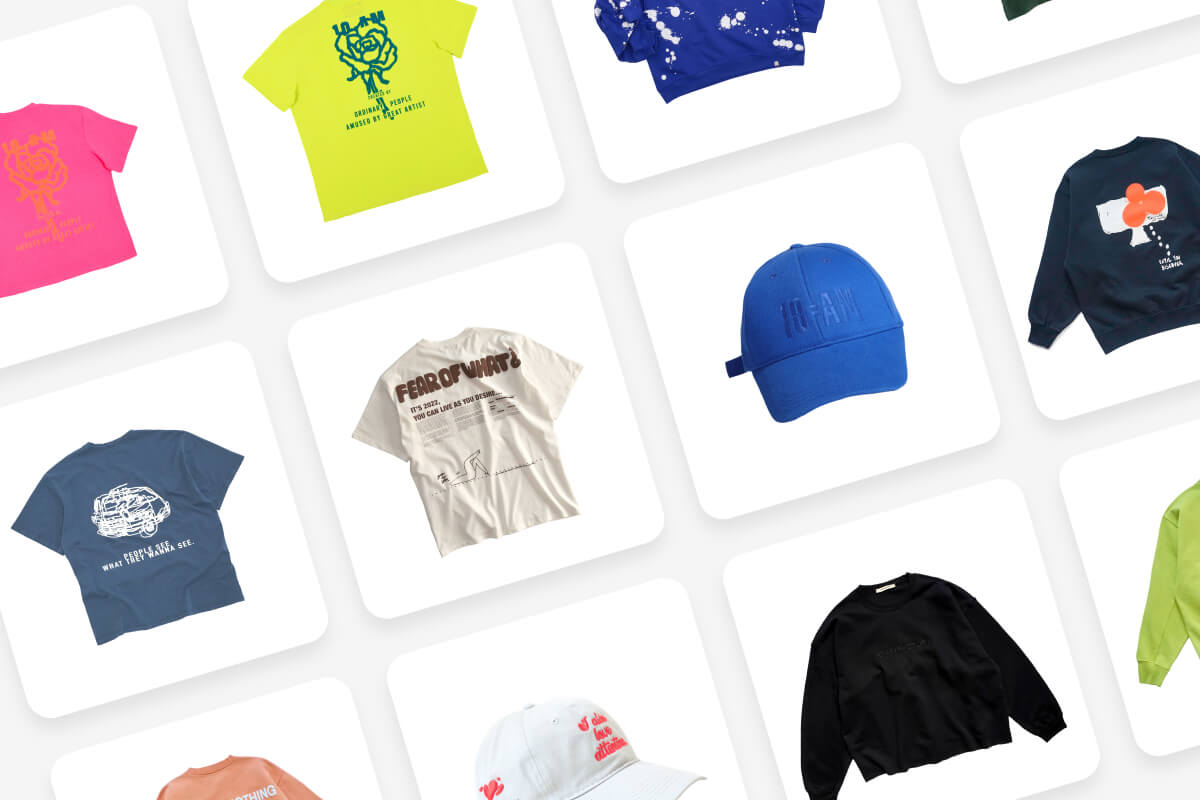
Product catalog teams, real estate photographers, and print-on-demand sellers work with hundreds of images that need to be bigger and sharper before they go live. Pixelcut's bulk image upscaler turns that into a one-step batch job. Upload your entire photo library, select your target scale, and let the AI enhance every image simultaneously. Export print-ready files in JPG, PNG, or WEBP with all the sharpening and denoising already applied. Your entire collection, ready to list or print.
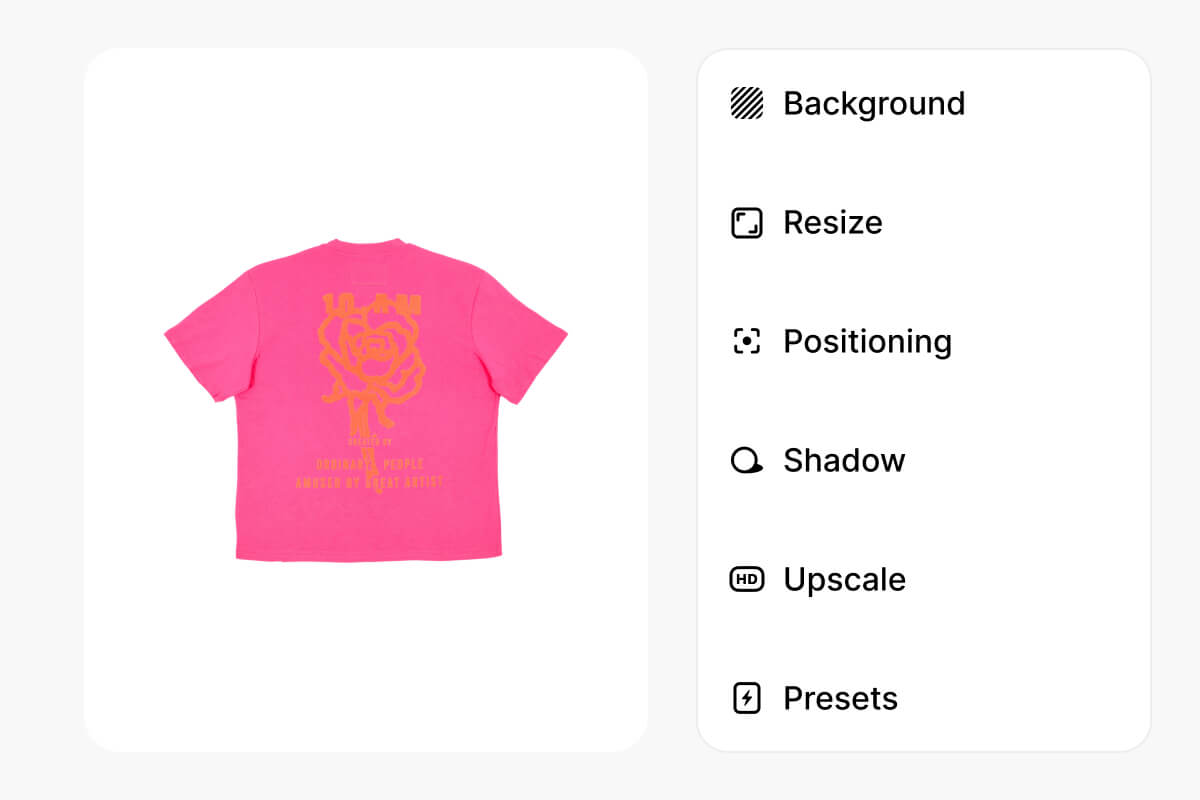
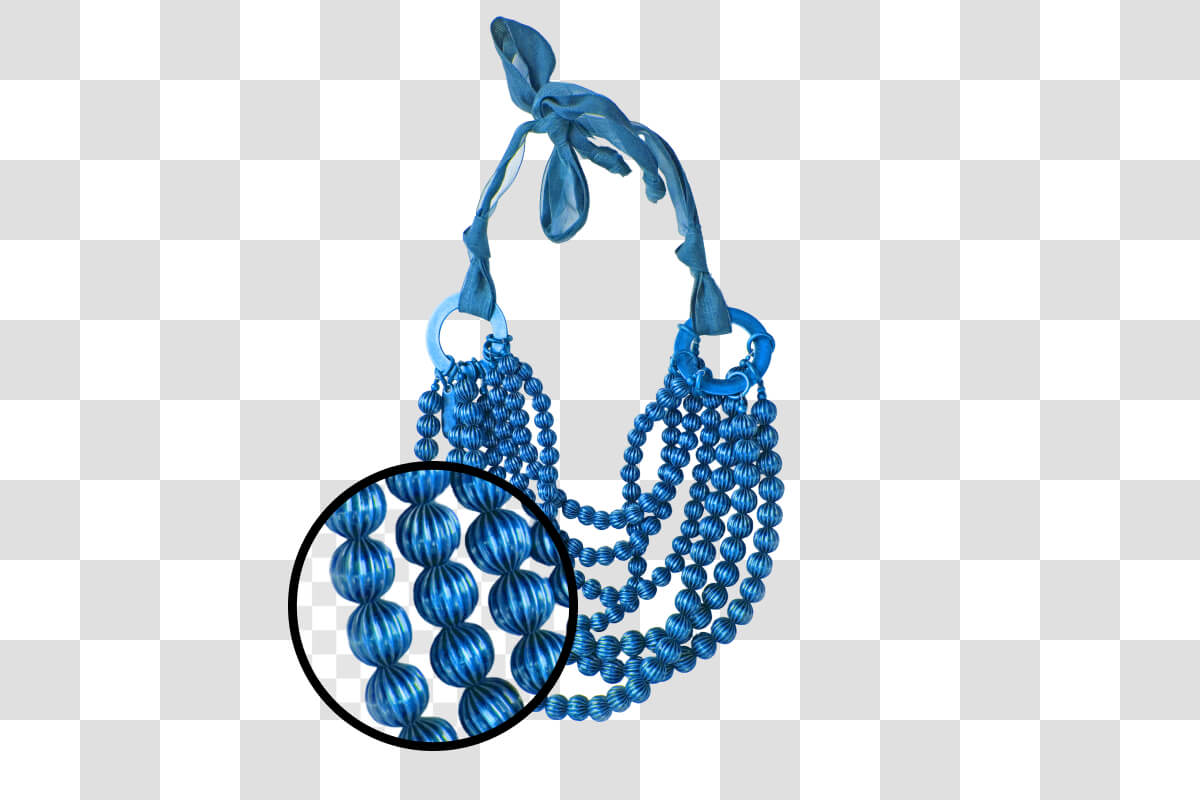
Pixelcut's bulk image upscaler uses AI trained on millions of images to reconstruct textures, recover lost edges, and remove compression artifacts as it enlarges each photo. Product shots keep their crisp lines. Outdoor scenes hold onto fine grass and foliage. Portraits retain natural skin texture with realistic detail, even at 4x enlargement. The AI analyzes each pixel and generates new high-frequency detail rather than stretching existing data. Every image comes out sharper and cleaner than the original.
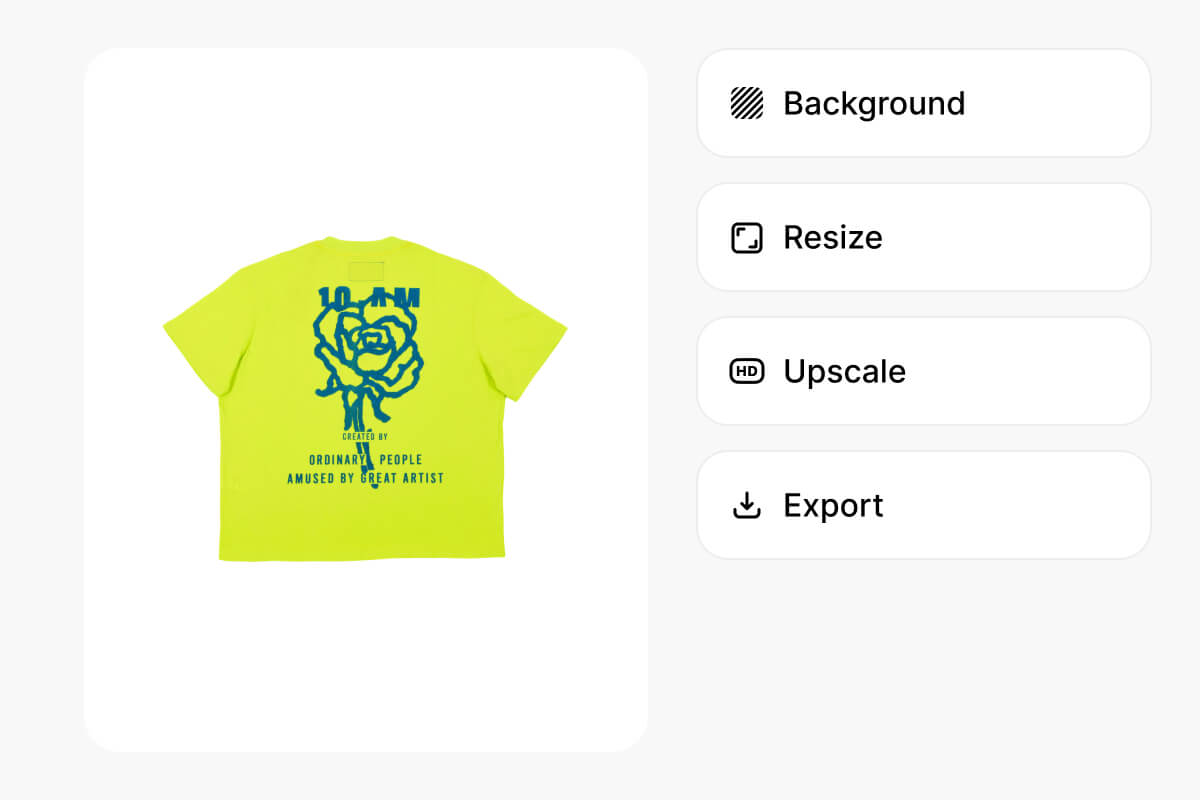
Upscaling is usually just the first step. After enlarging your photos, you still need to crop them to specific dimensions and compress them for web or print. With Pixelcut, you can handle all three in the same batch session. Upscale your images to 2x or 4x, crop to your target aspect ratio, and compress for faster load times, all without leaving the tool or re-uploading files. One batch workflow covers the full pipeline from raw image to publish-ready asset.
Great app, easy to use. Helps our small business save time and money to create different marketing materials professionally. Thank you.
I need a good background remover for my work and I've been through them all it feels like. This one is the best by far. It's so easy to use and the results always look amazing. Thank you Pixelcut!
It's amazingly easy and gives the perfect results for my bags and accessories. It looks like it was done by a professional photographer.
Drop your images into Pixelcut and let AI handle the upscaling. Whether you need 10 photos or 10,000 enhanced, batch processing takes minutes. Pick your scale and download.