Free remove.bg Alternative: Background Remover, API and MCP
Updated 31 October 2026. remove.bg's pages checked 31 October 2026.
Disclosure. Pixelcut makes the product this page recommends. Every remove.bg fact comes from remove.bg's own pages.
What is a good remove.bg alternative?
Pixelcut is a remove.bg alternative best suited for online sellers and developers who remove backgrounds at volume. Its background remover is free in the browser with no account, it takes up to 10,000 product photos per batch with Pro, its API removes backgrounds for US$0.05 an image with the same X-API-Key header remove.bg uses, and its MCP server lets AI assistants such as Claude and ChatGPT remove backgrounds for you.
Try the background remover free on web
Pixelcut API for your own code, US$0.05 an image with 100 free credits to test.
Pixelcut MCP to remove backgrounds from Claude, ChatGPT or Cursor in plain words.
What is happening to remove.bg
remove.bg is shutting down its website and its self-service API on 1 December 2026 at 9:00am CET. After that you can no longer sign in, unused credits expire, and invoices can no longer be downloaded. remove.bg is sending website users to Canva and developers to Leonardo.Ai, both part of Canva.
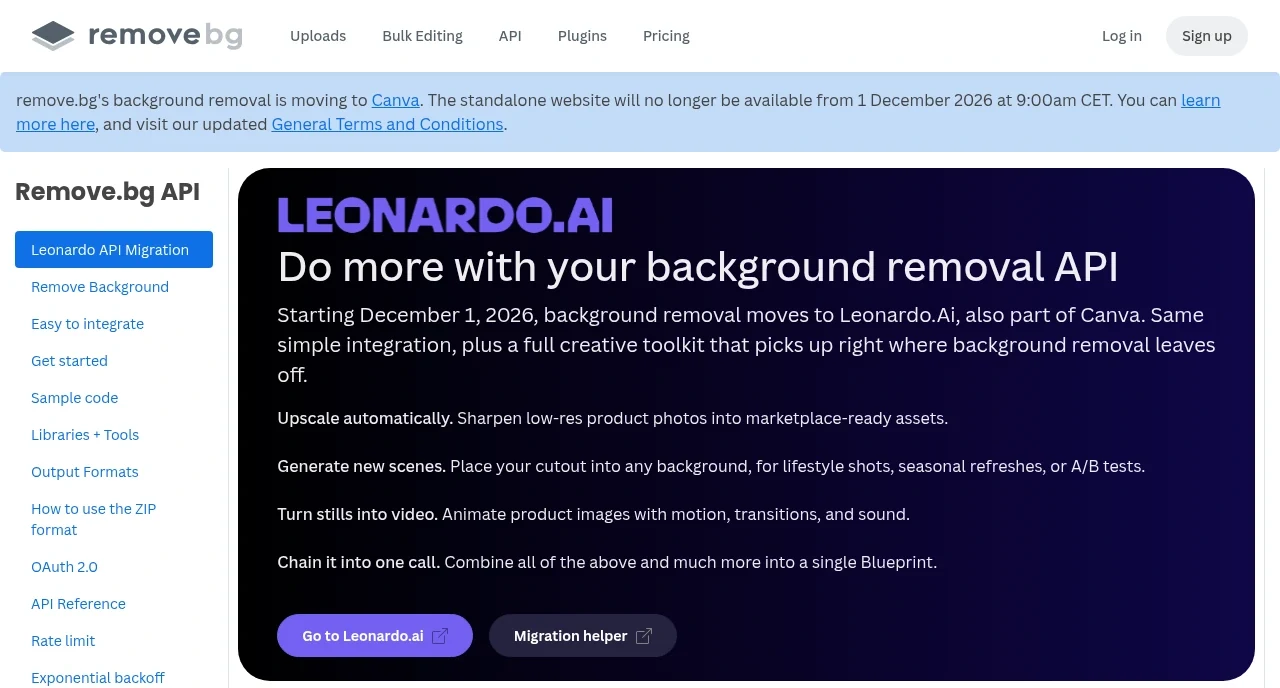
remove.bg's own notice on its API page, checked 31 October 2026.
- Website users. remove.bg points you to Canva's Background Remover.
- API users. The self-service API stops accepting requests on 1 December 2026. remove.bg points developers to Leonardo.Ai and its migration guide.
- Desktop app. It goes away. remove.bg points you to Canva's bulk background removal instead.
- Photoshop plugin and other integrations. These stop on 1 December 2026.
Source: remove.bg FAQ and remove.bg API page, checked 31 October 2026.
remove.bg vs Pixelcut at a glance
After 1 December 2026
- remove.bg: The website and the self-service API shut down. Background removal moves to Canva, the API to Leonardo.Ai
- Pixelcut: Still available on the web, on iOS and Android, by API and through the MCP server
Free download
- remove.bg: Preview up to 0.25 MP, HD uses a credit
- Pixelcut: Free downloads in the browser, no account needed
Files accepted
- remove.bg: JPG, PNG, WebP up to 22 MB
- Pixelcut: JPG, PNG, WEBP, HEIC, AVIF up to 50 MB
Bulk
- remove.bg: Desktop app, 1 credit per image
- Pixelcut: Up to 10,000 per batch (Pro)
API price
- remove.bg: First 50 calls a month free, then credits
- Pixelcut: US$0.05 per image, 100 free credits
Phone
- remove.bg: Android app only
- Pixelcut: iOS and Android apps
remove.bg facts from its FAQ, pricing and API docs. Pixelcut facts from Pixelcut's own product and pricing page.
Why Pixelcut works as your remove.bg alternative
The same one-click flow in your browser
Upload a photo and Pixelcut cuts out the subject for you, with clean edges on flyaway hair, fur, jewelry and thin glasses frames. It takes JPG, PNG, WEBP, HEIC and AVIF files up to 50 MB, and downloads are free with no account.
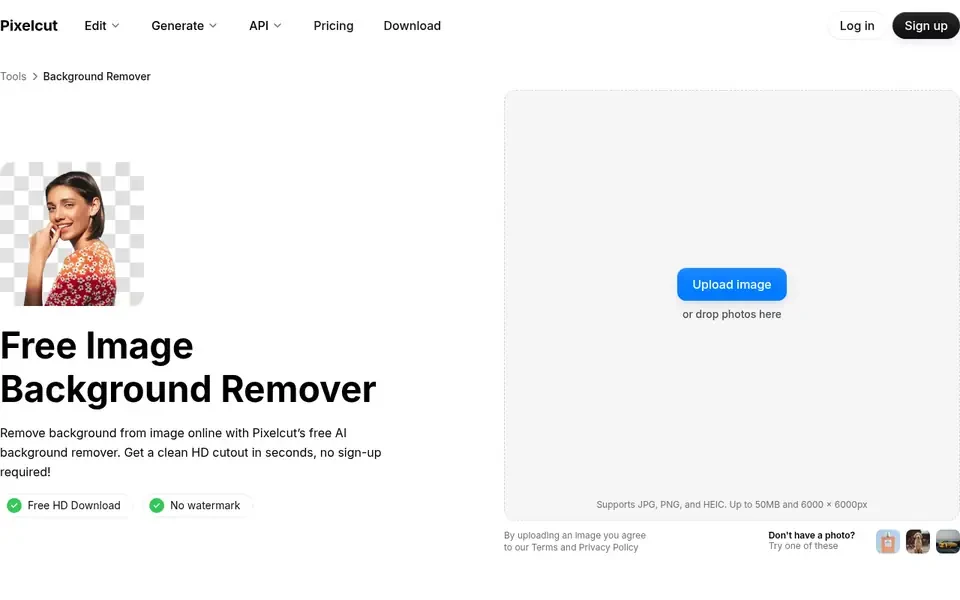
Pixelcut's background remover: upload, cutout, download.
Whole catalogs in one batch
With Pro, Pixelcut's batch background remover takes up to 10,000 photos in one batch, with marketplace presets such as Amazon Listing. Downloads come in one ZIP with the original file names.
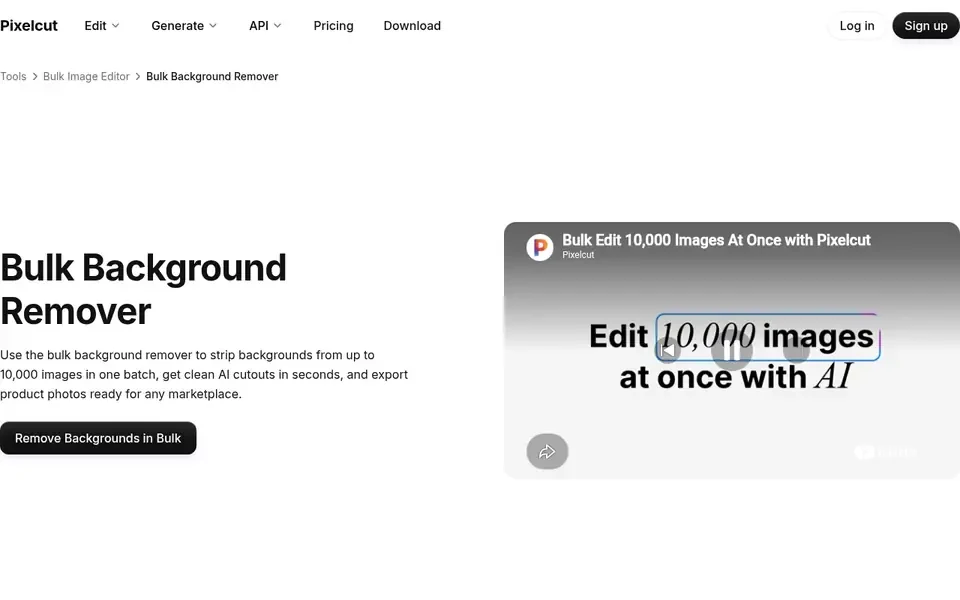
The batch remover takes up to 10,000 images per batch.
Remove backgrounds on iPhone and Android
Pixelcut's iOS and Android apps remove backgrounds from photos in your camera roll with the same one-tap cutout as the web app. Shoot a product, cut it out and add a clean background without moving files to a computer. remove.bg has an Android app only.
Automation with the API and MCP
For bulk and automated work, the Pixelcut API removes backgrounds inside your own code, store or pipeline for US$0.05 an image. The Pixelcut MCP server connects Pixelcut to AI assistants such as Claude, ChatGPT and Cursor. Ask in plain words to remove the backgrounds from a folder of product photos, upscale them or generate new product shots, and the assistant runs the tools for you.
More than a cutout
The cutout opens in an editor, and the rest of Pixelcut's tools are one click away.
- AI product photos. Turn one product photo into studio-style shots for your store.
- AI background generator. Place your product in a new scene made from a prompt.
- Image upscaler. Sharpen and enlarge small listing photos, up to 4K.
- Magic Eraser. Remove stray objects, marks and clutter from a photo.
- AI image generator. Create product and ad visuals from a text prompt.
- AI video generator. Turn a product photo or a prompt into a short video clip.
Switching from the remove.bg API to the Pixelcut API
remove.bg's self-service API stops accepting requests on 1 December 2026. Moving to the Pixelcut API is a small code change.
- Same key header. Your key goes in X-API-Key, as it does on remove.bg.
- Same uploads. Send a multipart file or an image_url, or base64 in a JSON body.
- Same response. Send an Accept header of image/* and you get the PNG bytes back, the way remove.bg returns them by default.
- Large images. Takes images up to 10,000 × 10,000 pixels.
- Price. US$0.05 per image. AI shadow adds 3 credits (US$0.03). New accounts get 100 free credits to test.
- Output. A transparent PNG, with crop, margin and AI shadow options in the call.
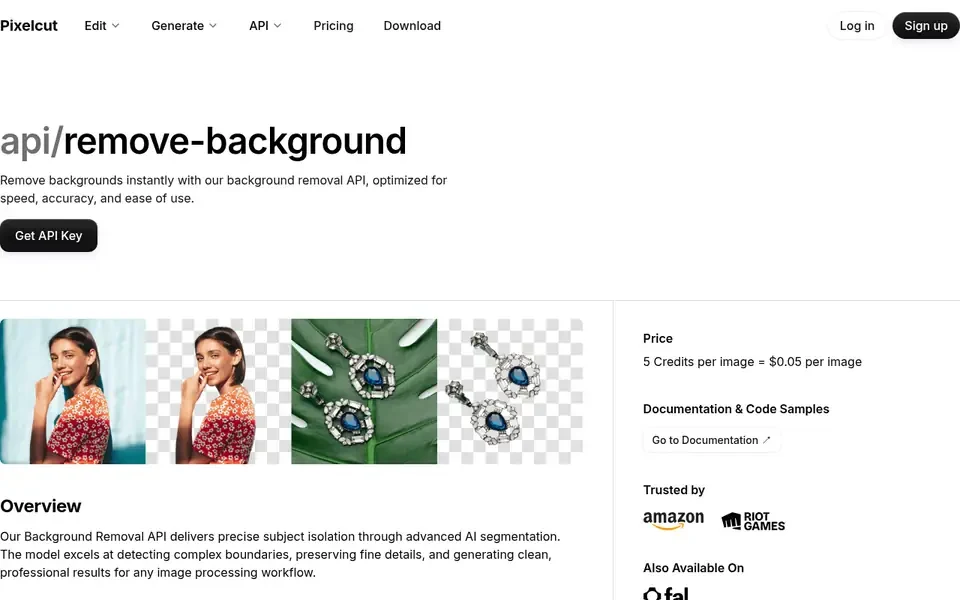
Pixelcut's API page: 5 credits per image, US$0.05.
Switch before 1 December 2026. Same X-API-Key header, US$0.05 an image, and 100 free credits to test.
How to remove a background with Pixelcut for free
Step 1. Upload your photo. Open the background remover in your browser and drop in a JPG, PNG, WEBP, HEIC or AVIF file up to 50 MB. You do not need an account.
Step 2. Let Pixelcut cut it out. Pixelcut finds the subject and removes the background in one click, keeping clean edges on flyaway hair, fur, jewelry and thin glasses frames.
Step 3. Download or keep editing. Download your transparent PNG for free, or put the product on a white background for a marketplace listing, generate a new scene or upscale it first.
When Canva or Leonardo.Ai may suit you better
remove.bg says Canva's Background Remover and Leonardo.Ai's API use the same background-removal technology as remove.bg.
- You already design in Canva and want the cutout inside your design.
- Your code needs JPG or WebP straight from the API. The Pixelcut API returns PNG.
Frequently asked questions
Is remove.bg shutting down?
Yes. remove.bg says its standalone website closes on 1 December 2026 at 9:00am CET, and its self-service API stops accepting requests the same day. Background removal moves to Canva, and the API to Leonardo.Ai.
What happens to my remove.bg credits and subscription?
remove.bg's FAQ says unused pay-as-you-go credits expire on 1 December 2026, and subscriptions end automatically that day. Export your invoices and credit usage report from your remove.bg account page before then, because you cannot download them afterwards.
How do I switch from the remove.bg API to Pixelcut?
Create a key in Pixelcut's developer settings, point your requests at api.developer.pixelcut.ai/v1/remove-background and rename the image_file field to image. Your X-API-Key header stays the same. Send an Accept header of image/* to get the PNG back, test with the 100 free credits, then move your production traffic.
Is Pixelcut free?
Yes. The background remover is free in your browser with no account. Pixelcut Pro, which adds batches of up to 10,000 photos, costs US$10 a month, or US$8 a month billed yearly. See Pixelcut pricing.
Can Pixelcut remove backgrounds in bulk?
Yes. Pixelcut Pro takes up to 10,000 photos in one batch and keeps the original file names in the ZIP. Beyond background removal, the bulk tool also upscales images, resizes them for marketplaces, adds AI backgrounds and more.
Related articles
- The best background removers
- How to remove the background from an image
- Tools to batch edit photos on Android, iOS and desktop
Ready to start creating with Pixelcut?
Join more than 70 million small businesses, creators and entrepreneurs that use Pixelcut to grow their business.