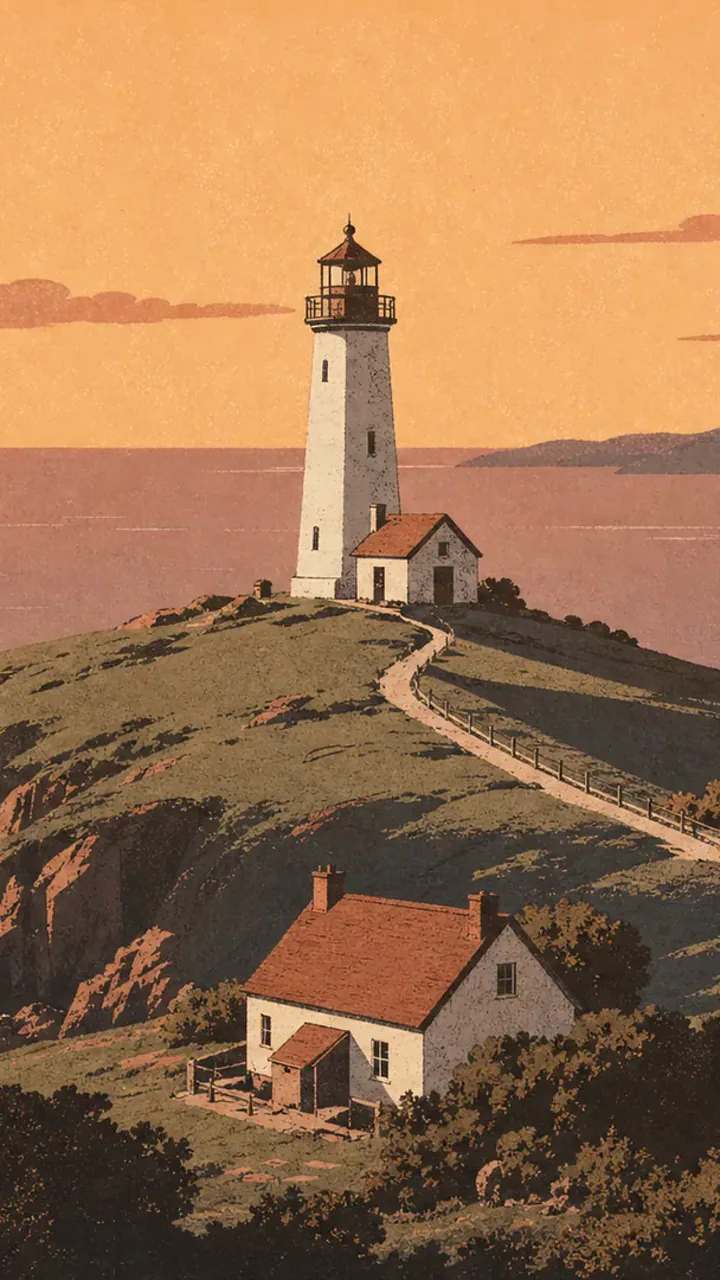
Retro travel poster of a white lighthouse on a green headland above a peach sunset sea

GPT Image 2 AI Image Generator

GPT Image 2 by OpenAI on Pixelcut turns a prompt or your own photos into sharp images with readable text and clean edits. Try it now.

Model

ChatGPT Image 2 on Pixelcut

GPT Image 2 on Pixelcut turns your prompt or your own photos into a finished, detailed image in about 50 seconds, right in your browser. Bring the whole idea, headline included, and get a picture ready to post or print.

ChatGPT Image 2 at a glance

Input
Text or photosOptional reference photos
Resolution
1K, 2K, or 4K
Aspect ratio
7 formats1:1, 4:3, 3:4, 16:9, 9:16, 3:2, 2:3
Output
PNG or JPG
Reference images
Up to 16
Speed
About 50 s

Get ideas for your GPT Image 2 prompts

Describe the image you want and GPT Image 2 turns it into a finished picture.

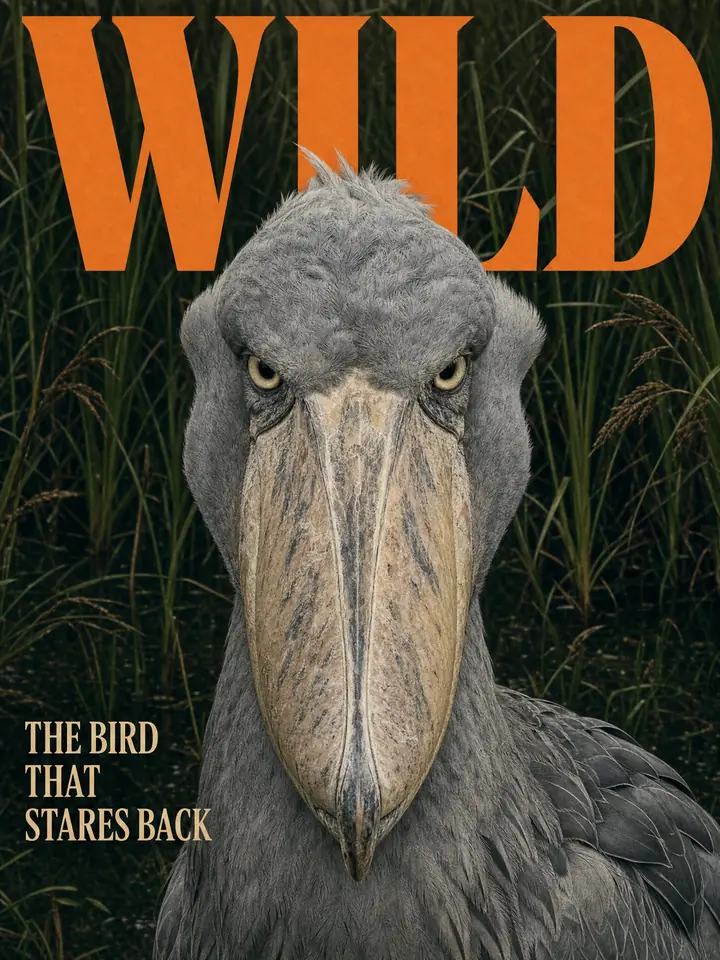
GPT Image 2 magazine cover titled WILD with a shoebill stork portrait on deep green reeds
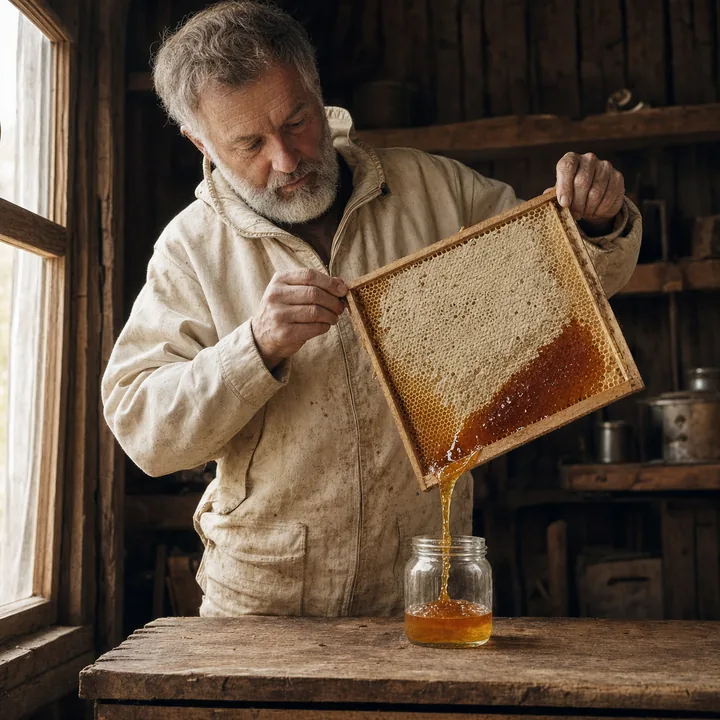
GPT Image 2 portrait of a grey bearded beekeeper pouring honey from a sliced comb frame into a jar in his wooden shed
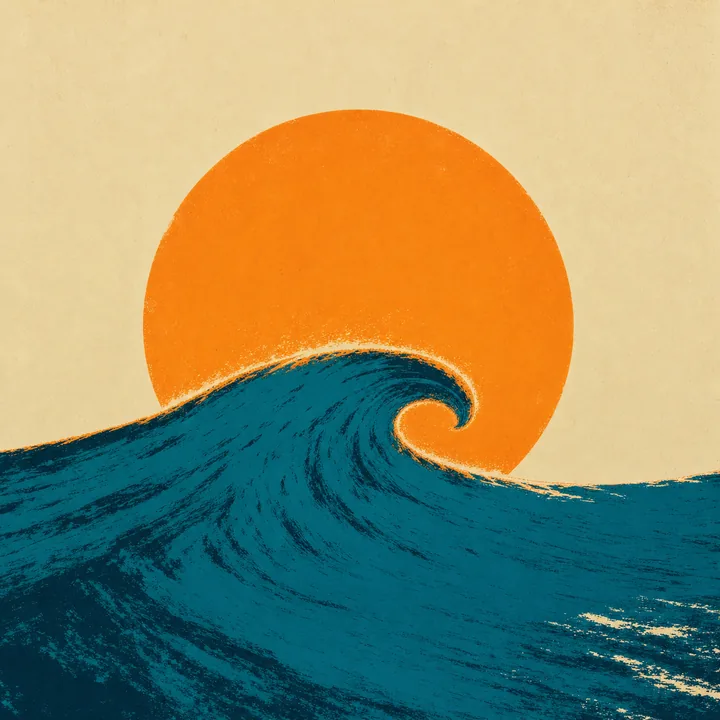
GPT Image 2 screenprint of an orange sun setting behind a curling teal wave on cream paper
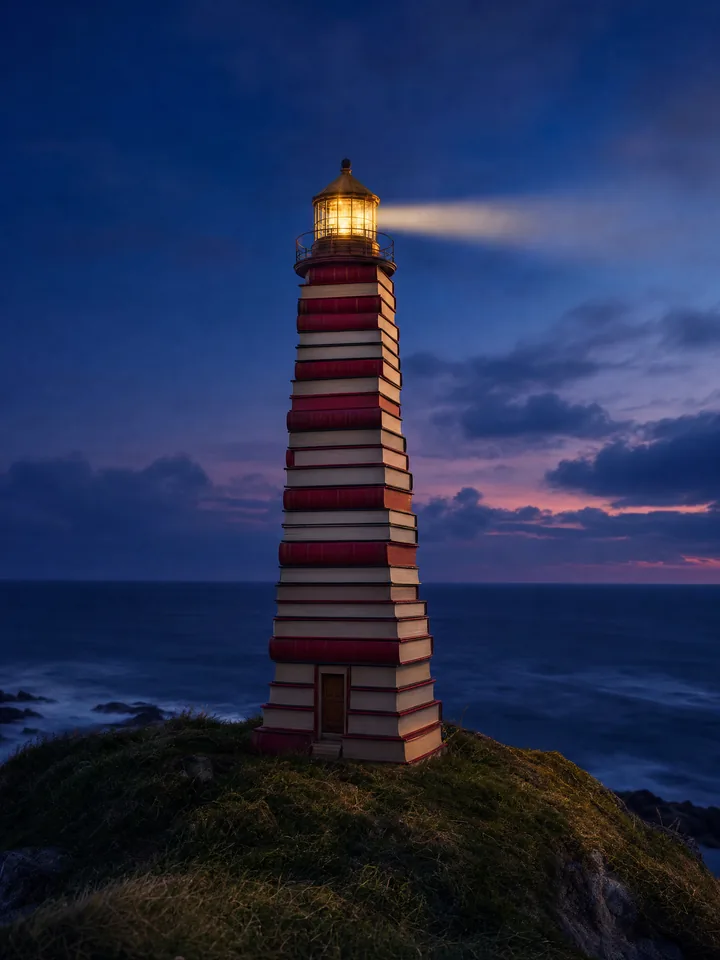
GPT Image 2 image of a lighthouse built from stacked red and cream books on a sea cliff at dusk
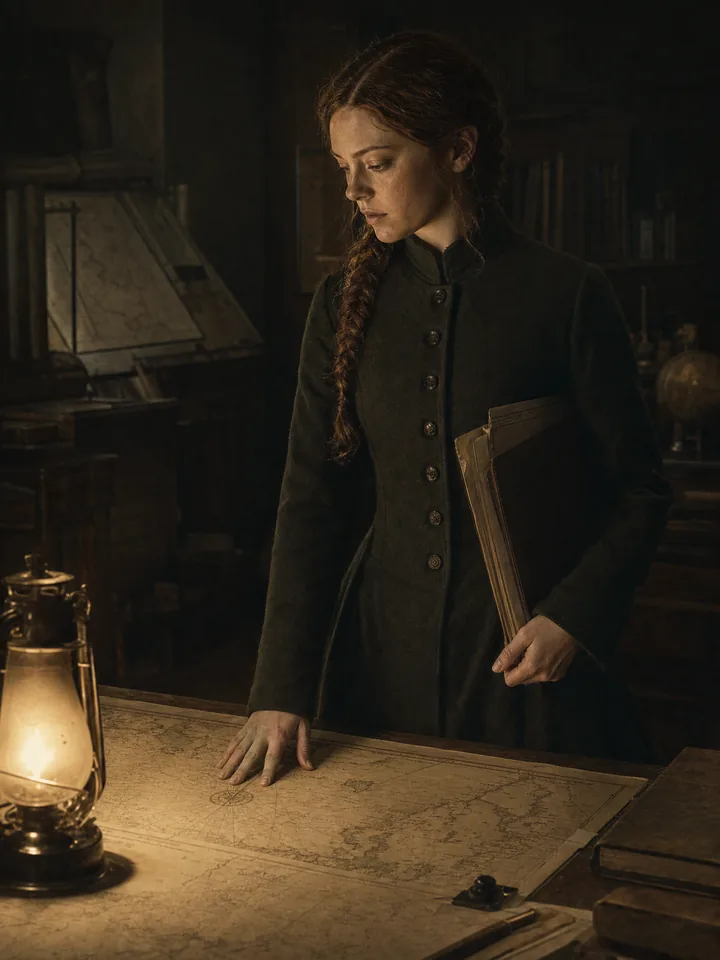
GPT Image 2 film still of a young cartographer in a dark green coat studying a map by lantern light
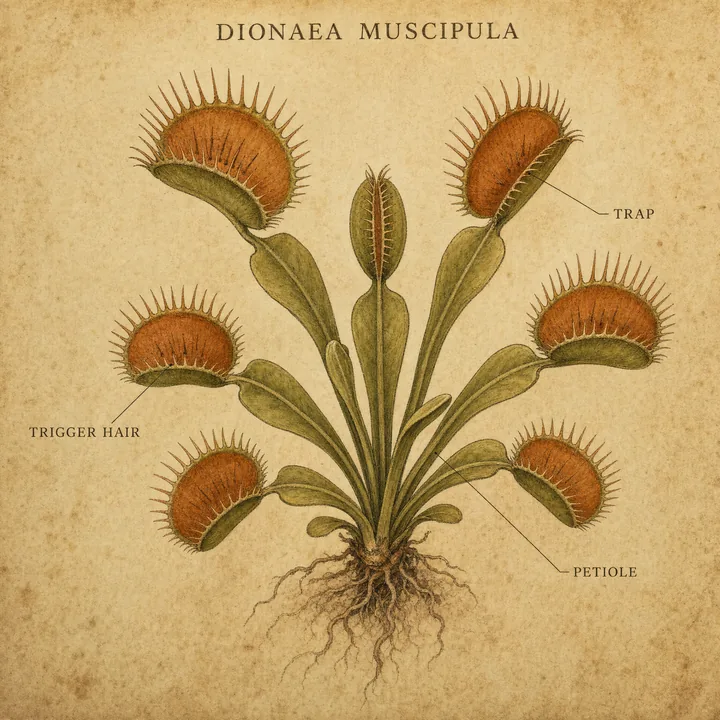
GPT Image 2 botanical plate of a Venus flytrap with its trap, trigger hair and petiole labelled
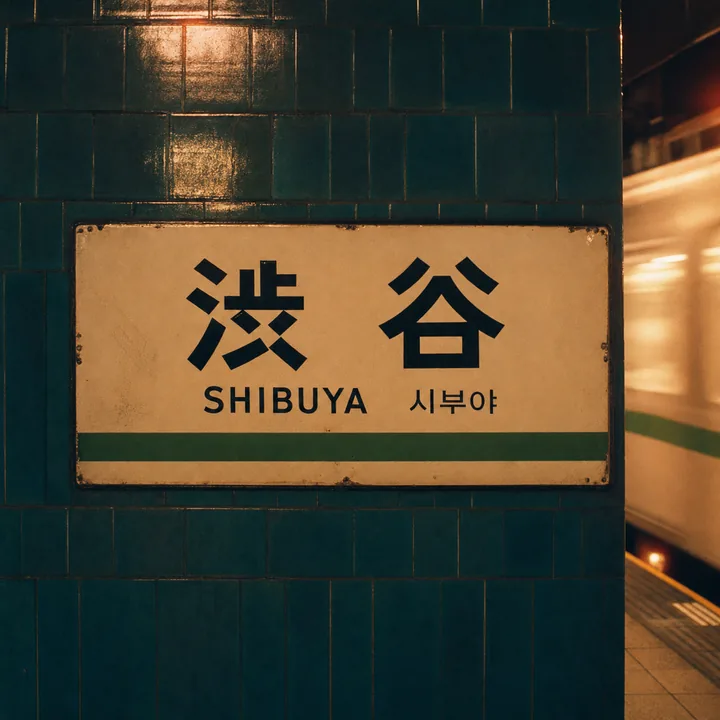
GPT Image 2 image of the Shibuya station nameboard in Japanese, English and Korean beside a passing train
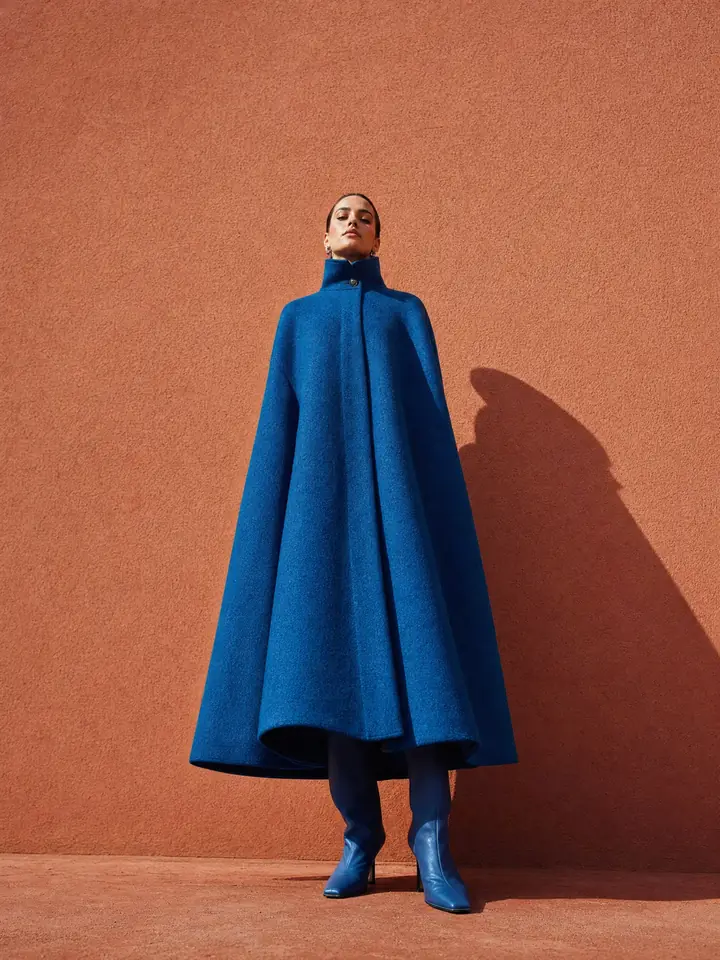
GPT Image 2 fashion photo of a model in a sculptural cobalt cape coat against a terracotta wall in hard sun

Text or your own photos

Go from text to image or edit your own photos

Write a prompt when you begin with a blank page. Add your own photos when you want to change one detail or blend several into one image. Both paths end with a finished picture you can post, print or send to a client.

  1. Describe the image or add your own photos
  2. Generate your picture in one click
  3. Download and keep the version you like best

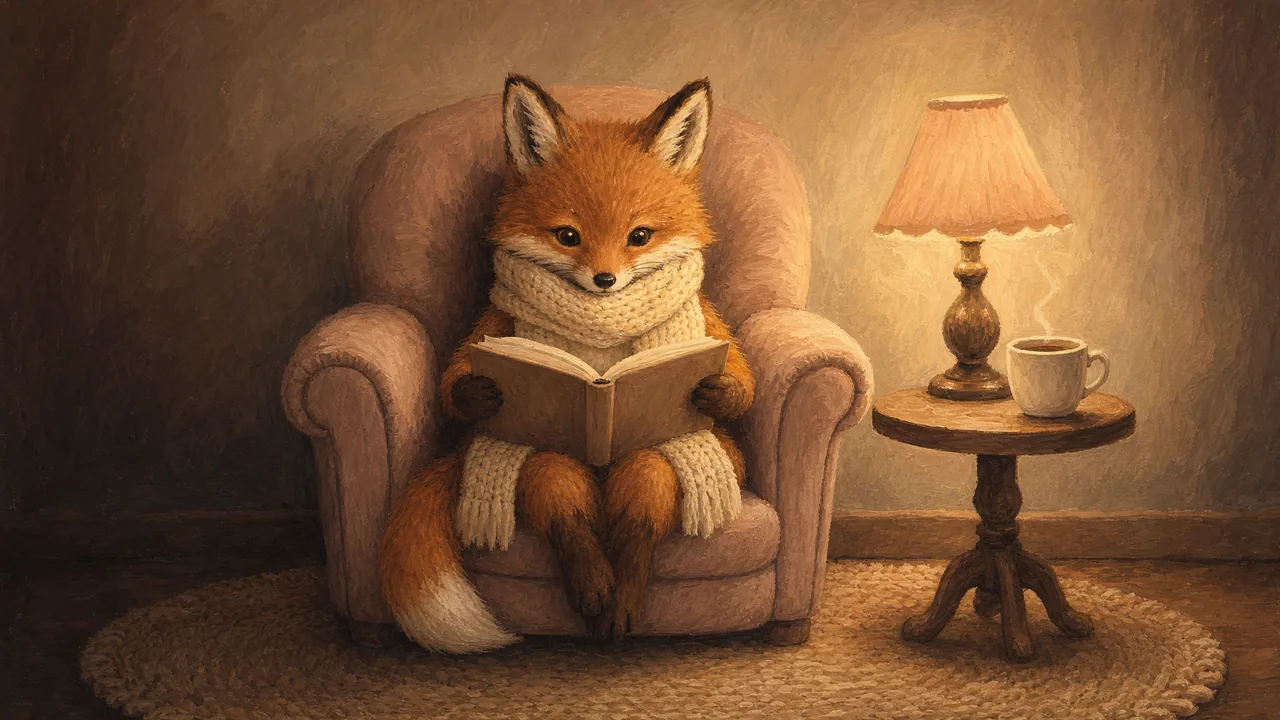
A cosy gouache painting of a fox in a knitted scarf reading a book in an armchair beside a glowing lamp, tea steaming

Cosy gouache painting of a red fox in a cream scarf reading a book in a blush armchair by lamplight

Put readable text in every GPT Image 2 design
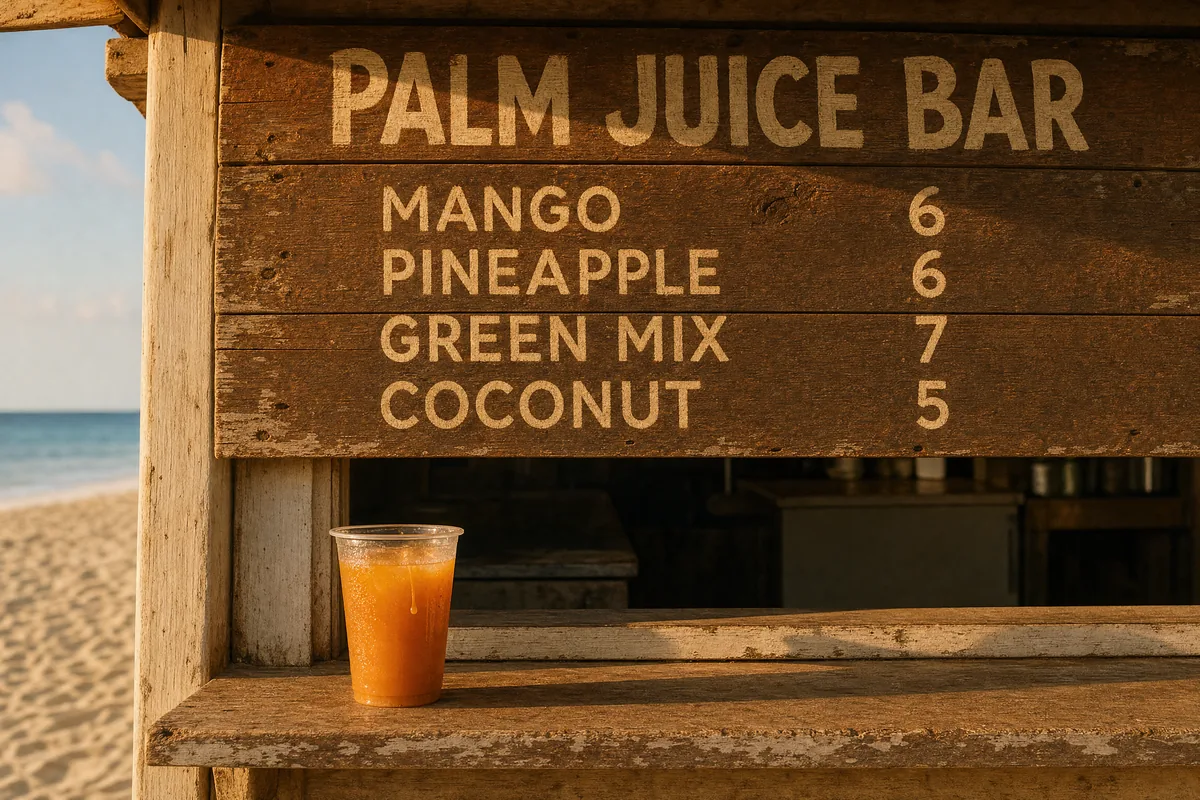
GPT Image 2 image of a beach juice shack sign titled PALM JUICE BAR listing mango, pineapple, green mix and coconut with prices

Get your exact words inside the picture and read every one of them. GPT Image 2 spells each line the way you typed it, from the headline to every price on a menu. Letters come out crisp and evenly spaced, printed into the design as if a typesetter placed them. Your menu or poster is ready to share the moment it renders.
Lay out a full infographic from one prompt

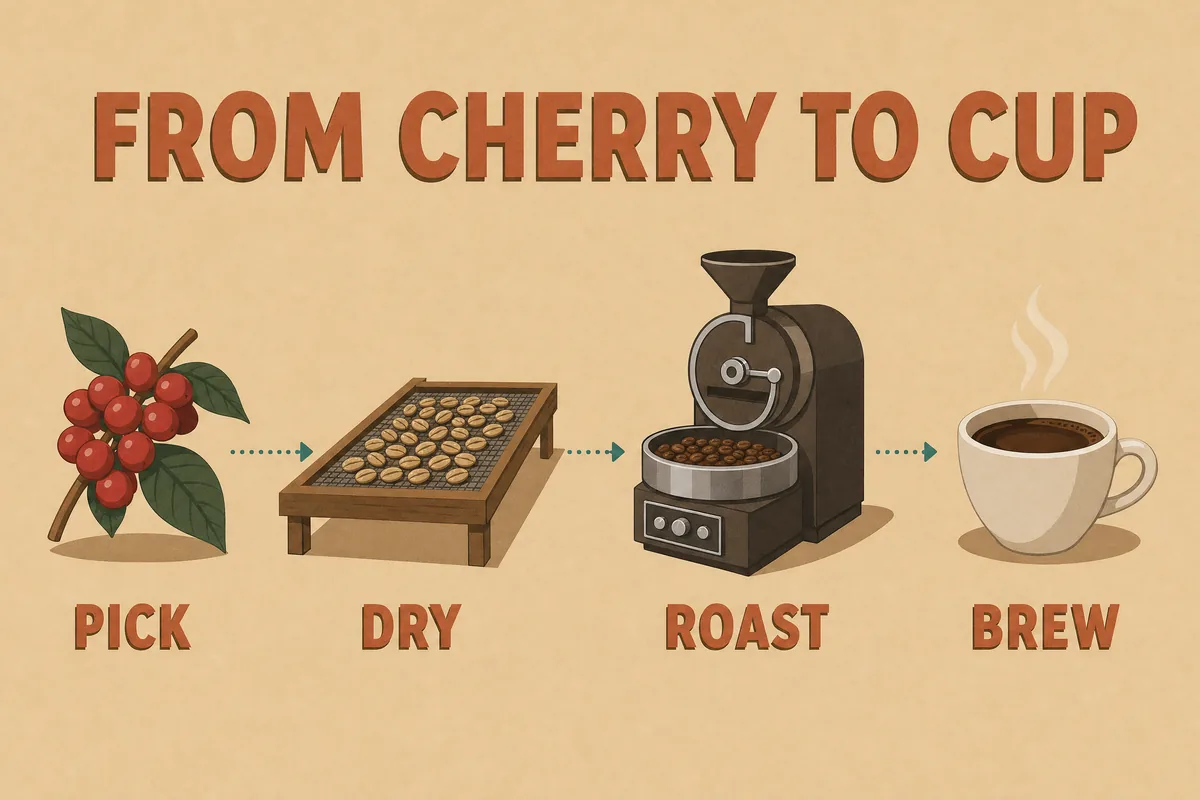
GPT Image 2 infographic titled FROM CHERRY TO CUP showing the coffee steps pick, dry, roast and brew

Every heading, step and label lands where your prompt placed it. GPT Image 2 plans the whole composition before it draws and holds the order you described. Long prompts with many parts come back complete. Your explainer arrives ready to post, with nothing to rearrange afterward.

Change one detail and keep the rest of your photo

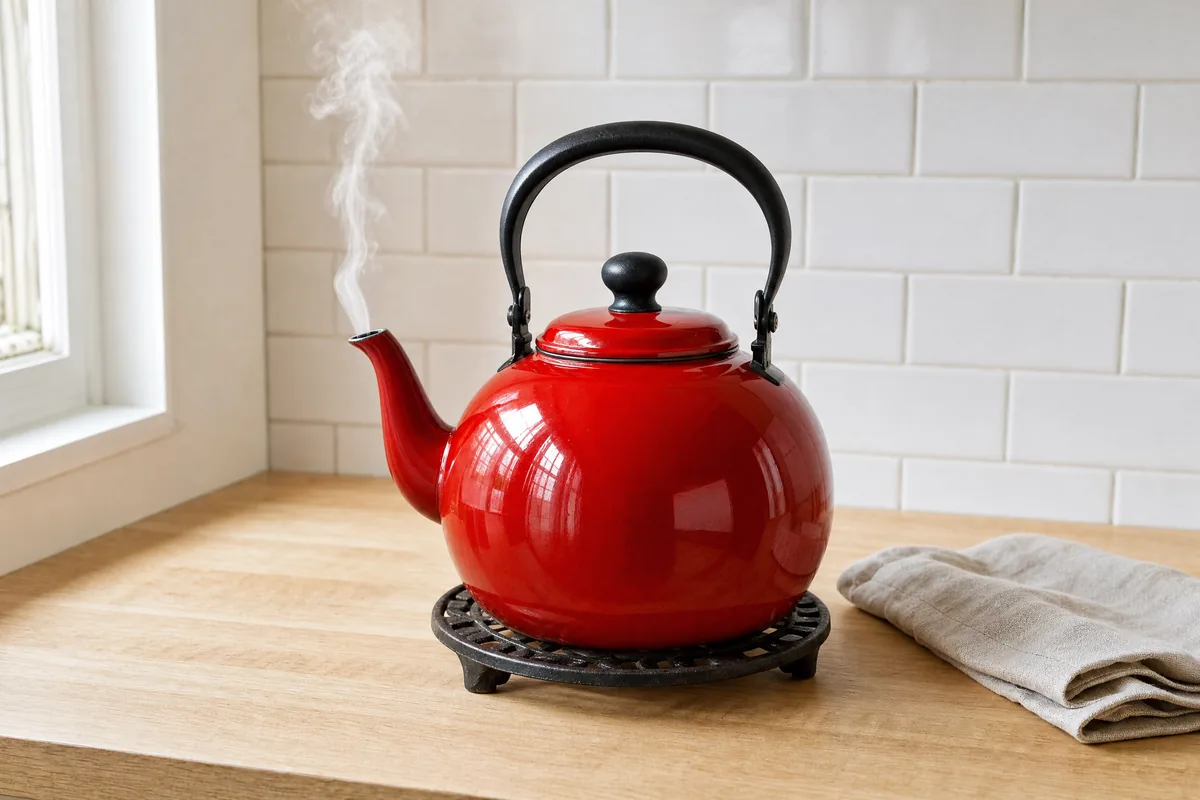
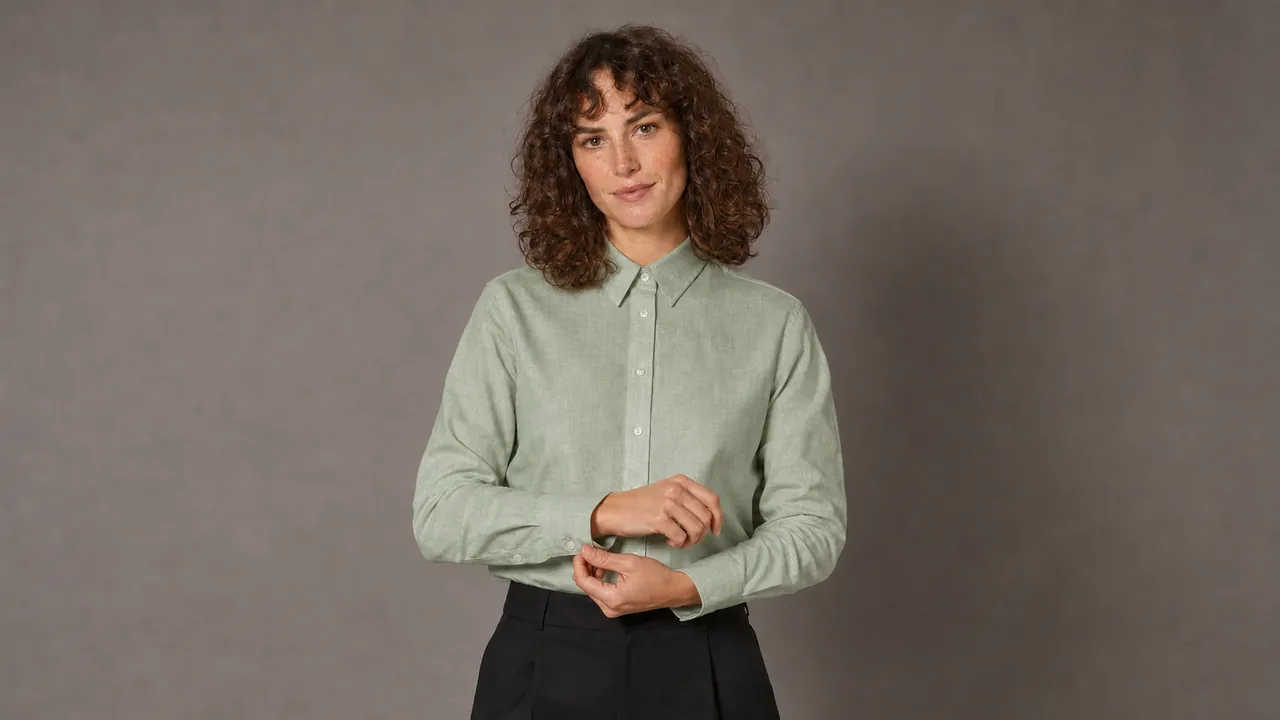
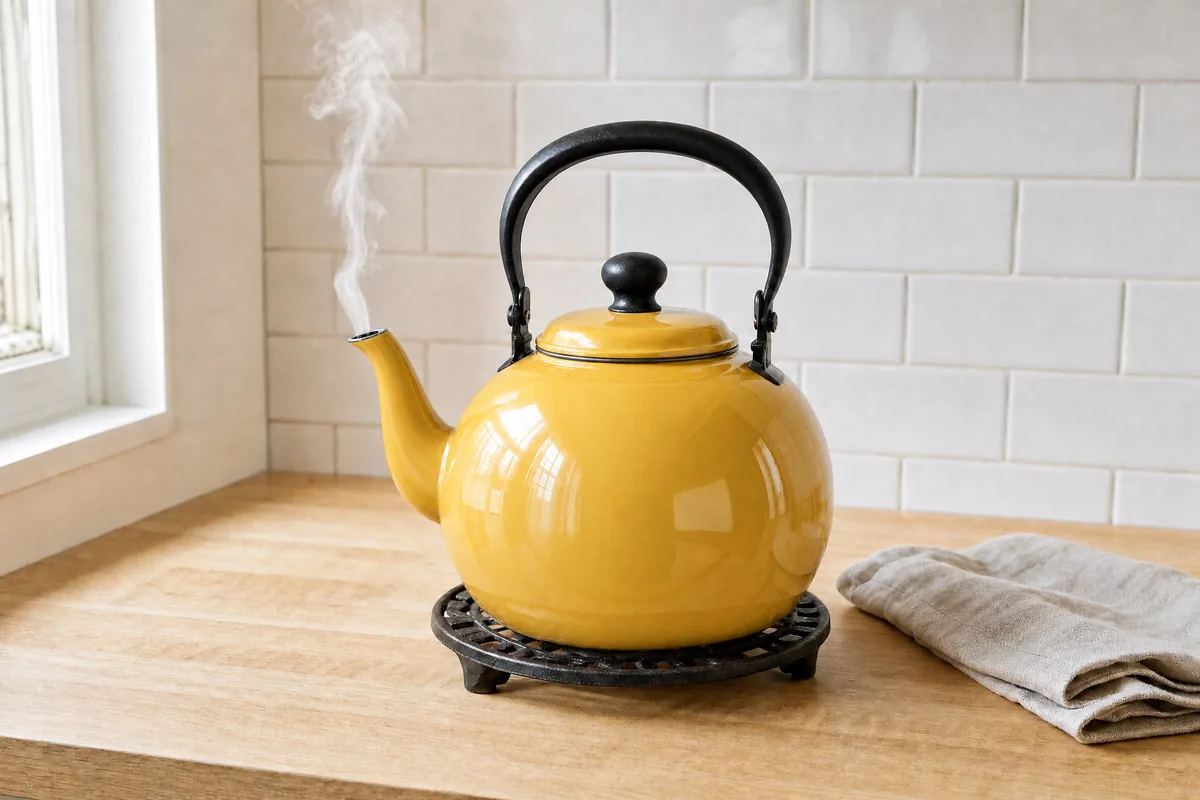
GPT Image 2 edit turning a cherry red enamel kettle butter yellow on a pale oak kitchen counter
After
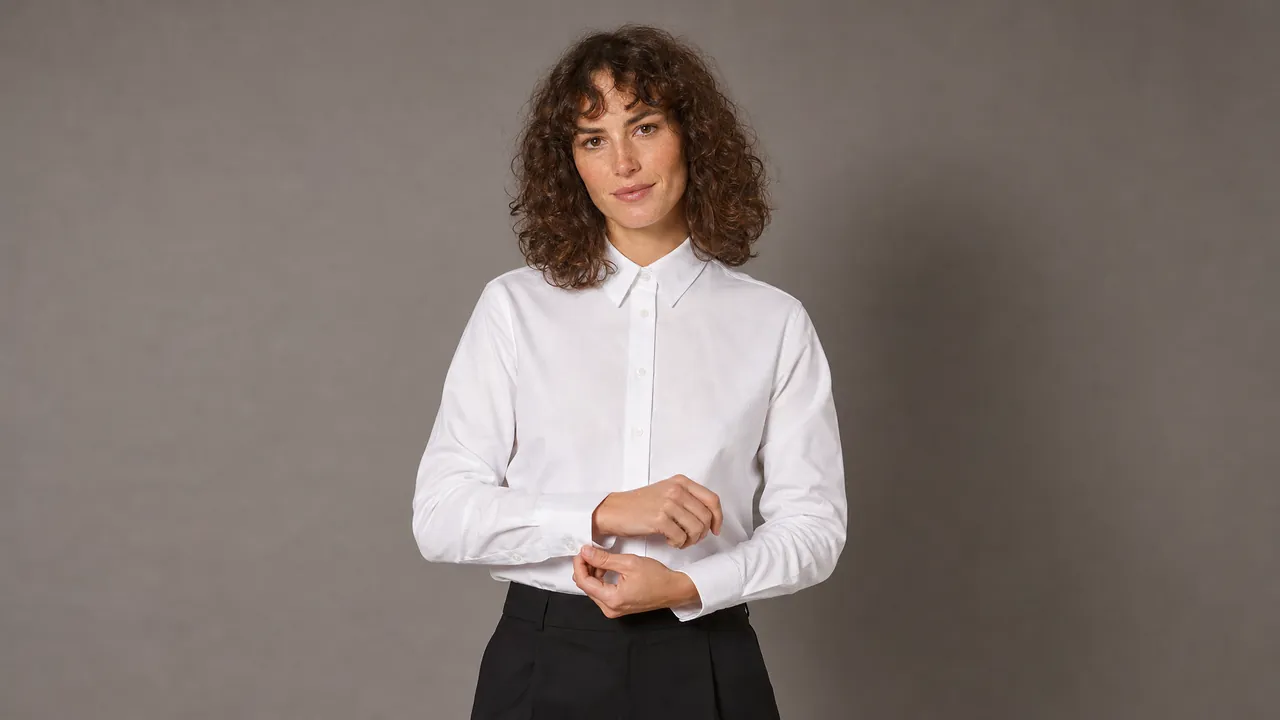
Glossy cherry red enamel kettle on a pale oak kitchen counter in soft morning window light.
Before

Upload your photo and name the one thing to change. GPT Image 2 rewrites that detail and carries over the light, the colors and the rest of the frame. One sentence takes the place of a reshoot. Keep the photo you already love and fix only what bothered you.

Make images sharp enough to print in 4K

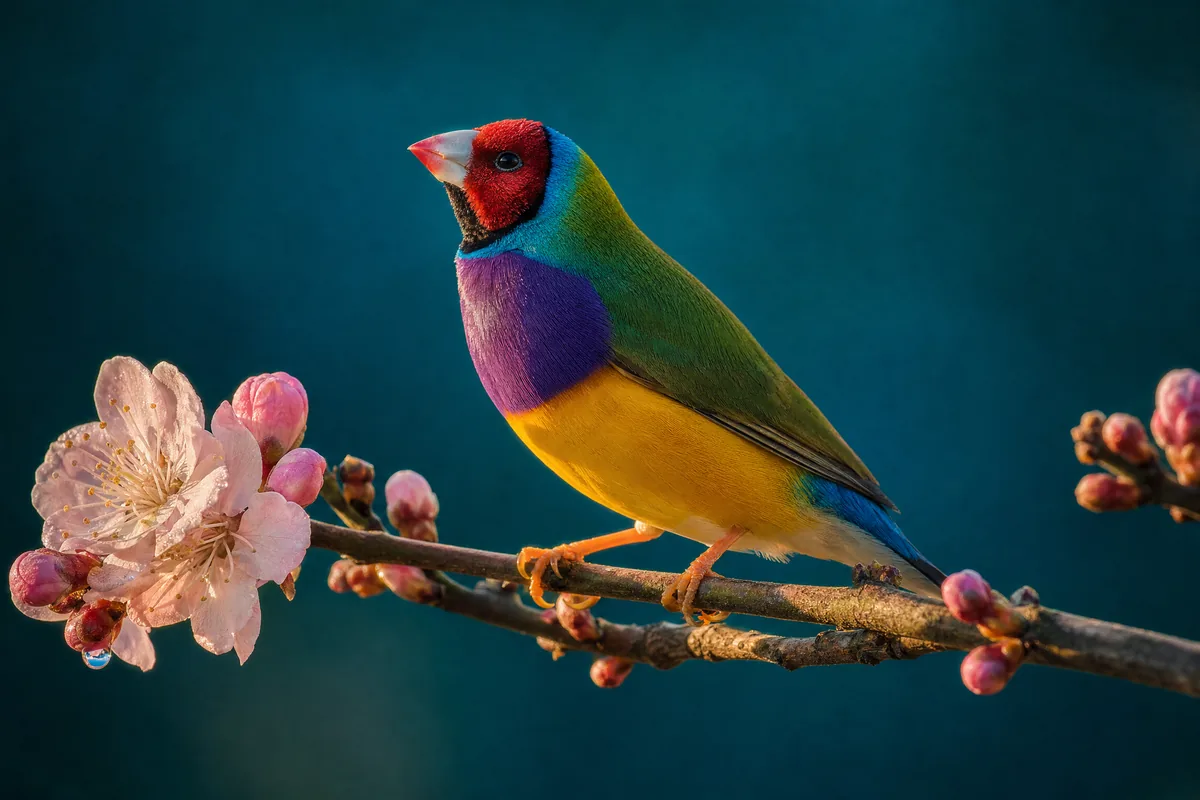
GPT Image 2 image of a Gouldian finch with purple, yellow and green feathers on a pink blossom branch

Take your picture up to 4K when it needs to hold up close. Fine texture and small print stay crisp even after a tight crop. Print it large for a shop window or a wall. The image looks as sharp on paper as it did on your screen.

Combine your own photos into one picture

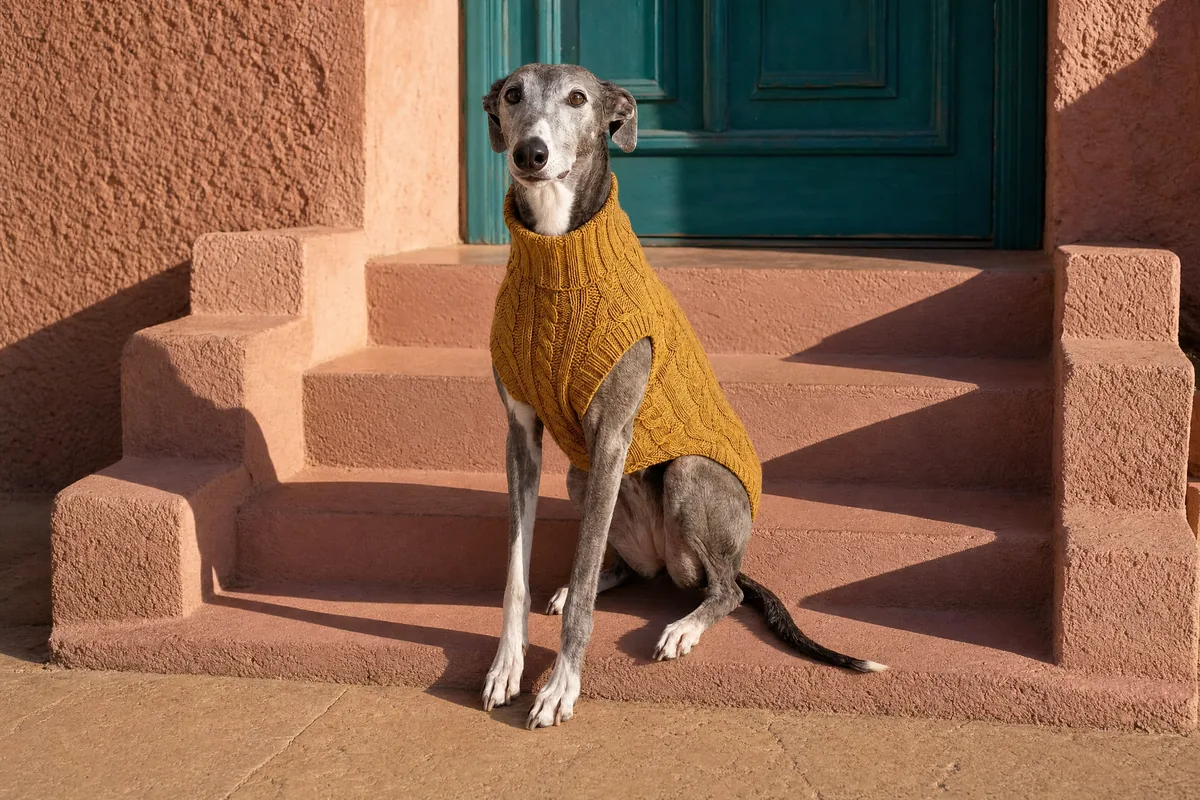
GPT Image 2 edit placing a greyhound in a mustard knit sweater on pink stucco steps beside a teal door

Bring several of your own photos and get back one finished image that holds them all. The model takes the subject, the item and the place you point to and blends them under one light. Everything you bring stays recognizably yours. The result reads as one photograph rather than a pasted collage.

Who GPT Image 2 is built for

For designers, marketers and online sellers who need images where every word reads right.

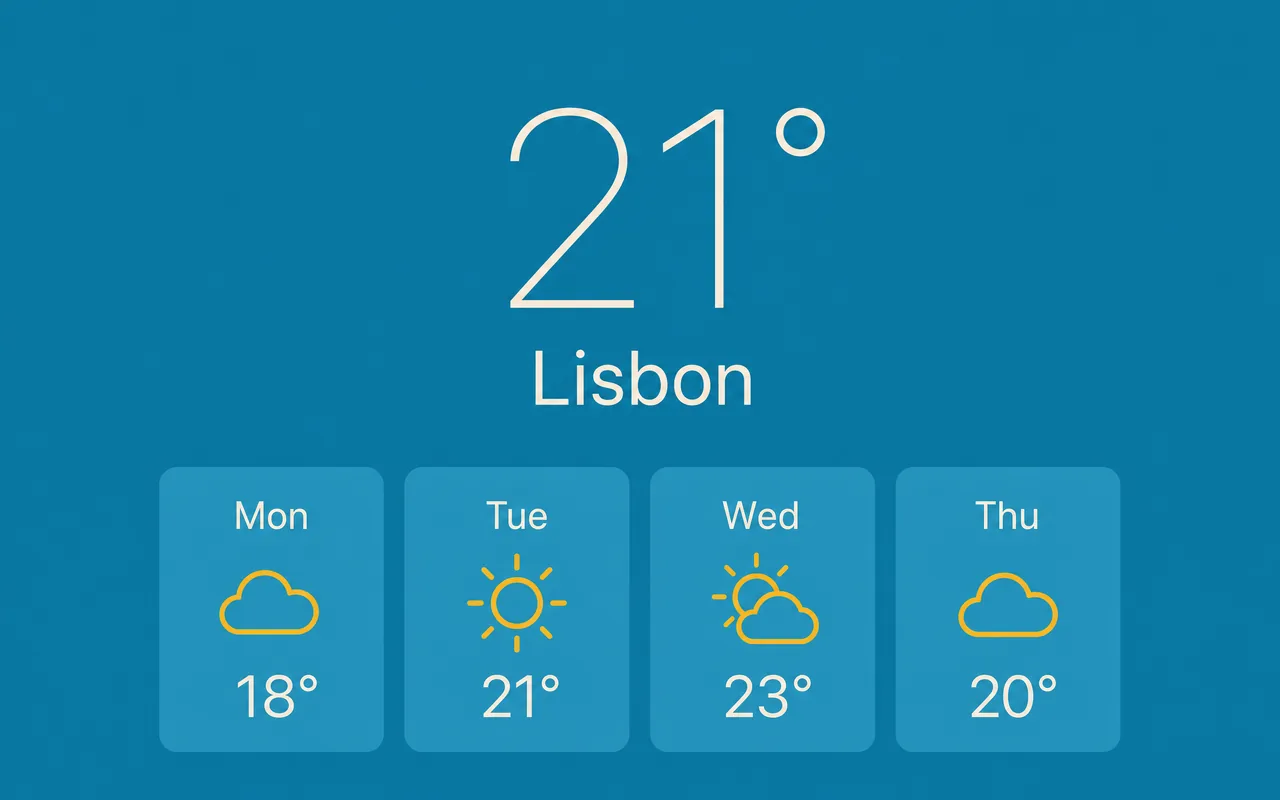
  • Weather app on deep blue showing 21 degrees in Lisbon and four forecast tiles with days, weather icons and temperatures

    UI and UX designers

    Prototype app screens and dashboards with labels that read right and spacing that feels real. Take a screen from rough idea to a mockup ready for review in one sitting.

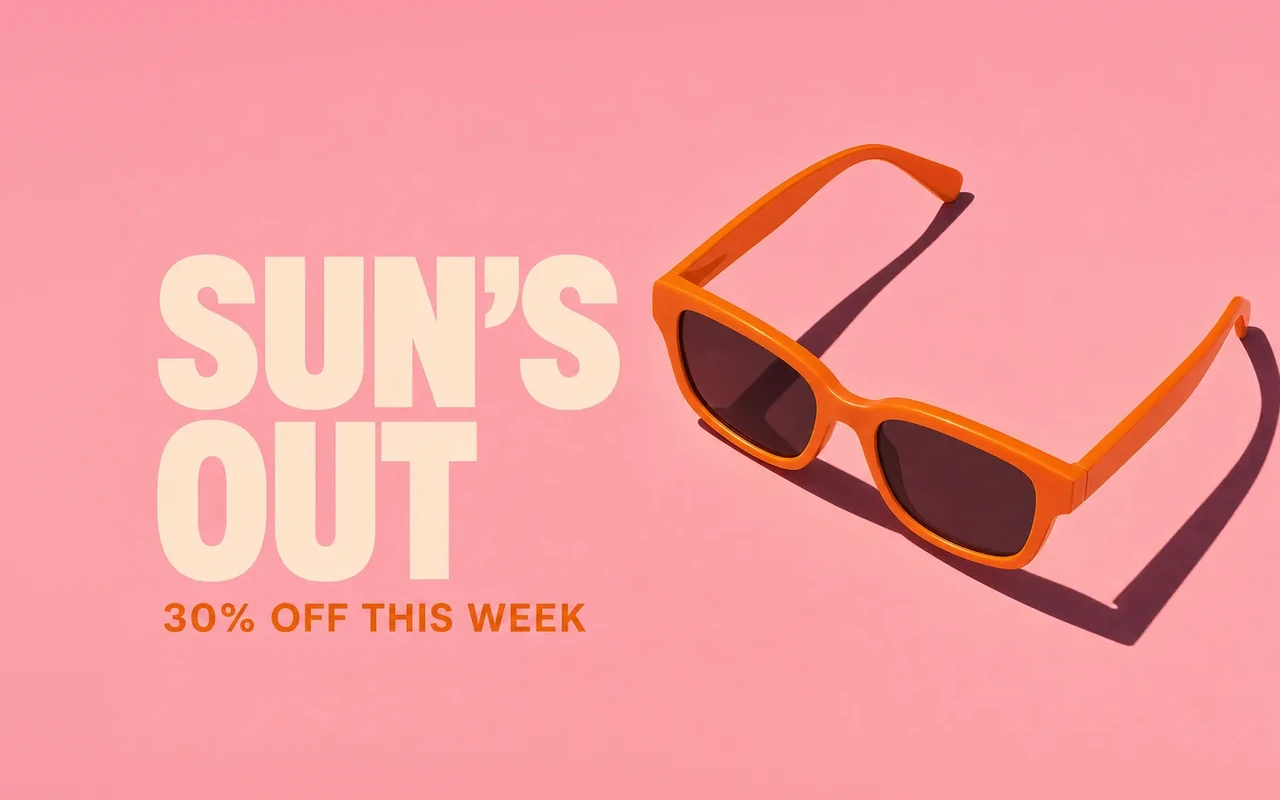
  • Wide social ad with tangerine sunglasses on hot pink, the headline SUN'S OUT and 30% OFF THIS WEEK

    Marketing teams

    Create ads and social posts with the exact headline and offer already in the image. Every asset arrives finished, with no text to add in another tool.

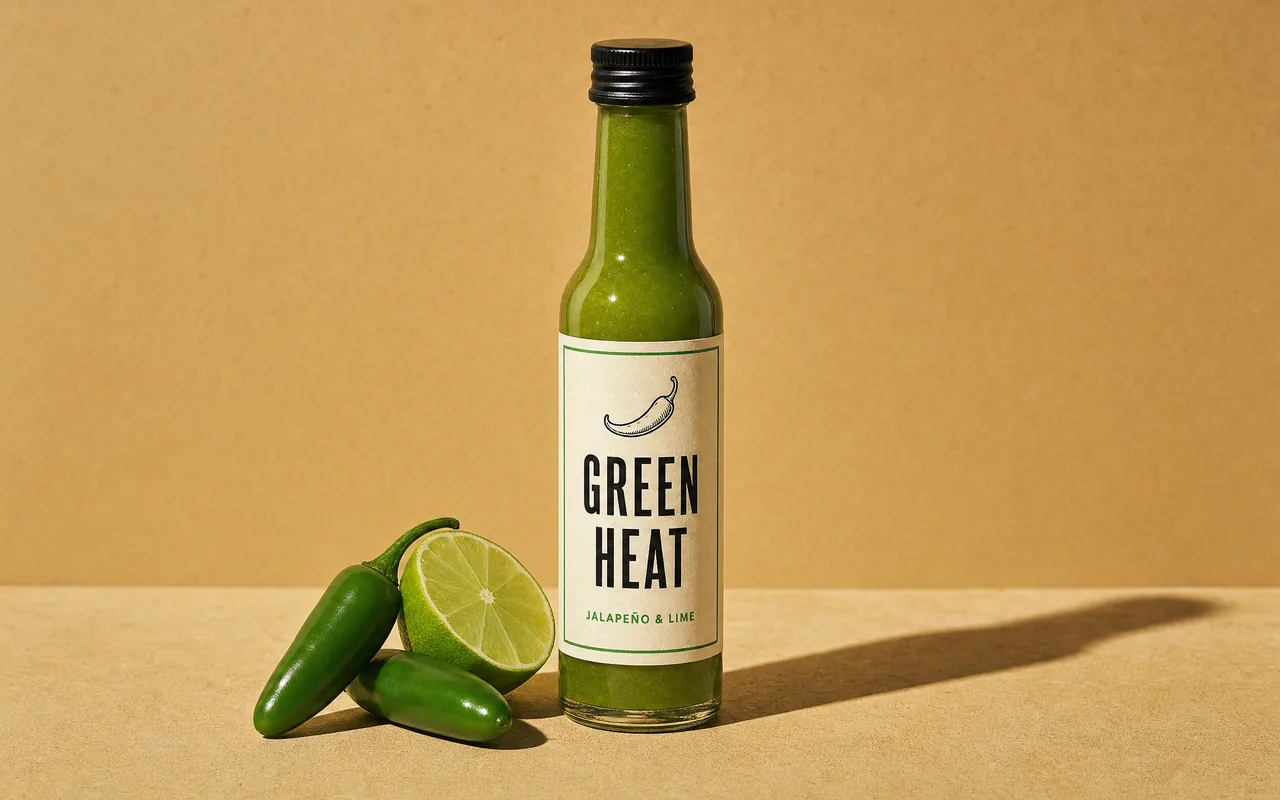
  • Slim green hot sauce bottle labeled GREEN HEAT with a black cap beside fresh chillies and a cut lime on a sunny yellow set

    Online sellers

    Make product shots with crisp labels and packaging that looks printed. Compare looks across more models on the AI image generator and fill your store with studio quality images.

More models on Pixelcut

See what the other image models on Pixelcut can do with your next idea.

  • Sharp text and multi-photo edits

    • New
    • Image to image
  • Google's newest image model, up to 4K

    • Image to image
    • 4K
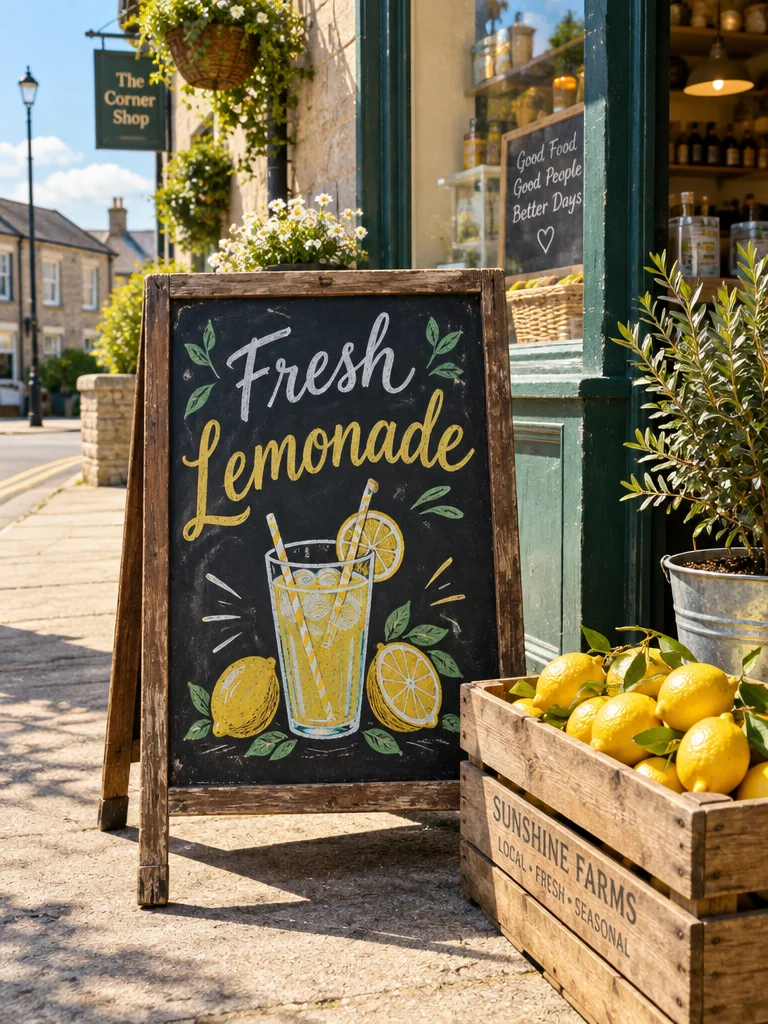
  • https://cdn3.pixelcut.app/cms/prod/ai-model/gpt-image-2-5-flare/A chalkboard sign reading Fresh Lemonade outside a sunny corner shop beside a crate of lemons, made with ChatGPT Image 2.5 Flare

    ChatGPT Image 2.5 Flare

    Text in images that reads right

    • New
    • Image to image
    • 4K
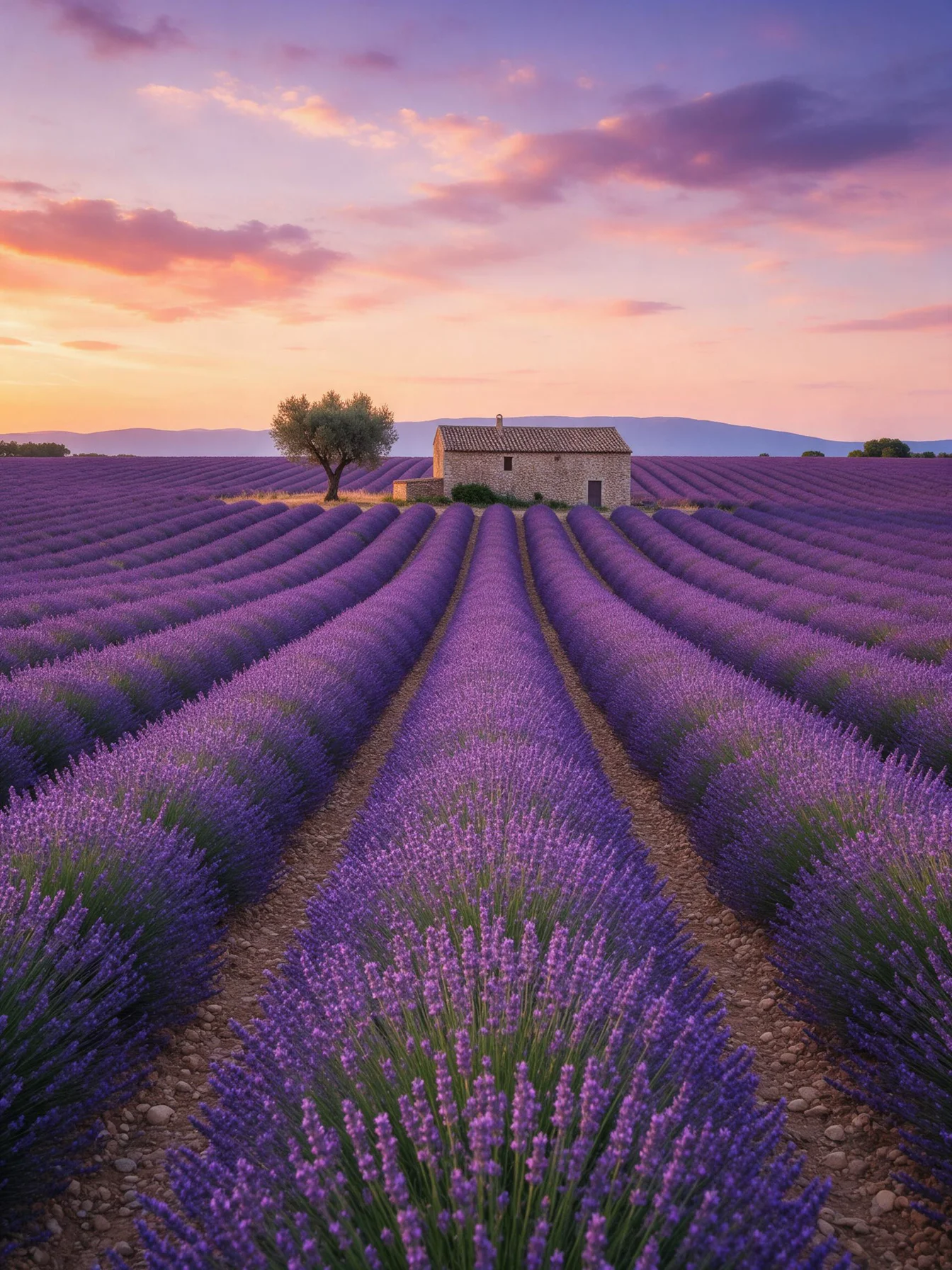
  • Rows of lavender leading to a stone farmhouse and an olive tree in Provence at sunset, made with Seedream 5 Pro

    Seedream v5 Pro

    Detailed photos and posters

    • Image to image
    • 2K
  • Nano Banana Pro

    Edits that keep faces and products intact

    • Image to image
    • 4K
  • Flux 2 Max

    Photoreal detail that follows the prompt

    • New
    • Image to image
    • 2K

How to use the GPT Image 2 generator

  1. 1

    Add your reference photos

    Upload one or more photos to edit or combine, like a product shot or a portrait. Skip this step to start from a text prompt alone and build the image from words.

  2. 2

    Describe the image you want

    Write the subject, the setting and the style in plain words. Then put any text that should appear in the image inside quotes to get it back exactly as typed.

  3. 3

    Choose your image settings

    Pick ChatGPT Image 2, Pixelcut's name for GPT Image 2, from the model list. Then set the quality, a resolution up to 4K and the shape that fits where your picture goes.

  4. 4

    Generate and download it

    Press generate to create your image. Then download your favorite, or change one line of the prompt and generate again until it looks right.

Plans for image generation

Images are billed in credits per image. Pick the plan that matches how much you make.

Save 20% with a yearly plan

Free

$0
per month, billed yearly
Limited Background Removal
Limited Upscale
Free export without watermark

Pro

$10$8
per month, billed yearly
600 AI Credits Monthly
Access all AI models
Unlimited Background Removal
Unlimited Upscale
3 Person Team
1,000 Batch Exports Monthly
Commercial license
Most Popular

Business

$30$24
per month, billed yearly
3,600 AI Credits Monthly
Access all AI models
Unlimited Background Removal
Unlimited Upscale
10 Person Team
2,000 Batch Exports Monthly
Commercial license
Trusted by over 200,000 creators, brands and small businesses

Trusted by creatives at

  • Adidas logo
  • Airbnb logo
  • Apple logo
  • Chanel logo
  • Google logo
  • Gucci logo
  • H&M logo
  • Nike logo
  • Sephora logo
  • Starbucks logo
  • Toyota logo

Frequently Asked Questions

Create your next image with GPT Image 2