Pixelcut
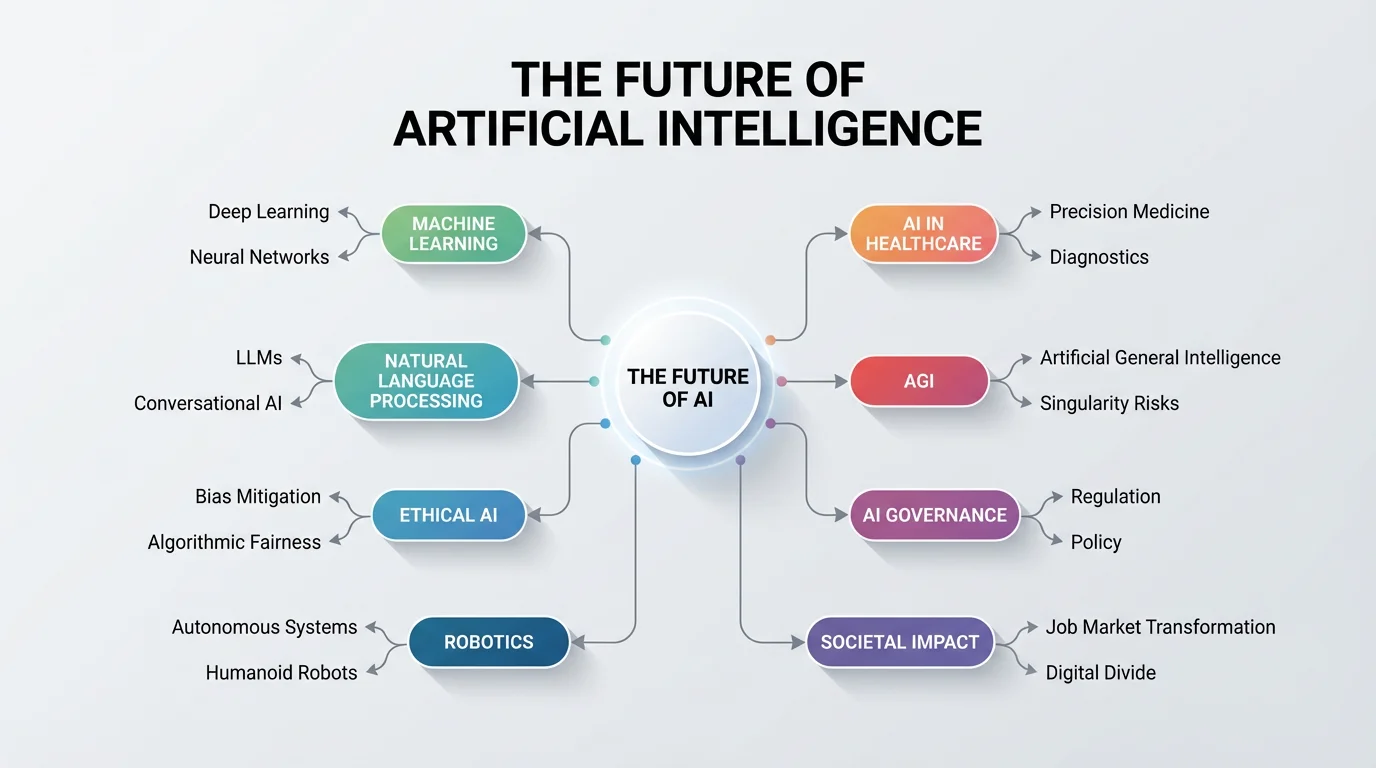
A professionally designed and polished concept map about the future of AI, showcased as a final, eye-catching result from a design tool, set against a clean background.

AI Concept Map Generator

Trusted by 70 million people
171,800 Reviews
Developer API
Available on iPhone & Android

How to create a concept map

  1. 1

    Describe your concept map

    Start by writing a detailed description of the topic you want to visualize. Include the main idea and any related concepts you want to see in the map.

  2. 2

    Generate your map

    With a single click, our AI will analyze your prompt and create a structured concept map for you, arranging your ideas into a clear visual diagram.

  3. 3

    Download your concept map

    Your high-resolution concept map is ready to download for free. Use it for your presentations, study guides, or brainstorming sessions.

Move from text to a visual map in seconds. Our AI concept map generator takes your prompt and instantly builds a structured diagram, organizing key ideas into connected nodes. This process turns chaotic notes or dense information into a clear visual format, making it easier to see the big picture. Stop drawing boxes and lines manually and let AI do the heavy lifting. Whether you're brainstorming a new project or breaking down a tough subject, you can generate a complete concept map with just one click and bring your ideas to life.

Instantly Visualize Complex Ideas

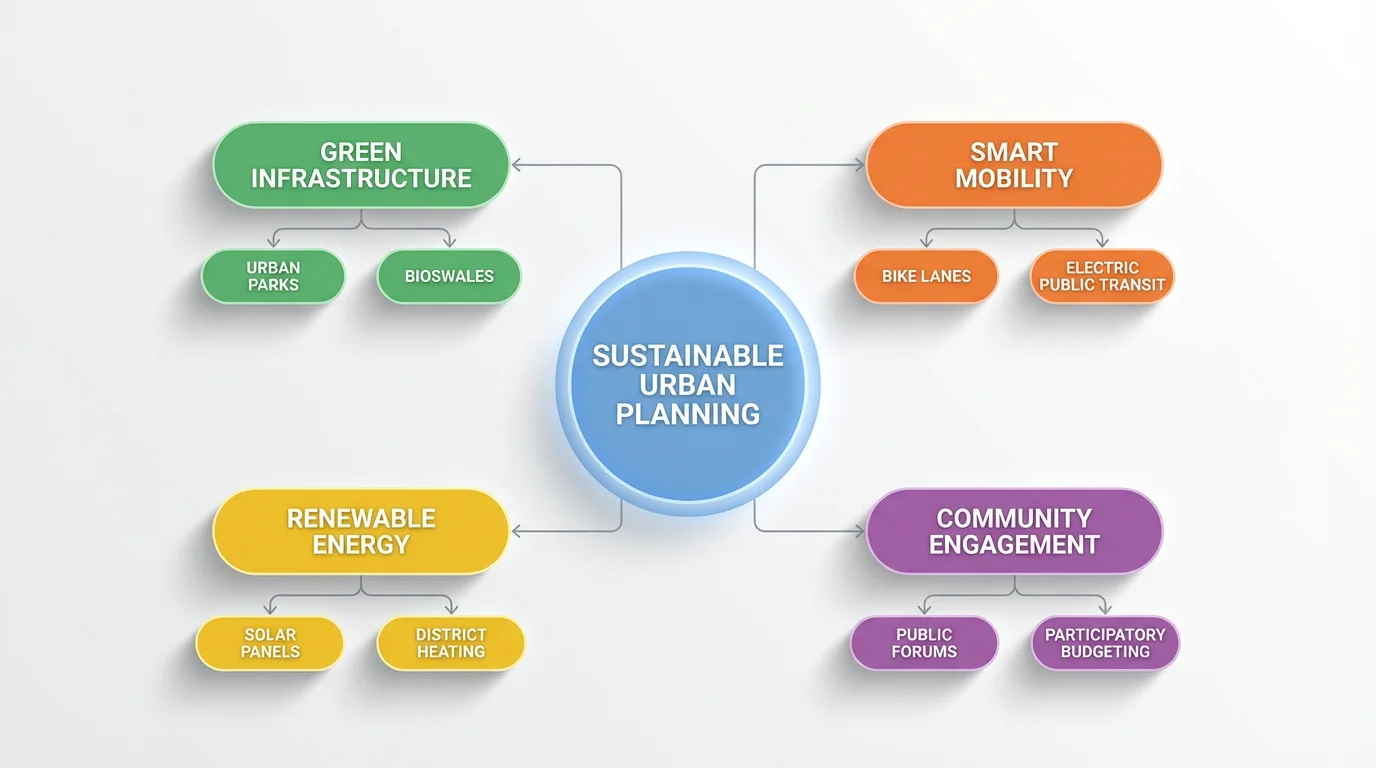
A minimalist concept map about sustainable urban planning on a white background. The central idea connects to branches for green infrastructure, smart mobility, and renewable energy.
Your ideas, your way. With our AI concept map creator, you have full control over the final design through your text descriptions. Specify the central topic, main branches, and even the smaller details you want to include. Ask for a specific style, from simple and clean to colorful and complex, and the AI will adapt to your needs. This text-based customization allows you to create a visual aid that perfectly matches your vision, ensuring that the generated map is both informative and personally styled for your unique purpose.

Custom Maps Tailored to Your Prompt

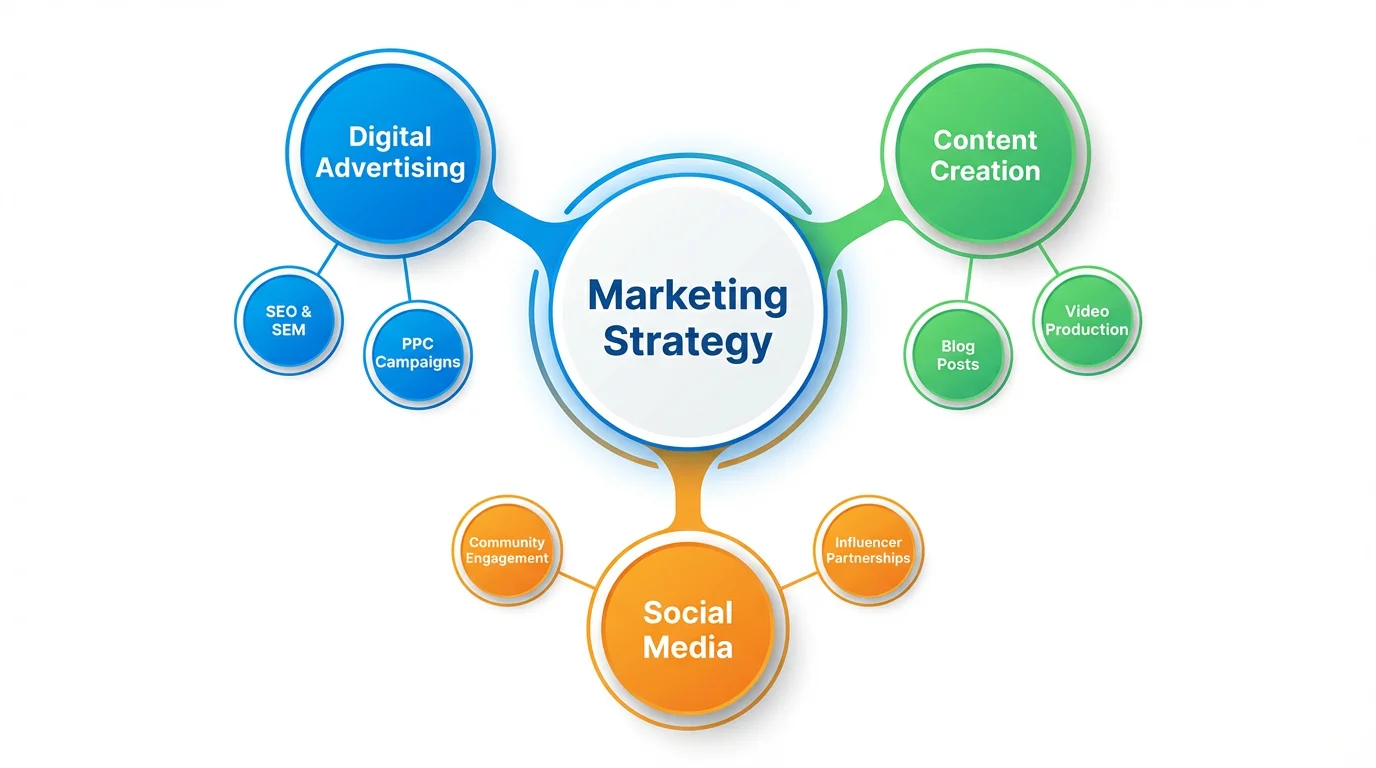
A modern, colorful concept map illustrating a marketing strategy. The central idea, 'Marketing Strategy', branches out to key areas like 'Digital Advertising', 'Content Creation', and 'Social Media', with related sub-topics.
Concept maps are a powerful tool for learning and memory. By visually organizing information, you can better understand the relationships between different ideas. Our generator creates clear, hierarchical maps that help you grasp complex topics quickly. Use these visual diagrams to study for an exam, outline a presentation, or manage a project. The act of seeing concepts connected visually reinforces knowledge, boosts retention, and gives you a powerful tool for communicating your ideas to others with clarity and impact.

Enhance Understanding and Recall

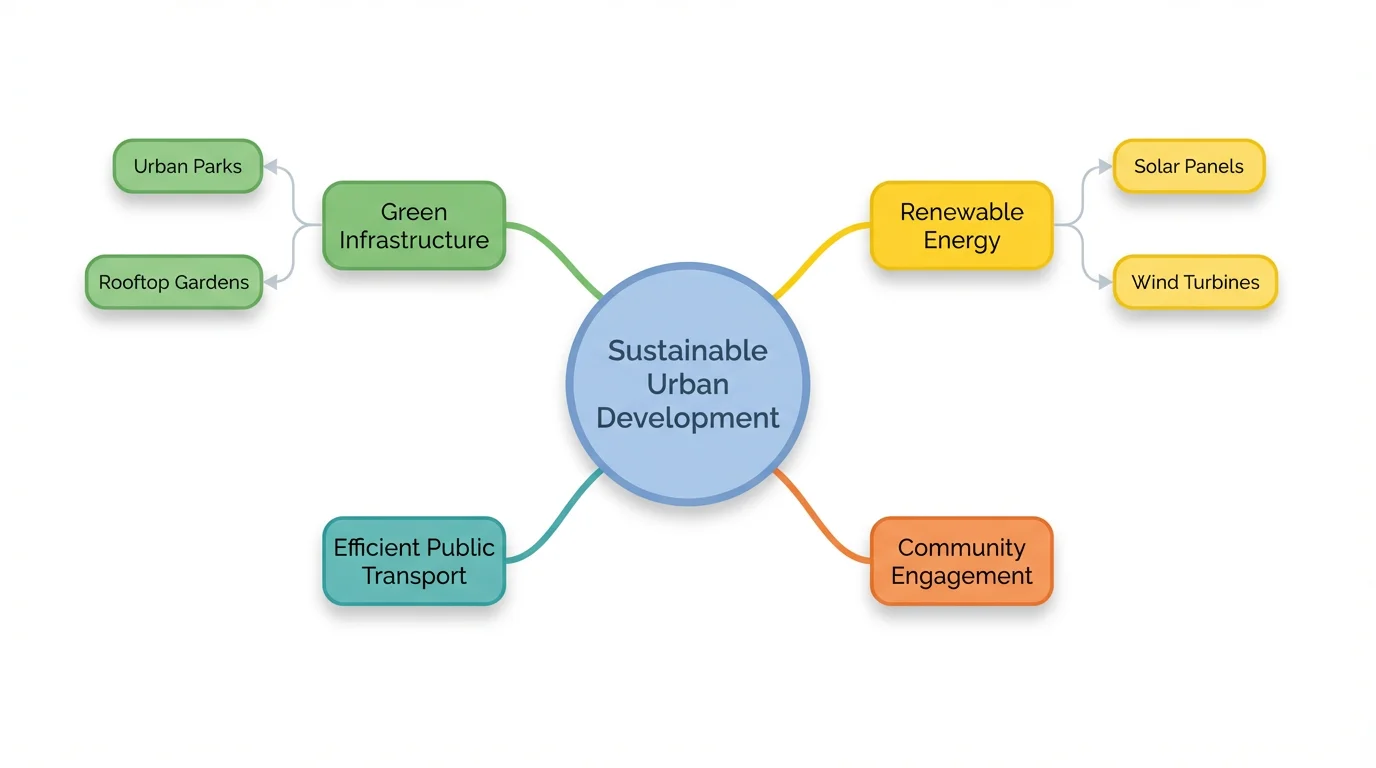
A concept map mockup illustrating the topic of 'Sustainable Urban Development'. A central idea branches out into related concepts like 'Green Infrastructure', 'Renewable Energy', and 'Community Engagement'.
It's Fast: Instantly transform your thoughts or study notes into a structured visual map. It's Easy to Use: No manual drawing required. Simply describe the map you want to create. It's AI-Powered: Use advanced AI to automatically identify and connect key concepts for you. It’s Clear: Generate clean, well-organized diagrams that are perfect for studying, presenting, or planning. It's Versatile: Create maps for any subject, from scientific theories to business strategies, all from a simple text prompt.

Why use Pixelcut's AI Concept Map Generator?

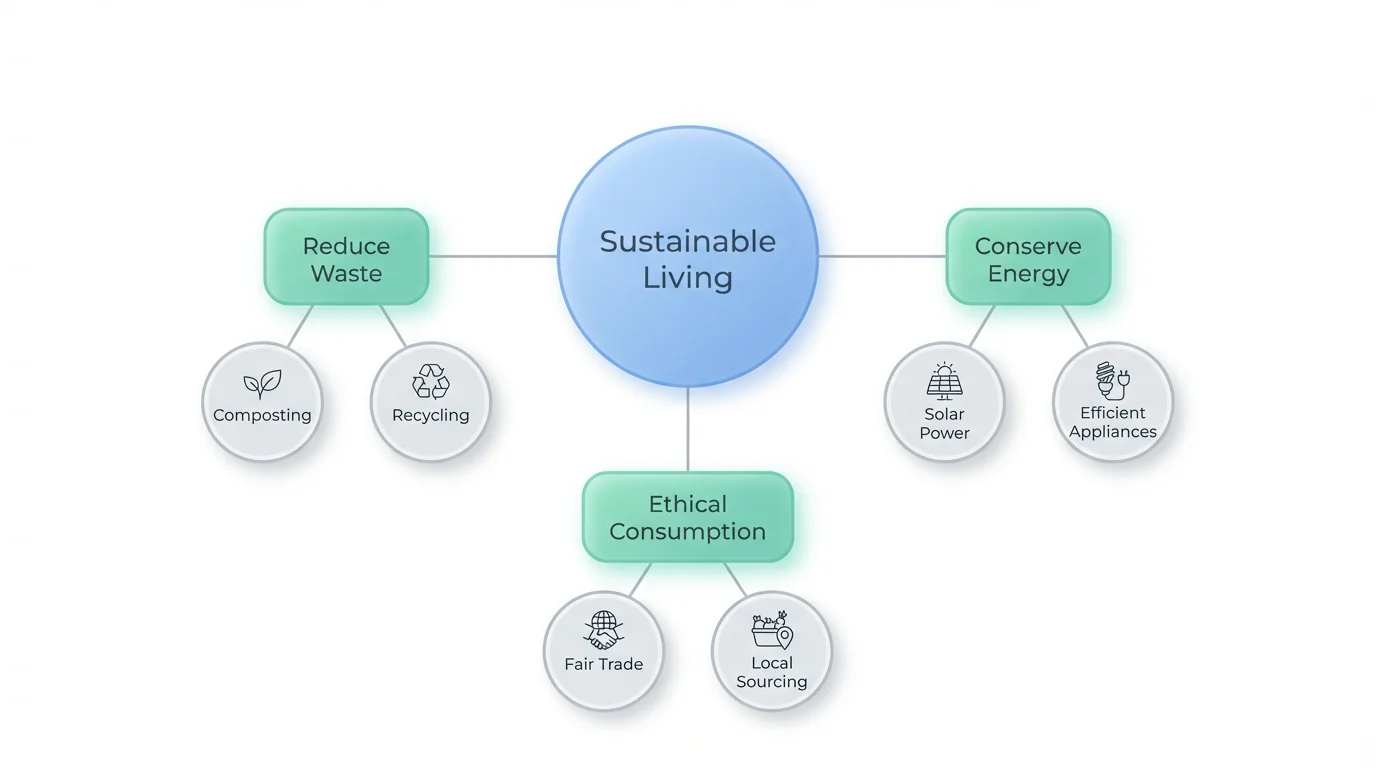
A clean and modern concept map about 'Sustainable Living' on a white background. A central blue node connects to green nodes for 'Reduce Waste', 'Conserve Energy', and 'Ethical Consumption', which then branch into smaller sub-topics.
For Students: Break down complex subjects into easy-to-understand diagrams. Organize study notes, prepare for exams, and improve information retention. For Educators: Create visual aids for lessons to help students grasp difficult concepts. Map out curriculum plans and lecture outlines. For Business Professionals: Brainstorm ideas, plan projects, and map out business strategies. Visualize workflows and team structures for better communication. For Writers and Researchers: Organize plot points, character relationships, or research findings. See connections within your data to form new insights.

Concept Map Generator Use Cases

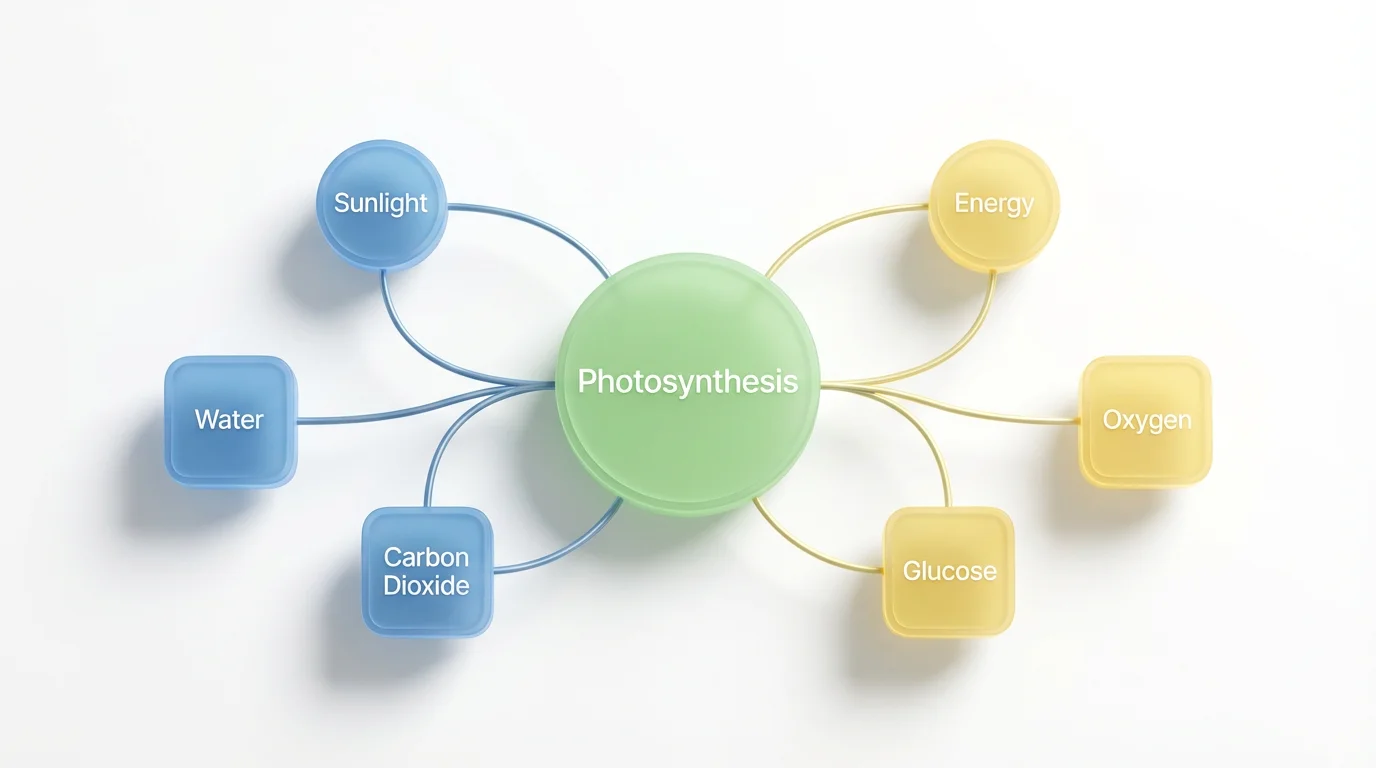
A modern, minimalist concept map illustrating the process of 'Photosynthesis'. A central green bubble connects to smaller nodes labeled 'Sunlight', 'Water', and 'Oxygen' on a clean white background.

Frequently Asked Questions

Pixelcut is loved by over 2 million people

  • My favorite app

    Great app, easy to use. Helps our small business save time and money to create different marketing materials professionally. Thank you.
    Shaelyn D.
  • Best background remover

    I need a good background remover for my work and I've been through them all it feels like. This one is the best by far. It's so easy to use and the results always look amazing. Thank you Pixelcut!
    Kira H.
  • Love it

    It's amazingly easy and gives the perfect results for my bags and accessories. It looks like it was done by a professional photographer.
    Mary J.