Pixelcut
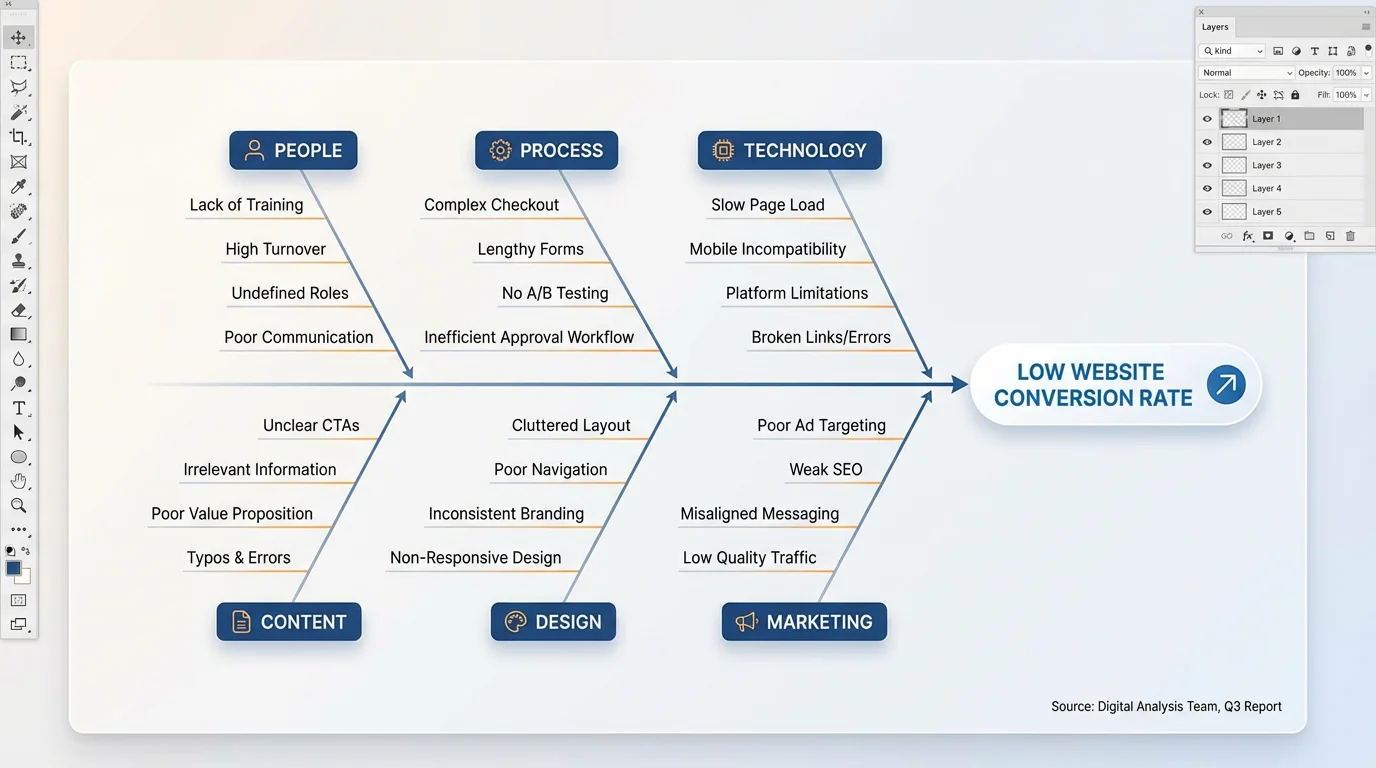
A polished, final version of a digital fishbone diagram analyzing the causes of 'Low Website Conversion Rate', showcasing a professional and clean design.

AI Fishbone Diagram Generator

Trusted by 70 million people
171,800 Reviews
Developer API
Available on iPhone & Android

How to Generate a Fishbone Diagram

  1. 1

    Describe Your Diagram

    Start by writing a detailed prompt. Include the main problem, the categories for causes (like People, Process, etc.), and the specific causes for each.

  2. 2

    Generate Your Diagram

    With a single click, our AI will take your text description and build a structured, easy-to-read fishbone diagram for you.

  3. 3

    Download and Share

    Your high-resolution cause and effect diagram is ready. Download it for free and use it in presentations, reports, or collaborative sessions.

Stop struggling with complicated diagramming software and messy whiteboards. With Pixelcut’s AI fishbone diagram generator, you can transform your team's brainstorming notes into a structured, professional cause and effect diagram almost instantly. Simply type a description of the problem, list your main cause categories, and add the potential factors. The AI will handle the layout and design, creating a clear visual map for your root cause analysis. This speed allows your team to focus on solving problems, not drawing them.

Go From Brainstorm to Diagram in Seconds

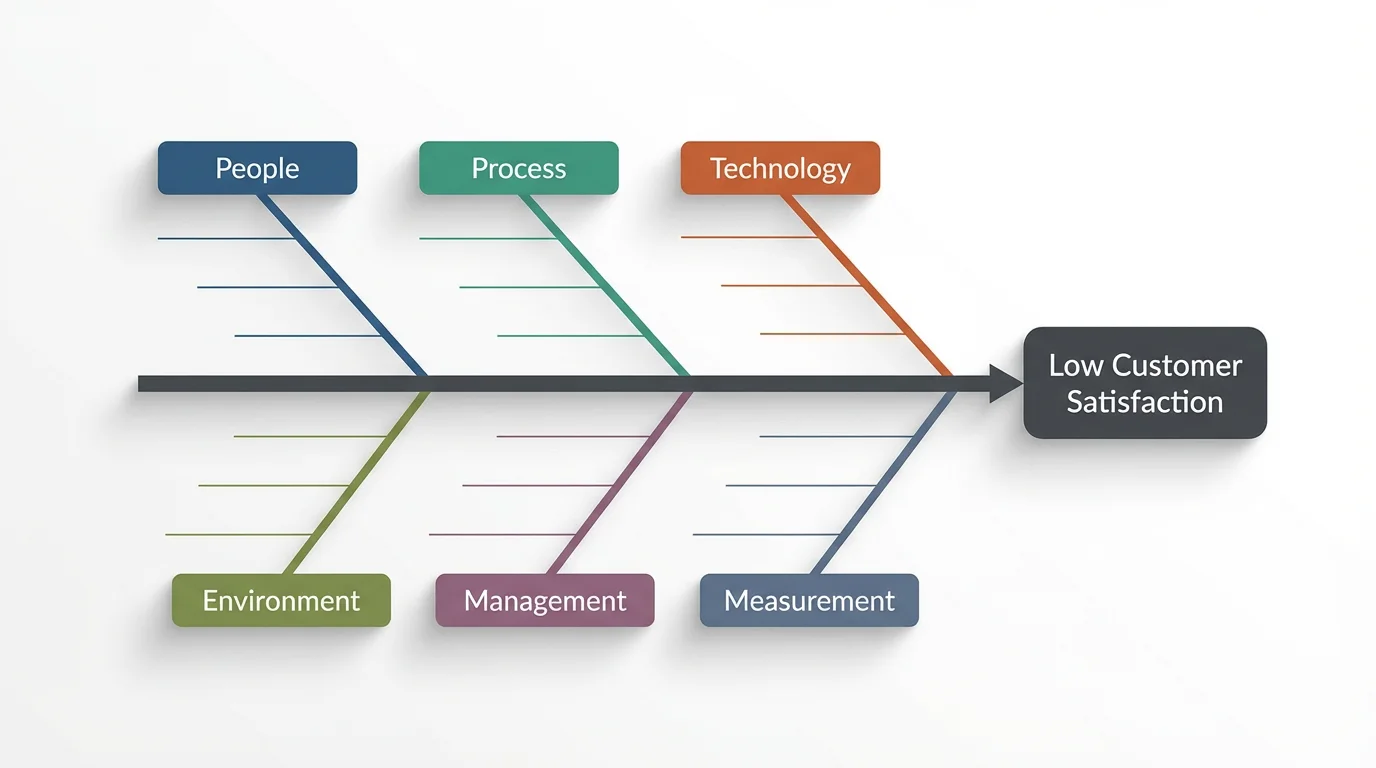
A modern, professional mockup of a fishbone diagram on a white background, illustrating the potential causes for an effect labeled 'Low Customer Satisfaction'. Categories like 'People,' 'Process,' and 'Technology' are shown in different colors.
A problem well-defined is a problem half-solved. Our tool helps you organize chaotic ideas into a clear, logical format. By visually structuring potential causes, your team can easily spot relationships and patterns that might otherwise go unnoticed. This Ishikawa diagram maker turns complex information into an easy to understand visual story, perfect for presentations, reports, and collaborative sessions. A clean diagram ensures everyone is on the same page, paving the way for more effective solutions.

Visualize Problems for Greater Clarity

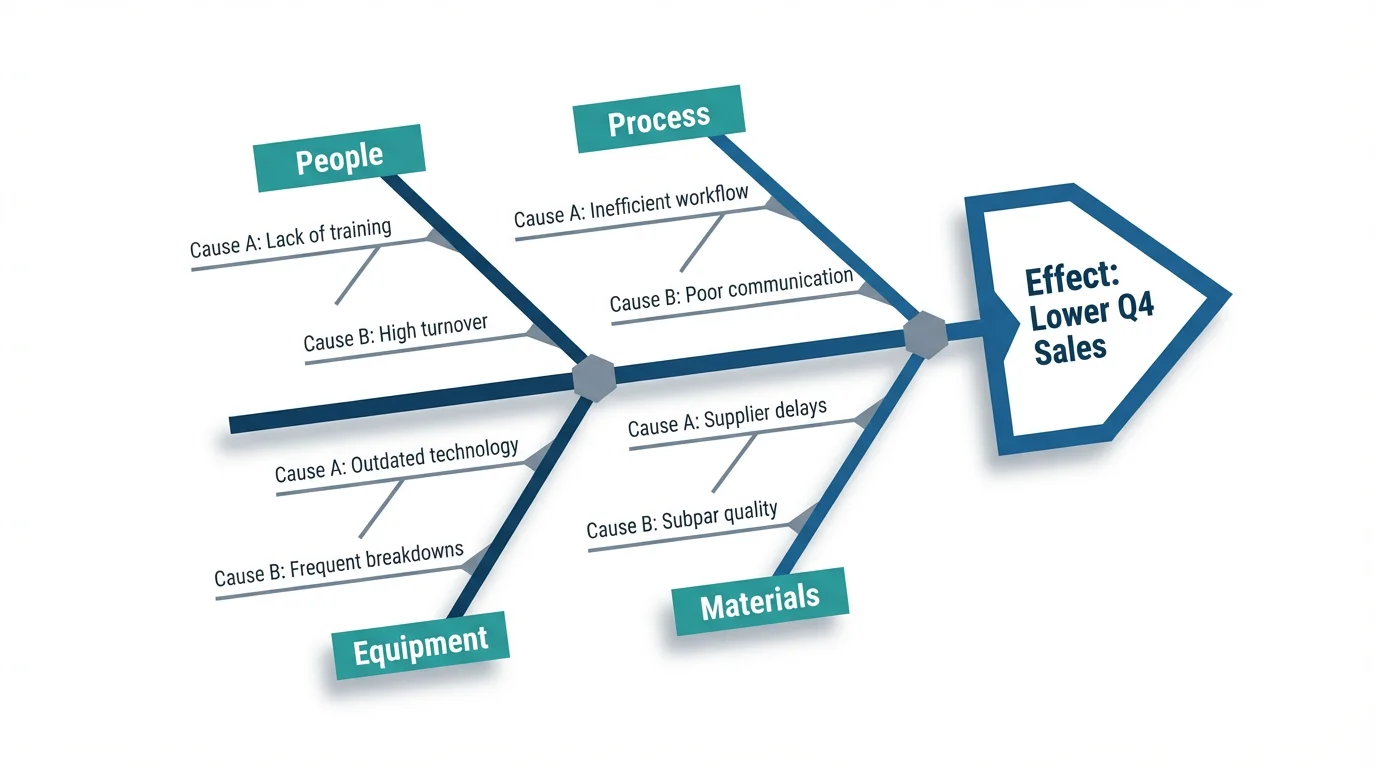
A professional and modern fishbone diagram illustrating the potential causes for 'Lower Q4 Sales'. The main categories shown are People, Process, Equipment, and Materials, all displayed on a clean white background.
Your problem analysis is unique, and your diagram should be too. Our AI generator allows for deep customization using simple text commands. You can specify your own categories beyond the traditional 6Ms, such as 'Marketing' or 'Software'. Add as many causes and sub-causes as you need, and the AI will render them accurately on the diagram. Include the exact text you want for each bone and the main problem statement. This text-to-image capability gives you full control over the final output without needing to drag and drop a single box.

Fully Customizable Through Text Prompts

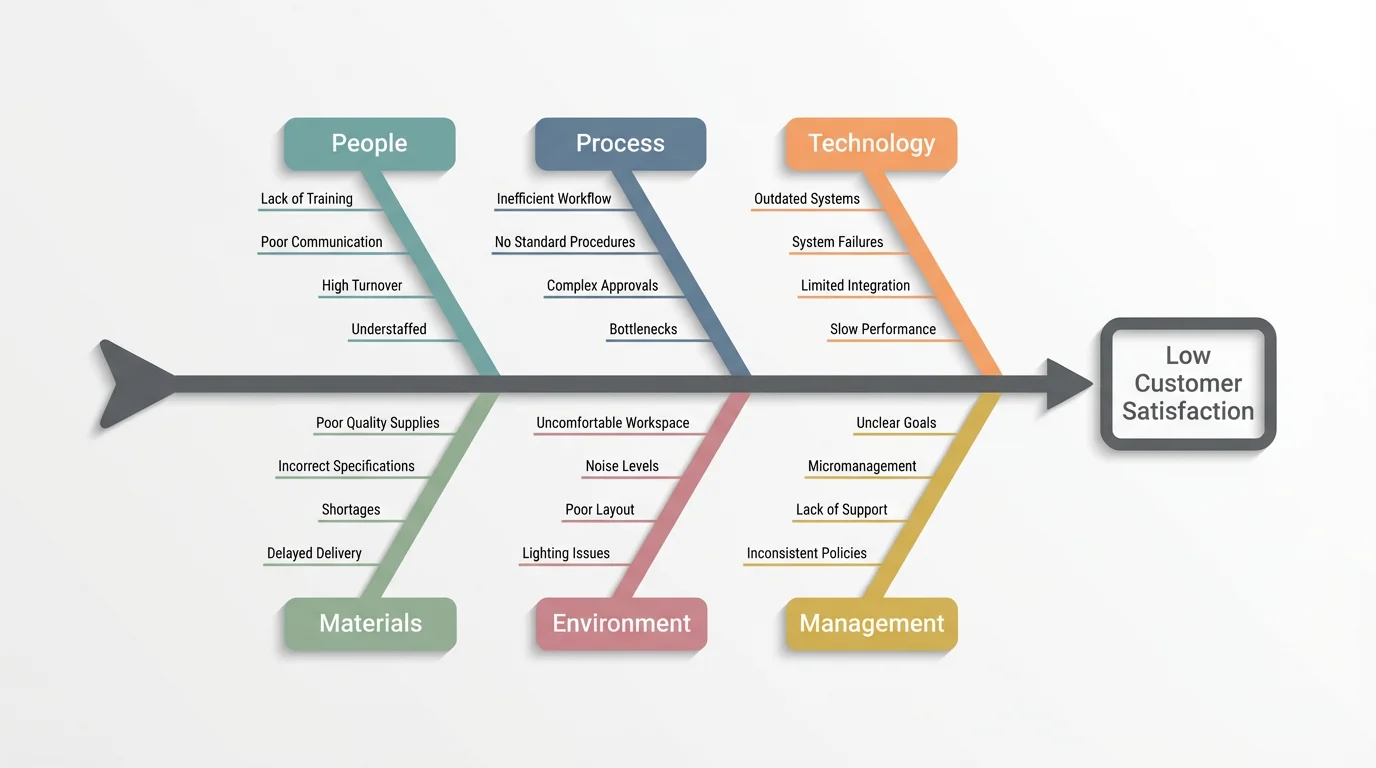
A professionally designed fishbone diagram analyzing the causes of 'Low Customer Satisfaction'. The main categories shown are People, Process, Technology, Materials, Environment, and Management, all set against a clean white background.
It’s Fast: Create a complete cause and effect diagram from a text prompt in moments. It’s Easy to Use: No design skills or diagramming experience needed. If you can describe it, you can create it. AI-Powered: Leverage artificial intelligence to automatically structure and visualize your root cause analysis. Professional Output: Generate high-resolution, presentation-ready diagrams for reports and team meetings. Customizable: Tailor every part of the diagram, from categories to causes, with simple text instructions.

Why use Pixelcut's AI Fishbone Diagram Generator?

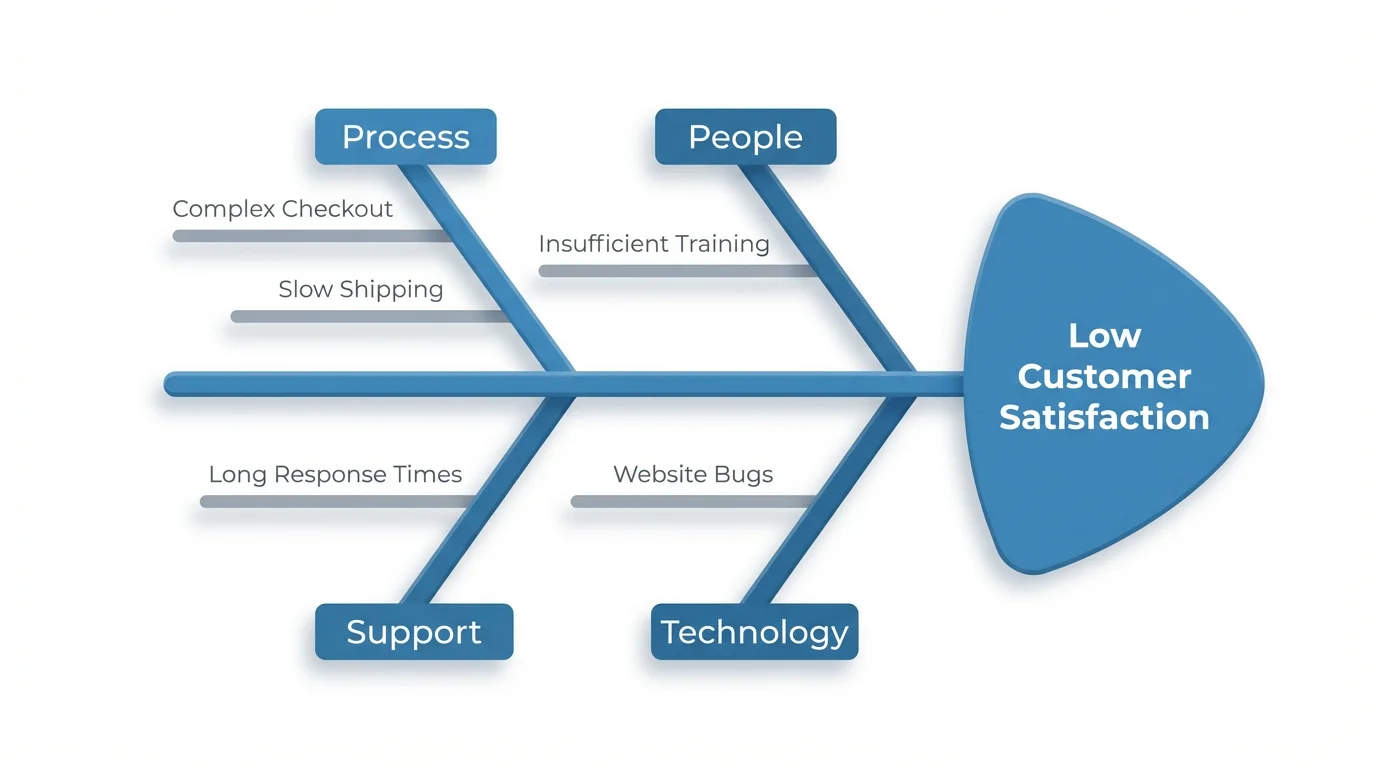
A modern graphic of a fishbone diagram on a white background, analyzing potential causes for the problem of 'Low Customer Satisfaction.'
Manufacturing: Investigate the root causes of product defects by analyzing the 6Ms: Manpower, Method, Machine, Material, Measurement, and Mother Nature. Software Development: Pinpoint the sources of bugs or system failures by categorizing issues under headings like Code, Environment, and Processes. Healthcare: Analyze patient safety incidents or operational inefficiencies by organizing factors into categories like Staff, Procedures, and Equipment. Marketing: Understand why a campaign underperformed by examining causes related to Audience, Message, Channel, and Creative.

Fishbone Diagram Generator Use Cases

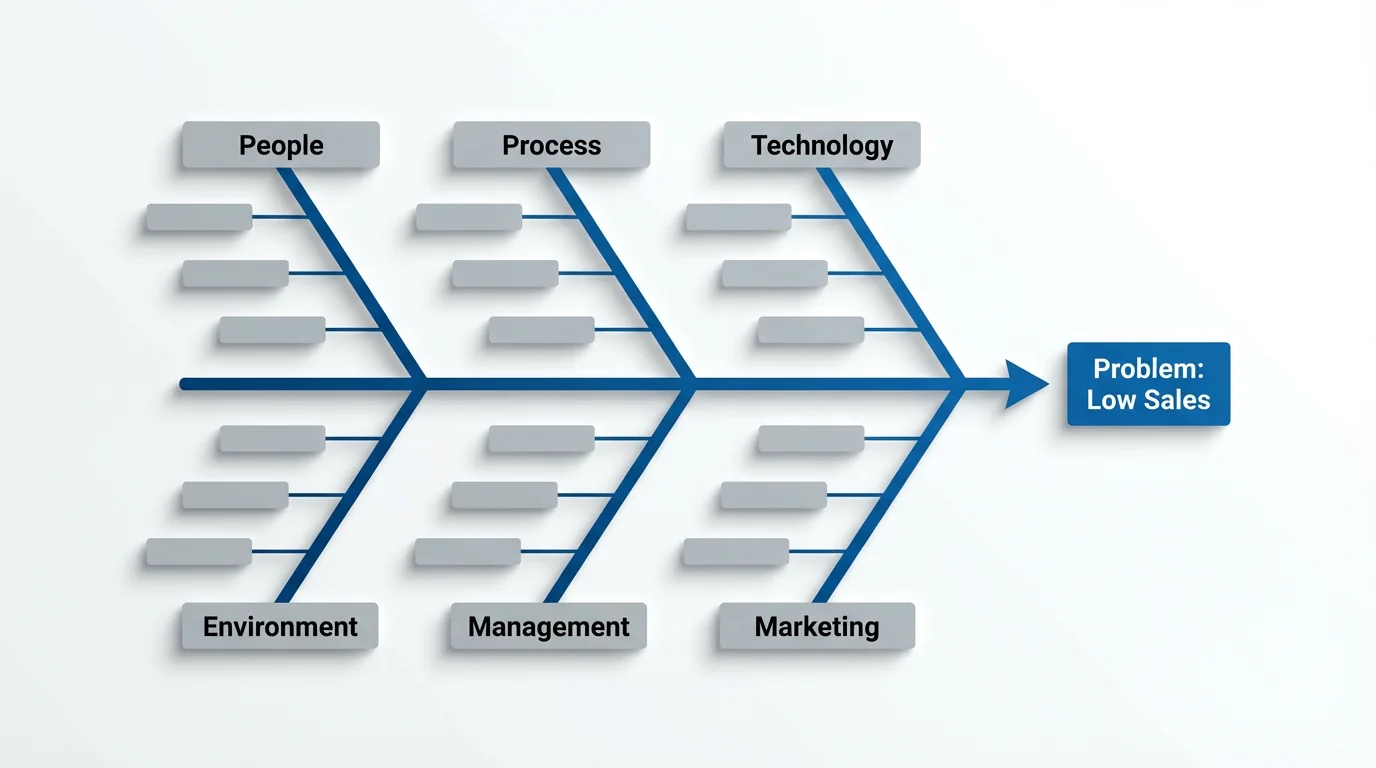
A professionally designed fishbone diagram mockup used for root cause analysis. The diagram identifies potential causes like 'People' and 'Process' for the central problem of 'Low Sales'.

Frequently Asked Questions

Pixelcut is loved by over 2 million people

  • My favorite app

    Great app, easy to use. Helps our small business save time and money to create different marketing materials professionally. Thank you.
    Shaelyn D.
  • Best background remover

    I need a good background remover for my work and I've been through them all it feels like. This one is the best by far. It's so easy to use and the results always look amazing. Thank you Pixelcut!
    Kira H.
  • Love it

    It's amazingly easy and gives the perfect results for my bags and accessories. It looks like it was done by a professional photographer.
    Mary J.