My favorite app
Great app, easy to use. Helps our small business save time and money to create different marketing materials professionally. Thank you.

Start by uploading the photo you want to transform. Choose any image from your device to get started.
Describe the CRT effect you want. Try something like 'apply a vintage TV screen effect with a fish-eye lens distortion'.
Pixelcut’s AI will interpret your prompt and apply a custom CRT filter to your image in just a few seconds.
Your retro-inspired image is ready to download. Save your new high-resolution, watermark-free picture.
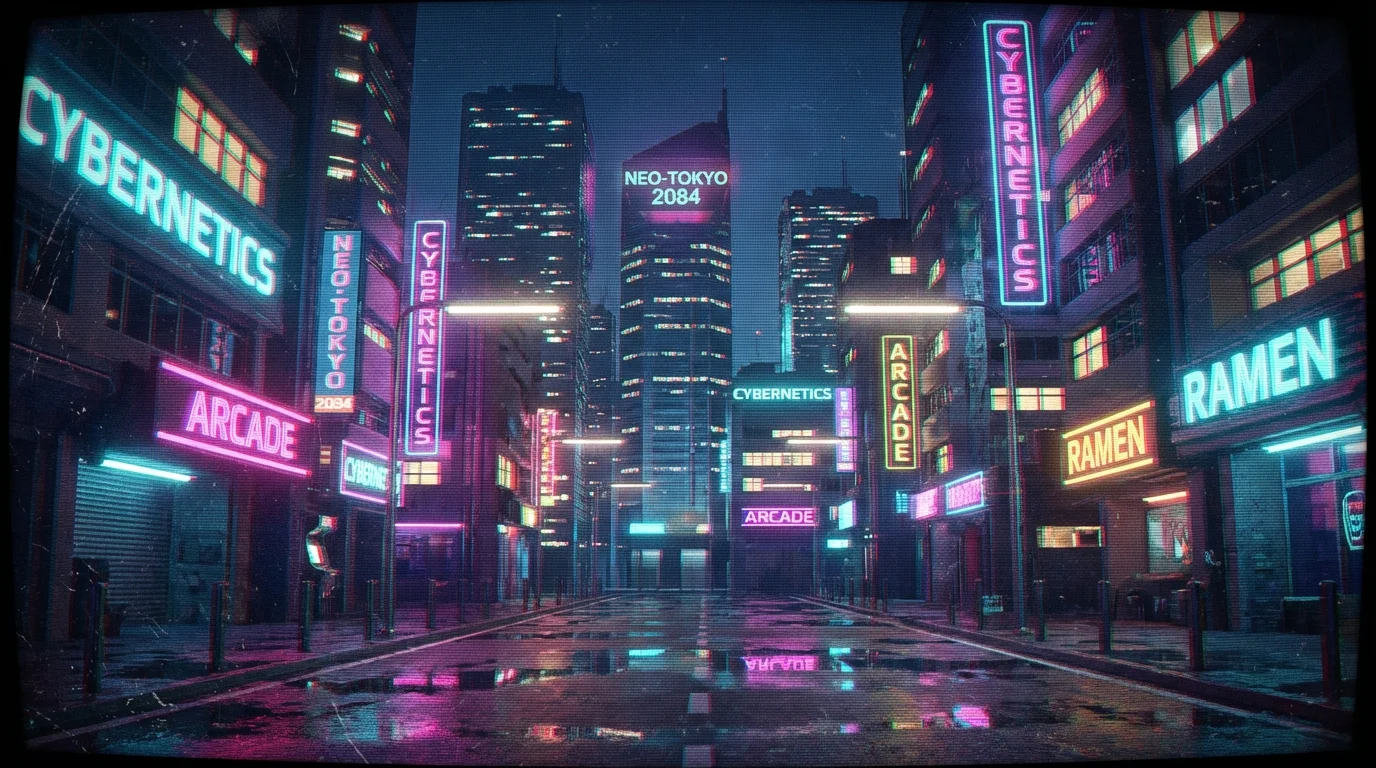
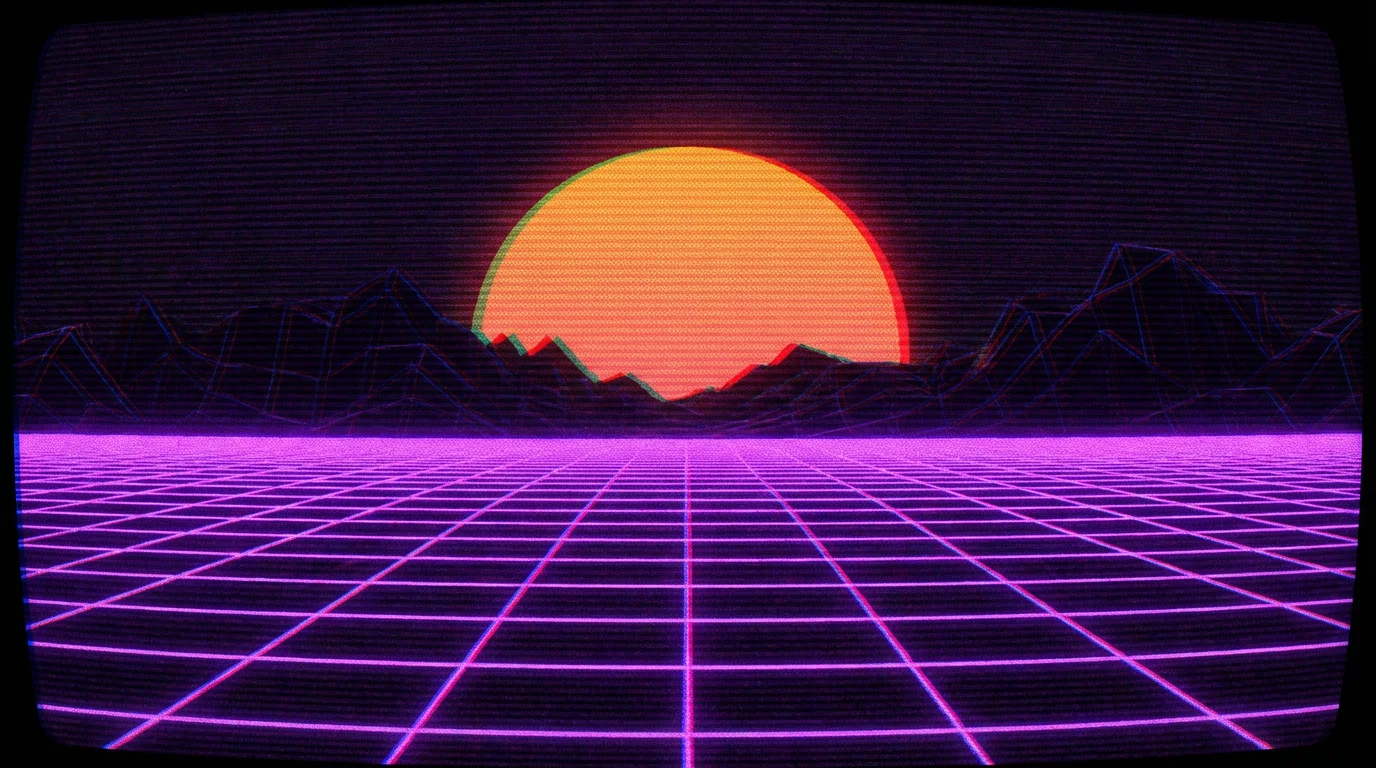
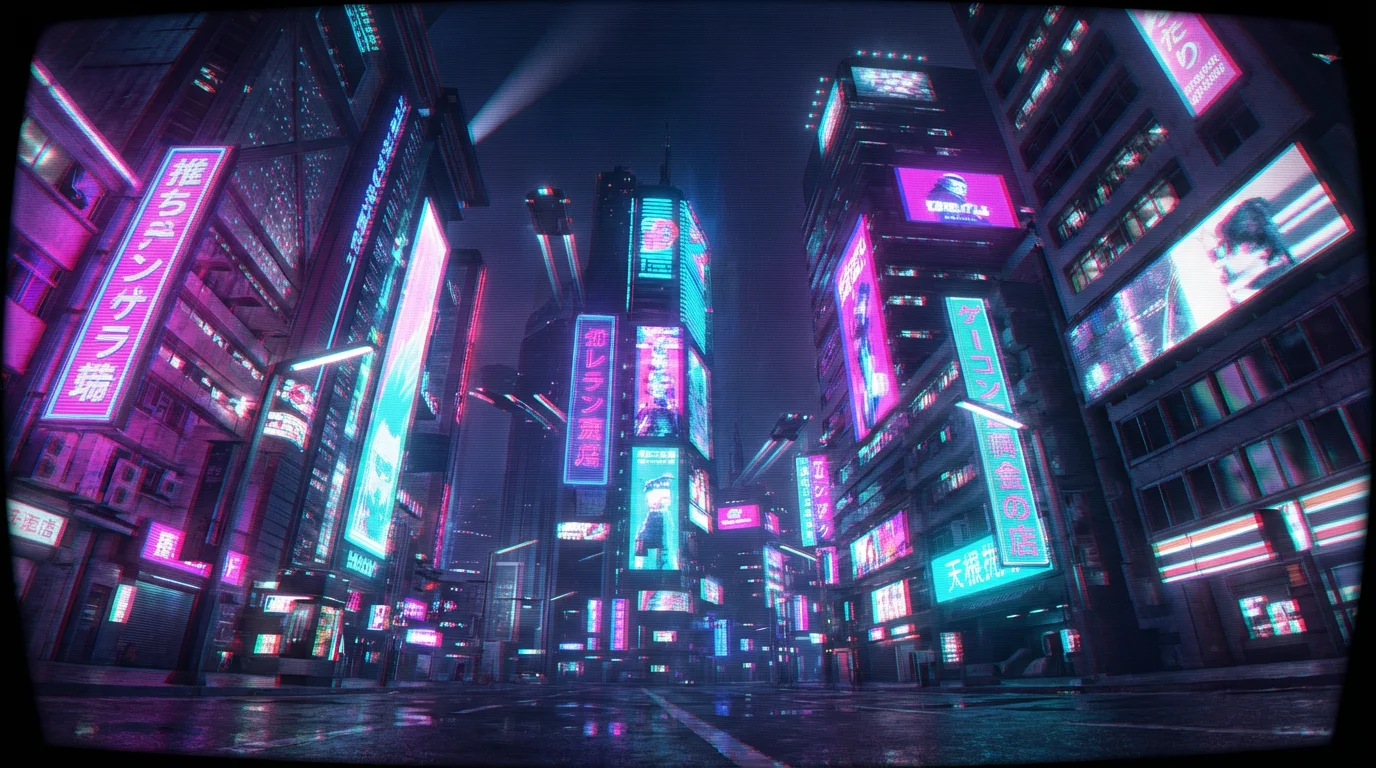
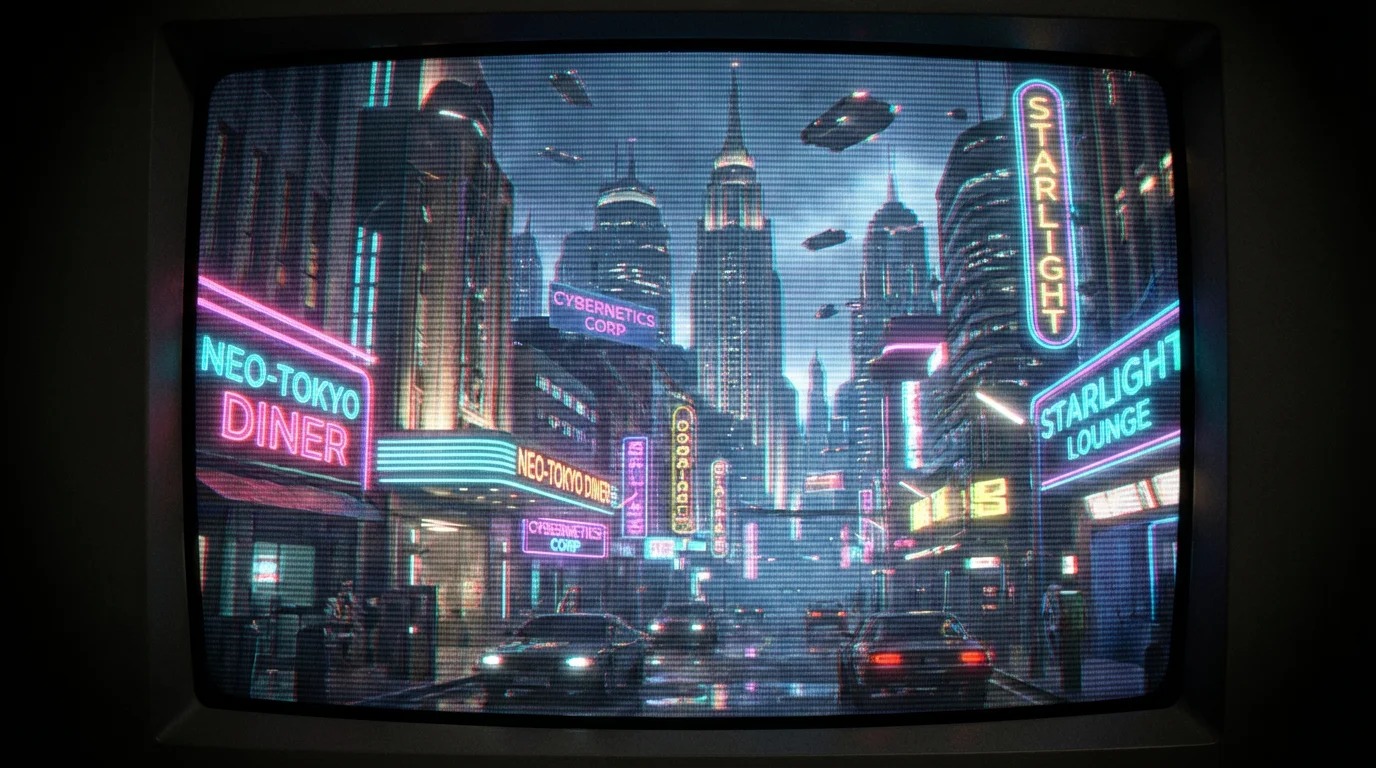
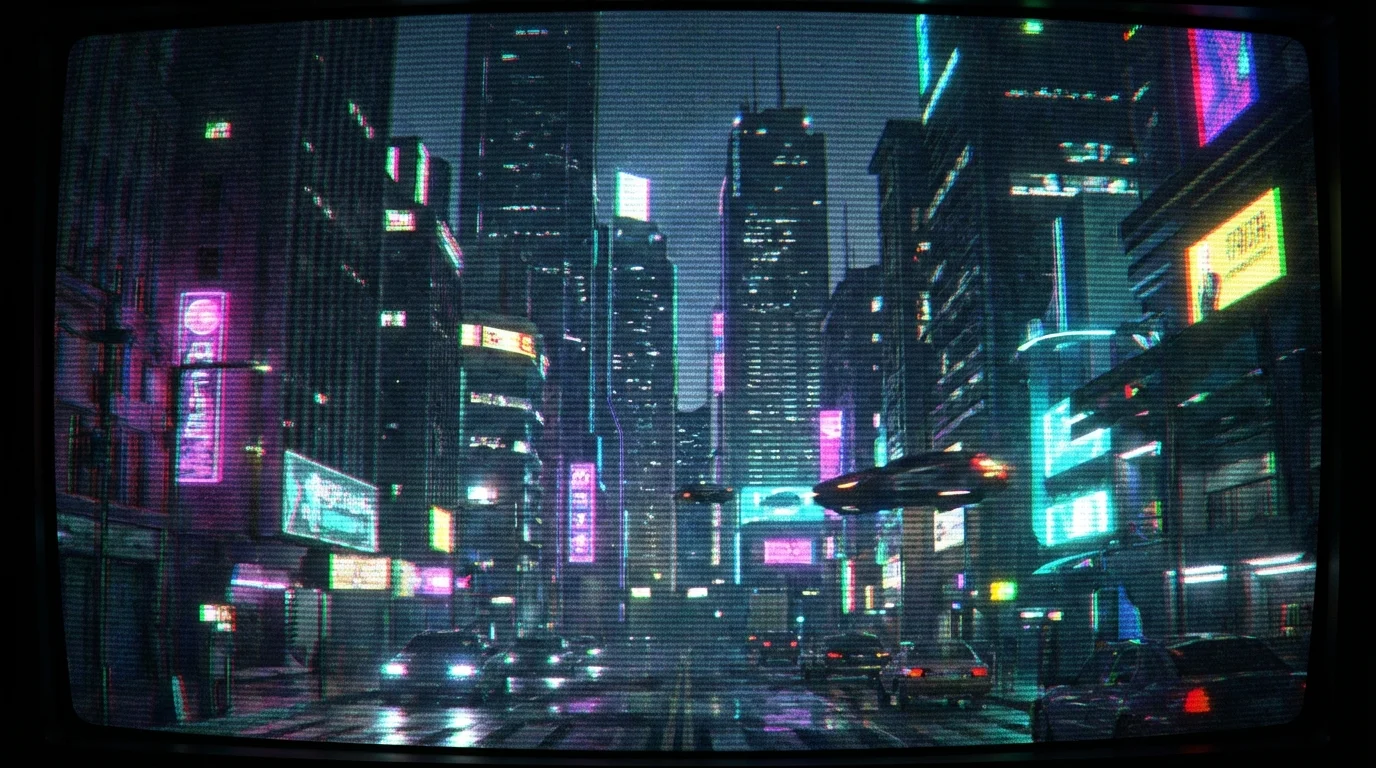
An AI CRT effect generator is a tool that applies a filter to your images to make them look like they are being displayed on an old cathode ray tube (CRT) television or monitor. It uses AI to interpret your text descriptions and add visual elements like scan lines, screen curvature, color bleeding, and glow.
To add a CRT effect, first upload the photo you want to edit. Then, in the text box, describe the kind of retro effect you're looking for. For example, you could type 'add a glitchy VHS effect with scan lines' or 'give this photo a subtle 90s TV screen look.' Finally, click generate to apply the filter.
Yes, you can control the intensity and style of the effect through your text prompt. Be specific in your description to get the result you want. For instance, try using words like 'heavy distortion,' 'faint scan lines,' or 'strong green phosphor glow' to guide the AI.
The AI simulates several key characteristics of old CRT displays. This includes adding horizontal scan lines, creating a slight color distortion known as chromatic aberration, mimicking the curve of a glass screen, and adding a soft glow to replicate how phosphors emitted light on vintage monitors.
Yes. After you generate your image with the CRT filter, you can bring it to life. Use a new text prompt to describe the motion you want, such as 'make the scan lines flicker' or 'add a rolling static effect,' to turn your static image into a short, looping video.
Great app, easy to use. Helps our small business save time and money to create different marketing materials professionally. Thank you.
I need a good background remover for my work and I've been through them all it feels like. This one is the best by far. It's so easy to use and the results always look amazing. Thank you Pixelcut!
It's amazingly easy and gives the perfect results for my bags and accessories. It looks like it was done by a professional photographer.