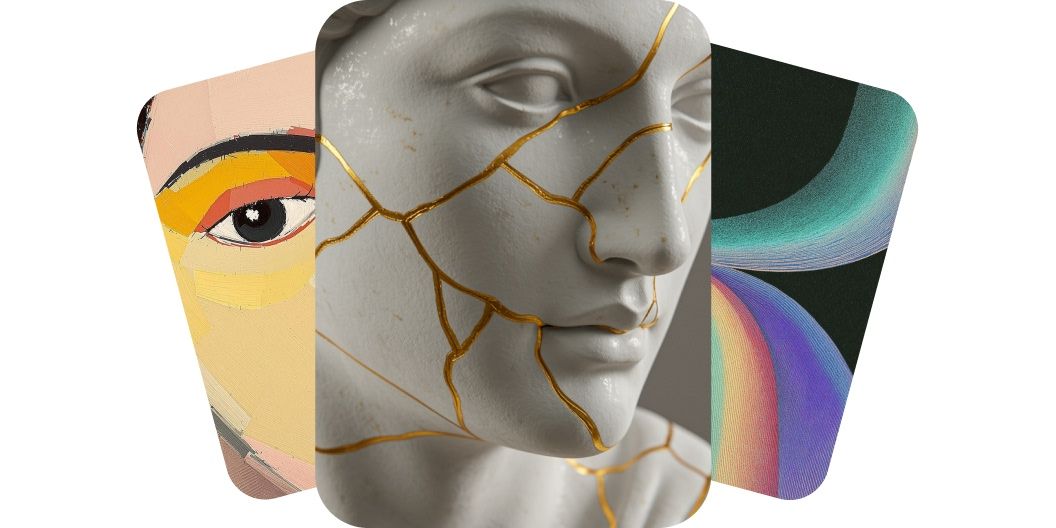
AI Art Generator
Turn words into masterpieces with our AI Art Generator
Our AI art generator transforms words into beautiful visuals. Instantly create high-quality artwork for any project using simple text prompts. Whether you’re an artist looking for inspiration or a marketer needing eye-catching graphics, our free AI art generator has you covered. Simply type your idea and let AI handle the design work. Save time and start creating art from your words in an instant. Try it now and watch your words paint a picture!
Turn words into masterpieces with our AI Art Generator
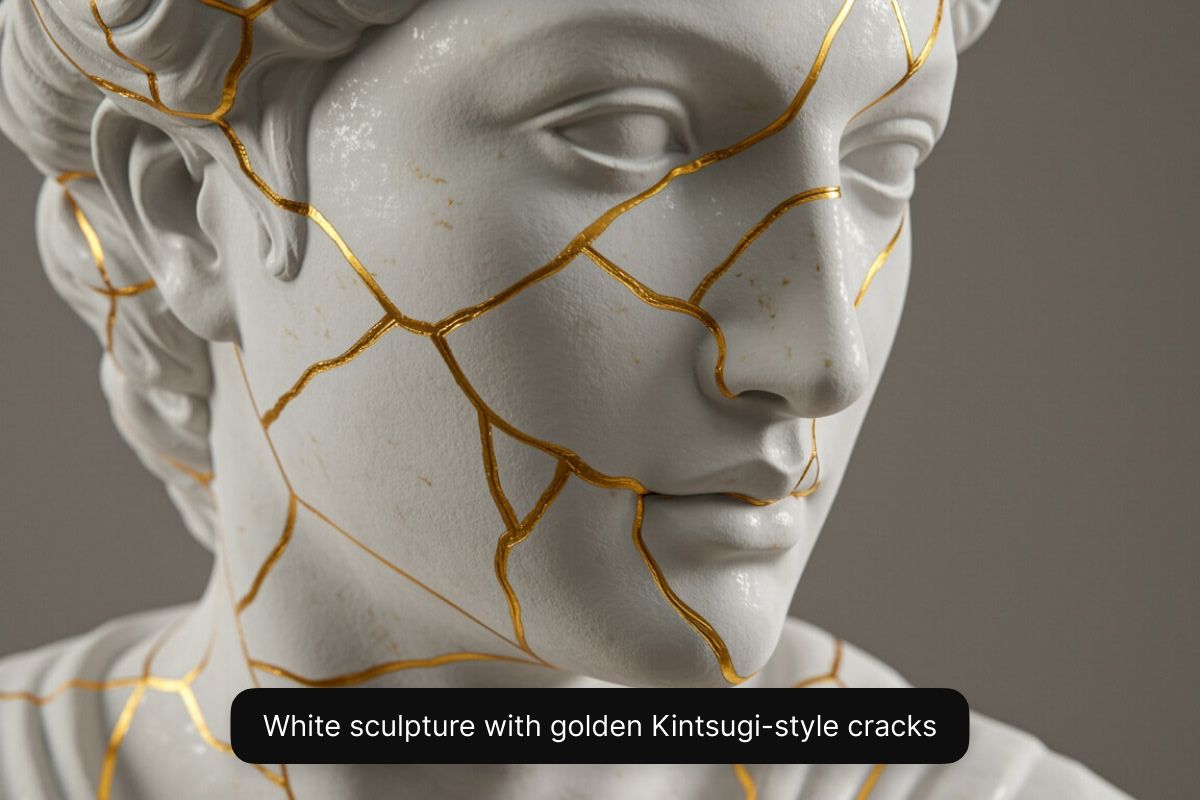
Create AI art in high resolution from any device
Create high-resolution AI art on your phone, tablet, or computer. You can access our AI art generation tool through the Pixelcut app or directly from any web browser on desktop or mobile. Create high-quality images in seconds, without needing to download expensive graphic design software on your computer. Our AI art generator produces sharp, detailed artwork that you can download and use immediately, wherever inspiration strikes. Get started by describing your idea in the prompt box!
Create AI art in high resolution from any device
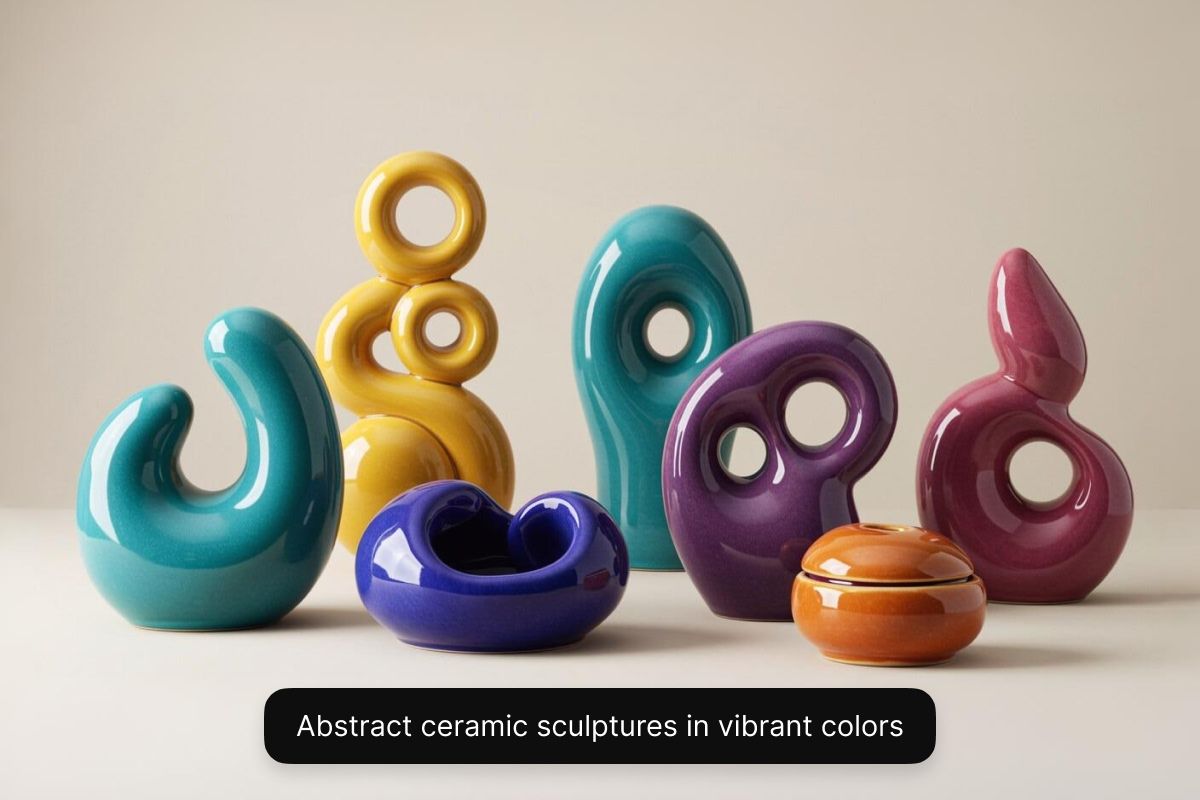
Explore your favorite art styles with different AI models
Every artistic vision is different. With Pixelcut, you can explore diverse artistic styles with multiple AI models. With a Pixelcut Pro plan, you’ll be able to select from a range of AI models, including Black Forest Lab’s Flux, Google’s Imagen 3, OpenAI’s GPT Image, Ideogram, and more. Each model showcases a distinct aesthetic, giving you the flexibility to experiment with different styles all in one place. Want an oil painting, a surreal abstract piece, or a realistic 3D render for a game? You have full control to experiment and choose the style you want. The result: artwork tailored to your needs. For free image generation, choose the Flux Dev model.
Explore your favorite art styles with different AI models
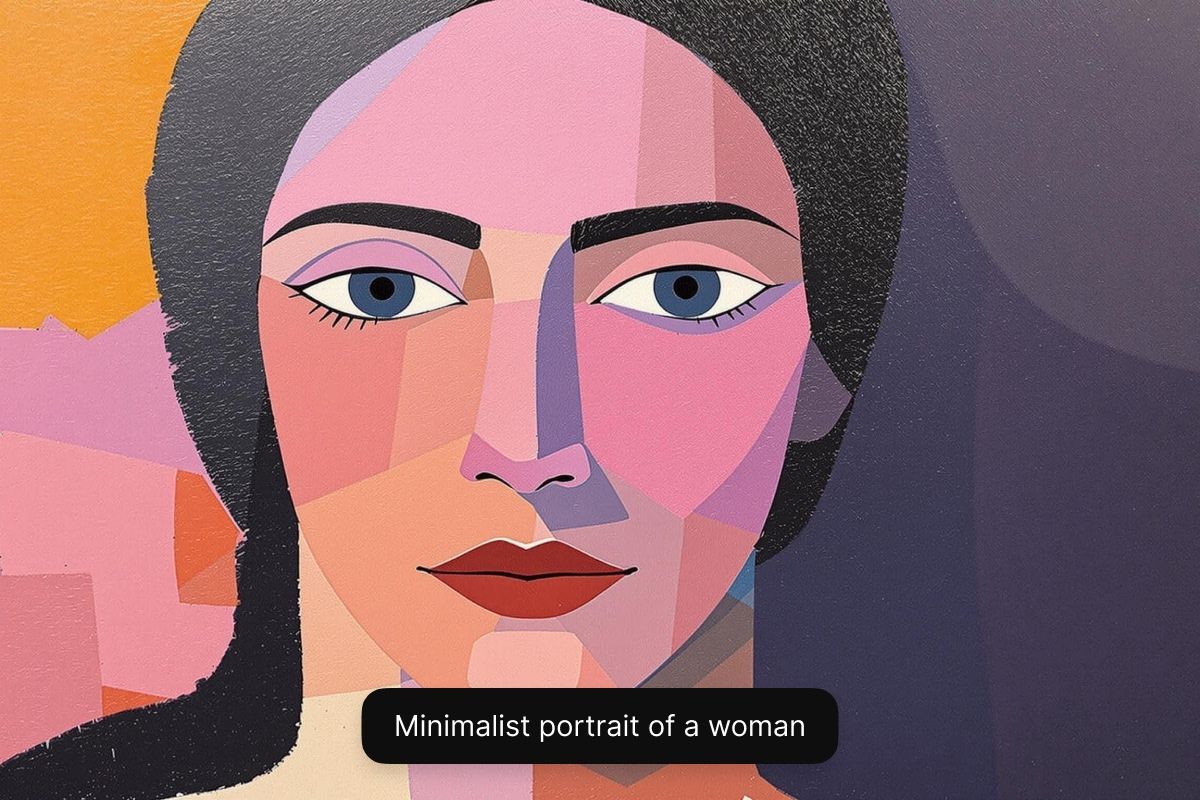
Use your AI art commercially without restrictions
With Pixelcut’s AI art generator, you can use visuals you’ve created for commercial use. Every piece you create comes watermark-free and with a royalty-free license, allowing you to confidently use the visuals you created in any business context, from marketing campaigns to comic book illustrations. This ensures that your images are not only high-quality but also legally compliant, providing peace of mind as you grow your brand or project. Start creating with Pixelcut and enjoy peace of mind.
Use your AI art commercially without restrictions
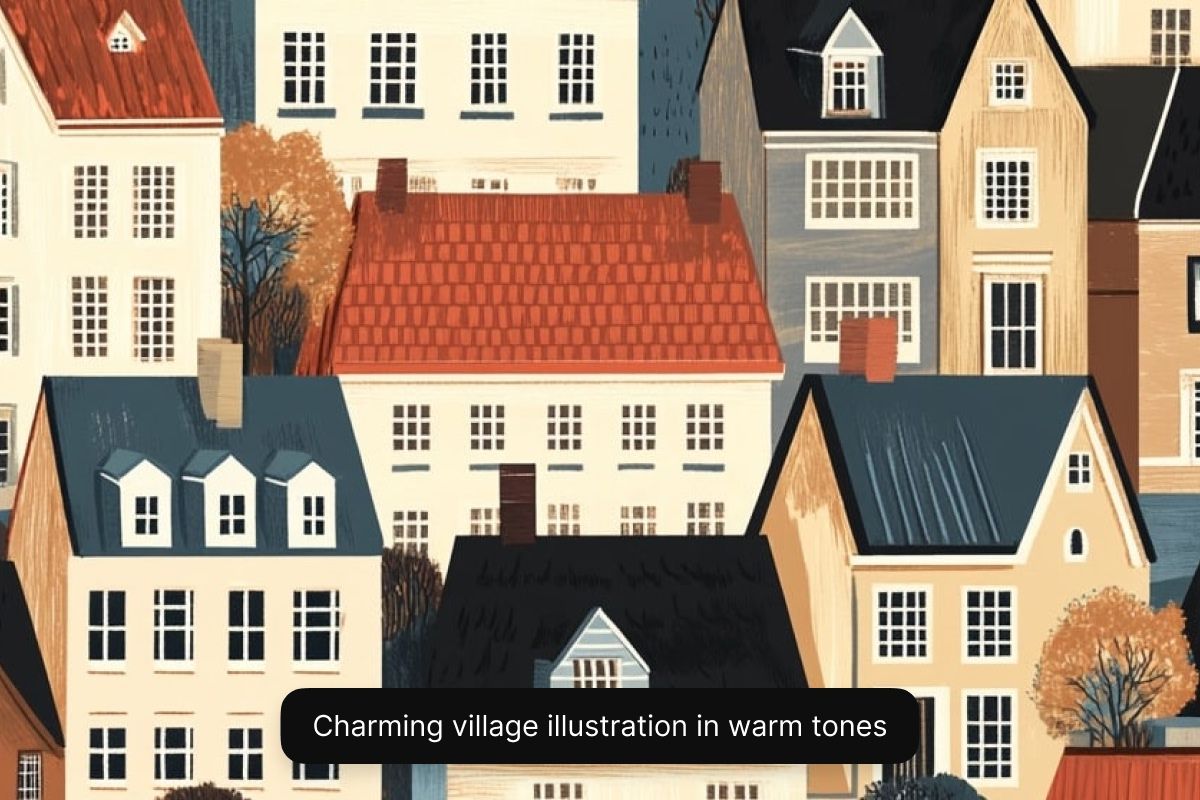
Use cases for artists, business owners, and creators
Game developers & illustrators: Quickly generate concept art, characters, environments, and cover designs. Pixelcut helps artists and devs bring ideas to life in seconds. Perfect for prototyping game worlds, comics, or children’s book illustrations.
Time-pressed entrepreneurs: Create custom hero images, calendars, or art for print-on-demand products in minutes. Pixelcut’s AI art generator helps entrepreneurs turn ideas into professional assets in minutes.
Digital content creators: Generate eye-catching YouTube thumbnails, Instagram posts, cover art for your podcast, or backgrounds for videos. Pixelcut fuels your creative flow with fast, AI-powered visuals for any social platform.
Use cases for artists, business owners, and creators
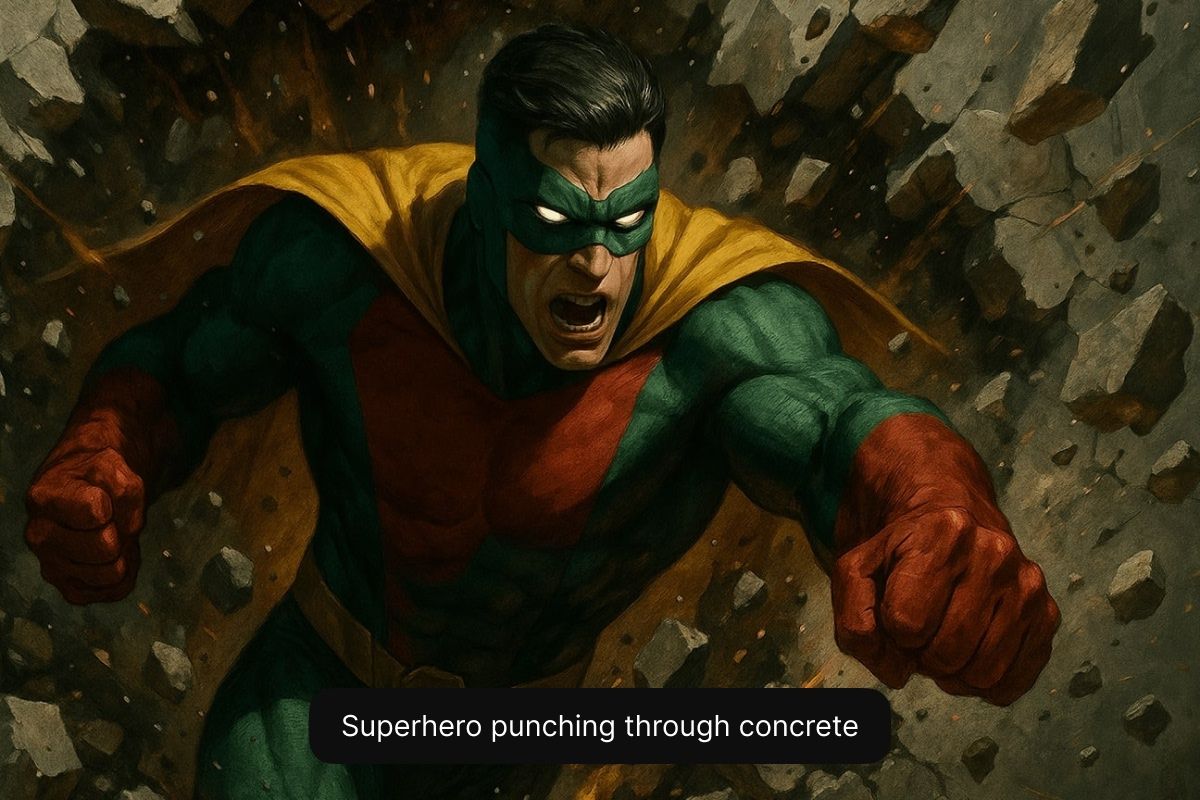
Tips for creating amazing art
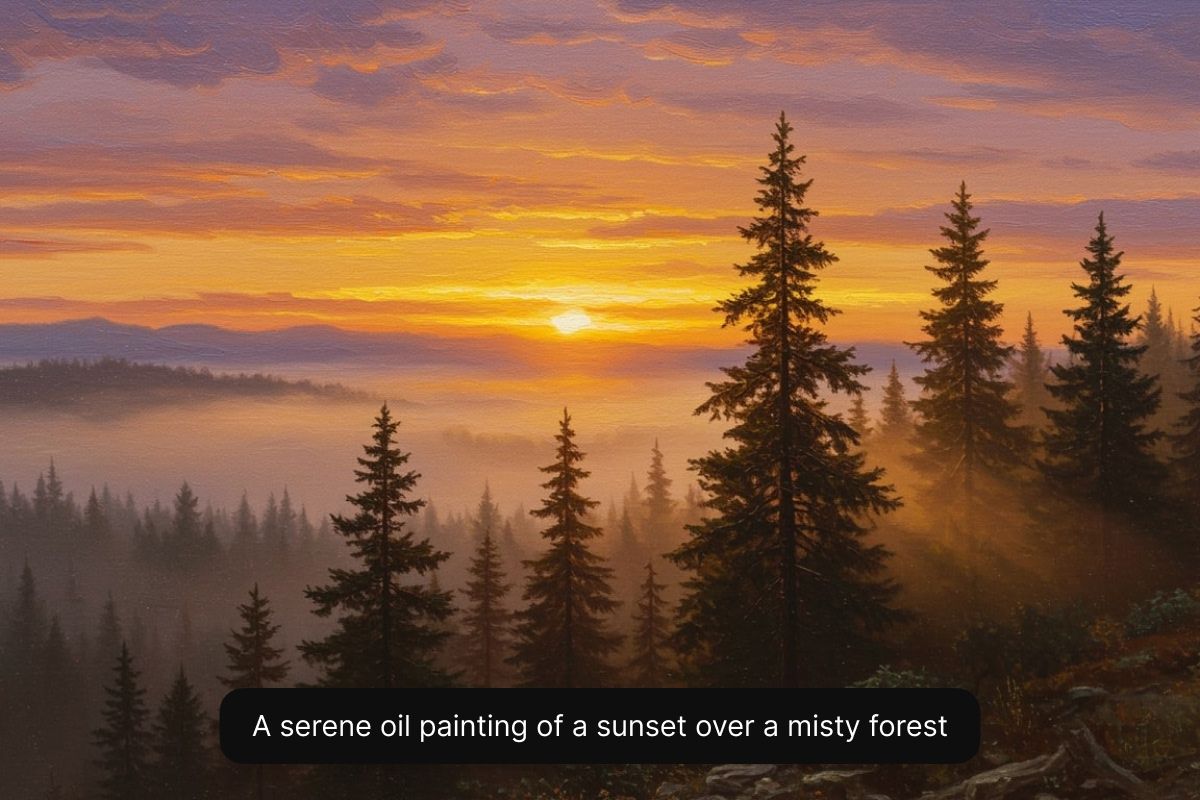
- Be descriptive: Detail is king. Include adjectives for mood, color, lighting, and composition. For example: “A serene oil painting of a sunset over a misty forest, warm golden light.”
- Specify style or medium: Try prompts like “in the style of watercolor”, “digital art”, or “Pixar-style 3D render” to guide the AI’s artistic technique.
- Structure your prompt: A simple formula is [subject] + [style] + [details]. For example: “Dragon, cartoon style, flying over a castle at night with stars.”
- Iterate and refine: If the output isn’t perfect, tweak your wording or add more detail. Small changes in the prompt can lead to big differences in the art!
By following these tips, you’ll help the AI understand your vision and produce artwork that matches what you imagined.
Tips for creating amazing art
How to make AI art
- 1
Enter your text prompt
Begin by typing a detailed description of the art you want to generate. Include subject, style, and any other details. The more specific you are, the better the outcome.
- 2
Select a model
Choose an AI model from the dropdown menu. For free AI art generation select Flux Dev. For Pixelcut Pro users, experiment with any model you like.
- 3
Generate art
Our AI will instantly create multiple high-resolution versions of artwork from your description. Choose a different model or rewrite your prompt if you want to iterate through other options.
- 4
Download your artwork
Your artwork is ready to download! Share it on social media, use it for marketing campaigns, or put it on a storyboard. Your AI art is ready for commercial use!
Trusted by creatives at











Frequently Asked Questions
An AI art generator is a tool that uses artificial intelligence to create art based on a text description or a reference image. With prompt-based art generation, users can enter a text description of what they want to see and the AI models produce an image that matches the prompt. With some models, users are able to upload an image for the AI to reference stylistically. Pixelcut’s AI art generator allows users to generate custom artwork by simply typing an idea and letting the AI do the work.
The best AI art generators are fast, high-quality, understand complex prompts, have intuitive interfaces, and produce highly accurate results. Pixelcut’s AI art generator is designed to be fast, easy-to-use, and easily customizable. With Pixelcut’s AI art generator, you can create high-resolution art without watermarks, which you can use commercially. We’ve also incorporated the latest AI models to ensure users have the option to select from industry-leading models all in one place. The generator also excels at understanding complex prompts, allowing for accurate results and easy text-based customization. Plus, with an intuitive interface, anyone can use it. The combination of ease of use, output quality, easy customization, and access to multiple AI models with full usage rights, makes it one of the best AI art generators on the market.
Yes, to use Pixelcut’s AI art generator for free simply select the Flux Dev model when generating an image. For access to other models like Imagen 3, Ideogram, and Flux Ultra, consider upgrading to Pixelcut Pro.
Yes, you can use Pixelcut’s AI art generator on your phone or any mobile device. The tool runs smoothly in your mobile web browser, and Pixelcut also offers a dedicated app for iOS and Android. This means you can create AI-generated art on the go, enjoying the same powerful features available on desktop. Whether you’re using a phone, tablet, or computer, Pixelcut provides a seamless experience – so you can design whenever and wherever inspiration strikes.
Yes, you can use images created with Pixelcut’s AI art generator for commercial purposes. Every image you generate comes with a royalty-free license for you to use in business contexts. That means you can confidently include your AI-generated art in commercial projects like advertisements, social media posts, product packaging, game assets, or any other venture without worrying about copyright or usage fees. Pixelcut is designed to support your creative work, personal or commercial, hassle-free.
Pixelcut is loved by over 2 million people
Best background remover
I need a good background remover for my work and I've been through them all it feels like. This one is the best by far. It's so easy to use and the results always look amazing. Thank you Pixelcut!
Love it
It's amazingly easy and gives the perfect results for my bags and accessories. It looks like it was done by a professional photographer.
Explore more
AI Image GeneratorUncropVirtual Try-OnAI Mockup GeneratorAI Logo GeneratorAI Product PhotosGenerative FillAI Face GeneratorAI Background GeneratorAI Character GeneratorAI Anime GeneratorAI Wallpaper GeneratorAI Pattern GeneratorAI Art GeneratorAI Portrait GeneratorFLUX.2AI OutpaintingAI ReplaceFlux DevFlux Pro 1.1Flux UltraIdeogramImagen 3