My favorite app
Great app, easy to use. Helps our small business save time and money to create different marketing materials professionally. Thank you.
Bulk add watermark to photos in one click. Upload your logo, pick a placement, and watermark up to 10,000 images at once with a single ZIP download.
Trusted by creatives at











Drag and drop up to 10,000 photos into Pixelcut or import directly from Dropbox. Supports HEIC, PNG, JPG, and WEBP formats for any project size.
Add your logo or any image as a watermark. Adjust the size, choose where it sits on your photos, and lock in the placement for the entire batch.
After batch processing, scroll through your photos and fine-tune any that need attention. Reposition or resize the watermark on specific images one by one.
Export your entire batch as a ZIP file in PNG, JPG, or WEBP. Every photo keeps its quality intact, and your watermarked collection is ready to publish.
Product launches, seasonal catalogs, and portfolio updates can mean thousands of photos waiting for your logo. Pixelcut lets you bulk add watermark to photos across an entire catalog, event gallery, or stock portfolio in a single run of up to 10,000 images. No splitting the job into dozens of smaller uploads. Set your logo placement once, hit process, and let the batch watermark your photos while you move on to other work.

Not every photo frames the same way. A wide shot might need the watermark bottom-right, while a vertical crop looks better top-left. After Pixelcut applies your watermark on photos across the full batch, you can open any individual image and adjust. Move the position, change the size, get it exactly where you want it. This per-photo control means your watermark looks intentional everywhere, not like a one-size-fits-all stamp dropped in the same spot regardless of composition.
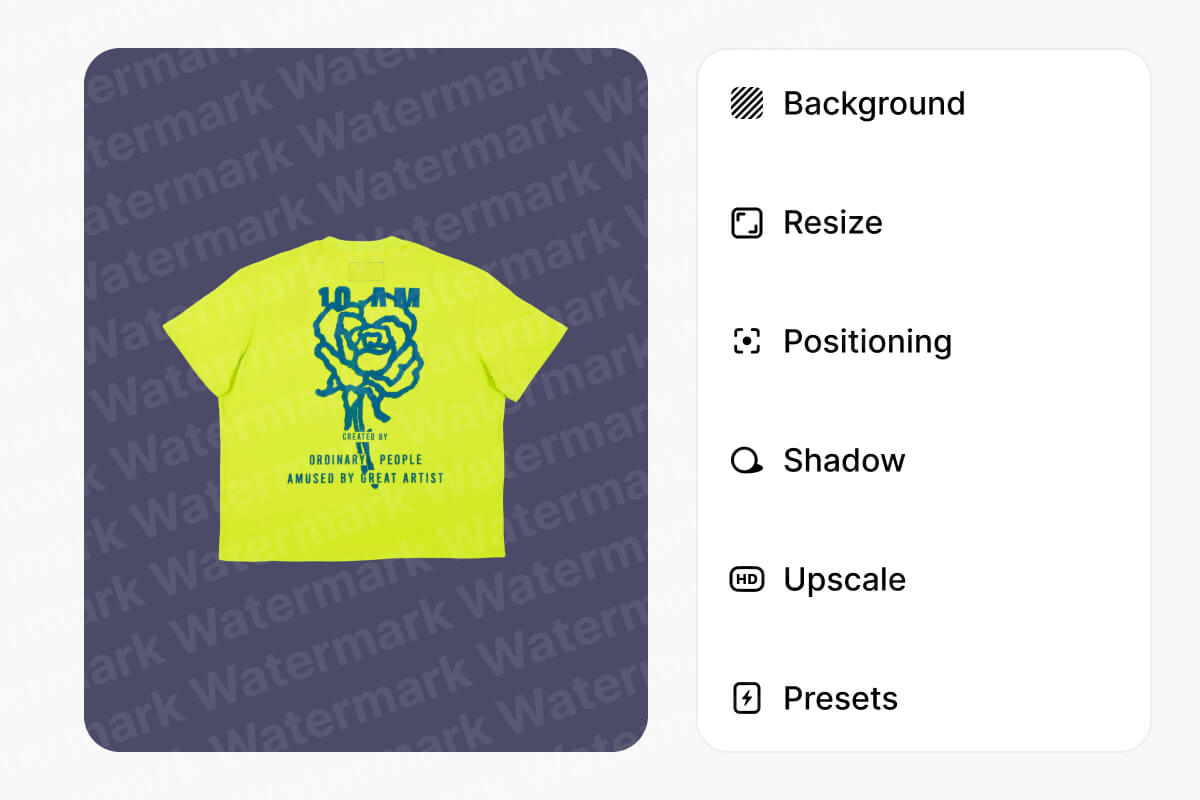
Photographers watermark client previews so their work stays protected before final delivery. E-commerce sellers add watermark to photos across entire product catalogs before publishing on marketplaces. Stock contributors stamp thousands of preview images in one go. Whatever your workflow, Pixelcut handles the volume. Upload your full collection, place your logo once, and batch process everything without worrying about individual edits until you need them.
Moving thousands of photos between folders, drives, and browser tabs slows everything down. Pixelcut connects directly to Dropbox, so you can import your entire photo library without downloading files to your computer first. Rename your output files in batch before exporting, then download all your watermarked photos in a single ZIP file. No clicking through individual saves. That cloud-to-ZIP shortcut keeps your watermark workflow moving, especially on tight deadlines.

Great app, easy to use. Helps our small business save time and money to create different marketing materials professionally. Thank you.
I need a good background remover for my work and I've been through them all it feels like. This one is the best by far. It's so easy to use and the results always look amazing. Thank you Pixelcut!
It's amazingly easy and gives the perfect results for my bags and accessories. It looks like it was done by a professional photographer.
Upload up to 10,000 images, place your logo in one click, and download every watermarked photo as a ZIP. Rename files in batch before exporting. Try it now.