My favorite app
Great app, easy to use. Helps our small business save time and money to create different marketing materials professionally. Thank you.
Bulk expand images by the thousands, choose any aspect ratio or platform preset, and let AI outpainting generate natural borders in one batch.
Trusted by creatives at











Drag and drop up to 10,000 images into Pixelcut or connect your Dropbox. Upload HEIC, PNG, JPG, and WEBP files directly.
Pick a preset aspect ratio like 9:16 or 1:1, select a platform preset for Instagram, Pinterest, or Amazon, or enter your own custom canvas dimensions.
Hit start and let the AI bulk expand images across your entire upload. Parallel processing handles thousands of files while generating context-aware borders for each one.
Preview every expanded image in the batch view. Regenerate any individual result that needs a second pass, then download everything as a ZIP or in your preferred format.
Pixelcut's batch AI image extender uses generative outpainting to extend your canvas in every direction. The AI analyzes each photo's edges, textures, and lighting, then produces new content that blends with the original. Whether you're working with product shots, portraits, or wide scenes, the generated borders look like they were part of the scene from the start. Batch expand thousands of images and get consistent, high-fidelity results across every single file in your upload without manual retouching.
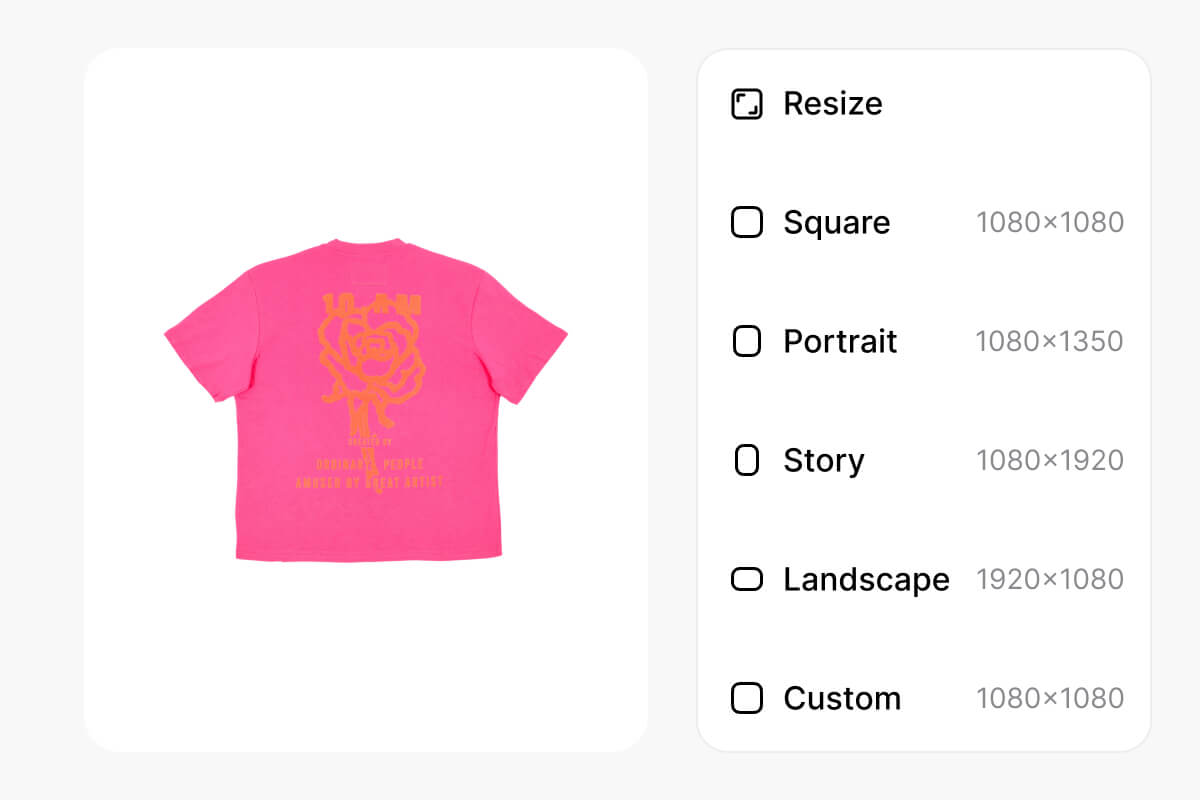
Stop editing photos one at a time. Pixelcut's parallel processing lets you bulk expand images by the thousands, turning hours of manual work into a single upload. Drag in your files or connect Dropbox, pick your target dimensions, and start the batch. The AI works through your entire queue while you handle other tasks. When it finishes, download all expanded images as a ZIP. Handle large-scale batch AI image expansion for product catalogs, social feeds, or marketing campaigns.
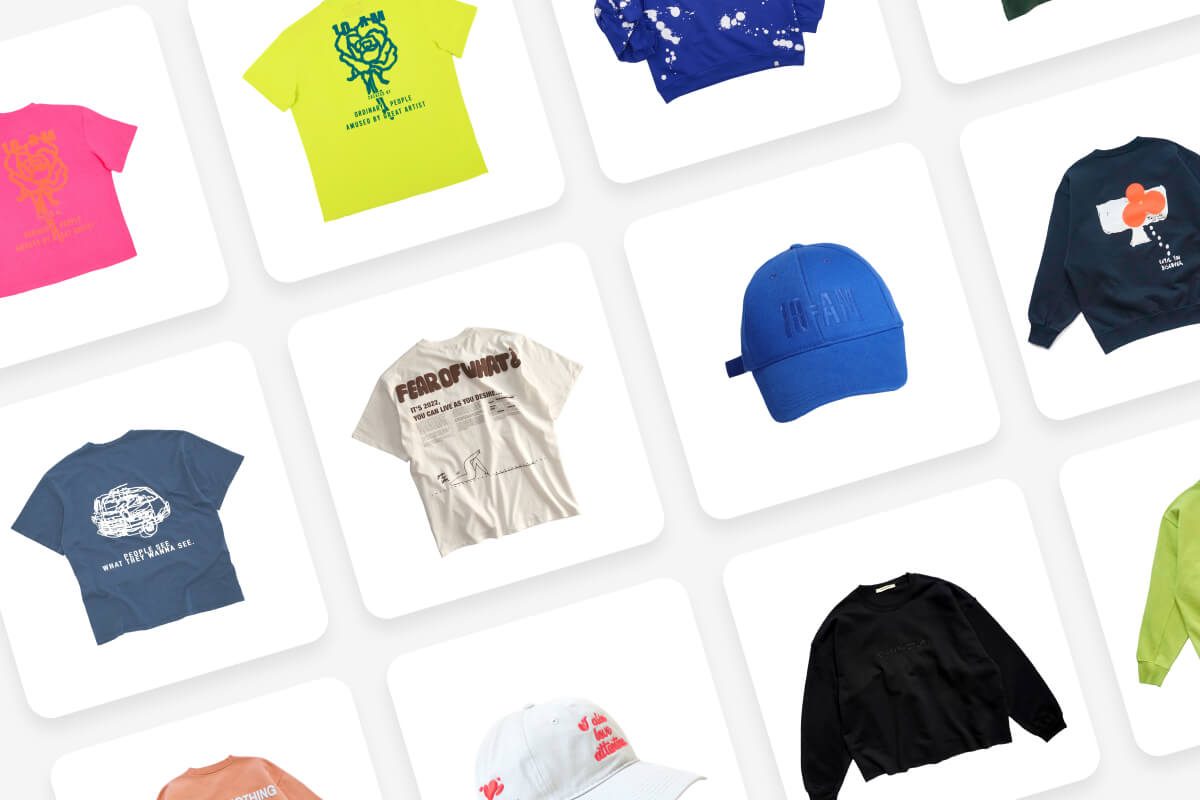
Each social channel and marketplace has its own image dimensions, and reformatting manually is a time drain. Pixelcut includes ready-made presets for Instagram, Pinterest, Amazon, and more so you can batch expand images to the right size in one click. Choose 9:16 for stories, 1:1 for feeds, 16:9 for banners, or set custom dimensions. The AI fills new space with context-aware content, keeping your subject centered and visuals platform-ready across every image in the batch.
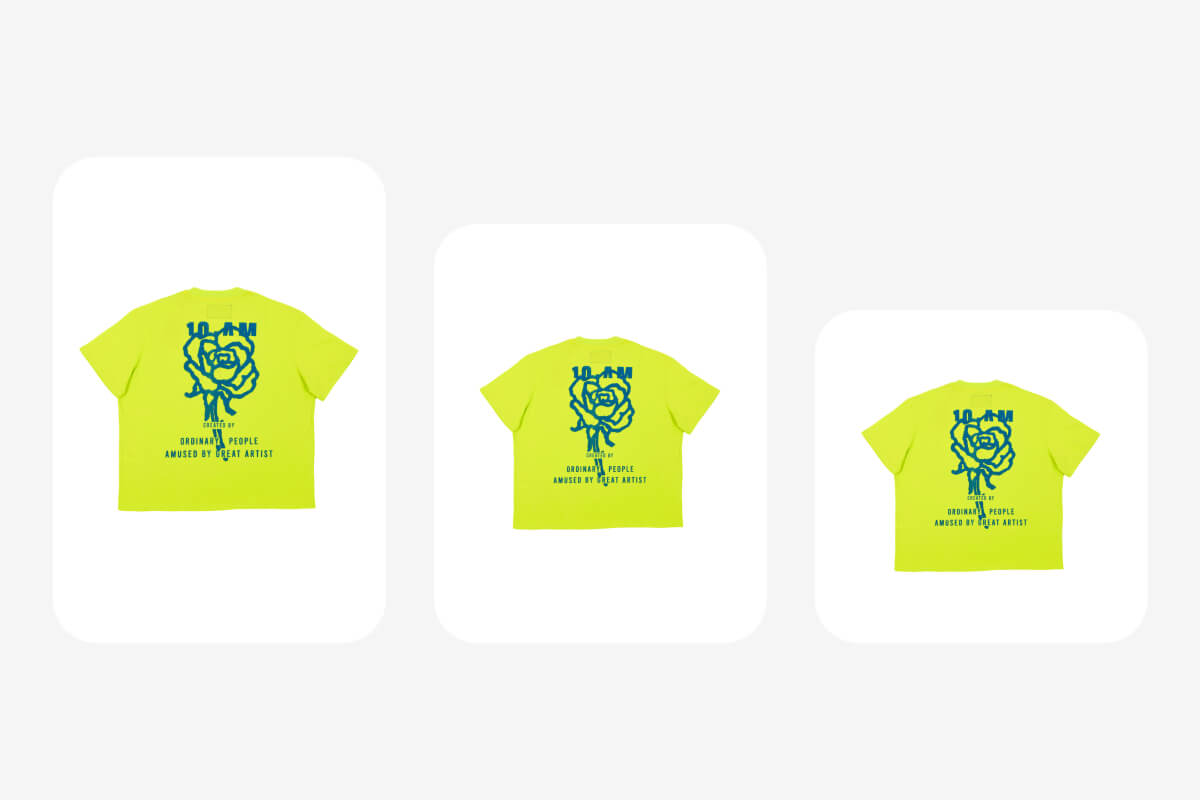
Bulk workflows should not force you into all-or-nothing outcomes. After your batch AI image expansion finishes, Pixelcut lets you review every result in a grid view and regenerate any single image that needs a better fill. The AI produces a fresh expansion while leaving the rest untouched. This gives you full creative control at scale without re-running thousands of files, built for teams that need both speed and precision when they bulk expand images.
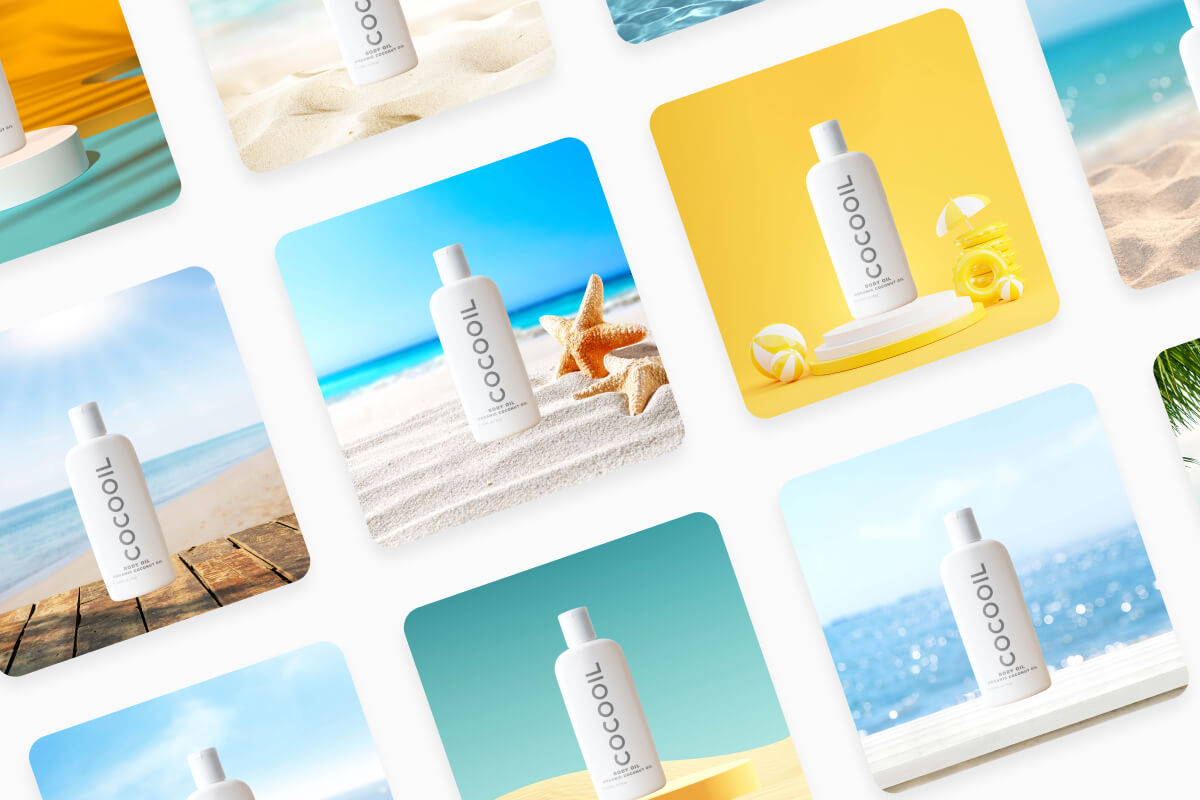
Great app, easy to use. Helps our small business save time and money to create different marketing materials professionally. Thank you.
I need a good background remover for my work and I've been through them all it feels like. This one is the best by far. It's so easy to use and the results always look amazing. Thank you Pixelcut!
It's amazingly easy and gives the perfect results for my bags and accessories. It looks like it was done by a professional photographer.
Skip the manual editing. Upload your batch, pick an aspect ratio, and let AI expand every image to the right dimensions. Three steps, thousands of images, done in minutes.