My favorite app
Great app, easy to use. Helps our small business save time and money to create different marketing materials professionally. Thank you.
Compress PNG, JPG, and WebP photos with this free image compressor, pick the quality that fits each project, process thousands at once for your store, and download everything as a ZIP.
Drag and drop your PNG, JPG, or WebP files into the image compressor, or import an entire folder straight from Dropbox to load a full batch in one go.
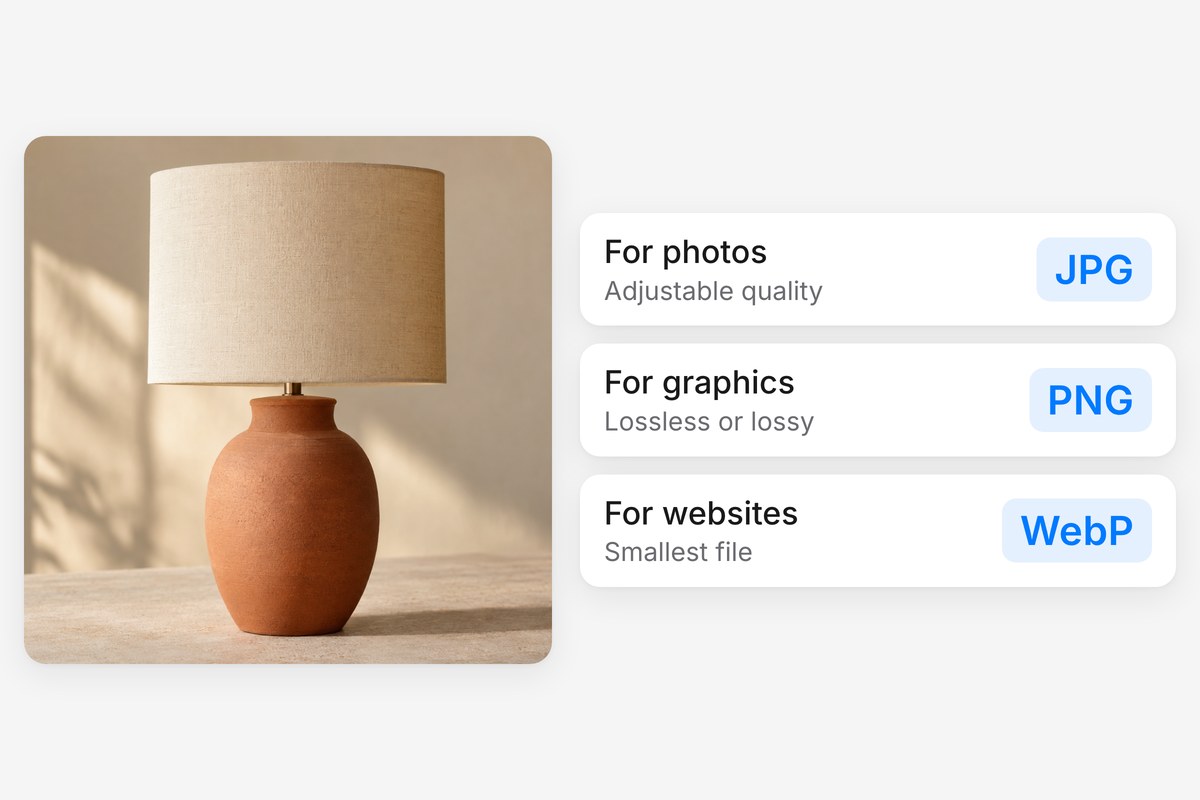
Adjust the quality to decide how much detail to keep. Go lighter for thumbnails, or keep more detail for hero images. WebP is one-click compression.
Grab your compressed images one by one or download the whole batch as a single ZIP. Everything is processed locally, so nothing is ever stored on a server.
Skip the format juggling. This image compressor handles PNG, JPG, and WebP in a single session, so you can drop a mixed folder of product shots, screenshots, and web graphics and shrink them together in one pass. JPG and WebP output stays visually sharp with lossy compression, while PNG can shrink losslessly, keeping every pixel intact. One tool, three formats, no switching tabs and no wasted time.
Your files never leave your device. Pixelcut runs compression entirely in your browser, so nothing uploads to a remote server. For teams handling unreleased product photos, client work, or sensitive documents, that matters. There is no server queue, no round trip, and no question about where your files end up afterward. Close the tab and your data goes with it, at a speed that scales to your own hardware.
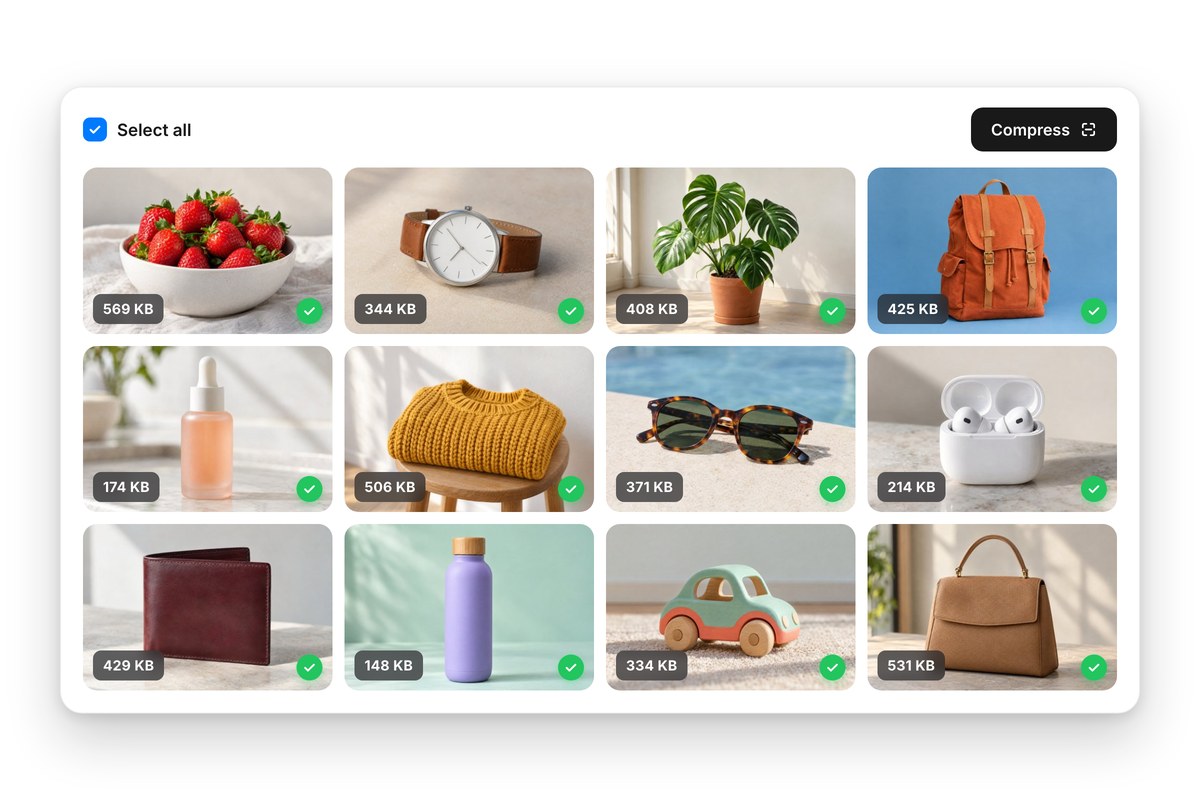
Compressing one image at a time stops working the moment you have a full catalog to ship. Pixelcut processes up to 10,000 files per batch, with Dropbox import for pulling in whole folders and ZIP download for packaging the results. Free accounts handle up to 100 images per batch. Whether you are prepping an ecommerce catalog, trimming a photo library, or readying site assets for launch, batch compression turns hours into minutes.
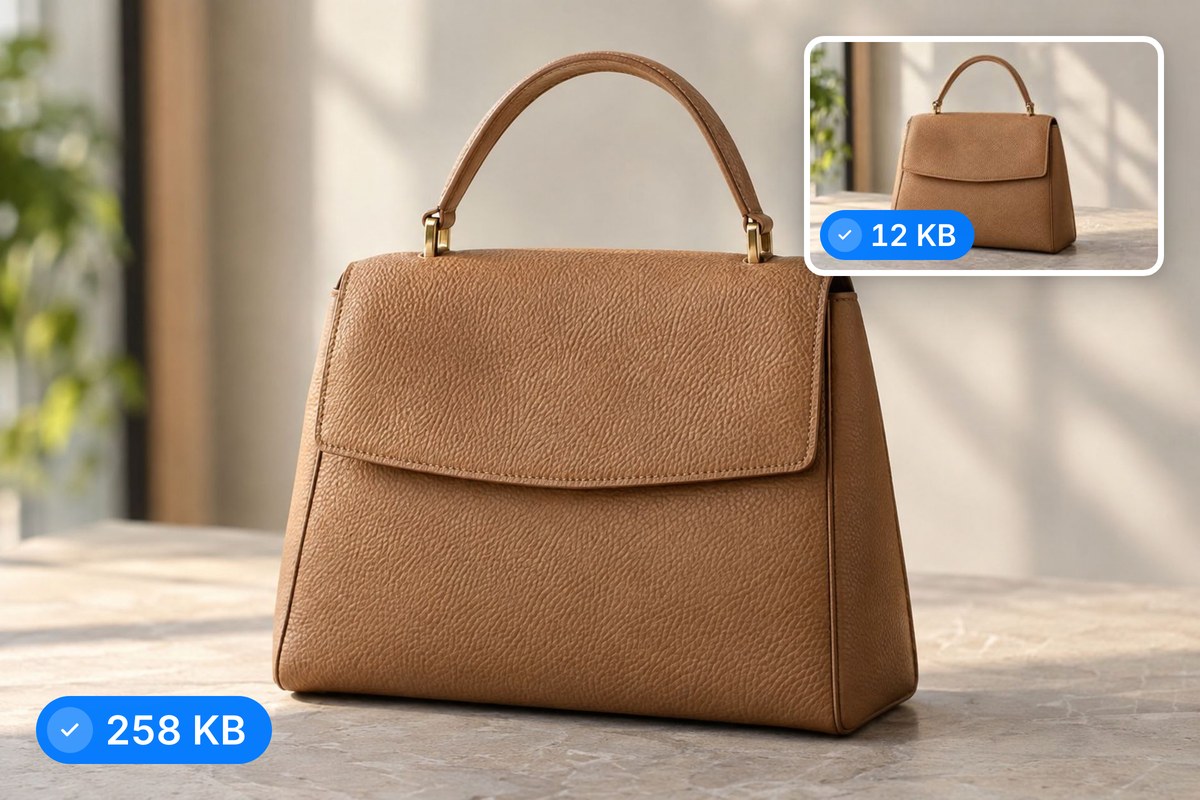
Not every image needs the same treatment. A hero banner deserves higher fidelity than a thumbnail buried three clicks deep. Pixelcut lets you adjust the quality setting, so you decide how much detail to trade for a lighter file. Go aggressive on bulk product thumbnails where speed wins, or stay light on portfolio pieces where every gradient counts. Because processing runs locally, you can test different settings instantly without re-uploading anything.











Great app, easy to use. Helps our small business save time and money to create different marketing materials professionally. Thank you.
I need a good background remover for my work and I've been through them all it feels like. This one is the best by far. It's so easy to use and the results always look amazing. Thank you Pixelcut!
It's amazingly easy and gives the perfect results for my bags and accessories. It looks like it was done by a professional photographer.