My favorite app
Great app, easy to use. Helps our small business save time and money to create different marketing materials professionally. Thank you.
Compress JPG images right in your browser, reduce file size by up to 90% without uploading to outside servers, batch thousands of product photos at once, then download everything as a ZIP.
Drag and drop your JPG images into the compressor to compress JPG files, import them from Dropbox, or click to browse. Add up to 10,000 files in a single batch.
Set the quality to find your balance. Lower settings make smaller files with a little more softness, while higher settings keep sharper detail at a larger size.
Grab each compressed JPG individually or download all of them in a single ZIP file. Your original photos stay untouched on your device the entire time.
Waiting on a slow cloud round trip to shrink a handful of photos gets old fast. Pixelcut's JPG compressor runs entirely in your browser, so compression starts the moment you drop files in. There is no upload queue and no processing delay, with room for files up to 50 MB each. Pick a quality level and the tool strips redundant data while preserving the visual quality your photos need every time you compress JPG files. Prepping images for a storefront or client delivery takes seconds.
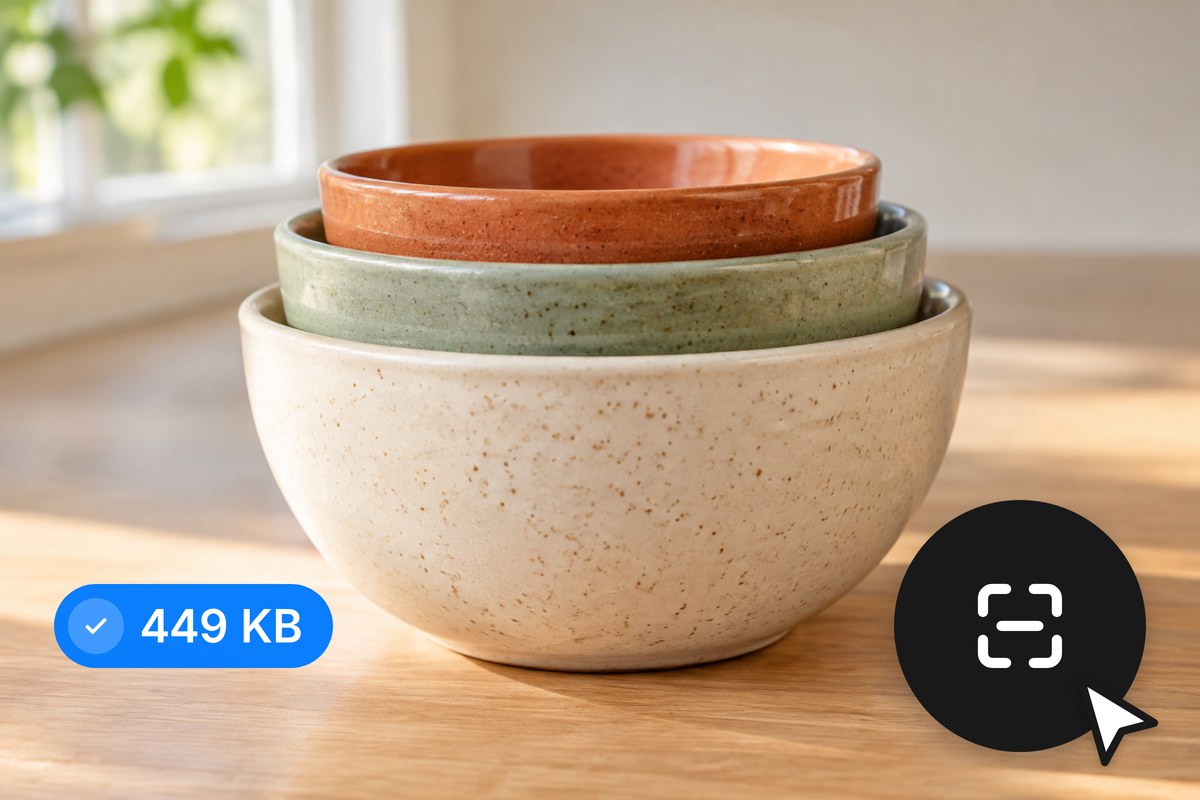
Your JPGs stay on your device from start to finish. Pixelcut handles every step locally in your browser, so your images are never uploaded to a remote server. No cloud storage in between, no third-party access, and no wondering what happens to your files afterward. For anyone working with client photos, product shots still under wraps, or anything confidential, that privacy is built into how the tool runs, not promised in a policy.

Compressing one image at a time falls apart once you have a folder of hundreds of JPGs waiting. Pixelcut lets you load up to 10,000 images per batch and compress JPG files with the same settings, with free accounts covering up to 100 per batch. Pull files from your device or connect Dropbox, then download everything as one ZIP instead of clicking through each file. A repetitive afternoon task finishes while you move on to the next thing.
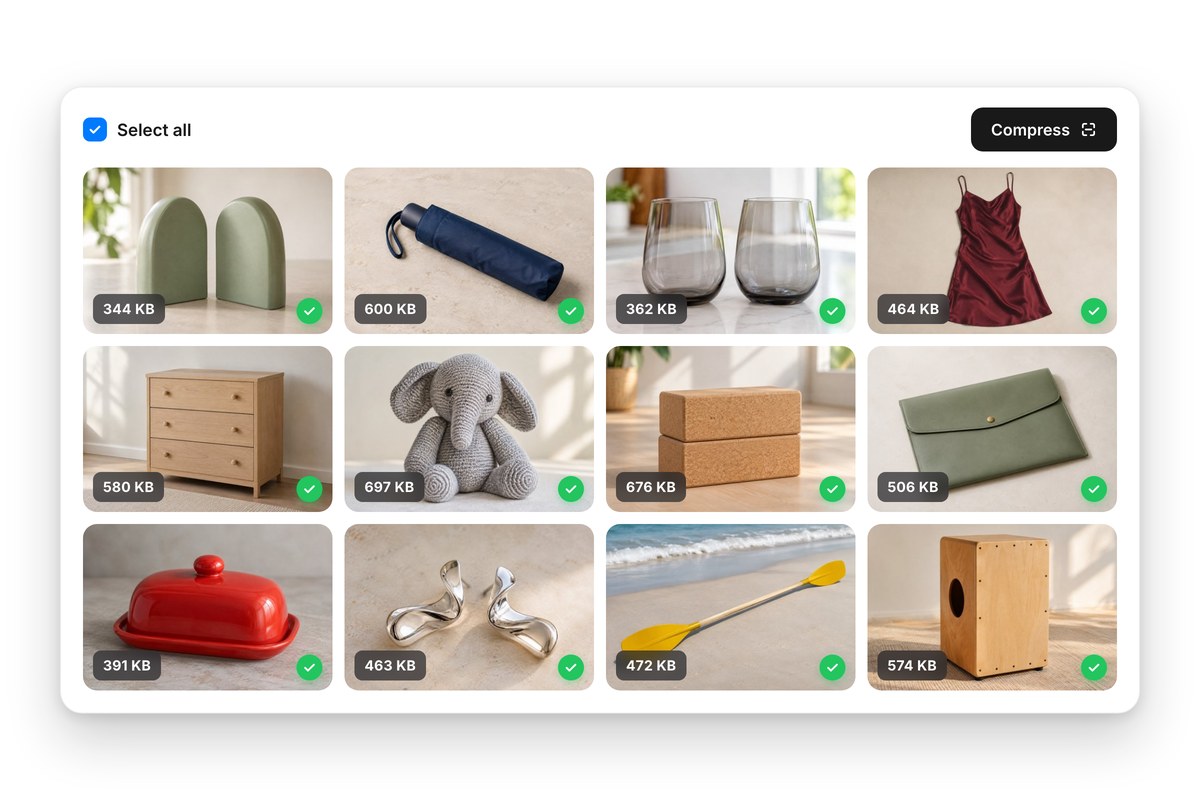
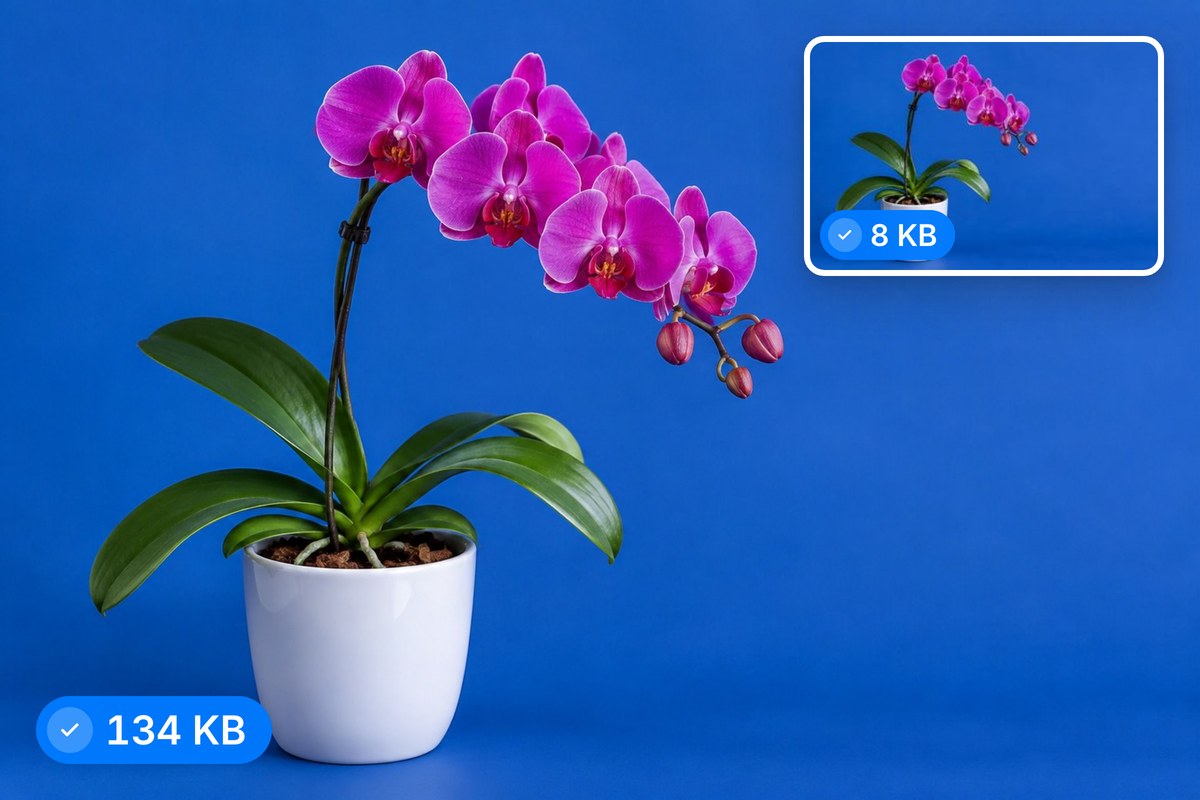
JPG is a lossy format, so every compression pass trades some pixel data for a smaller file. The only question is how much. Pixelcut gives you direct control over the quality setting, so you decide exactly where that tradeoff lands. Product photos headed for a listing can take lighter compression to keep textures crisp, while blog headers handle heavier reduction that nobody notices. You set the quality and the tool applies it across every file in the batch.











Great app, easy to use. Helps our small business save time and money to create different marketing materials professionally. Thank you.
I need a good background remover for my work and I've been through them all it feels like. This one is the best by far. It's so easy to use and the results always look amazing. Thank you Pixelcut!
It's amazingly easy and gives the perfect results for my bags and accessories. It looks like it was done by a professional photographer.