My favorite app
Great app, easy to use. Helps our small business save time and money to create different marketing materials professionally. Thank you.
Compress PNG files right in your browser while preserving full transparency, batch thousands of logos and product graphics at once, then download them all as a single ZIP.
Drag and drop your PNG files into the compressor, import them from Dropbox, or click to browse your device. Add up to 10,000 files in a single batch.
Pick lossless to shrink files with every pixel intact, or lossy for much smaller files. With lossy, adjust the quality until the balance looks right to you.
Hit compress and grab your files in seconds. Download each PNG individually or get everything bundled in a single ZIP file for quick saving to your device.
One file at a time doesn't work when you have a full project folder to compress. Pixelcut handles up to 10,000 PNGs in a single batch. Drop an entire library of screenshots, product photos, or design exports and compress PNG files all at once. Grab everything as a ZIP when it's done. Free accounts process up to 100 files per batch, which already covers most quick jobs at no cost.
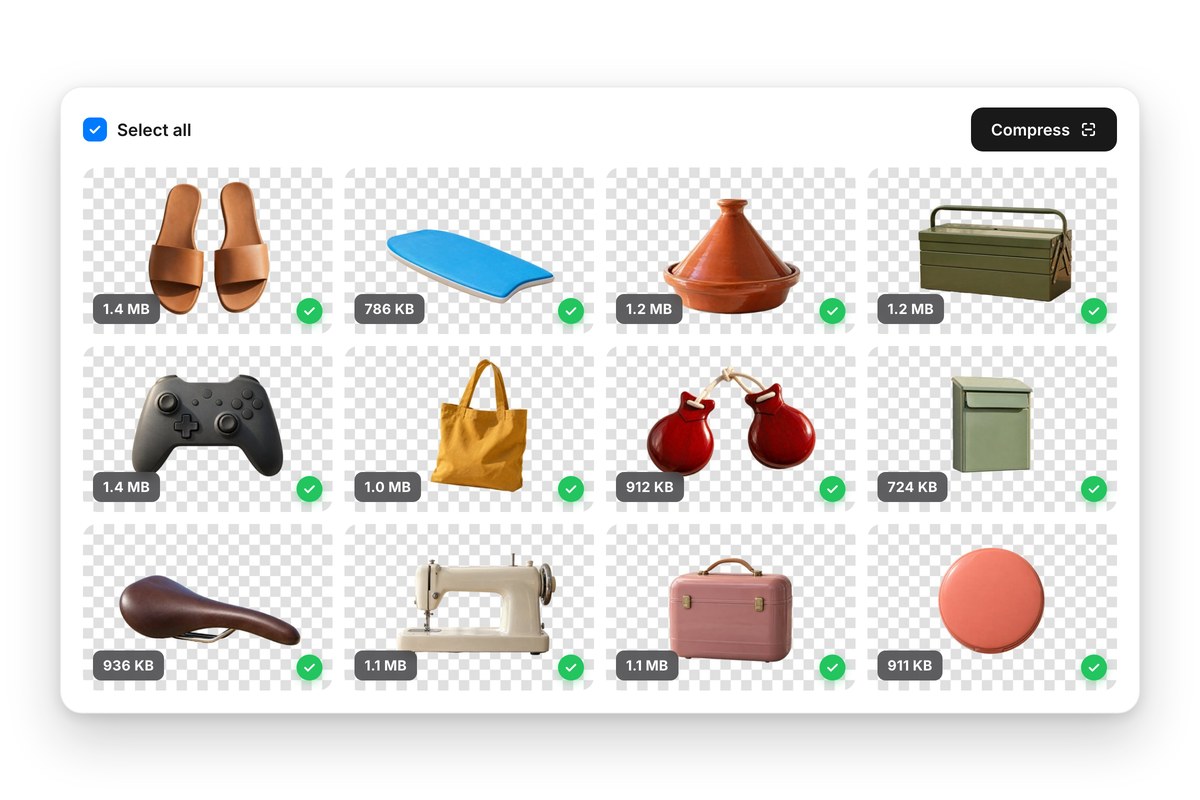
PNG compression doesn't have to mean ruining your images. Pixelcut's PNG compressor gives you direct control over how much you reduce each file. Choose lossless to keep every pixel, or lossy with a quality setting for even smaller files. Logos, UI assets, and screenshots with text all come out smaller and still crisp. You get files ready for the web, email, or storage without the washed-out look that heavy compression usually leaves behind.
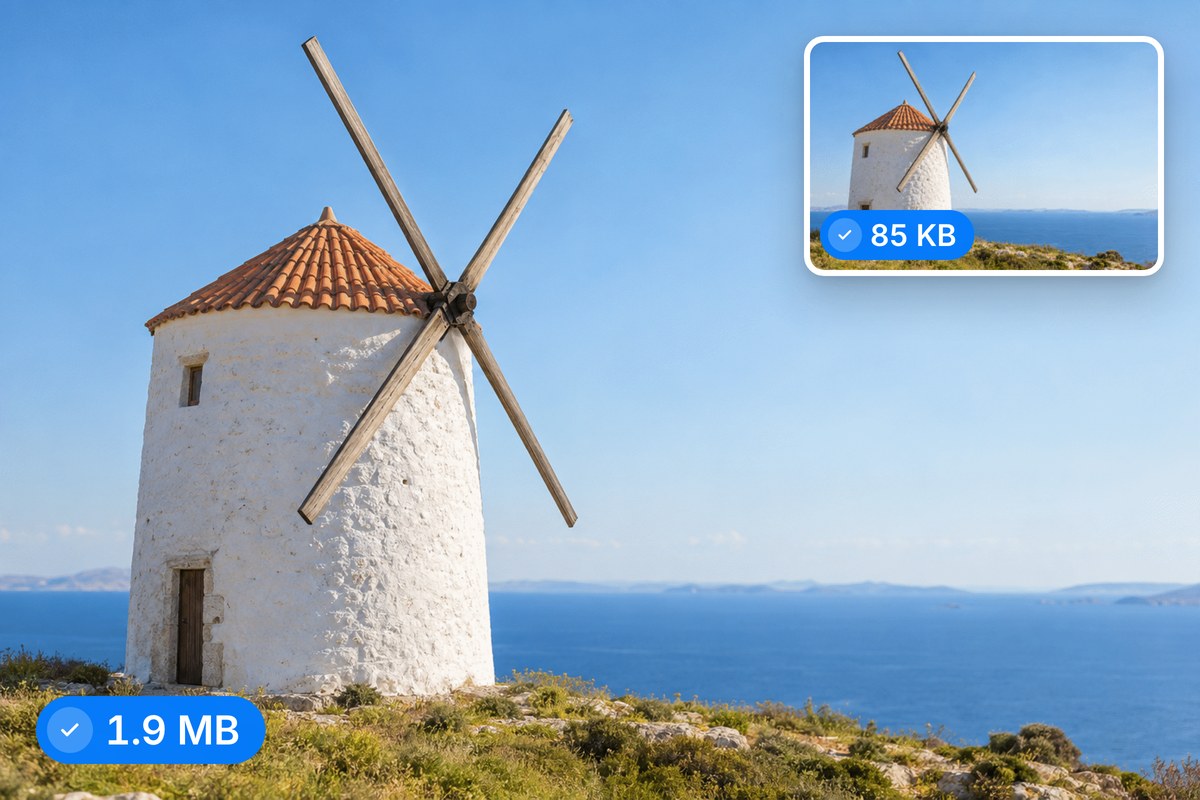
Heavy PNG files slow down page loads, and slow pages cost you traffic. Pixelcut shrinks PNG file sizes so hero images, product shots, and design assets load quickly on every device. Smaller files mean faster pages, lower bounce rates, and a smoother experience for visitors on slower connections. Compress PNG files before uploading to Shopify, WordPress, or a marketing landing page and keep your site fast where it counts.
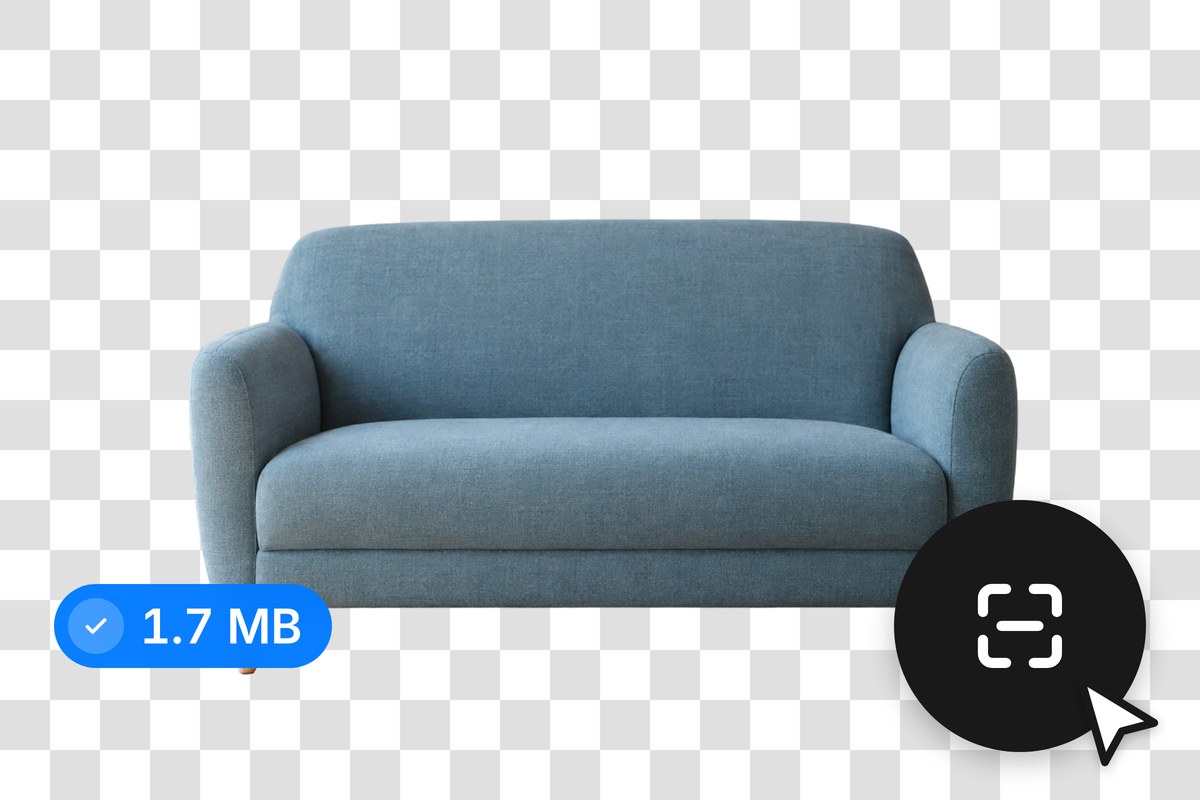
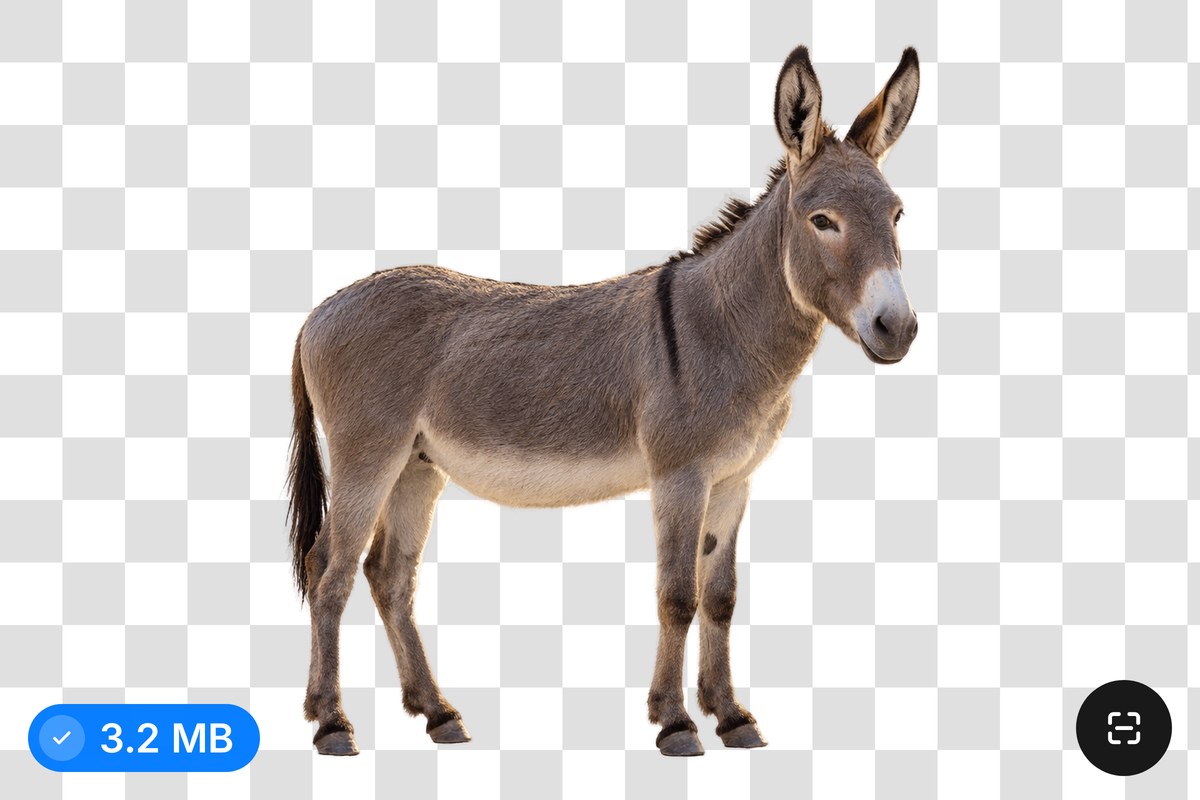
PNG is the go-to format when you need transparent backgrounds, and you should be able to compress PNG files without breaking that. Pixelcut keeps your alpha channels intact so logos, icons, and overlays stay clean. No white backgrounds sneaking in, no jagged edges around cutouts. Whether your files carry full 24-bit transparency or simpler indexed color, the output holds up exactly the way you saved it.











Great app, easy to use. Helps our small business save time and money to create different marketing materials professionally. Thank you.
I need a good background remover for my work and I've been through them all it feels like. This one is the best by far. It's so easy to use and the results always look amazing. Thank you Pixelcut!
It's amazingly easy and gives the perfect results for my bags and accessories. It looks like it was done by a professional photographer.